Pixelize Me
Pixel Art Maker & 8-Bit Photo
Designed for iPhone, iPad
Free · In-app purchases
- Age rating4+
- CategoryPhoto & Video
- DeveloperNelson Lai
- LanguagesEnglish+ 9 more
- Size48.5 MB
Links to the official App Store page
Download.org hosts no file of Pixelize Me. The button opens its official App Store page, published by Nelson Lai. Listing last checked on Nov 16, 2026.
Screenshots

About
Pixelize turns any photo into real pixel art: authentic retro palettes, true dithering and a live preview that updates as you tweak.
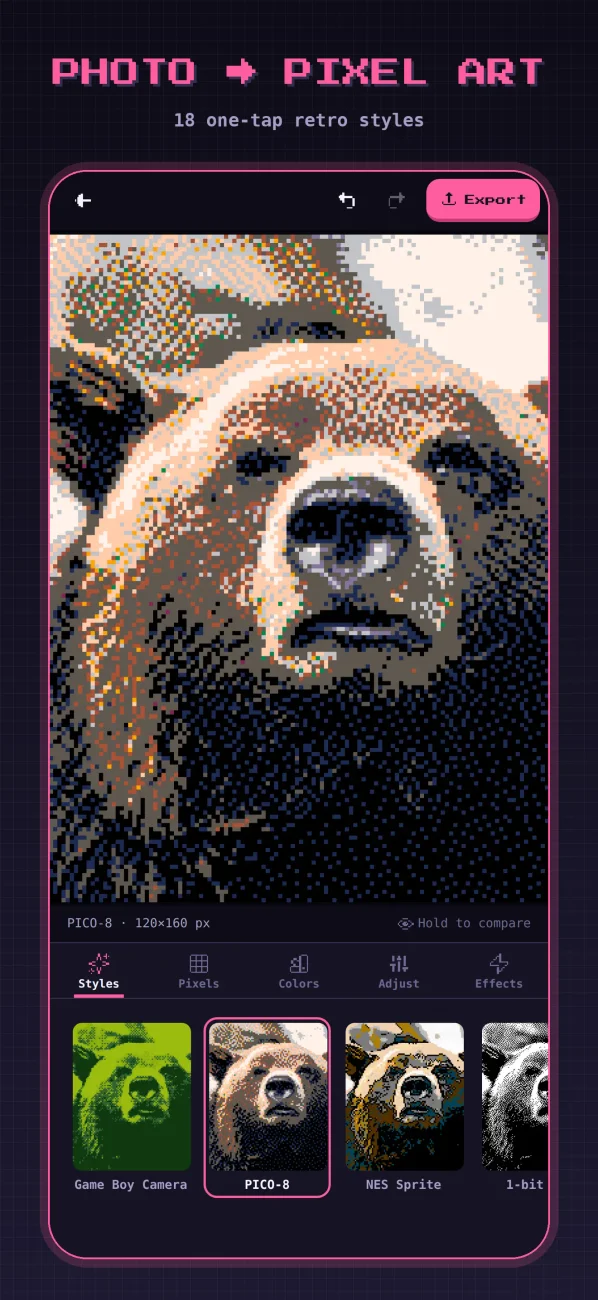
Pick a photo, then pick a look. Game Boy Camera, PICO-8, NES sprite, 1-bit Mac, CRT arcade: every style renders on your own photo before you tap it. Fine-tune pixel size, palette, dithering and tone, then export a crisp PNG or an animated GIF.
REAL PIXELS, NOT A BLUR FILTER
Pixelize snaps your photo to an actual pixel grid and maps every pixel to a real palette. Export at 1× for game sprites and pixel-art references, or up to 4K for prints and wallpapers.
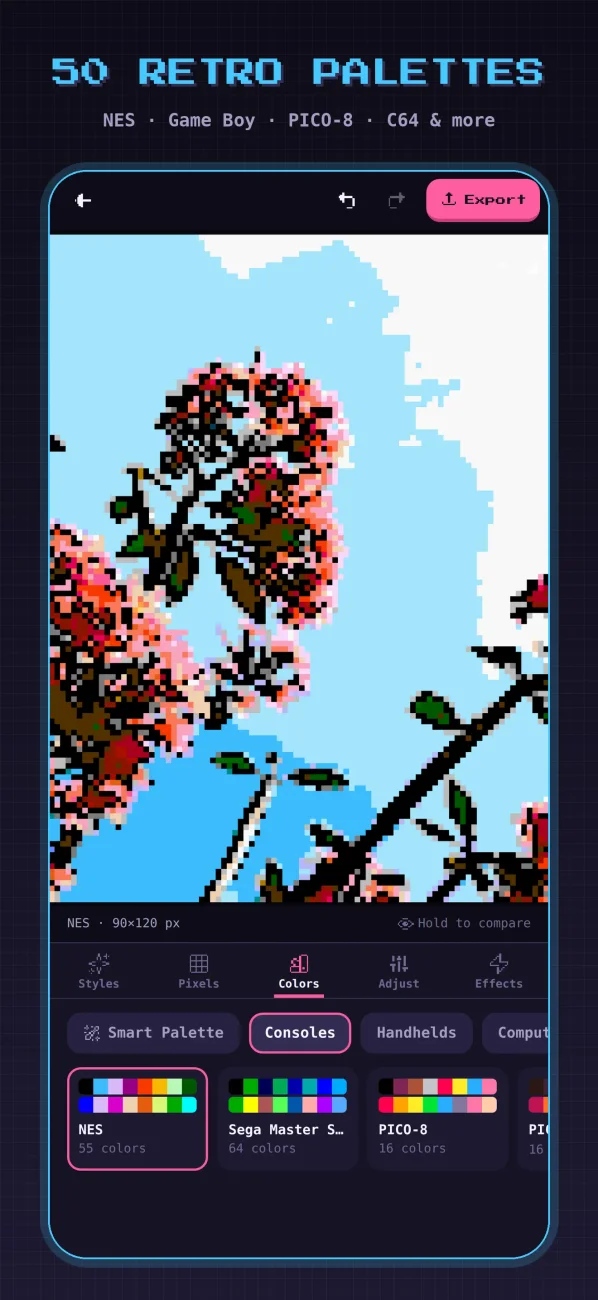
50 RETRO PALETTES
• Consoles: NES, Sega Master System, PICO-8, Sweetie 16
• Handhelds: Game Boy and its variants, Virtual Boy
• Computers: Commodore 64, CGA, Apple II, ZX Spectrum, MSX, Amstrad CPC
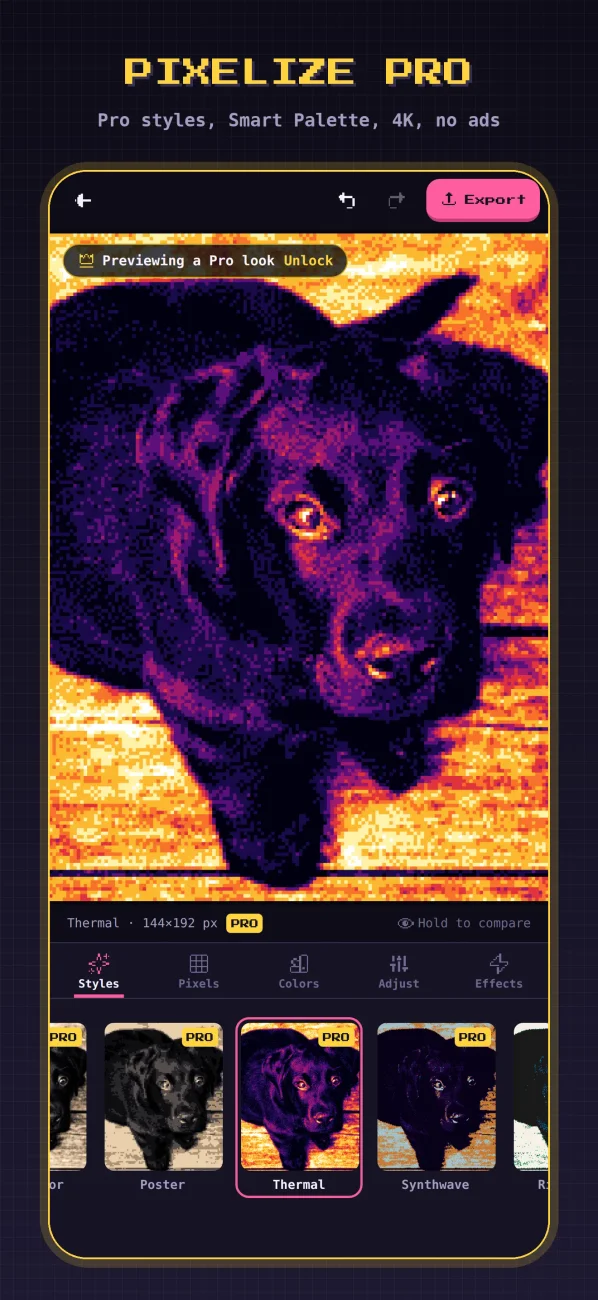
• Moods: Vaporwave, Cyberpunk, Synthwave, Thermal, Risograph and more
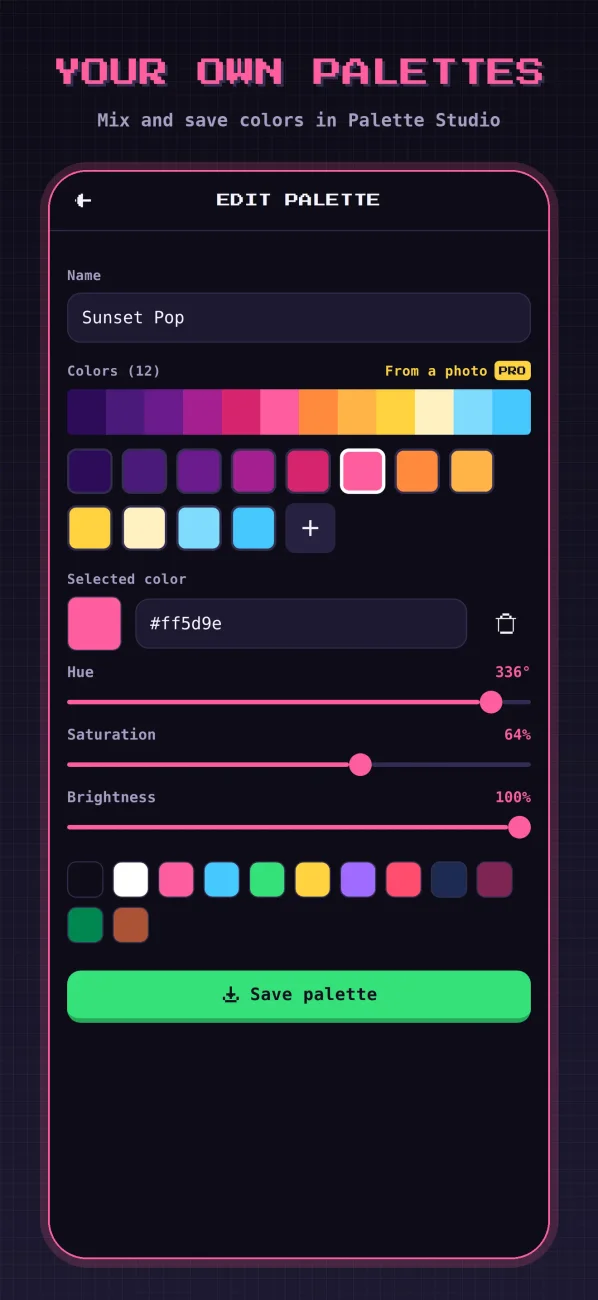
• Palette Studio: build and save your own
SMART PALETTE
Let Pixelize pick the 4 to 32 colors that best represent your photo, for pixel art that still looks like the original.
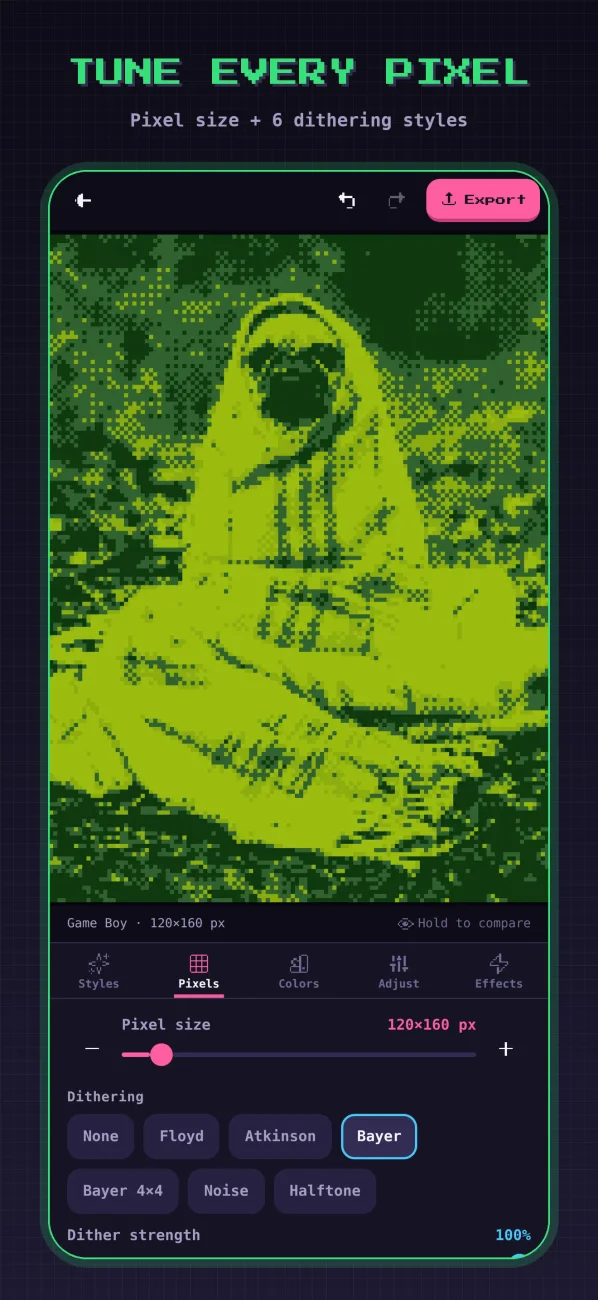
6 DITHERING STYLES
Floyd-Steinberg, Atkinson, two Bayer matrices, blue noise and halftone, with adjustable strength: the patterns that gave 8-bit and 16-bit art its texture.
18 ONE-TAP STYLES
Game Boy Camera, PICO-8, NES Sprite, 1-bit Mac, C64 Demo, CRT Arcade, Vaporwave, Newspaper, Sticker, Thermal, Poster and more.
ANIMATED GIFS
Export a "pixel reveal" GIF that resolves from chunky blocks into your finished art. Made for chats and socials.
STICKERS AND EFFECTS
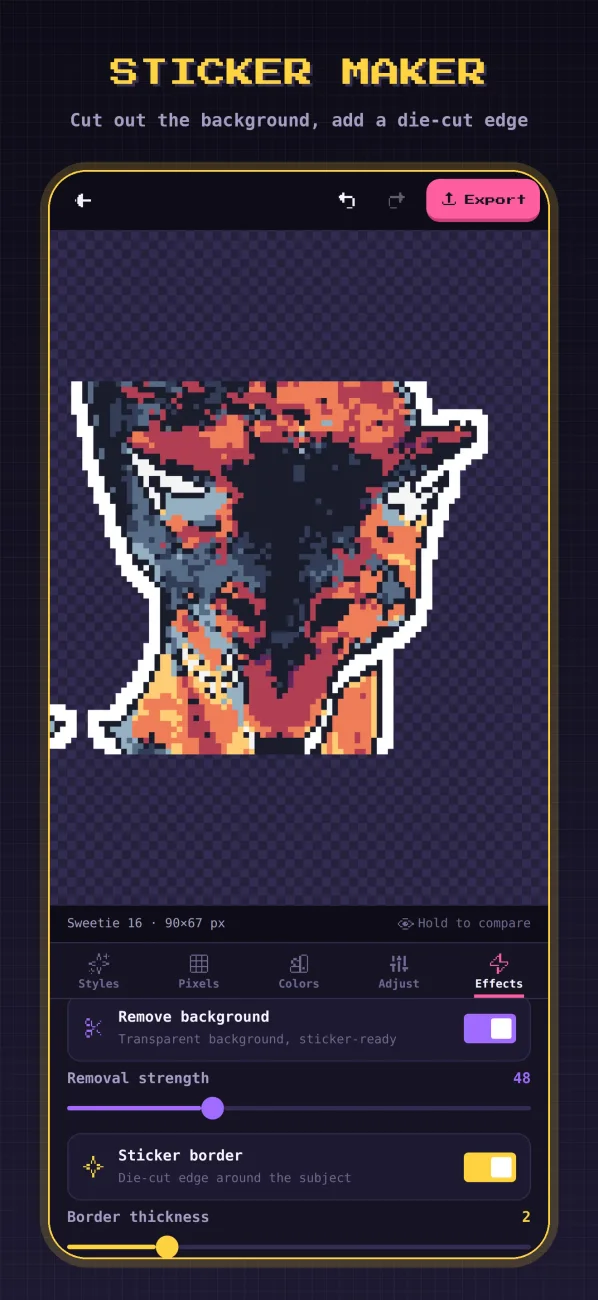
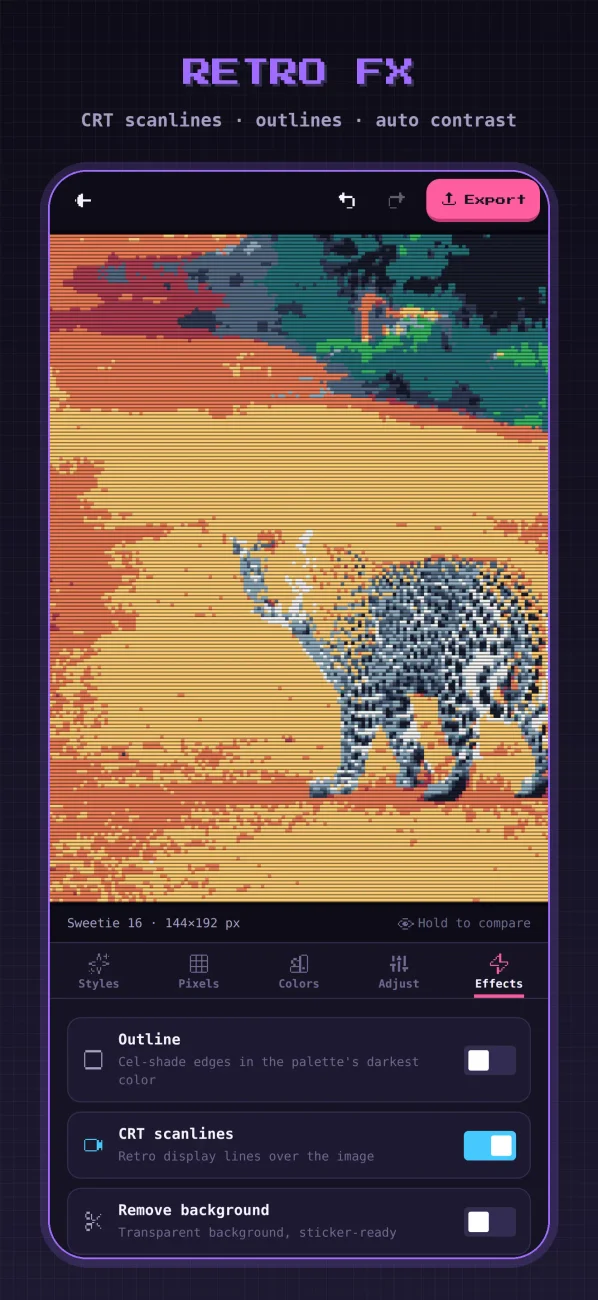
Remove the background for a transparent sticker, add a die-cut border, cel-shaded outlines and CRT scanlines.
PRIVATE BY DESIGN
Everything runs on your device. Photos are never uploaded, there is no account, and the editor works offline.
FREE, WITH OPTIONAL PRO
The editor, 25 classic palettes and 10 styles are free, with ads. Pixelize Pro adds Smart Palette, 25 more palettes, 8 Pro styles, 4K export, GIFs without the watermark and unlimited custom palettes, and removes all ads.
Pixelize Pro is a one-time purchase, not a subscription: pay once and keep it. To get it back on a new device or after reinstalling, tap Restore purchases in Settings.
Terms of Use: https://www.apple.com/legal/internet-services/itunes/dev/stdeula/
Privacy Policy: https://pixel.chinesepowered.com/privacy.html
What’s new
Version 2.0.0 · Oct 4, 2026
Pixelize 2.0 is a complete rebuild.
• New editor: full-screen live preview, hold to compare, undo and redo
• 18 one-tap styles, previewed on your own photo
• 25 new palettes (50 in all) plus Smart Palette
• New dithering styles and a strength control
• Animated "pixel reveal" GIFs and 4K PNG export
• Truer colors: perceptual palette matching and auto contrast
• Much faster rendering and exports
• Your creations are now kept safely in app storage
App privacy
What Nelson Lai declares on the App Store about how this app handles data.
-
Data used to track you
May be used to track you across apps and websites owned by other companies.
- Identifiers
-
Data not linked to you
May be collected but is not linked to your identity.
- Purchases
- Identifiers
Privacy practices may vary, for example with the features you use or your age.
Information
- Seller
- Nelson Lai
- Category
- Photo & Video
- Version
- 2.0.0
- Updated
- Oct 4, 2026
- Released
- Jan 8, 2026
- Size
- 48.5 MB
- Requires
- iOS 16.4 or later
- Age rating
- 4+
- Price
- Free
- In-app purchases
- Yes
- Languages
- English, French, German, Italian, Japanese, Korean, Portuguese, Simplified Chinese, Spanish, Traditional Chinese
- Copyright
- © Nelson Lai
You might also like
-
 Ditty — Retro Photo DitherGame Boy, C-64, NES camera FX
-
 Retro Photo Editor - PFP MakerEffects & Filters for Pictures
-
 PixelCamera - Retro 8-bit CamTurn your world into pixel art
-
 SmolcamCustomizable retro camera
-
 Retro Pixel Camera - PixeladoDither, Halftone & 8-Bit Art
-
 CoffeePixelTurn photos into pixel art
-
 PHOTO.EXE: Retro PhotoshareDelightful dithered pixel art
-
 Blocks CameraPhoto & Video
-
 ASCII Lab: Photo to Text ArtVideo, Camera & Matrix Effects
-
 Printed - Vintage Design PhotoPhoto & Video