
- Age rating4+
- CategoryPuzzle
- DeveloperKenneth Wong
- LanguagesEnglish
- Size6.4 MB
Links to the official App Store page
Download.org hosts no file of pixelLogic₂. The button opens its official App Store page, published by Kenneth Wong. Listing last checked on Nov 14, 2026.
Screenshots

About
## What is pixelLogic?
• It is...
- simple
- soothing
- appropriate for ages x to 25x (where x=5)
- not addictive (unless you tap the "One More" button too many times...)
• It has...
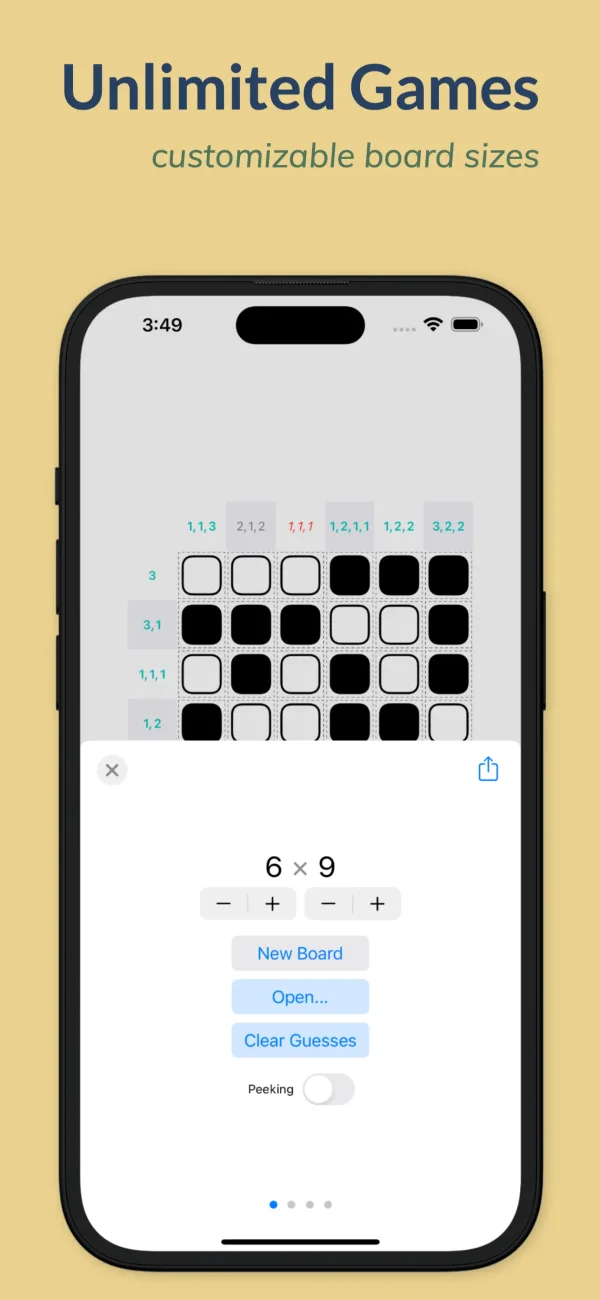
- customizable board sizes
- unlimited undos
- rotate commands to fit board to your brains or your device
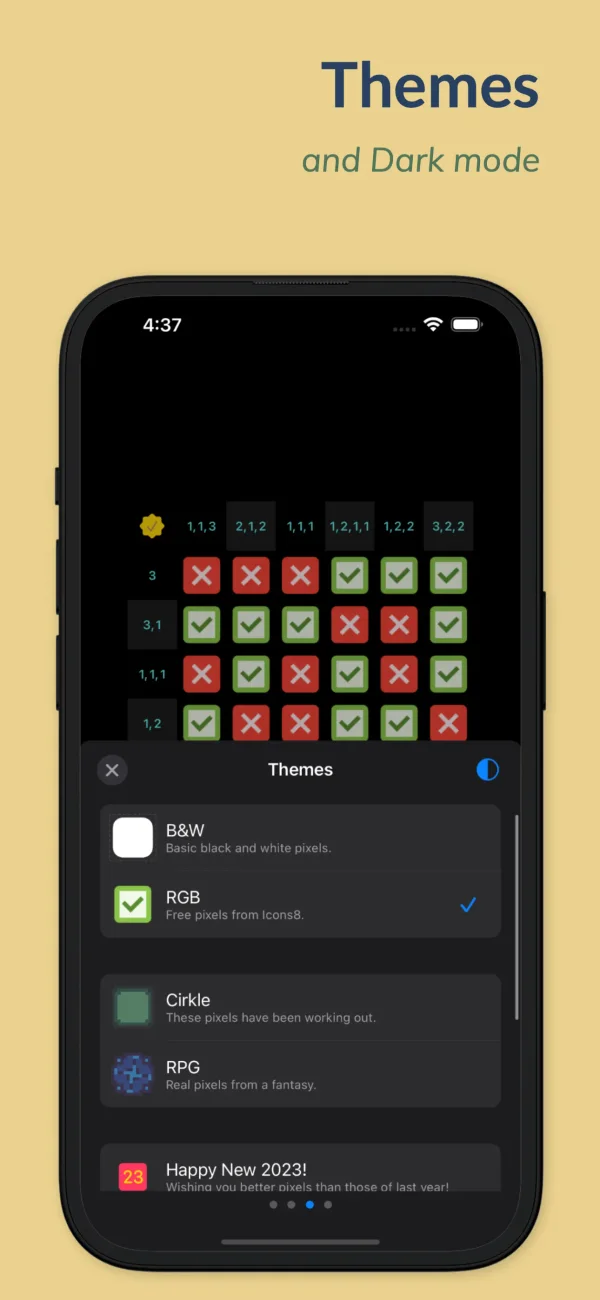
- themes
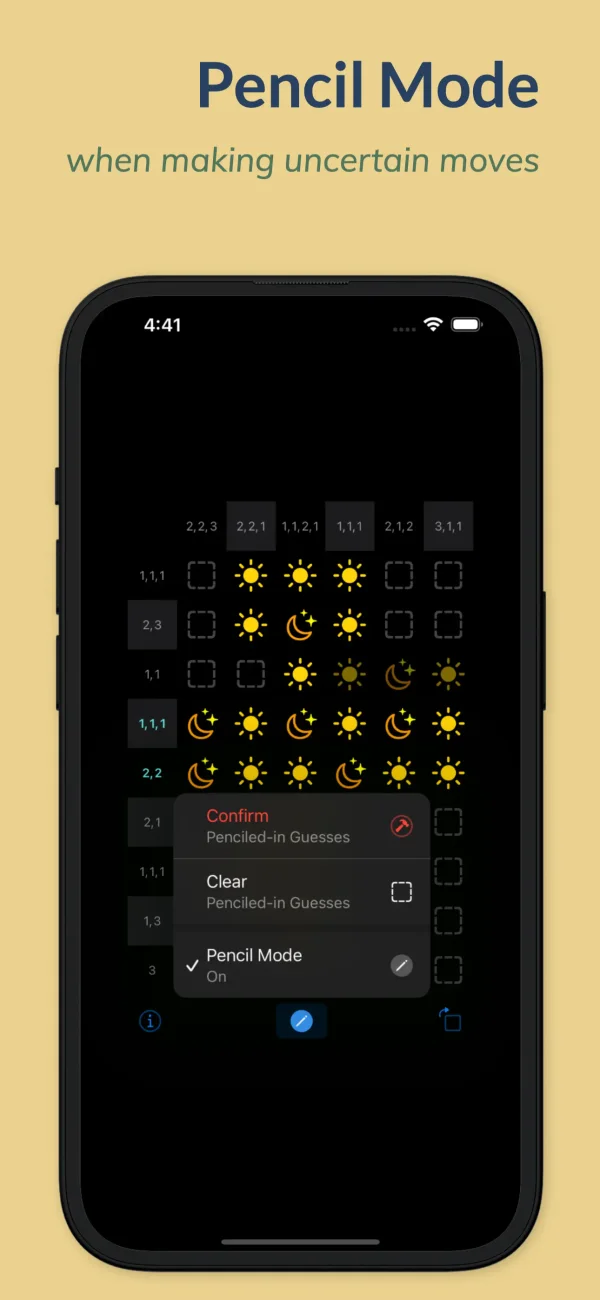
- Pencil mode for uncertain moves
- Peeking mode for when you wanna be bad
- iCloud-synced History to keep your play records, so you can highlight, recall, or share your game board any time
- haptic feedbacks so you feel your moves
• Plus, it...
- supports Dark Mode, iPhone landscape, iPad Split View, Slider Over, etc.
- lets you draw with Apple Pencil or your finger
- works well with iPad pointers, e.g. Magic Keyboard and mouses
- runs on iPhone, iPad, iPod, and even modern Macs (e.g. those with Apple's M1 chips)
• And, it's free.
- It is our gift.
- Wish you a better year than the last!
## How to play?
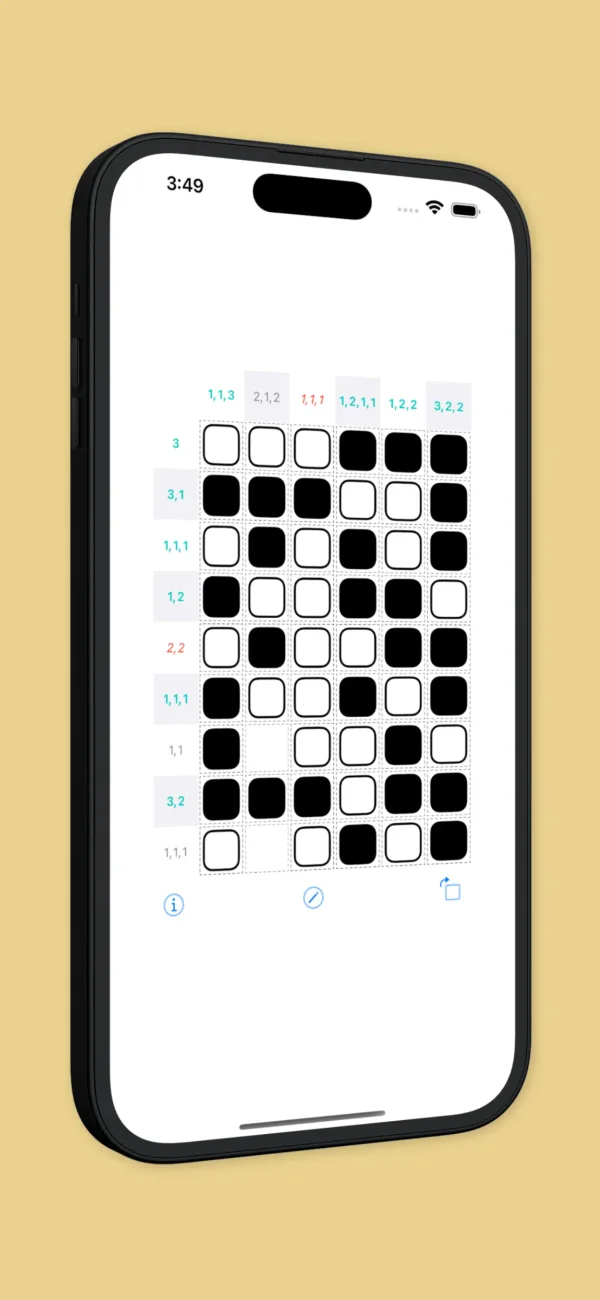
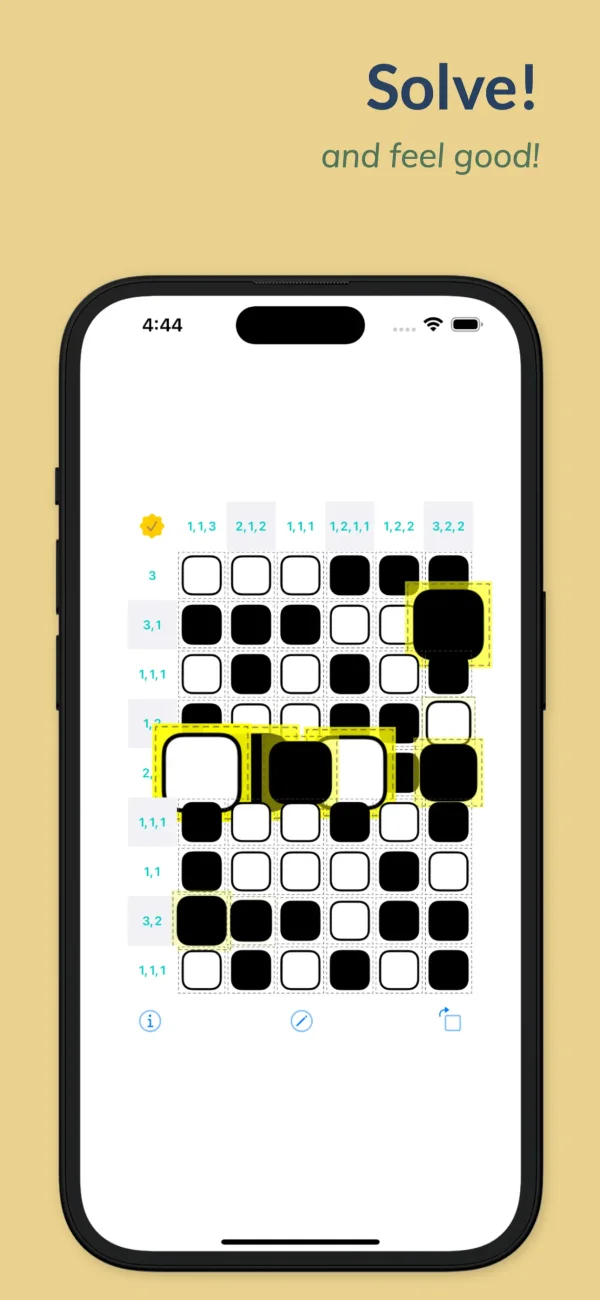
• Each square should be filled with a pixel (i.e. picture element).
- A pixel can be either on or off (or positive, negative).
• On each row or column of squares, there is a clue.
- The clue tells you how many on's are on that row or column, and whether they are together or apart.
- e.g. "4, 1" means a total of 5 on's: 4 consecutive and one by itself, separated by one or more off's.
- Once a row/column is completely filled with pixels, its clue text changes color:
mint if satisfied, or red if not.
- However, remember that satisfying a clue only means that;
it does not necessarily mean the pixels are correctly placed.
• Complete the board with pixels.
- If all clues are satisfied, the board is solved!
- Note that some boards can have more than one solution.
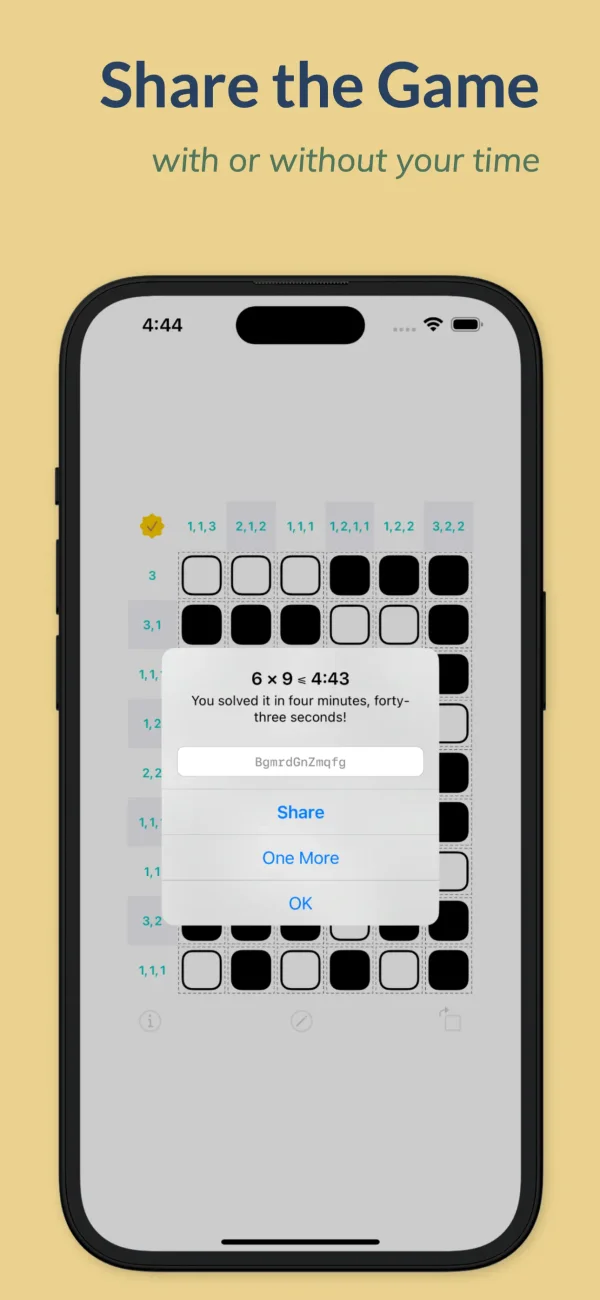
• Now share the game via a simple web link, with or without your time.
## Tips
• Swipe from left or right screen edge to call up the Info pages.
• Hold on a button for extended options.
What’s new
Version 2.27 · Nov 20, 2025
New Features
• Fully "Liquid Glassified" for iOS 26
• Selectable Pixel Mode
Enhancements
• Info pages simplified and reorganized: Dashboard, Themes, and About...
• History is now standalone and is much enhanced with Play Notes, improved Filter buttons, Swipe actions, etc.
• Themes: New Effects toggle, general updates, and animations for all SF Symbol-based themes
Plus many other fixes and improvements.
App privacy
What Kenneth Wong declares on the App Store about how this app handles data.
-
Data not collected
The developer does not collect any data from this app.
Privacy practices may vary, for example with the features you use or your age.
Information
- Seller
- Kenneth Wong
- Category
- Puzzle
- Version
- 2.27
- Updated
- Nov 20, 2025
- Released
- Mar 19, 2022
- Size
- 6.4 MB
- Requires
- iOS 26.0 or later
- Age rating
- 4+
- Price
- Free
- Languages
- English
- Copyright
- © 2017-2025 WISD. All rights reserved.
You might also like
-
 Nonogram: Logic Pixel PuzzlesReveal the picture with logic.
-
 Pixelogic - Daily NonogramsHandcrafted Picross Since 2009
-
 1on1 YatzyChallenge Friends in Real-Time
-
 Path: Daily Number PuzzleMath logic brain game
-
 binmatGames
-
 Nonogram - Picture Cross ArtColor & Classic Pixel Puzzle
-
 Nonogram DragPicross Puzzle - Drag & Solve
-
 Nonogram: Logic Puzzle JourneyBrain Training Puzzles
-
 Two Not Touch: Star BattleOne answer, and no guessing
-
 SudaykuYour morning sudoku