
PixelMaster - Image Pixelator
PixelMaster - Image Pixelator
Designed for iPhone, iPad, Mac, iPod touch
$0.29
- Age rating4+
- CategoryGraphics & Design
- Developer辉章 何
- LanguagesEnglish+ 32 more
- Size13.5 MB
Links to the official App Store page
Download.org hosts no file of PixelMaster - Image Pixelator. The button opens its official App Store page, published by 辉章 何. Listing last checked on Nov 20, 2026.
Screenshots
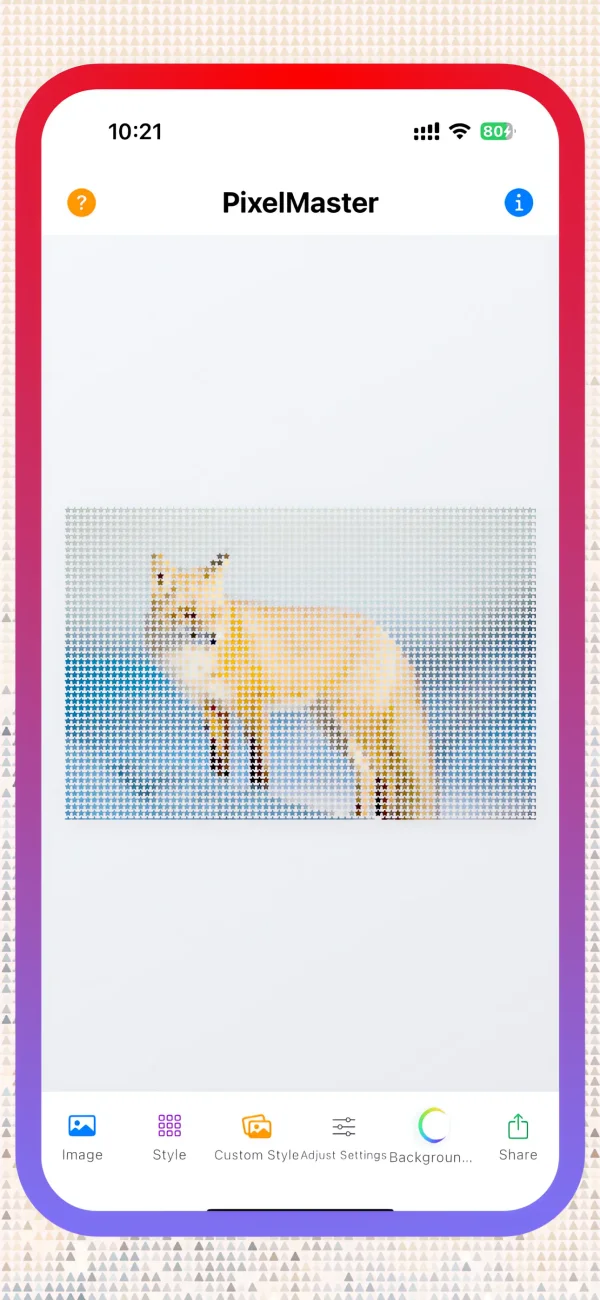
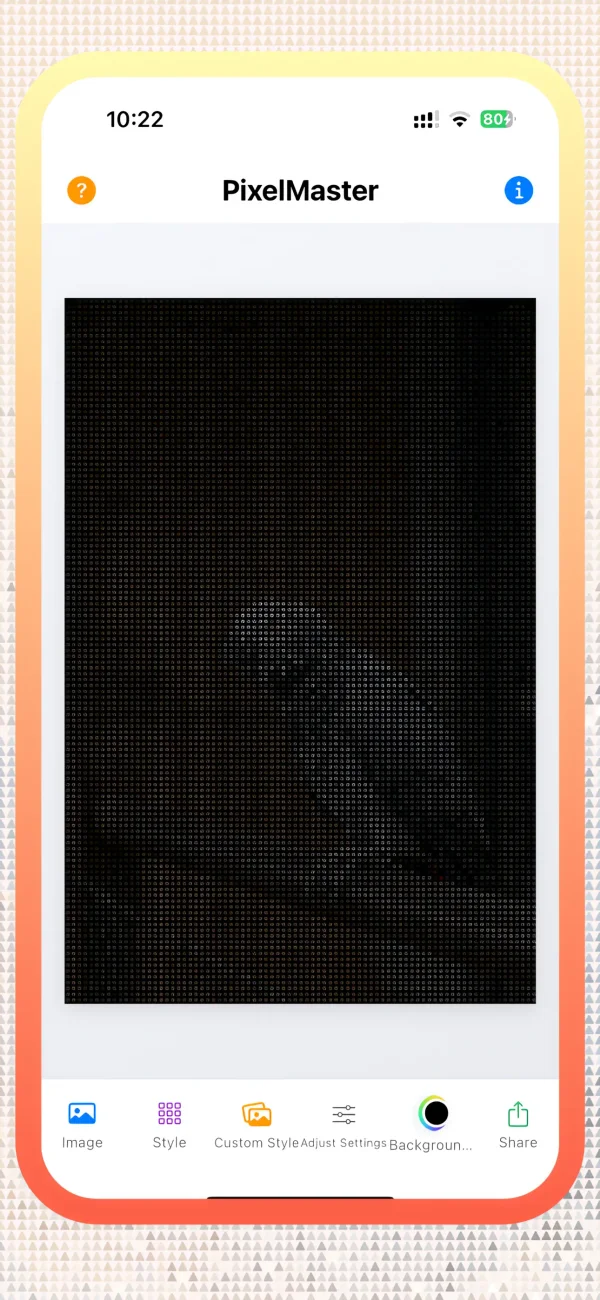
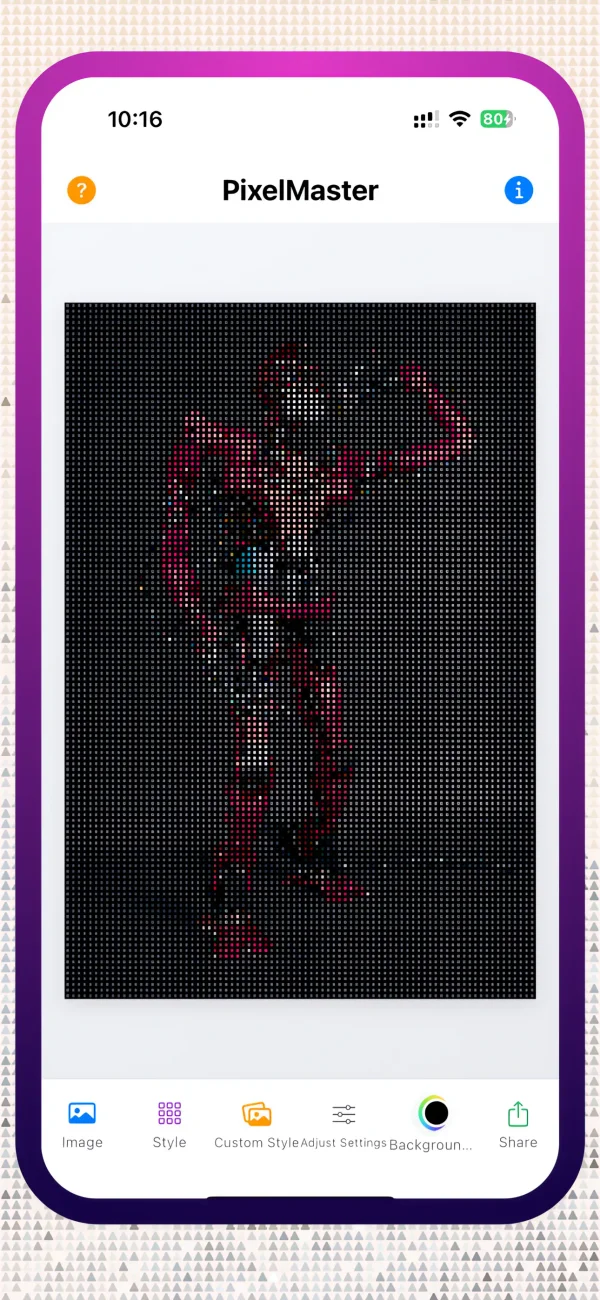
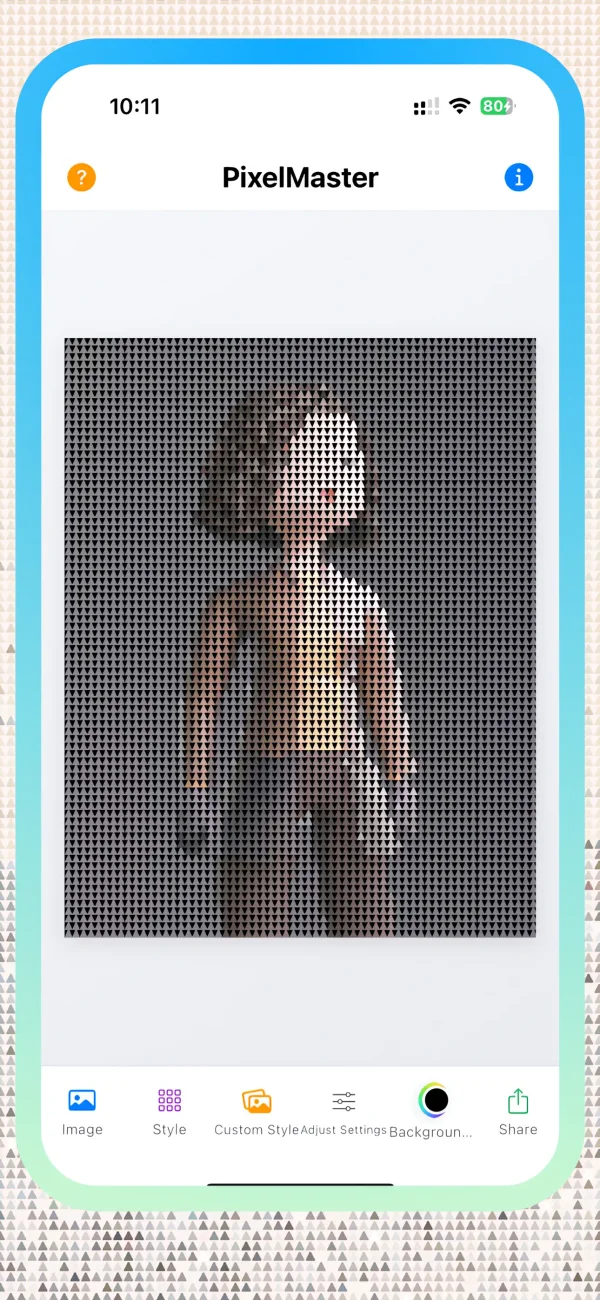
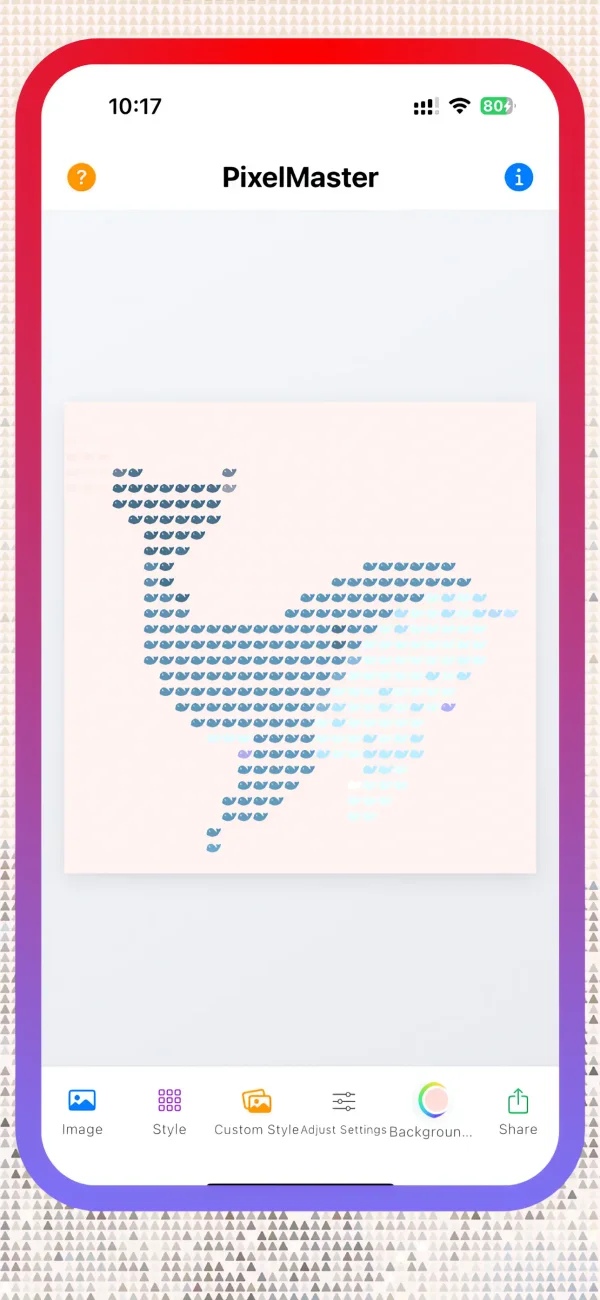
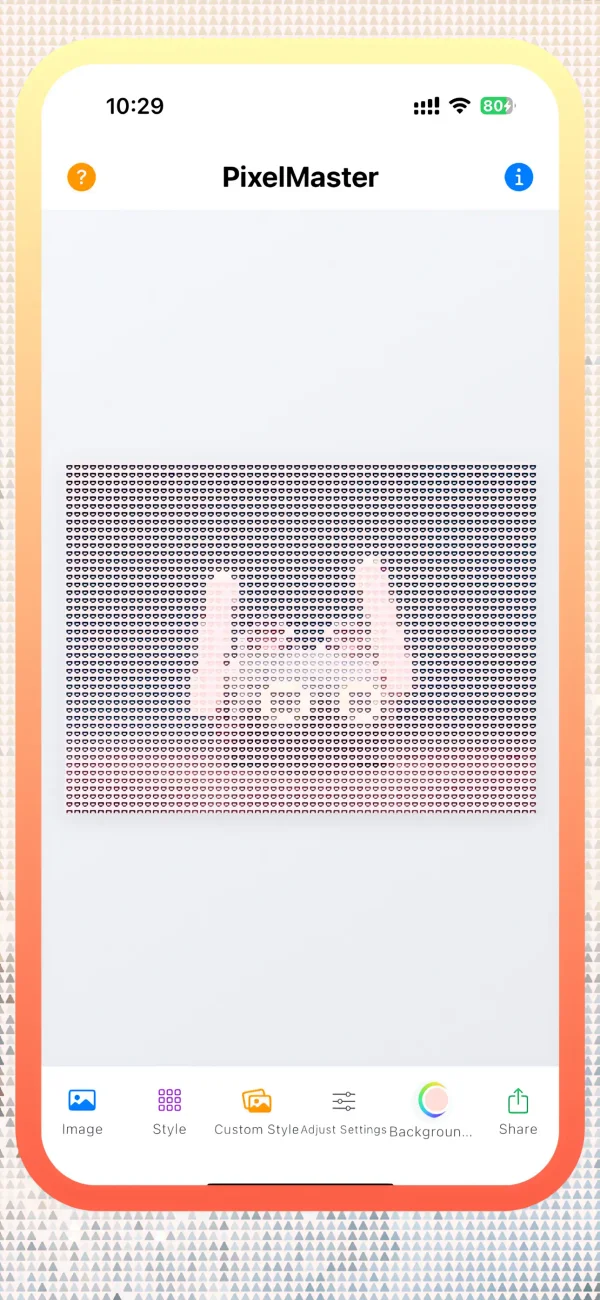
About
Why Choose PixelMaster?
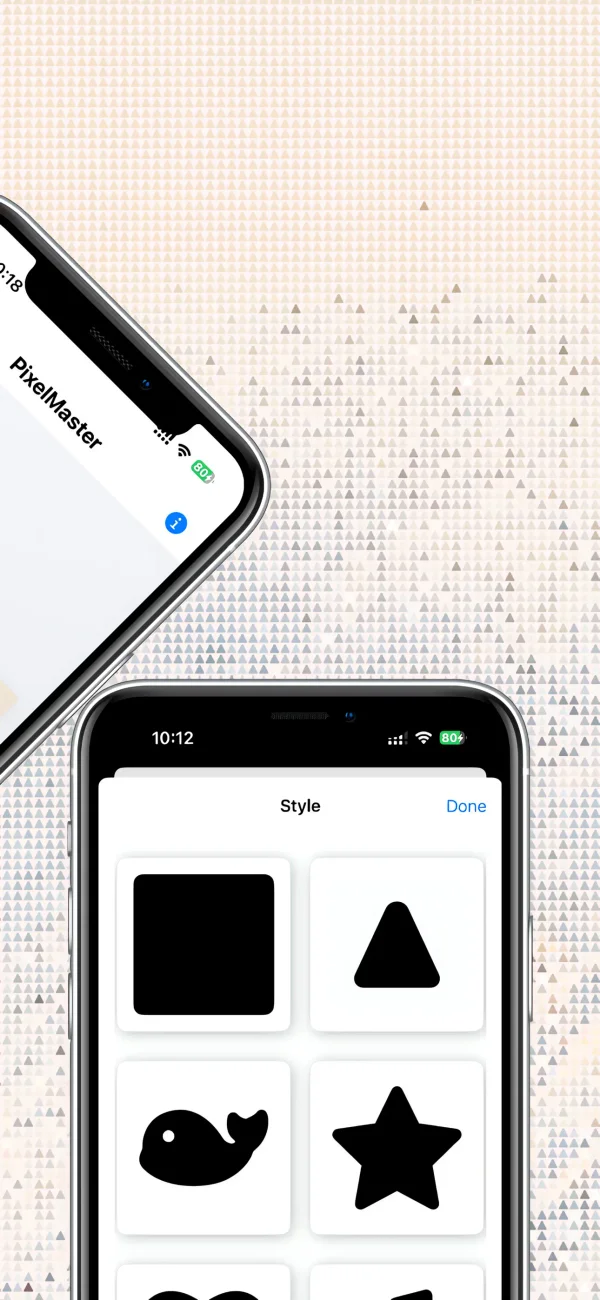
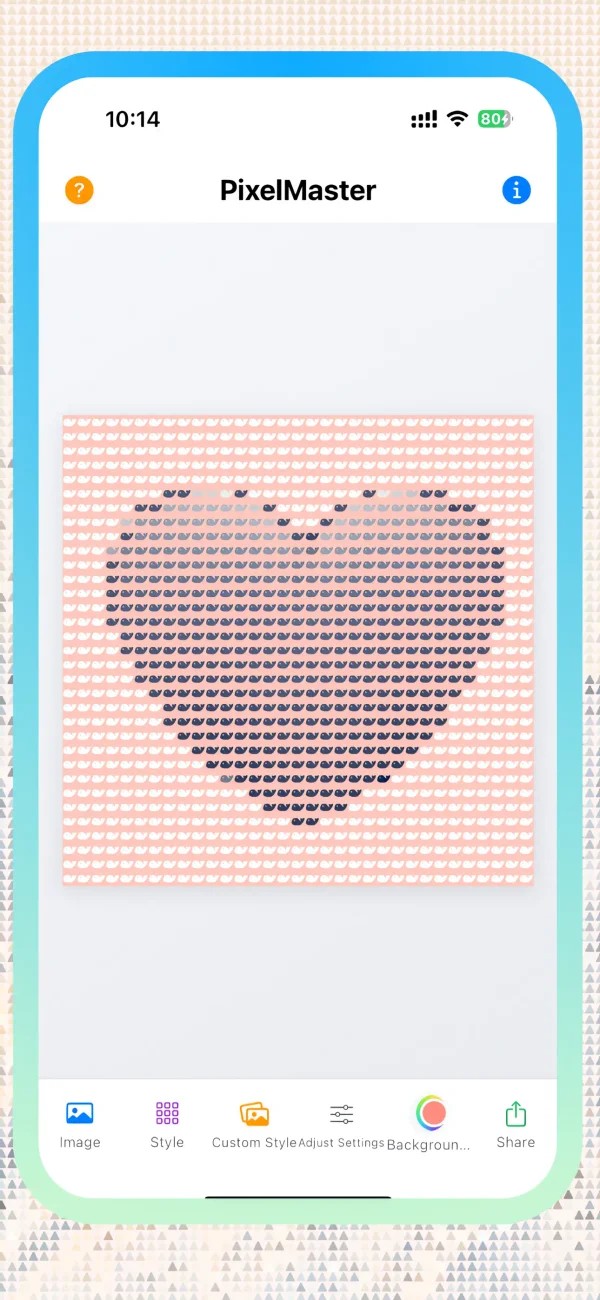
• Custom pixel shapes: Choose or import a style to perfectly match the style of your project and get creative.
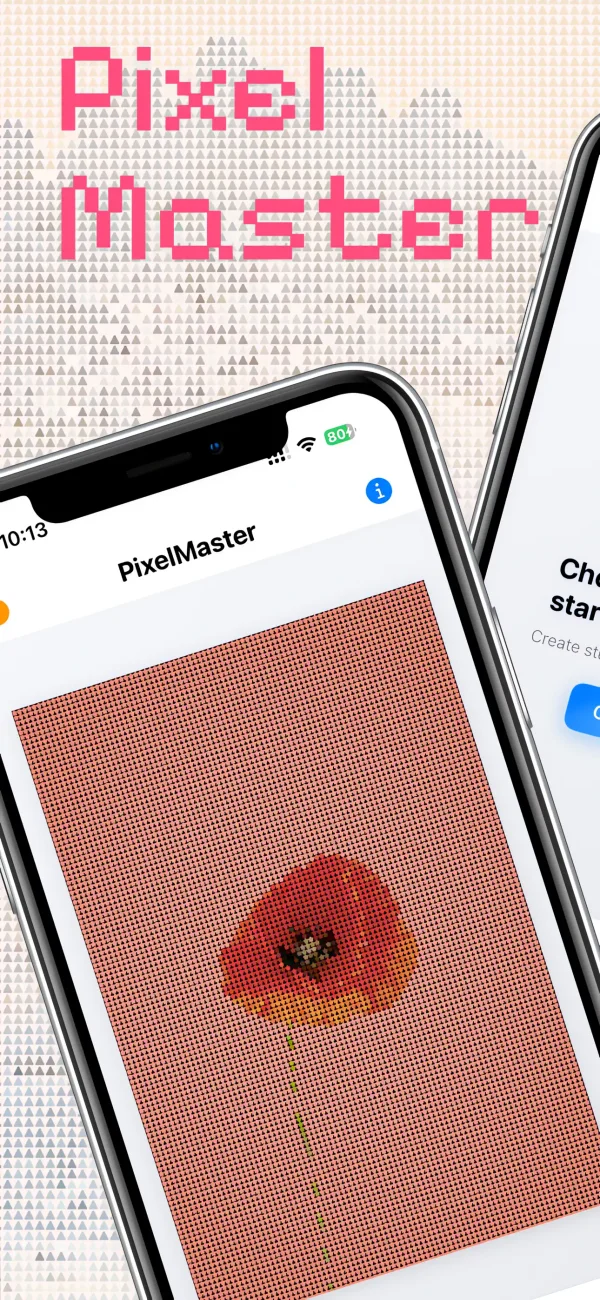
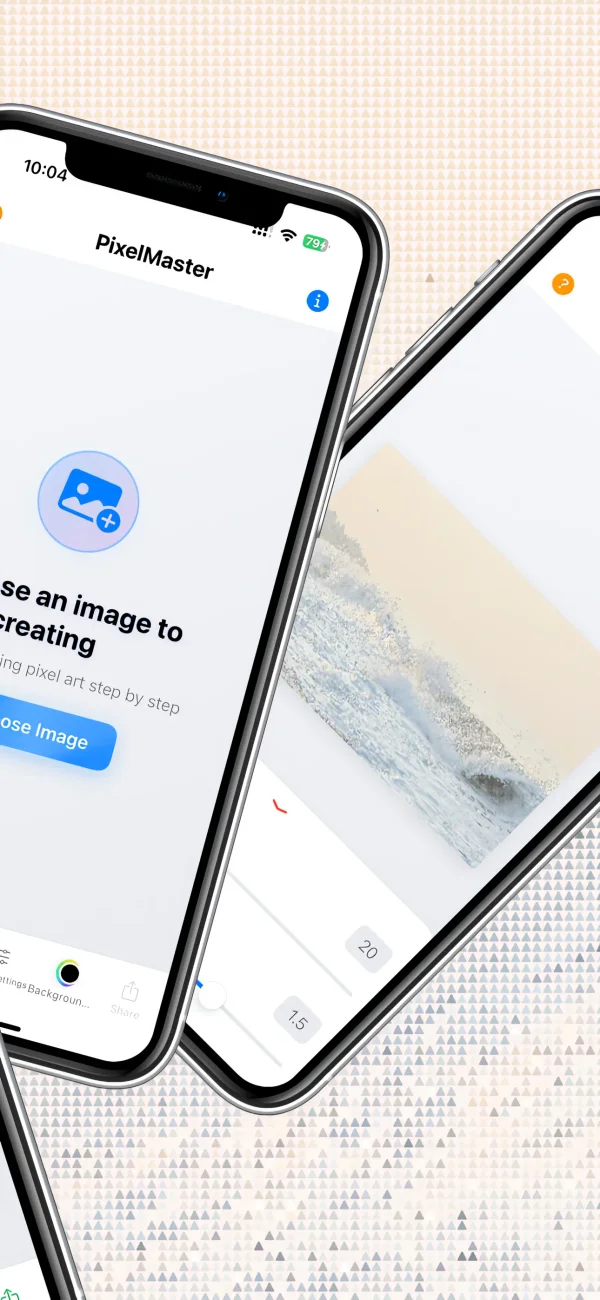
• Advanced Pixelation: Effortlessly pixelate images with customizable pixel shapes ,Scale and sizes. Perfect for creating unique visual effects and artistic styles.
• High-Speed Rendering: Utilize our efficient algorithms for lightning-fast rendering in milliseconds, ensuring quick and seamless transformations.
• Cross-Platform Compatibility: Enjoy flexibility and accessibility across iOS and macOS devices.
Where to Use PixelMaster?
• Artistic Creations: Create captivating pixel art for digital illustrations, game design, and graphic projects.
• Personalized Gifts: Design unique pixel art gifts such as posters, mugs, and digital prints for friends and family.
• Educational Projects: Enhance presentations and educational materials with visually engaging pixel art visuals.
• Social Media Graphics: Craft eye-catching pixel art graphics for social media profiles, posts, and stories.
• Creative Projects: Explore endless possibilities in digital art and creative projects with customizable pixel styles.
• Fashion Design: Design pixel art motifs for clothing and accessories, blending digital aesthetics with fashion trends.
• Jigsaw Puzzle Creation: Generate custom pixel art images for jigsaw puzzles, offering a challenging and visually appealing experience.
• Digital Scrapbooking: Create pixel art elements for digital scrapbooks, preserving memories in a unique and artistic way.
• Gaming Graphics: Develop pixelated sprites and backgrounds for indie game development, capturing nostalgic gaming vibes.
• Logo Design: Design pixel art logos for brands and startups, combining modern design with a pixelated twist.
• Event Invitations: Design pixel art invitations for parties and events, adding a creative touch to event planning.
• Children’s Books: Illustrate children’s books with charming pixel art characters and scenes, engaging young readers.
• DIY Crafts: Use pixel art patterns for DIY crafts such as cross-stitching and bead art, offering endless creative possibilities.
• Mosaic Art: Create pixelated images for mosaic art projects, transforming spaces with colorful and intricate designs.
• Educational Games: Develop educational games with pixelated visuals, making learning fun and interactive for students.
• Website Graphics: Design pixel art elements for websites and blogs, enhancing visual appeal and user engagement.
• Avatar Creation: Create pixel art avatars for social media profiles and forums, expressing personal style and identity.
• Icon Design: Design pixelated icons for apps and software interfaces, ensuring clarity and visual consistency.
• Architectural Visualization: Generate pixel art representations of architectural designs, visualizing concepts with a unique aesthetic.
• Comic Strips: Illustrate comic strips with pixel art characters and scenes, adding a nostalgic comic book feel
• Animated GIFs: Create pixel art animations and GIFs for digital marketing campaigns and social media content
• Holiday Cards: Design pixel art images for holiday greeting cards, adding a personalized and artistic touch
• Interior Design: Create pixel art prints and artworks for interior decoration, transforming living spaces with unique visuals
• Personalized Gifts: Customize gifts such as phone cases, keychains, and posters with pixel art designs, making them truly special and memorable
• Photo Collages: Combine multiple photos into a single pixel art collage, creating a unique visual story.
• Album Covers: Design pixel art album covers for music releases, giving them a distinctive and memorable look.
• Business Presentations: Add pixel art graphics to business presentations to make them more engaging and visually appealing.
• Yearbook Design: Create pixel art illustrations and layouts for school yearbooks, capturing memories in a creative way.
What’s new
Version 1.3 · Mar 13, 2026
• Optimized pixel operation layout to prevent accidental touches!
• Optimized pixel algorithms
App privacy
What 辉章 何 declares on the App Store about how this app handles data.
-
Data not linked to you
May be collected but is not linked to your identity.
- Usage data
Privacy practices may vary, for example with the features you use or your age.
Information
- Seller
- 辉章 何
- Category
- Graphics & Design
- Version
- 1.3
- Updated
- Mar 13, 2026
- Released
- May 10, 2024
- Size
- 13.5 MB
- Requires
- iOS 14.0 or later
- Age rating
- 4+
- Price
- $0.29
- Languages
- English, Arabic, Catalan, Croatian, Czech, Danish, Dutch, Finnish, French, German, Greek, Hebrew + 21 more
- Copyright
- © emperinter
You might also like
-
 CrystalzoaInteractive Visual Synthesizer
-
 Focus LineLine Art Colorization
-
 GradientWallpaperCustom wallpaper
-
 TessellateFlip Images, Make Patterns
-
 ArtPicsPhoto Nft becomes Ai art
-
 PaintHisketching and painting
-
 InkTracerAmazing Photo Art Toolkit
-
 Pixelate - Pixel MakerPixel Art Creator
-
 Quick Draw: AR TracingPin images & trace in AR
-
 Color Picker: Design & DetectProfessional Color Detect Tool