
PixelPoint - Photo Editor
Batch Edit, Curves & Contrast
Designed for iPhone
Free · In-app purchases
- Age rating4+
- CategoryPhoto & Video
- DeveloperIconic Digital
- LanguagesEnglish+ 8 more
- Size6.8 MB
Links to the official App Store page
Download.org hosts no file of PixelPoint - Photo Editor. The button opens its official App Store page, published by Iconic Digital. Listing last checked on Nov 20, 2026.
Screenshots


About
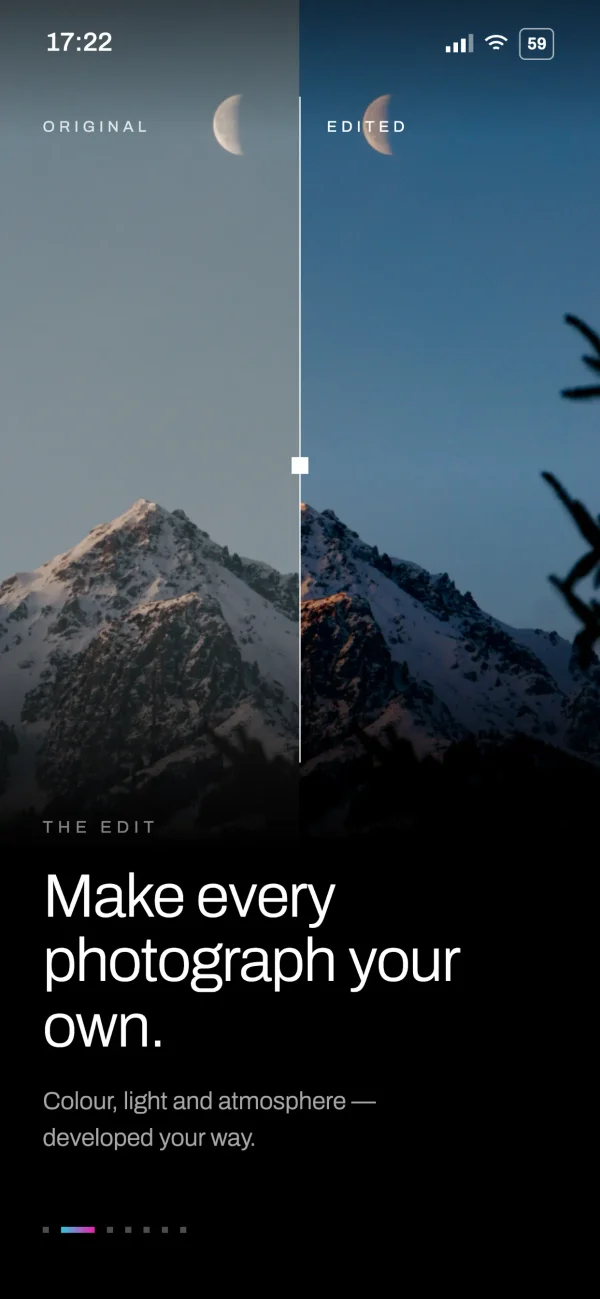
Trusted by more than one million people worldwide, PixelPoint has been helping people make their photographs their own since 2013.
Now rebuilt for a new generation, PixelPoint is a private, focused photo editor combining curated Looks, precise editing tools and PixelPoint Sets—a powerful way to give a group of photographs a consistent finish.
Whether you are refining one favourite photograph, preparing a social carousel or editing an entire trip, PixelPoint helps every photo from the moment feel like it belongs together.
— CURATED LOOKS —
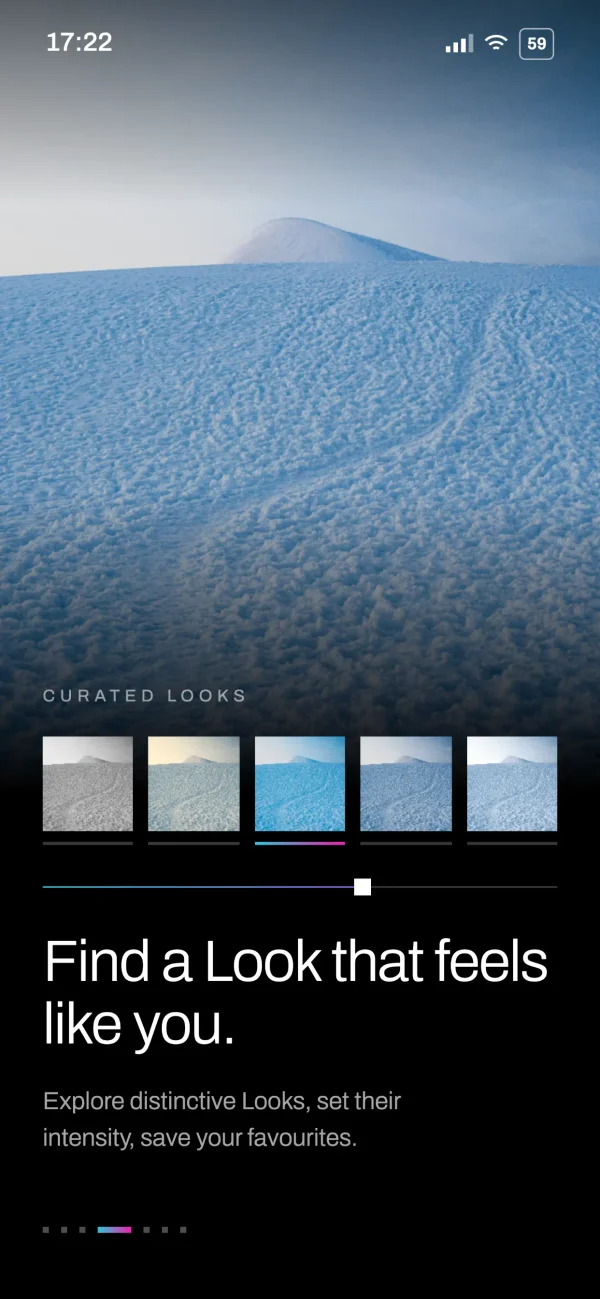
Transform your photographs with a growing collection of carefully designed PixelPoint Looks.
• Explore distinctive Free and Pro Looks
• Preview every Look using your own photograph
• Adjust the intensity of your selected Look
• Keep your favourites together for quick access
• Create reusable Custom Looks with PixelPoint Pro
— PRECISE PHOTO EDITING —
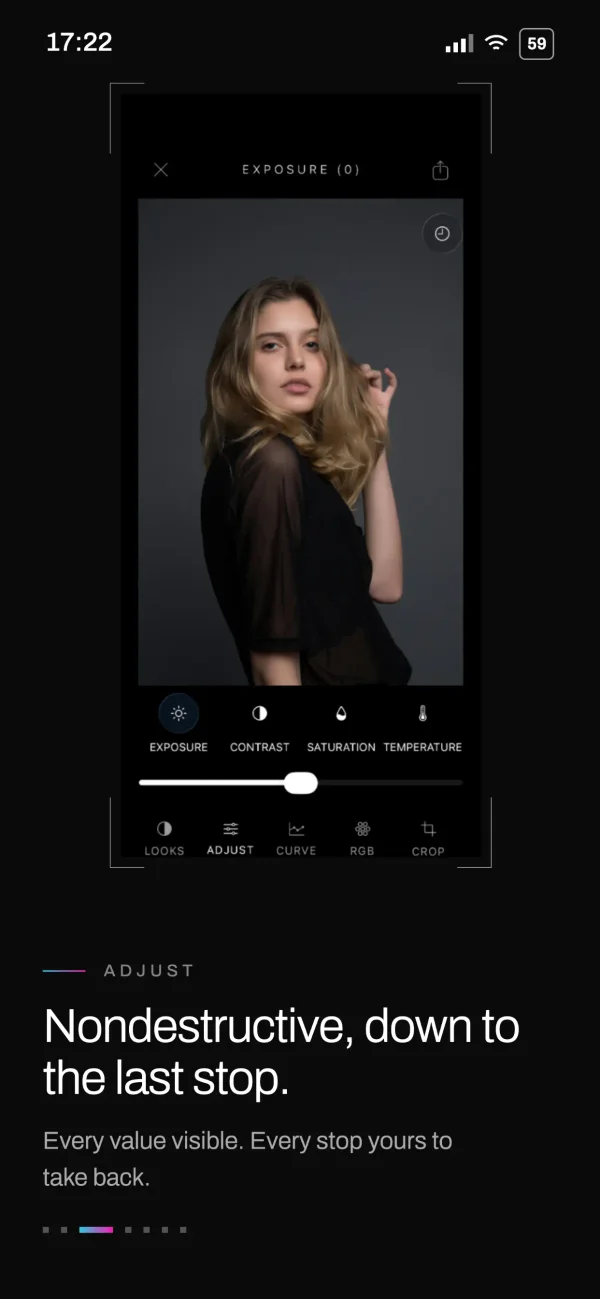
Fine-tune every detail while keeping your original photograph untouched.
• Exposure
• Contrast
• Highlights and shadows
• Whites and blacks
• Saturation and vibrance
• Temperature and tint
• Sharpen and vignette
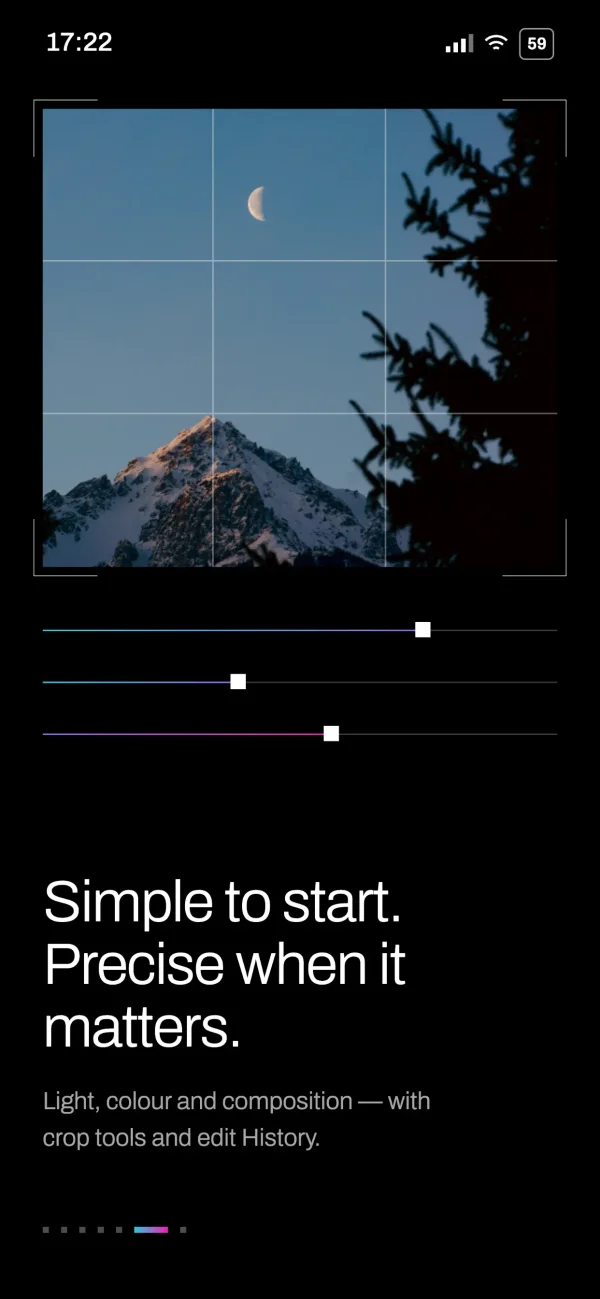
• Crop, straighten, rotate and flip
PixelPoint Pro adds precision tools including luminance and RGB curves, background blur, and subject or background adjustments.
All edits are nondestructive, so you can revisit your work, change direction or return to the original whenever you like.
— PIXELPOINT SETS —
Bring a consistent visual style to a complete group of photographs.
With PixelPoint Pro, you can:
• Apply one shared Look across an entire Set
• Match exposure and white balance between photographs
• Fine-tune individual photos without losing the shared style
• Reorder and review your complete Set
• Batch export the finished photographs
Sets are ideal for trips, events, celebrations, social carousels and any group of photographs that should feel connected.
— CREATE YOUR OWN LOOKS —
Turn an edit you love into a reusable Custom Look.
Save your Look, colour and tonal adjustments together, give your creation a name and apply it to other photographs whenever you want. Image-specific changes such as cropping remain with the original photo.
Custom Looks are included with PixelPoint Pro.
— EDIT HISTORY —
Every meaningful change creates a clear History checkpoint.
Compare your latest edit with the previous version, restore an earlier result or return to the original photograph without having to start again.
— FULL-RESOLUTION EXPORT —
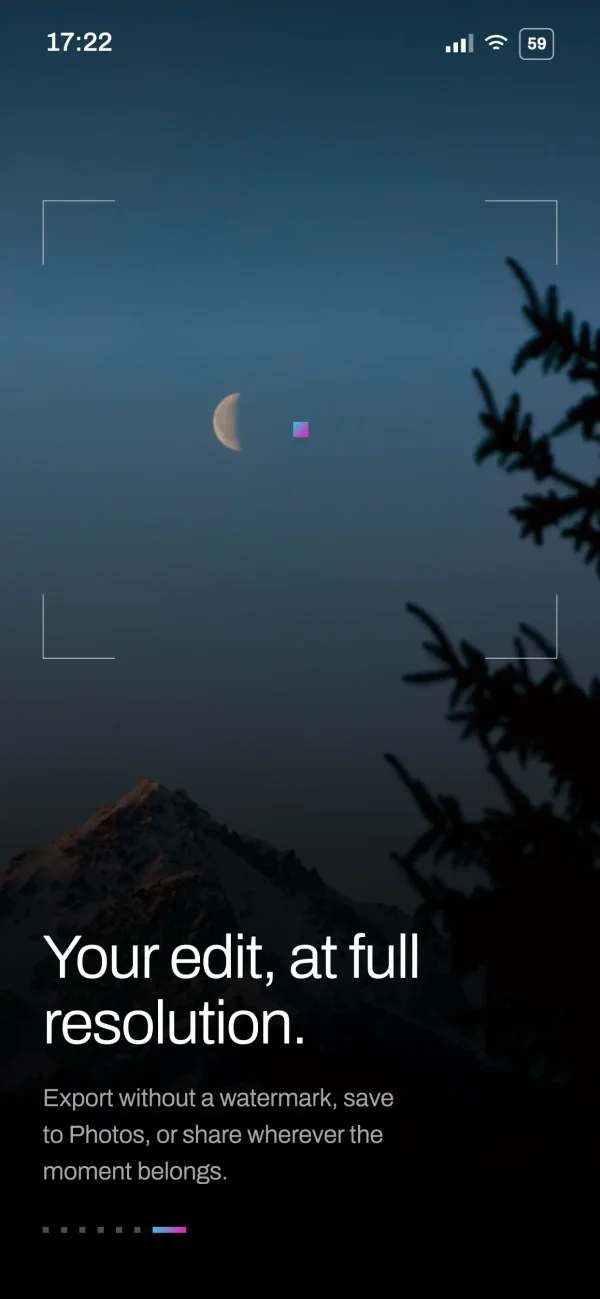
Export your finished photographs as JPEG or HEIF files. Save them directly to Photos or share them using your favourite apps.
Free exports are full resolution and never include a watermark.
— PRIVATE BY DESIGN —
PixelPoint works without an account, advertising profile or social network. Your photographs, projects and editing recipes remain on your device.
— PIXELPOINT PRO —
PixelPoint Pro includes:
• The complete Pro Look library
• Luminance and RGB curves
• Subject and background selective editing
• Background blur
• Reusable Custom Looks
• PixelPoint Sets, Match and batch export
• Advanced export controls
• New Pro Looks as they are released
Eligible new subscribers can begin with a three-day free trial. Your local subscription price is always shown in the app before purchase.
Payment is charged to your Apple Account after the free trial, where available. PixelPoint Pro renews monthly unless cancelled at least 24 hours before the end of the current subscription period. You can manage or cancel your subscription through your App Store account settings. Any unused portion of a free trial is forfeited when a subscription is purchased, where applicable.
Privacy Policy:
https://orstudios.co.uk/pixelpoint/privacy
Terms of Use:
https://www.apple.com/legal/internet-services/itunes/dev/stdeula/
What’s new
Version 10.0.2 · Sep 29, 2026
Updated Screenshots
App privacy
What Iconic Digital declares on the App Store about how this app handles data.
-
Data not collected
The developer does not collect any data from this app.
Privacy practices may vary, for example with the features you use or your age.
Information
- Seller
- Oliver Rice
- Category
- Photo & Video
- Version
- 10.0.2
- Updated
- Sep 29, 2026
- Released
- Apr 19, 2013
- Size
- 6.8 MB
- Requires
- iOS 26.0 or later
- Age rating
- 4+
- Price
- Free
- In-app purchases
- Yes
- Languages
- English, Dutch, French, German, Italian, Japanese, Portuguese, Russian, Spanish
- Copyright
- © orstudios.co.uk
You might also like
-
 Photo Editor PRO X2Creative effects and filters
-
 Simple Sepia Camerataking old retro photos
-
 Photo Studio - AI Image EditorAI Enhance, Restore, Headshots
-
 FLTRS: Photo Filters, OverlaysVintage, Retro, Effects Editor
-
 Layered Filters Photo LabApply Multiple Filters
-
 Pop Art filters and effectsCamera color photo editor
-
 Retro Collage Photo EditorLayouts, Frames & Stickers
-
 Write on photos add textText and stickers in photos
-
 PICSPLAY 2 - Photo EditorPro-Level Photo Editor
-
 90s Vintage Photo FiltersVHS Cam Retro Editor