
- Age rating4+
- CategoryPhoto & Video
- DeveloperPixload Limited
- LanguagesEnglish
- Size37.6 MB
Links to the official App Store page
Download.org hosts no file of Pixload. The button opens its official App Store page, published by Pixload Limited. Listing last checked on Nov 12, 2026.
Screenshots



About
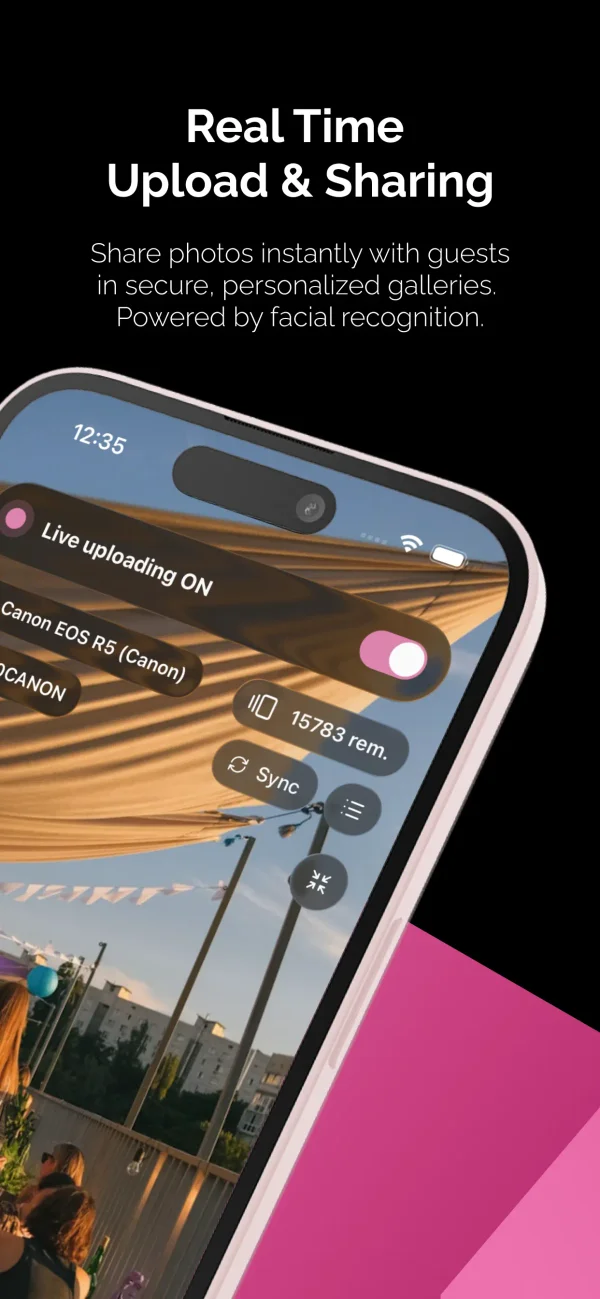
With Pixload you can instantaneously share your photos with your guests.
As soon as you take a photo with your professional camera, it is instantly uploaded to a live, secure gallery that is available live for the participants.
How does it work?
1. Connect your Canon, Nikon, or Sony camera via USB to the Pixload app.
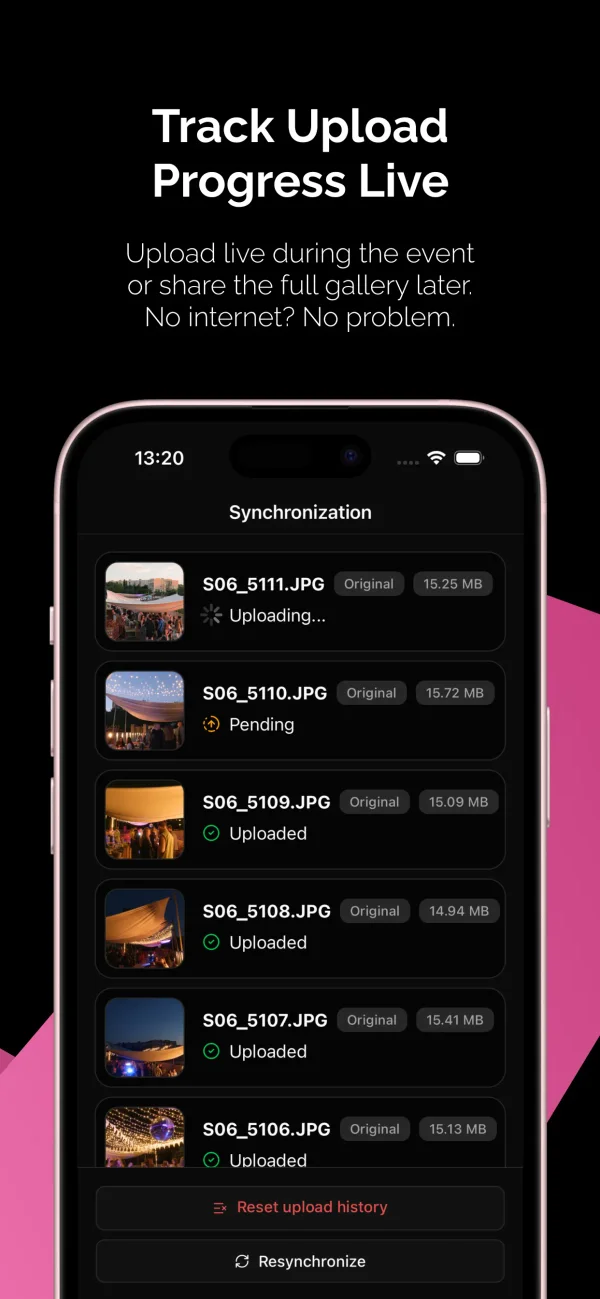
2. Photos are automatically uploaded as you shoot - no manual steps required.
3. Guests can access their photos instantly in personalized galleries via unique links - no installation required.
Full Automation
Everything is done automatically, from upload to delivery. There is no need for setup or manual downloads. Focus on shooting, Pixload takes care of the rest.
Instant Sharing
Photos appear in guest galleries within seconds, creating engagement, excitement and therefore visibility during the event.
AI Facial Recognition
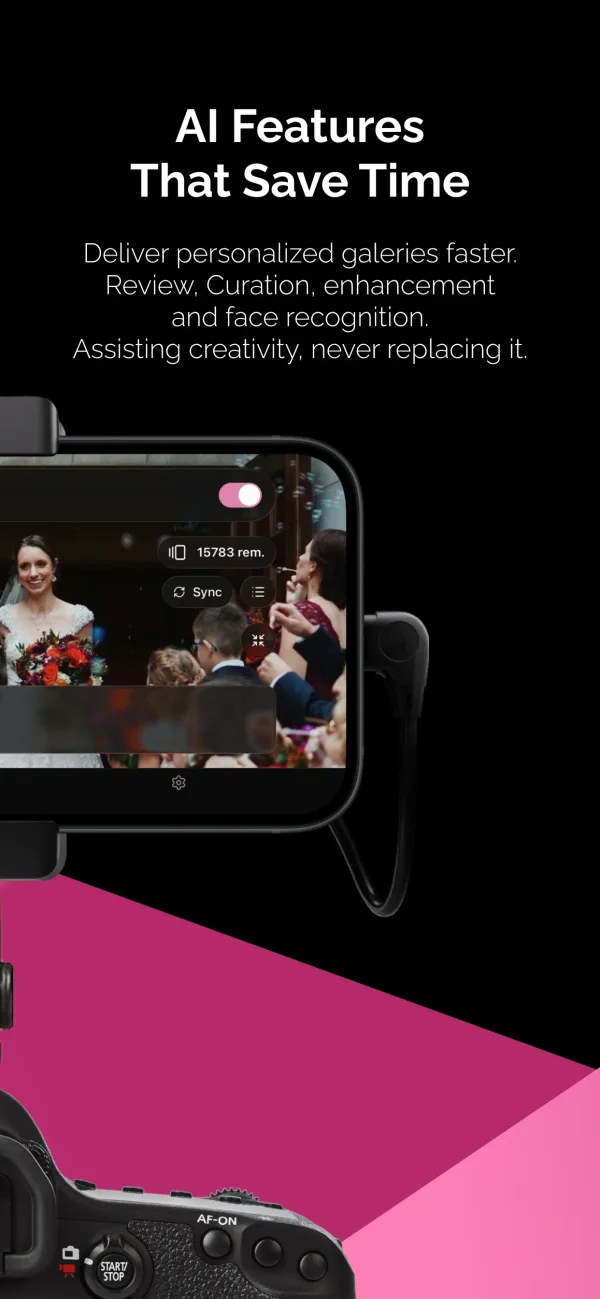
Guests can easily find their photos among thousands of others. Pixload automatically identifies and sorts photos by face.
One-Click Download
Guests can download individual photos or entire albums at full quality with just one click and then post them on their own social media.
Secure by Design
Each gallery is accessible via a unique, secure link. Photos are never indexed by search engines, ensuring complete privacy.
AI Review
Pixload's AI automatically reviews each image to ensure it meets professional standards : properly exposed, sharp, and well-composed.
AI Enhancement
Pixload Automatically adjusts colors and lighting during the upload to make every photo gallery-ready. No facial or body editing — only realistic enhancement.
Extensive Compatibility
Pixload supports most recent Canon, Nikon, and Sony devices. While the photos are saved online, they remain copied on the memory card of the camera.
Made for Photographers, Event Planners, Venues and Organizers
- Monitor your connection to the camera and remaining shots
- Track upload progress in real time
- View downloaded photos instantly
- Measure the impact of your photos
Unlock your photos' full potential with Live sharing, AI facial recognition and instant selection. So that all your photos have an impact!
Join us to revolutionize event experience and event photography with Pixload.
What’s new
Version 1.0.2 · Jul 13, 2026
Bug fixes for Nikon users.
App privacy
What Pixload Limited declares on the App Store about how this app handles data.
-
Data not collected
The developer does not collect any data from this app.
Privacy practices may vary, for example with the features you use or your age.
Information
- Seller
- Pixload Limited
- Category
- Photo & Video
- Version
- 1.0.2
- Updated
- Jul 13, 2026
- Released
- Feb 4, 2026
- Size
- 37.6 MB
- Requires
- iOS 15.2 or later
- Age rating
- 4+
- Languages
- English
- Copyright
- © 2026 Pixload Limited
You might also like
-
 Pierre AI: Photo MentorPersonal photography mentor
-
 ViralCut Pro - Video EditorAuto cuts & zoom for videos
-
 Go PhotoboothSecond phone as a camera
-
 ShutterTrax: Event PhotoboothWeddings, parties, pop-ups
-
 Shutdesk: Sports Photo FTPNo Laptop on the Sideline
-
 SynqEvent - QR Photo SharingQR Photo Sharing App
-
 Templified TetherCapture straight to Templified
-
 Photik4Photo sharing app
-
 Klikta: Travel Photo AssistantFind spots. Copy shots.
-
 CardRunner - Image TransferSpeed up your photo workflow