
PixMarker: Draw & Highlight
Image Markup & Annotation Tool
Designed for iPhone, iPad, iPod touch
Free · In-app purchases
- Age rating4+
- CategoryUtilities
- DeveloperBharti Verma
- LanguagesEnglish
- Size9.0 MB
Links to the official App Store page
Download.org hosts no file of PixMarker: Draw & Highlight. The button opens its official App Store page, published by Bharti Verma. Listing last checked on Nov 12, 2026.
Screenshots
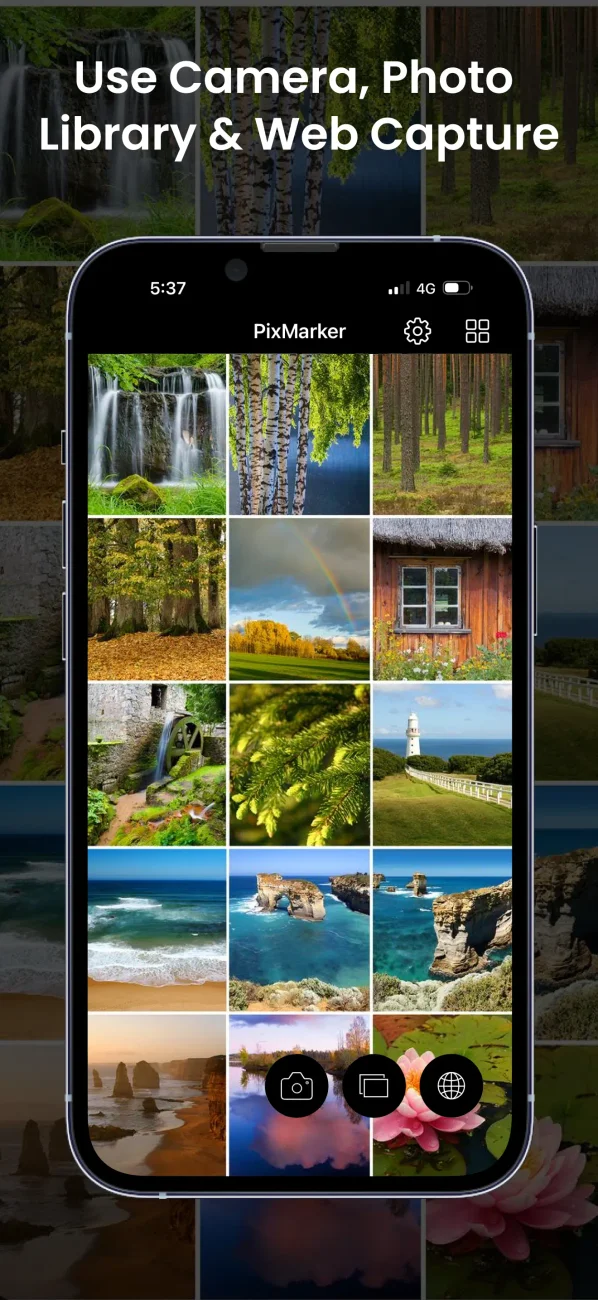
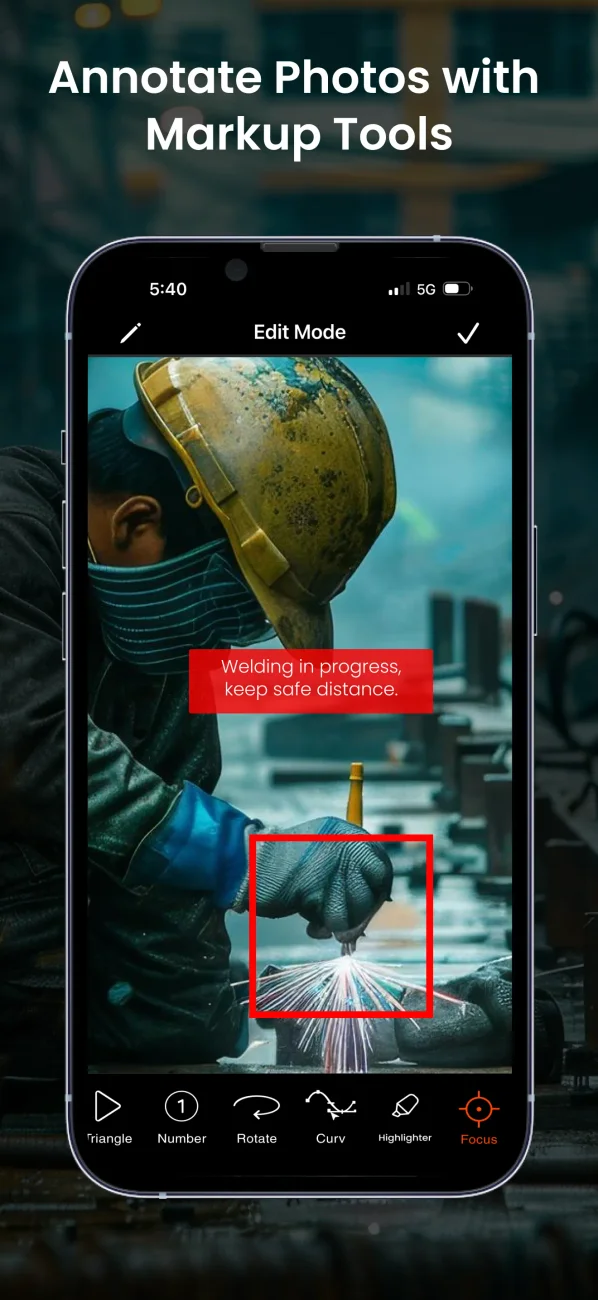
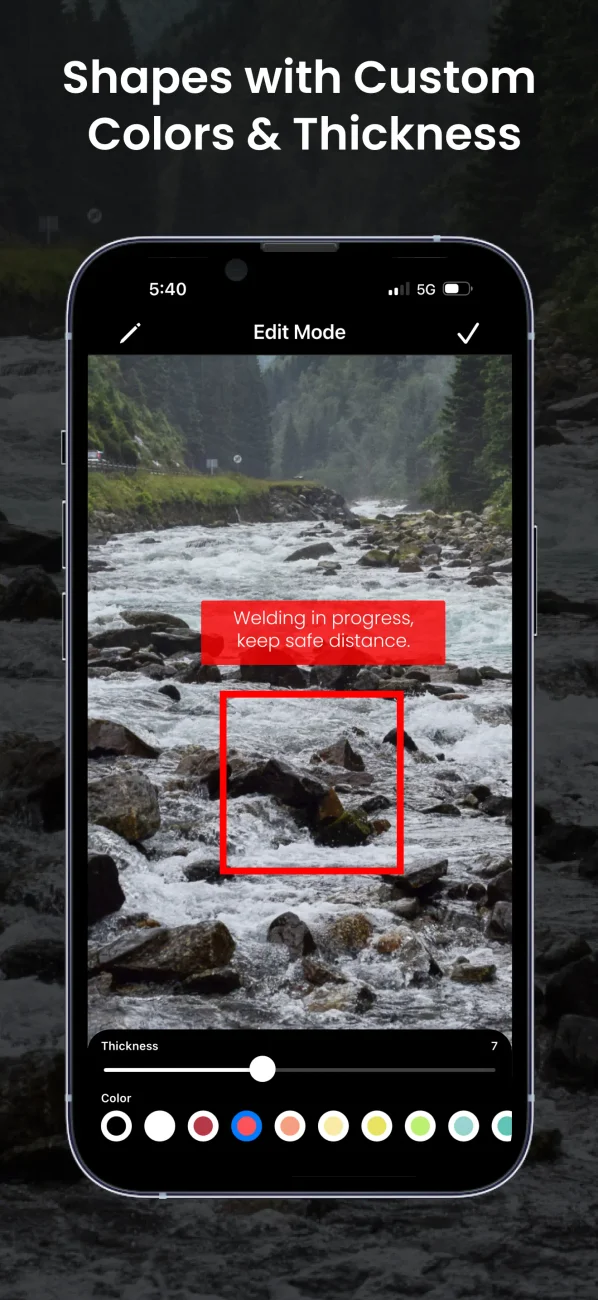




About
PixMarker: Draw & Highlight is an easy-to-use image markup and annotation tool for photos, pictures, screenshots, and webpage captures. Highlight important areas, draw shapes, add text, and create clear visual notes in seconds.
Whether you are working, studying, creating tutorials, or sharing ideas, PixMarker helps you turn any image, pic, photo, or browser page capture into clean and professional markups.
Features
• Draw and annotate with arrows, lines, circles, rectangles, and freehand tools
• Add text with font, color, size, shadow, and stroke options
• Highlight key areas with magnifier effects
• Blur or pixelate sensitive information
• Add numbers for better explanations
• Crop and rotate photos and pictures with easy controls
• Edit screenshots instantly with built-in markup tools
• Capture webpage or browser page screenshots and mark them up easily
• Mark up web snaps for tutorials, feedback, and visual notes
Perfect for
• Work feedback and presentations
• Study notes and tutorials
• Website, webpage, and map markup
• Social media content creation
• Creative projects and visual planning
Why PixMarker
• Fast and simple image annotation workflow
• Clear tools for highlighting and explaining ideas
• Great for professional and personal use
• All-in-one markup experience in one app
You can share your feedback by email, and for more details, visit our website.
• Website: https://pixmarker.tasakiapps.com
• Support Email: info@tasakiapps.com
Privacy Policy
https://pixmarker.tasakiapps.com/privacy-policy.html
Apple EULA
https://www.apple.com/legal/internet-services/itunes/dev/stdeula/
Download PixMarker: Draw & Highlight today and start creating clear, informative, and polished markups for your images, photos, pictures, and screenshots.
What’s new
Version 1.1 · May 30, 2026
We’re constantly working to improve PixMarker and make your markup experience faster, smoother, and more reliable.
This update includes performance enhancements, usability improvements, and important bug fixes.
• Improved app performance for faster and smoother markup editing
• Fixed minor bugs and stability issues
• Enhanced screenshot annotation experience
• Better tool responsiveness and overall usability
• General improvements for a more reliable PixMarker experience
App privacy
What Bharti Verma declares on the App Store about how this app handles data.
-
Data used to track you
May be used to track you across apps and websites owned by other companies.
- Identifiers
- Usage data
- Diagnostics
-
Data linked to you
May be collected and linked to your identity.
- Identifiers
- Usage data
- Diagnostics
Privacy practices may vary, for example with the features you use or your age.
Information
- Seller
- Bharti Verma
- Category
- Utilities
- Version
- 1.1
- Updated
- May 30, 2026
- Released
- Mar 3, 2026
- Size
- 9.0 MB
- Requires
- iOS 15.0 or later
- Age rating
- 4+
- Price
- Free
- In-app purchases
- Yes
- Languages
- English
- Copyright
- © Copyright Tasakiapps
You might also like
-
 Video & Image ConverterImage, Video Mp3, HEIC to JPG
-
 PDF Size Reducer: PDFBuddySigner & ID Card Scanner
-
 xLens: Scan Document OfflineCreate digital PDF Image
-
 PDF Compressor & MergerPDF Compress & Merge Tool
-
 File Converter - FileSnapImages, PDF & Video converter
-
 Blur It - Face Privacy EditorPhoto Blur Pixellate Mosaic
-
 Wipeify - Speaker Ejection AppMuffled Audio? Fix It Fast.
-
 Scanner App -Object IdentifierCount&AR Ruler&Plant Care
-
 LinkNest: Save & Manage LinksSave, Organize & Search Links
-
 AI Photo & Video BG RemoverAI Cutout & Background Eraser