- Age rating4+
- CategoryPhoto & Video
- Developer洪 刘
- LanguagesSimplified Chinese
- Size12.3 MB
Links to the official App Store page
Download.org hosts no file of Pixmo. The button opens its official App Store page, published by 洪 刘. Listing last checked on Nov 12, 2026.
Screenshots

About
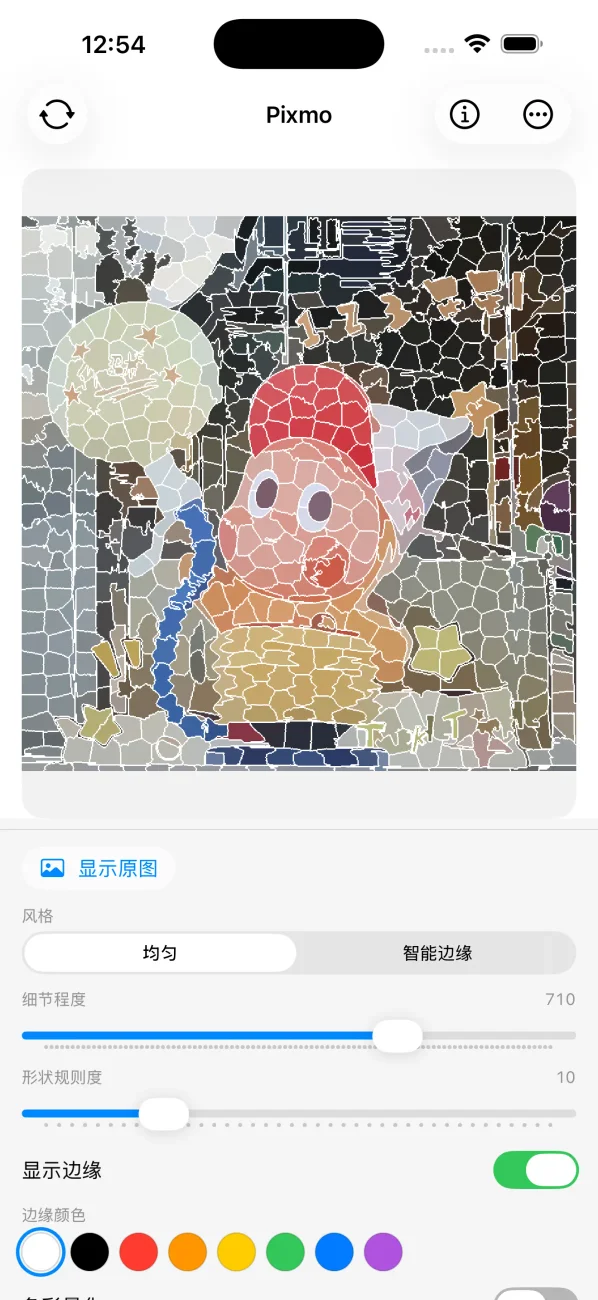
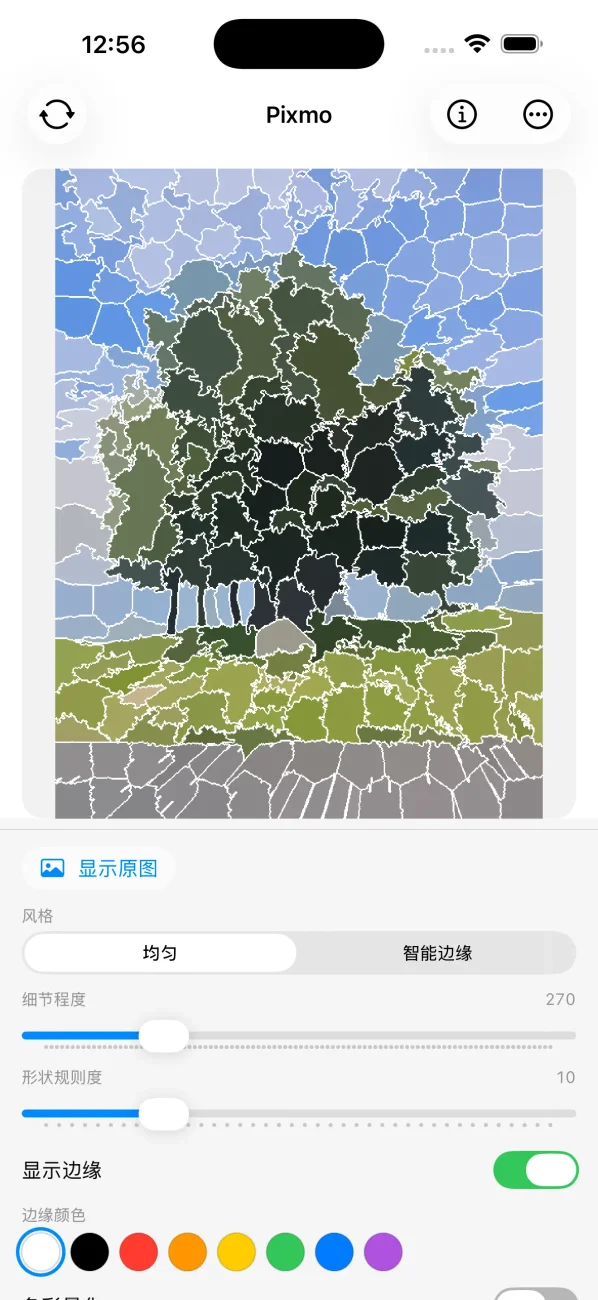
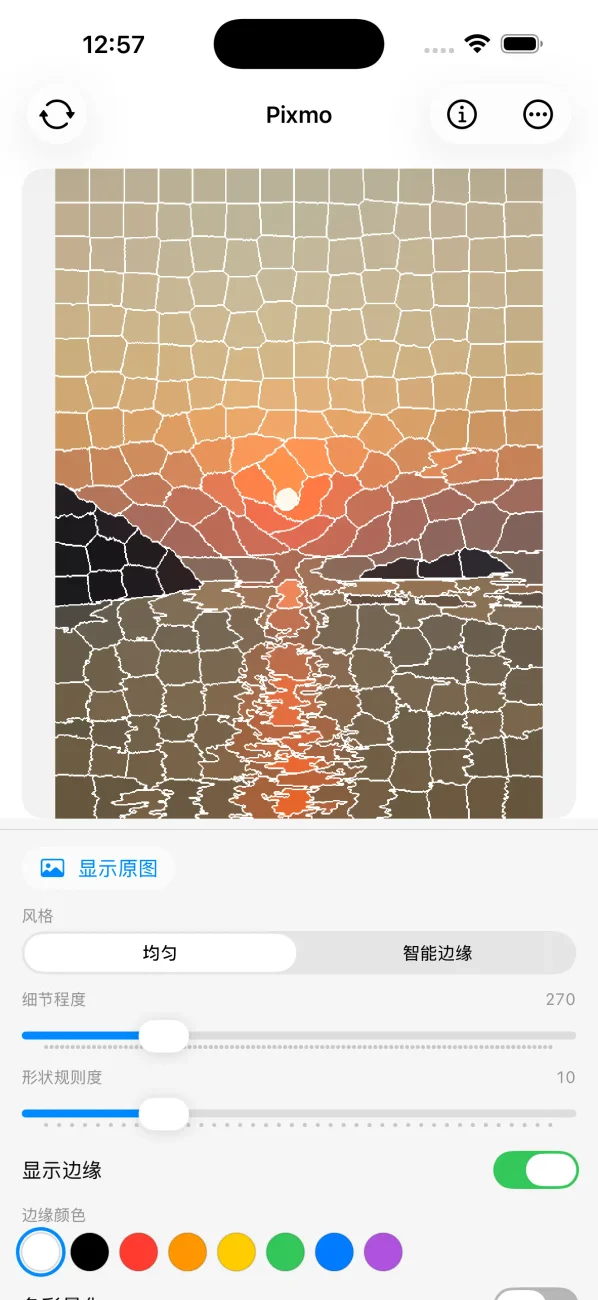
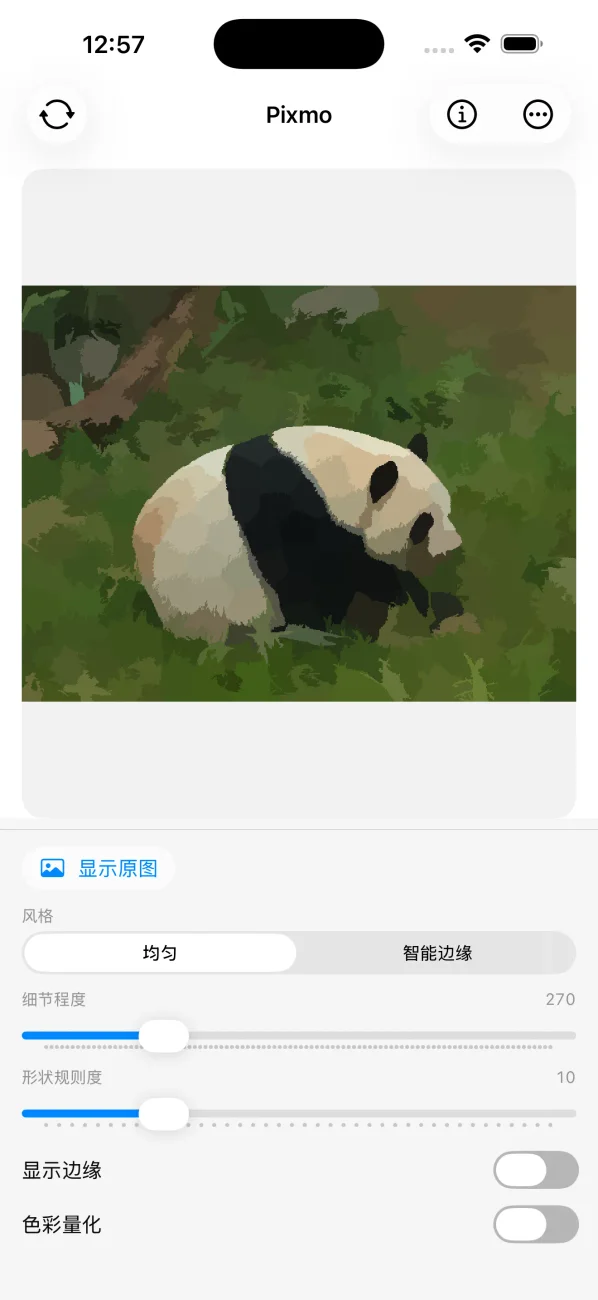
Pixmo is a creative tool for turning photos into pixel art and perler bead patterns — all powered by algorithms, no AI required.
Pixel Art Mode:
• Two superpixel algorithms: Uniform segmentation & Smart Edge detection
• Real-time parameter tuning: detail level, shape regularity, region size
• Optional boundary display with 8 color choices
• 5 built-in color palettes: GameBoy, NES, Pastel, Grayscale, Sunset — plus auto color extraction
• Before/after comparison with pinch-to-zoom
• One-tap save to Photos or share to social media
Perler Bead Mode (New in 2.0):
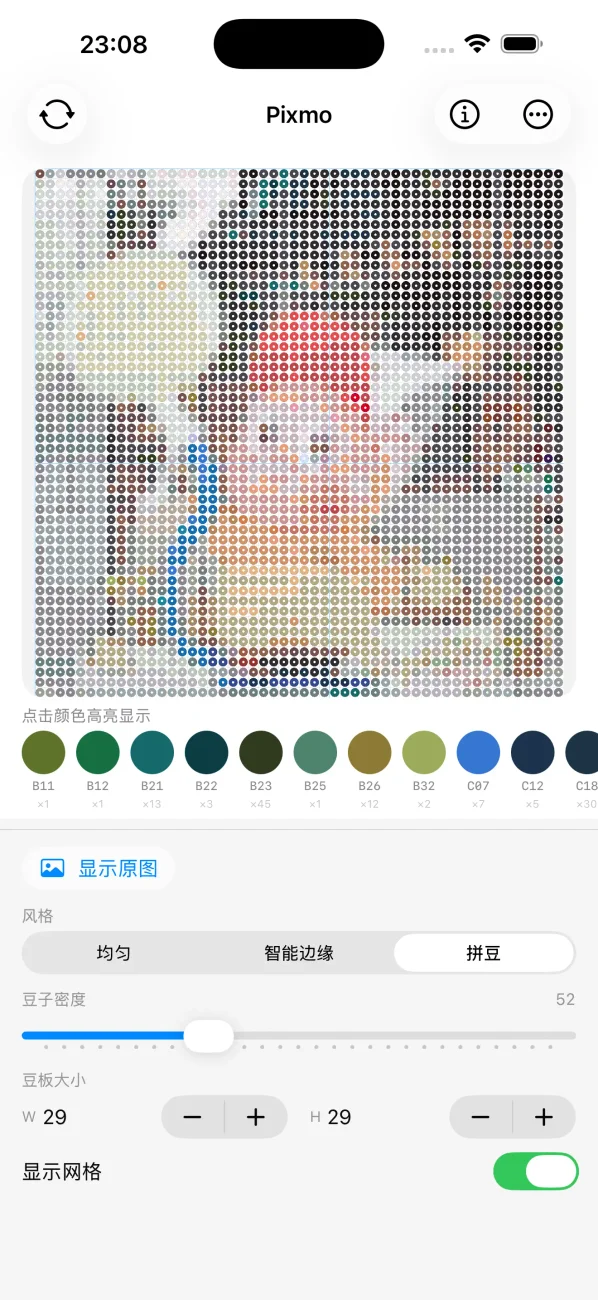
• Converts photos into printable perler bead charts
• Full MARD 221-color palette with OKLab perceptual color matching
• Interactive color selection — tap any bead type to highlight its positions
• Adjustable pegboard width & height (5–60 beads) with boundary guides
• Grid display toggle for clean viewingPerfect for: retro game-style avatars, social media pixel art, crafting perler bead designs, and exploring creative possibilities with pixel aesthetics.
What’s new
Version 2.0 · May 14, 2026
Transform photos into pixel art & perler bead patterns. MARD 221 palette, interactive color highlight, adjustable pegboard — all algorithm-powered, no AI.
App privacy
What 洪 刘 declares on the App Store about how this app handles data.
-
Data not collected
The developer does not collect any data from this app.
Privacy practices may vary, for example with the features you use or your age.
Information
- Seller
- 洪 刘
- Category
- Photo & Video
- Version
- 2.0
- Updated
- May 14, 2026
- Released
- May 12, 2026
- Size
- 12.3 MB
- Requires
- iOS 18.6 or later
- Age rating
- 4+
- Price
- Free
- Languages
- Simplified Chinese
- Copyright
- © 刘洪
You might also like
-
 Lumen - DualShot RecordVlog with front + rear cam
-
 Clip Cradle: Shot List PlannerRehearse beats with cue cards
-
 SafeCircle Family PhotosEnd-to-End encrypted photos
-
 PhotoBorder+No Crop Social Media Posts
-
 LumyraPhoto & Video
-
 FaceLock: Back Camera SelfiesHaptic Framing for Video
-
 Double Cam: Front&Back in OneDual Selfie Cam & Vlog
-
 Twiice : Split CameraFilm & Vlog
-
 Scrubframe: Photo Data CleanerClean every file in a batch
-
 Lensgrade: Photo CullingCompare shots. Keep the best.