
PixWhat: AI Language Coach
Speak confidently, every day
Designed for iPhone, iPad
Free · In-app purchases
- Age rating4+
- CategoryEducation
- DeveloperWuhan Yuhang Technology Co., Ltd
- LanguagesEnglish+ 12 more
- Size105.2 MB
Links to the official App Store page
Download.org hosts no file of PixWhat: AI Language Coach. The button opens its official App Store page, published by Wuhan Yuhang Technology Co., Ltd. Listing last checked on Nov 19, 2026.
Screenshots
About
Meet PixWhat. Turn the language you know into words you can use.
You’ve learned the vocabulary. You understand more than you used to. But when it’s time to speak, finding the words can still feel difficult.
PixWhat brings guided lessons, AI conversation practice, photo vocabulary learning, and review together—so you can build language skills through everyday use.
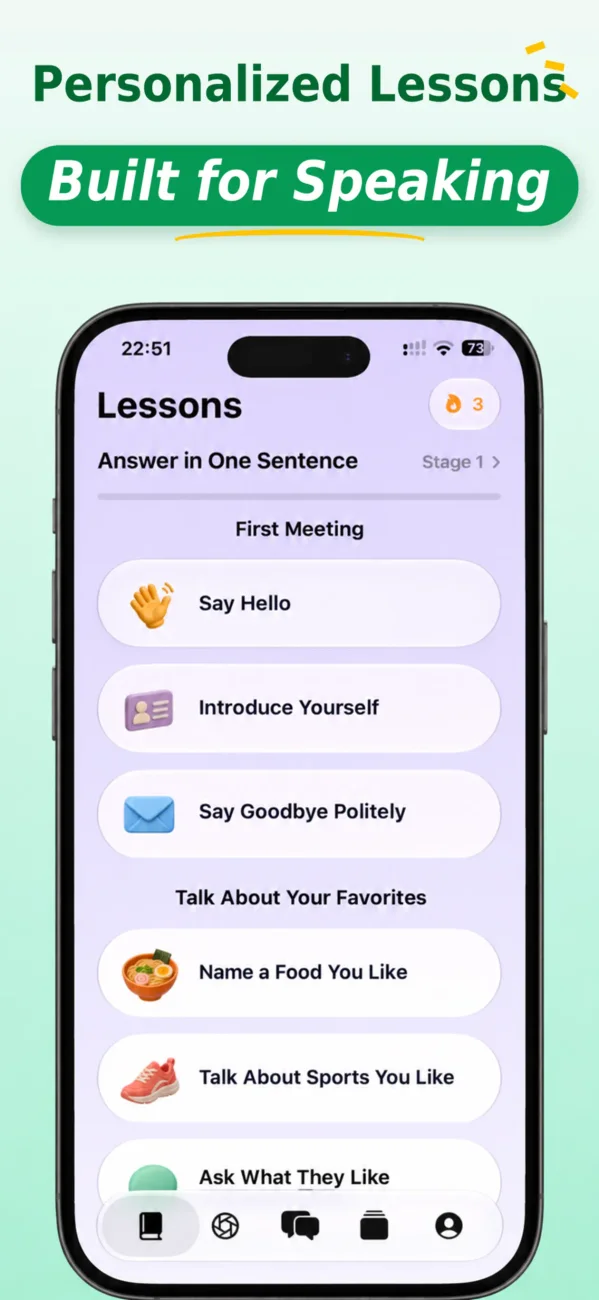
A clear path to your next conversation
Find lessons matched to your goals and current level. Follow a structured course organized into stages, themes, and practical situations, with a clear place to start and a next step to follow.
Practice introductions, ordering coffee, asking for directions, sharing experiences, and other conversations that belong in real life.
Listen. Try it. Use it.
Each lesson takes you from listening to speaking, then into a conversation.
Hear an expression, practice saying it, and use it in a scenario. Build connections between what a phrase means, how it sounds, and when you might say it.
Conversations that follow your lead
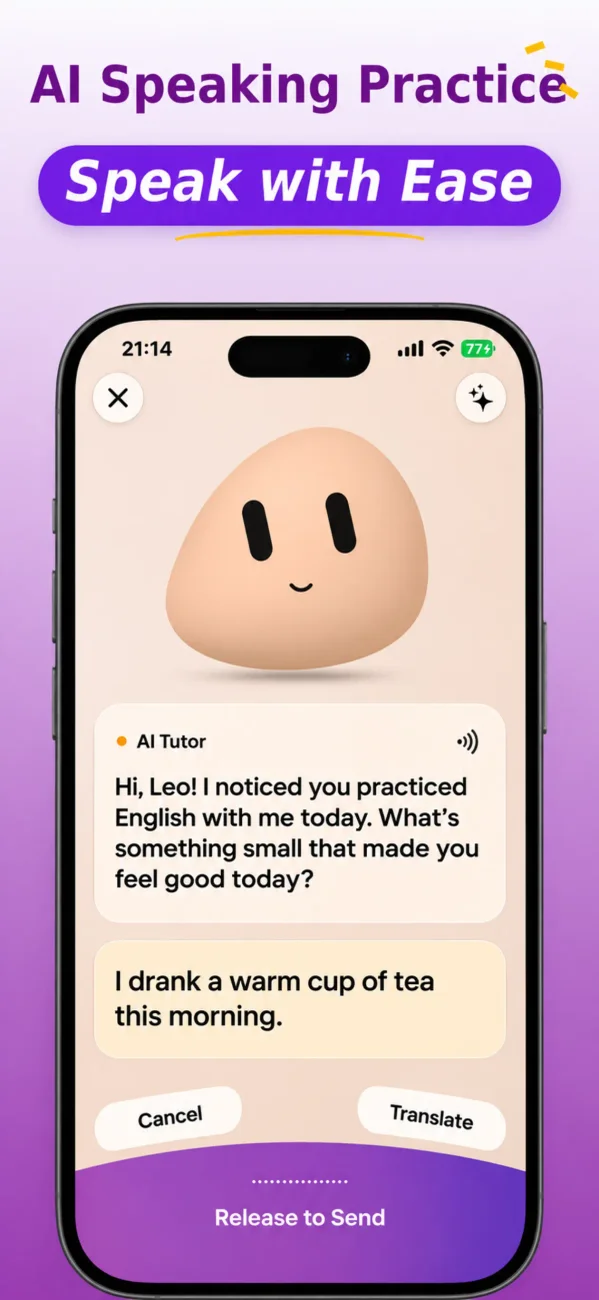
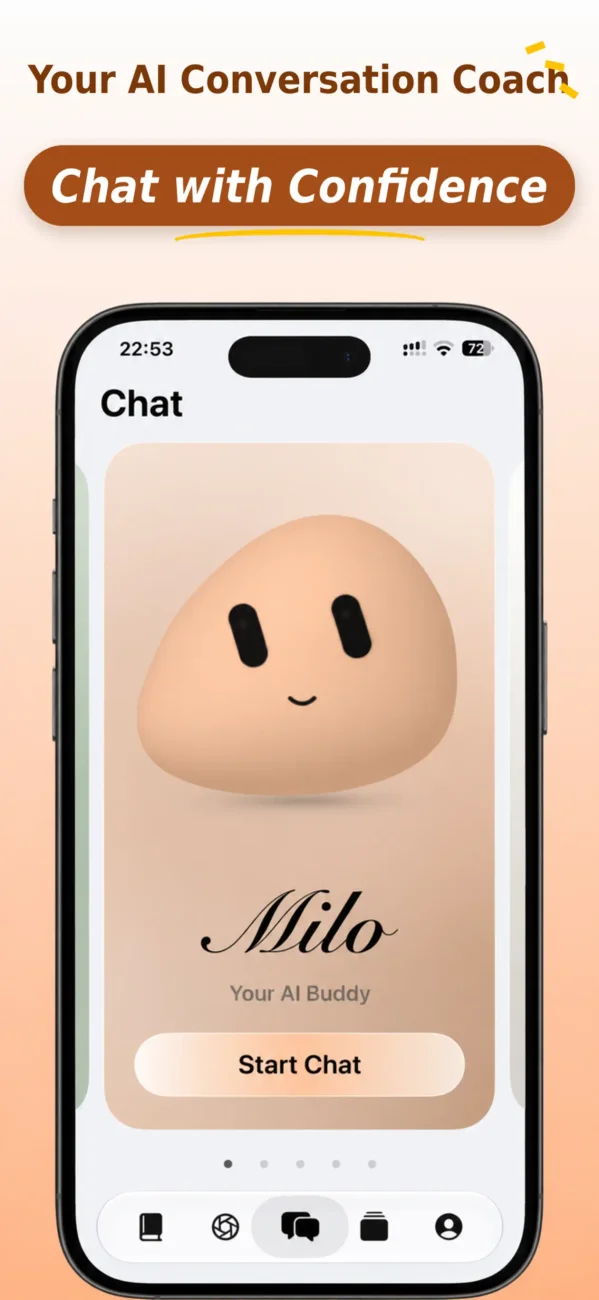
Choose an animated companion and start talking.
Practice a lesson topic, share something about your day, discuss a favorite film, or change the subject. You don’t have to follow a script—the AI responds to what you actually say.
When you’re unsure how to continue, a suggested response is available for every turn.
Helpful feedback as you practice
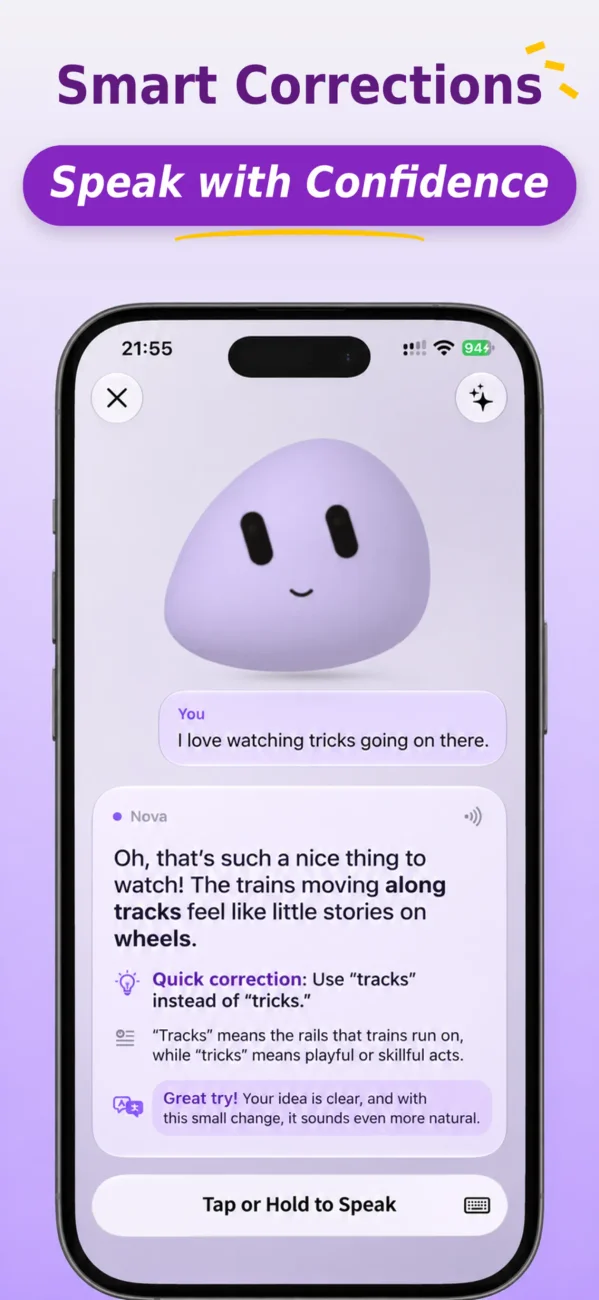
Keep the conversation moving while learning from your mistakes.
Get suggested corrections and explanations in your native language. When you don’t know how to express something, type it in your native language, see the equivalent in your learning language, and tap to hear it spoken.
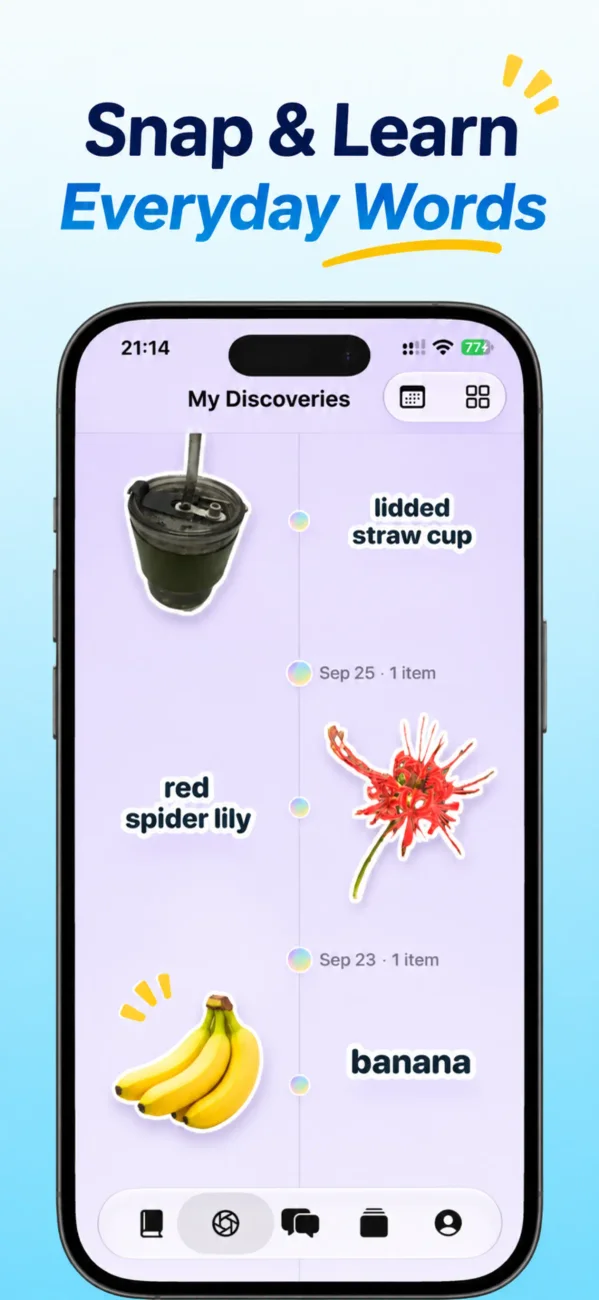
Point your camera. Discover a word.
Turn the things around you into learning opportunities.
Take a photo to explore vocabulary, meanings, and pronunciation. Then continue the learning through a conversation about what you’ve discovered.
Keep what you learn
Save useful words and sentences, revisit them through review, and follow your learning activity over time.
Explore languages including English, Spanish, French, Japanese, Korean, and more. Start at your level and make room for practice in your everyday life.
Open PixWhat.
Start with something you want to say.
Terms of Use:
https://www.apple.com/legal/internet-services/itunes/dev/stdeula/
What’s new
Version 3.1 · Nov 11, 2026
Optimize the user experience
App privacy
What Wuhan Yuhang Technology Co., Ltd declares on the App Store about how this app handles data.
-
Data not collected
The developer does not collect any data from this app.
Privacy practices may vary, for example with the features you use or your age.
Information
- Seller
- Wuhan Yuhang Technology Co., Ltd
- Category
- Education
- Version
- 3.1
- Updated
- Nov 11, 2026
- Released
- Jan 11, 2026
- Size
- 105.2 MB
- Requires
- iOS 17.6 or later
- Age rating
- 4+
- Price
- Free
- In-app purchases
- Yes
- Languages
- English, French, German, Indonesian, Italian, Japanese, Korean, Portuguese, Russian, Simplified Chinese, Spanish, Traditional Chinese + 1 more
- Copyright
- © PixWhat
You might also like
-
 AI Stable Genius RecorderAI Note Taking & Transcribe
-
 WoziGrow: Visual FlashcardsLearn Vocabulary with Stickers
-
 MathPKMaster Real-World Math Today
-
 Schulte Table Focus - DhyanaVisual Attention & Reaction
-
 知识树-AI出题,题库,知识网,闪卡Education
-
 Weekyr - Student TimetableSmart Student Class Scheduler
-
 PTE Exam Practice Test -AcePTEpte mock test & AI grading
-
 Klokko: Learn to Tell TimeKids clock reading practice
-
 OneBook: Language LearningAudiobooks Podcasts Shadowing
-
 今日油价 - 油价查询汽油价格实时加油行情查询Reference