
Planbition Go!
Je planning binnen handbereik
Designed for iPhone, iPad, iPod touch
- Age rating17+
- CategoryProductivity
- DeveloperPlanbition
- LanguagesEnglish
- Size85.4 MB
Links to the official App Store page
Download.org hosts no file of Planbition Go!. The button opens its official App Store page, published by Planbition. Listing last checked on Nov 12, 2026.
Screenshots



About
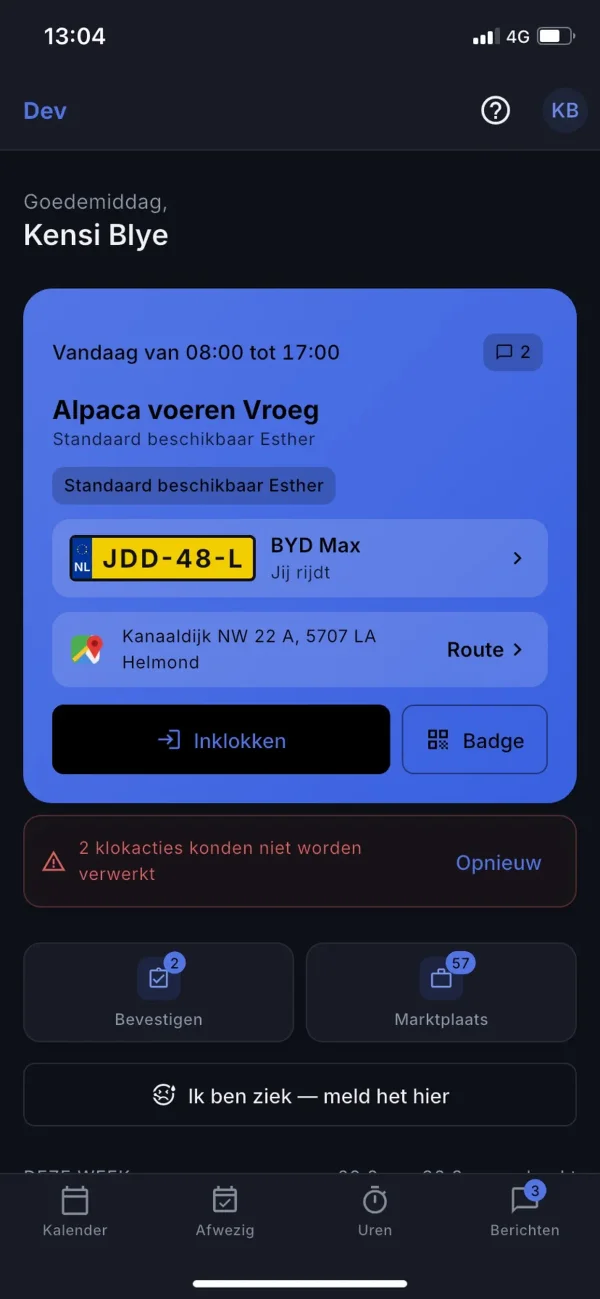
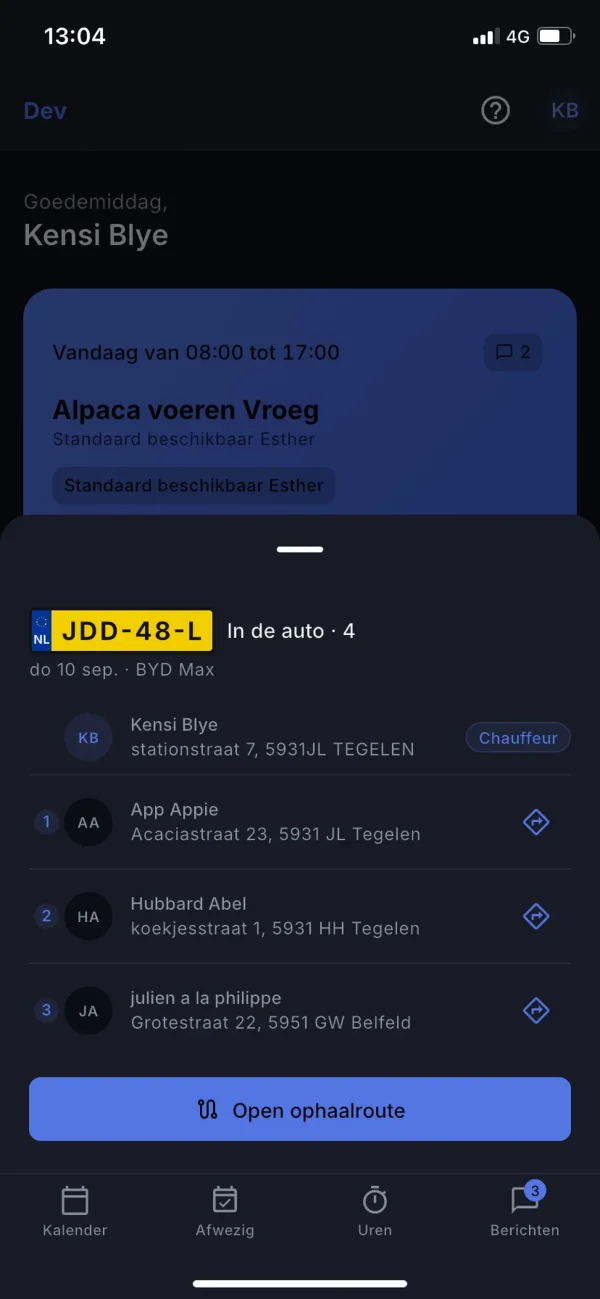
Planbition Go! is here! This new app replaces the familiar Employee Self Service (ESS) app and is available to all Planbition customers. Wherever you are, on your phone or tablet, you can see your current schedule at a glance.
With Planbition Go! you can:
View your schedule anytime, anywhere
Quickly confirm schedule changes
Submit leave or other requests, wherever you are
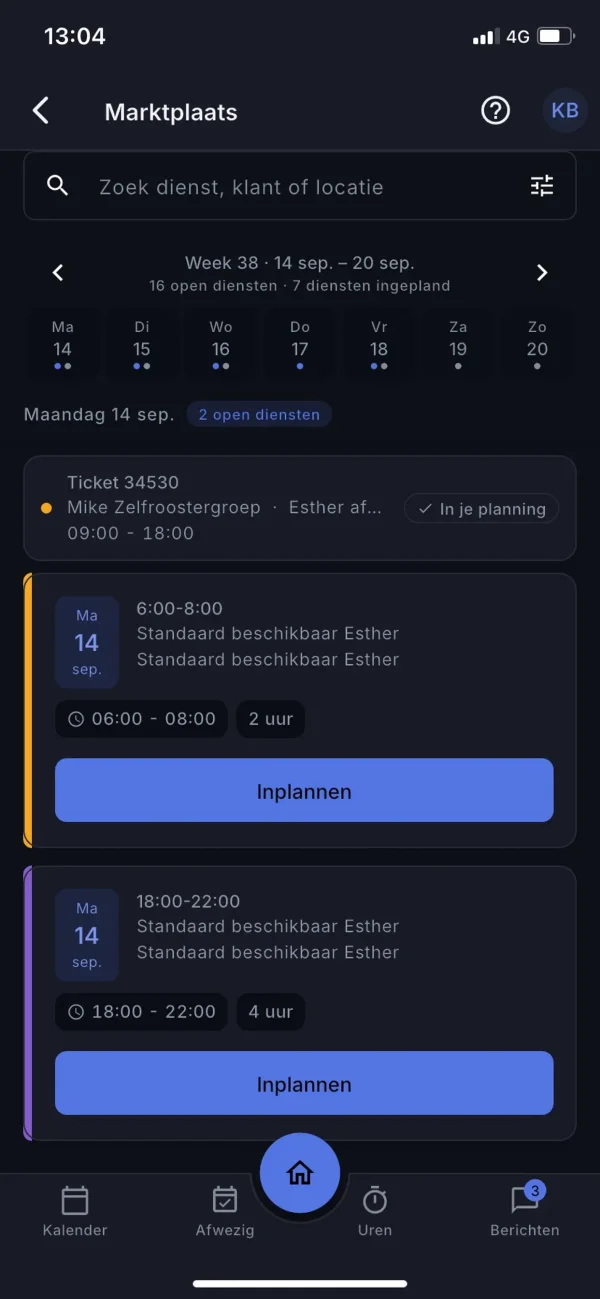
Schedule your own shifts
Easily register your hours
Not seeing all features? That depends on how Planbition is set up for your organisation.
What’s new
Version 1.0.1 · Oct 19, 2026
A big update with lots of handy improvements
A tidier Marketplace
The Marketplace now only shows shifts you can actually take. Shifts that clash with your schedule or break the working-time rules stay out of sight.
Clocking in, without the guesswork
The Clock in button now tells you when it opens. If your organisation uses a location check, the app tells you why you can't clock in yet, for example because you're too far away or your location is off. Clocked in without a connection? We send it as soon as you're back online, and you can see any clock-in that didn't go through.
A calendar you can trust
No more double shifts in your calendar. Your shifts now appear in your own language, and shifts you still have to confirm show up too, marked "to be confirmed".
The right times on your timesheet
Your timesheet now shows the same planned times as your dashboard, even after a planner changes your shift.
Password rules at a glance
When you reset your password, you see your organisation's rules as a checklist that ticks off while you type.
Your language, now in sync with Infinity
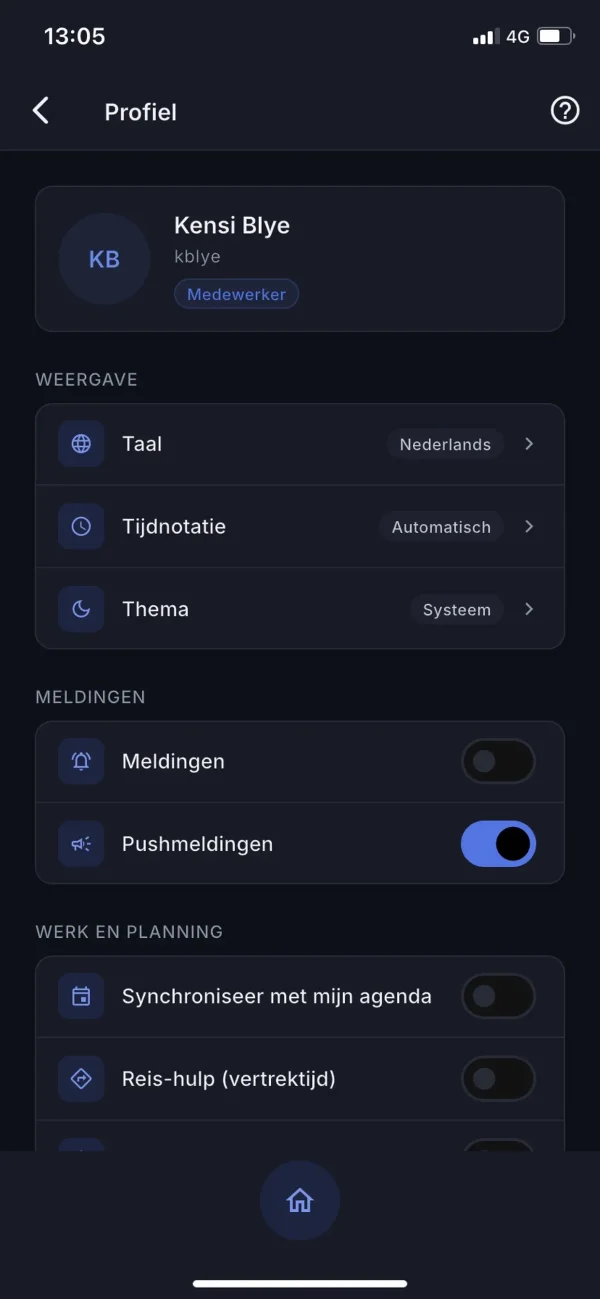
The language you choose in the app is now also set in Infinity on the web, so push notifications and messages arrive in your language.
Straight to the right spot
Directions to your shift now lead to the exact location, not just the address.
No more hide-and-seek with Save
Added a few breaks in Add hours? The Save button now stays in view. Home is now the first tab in the bottom bar.
Which year was that again?
Your absence requests now show the year, like 19 Oct 2026 to 25 Oct 2026.
Repeat availability, in your language
When you repeat your availability, the weekdays now appear in your own language.
App privacy
What Planbition declares on the App Store about how this app handles data.
-
Data not collected
The developer does not collect any data from this app.
Privacy practices may vary, for example with the features you use or your age.
Information
- Seller
- Planbition B.V.
- Category
- Productivity
- Version
- 1.0.1
- Updated
- Oct 19, 2026
- Released
- Sep 30, 2026
- Size
- 85.4 MB
- Requires
- iOS 15.5 or later
- Age rating
- 17+
- Languages
- English
- Copyright
- © 2026 Planbition B.V.
You might also like
-
 The High Five AppProductivity
-
 MoveJackAutomatic mileage log
-
 MonsterscoreProductivity
-
 KPN Password ManagerSecurely manage your passwords
-
 NeoFinderDigital Asset Management
-
 Docsmith: Edit PDF TextScan Documents, Sign, OCR
-
 Dish PersoneelsplannerProductivity
-
 Het RoosterProductivity
-
 Countdown widget: remind eventDay since, vacation timer
-
 Rd4-appfor residents