Planimeter for map measure
Measure area / distance on map
Designed for iPhone, iPad
Free
- Age rating4+
- CategoryUtilities
- Developer忠 张
- LanguagesEnglish+ 1 more
- Size47.8 MB
Links to the official App Store page
Download.org hosts no file of Planimeter for map measure. The button opens its official App Store page, published by 忠 张. Listing last checked on Nov 17, 2026.
Screenshots

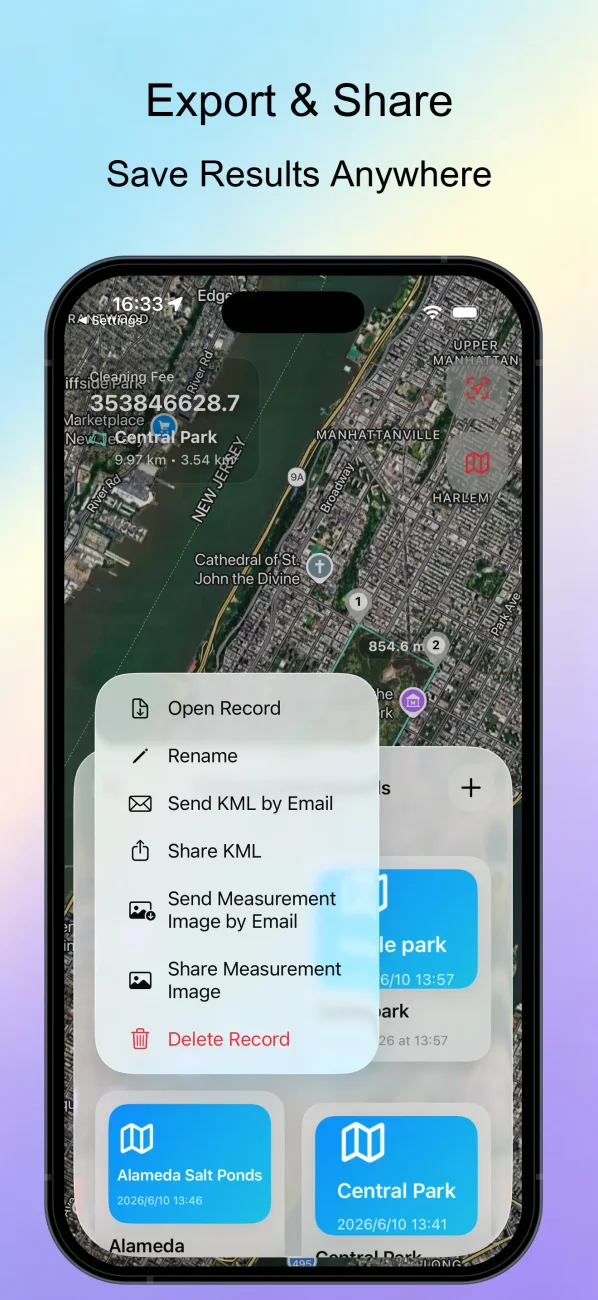
About
How many acres is your property?
What is the straight-line distance between Los Angeles and Las Vegas?
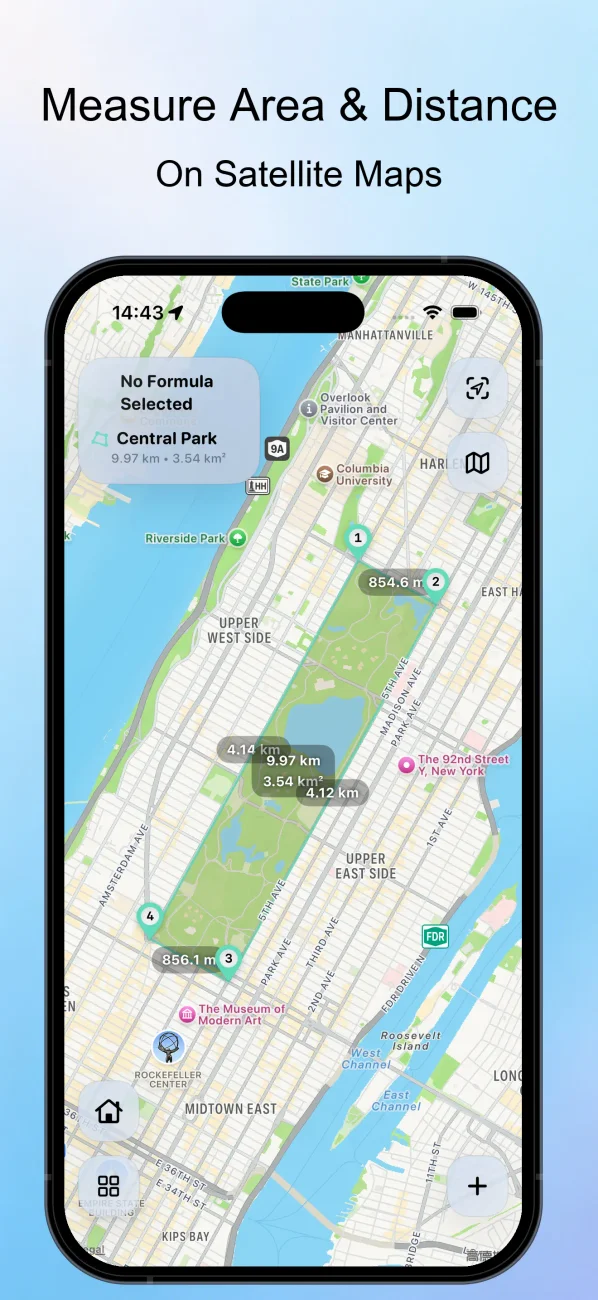
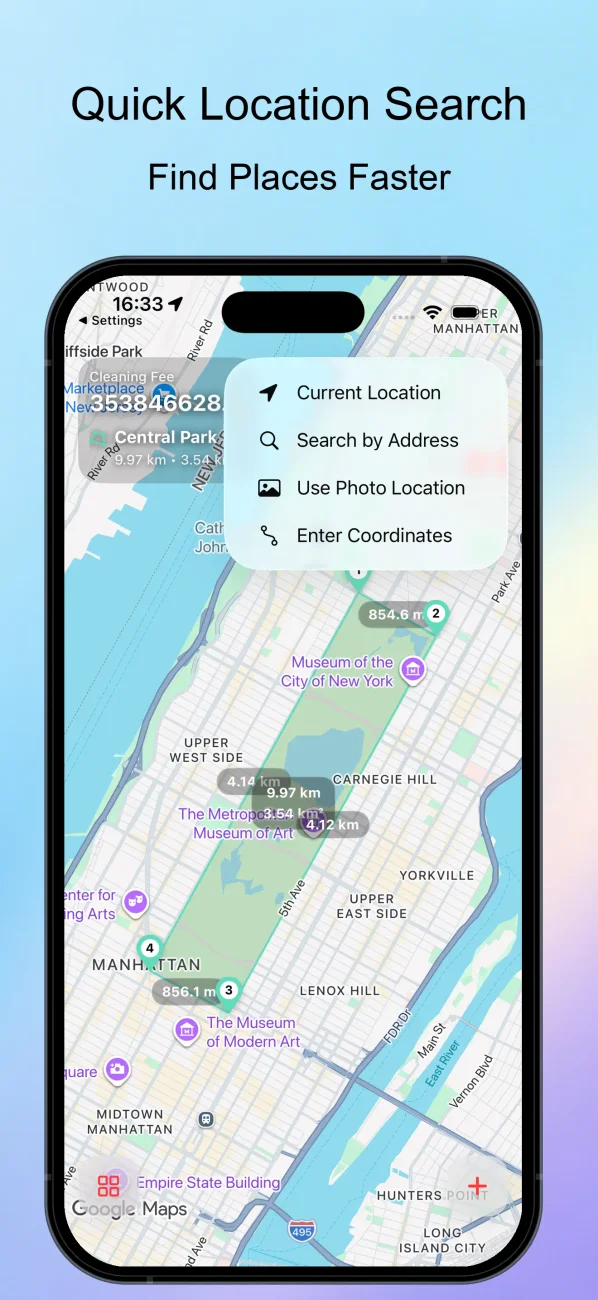
How large is Central Park?
How much roof space is available for a solar installation?
Map Measure makes it easy to measure distance, perimeter, and area directly on maps or images. Whether you’re managing farmland, planning a construction project, estimating solar panel coverage, or exploring the outdoors, Map Measure gives you accurate measurements in just a few taps.
MAP MEASUREMENT
Measure directly on interactive maps with professional-grade tools.
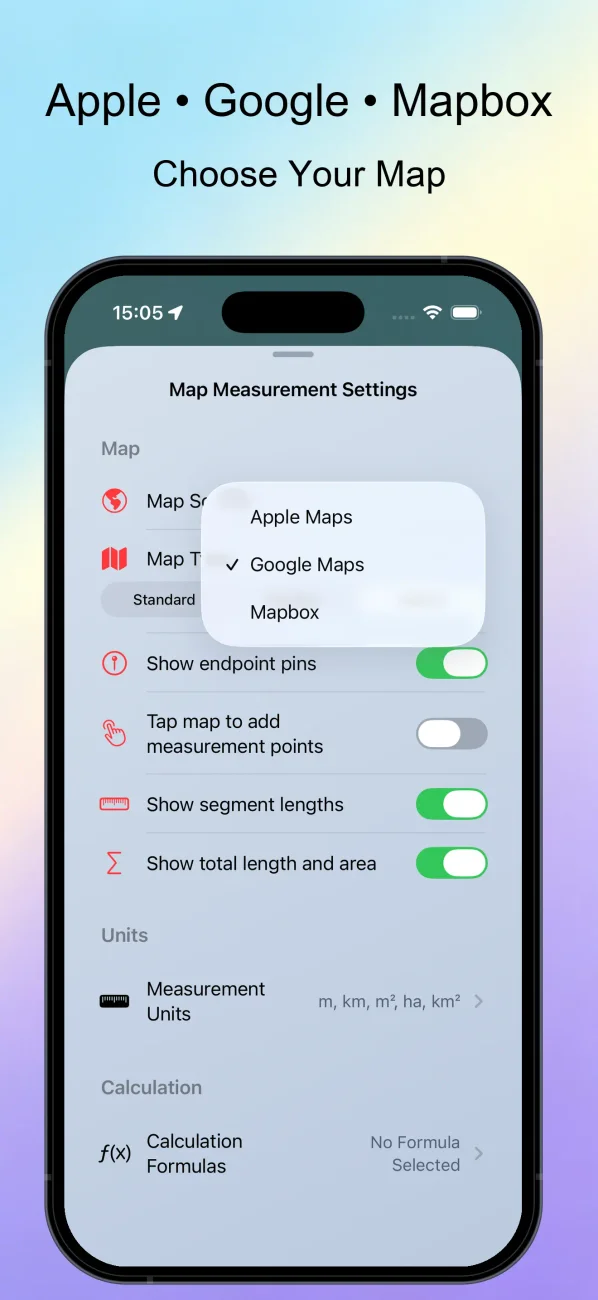
• Supports Apple Maps
• Measure distance, perimeter, and area
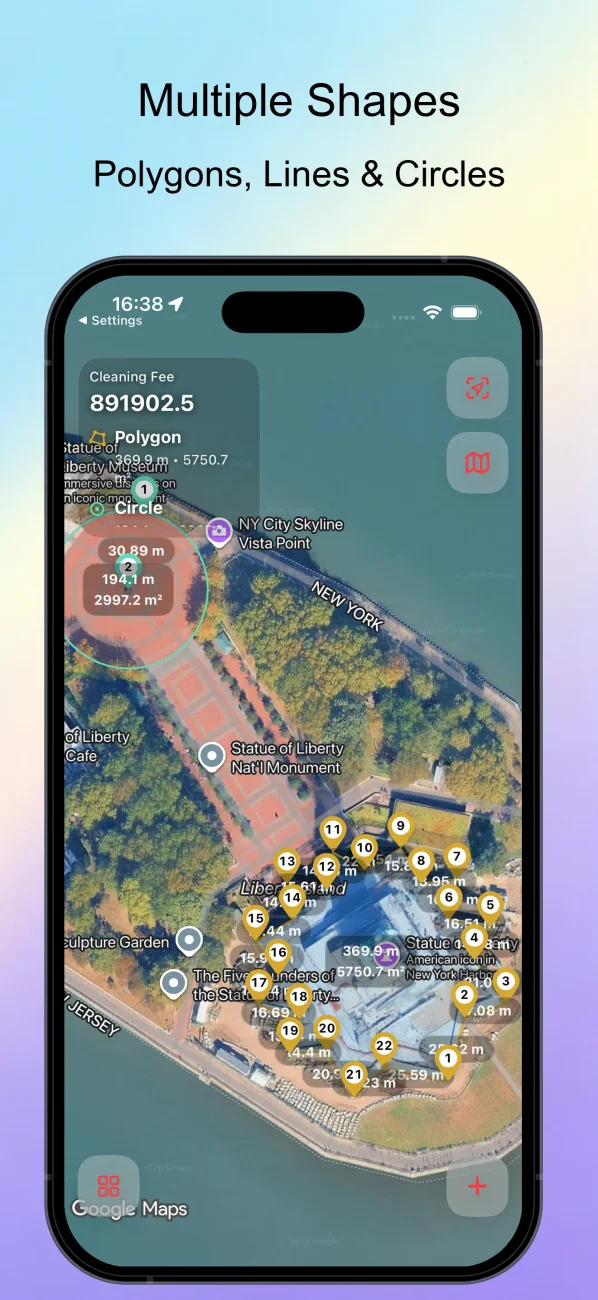
• Draw paths, polygons, circles, rectangles, and radial lines
• Search locations instantly
• GPS positioning and coordinate lookup
• Multiple map styles and satellite imagery
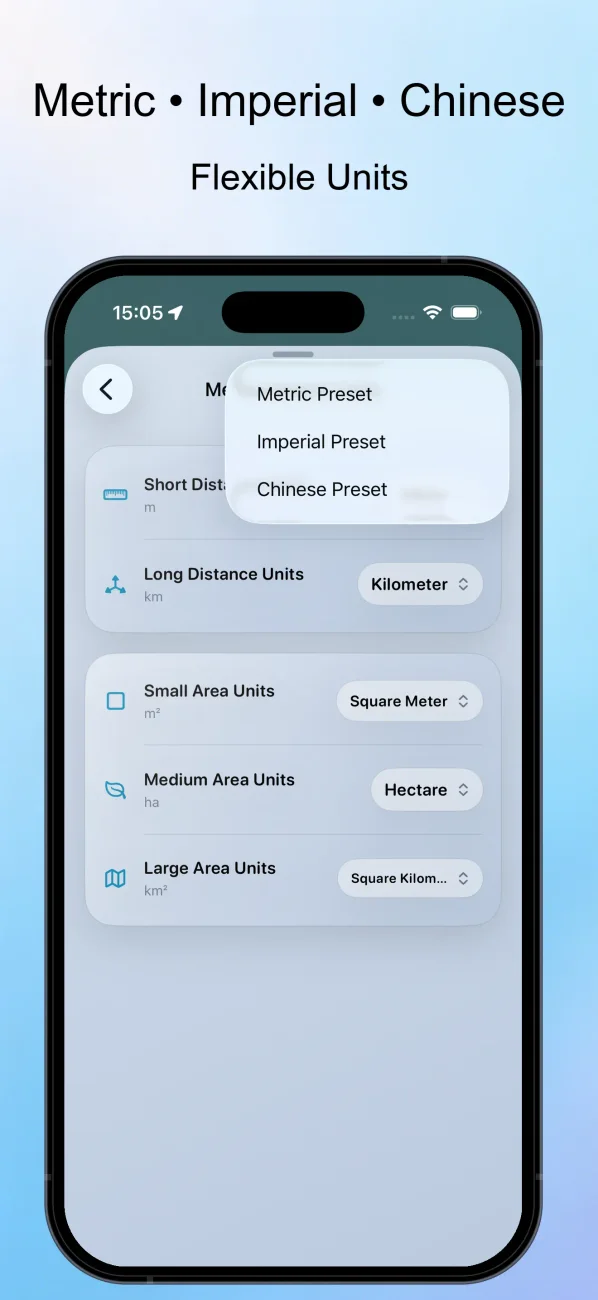
• Metric, Imperial, and custom units
• Built-in formulas for cost estimation and calculations
• Import, export, and share measurement projects
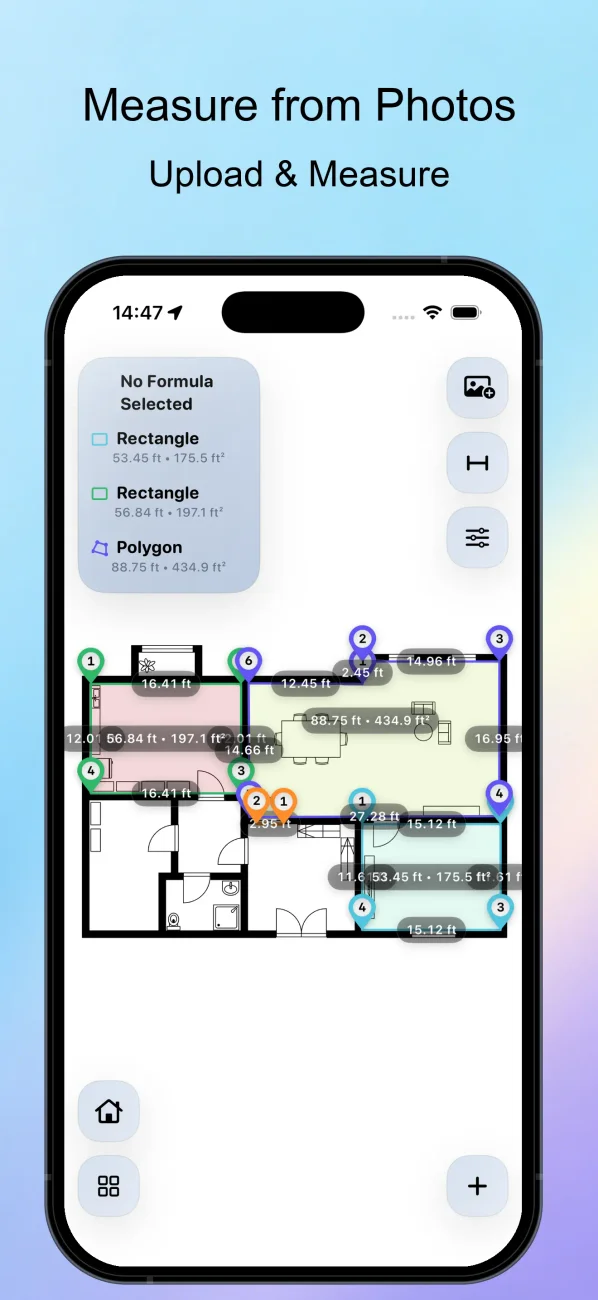
IMAGE MEASUREMENT
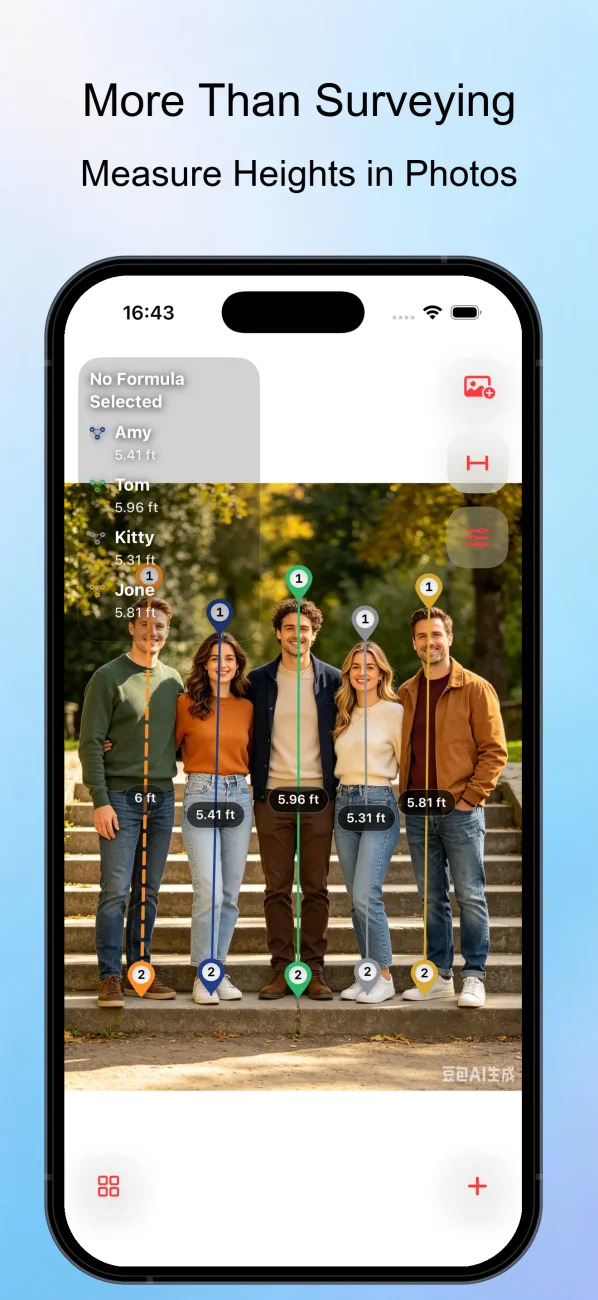
Measure directly from aerial photos, blueprints, diagrams, or any image.
• Import images from your device
• Calibrate using a known reference distance
• Automatically calculate accurate measurements
• Measure distance, perimeter, and area
• Draw polygons, circles, rectangles, and custom shapes
• Custom formulas for estimating materials, costs, and quantities
• Export and share results
PROFESSIONAL FEATURES
• Measure multiple shapes within a single project
• Quick tap placement or precision crosshair editing
• Visual project management and history
• Import and export project files
• Share measurements as images or files
PERFECT FOR
• Landowners and ranch managers
• Farmers and agricultural professionals
• Construction and engineering projects
• Solar panel planning and site assessment
• Property and real estate evaluation
• Landscaping and outdoor design
• Hiking, cycling, and route planning
• Surveying and mapping enthusiasts
SUPPORTED UNITS
• Feet, Miles, Yards
• Acres, Square Feet
• Meters, Kilometers
• Hectares
If Map Measure helps you with your work or outdoor adventures, please consider leaving a review. Your feedback helps us improve the app for everyone.
What’s new
Version 11.0 · Oct 23, 2026
- Map endpoint editing menu: nudge position / delete point / insert point before / insert point after / rename endpoint
- Four-direction nudge pad: move 1 pixel per tap
- Tap the formula result area to open the formula list directly
- Compatible with iPhone Duo (iOS 27.1)
- Fixed several bugs
App privacy
What 忠 张 declares on the App Store about how this app handles data.
-
Data not collected
The developer does not collect any data from this app.
Privacy practices may vary, for example with the features you use or your age.
Information
- Seller
- 忠 张
- Category
- Utilities
- Version
- 11.0
- Updated
- Oct 23, 2026
- Released
- May 10, 2015
- Size
- 47.8 MB
- Requires
- iOS 17.0 or later
- Age rating
- 4+
- Price
- Free
- Languages
- English, Simplified Chinese
- Copyright
- © Copyright (c) 2026 Zhong Zhang
You might also like
-
 Measure Map ProArea, distance and topography
-
 GPS Land Measurement & SurveyField Area & Distance Measure
-
 GPS Area MeasurementsGPS Area Measurements
-
 Measure MapSmart Tool For You
-
 Distance MeasureUtilities
-
 GLand: GPS Field Area MeasureField maps, Land measure, GPS
-
 Find Lot SizeMeasure distance and area
-
 Free Map ToolsMeasure Area, Distance & More
-
 GPS Fields Area Measure on MapCalculate Land Size & Distance
-
 Field Area Measure on GPS MapGPS Land & Area Calculator