
PlansMeal
Hands-Free Meal Planner
Designed for iPhone, iPad
Free · In-app purchases
- Age rating4+
- CategoryProductivity
- DeveloperSerhat Tunca
- LanguagesEnglish+ 3 more
- Size36.1 MB
Links to the official App Store page
Download.org hosts no file of PlansMeal. The button opens its official App Store page, published by Serhat Tunca. Listing last checked on Nov 23, 2026.
Screenshots



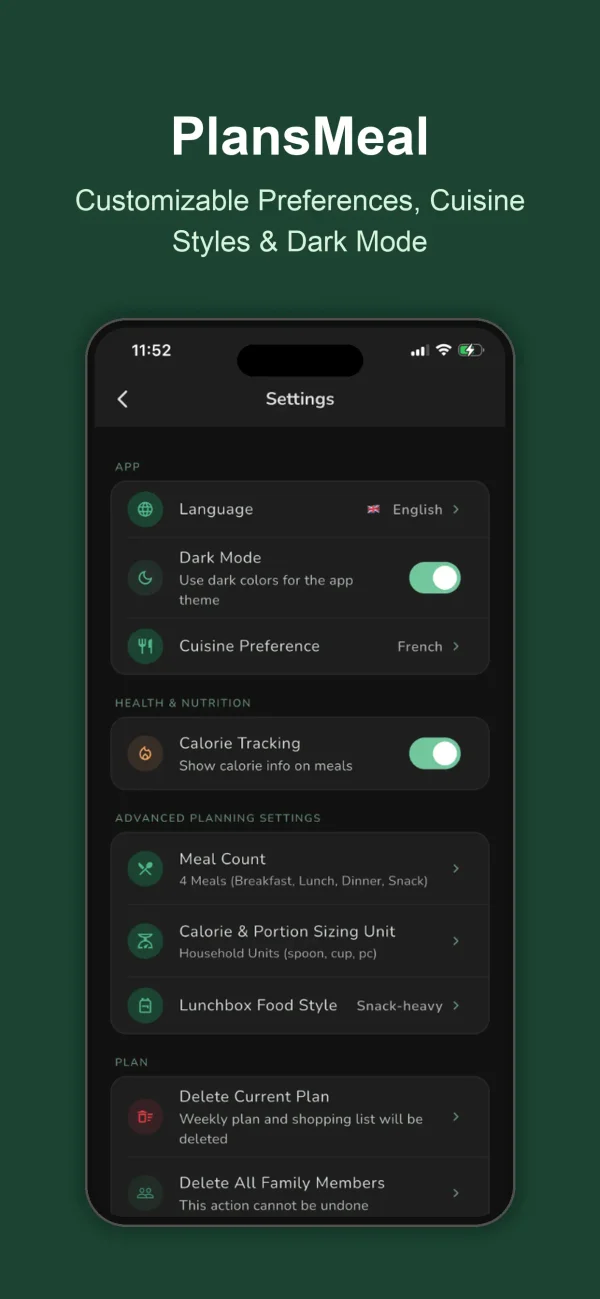
About
PlansMeal — Daily Planner, To-Do List, Calendar & Meal Assistant
Bring your daily tasks, calendar events, projects, and meal planning together in one clean, distraction-free app. PlansMeal helps you stay organized from morning routines to evening dinner prep.
Key Features:
• Smart Daily Overview: Track your daily focus, upcoming events, and top priorities at a glance.
• Natural Language Quick Add: Type naturally (e.g., "Tomorrow 14:30 Pay bills #Personal") to set dates, times, and categories instantly.
• Kanban Board & Custom Projects: Organize tasks across "To Do", "In Progress", and "Done" columns with drag-and-drop and custom categories.
• Sub-tasks & Recurring Routines: Add checklists, notes, and daily or weekly repeating schedules.
• Built-in Focus Timer: Start a 25-minute focus session directly on any task.
• Two-Way Calendar Sync: Switch between Monthly, Weekly, and Hourly timeline views synced with Google and Apple Calendar.
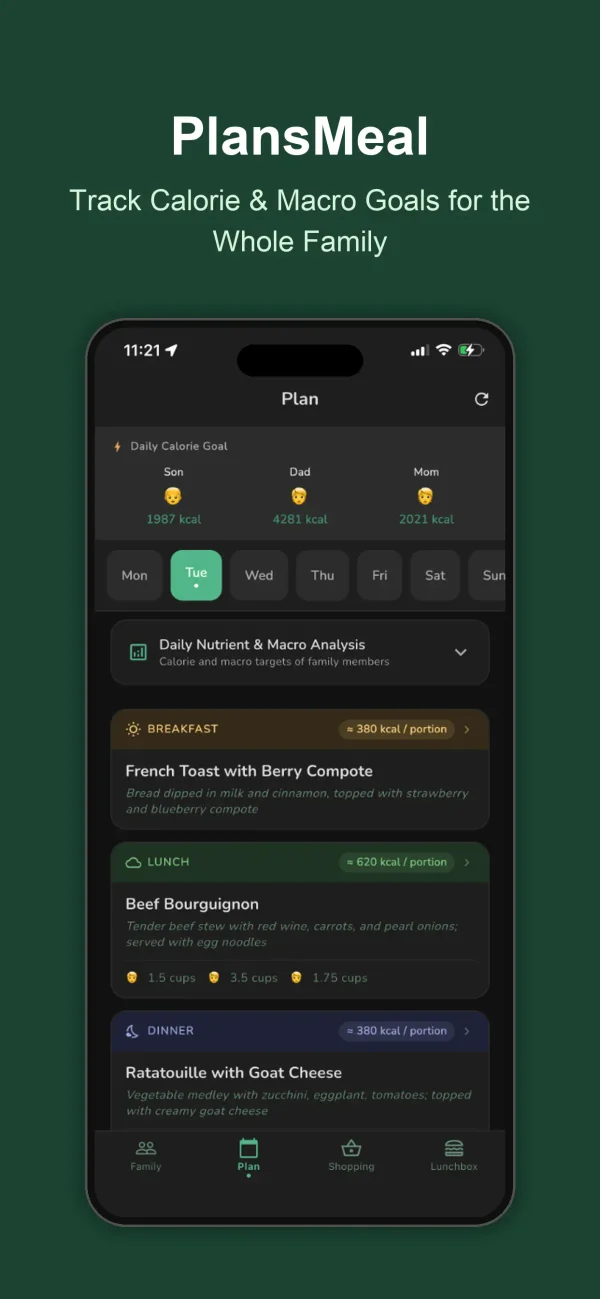
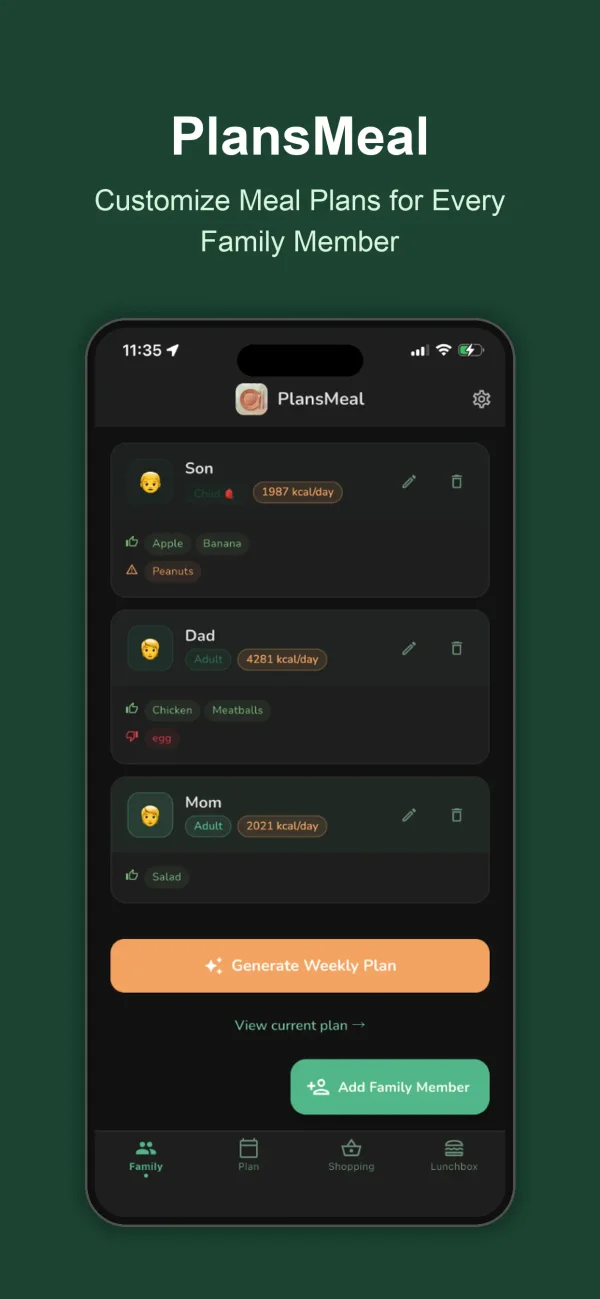
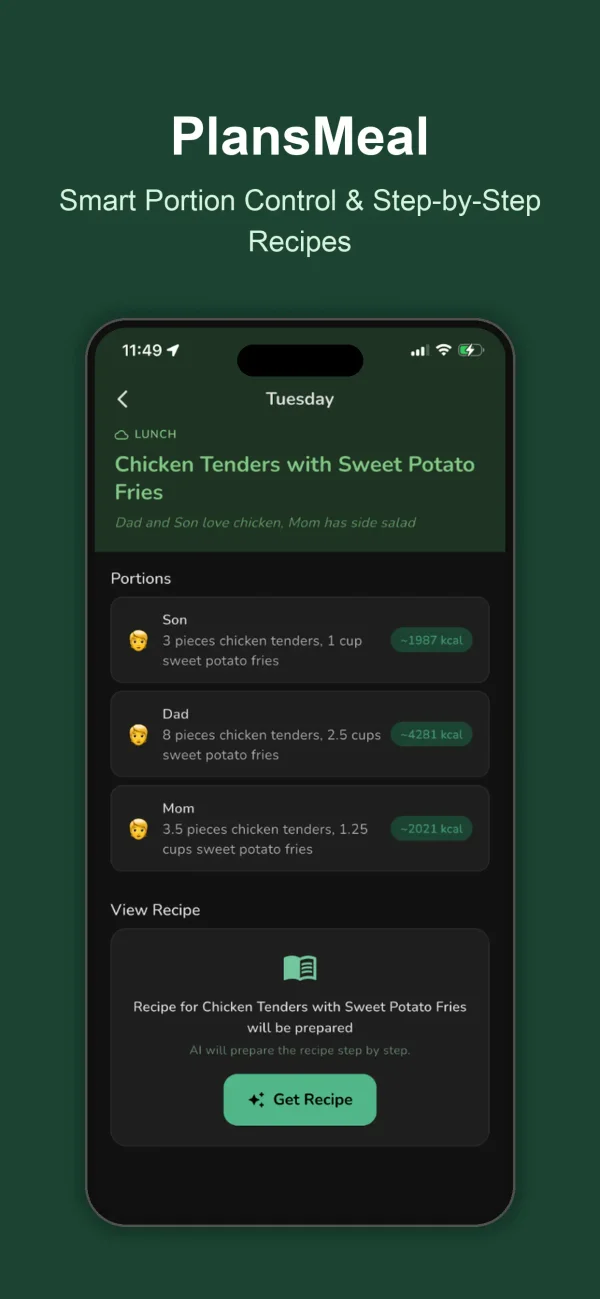
• Weekly Meal & Shopping Planner: Keep 7-day meal plans, smart grocery lists, and family nutrition profiles right where you need them.
• Gestures & Tablet Experience: Swipe to complete or postpone tasks, and enjoy a responsive split-screen layout on tablets.
Terms of Use (EULA): https://plansmeal.com/terms.html
What’s new
Version 2.0.1 · Nov 19, 2026
What's New in This Version
• Redesigned Home Screen: Clean summary cards for your daily focus and upcoming events, paired with a fresh, modern task layout.
• Smart Quick Add: Type naturally (e.g., "Tomorrow 14:30 Pay bills #Personal") to automatically set dates, times, and categories.
• Kanban Board (To Do / In Progress / Done): Organize and drag-and-drop your tasks across columns.
• Sub-tasks & Recurring Tasks: Break tasks into checklists, add notes, and set daily or weekly repeats.
• Focus Timer: Start a 25-minute focus session directly on any task.
• Enhanced Calendar & Two-Way Sync: Switch between Monthly, Weekly, and Hourly timeline views with two-way Google/Apple Calendar sync.
• Swipe Actions & Tablet Layout: Swipe to complete or postpone to tomorrow, plus a responsive split-screen layout for tablets in landscape mode.
App privacy
What Serhat Tunca declares on the App Store about how this app handles data.
-
Data not collected
The developer does not collect any data from this app.
Privacy practices may vary, for example with the features you use or your age.
Information
- Seller
- Serhat Tunca
- Category
- Productivity
- Version
- 2.0.1
- Updated
- Nov 19, 2026
- Released
- Jun 18, 2026
- Size
- 36.1 MB
- Requires
- iOS 17.6 or later
- Age rating
- 4+
- Price
- Free
- In-app purchases
- Yes
- Languages
- English, Russian, Spanish, Turkish
- Copyright
- © 2026 STS Bilgisayar
You might also like
-
 Fameal AI: Family Meal PlannerDinner Ideas & Grocery List
-
 Nom Nom JoyMeal Prep Made Joyful!
-
 momoChef: Recipes & MealsRecipe Keeper, Import & Cook
-
 PlanDinner: Weekly Meal PlansThe grocery list builds itself
-
 School Lunch Planner - PackPlan School Lunches With Ease
-
 Planr: Weekly Recipe PlannerAI Meal Plans & Shopping List
-
 TastySpread - Meal PlannerWeekly Recipes & Grocery List
-
 WeekPlate – Meal PlannerWeekly meals for your family
-
 MealMood: Family Meal PlannerPlan Your Meals, Share & Print
-
 Eatbook: Family KitchenAI Meal Planner & Recipes