Playbacks: AI Note Taker
Record. Transcribe. Ask AI
Designed for iPhone, iPad, iPod touch
Free · In-app purchases
- Age rating4+
- CategoryProductivity
- DeveloperPlaybacks
- LanguagesEnglish+ 7 more
- Size111.2 MB
Links to the official App Store page
Download.org hosts no file of Playbacks: AI Note Taker. The button opens its official App Store page, published by Playbacks. Listing last checked on Nov 23, 2026.
Screenshots

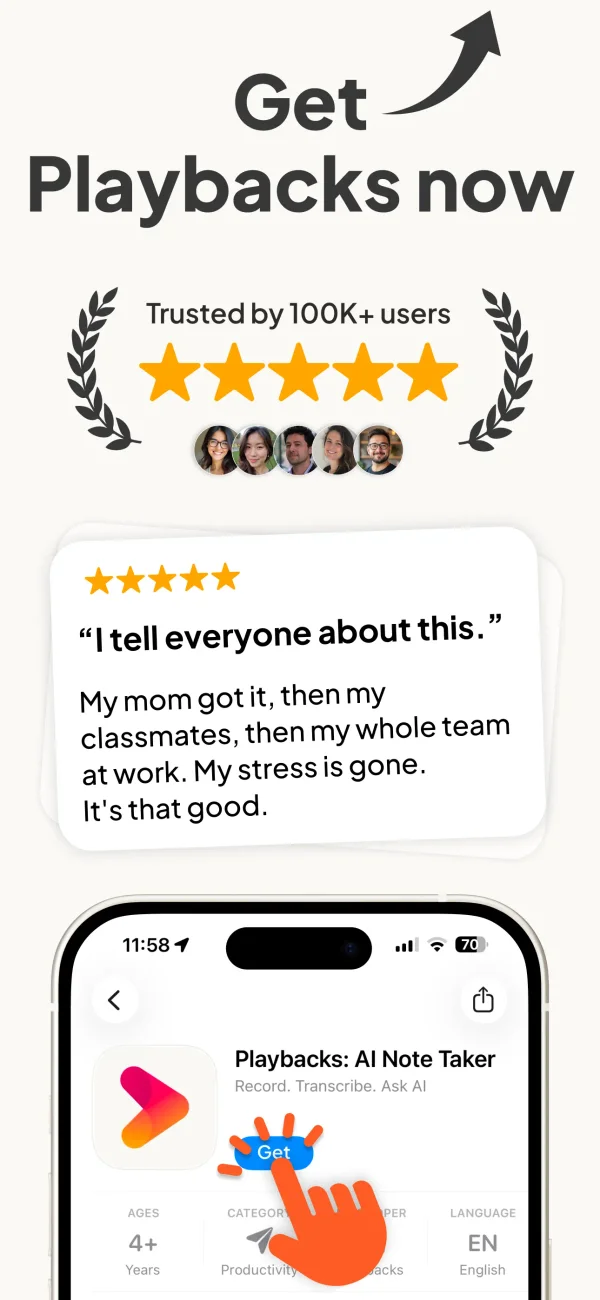
About
Playbacks is your all-in-one AI powered note taking assistant.
NEW: Summarize anything, not just audio. Add PDFs, slides, articles, YouTube videos, and photos on their own or attach them to a recording, and Playbacks folds everything into one summary you can chat with. Then turn any note into quizzes and flashcards, and challenge classmates and friends on the leaderboard.
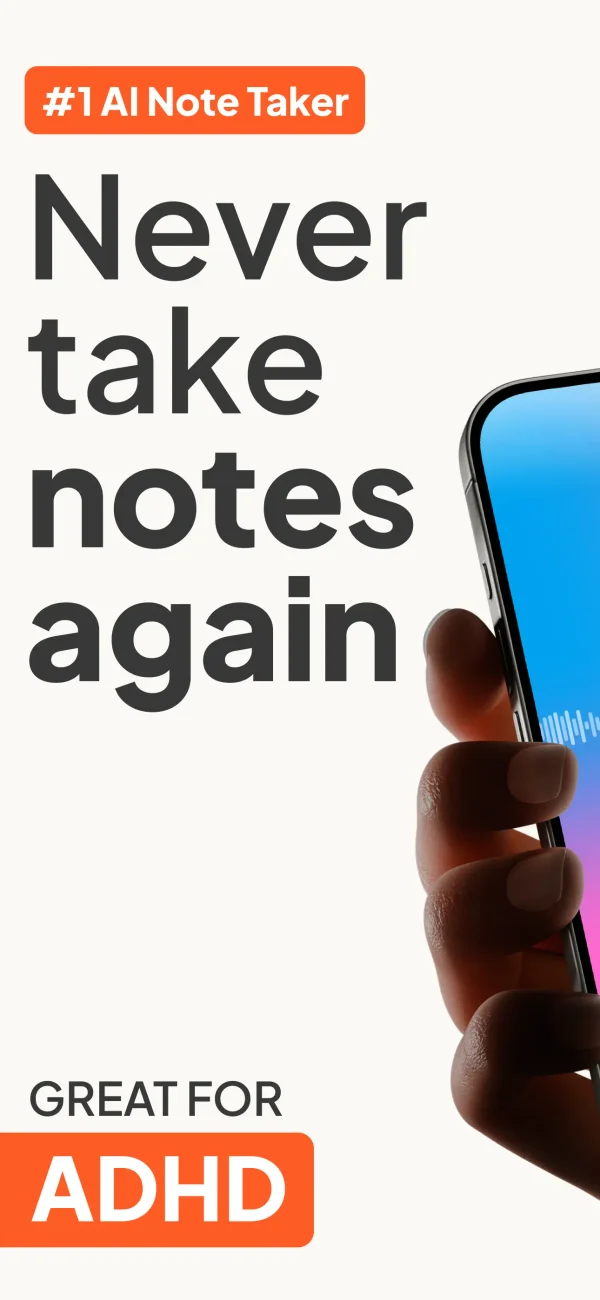
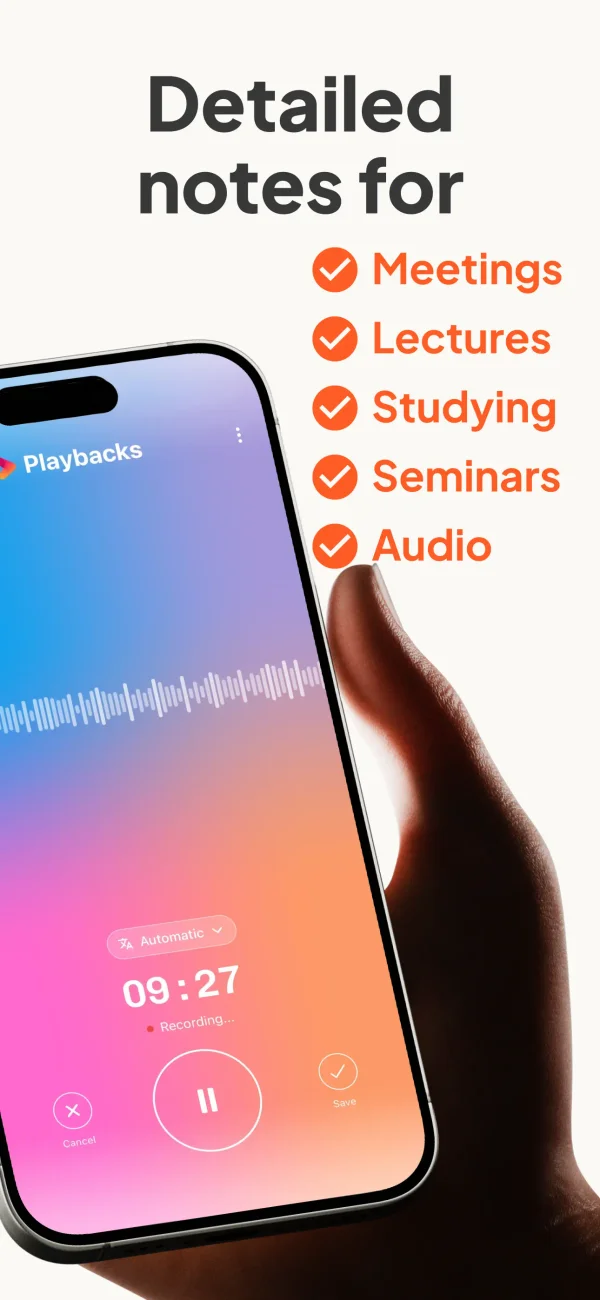
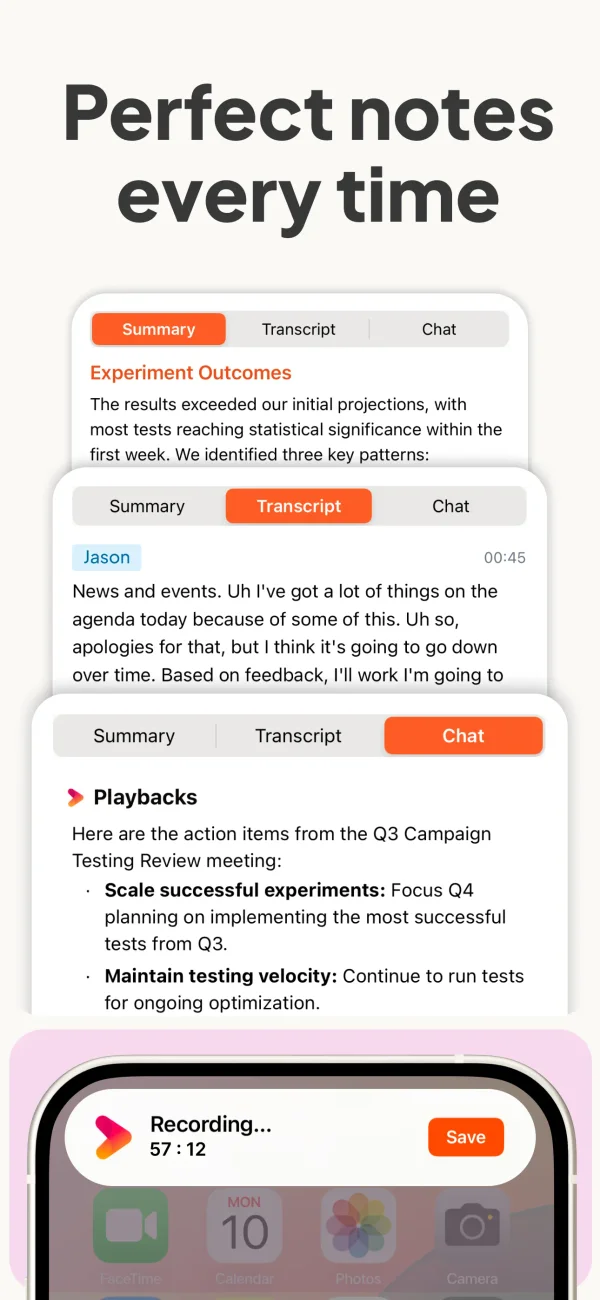
Whether you're in a meeting, class, interview, or watching a video, Playbacks captures every word, transcribes it with stunning accuracy, and delivers clear, organized notes - so you can stay focused instead of scribbling.
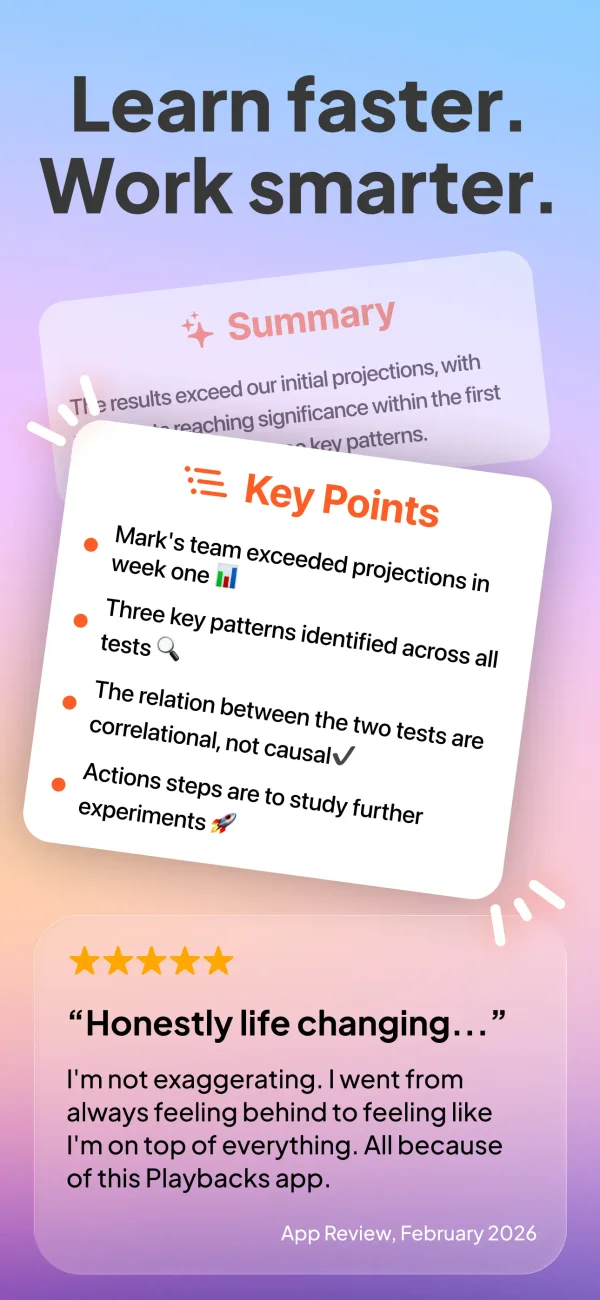
With one tap, Playbacks records your conversation and automatically generates word-for-word transcripts, clean summaries, and lets you ask the AI questions like: "What were the key action points?" or "Who mentioned the deadline?"
No recording? No problem. Upload an MP3, a PDF, a slide deck, or a photo, or paste a YouTube or article link, and Playbacks will instantly generate a summary and insights you can chat with.
Talk to your recordings. Tap once and start a live voice conversation with any meeting or lecture - ask questions out loud, get answers out loud, in real time. Debrief a meeting on your walk home, or turn any lecture into a study session.
Playbacks is built with privacy in mind - your recordings are stored securely, and we never sell your data.
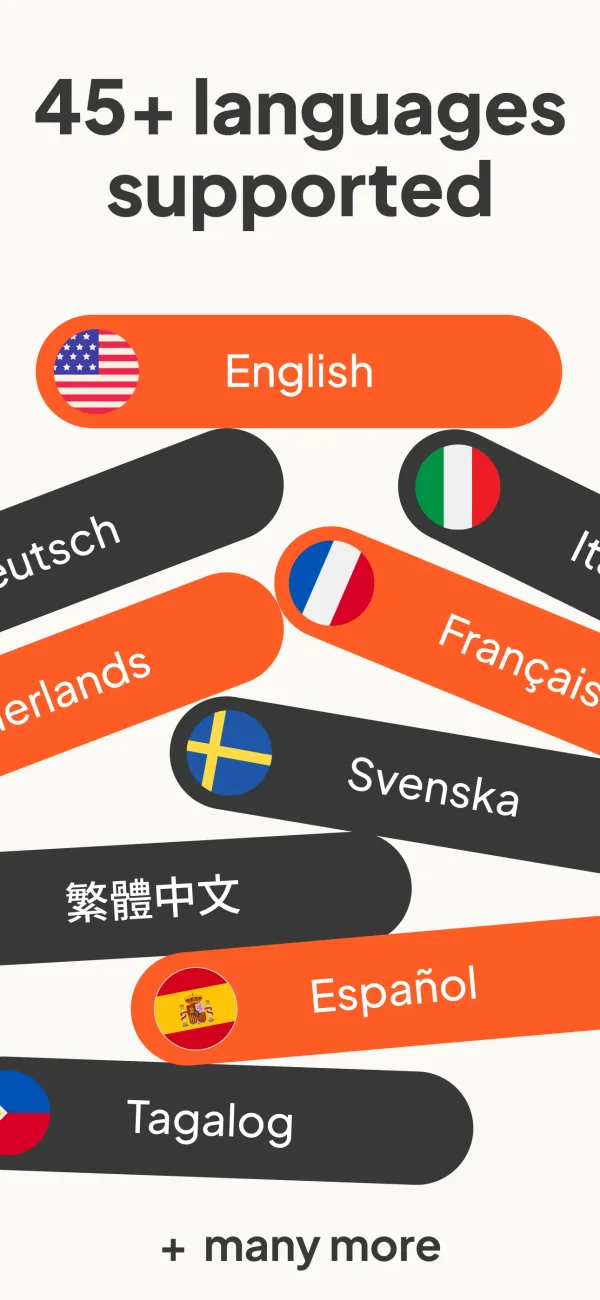
Playbacks transcribes and summarizes in dozens of languages, including English, Spanish, French, Arabic, Portuguese, Chinese, Hindi and many more. The app is available in English, Spanish, Portuguese, German, French, Dutch, Italian, and Japanese.
Playbacks is perfect for:
Combining a lecture with its slides and readings into one set of notes
Turning your notes into quizzes and flashcards before an exam
Talking through a meeting out loud instead of rereading it
Auto-generating meeting notes to share with your team
Turning lectures into searchable, beautiful transcripts
What you can do with Playbacks:
Sources & Uploads
Add PDFs, Word and PowerPoint files, text files, and photos - on their own or attached to any note
Add web articles, YouTube videos, MP3s, or a second recording
Scan book pages, handouts, and whiteboards with your camera
Update your summary to bring every source together
Ask the AI about anything in your sources
Quizzes & Flashcards
Generate quizzes and flashcards from any note or source
Share with classmates and friends, and compete on the leaderboard
Voice Conversations
Talk to any recording in a live voice conversation
Ask questions out loud and hear answers back
Review a lecture or debrief a meeting hands-free
Record & Transcribe
Record anything instantly with high quality audio
Get instant word level transcripts
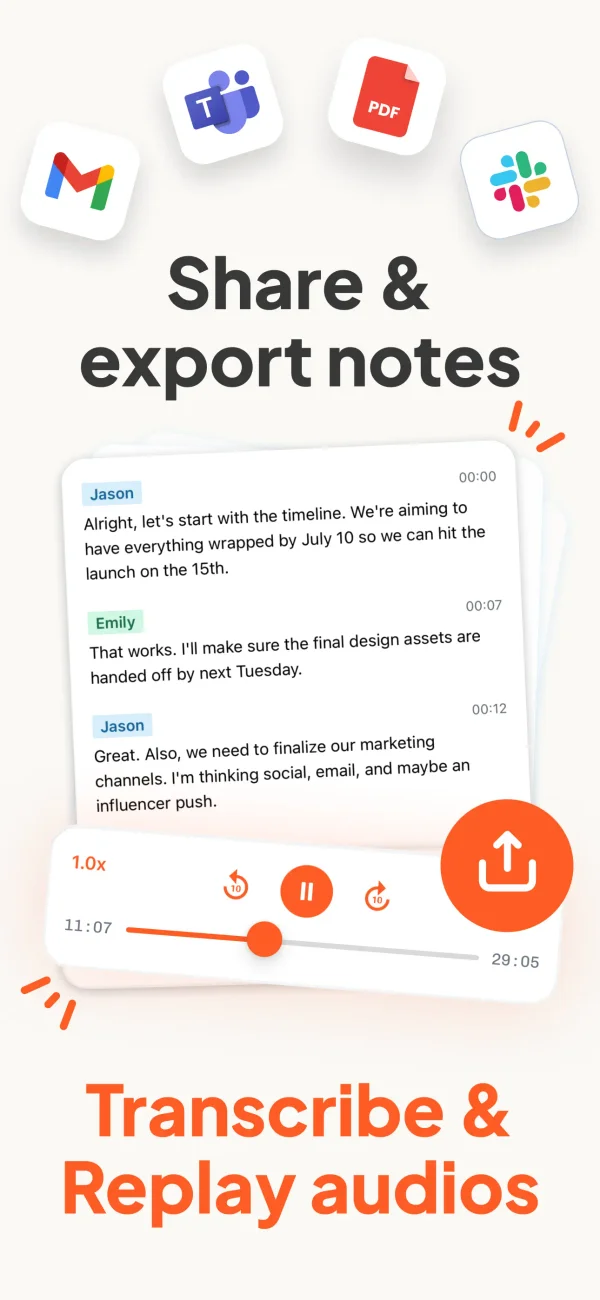
Speaker identification with timestamps
Automatic recovery if a recording is interrupted
Smart AI Summaries
Pull out action items, decisions, or mentions
Edit any summary to add detail or make corrections
AI Chat
Chat directly with your transcript and sources
Ask follow-up questions anytime, with your chat history saved
Playback That Keeps Up
Transcripts highlight in real time as the audio plays
Tap any timestamp to jump straight to that moment
Polished Notes
Clean formatting with punctuation + line breaks
Find any word or phrase in your transcript and summary
Adjustable text size for comfortable reading
Organize with tags
Export and share notes in seconds, or send a web link
Who is Playbacks for?
Working professionals
Students and grad researchers
Interviewers and journalists
Educators and lecturers
Doctors, therapists, and patients
Church attendees and spiritual leaders
Content creators and podcasters
Remote teams, freelancers, consultants, and coaches
Test preppers and self-learners
Playbacks is the fastest way to go from raw audio and documents to organized notes you can actually talk to - and study from.
Terms Of Use: https://www.playbacks.ai/terms
Privacy Policy: https://www.playbacks.ai/privacy
What’s new
Version 3.2.5 · Nov 18, 2026
Hi Playbacks family! Playbacks isn't just for recordings anymore.
Summarise Anything - Not Just Audio
Your best material doesn't always start with a recording. Now you can add PDFs, Word and PowerPoint files, web articles, YouTube videos, and photos straight into Playbacks, right alongside your audio recordings. Playbacks summarises each one, and you can chat with it just like you would with a recording.
For students: drop in the lecture slides, the assigned reading, or that two-hour YouTube lecture, and get clear notes in minutes. Snap a photo of the whiteboard or a textbook page and ask the chat to explain the parts that didn't click.
For work: add the report, the deck, or the article everyone's talking about, and get the key points without reading the whole thing. Ask the chat for the numbers, the decisions, or the one slide that matters.
Mix and match: combine files, links, and recordings in one note, and your summary and chat cover all of it.
Quizzes & Flashcards - Study Smarter
Turn any note into a study session. Generate quizzes and flashcards from your recordings and sources to test what you know and make it stick. Share them with classmates and friends, and see who tops the leaderboard.
Enjoy the update!
App privacy
What Playbacks declares on the App Store about how this app handles data.
-
Data used to track you
May be used to track you across apps and websites owned by other companies.
- Purchases
- Identifiers
- Usage data
-
Data linked to you
May be collected and linked to your identity.
- Purchases
- Contact info
- User content
- Identifiers
- Usage data
-
Data not linked to you
May be collected but is not linked to your identity.
- Identifiers
Privacy practices may vary, for example with the features you use or your age.
Information
- Seller
- ATTN Labs Inc
- Category
- Productivity
- Version
- 3.2.5
- Updated
- Nov 18, 2026
- Released
- Jul 7, 2025
- Size
- 111.2 MB
- Requires
- iOS 15.1 or later
- Age rating
- 4+
- Price
- Free
- In-app purchases
- Yes
- Languages
- English, Dutch, French, German, Italian, Japanese, Portuguese, Spanish
- Copyright
- © ATTN Labs Inc
You might also like
-
 Cockatoo: AI Note TakerMeeting Recorder, Lectures
-
 Flownote - AI Note TakerTranscribe, Record Voice Audio
-
 Minutes: AI Meeting Note TakerTranscribe, Record Voice Audio
-
 HyNote: AI Note Taker, SummaryAI Notebook, AI Meeting Notes
-
 Voicenotes AI Notes & MeetingsRecord. Transcribe. Ask AI.
-
 Cluely: AI NotetakerInstant, detailed AI notes
-
 AI Note Taker: Meeting MinutesTranscribe audio to text, note
-
 Humanize AI: Paraphrase ToolsAI Detector, Reword & Rewrite
-
 Wrk ReceiptsWorkplace Documentation
-
 Summary - AI Note TakerTranscribe audio to text