
Shellward: SSH Client & SFTP
The AI-native terminal
Designed for iPhone, iPad
Free · In-app purchases
- Age rating4+
- CategoryDeveloper Tools
- DeveloperLayton Labs AB
- LanguagesEnglish+ 23 more
- Size90.1 MB
Links to the official App Store page
Download.org hosts no file of Shellward: SSH Client & SFTP. The button opens its official App Store page, published by Layton Labs AB. Listing last checked on Nov 20, 2026.
Screenshots

About
Your servers, in your pocket. Shellward is the most powerful SSH client and push notification platform for iPhone, iPad, and Apple Watch. Spin up a terminal in seconds, or say what you want done and let it run the session.
MADE FOR iPHONE DUO
Unfold for a bigger terminal: run two sessions side by side or stacked, drag the divider to resize, and switch panes from the keyboard. Split view works on iPad too.
COMMAND AGENT
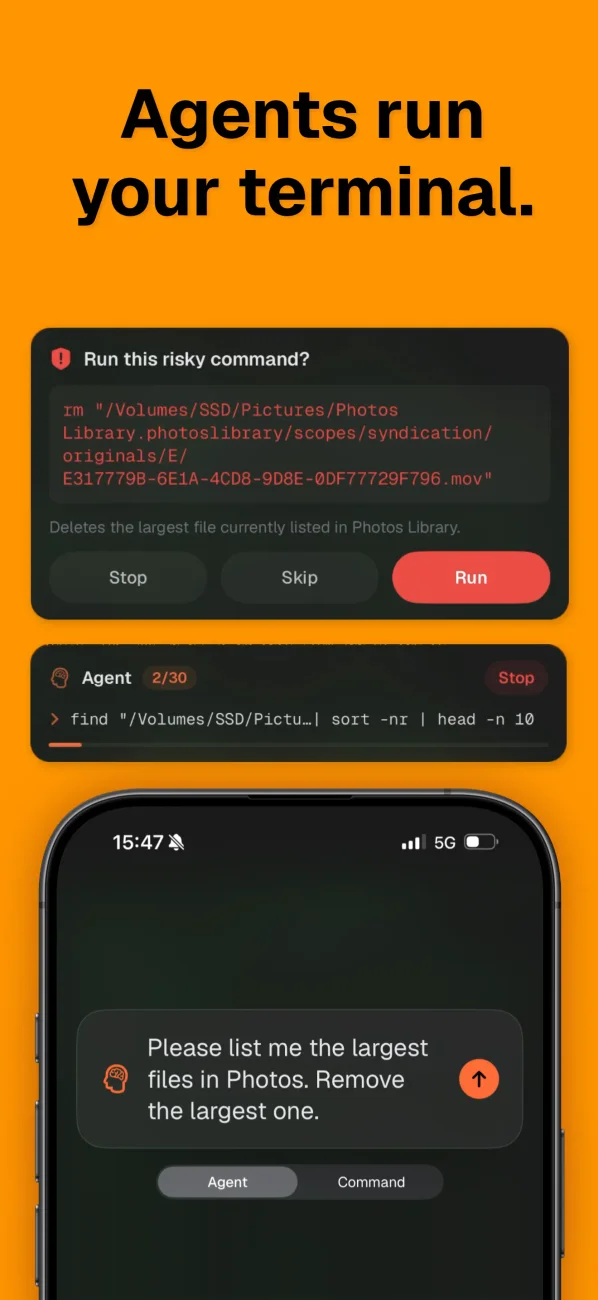
Describe a task in plain English and Shellward runs the SSH session for you: planning, dispatching, reading output, and adjusting as it goes. It asks on real decisions and stops before anything destructive. Launch it from the Spotlight launcher or any terminal.
SSH & TERMINAL
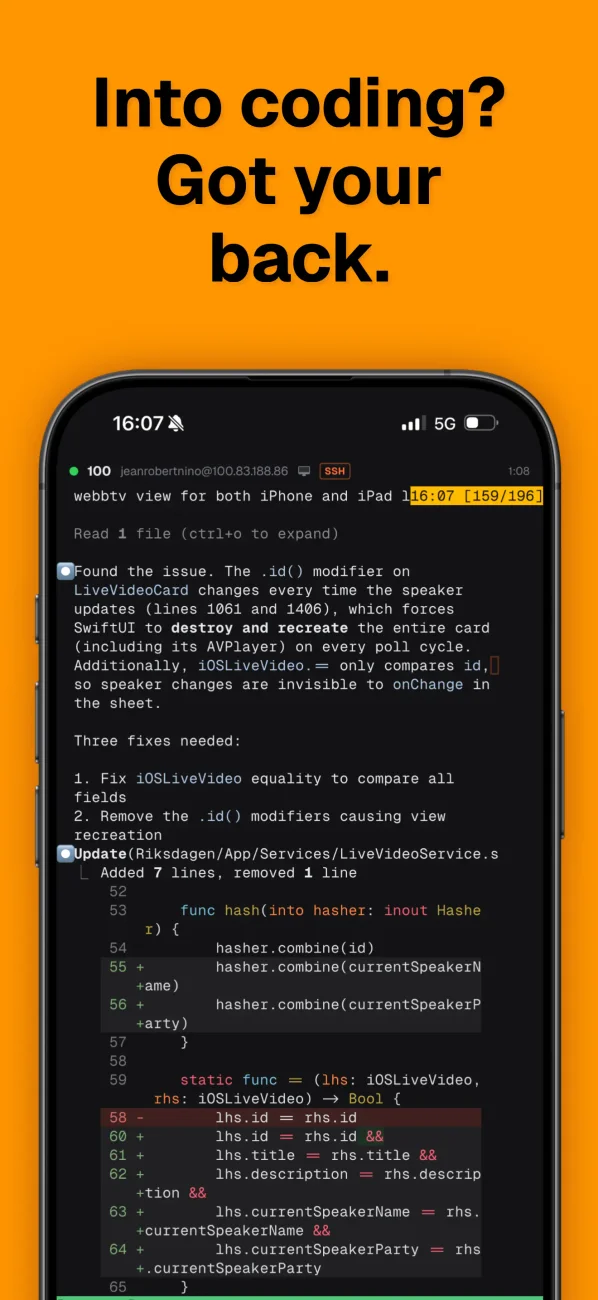
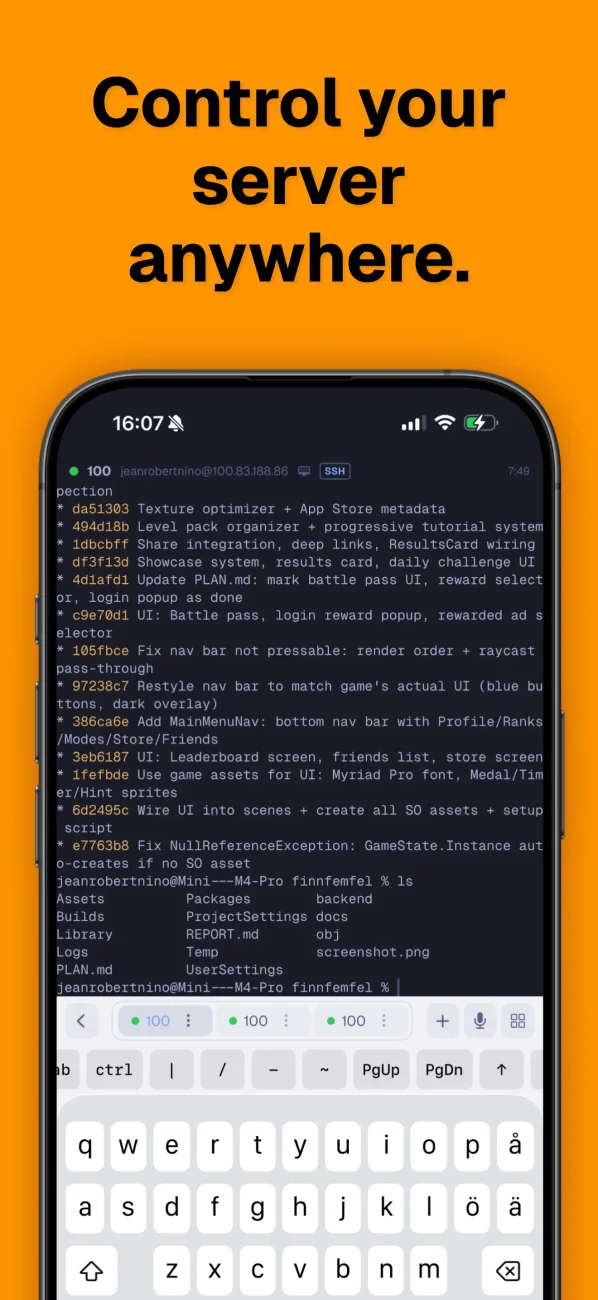
A real terminal: full ANSI color, true emulation, and good-looking themes. Connect with SSH or Mosh. Mosh keeps sessions alive through subway tunnels and cellular handoffs. Jump hosts, SSH config import, and live port forwarding you can edit mid-session. Plus CRT mode, keyboard reordering, and saved snippets.
REMOTE DESKTOP
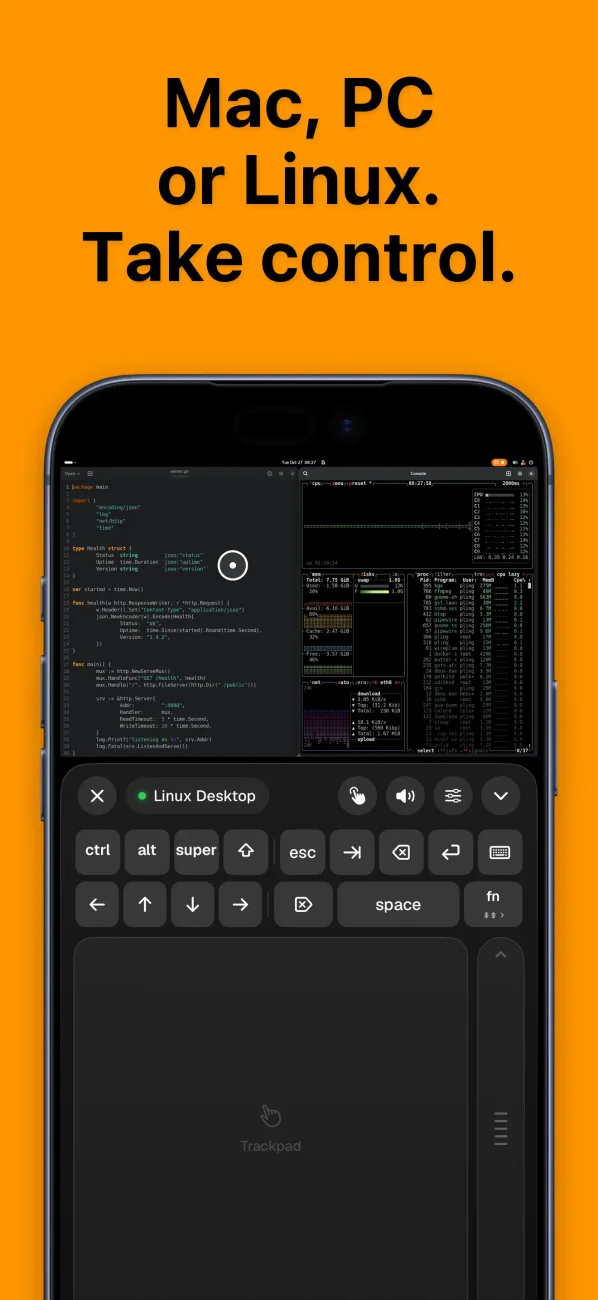
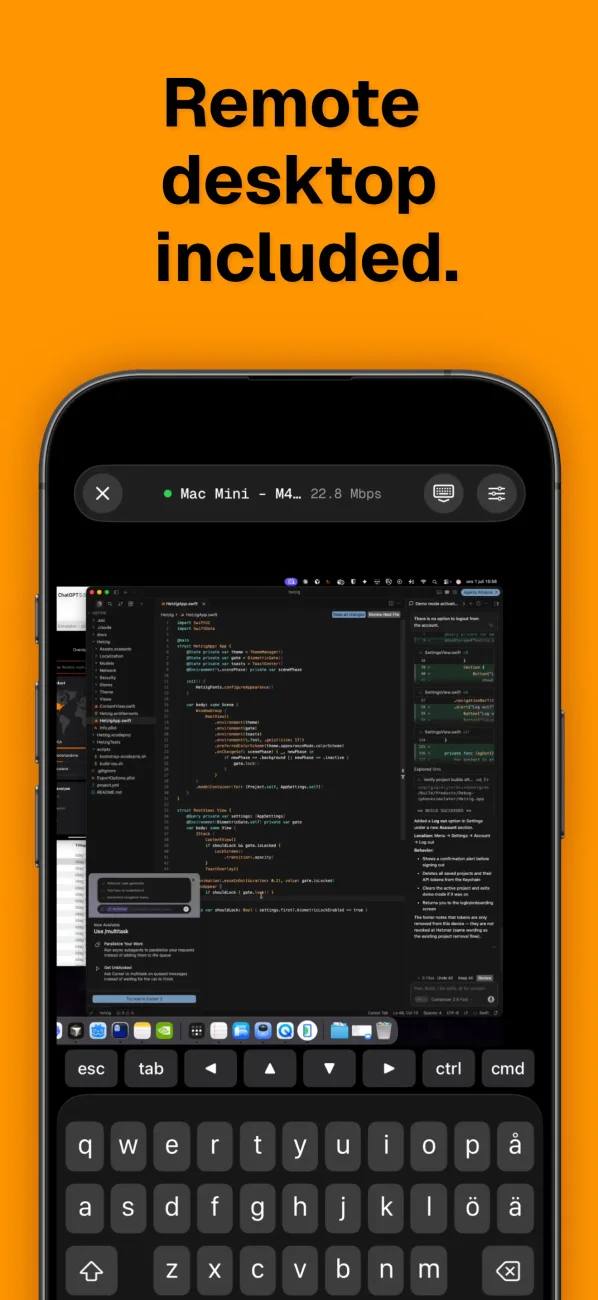
Stream and control a host's full graphical desktop in-app over hardware-accelerated H.264. Move the pointer, type on-screen, pinch to zoom, and tune resolution, frame rate, and bitrate.
PUSH NOTIFICATIONS
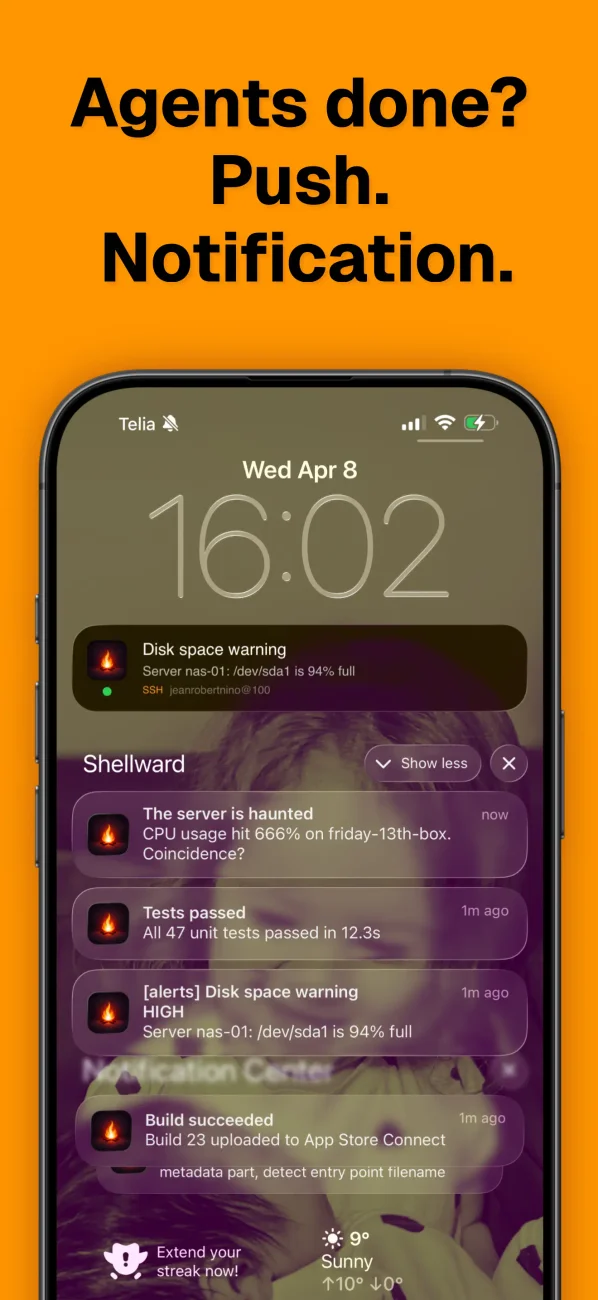
Hook up servers, scripts, and CI with one HTTP request. Custom channels, low-to-critical priorities, and action URLs to a runbook. End-to-end encrypted, delivered even when the app is closed.
AI COMMANDS & VOICE
Forget a flag? Generate commands with AI tuned to your setup, or speak them on-device with Whisper or Apple Speech. Add photos or files for context.
SERVER MONITORING
Watch CPU, memory, disk, network, and uptime live via our agent or over SSH. Set thresholds and get pushed the moment a box runs hot.
SFTP FILE MANAGER
Browse, upload, download, and edit remote files natively. Preview images, PDFs, and docs. Search the directory and multi-select for bulk delete or downloads.
WAKE ON LAN
Power on a sleeping machine remotely. The magic packet is sent directly or via another host, with live status until it wakes.
SESSIONS & HOSTS
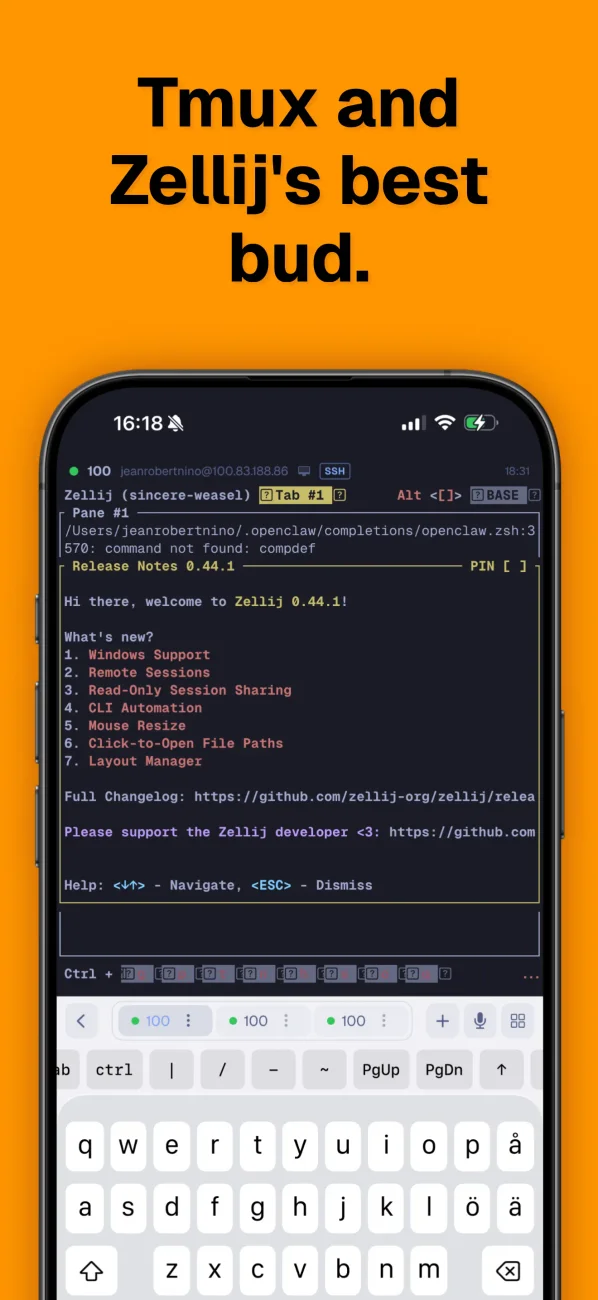
Every host card shows live reachability, plus a badge when the agent is installed. Session recording and live sharing to pair in real time. Tap a host with a tmux or zellij session running and you jump back in instead of duplicating it. Save a Workspace; hosts plus their sessions; and restore it on any synced device. Batch commands and schedule recurring jobs 24/7.
SECURITY
Keys and credentials live in Keychain, behind Face ID or Touch ID, with auto-lock, host verification, and fingerprint management. Optionally sync SSH keys and passwords via your account, with an audit screen for what syncs and what stays local.
YOUR SHELLWARD ACCOUNT
Sign in with Apple or Google to your own account; link both or merge duplicates. Your hosts, keys, and settings sync across devices, and you can now use Shellward on the web.
APPLE WATCH, WIDGETS & SIRI
Triage notifications, check status, and run commands from your wrist with iPhone nearby; complications show unread counts. Pin hosts to your Home Screen and ask Siri if prod is up.
FREE FEATURES
• 3 concurrent SSH sessions
• 5 saved hosts
• SSH and Mosh connections
• SFTP file browsing
• 8 terminal themes
• Voice input
• Local network discovery
SHELLWARD PRO
• 10 concurrent sessions
• Unlimited saved hosts
• Push notifications with custom channels
• API token for integrations
• Unlimited scheduled commands
• Unlimited AI command generation and Command Agent
• All premium themes and CRT effects
• Session sharing
• Server monitoring with agent and alerts
• Docker container control
• Email digests
• Critical alerts and notification rules
• Workspaces: save and restore host + session bundles
• Shellward Account sync for hosts, keys, snippets, and workspaces
An SSH-accessible server is required for terminal features.
Terms of Use: https://www.apple.com/legal/internet-services/itunes/dev/stdeula/
Privacy Policy: https://shellward.app/privacy.txt
What’s new
Version 2.10.11 · Nov 19, 2026
The Reliability Update
Sessions and shares that keep going.
Sharing That Keeps Going
A shared session no longer stops when you leave Shellward. If it runs in tmux or zellij on a computer with the Shellward agent, that computer takes over and your viewers keep a live terminal until you're back. On iOS 26 and later, Shellward can also keep sharing in the background while iOS allows it. When neither is possible, viewers keep the last screen and the same link picks up again when you return. A dropped connection now pauses a share instead of ending it, and the share sheet tells you what viewers will see while you're away.
Screen for Windows PCs
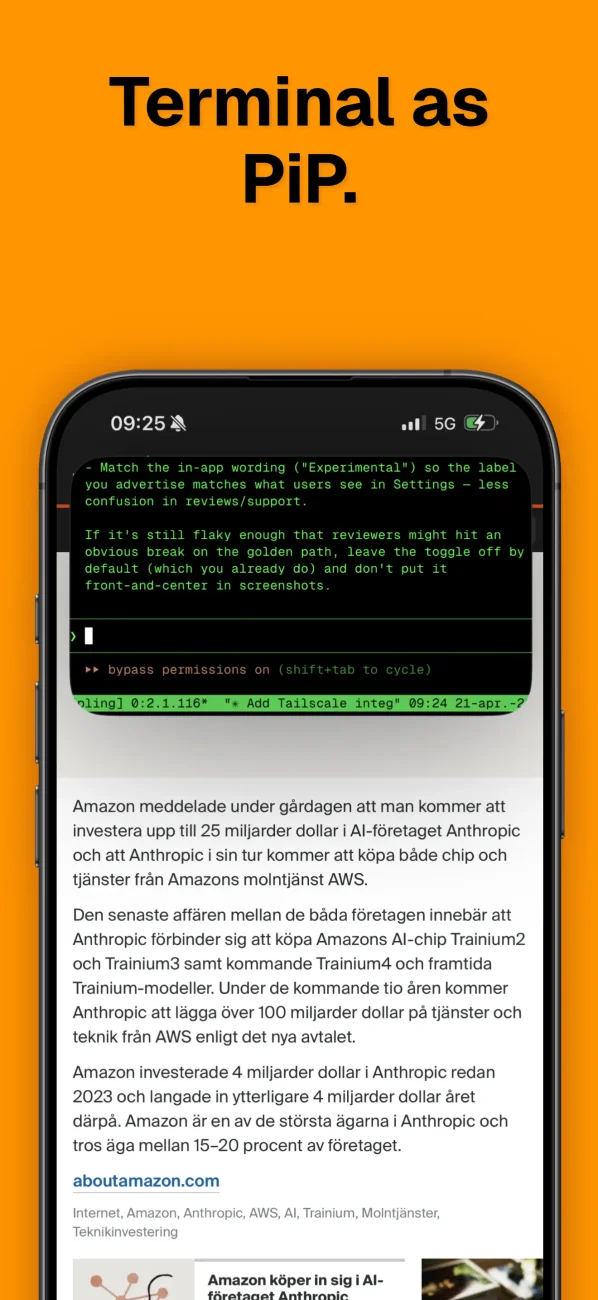
Use a hardware keyboard and mouse with a Windows PC, turn on game mode for games, and let the resolution setting switch the PC's display mode. Picture in Picture now starts by itself only if you turn that on in the Screen settings. When a computer's SSH server doesn't allow tunnels, Screen says so and tells you how to allow them.
Containers, Snippets and Attachments
Containers work whatever the host runs. Snippets run on Windows hosts, and attachments upload to Windows, macOS and Linux.
Push and Terminal
The Push list and the expanded notification are clearer, and refresh works as it should. Terminals are more reliable on Windows hosts and on iPad.
App privacy
What Layton Labs AB declares on the App Store about how this app handles data.
-
Data linked to you
May be collected and linked to your identity.
- Purchases
- Contact info
- Identifiers
-
Data not linked to you
May be collected but is not linked to your identity.
- Location
- Diagnostics
Privacy practices may vary, for example with the features you use or your age.
Information
- Seller
- Layton Labs AB
- Category
- Developer Tools
- Version
- 2.10.11
- Updated
- Nov 19, 2026
- Released
- Apr 14, 2026
- Size
- 90.1 MB
- Requires
- iOS 17.0 or later
- Age rating
- 4+
- Price
- Free
- In-app purchases
- Yes
- Languages
- English, Arabic, Czech, Dutch, Finnish, French, German, Greek, Hebrew, Hindi, Indonesian, Italian + 12 more
- Copyright
- © 2026, Layton Labs
You might also like
-
 WhisperCodeOpenCode + speech-to-text
-
 Supanow: Supabase DashboardDatabase Data Anytime Anywhere
-
 Cloudflare RemoteDNS Manager, Firewall & SSL
-
 SSH Client - Secure ShellFishTerminal, Files & Finder
-
 Moshi: herdr/tmux on SSH/MOSHAgent terminal for Codex CLI
-
 Termix: SSH Client & TerminalMost powerful SSH, SFTP client
-
 Vicoa: Claude Code & Codex IDEVibe Code Anywhere, AI Agents
-
 Termix - Remote AccessSSH & Remote Desktop Manager
-
 Supabase GoDeveloper Tools
-
 Vibecode AI Website BuilderVibe Code Web App Publisher