Plinth Player
Stream your own music library
Designed for iPhone
Free · In-app purchases
- Age rating4+
- CategoryMusic
- DeveloperZielsdorf Solutions
- Size3.9 MB
Links to the official App Store page
Download.org hosts no file of Plinth Player. The button opens its official App Store page, published by Zielsdorf Solutions. Listing last checked on Nov 16, 2026.
Screenshots
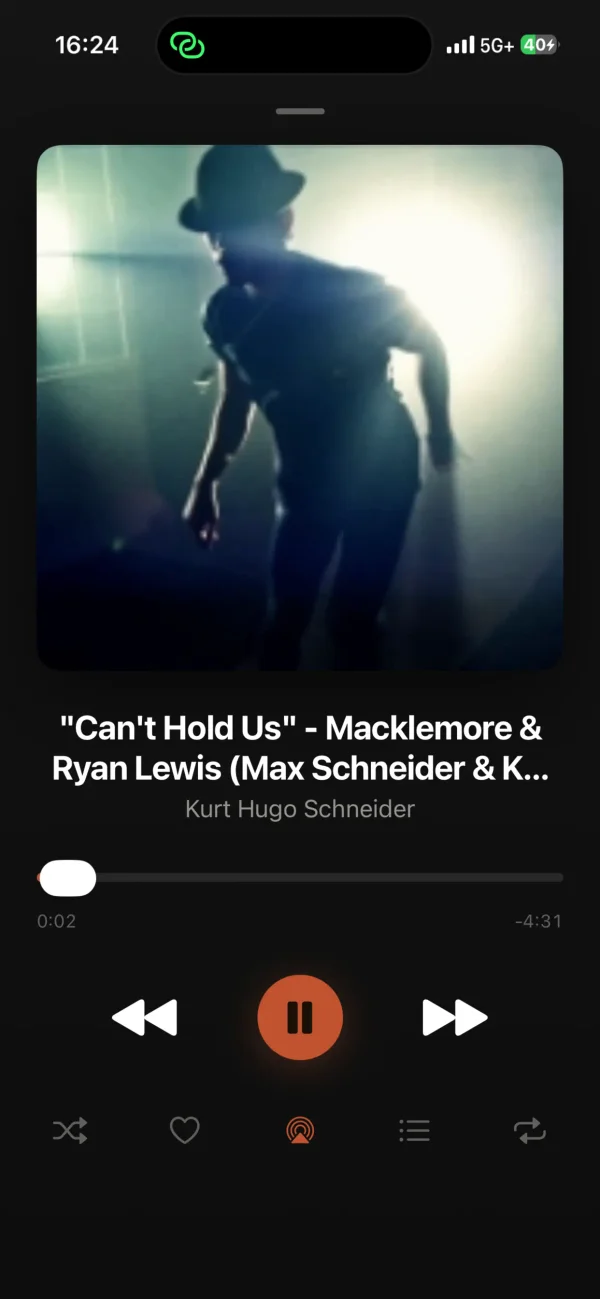
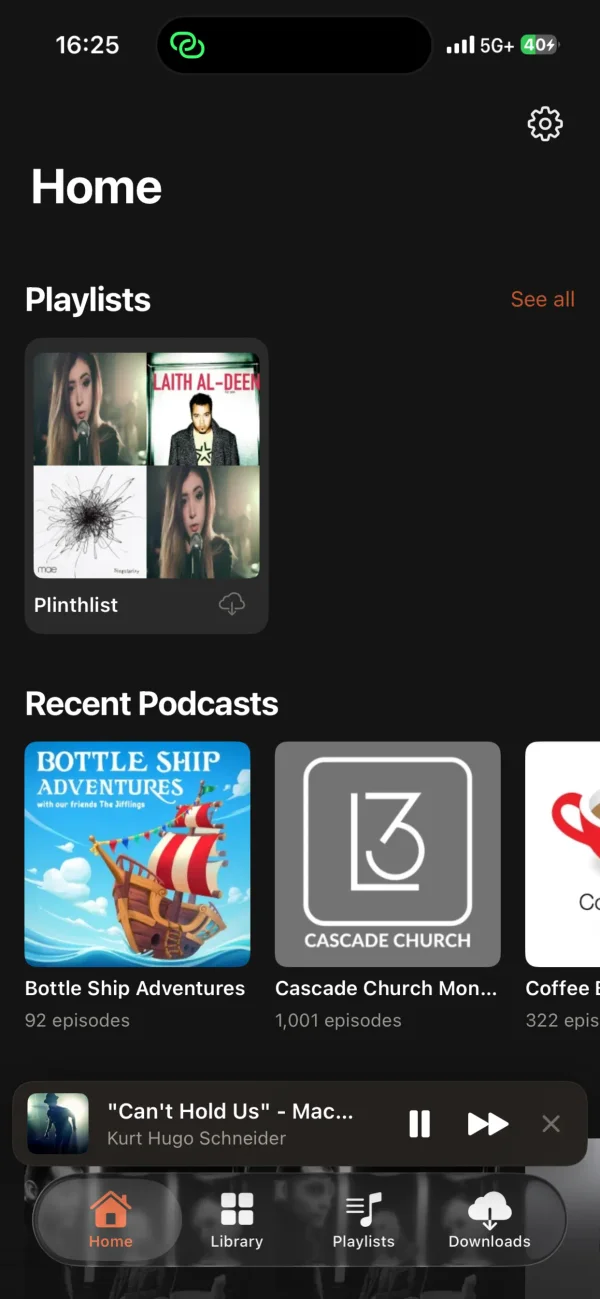


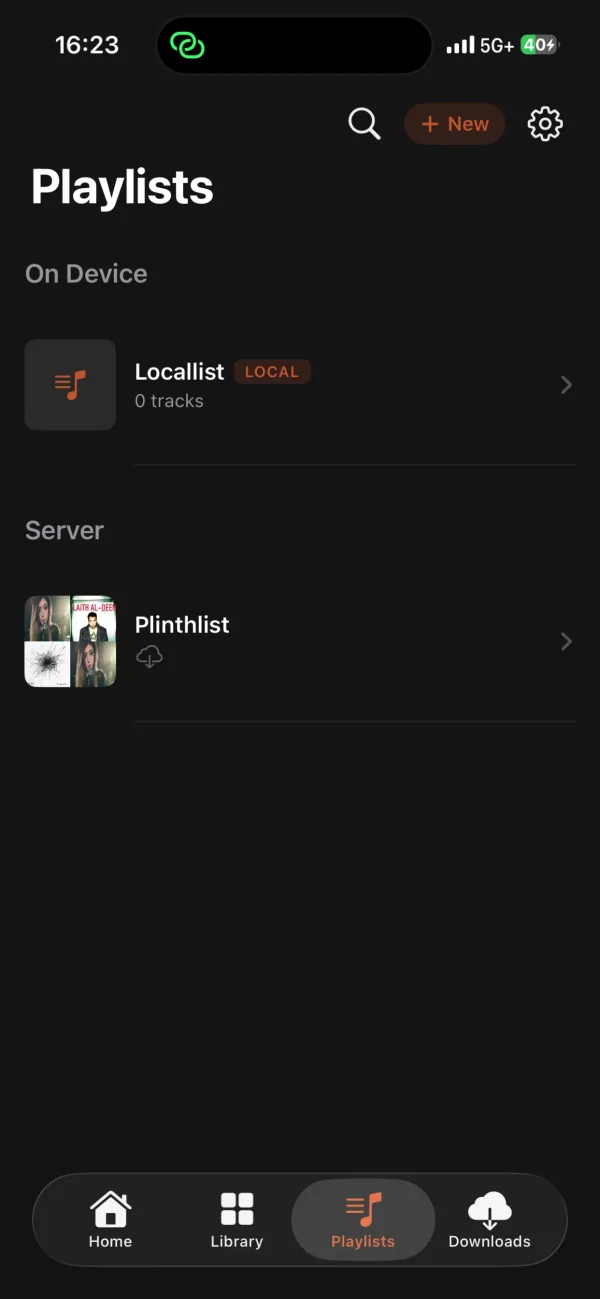
About
Plinth puts your own music library in your pocket.
If you run Emby or Jellyfin — or someone in your life does — Plinth is the native iPhone app that connects straight to your server. No re-uploading your collection to someone else's cloud. No subscription to listen to music you already own. Just your library, the way you organised it, wherever you go.
Stream or take it offline
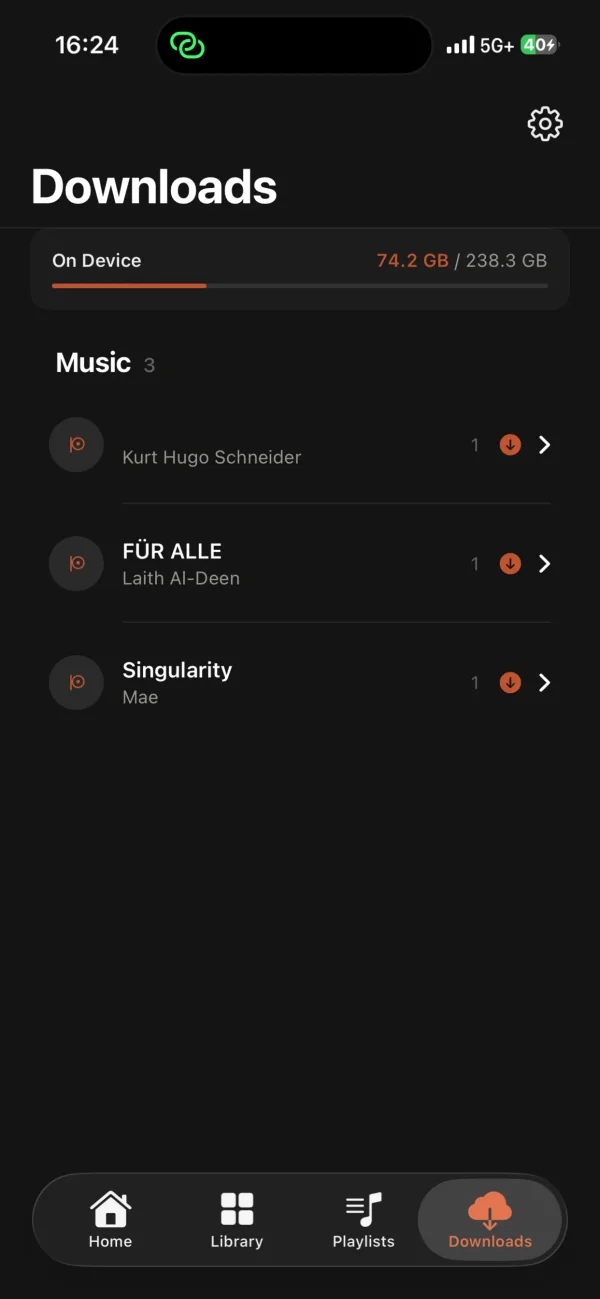
Play anything on your server over Wi-Fi or cellular, or download albums, playlists, and podcast episodes to your iPhone for the gym, the plane, or the subway. Downloads are yours to keep until you remove them, and Plinth shows you exactly what's stored and how much space it's using.
Built for real libraries
• Browse by album, artist, song, or playlist
• High-quality playback, including lossless FLAC and ALAC
• Create playlists in the app — they sync back to your Emby server
• Podcast shows and episodes alongside your music
• A Home screen that surfaces your playlists and recent listening
• Clean offline mode with a clear banner when you're off-network
Your server, your rules
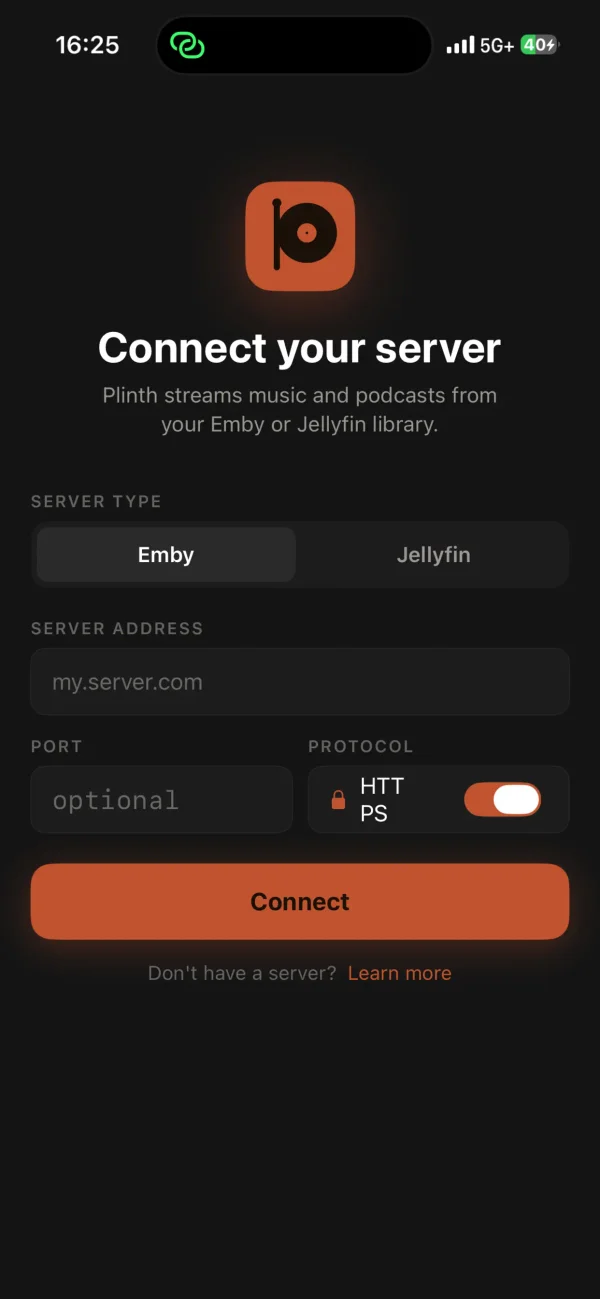
Plinth talks directly to your own Emby or Jellyfin instance. Your music never passes through our servers — we don't have any. Sign in with your existing server account and you're listening in seconds. Connect over HTTPS for a secure link, or your local network at home.
Made for everyone in the house
Whether you run a full home-lab NAS or you're just signing into a family member's server, Plinth keeps the setup simple: enter your server address, sign in, and play.
Private by design
No ads. No tracking. No account with us. Plinth connects only to the server you tell it to. Read our privacy policy at https://www.zielsdorfsolutions.com/plinth/privacy.
Plinth is an independent app and is not affiliated with, endorsed by, or sponsored by Emby LLC or the Jellyfin project.
Terms of Use (EULA): https://www.apple.com/legal/internet-services/itunes/dev/stdeula/
What’s new
Version 1.1 · Jul 8, 2026
New
Artist pages now show the full discography and the compilations an artist appears on, with play, shuffle, and download for everything
Adjustable podcast playback speed (0.5x to 2x)
Clear queue
Improved
AirPlay now shows the active device and keeps playing on your speaker if AirPlay drops
Search now finds tracks with blank or unusually long names
Fixed
Tapping a genre now shows its albums (was coming up empty)
Album artwork now loads correctly on the Home screen and in Favourites
Fixed a brief "track not found" flash when changing tracks
App privacy
What Zielsdorf Solutions declares on the App Store about how this app handles data.
-
Data not collected
The developer does not collect any data from this app.
Privacy practices may vary, for example with the features you use or your age.
Information
- Seller
- Zielsdorf Solutions LLC
- Category
- Music
- Version
- 1.1
- Updated
- Jul 8, 2026
- Released
- Jun 8, 2026
- Size
- 3.9 MB
- Requires
- iOS 18.0 or later
- Age rating
- 4+
- Price
- Free
- In-app purchases
- Yes
- Copyright
- © 2026 Zielsdorf Solutions LLC
You might also like
-
 EmbeatLossless Emby & Jellyfin music
-
 AirMusic: Offline Music PlayerPlay Music Without Wifi
-
 BlueMusic: Music Player, RadioLocal, cloud & NAS, offline
-
 SoundUp - Music DiscoverySwipe to find new music
-
 JellyBox PlayerApp for jellyfin, navidrome
-
 NetMusic: Cloud & NAS PlayerNavidrome, WebDAV & Offline
-
 NarjoMusic
-
 Finer: Jellyfin Music PlayerOffline, Lyrics & Gapless
-
 DiscreteMusic player for Jellyfin