
- Age rating4+
- CategoryBusiness
- DeveloperSEAL Systems AG
- LanguagesEnglish
- Size79.3 MB
Links to the official App Store page
Download.org hosts no file of PLOSSYS Mobile Client. The button opens its official App Store page, published by SEAL Systems AG. Listing last checked on Nov 18, 2026.
Screenshots

About
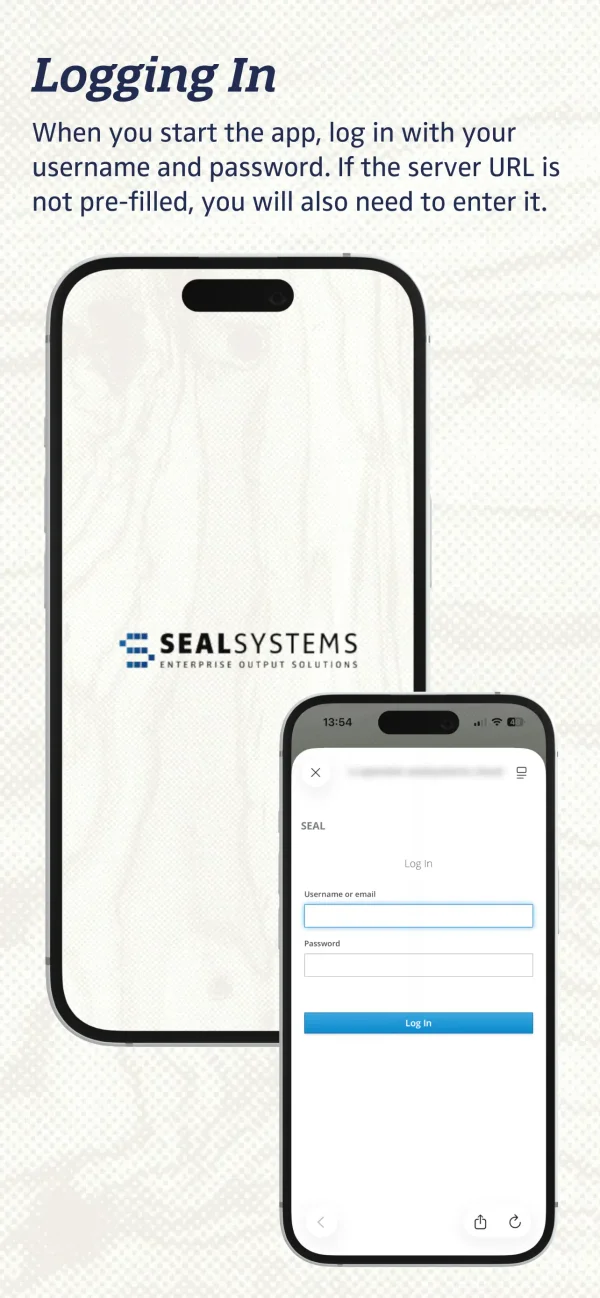
With the PLOSSYS® Mobile Client you can use your PLOSSYS® Output Engine (fka PLOSSYS® 5) even more flexibly. The app enables you to start print jobs directly from your mobile device via the PLOSSYS® Output Engine and PLOSSYS® Print Client. This allows you to design your mobile printing processes efficiently and securely. The focus here is on seamless integration into your existing company infrastructure and meeting modern security and user-friendliness requirements.
Key Features
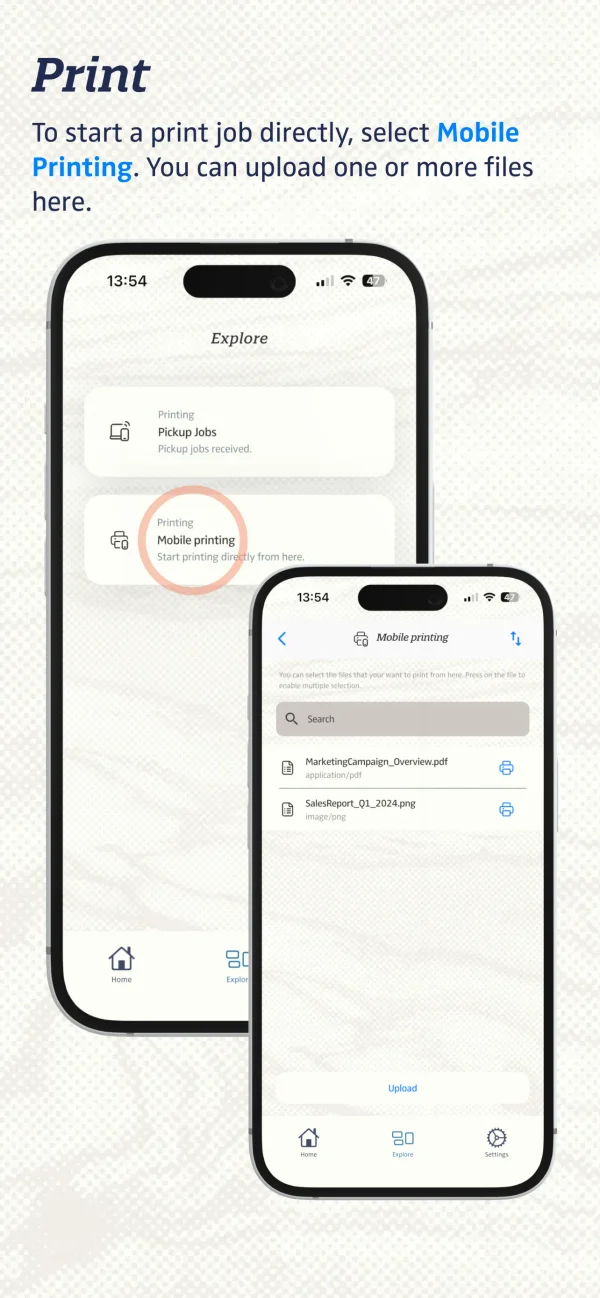
• Mobile Printing: Send print jobs directly from your mobile device to corporate printers. PLOSSYS® Mobile Client supports smartphone local files as well as printing from other apps via the Share… feature.
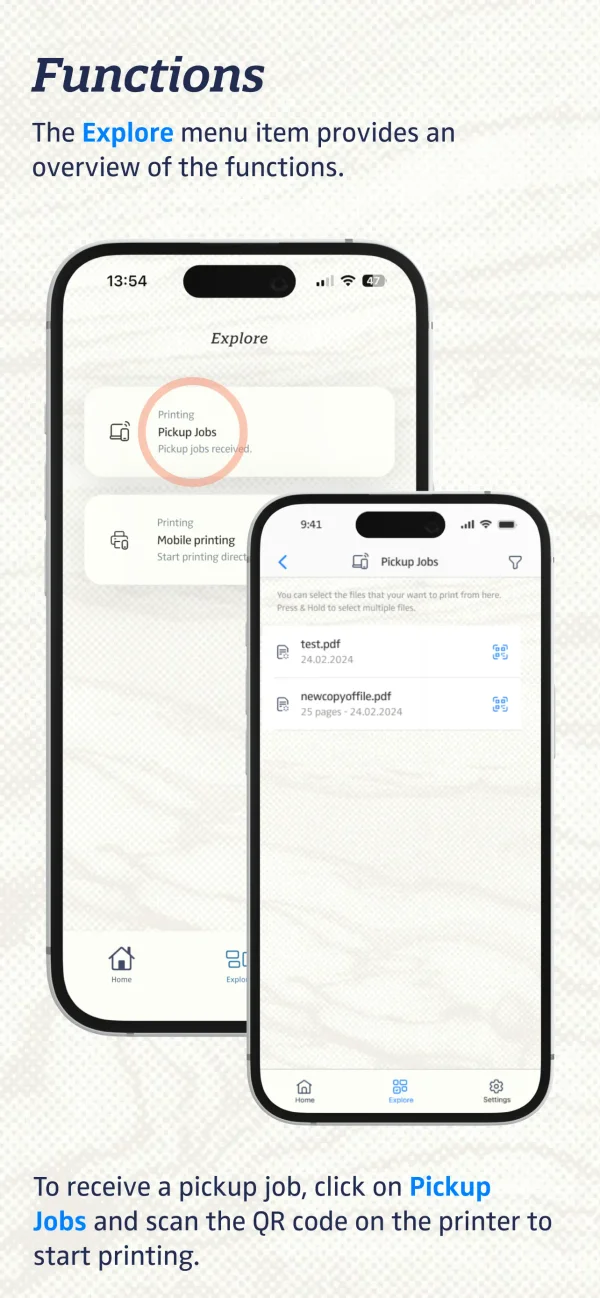
• Pickup Printing: Print jobs are retained and released only at the printer once the user authenticates. Pickup Printing enhances the security of confidential documents and reduces unnecessary prints.
Additional Features
• Job-Management: PLOSSYS® Mobile Client provides status information for every output job in real time. Jobs can be canceled or repeated as required.
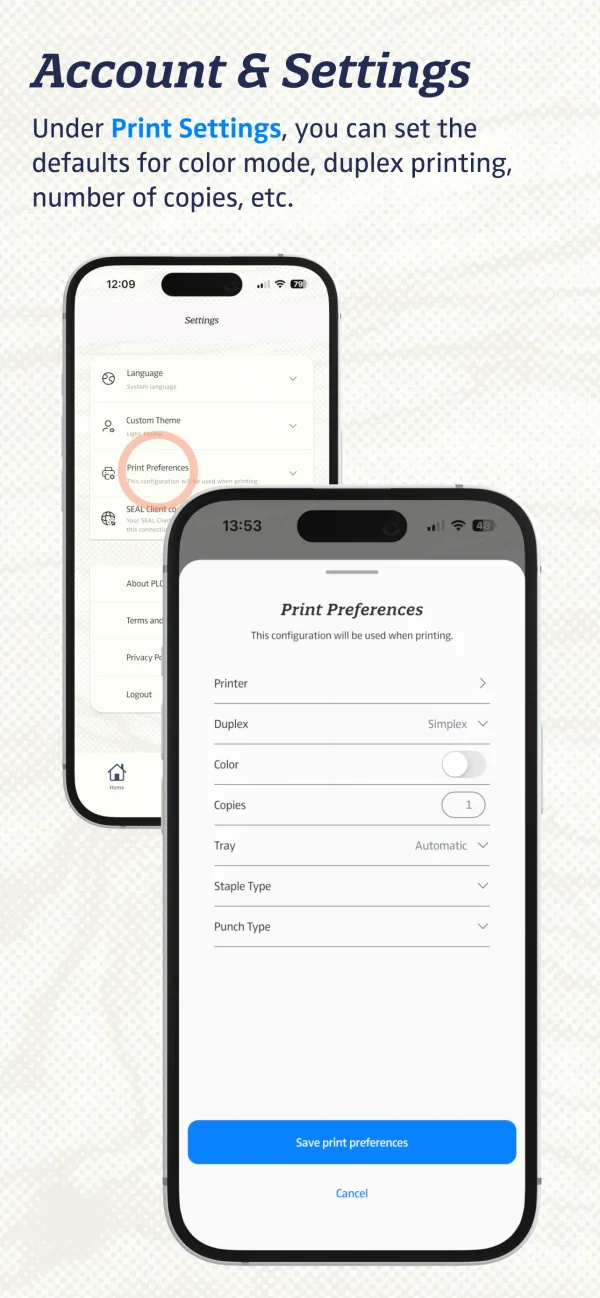
• Save Print Preferences: Users can store individual settings such as paper size, color mode, or duplex printing for quick reuse, saving time and minimizing errors.
• Favorite Printers: Frequently used printers can be saved as favorites, enabling faster selection and streamlined processes.
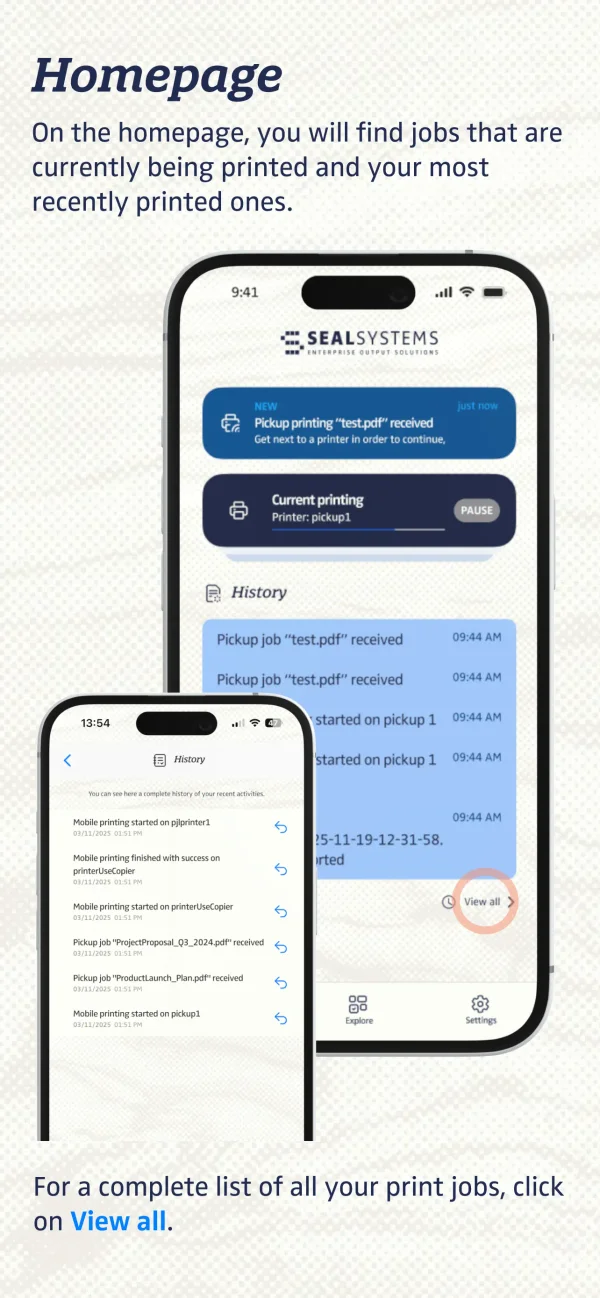
• Print History: Completed print jobs are stored in a history, providing insights into past printing activities for easy tracking and analysis.
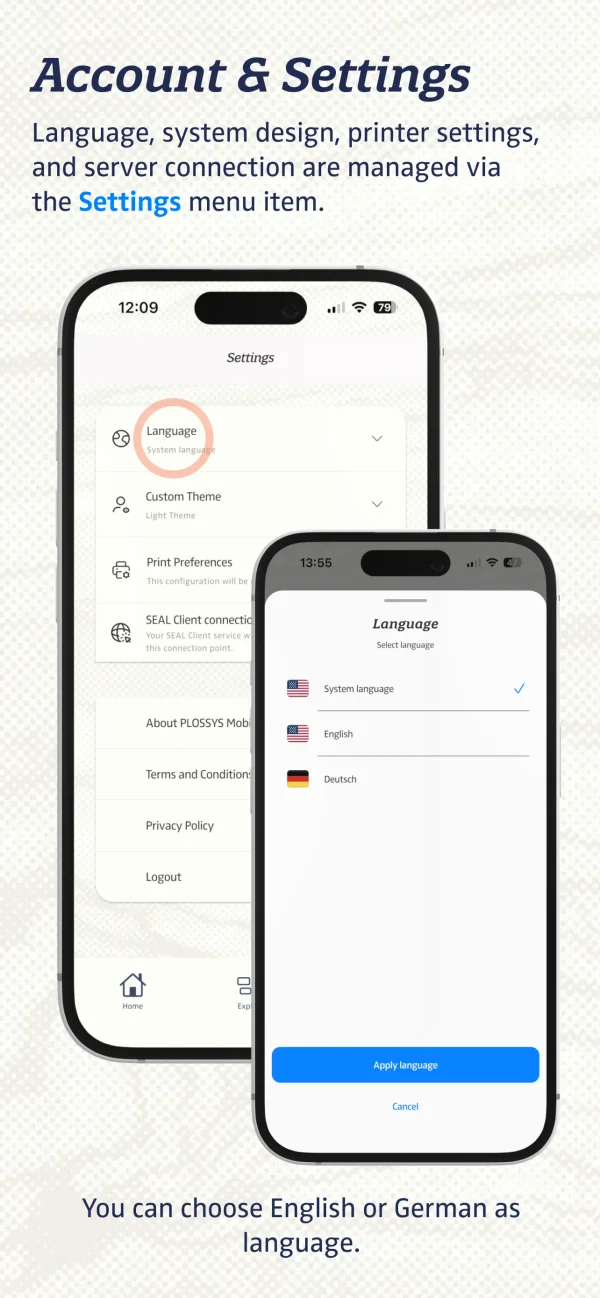
• Multilingual Support: The app is currently available in German and English, catering to the needs of international teams.
Enterprise Integration
The PLOSSYS® Mobile Client is fully compatible with the PLOSSYS® Output Engine and PLOSSYS® Print Client. It helps organizations maximize the efficiency of their printing infrastructure while ensuring document output security. With mobile device support, printing processes become more flexible without compromising central security policies.
Use Cases
The app is aimed at organizations where mobile printing and/or document security and efficiency in printing processes are critical. It is particularly suitable for industries with high security requirements, such as finance or healthcare, as well as companies supporting hybrid work models.
Benefits at a Glance
• Mobile Output on the existing corporate infrastructure.
• Secure Document Output with Pickup Printing.
• Reduction of Print Errors to minimize costs and resource usage.
• User-Friendly Interface with intuitive design and practical additional features.
• Flexibility for employees working remotely or on the go.
The PLOSSYS® Mobile Client provides a well-thought-out solution for enterprises to optimize and secure their printing infrastructure.
What’s new
Version 1.3.0 · Aug 31, 2026
- The connection error message closes on tap instead of only after a timeout.
- The app version number is shown under `Settings` > `About PLOSSYS Mobile Client`.
- Document verification has been added as an optional feature. Scan the QR codes on an OptiHash-sealed document from Explore to check whether it is authentic, tampered, or inconclusive, fully on-device. An administrator enables the feature via MDM.
App privacy
What SEAL Systems AG declares on the App Store about how this app handles data.
-
Data linked to you
May be collected and linked to your identity.
- Contact info
- User content
- Identifiers
- Other data
Privacy practices may vary, for example with the features you use or your age.
Information
- Seller
- SEAL Systems AG
- Category
- Business
- Version
- 1.3.0
- Updated
- Aug 31, 2026
- Released
- Nov 18, 2025
- Size
- 79.3 MB
- Requires
- iOS 15.5 or later
- Age rating
- 4+
- Languages
- English
- Copyright
- © 2024 SEAL Systems AG