
Plug Toolbox for Minecraft
Cheats, Hacks & NBT Editor
Designed for iPhone, iPad, iPod touch
$4.99
- Age rating4+
- CategoryUtilities
- DeveloperInnovative Developers LTD
- LanguagesEnglish+ 43 more
- Size55.5 MB
Links to the official App Store page
Download.org hosts no file of Plug Toolbox for Minecraft. The button opens its official App Store page, published by Innovative Developers LTD. Listing last checked on Nov 20, 2026.
Screenshots

About
PLUG IN. BREAK THE RULES.
Why mine for items when you can add them? Plug Toolbox lets you edit your Minecraft Bedrock worlds on iPhone and iPad. Choose a world, make your changes, review them together, then apply them.
ITEMS AND ENCHANTMENTS
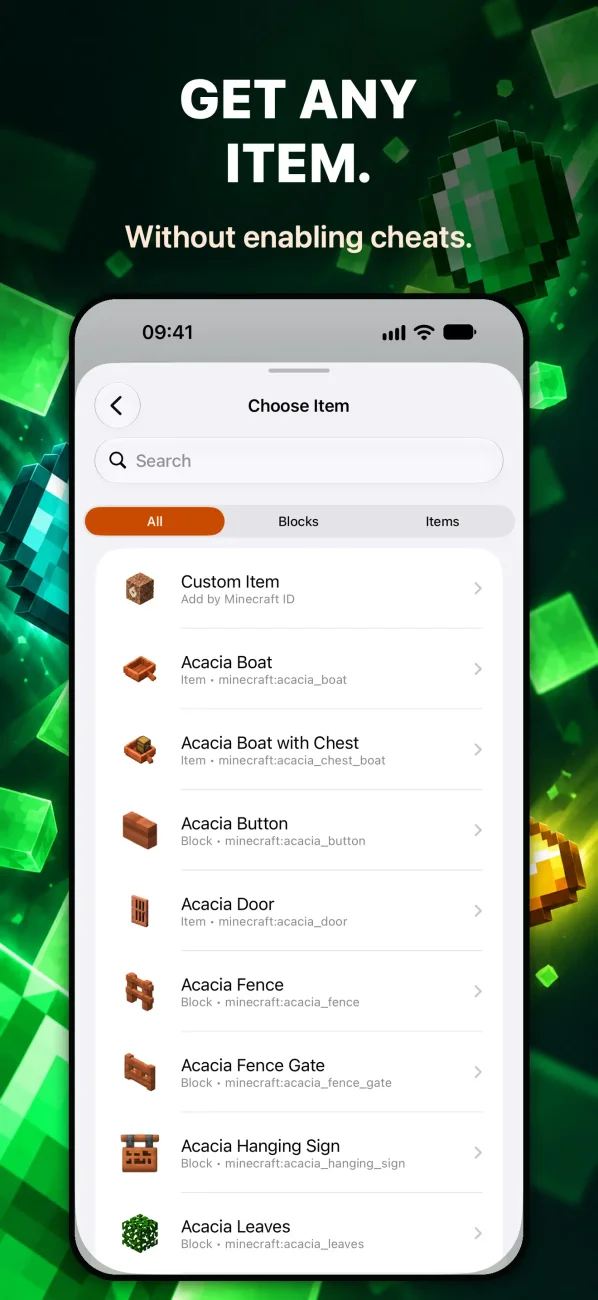
• Add items and blocks from the supported catalogue to armour, offhand, hotbar, inventory and Ender Chest slots.
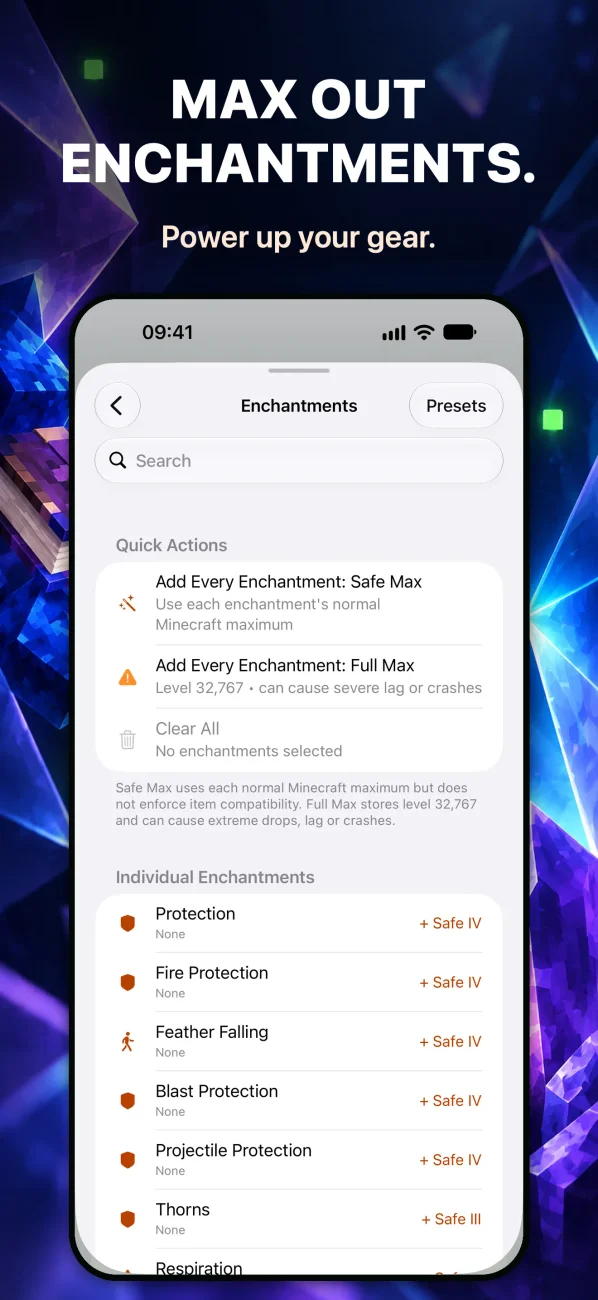
• Add compatible enchantments individually or in bulk. Choose normal levels, Safe Max or Full Max.
• Create usable item stacks with required item data filled in automatically.
PLAYER AND WORLD
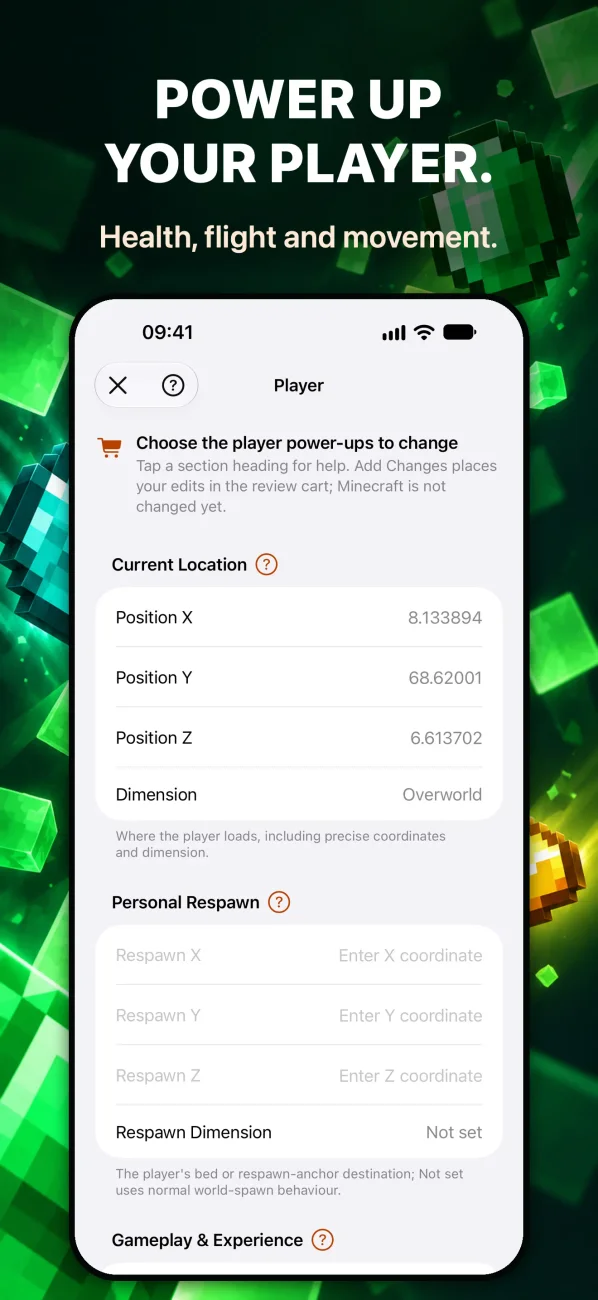
• Change health, experience, abilities, movement, flight and position.
• Edit game mode, difficulty, spawn, time, weather, multiplayer rules and other world settings.
NBT EDITING
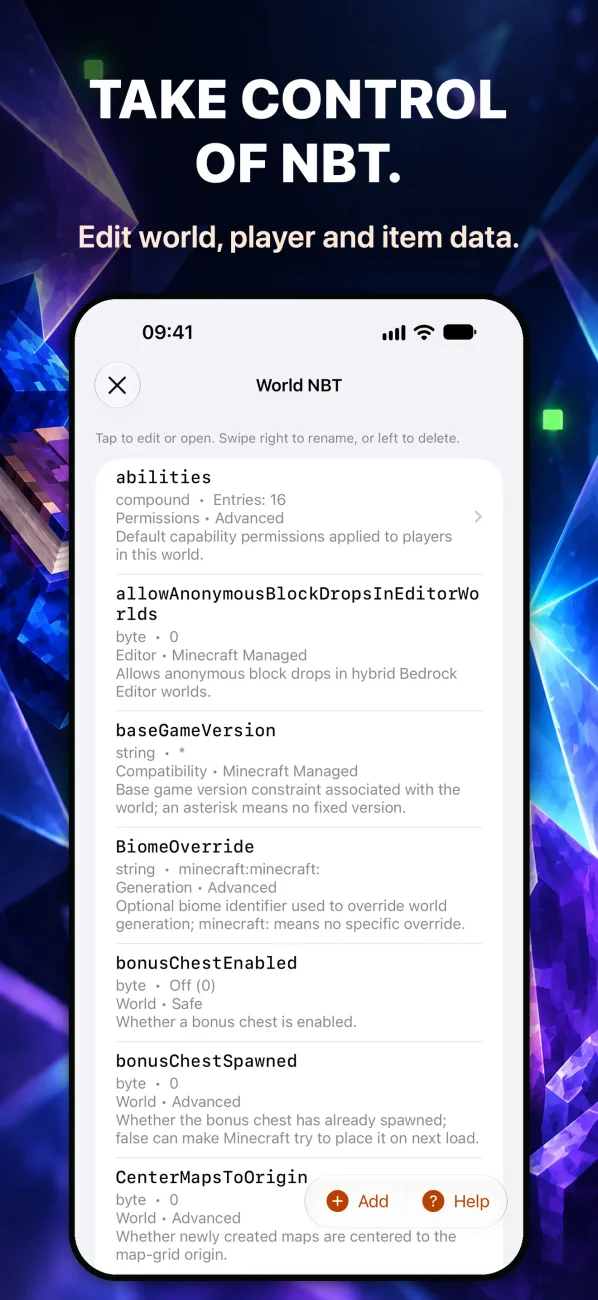
Edit world, player and item NBT directly. Browse typed values, add suggested fields or create custom tags. Plug Toolbox preserves unknown data that you do not edit, which helps when Minecraft adds new fields.
REVIEW AND BACKUPS
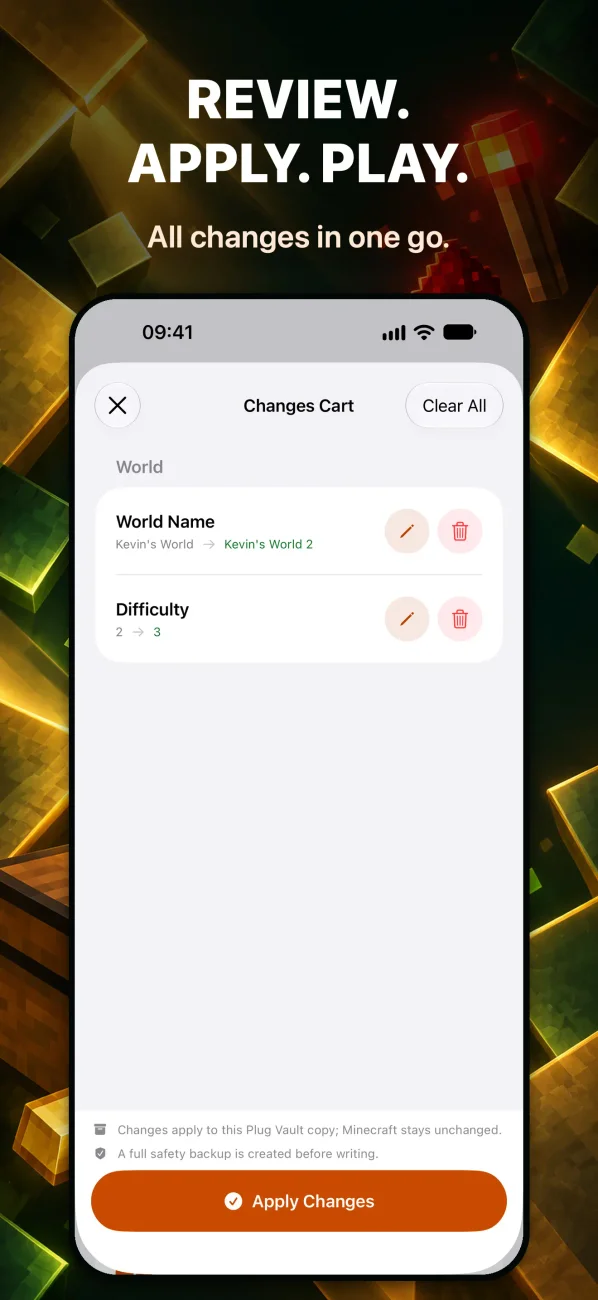
Stage changes to several parts of a world in one session. Review the previous and proposed values before you apply them. Plug Toolbox creates an automatic backup before supported writes and verifies the result afterward. You can also duplicate a world or keep a separate copy in Plug Vault.
If the world is from a newer Minecraft version, the app shows a compatibility warning and leaves editing available. Make a copy first if the world matters to you.
To work on a Minecraft world, connect its worlds folder once. Close Minecraft before applying changes, then open it again.
Minecraft is required and sold separately.
NOT AN OFFICIAL MINECRAFT PRODUCT. NOT APPROVED BY OR ASSOCIATED WITH MOJANG OR MICROSOFT.
What’s new
Version 3.01 · Oct 9, 2026
New in 3.01:
• Fixed an issue that could stop Connect Minecraft Worlds from opening the folder picker.
• Import extracted world folders into Plug Vault, as well as .mcworld files.
• Improved search, keyboard dismissal and item editing.
Also includes the major improvements introduced in 3.00:
• A new world library and Plug Vault copies.
• Connect the Minecraft worlds folder once.
• Edit linked worlds or keep separate copies in Plug Vault.
• Updated supported items and blocks, with clean item data.
• Add compatible enchantments in bulk at normal, Safe Max or Full Max levels.
• Edit world, player and item NBT.
• Review and apply several changes together, with automatic backups.
• Clearer search, selectors, enchantment controls and help.
• Updated light and dark layouts for iPhone and iPad.
• Warnings for newer Minecraft worlds no longer disable editing.
App privacy
What Innovative Developers LTD declares on the App Store about how this app handles data.
-
Data not collected
The developer does not collect any data from this app.
Privacy practices may vary, for example with the features you use or your age.
Information
- Seller
- Innovative Developers LTD
- Category
- Utilities
- Version
- 3.01
- Updated
- Oct 9, 2026
- Released
- Mar 2, 2018
- Size
- 55.5 MB
- Requires
- iOS 15.0 or later
- Age rating
- 4+
- Price
- $4.99
- Languages
- English, Arabic, Bengali, Catalan, Croatian, Czech, Danish, Dutch, Finnish, French, German, Greek + 32 more
- Copyright
- © 2026 Innovative Developers LTD
You might also like
-
 Lunar Proxy for Minecraft: PEToolbox of Addons & Utilities
-
 BlockGraverUtilities
-
 PixelArt Builder for MinecraftAuto build pixel art for MCPE!
-
 LiveKitReal Time Live Map
-
 Addons Pro: Mods for MinecraftAddon Maker & Creator for MCPE
-
 MC Status Widget for MinecraftServer Status Checker & Widget
-
 AxentHostGame server hosting
-
 Xray Packs for MinecraftUtilities
-
 Master AddOns for Minecraft PEMCPE AddOn Resource Map Skin
-
 Circle Generator for MinecraftBuild circular buildings