Plumb: Tower Stack
Stack, balance, don't topple
Designed for iPhone, iPad
Free · In-app purchases
- Age rating12+
- CategoryCasual
- DeveloperARRON PAUL CHELMO
- LanguagesEnglish
- Size8.3 MB
Links to the official App Store page
Download.org hosts no file of Plumb: Tower Stack. The button opens its official App Store page, published by ARRON PAUL CHELMO. Listing last checked on Nov 20, 2026.
Screenshots
About
Tap to drop. The block above slides back and forth — let go at the wrong moment
and the overhang shears away, and your tower gets narrower. Land it dead centre
and you get that width back.
That is the whole game. It takes five seconds to understand and a long time to
be good at.
THREE MODES
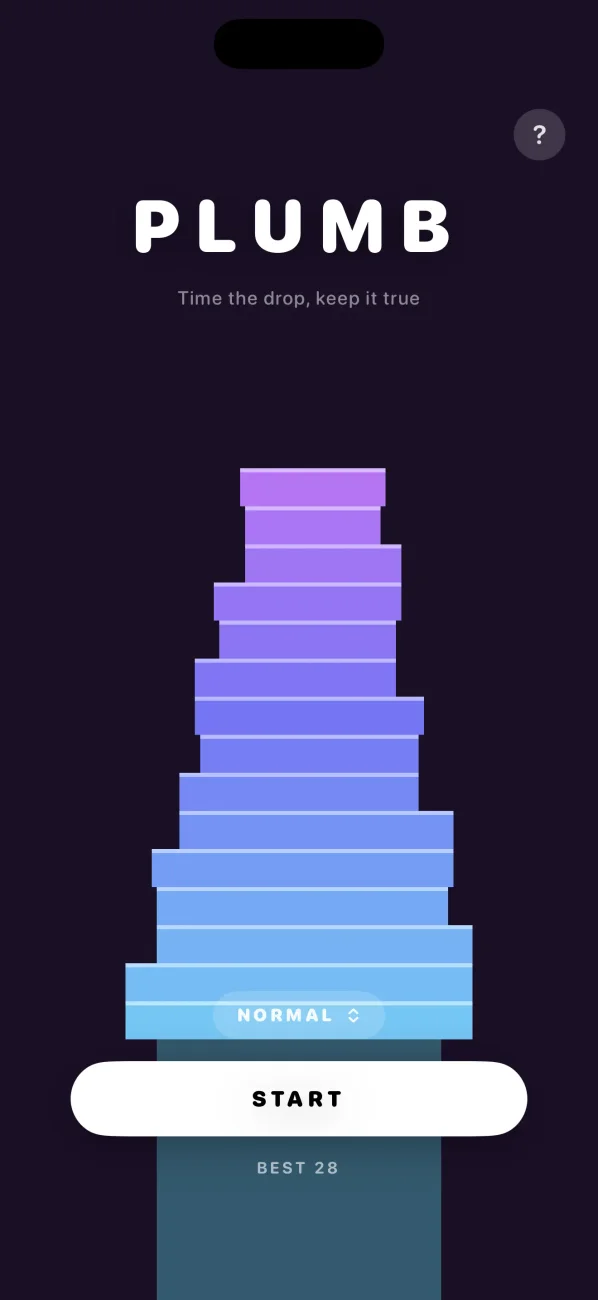
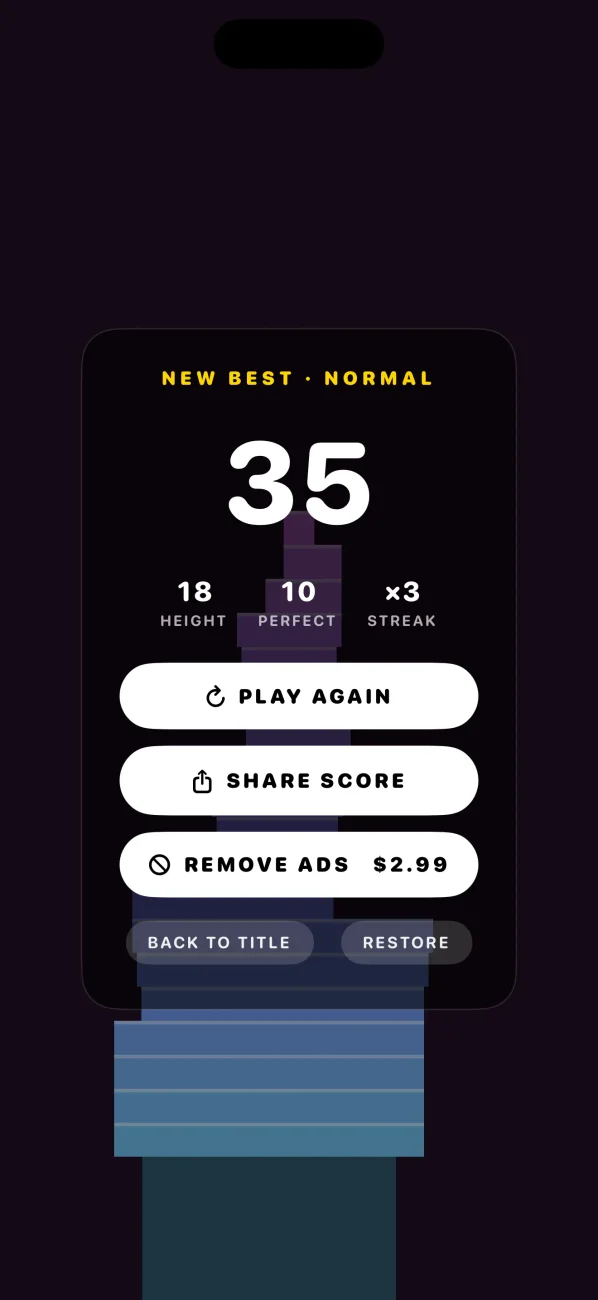
NORMAL — just the tower. Every miss costs you width, every perfect drop hands
some back, and the block speeds up the higher you climb. Sooner or later it
outruns you.
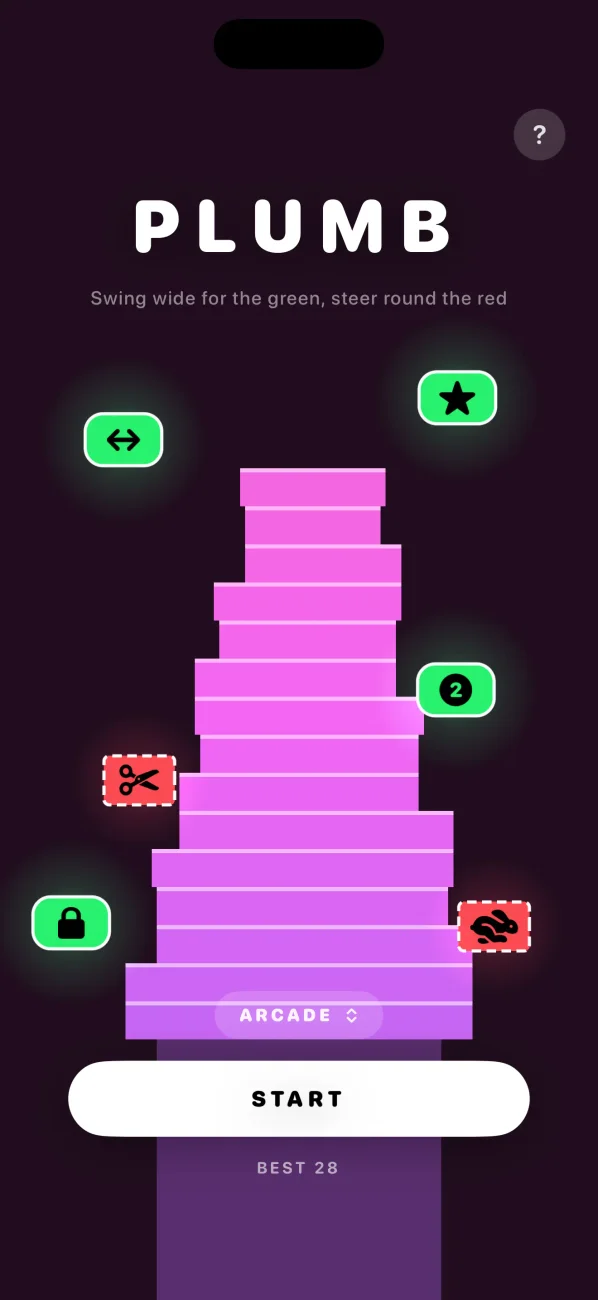
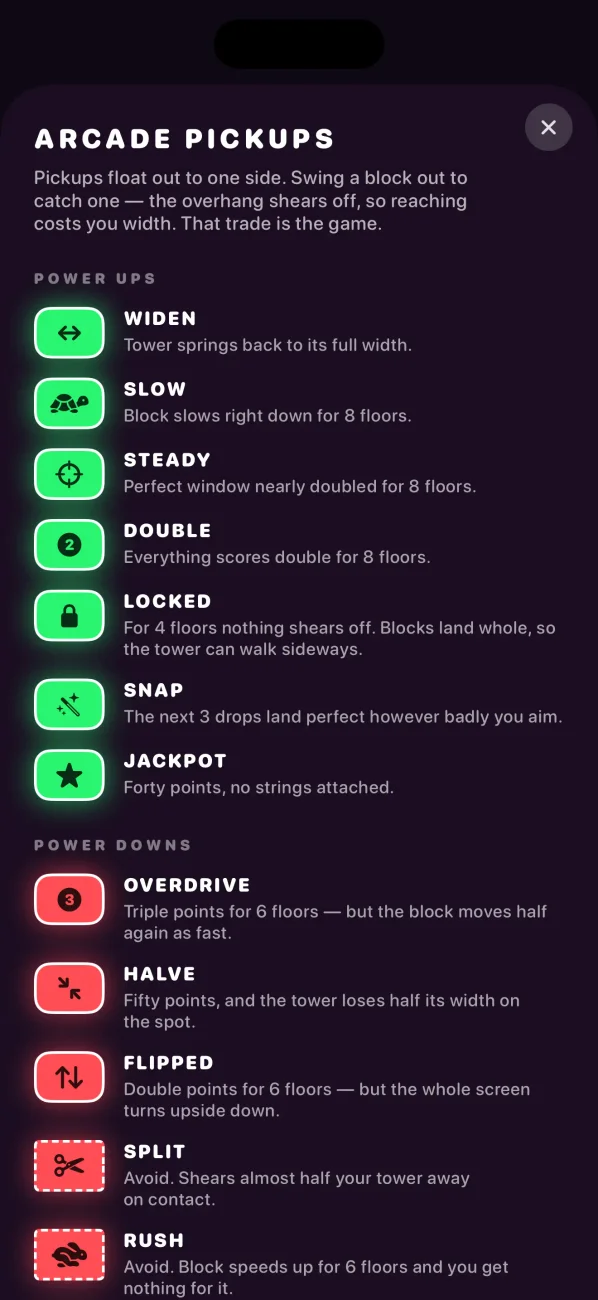
ARCADE — pickups hang out to the sides. Swing a block wide to catch a Widen, a
Slow, a double-points streak. Reaching one costs you width, so every pickup is a
decision rather than a gift. Some of them bite: Overdrive triples your score and
makes the block fly, Flipped turns the screen upside down. And a few you steer
around entirely.
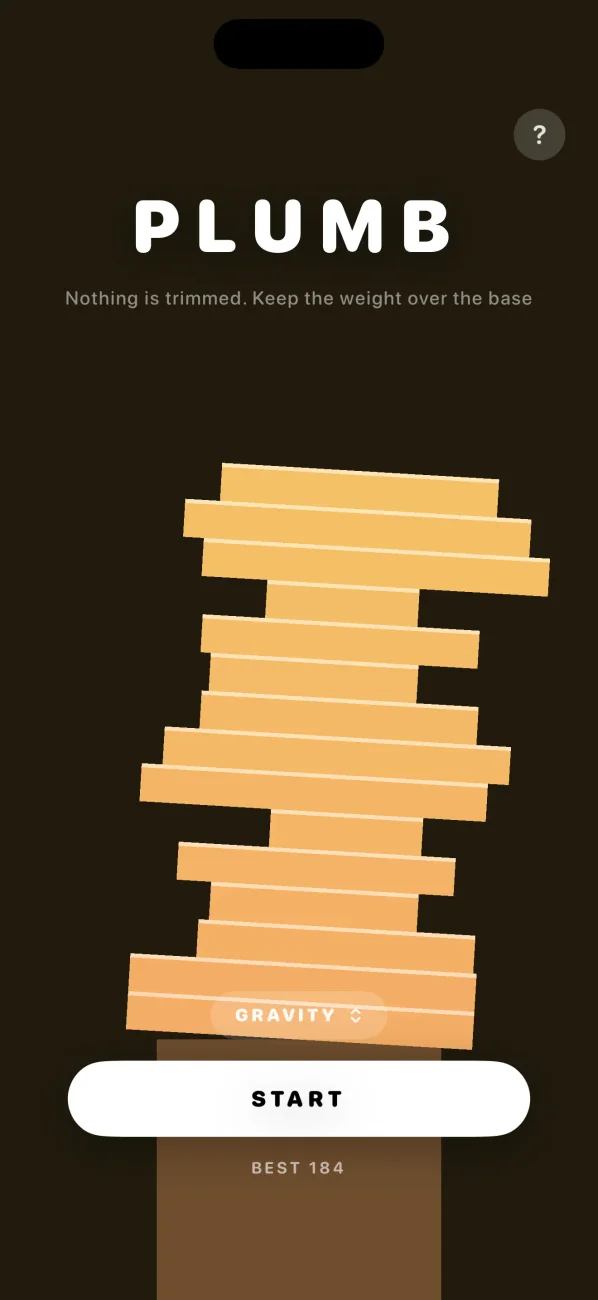
GRAVITY — nothing is trimmed. Every block lands whole, in whatever width you are
dealt, and the tower leans according to where the weight sits. Stack too much to
one side and it goes over. A narrow block placed off-centre is a counterweight;
a wide one is ballast you have to think about.
WHAT IS IN IT
- One tap. No buttons, no menus to learn.
- Plays offline, on a plane, anywhere.
- No account, no sign-up — just open it and play.
- A separate high score for each mode.
- Its own sound for every drop, trim, and perfect landing — or play it silent, your call.
- Colorblind-friendly colors, VoiceOver, and Reduce Motion support.
- Share your run as a card that draws the tower you actually built.
- Optional one-off purchase removes the ads for good.
Built for iPhone and iPad.
What’s new
Version 1.1 · Sep 21, 2026
Sound! Every drop, trim, and perfect landing now has its own sound — mute it anytime from the new Settings screen.
Near misses now get called out — a drop that just grazes the perfect window gets its own "SO CLOSE" instead of looking like an ordinary miss.
How to Play now shows real gameplay for whichever mode you've got selected, not a wall of text.
Colorblind-friendly colors in Arcade and Gravity, plus support for VoiceOver, larger text sizes, and Reduce Motion.
A new Settings screen: mute sound or haptics independently, and restore a purchase without digging through the game-over screen.
App privacy
What ARRON PAUL CHELMO declares on the App Store about how this app handles data.
-
Data used to track you
May be used to track you across apps and websites owned by other companies.
- Location
- Identifiers
- Usage data
- Diagnostics
-
Data not linked to you
May be collected but is not linked to your identity.
- Location
- Identifiers
- Usage data
- Diagnostics
Privacy practices may vary, for example with the features you use or your age.
Information
- Seller
- ARRON PAUL CHELMO
- Category
- Casual
- Version
- 1.1
- Updated
- Sep 21, 2026
- Released
- Aug 23, 2026
- Size
- 8.3 MB
- Requires
- iOS 17.0 or later
- Age rating
- 12+
- Price
- Free
- In-app purchases
- Yes
- Languages
- English
- Copyright
- © 2026 Arron Chelmo
You might also like
-
 CrispSudokuClassic, Killer, Thermo & more
-
 blockslidez: Slide Puzzle GameSlide. Match. Clear. Repeat.
-
 Pixel Bomb: Minesweeper ArtLogic Puzzle Hidden Pictures
-
 Muddle: Goo JarSquishy drop and merge puzzle
-
 Screw Out GamePuzzle
-
 Piggy Smash: Bounce BlastBall Shooter Physics Puzzle
-
 Slice Breaker!Master the art of slicing.
-
 Hidden Catch: Find ObjectsHidden Object Seek & Find
-
 Pixel Art Reveal: Match PuzzleRelaxing Painting Gallery
-
 Ready RavenTrain your brain with Raven!