- Age rating4+
- CategorySocial Networking
- DeveloperAsimum Limited
- LanguagesEnglish+ 6 more
- Size174.4 MB
Links to the official App Store page
Download.org hosts no file of PlumStudio: Live Streaming App. The button opens its official App Store page, published by Asimum Limited. Listing last checked on Nov 16, 2026.
Screenshots

About
1. Screen recording
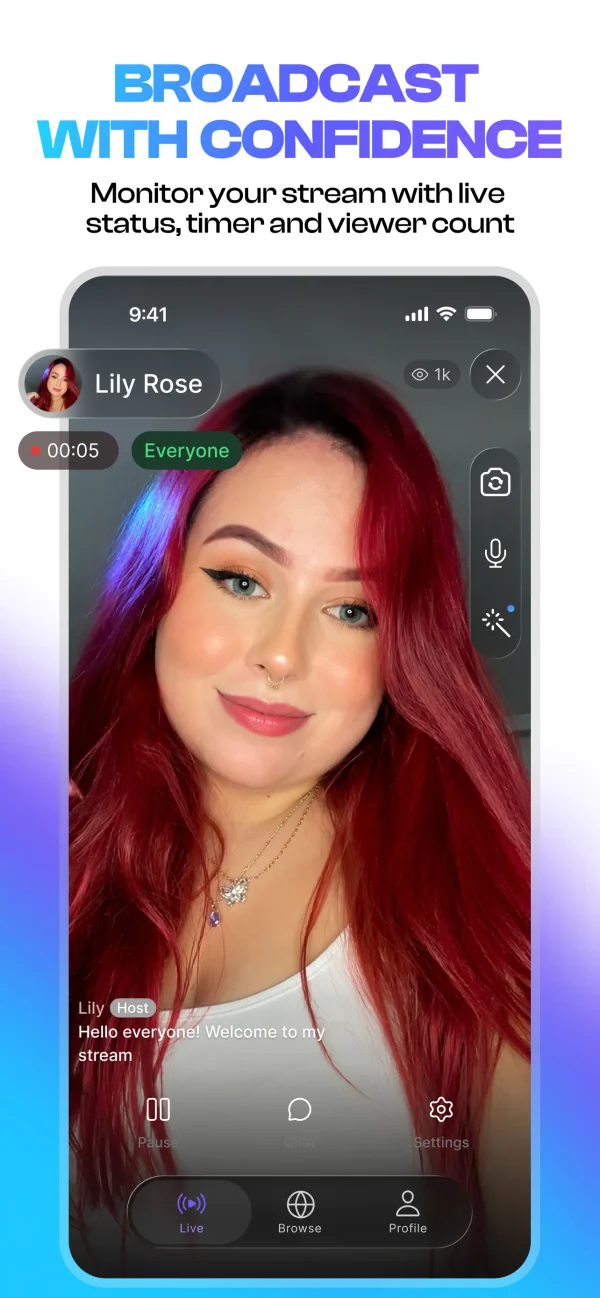
The recording shows a fresh install: camera and microphone permission prompts, adding a Twitch streaming profile with the test credentials below, selecting it as the active profile, starting a live broadcast, and ending the stream. This release has no account registration, login, or account deletion, no purchases or subscriptions, and no user-generated content that needs reporting or blocking.
2. Test devices
iPhone 11, iPhone 13, iPhone 14 and iPhone 16, all on iOS 26.6.
3. App functions and target audience
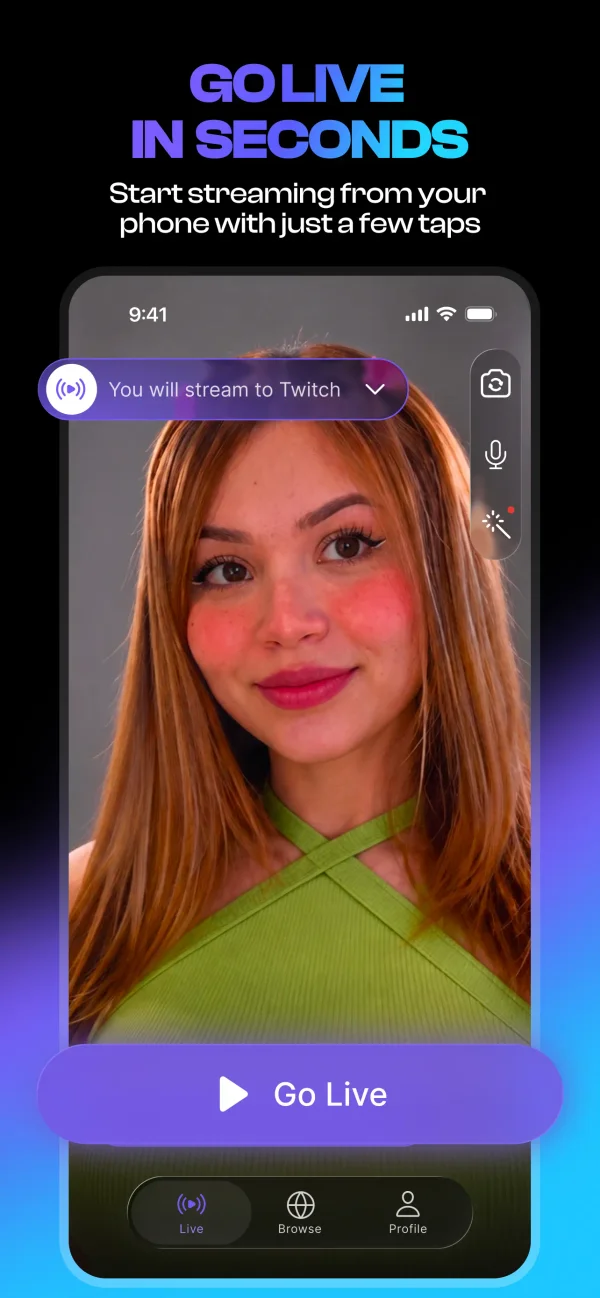
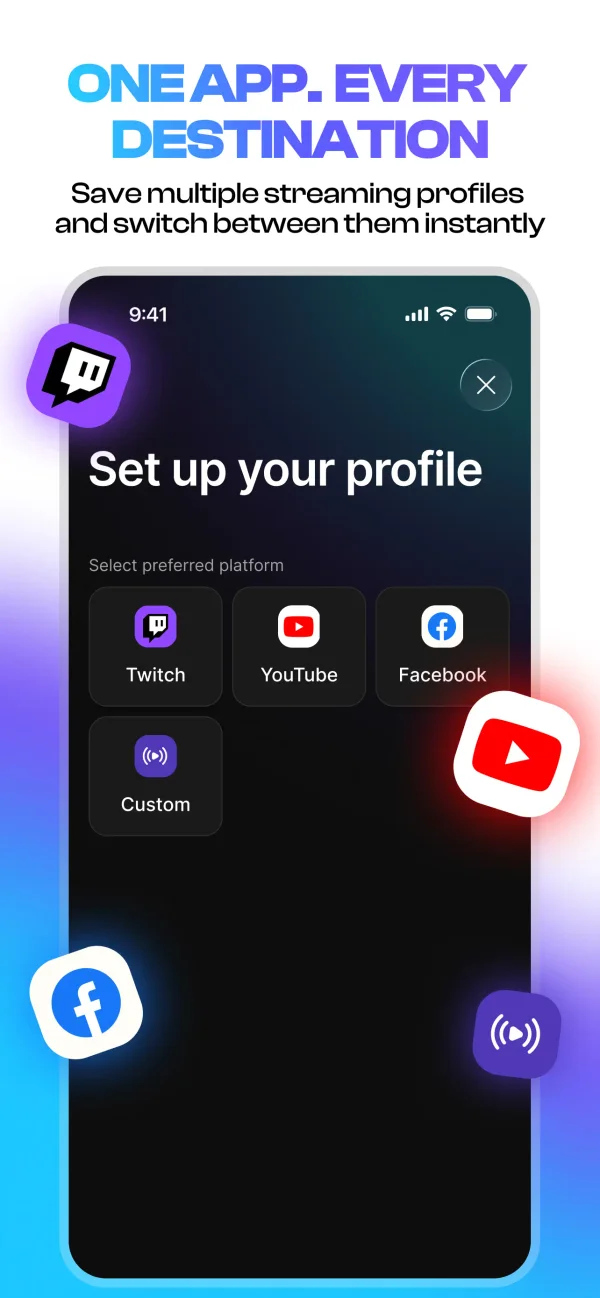
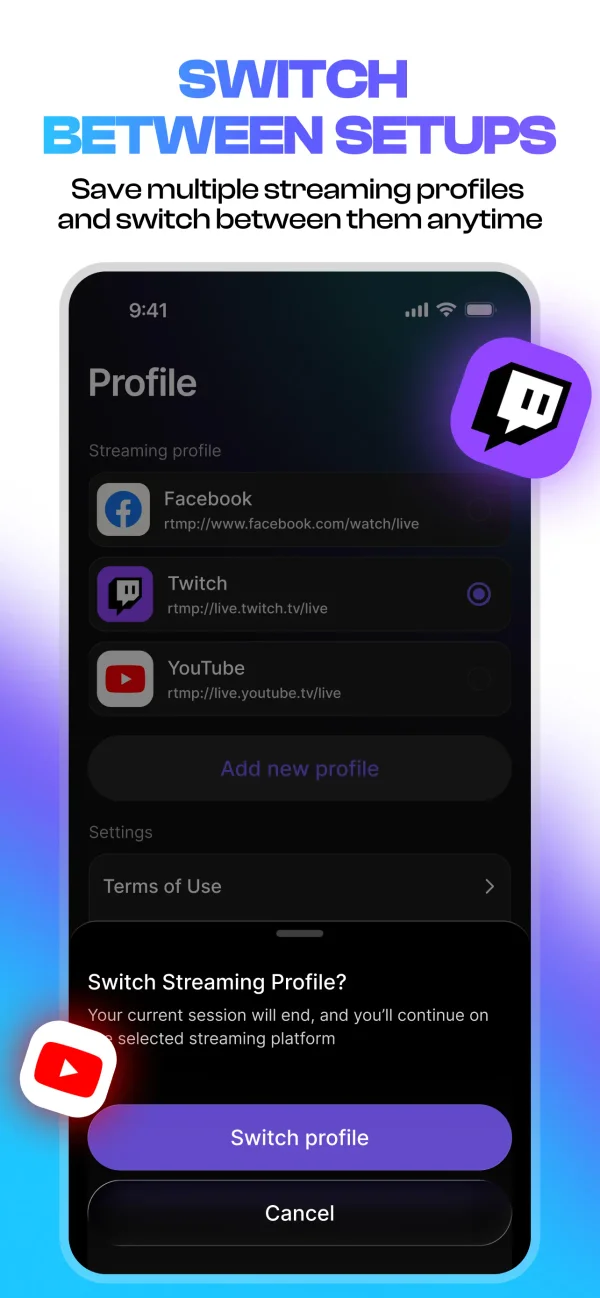
PlumStudio is a live streaming app for streamers and influencers. It broadcasts the iPhone's camera and microphone to one or more destinations: Twitch, YouTube, Facebook, or a custom RTMP server.
Audience: independent creators and live streamers who use desktop encoding software today and want to go live from a single mobile device.
Problem solved: RTMP streaming usually needs manual setup on a desktop, and often more than one device to reach several platforms. PlumStudio does it all in one app, with better video quality. Beauty filters and a combined chat feed from multiple networks are planned.
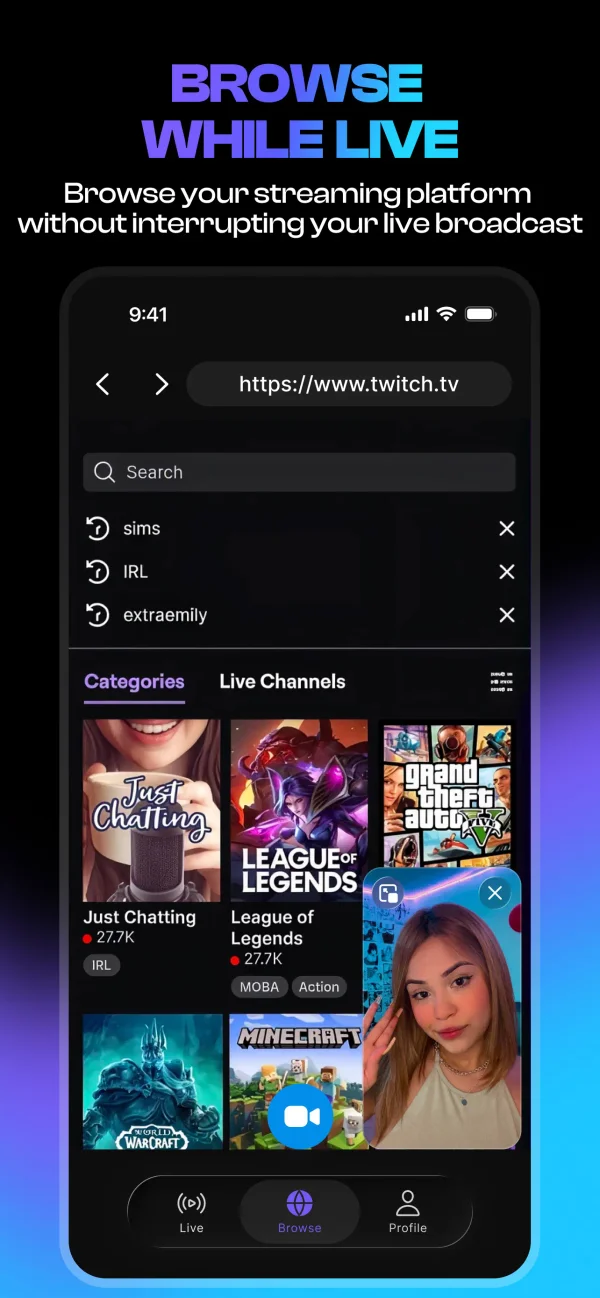
Value: quick profile setup, one-tap start and stop, and an in-app browser tab for viewing the destination platform while streaming. No desktop or extra hardware needed.
4. Setup and access
No account, registration, or login is required.
1. Launch the app and allow camera and microphone access.
2. Tap "Add your streaming profile" and select Twitch.
3. Enter and save:
Name: Test
Stream URL: rtmp://live.twitch.tv/app/
Stream Key: live_1528631164_cZeIJUMM1lErt7KuXeBnxIWB4xFYUW
Platform URL: https://dashboard.twitch.tv/
4. On the Live tab, select the profile, tap Go Live to start, and tap End to stop.
5. The Browse tab opens the profile's Twitch page in an in-app browser.
5. External services
- Twitch, YouTube, Facebook, Custom RTMP: no OAuth or sign-in. The user enters the Server URL and Stream Key from their own account settings.
- HaishinKit: open-source RTMP library that encodes the stream and sends it to the server.
- Firebase Crashlytics: crash logs and diagnostics for stability.
- Firebase Analytics: in-app usage analytics for product improvement. Not used for advertising or cross-app tracking.
- 100ms (HMSSDK), Agora (AgoraRtcEngine), Daily (daily-client-ios), LiveKit (client-sdk-swift): real-time video SDKs.
6. Regional differences
The app works the same in every region. There are no region-specific features, content, or restrictions.
7. Regulated industry
PlumStudio is not in a regulated industry and needs no special licensing. It contains no copyrighted third-party material. The only content it sends is the user's own camera and microphone feed. Twitch, YouTube and Meta are used only under their public standard terms, so users can stream to their own accounts.
What’s new
Version 1.2.0 · Oct 20, 2026
Localization and bug fixes for a smoother app experience.
App privacy
What Asimum Limited declares on the App Store about how this app handles data.
-
Data not collected
The developer does not collect any data from this app.
Privacy practices may vary, for example with the features you use or your age.
Information
- Seller
- Asimum Limited
- Category
- Social Networking
- Version
- 1.2.0
- Updated
- Oct 20, 2026
- Released
- Aug 20, 2026
- Size
- 174.4 MB
- Requires
- iOS 18.0 or later
- Age rating
- 4+
- Price
- Free
- Languages
- English, Arabic, French, German, Portuguese, Russian, Spanish
- Copyright
- © 2026 Asimum Limited
You might also like
-
 MUW Live StreamsVideo Audio Chat Broadcast
-
 Loop - Live StreamingWatch Every Angle
-
 PopIn: Live Streams & ChatGo Live & Meet New People
-
 SparkzLiveLive Streaming, For Streamers!
-
 LIVECAST - Stream & BroadcastSocial Networking
-
 LoopChat LiveLive , Reels, Pk & Chat in One
-
 ZODO: Live Stream, Video ChatGo Live, Connect with Creators
-
 GrrGrr LiveLive Streams, Chat & Battles
-
 HaloLive-Live stream & ChatHaloLive-Live stream & Chat
-
 MyFriends Live - Stream & Chat#1 Live Stream & Video Chat