
- Age rating4+
- CategoryLifestyle
- DeveloperPENZLER GmbH
- LanguagesEnglish+ 3 more
- Size18.6 MB
Links to the official App Store page
Download.org hosts no file of pocket control HM. The button opens its official App Store page, published by PENZLER GmbH. Listing last checked on Nov 12, 2026.
Screenshots

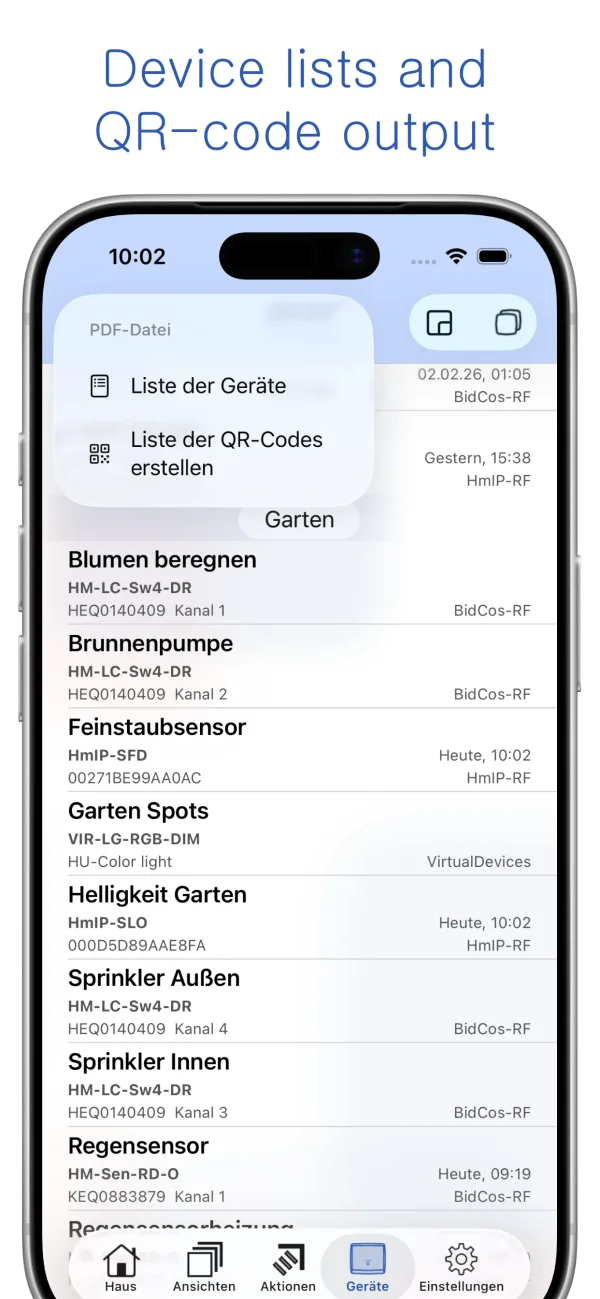
About
Pocket control HM is the app for the Homematic system with CCU or OpenCCU. The Homematic IP Access Point and the Home Control Unit are not compatible.
It supports both HomeMatic and Homematic IP devices.
Recommendation:
We recommend installing the app pocket control HM Abo instead of this paid version. You can try it for free and then subscribe to the full range of features for a small annual fee.
Features:
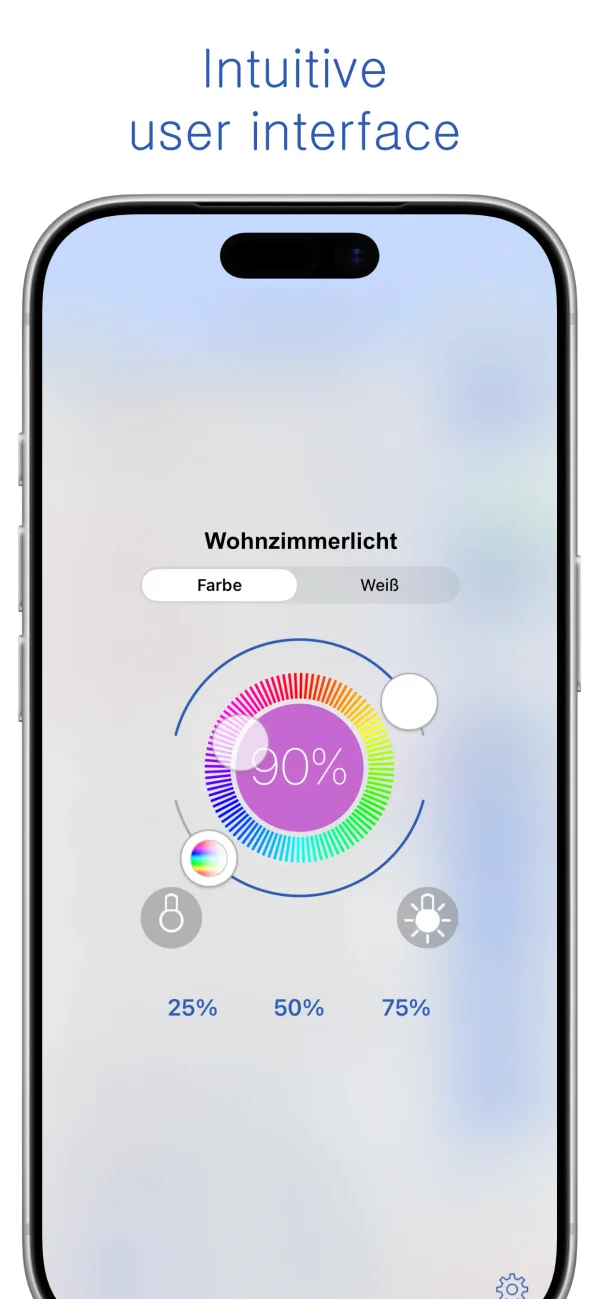
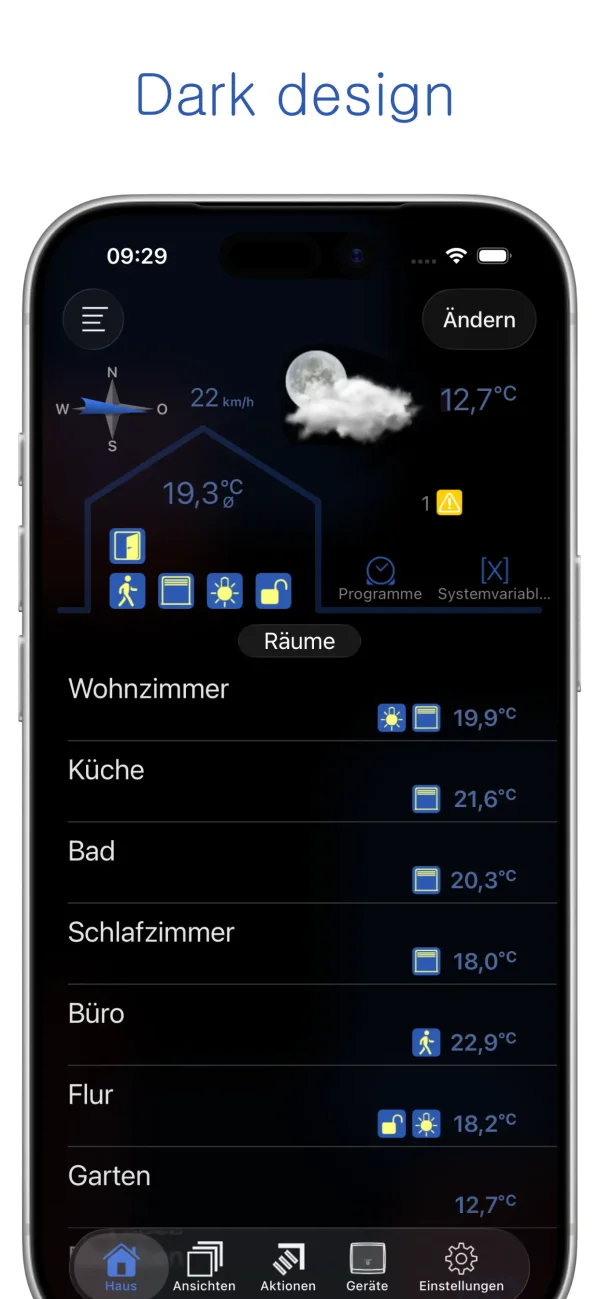
- The house view gives you a quick overview of the status of your house and individual rooms. This way, you can easily see if, for example, windows are open or lights are on. Temperatures inside and outside, as well as alarm and service messages, are also displayed. You can quickly adjust rooms and trades using the app.
- With custom views, which can also contain sub-views, you can arrange devices according to your needs.
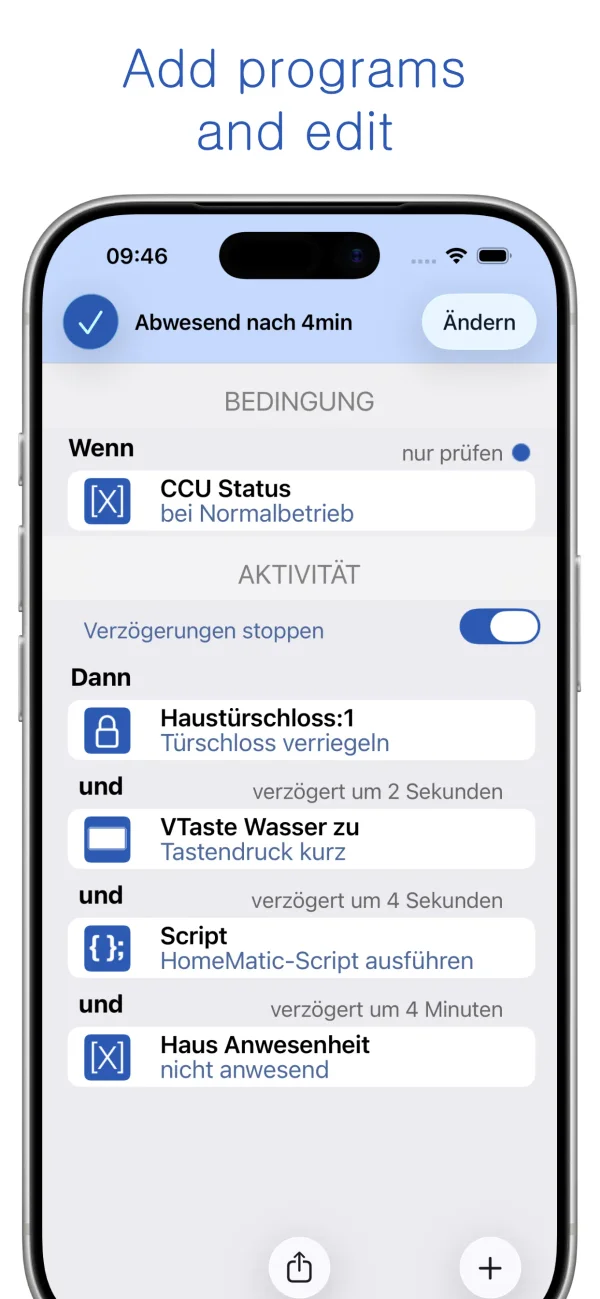
- With actions, you can change the state of multiple devices or system variables at once. For example, with one action, you can turn on or dim lights, close shutters, and increase the temperature. Actions can include delays, making it possible to switch devices on and later off. Actions can be saved as shortcuts in the Shortcuts app and used in widgets, as well as activated with Siri.
- You can create and edit programs and system variables directly within the app. This allows you to adjust your home automation remotely.
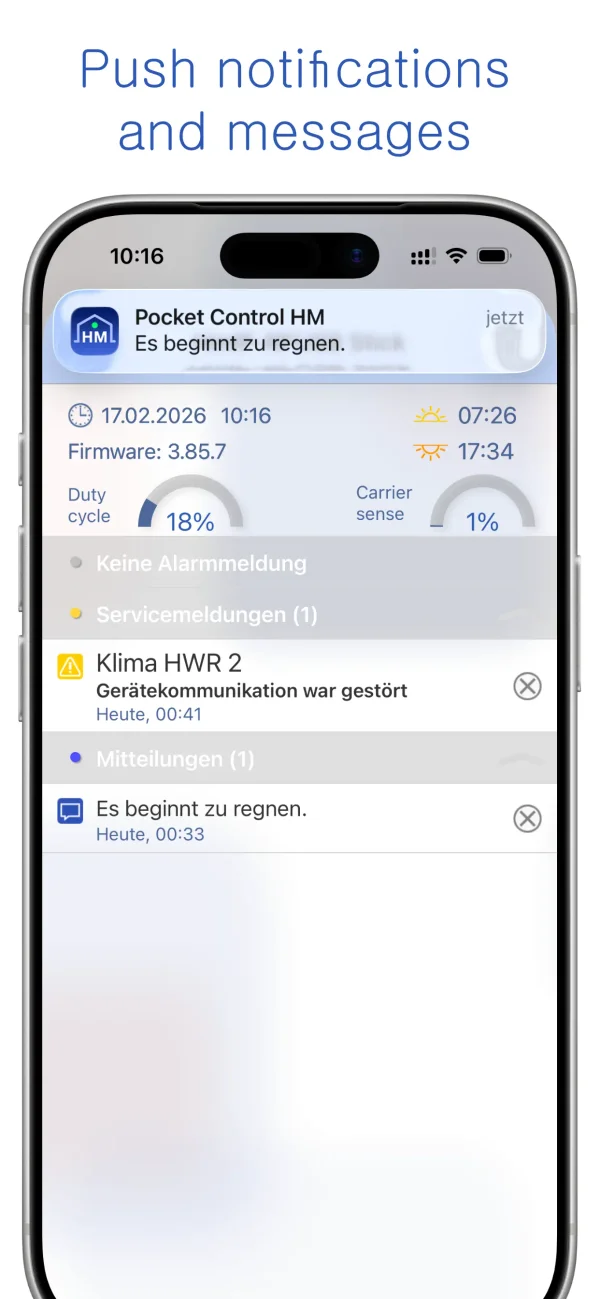
- Push notifications from the control center to your iPhone, iPad, or Apple Watch will keep you informed of important events in your home automation. You can specify who the recipient is in the notification. You can choose a sound or mute the notification. These notifications are listed within the app.
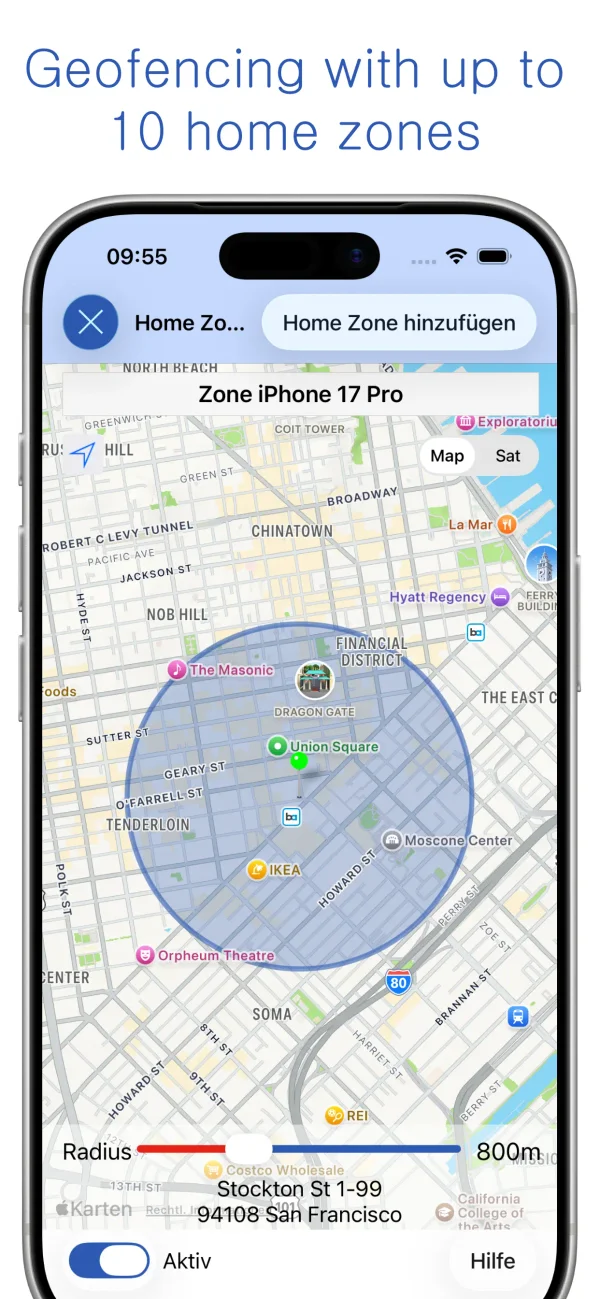
- With the geofencing function, you can create up to 10 home zones. Leaving or reaching these home zones is reported to the control center and can be used for further tasks, such as controlling the heating or activating the alarm system.
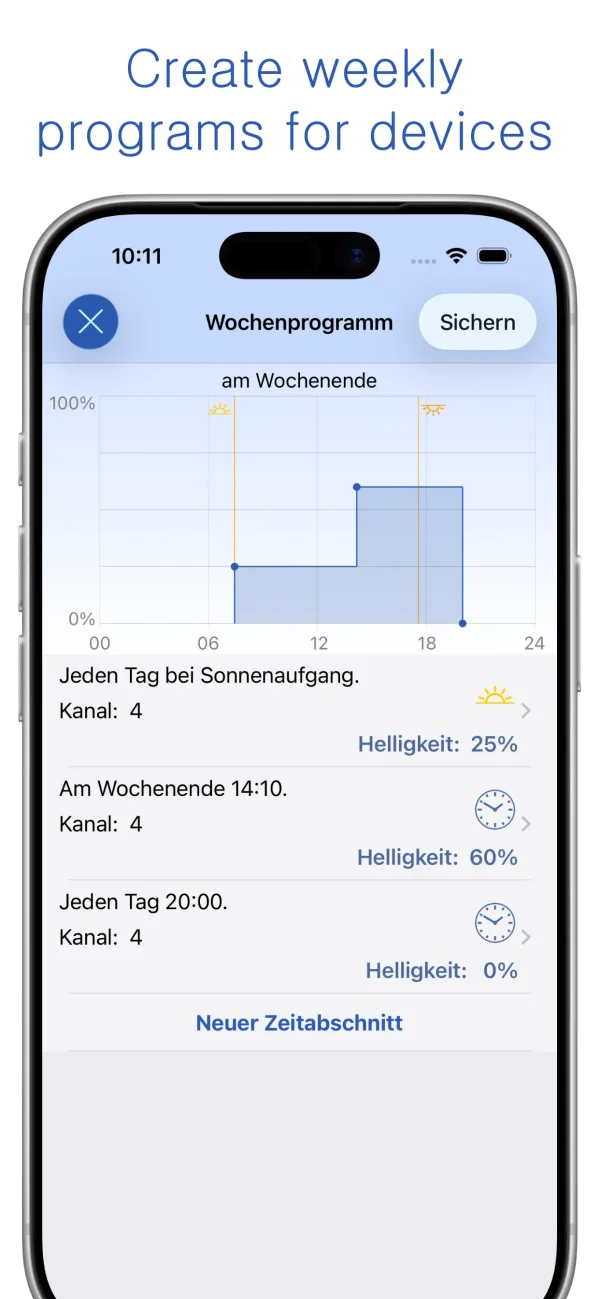
- You have the option to automate devices based on scheduled times. The control center will automatically execute the commands.
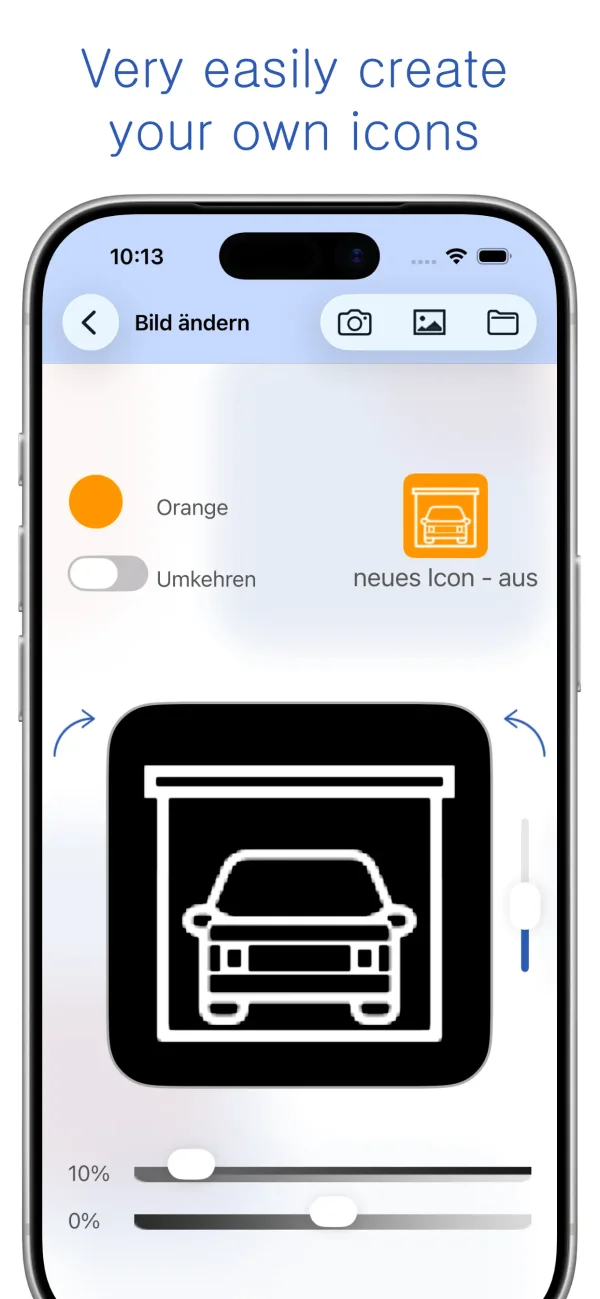
- For many devices, you can create custom icons within the app, making it easier to recognize their status. Special states are made more visible through custom icons.
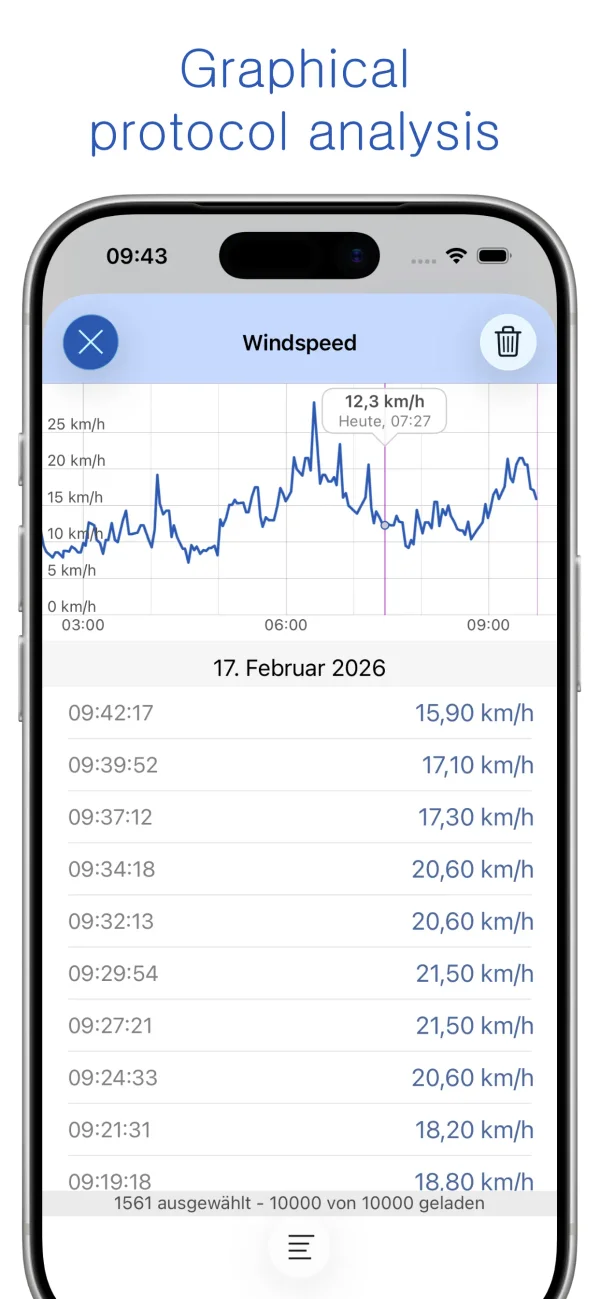
- The system log of the CCU can be displayed. For selected devices, the system log can be shown as a graphical chart.
- Multiple configurations can be created (both for a single system and for different systems).
- Configuration sharing via iCloud, email, and AirDrop is supported.
- Service messages are listed and can be acknowledged.
- The app or just the settings can be protected with a PIN.
- IP cameras (webcams) can be integrated.
- The app’s color scheme can be customized. A dark design is available.
- Remote controls and wall switches are graphically reproduced for operation.
- Communication is provided via WLAN (WiFi) when at home and via an existing VPN connection when away.
- A connection to the service Cloudmatic connect is integrated.
BATTERY CONSUMPTION
Continuous use of GPS in the background can significantly reduce battery life.
Therefore, the geofencing feature has been optimized.
What’s new
Version 26.2 · Oct 27, 2026
This version includes the following improvements:
- A display problem with light sensors has been fixed.
- The tilt and vibration sensor HmIP-STV is supported with the latest firmware.
- Minor bug fixes
Thank you for using pocket control HM.
If you enjoy the app, we would appreciate it if you could take a moment to leave a rating and provide your feedback.
App privacy
What PENZLER GmbH declares on the App Store about how this app handles data.
-
Data not linked to you
May be collected but is not linked to your identity.
- Identifiers
Privacy practices may vary, for example with the features you use or your age.
Information
- Seller
- PENZLER GmbH
- Category
- Lifestyle
- Version
- 26.2
- Updated
- Oct 27, 2026
- Released
- Dec 3, 2010
- Size
- 18.6 MB
- Requires
- iOS 15.5 or later
- Age rating
- 4+
- Languages
- English, Dutch, French, German
- Copyright
- © 2026 Ralf Penzler
You might also like
-
 AIO REMOTE NEOLifestyle
-
 @Home for HomematicSmart Home with Homematic
-
 mediola IQONTROL NEOAll in One Smarthome App
-
 Battery Status for HomeMaticLifestyle
-
 mediola connectLifestyle
-
 ioBroker VisuLifestyle
-
 ioBrokerVisualization for ioBroker
-
 Autarkie ManagerLifestyle
-
 Homematic IPSmart Living, Simply Exciting.
-
 S-Thermatik NEOLifestyle