- Age rating17+
- CategoryProductivity
- DeveloperYuan Lin
- LanguagesEnglish
- Size9.2 MB
Links to the official App Store page
Download.org hosts no file of Pocket Files. The button opens its official App Store page, published by Yuan Lin. Listing last checked on Nov 6, 2026.
Screenshots


About
Make room for a better file workflow.
Free, with no subscriptions or in app purchases.
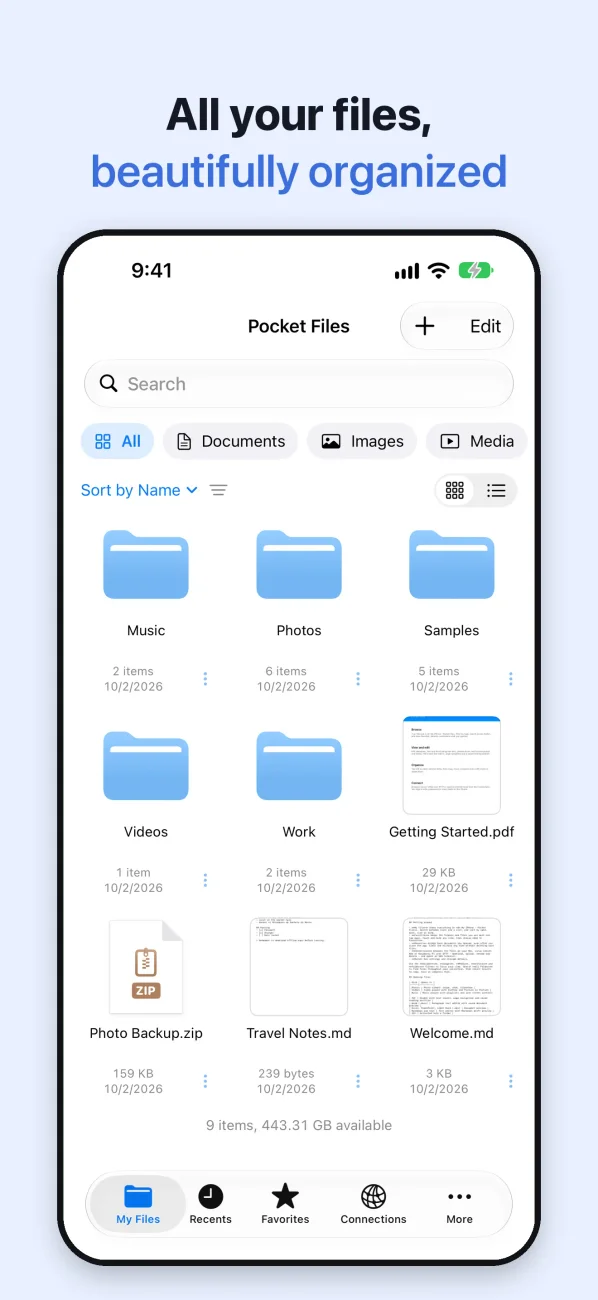
Pocket Files brings documents, photos, media and archives together in a native iPhone file manager. Browse a thumbnail grid or detailed list, filter by file type and search across folders to find what you need.
Convert Markdown and text into shareable PDF, Word or HTML documents. Extract text from Word or searchable PDF files, export the first Excel worksheet as CSV, and turn PDF pages into images. Convert supported images to JPEG, PNG or PDF, with size and JPEG quality options. Conversion happens on your iPhone and creates new files alongside your originals.
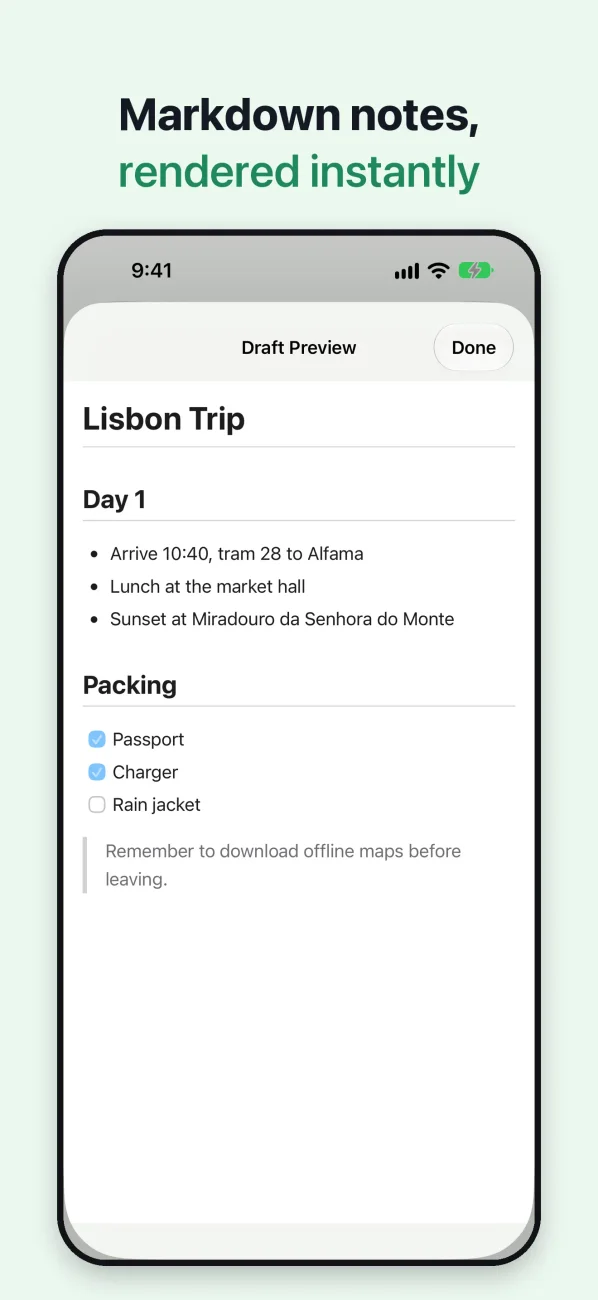
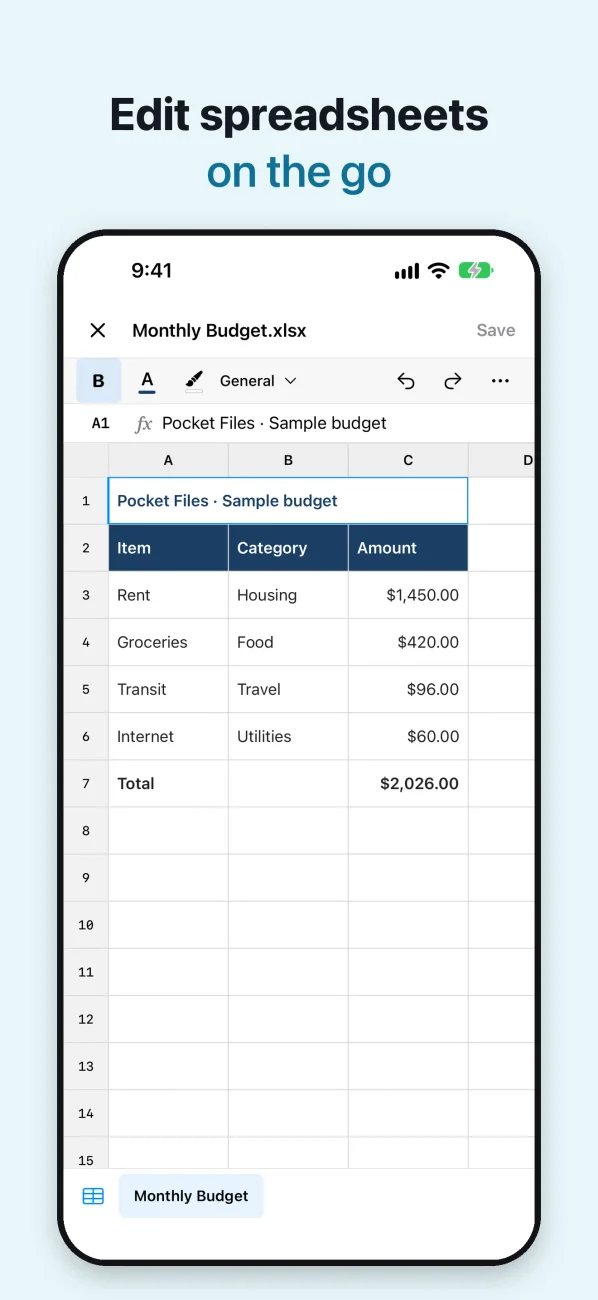
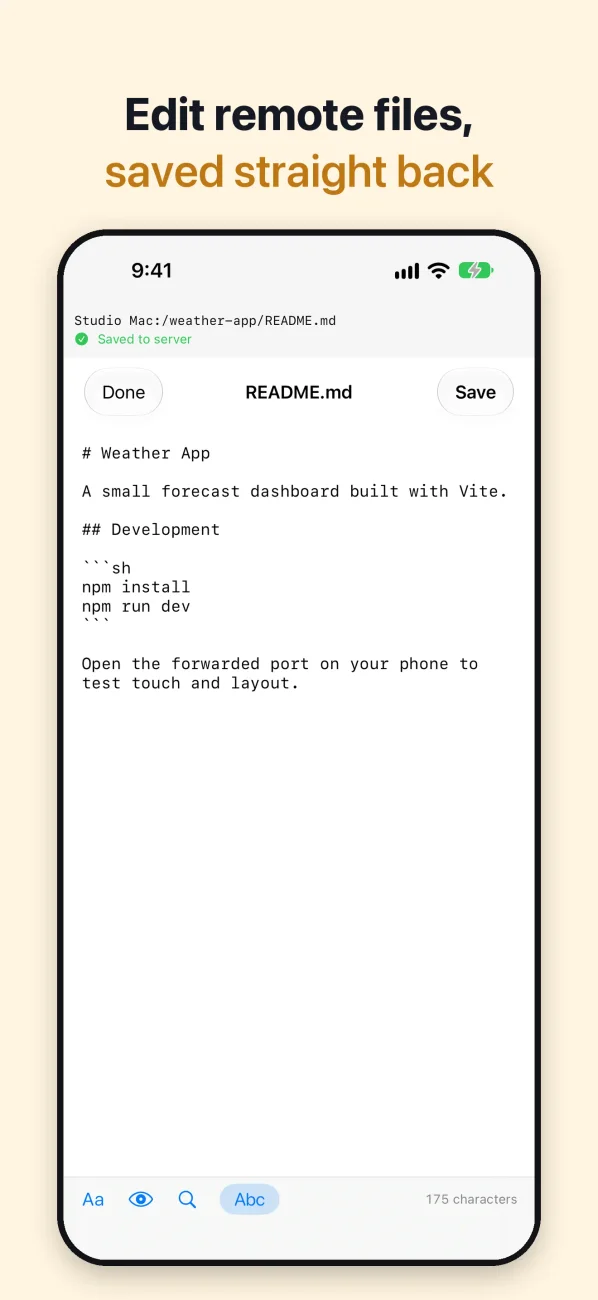
Create and edit Markdown and text files with formatting tools, draft preview and find and replace. Edit supported Word documents and Excel spreadsheets with native tools, and save supported remote documents back to your server.
Read PDFs with text search and page navigation, and pick up from your saved reading position. Open Markdown with formatting, tables and code. Preview Word and Excel documents without switching apps. Browse photos and play supported music and video files.
Organize your collection with folders, favorites, copying, moving, renaming and sharing. Recent Files brings your opened documents back within reach. Import from Files and iCloud Drive, or use the iPhone share sheet.
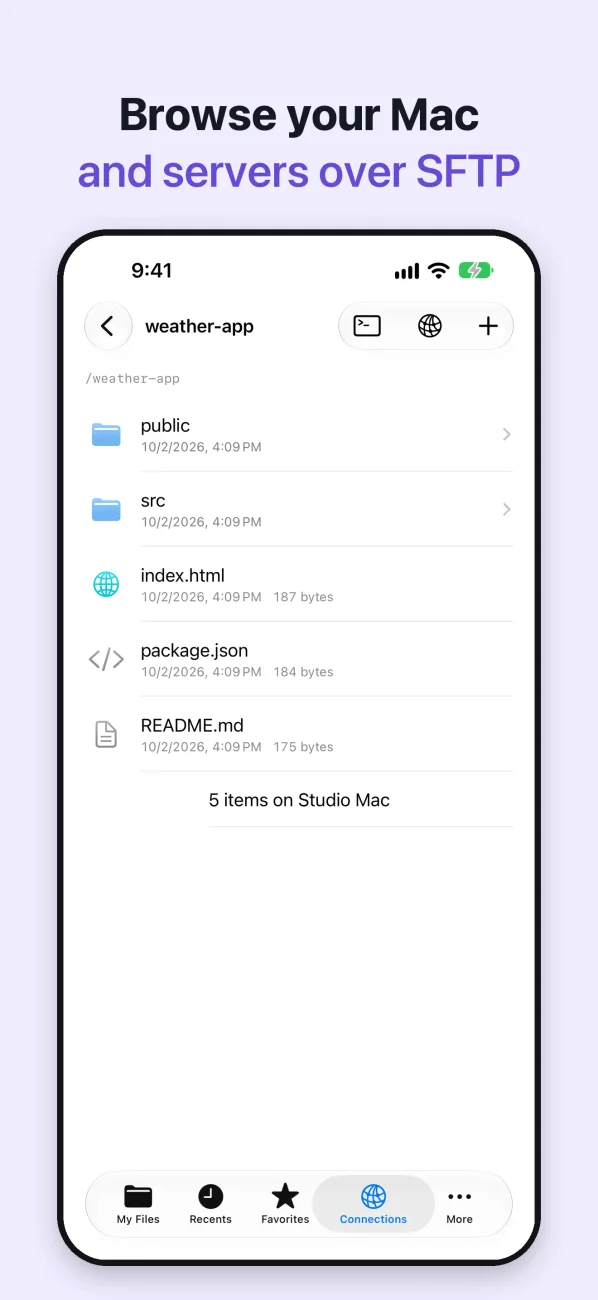
Compress files and folders into ZIP archives, then extract archives into your collection. Connect to your Mac, NAS or server over SFTP to browse and transfer files, with an SSH terminal available when you need it. Forward a server port to preview your own web service on your iPhone.
No account is required for local browsing, reading or organization. Your local files stay on your iPhone unless you choose to share or transfer them. Server connections happen when you choose to use them; web content you open may access online services.
Word conversions reflow text and do not retain complex page layouts or embedded media. Excel conversion uses the first worksheet and saved cell values. Office previews depend on iOS and document compatibility. PDF text search requires searchable text. ZIP compression and extraction support ordinary unencrypted ZIP archives.
App privacy
What Yuan Lin declares on the App Store about how this app handles data.
-
Data not collected
The developer does not collect any data from this app.
Privacy practices may vary, for example with the features you use or your age.
Information
- Seller
- Yuan Lin
- Category
- Productivity
- Version
- 1.0.0
- Updated
- Oct 29, 2026
- Released
- Oct 28, 2026
- Size
- 9.2 MB
- Requires
- iOS 17.0 or later
- Age rating
- 17+
- Price
- Free
- Languages
- English
- Copyright
- © Gabriel Wang