Pocket Planner, Calendar, Note
Week View, To-Do, Diary, Task
Designed for iPhone, iPad
Free · In-app purchases
- Age rating4+
- CategoryProductivity
- DeveloperDigital Legal Tech
- LanguagesEnglish+ 27 more
- Size666.1 MB
Links to the official App Store page
Download.org hosts no file of Pocket Planner, Calendar, Note. The button opens its official App Store page, published by Digital Legal Tech. Listing last checked on Nov 28, 2026.
Screenshots



About
Keep Your Tasks and Schedule Organized — Easy and Quick!
This is a full digital equivalent of a classic pocket paper planner with a weekly view and traditional page-flipping, turning any number of tasks into a clear plan for your day, week, month, or year.
It lets you plan all your personal and work-related tasks with maximum ease, simplicity, and speed, giving you an instant overview of how busy your time is.
The planner combines a notebook, scheduler, calendar, habit tracker, and to-do list—all in one app. It replaces your familiar paper organizer with a perfectly identical, high-tech version so you can effortlessly create plans, track their progress, and achieve your goals.
Remember: a dream written down alongside a date becomes a goal!
Millions of people worldwide already use our planner. It helps create schedules, take notes, manage client lists, keep track of tasks and shopping lists, build habits, stay productive, and never forget anything.
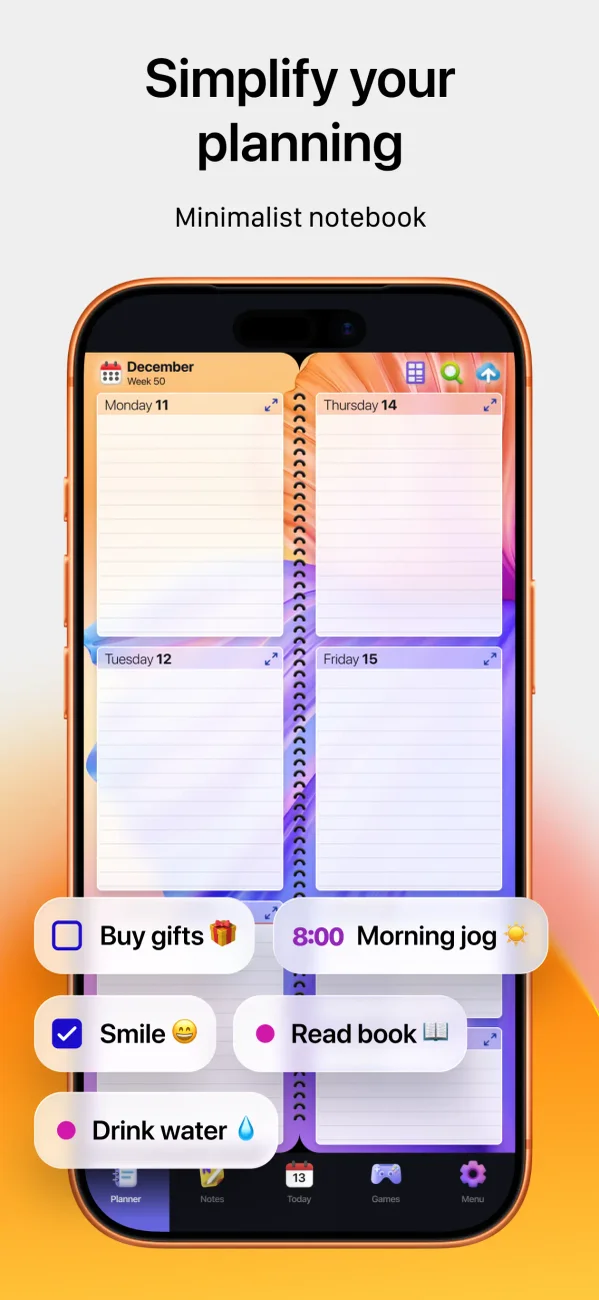
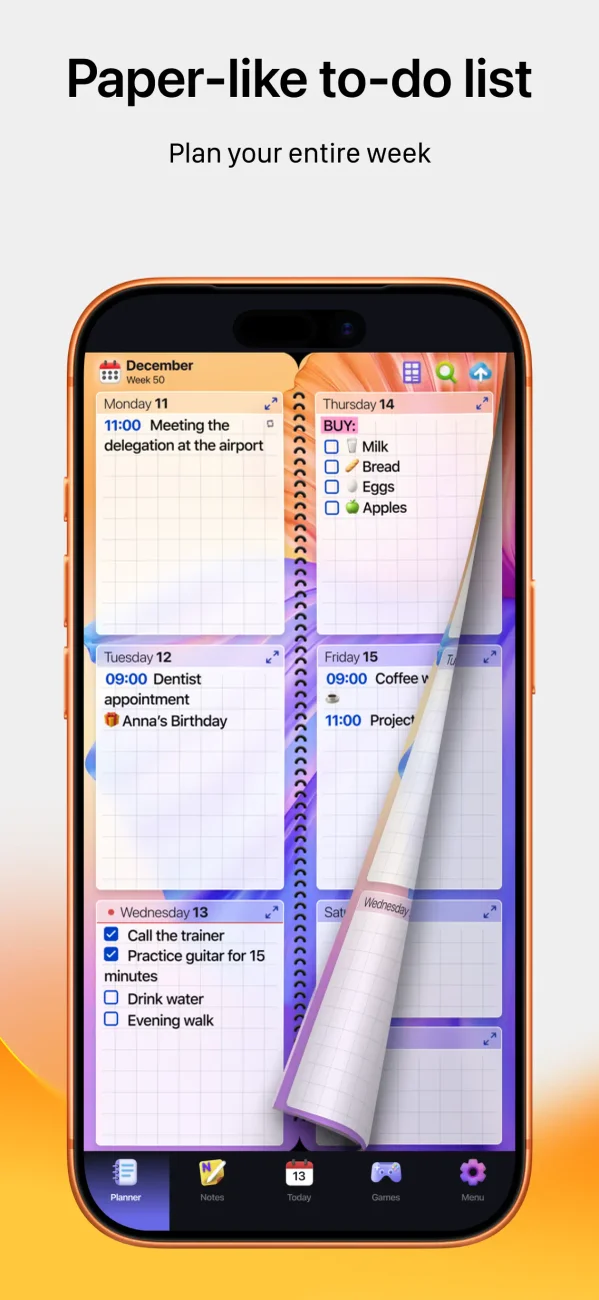
The interface mimics the classic paper notebook with page-flipping that people have used for centuries. It’s the simplest and most intuitive way to plan—like a school diary or a minimalist paper planner.
On the main screen, you see all your plans for the week—the most manageable timeframe for convenient planning. You can easily flip forward or backward through as many weeks, months, or years as you want.
Any tasks, plans, habits, or lists are easy to add, edit, or delete. No complicated data entry systems, no filling out forms—just type or speak your notes as you would in any regular memo.
Key planner features:
• Smooth page-flipping just like a paper calendar (planner, organizer). No need to carry a paper notebook anymore.
• Full-week view plus an expanded single-day view for more notes. All your plans at your fingertips.
• A variety of background designs to suit even the most discerning taste. Change them as many times as you want.
• Calendar for easy navigation to any date, past or future.
• Highlight notes with color, underline, strikethrough, bold, or italic font—all to prioritize tasks and mark completed ones.
• A separate notes page (to-do list) not tied to any date. Use it for shopping lists or jotting down valuable thoughts.
• Week numbers displayed and one-tap return to the current date anytime.
• Customizable color and font size for entries and events.
• Language selection.
• Choice of the first day of the week.
• Voice input for adding entries, plus Apple Pencil support on iPads.
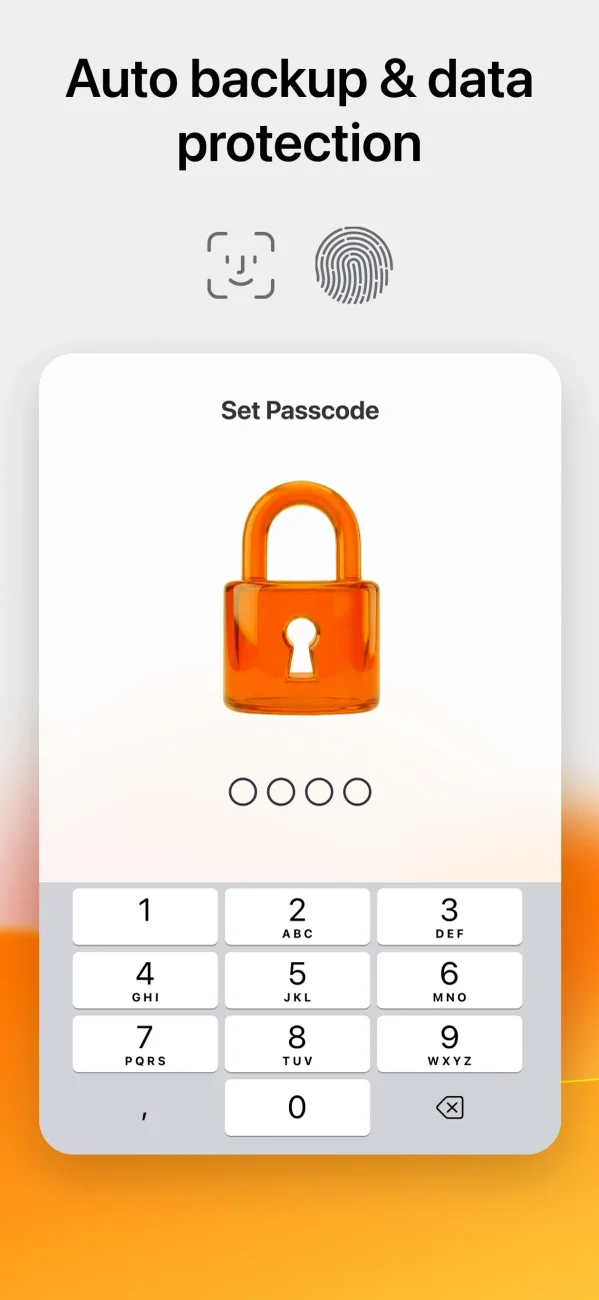
• iCloud backup and restore—your data is always safe.
By popular demand, we also added:
• Recurring events (daily, weekly, biweekly, monthly, yearly, etc.) Perfect for birthdays, workouts, schedules.
• Automatic reminders (notifications you requested).
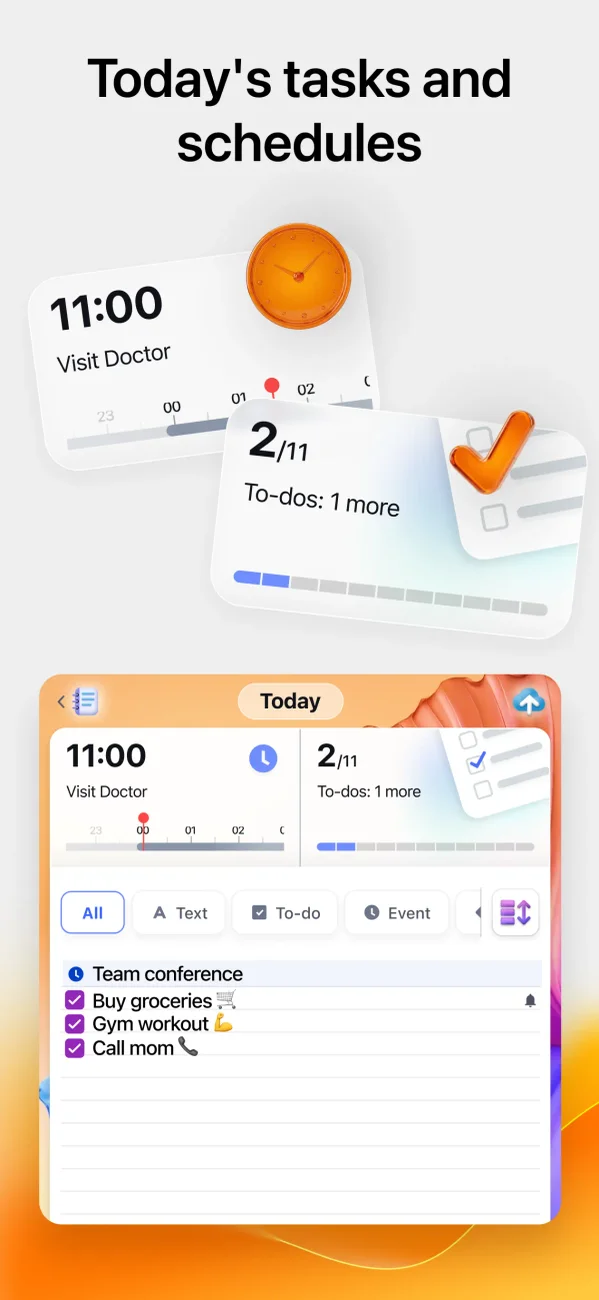
• Checkboxes to mark completed tasks.
• Hourly breakdown for days, making it easier to plan consistent schedules.
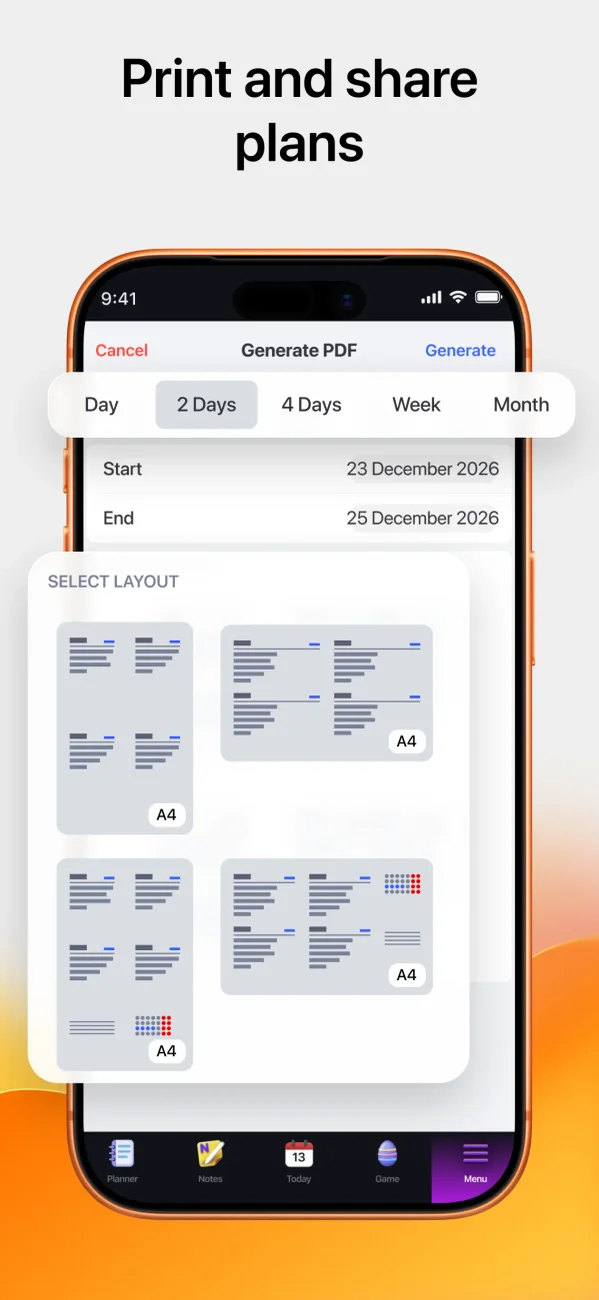
• Ability to share your schedule with colleagues, friends, and family.
• Word search function.
• Integration with calendars like Google Calendar and iPhone Calendar.
• And much, much more.
The basic planner features are always FREE. You can also upgrade to Premium with a one-time purchase or subscription.
E-mail: appweeklyplanner@gmail.com
This app is subject to Apple’s standard End User License Agreement (EULA): https://www.apple.com/legal/internet-services/itunes/dev/stdeula/
Enjoy using it!
What’s new
Version 2.3.1 · Nov 20, 2026
Bug fixes:
- iPhone Duo black screen issue
- GMT+13 Time zone issues
- other bugs
App privacy
What Digital Legal Tech declares on the App Store about how this app handles data.
-
Data not linked to you
May be collected but is not linked to your identity.
- Usage data
- Diagnostics
Privacy practices may vary, for example with the features you use or your age.
Information
- Seller
- Digital Legal Tech, Societatea cu Raspundere Limitata
- Category
- Productivity
- Version
- 2.3.1
- Updated
- Nov 20, 2026
- Released
- Dec 9, 2020
- Size
- 666.1 MB
- Requires
- iOS 18.0 or later
- Age rating
- 4+
- Price
- Free
- In-app purchases
- Yes
- Languages
- English, Arabic, Czech, Danish, Dutch, Finnish, French, German, Greek, Hebrew, Hindi, Indonesian + 16 more
- Copyright
- © Digital Legal Tech Ltd
You might also like
-
 LazyMonkey: Agenda & PlannerWeekly Calendar, Tasks & Notes
-
 Planmore: Schedule Planner AppDaily Calendar, Time Organizer
-
 Daily Planner Calender AgendaDigital Scheduler & Calendar
-
 Listta: ToDo & Digital PlannerAgenda, calendar & reminders
-
 24me: Calendar・Planner & To DoReminders, Schedule, Organizer
-
 Calendar - Schedule PlannerDaily & Weekly Planner, Agenda
-
 Week Calendar - Smart PlannerSync Agenda Tasks & Reminders
-
 Digital Planner for iPadHourly, Daily, Weekly Calendar
-
 WeNote - Notes, Notepad, To doColor Notebook & Calendar