
Pocketify – Save & Read Later
Bookmarks, highlights, RSS
Designed for iPhone, Mac, iPod touch
Free · In-app purchases
- Age rating17+
- CategoryProductivity
- Developer晓海 林
- LanguagesEnglish+ 10 more
- Size222.3 MB
Links to the official App Store page
Download.org hosts no file of Pocketify – Save & Read Later. The button opens its official App Store page, published by 晓海 林. Listing last checked on Nov 16, 2026.
Screenshots
About
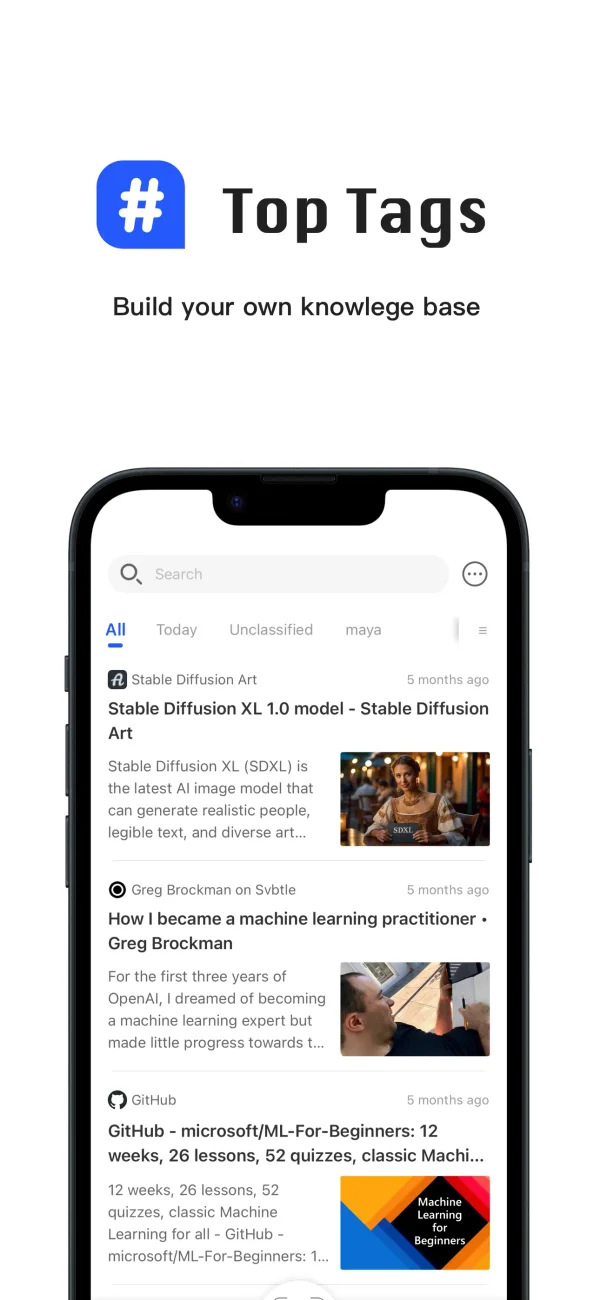
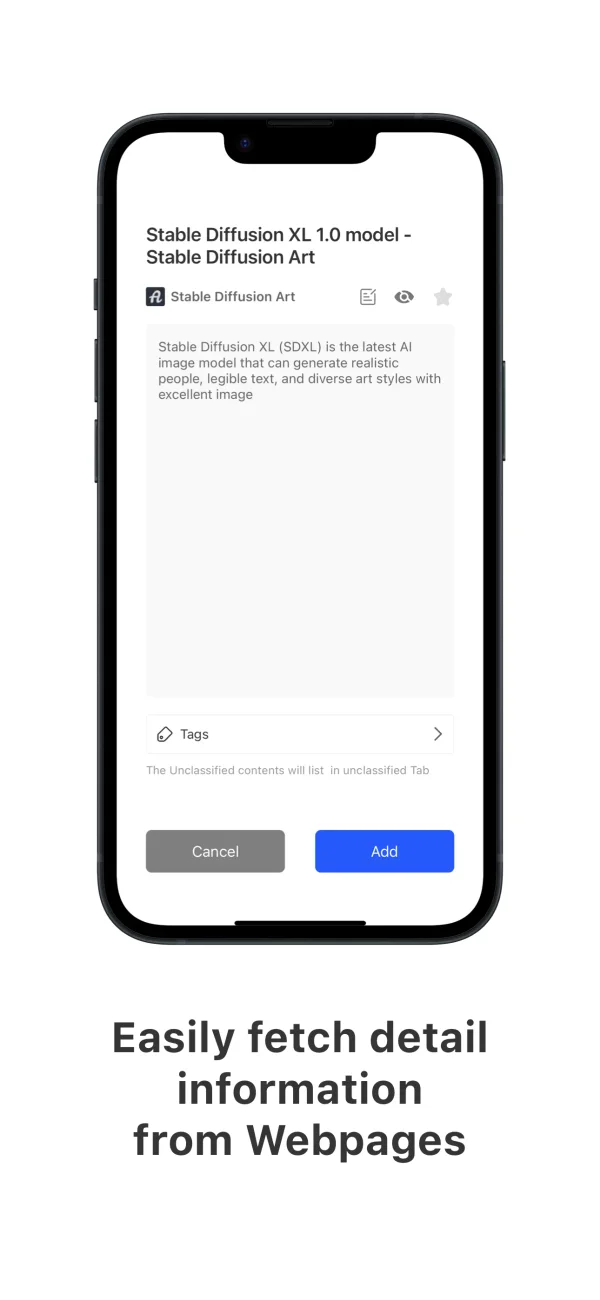
Pocketify, formerly known as Top Tags, is a productivity tool for information collection and management. It helps you gather, organize, and retrieve scattered web pages, app content, images, files, and inspirations in one unified place, so the information that matters to you can truly accumulate and stay accessible.
Key Features
Quick Capture from Multiple Entry Points
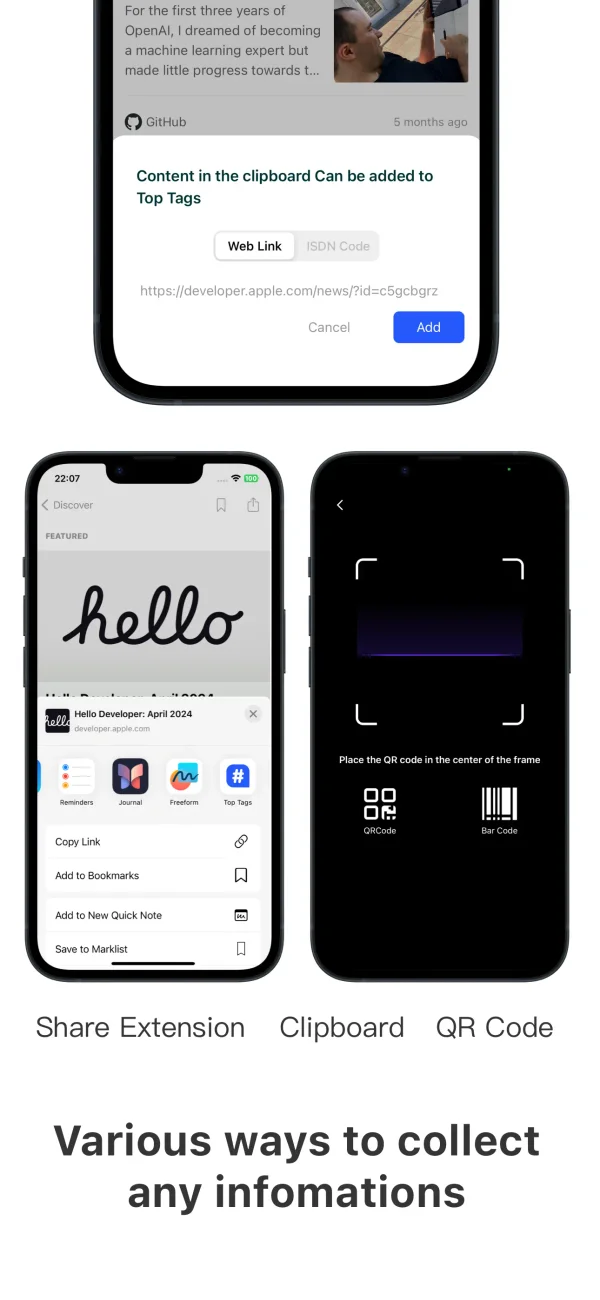
Save content through the system share sheet, link input, quick actions, or clipboard recognition. Supports saving web links as well as content from the App Store, Apple Music, Apple Podcasts, and more.
Image Favorites & File Favorites
Save inspiring images more easily and keep frequently used files organized for faster access and more efficient management.
Collections & Tag Management
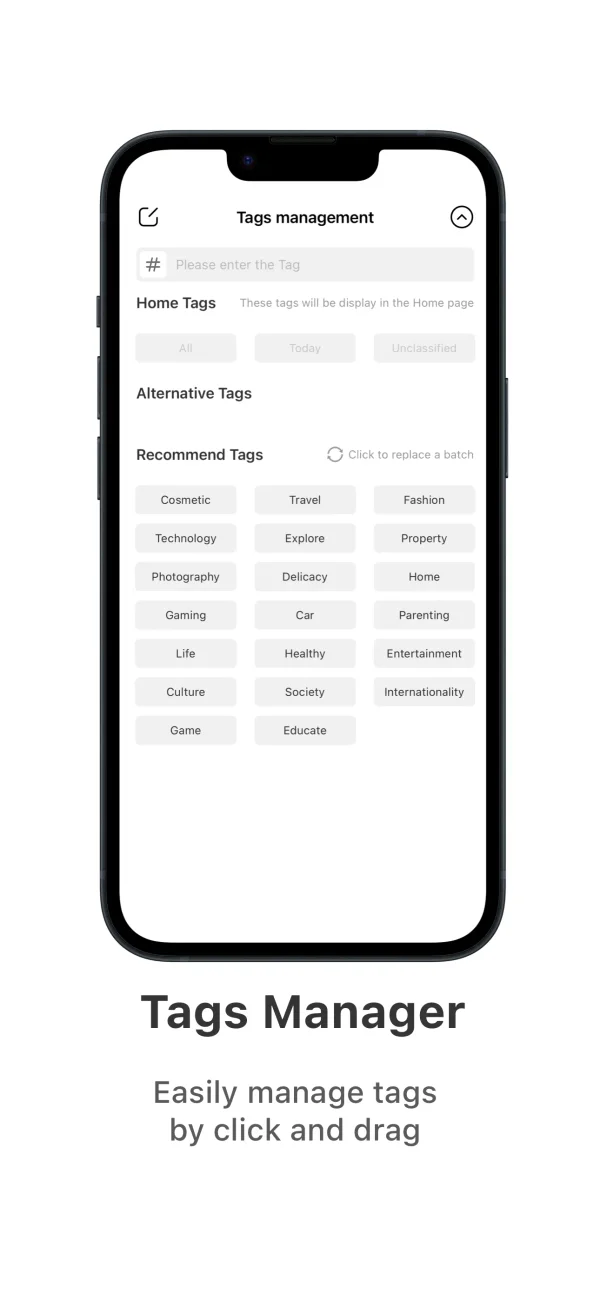
Organize your saved content with collections and tags to build a clear and structured information system.
Instant Idea Capture
Quickly capture inspirations, thoughts, and reference materials anytime, so important ideas never get lost.
RSS Tracking
Subscribe to RSS feeds and import or manage OPML files to follow your favorite information sources in one place.
Internal & External Search
Search across your internal knowledge base and external sources to quickly find what you need. Custom search sources are also supported for a more flexible and personalized search experience.
Optimized Reading Experience
Supports light and dark mode, customizable reading preferences, clearer highlight and note presentation, and smoother interactions throughout the app.
Highlight & Notes
Highlight key content and add notes for easier review, better focus, and stronger knowledge retention.
Multi-Dimensional Filtering Views
Create custom views with flexible filtering options to match your workflow.
Pocketify is continuously improved by an independent developer. Your feedback and suggestions are highly valued—feel free to share your thoughts and help make Pocketify even better.
Contact
Email: tbfungeek@163.com
Gmail: hi.aestech.studio@gmail.com
WeChat: AesTechStudio
Xiaohongshu: AES Tech Studio
Twitter (X): @aes_tech_studio
Facebook (Meta): Xiaohai Lin
Terms of Use (EULA):
https://www.apple.com/legal/internet-services/itunes/dev/stdeula/
Privacy Policy:
https://www.notion.so/Pocketify-Privacy-Policy-31378324ff7e80fea45be0b5a22079be
What’s new
Version 3.7.0 · Oct 18, 2026
Your highlights and notes now have their own tab, making it easier to revisit what matters in saved webpages and documents.
New
• Browse notes directly from Organize, with source covers, titles and site icons.
• Add independent notes to webpages and documents without creating a highlight.
• Open document contents from a floating button and jump to a chapter or bookmark.
• View dominant image colors and tap a swatch to copy its HEX value.
• Share notes as images in four styles, or save the complete image to Photos.
Improved
• Expand and collapse long notes while keeping quick actions close at hand.
• Smoother switching between Favorites and Organize, and between document list layouts.
• Clearer navigation, compact sharing controls and more consistent action feedback.
App privacy
What 晓海 林 declares on the App Store about how this app handles data.
-
Data used to track you
May be used to track you across apps and websites owned by other companies.
- Identifiers
-
Data not linked to you
May be collected but is not linked to your identity.
- Identifiers
- Usage data
- Diagnostics
Privacy practices may vary, for example with the features you use or your age.
Information
- Seller
- 晓海 林
- Category
- Productivity
- Version
- 3.7.0
- Updated
- Oct 18, 2026
- Released
- Nov 9, 2021
- Size
- 222.3 MB
- Requires
- iOS 16 or later
- Age rating
- 17+
- Price
- Free
- In-app purchases
- Yes
- Languages
- English, French, German, Italian, Japanese, Korean, Portuguese, Simplified Chinese, Spanish, Traditional Chinese, Turkish
- Copyright
- © 2021 linxiaohai
You might also like
-
 Read it later: TwilarSave anything. Read offline.
-
 MarkMark - Read it laterBuild Your Internet Archive
-
 Readonly-Read It LaterYour Reading Corner
-
 Ready: Read, Organize, ConnectAll your reading in one place.
-
 FlowFerry - Read Without NoiseSave Articles. Read Anywhere.
-
 Mindbox: 全平台 All in one 资料收藏夹Productivity
-
 Monolog - Minimalist Notesbacklinks & bookmarks
-
 PicSeed - Read Later,CollectBuild your own knowledge base
-
 DinoxProductivity
-
 Muses: AI Notes & Voice MemosMeeting Minutes, Mindmap, Todo