
Poetics
A visual poetry app
Designed for iPhone, iPad, iPod touch
$2.99 · In-app purchases
- Age rating4+
- CategoryGraphics & Design
- DeveloperSoulincode Inc.
- LanguagesEnglish+ 2 more
- Size23.7 MB
Links to the official App Store page
Download.org hosts no file of Poetics. The button opens its official App Store page, published by Soulincode Inc. Listing last checked on Nov 21, 2026.
Screenshots


About
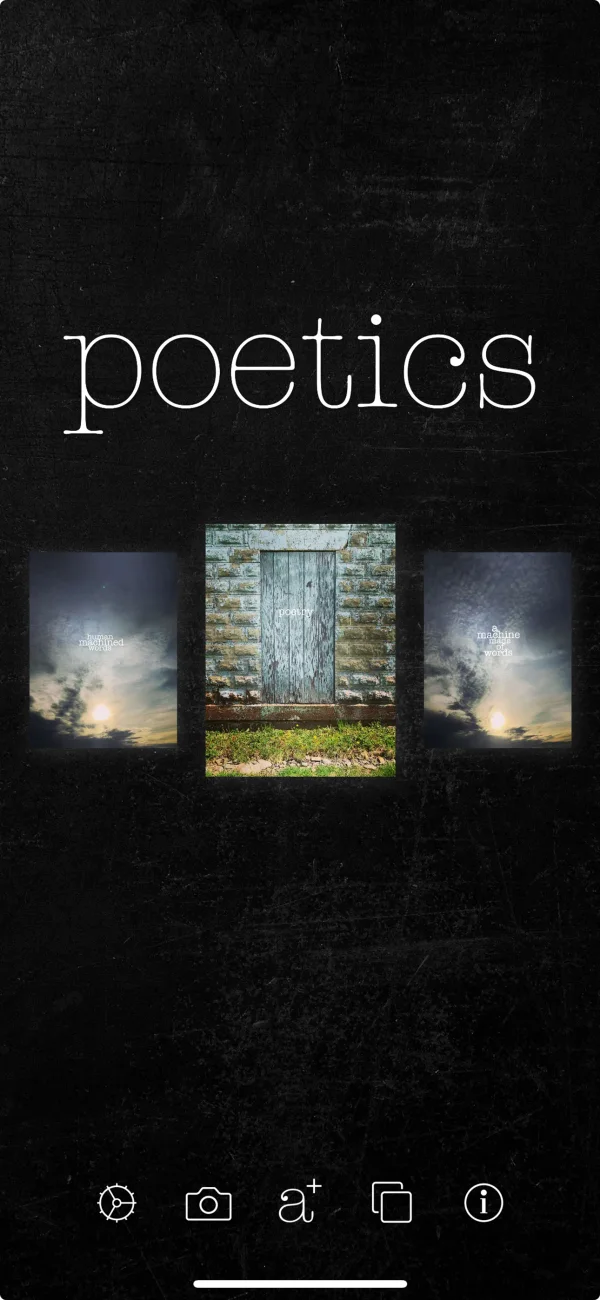
Poetics is a visual poetry app focused on developing concepts of semiotic poetry and decentralized art.
The app is an ongoing project by Seth Indigo Carnes, an artist based in New York City. Poetics is used in over 150 countries, across languages and cultures.
Art features:
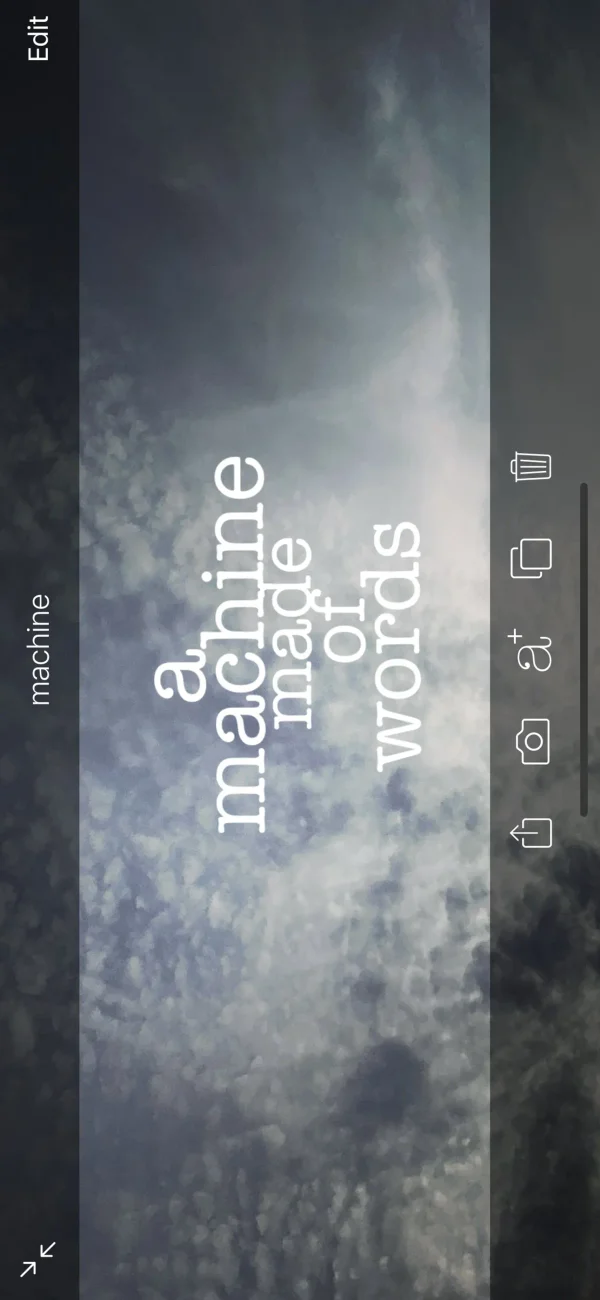
• mutable text
• chance operations
• ephemeral missives
• gestural semiotics
• nonlinear flux
• meta tangents
• intermedia cutups
• multimodal love
App features:
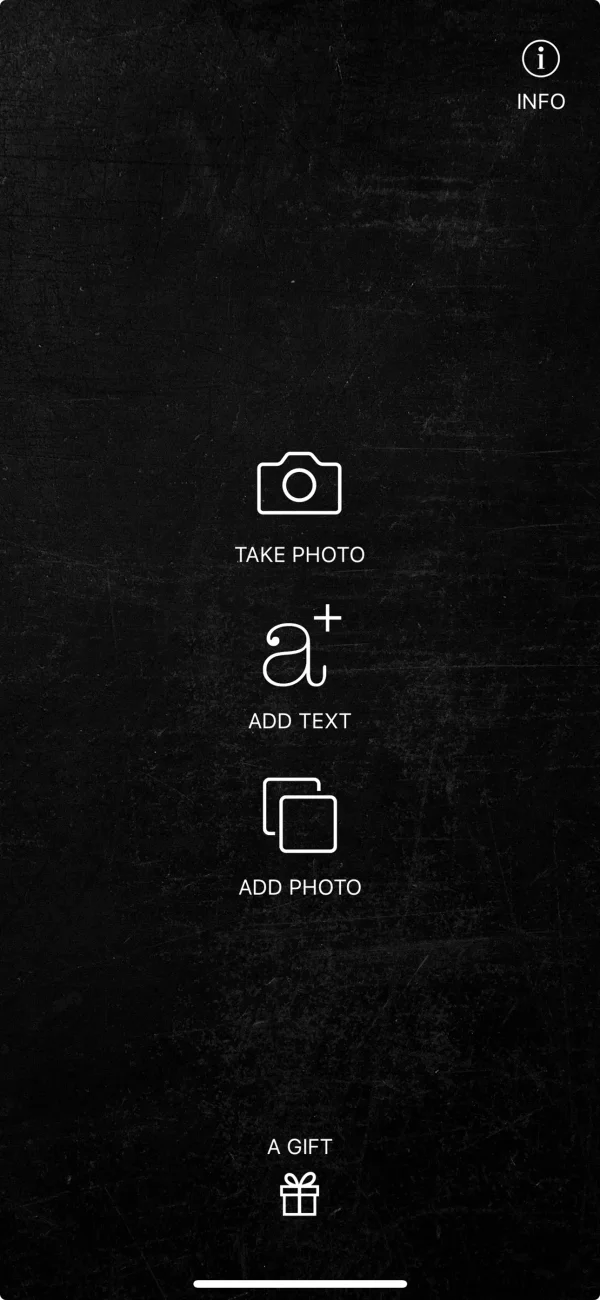
• works on all iOS devices
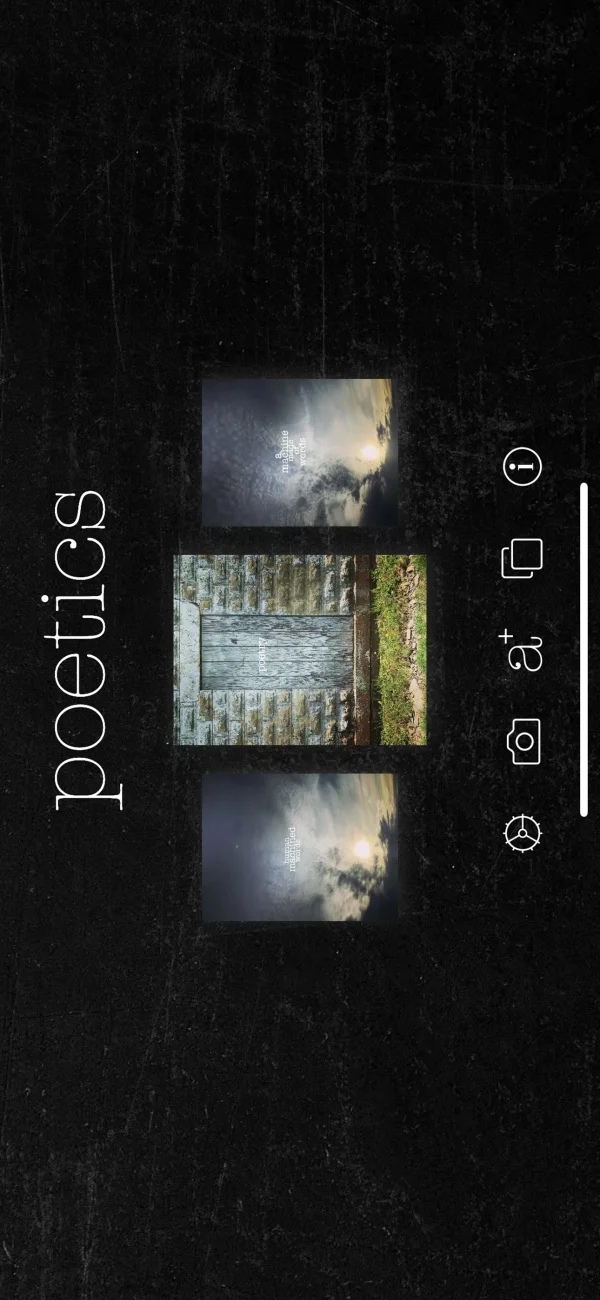
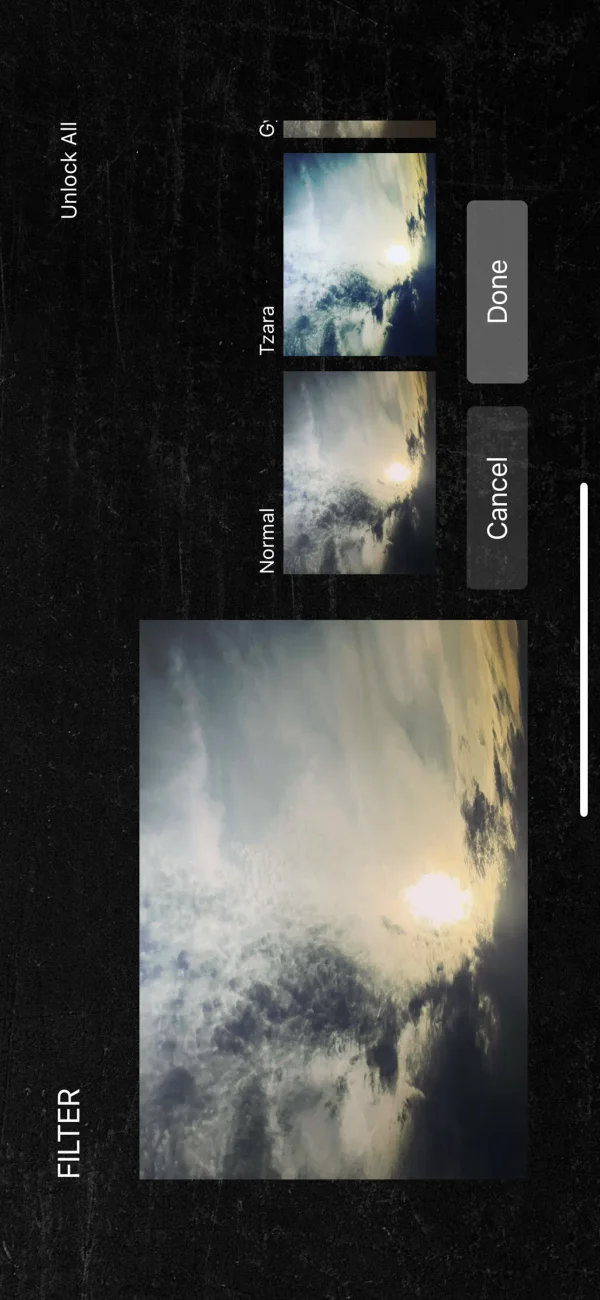
• portrait and landscape compositions
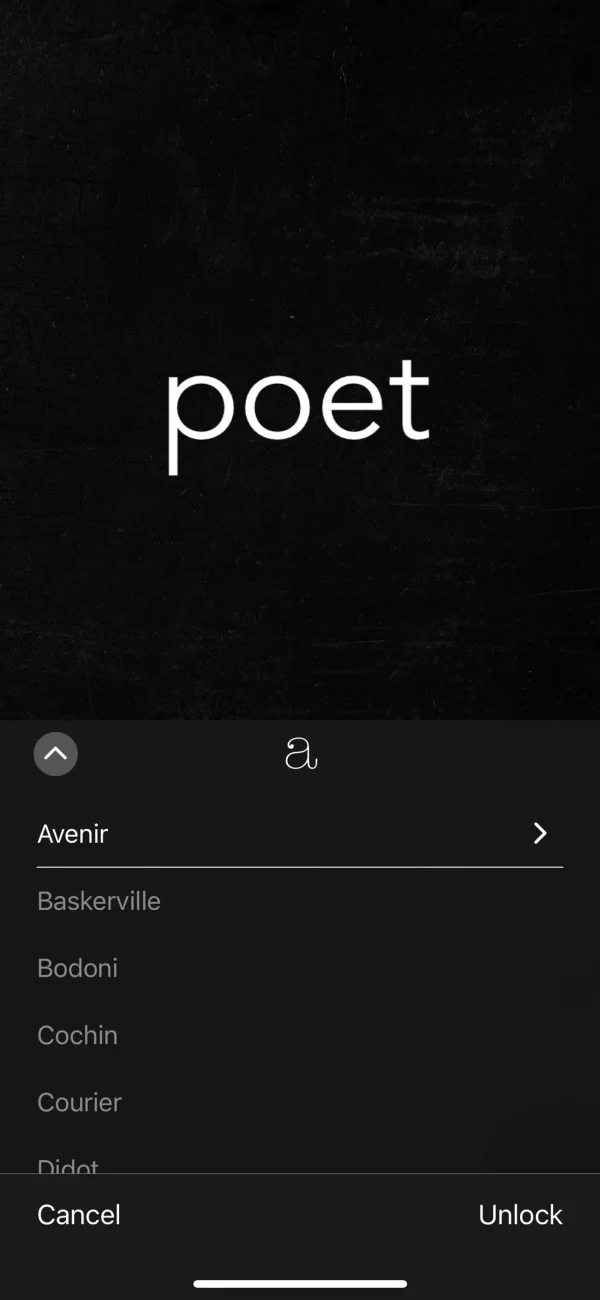
• curated set of font choices
• always editable, saved work
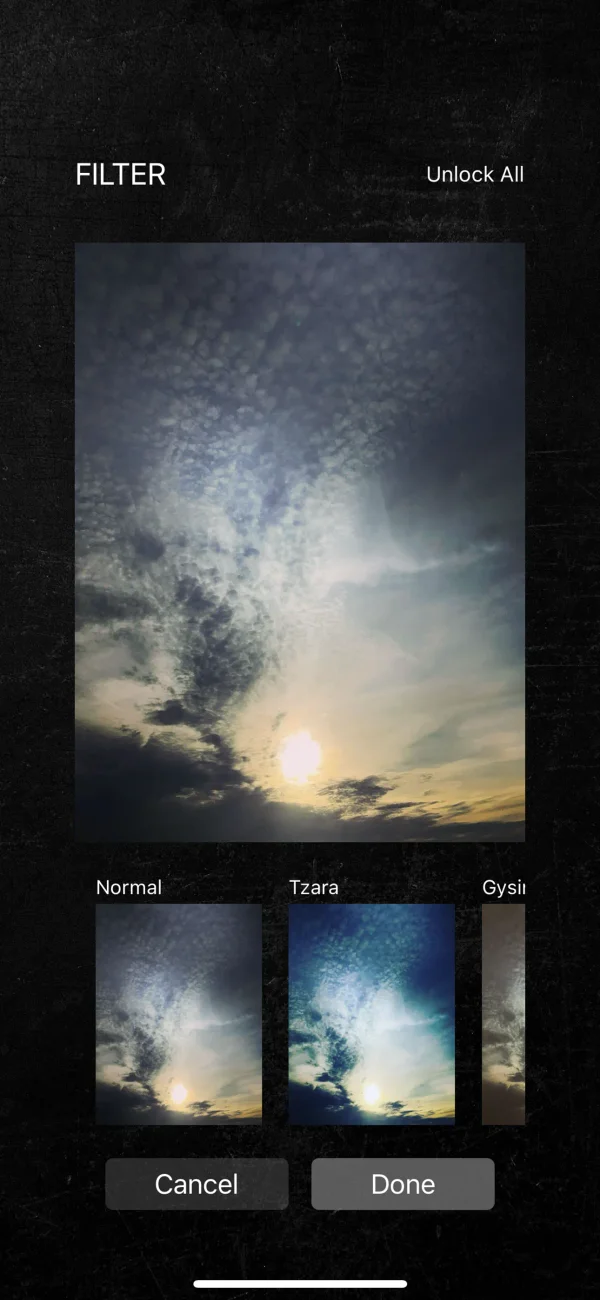
• custom photo filters
• minimal text styling and color
• physics-based interactions
• nuanced gestural control and haptics
• snapping, guides, and alignment
• zoom in and out for detailed work
• edit mode for advanced work
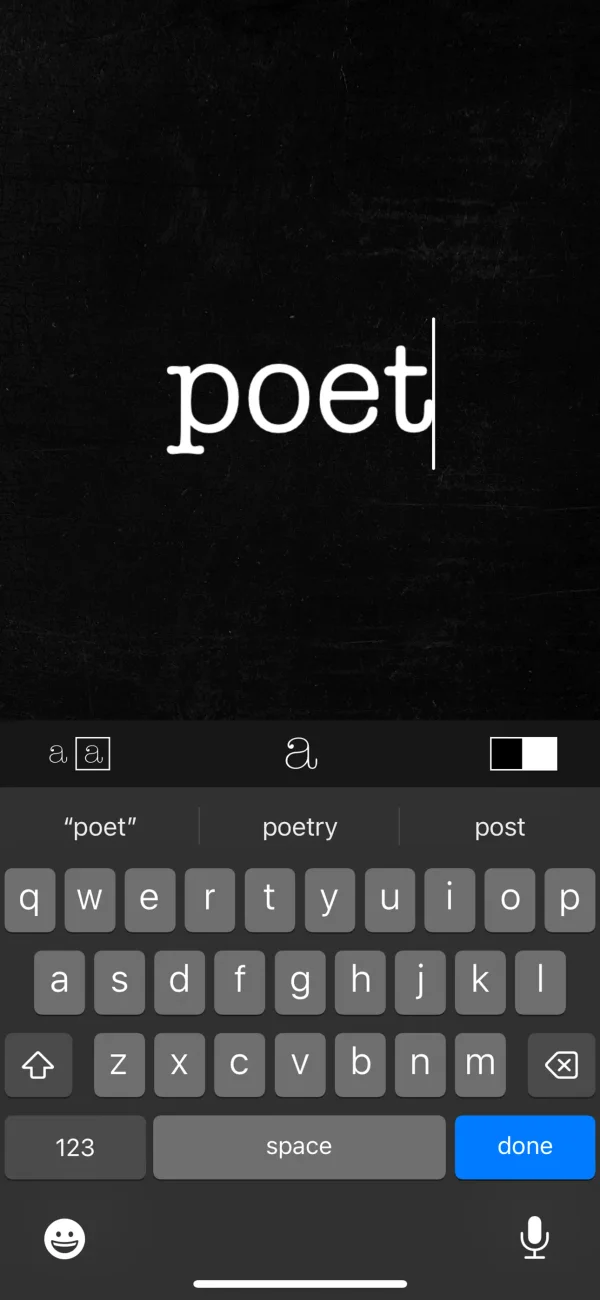
• write in multiple languages
• speak your words into app
Music in App Store preview courtesy of Patrick Golden and Jim Clouse of Parkwest Records.
Feedback or thoughts? hello@poetics.app
Metta
What’s new
Version 2.3.1 · Nov 19, 2026
Poetics now has snapping!
This feature allows for gestural alignment of words with precision, using visual guides and haptic response in the Edit mode.
Using the two finger gesture, selected words snap into alignment with nearby words or to a grid.
Rotating a word with the same gesture allows snapping to an angle, or select several words to align and rotate them as a group using buttons in the toolbar.
Snapping features various settings that are accessible in the Edit mode toolbar. Just tap ‘Edit’ on the top right of your screen to explore.
Enjoy!
App privacy
What Soulincode Inc. declares on the App Store about how this app handles data.
-
Data not linked to you
May be collected but is not linked to your identity.
- Usage data
- Diagnostics
Privacy practices may vary, for example with the features you use or your age.
Information
- Seller
- Soulincode Inc.
- Category
- Graphics & Design
- Version
- 2.3.1
- Updated
- Nov 19, 2026
- Released
- Jul 9, 2013
- Size
- 23.7 MB
- Requires
- iOS 15.6 or later
- Age rating
- 4+
- Price
- $2.99
- In-app purchases
- Yes
- Languages
- English, Japanese, Polish
- Copyright
- © Soulincode Inc.
You might also like
-
 1/2 GalleryInteractive Art with SwiftUI
-
 Spirograph DrawingSpirograph Art
-
 Collage Maker - LayoutCollage Maker & Grid Editor
-
 dear john, ai poetry booka digital poetry experience
-
 Bitrot: Glitch Photo EditorA tool for graphic design
-
 Quick Draw: AR TracingPin images & trace in AR
-
 Poetry Writing: AI Poem WriterWrite and share your poems
-
 AI Image Generator & EditorPhoto, Drawing & Image Creator
-
 Pose Croquis Pro30 sec. drawing
-
 Posterize AI Movie PostersBe the star of your own movie!