
PoGO RAID - Join Remote Raids
Join and Host Remote Raids
Designed for iPhone, iPad, iPod touch
Free
- Age rating12+
- CategorySocial Networking
- DeveloperGishan Networks (Private) Limited
- LanguagesEnglish
- Size54.3 MB
Links to the official App Store page
Download.org hosts no file of PoGO RAID - Join Remote Raids. The button opens its official App Store page, published by Gishan Networks (Private) Limited. Listing last checked on Nov 17, 2026.
Screenshots
About
PoGO RAID (formerly known as Raid KING app) is a key to the most trusted and well established online network of trainers battling in remote Raids!
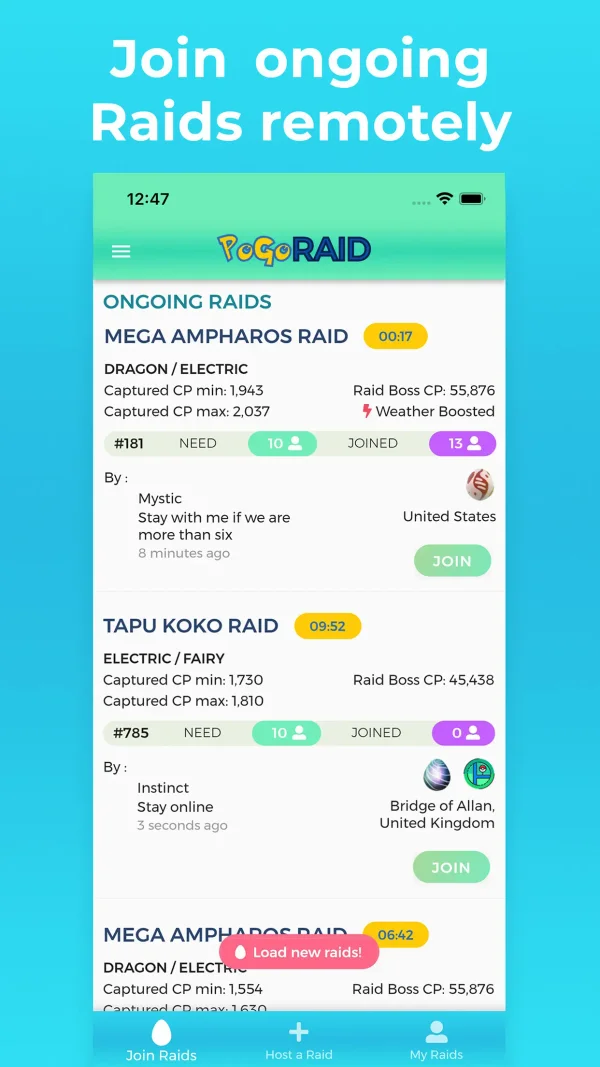
Get to know trainers around the world, join and host remote Raids together conveniently. Use dedicated real-time chat room for each coordinated Raid to better plan your strategy.
How to join a remote Raid?
- App will beep once when new Raids are added, click Load new Raids popup to load the latest vacant Raids.
- Join any remote Raid listed in the Raids tab.
- After joining, add the friend code shown (click Copy Code button to copy the code that can be conveniently pasted in the game), or use camera to scan the QR code to add the host trainer as a friend in game.
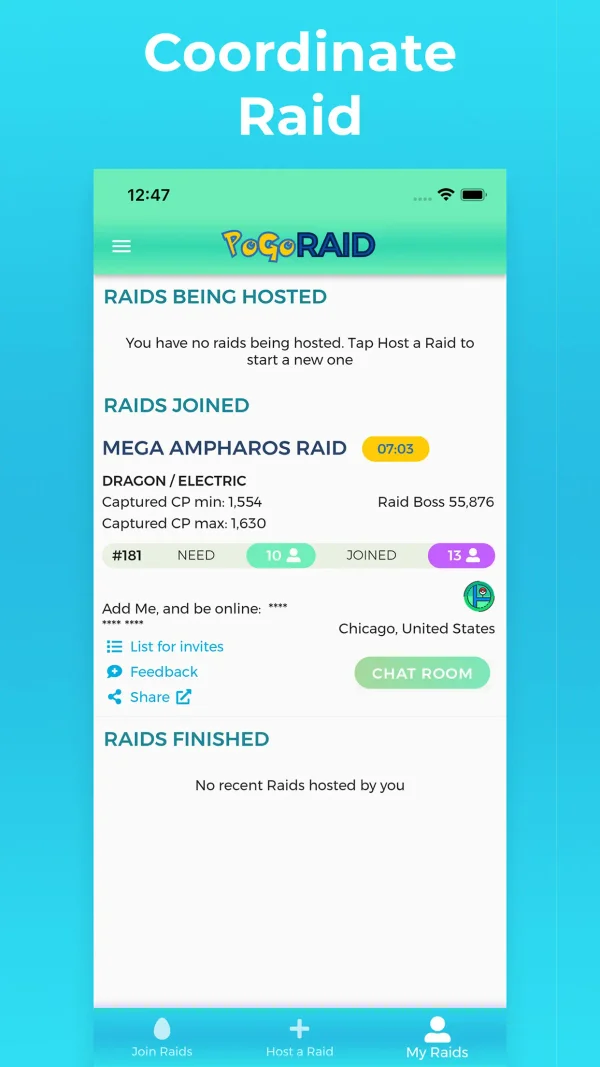
- Click Chat Room button to join the dedicated chat room for the Raid.
- Discuss and follow the instructions from the host trainer in the chat room on battling in the Raid.
- Provide feedback to the host trainer.
How to host a remote Raid?
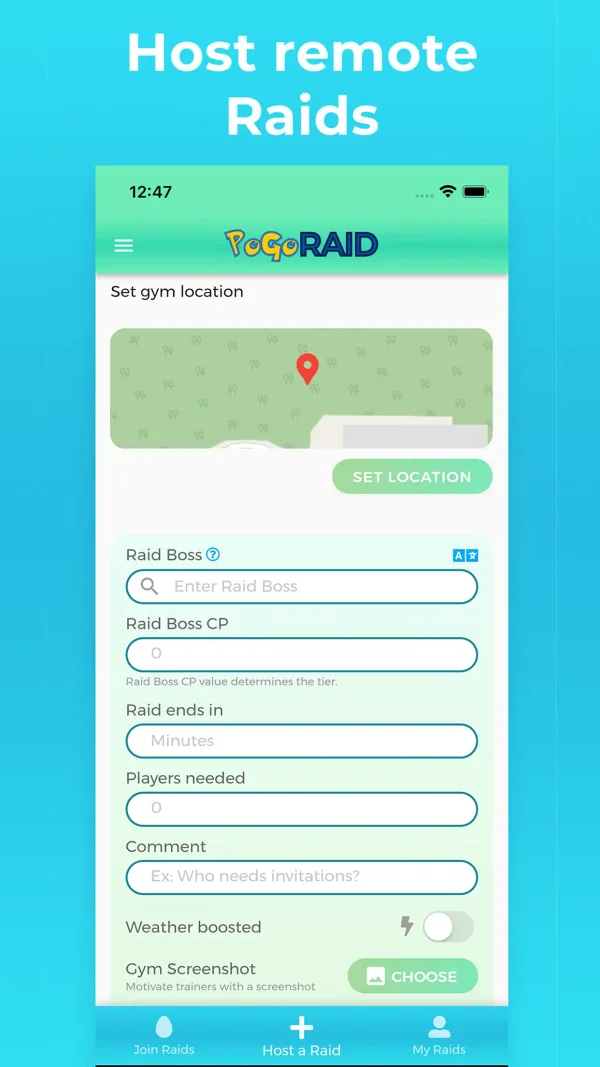
- Click Host a Raid tab of the app.
- Enter the Raid Boss name, CP, time left, number of trainers required for the battle and the gym location. Alternatively you may add a screenshot of the gym which will be published both on website and on the app for improved trustworthiness (optional).
- Join the chat room and wait for the required number of trainers to join.
- Click List button to get a list of trainers who would like to join your raid. Wait for the trainers to send friend requests to you.
- In the List page click Copy List button to copy all trainers who joined the list.
- Accept all friend requests in the game.
- Join the Raid from the game and in invites screen paste the copied List and add trainers to your raid conveniently!
*To join and host Raids remotely a remote raid pass is required in game.
This version has:
- No subscriptions
- No push notifications
- Improved performance for low bandwidth connections
- Light weight
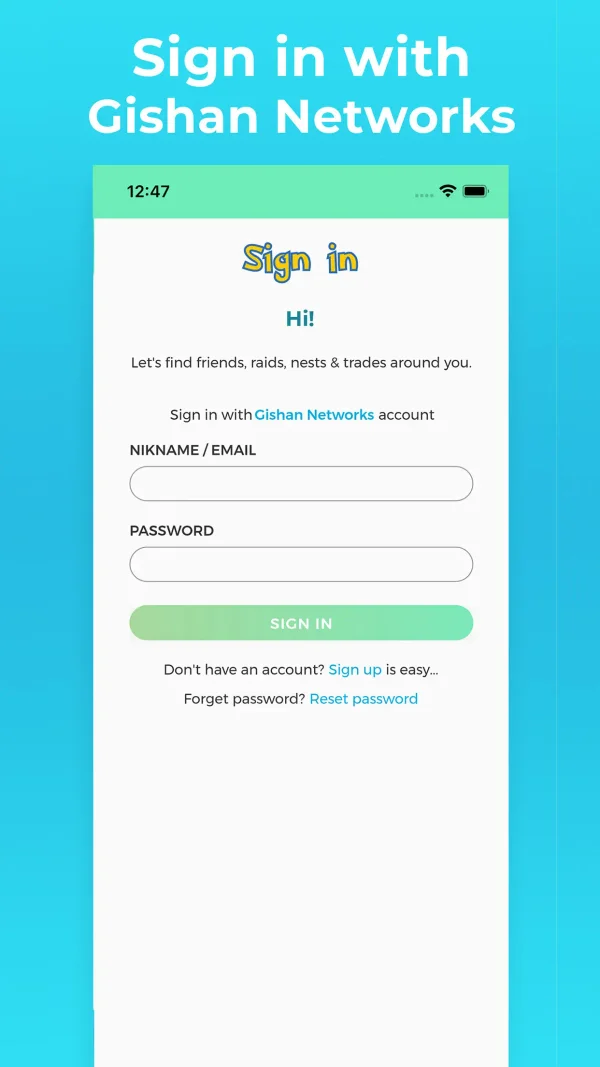
- Sign in with Gishan Networks account
What’s new
Version 0.8.75 · Apr 10, 2024
Bug fixes!
Improved UI experience
App privacy
What Gishan Networks (Private) Limited declares on the App Store about how this app handles data.
-
Data used to track you
May be used to track you across apps and websites owned by other companies.
- Usage data
-
Data linked to you
May be collected and linked to your identity.
- Location
- Contact info
- Identifiers
- Usage data
Privacy practices may vary, for example with the features you use or your age.
Information
- Seller
- Gishan Networks (Private) Limited
- Category
- Social Networking
- Version
- 0.8.75
- Updated
- Apr 10, 2024
- Released
- May 25, 2022
- Size
- 54.3 MB
- Requires
- iOS 14.0 or later
- Age rating
- 12+
- Price
- Free
- Languages
- English
- Copyright
- Copyright © 2022 Gishan Networks
You might also like
-
 PokeMate - Friends & ClansWorldwide Pokémon GO Friends
-
 PokeRAIDchatYour local raid crew
-
 PokeRaid - Raid From HomeFind Worldwide Remote Raids
-
 Variety RealmCommunity app for players
-
 Scopely Explore CampfireSocial Networking
-
 Playbite - Mobile ArcadeOver 50 mini-games in one app
-
 Noobly Find Gaming Friends LFGSquad & Duo Teammate Finder
-
 GameTree - Find Gaming FriendsGamers Unite to Play Games
-
 GamerLink LFG, Find Teammates!Find Gamer Friends & Teammates
-
 Giggles: Videos & TrendsCollect Internet Culture