PolarGrid
White borders & photo collages
Designed for iPhone, iPad
In-app purchases
- Age rating4+
- CategoryPhoto & Video
- DeveloperFrangell Vasquez
- LanguagesSpanish+ 1 more
- Size104.7 MB
Links to the official App Store page
Download.org hosts no file of PolarGrid. The button opens its official App Store page, published by Frangell Vasquez. Listing last checked on Nov 8, 2026.
Screenshots



About
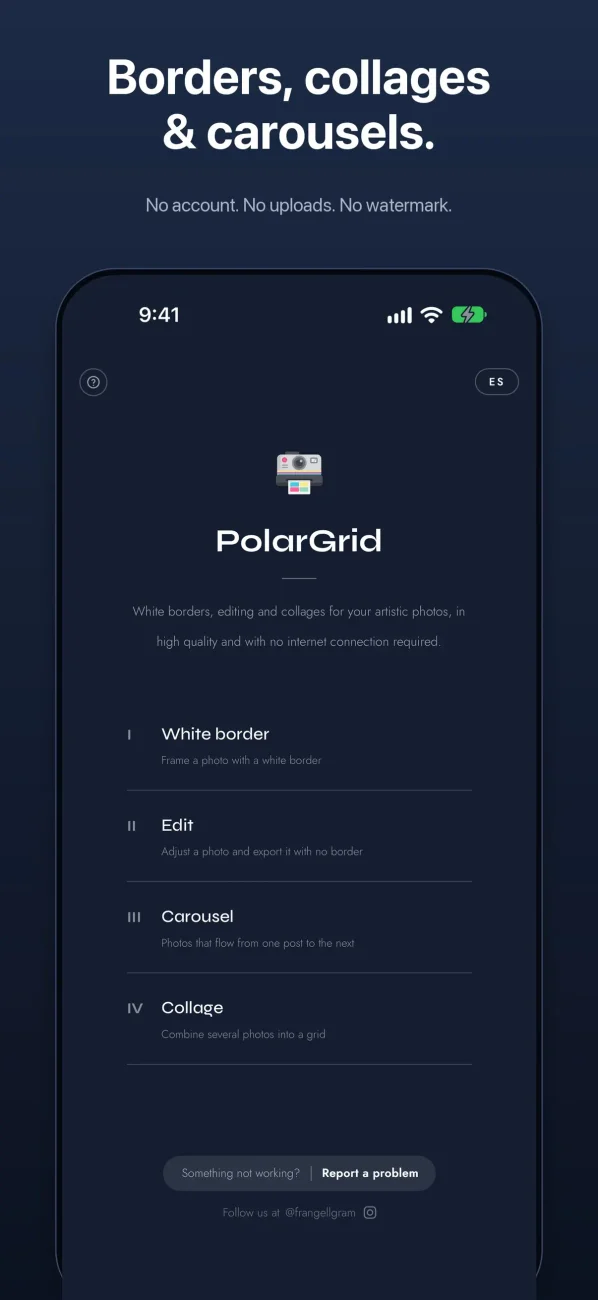
PolarGrid does what photographers keep needing: a clean border around a photo, several photos laid out into one image, and carousels that flow from one post into the next — in full quality, with nothing uploaded anywhere.
WHITE BORDER
• Adjustable border, in white or any colour
• Aspect ratios: Original, 1:1, 4:5, 5:6, 3:4, 9:16 — vertical or horizontal
• Crop to fill, or show the whole photo uncropped
• Rotate and flip, drag to reposition, pinch to zoom
• Batch mode: set it once, export up to 5 photos together (15 with Pro)
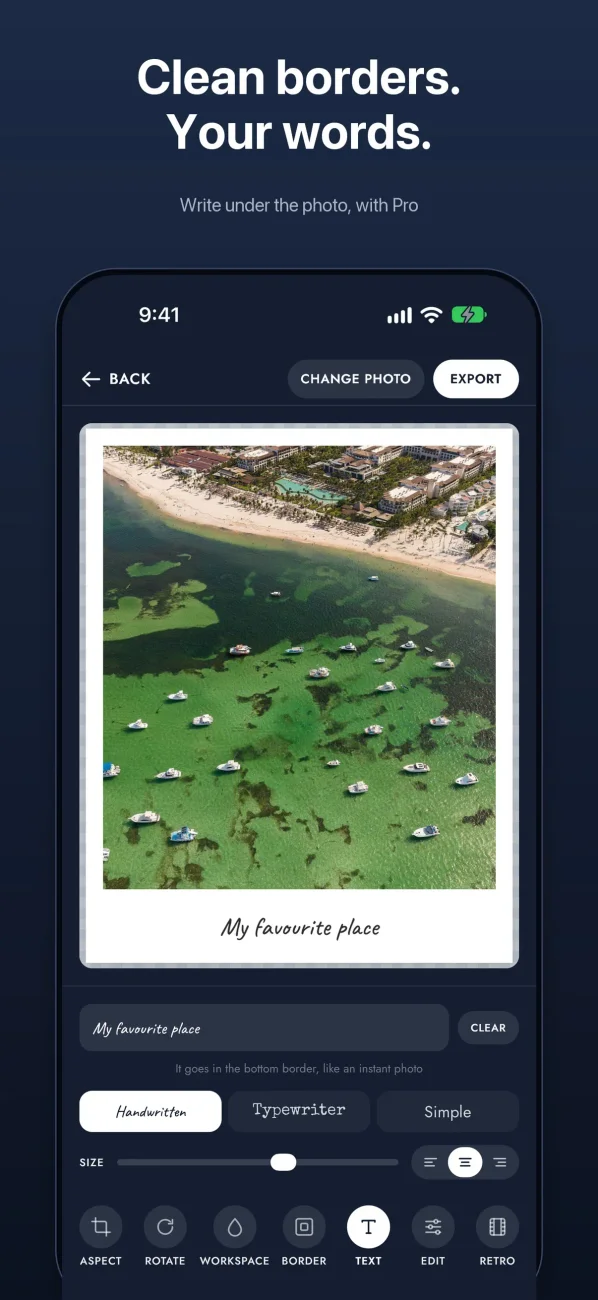
• Write a line of text under the photo, in the bottom border (Pro)
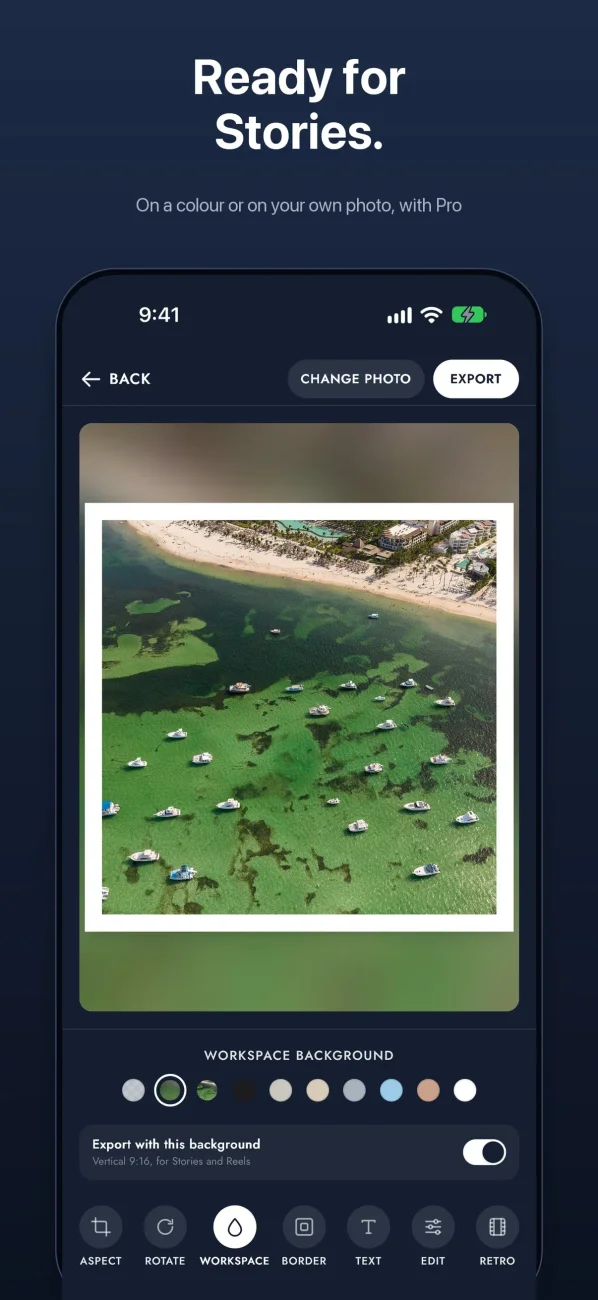
• Export on a 9:16 background — a colour, or the photo itself, sharp or blurred — ready for Stories and Reels (Pro)
EDIT AND RETRO
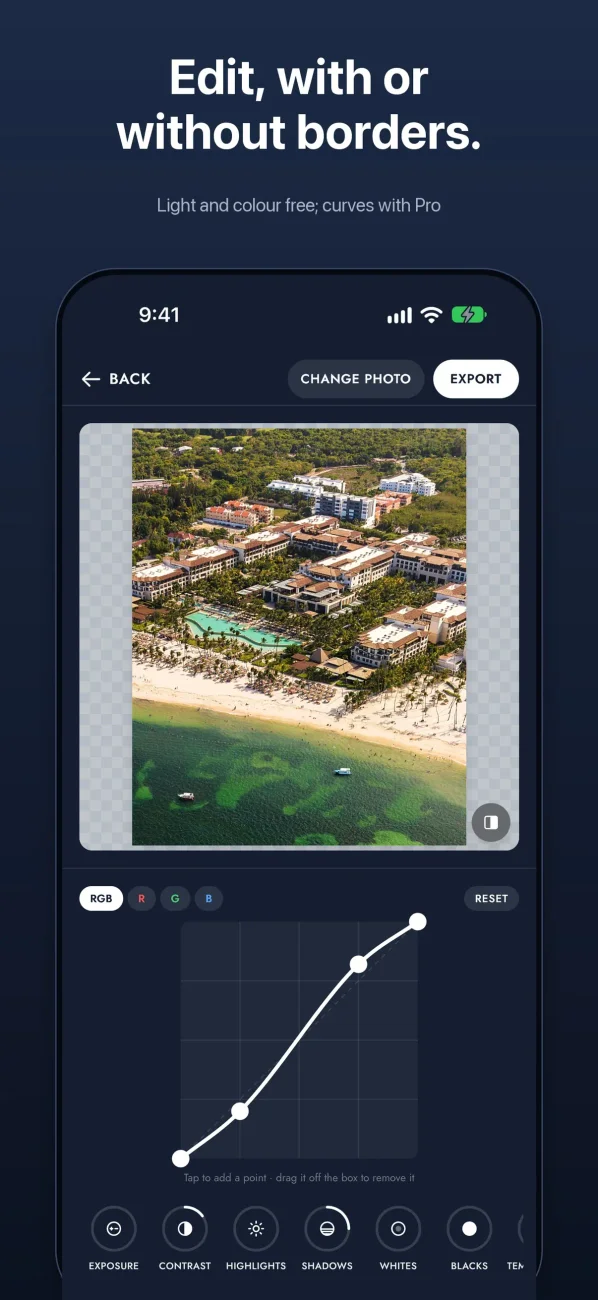
• Edit each photo, free: exposure, contrast, highlights, shadows, whites, blacks, saturation, vibrance, temperature and tint
• Colour mix by hue, vignette and sharpness, free
• Curves and film grain (Pro)
• Healing brush: paint over a small distraction and it’s filled in from around it (Pro)
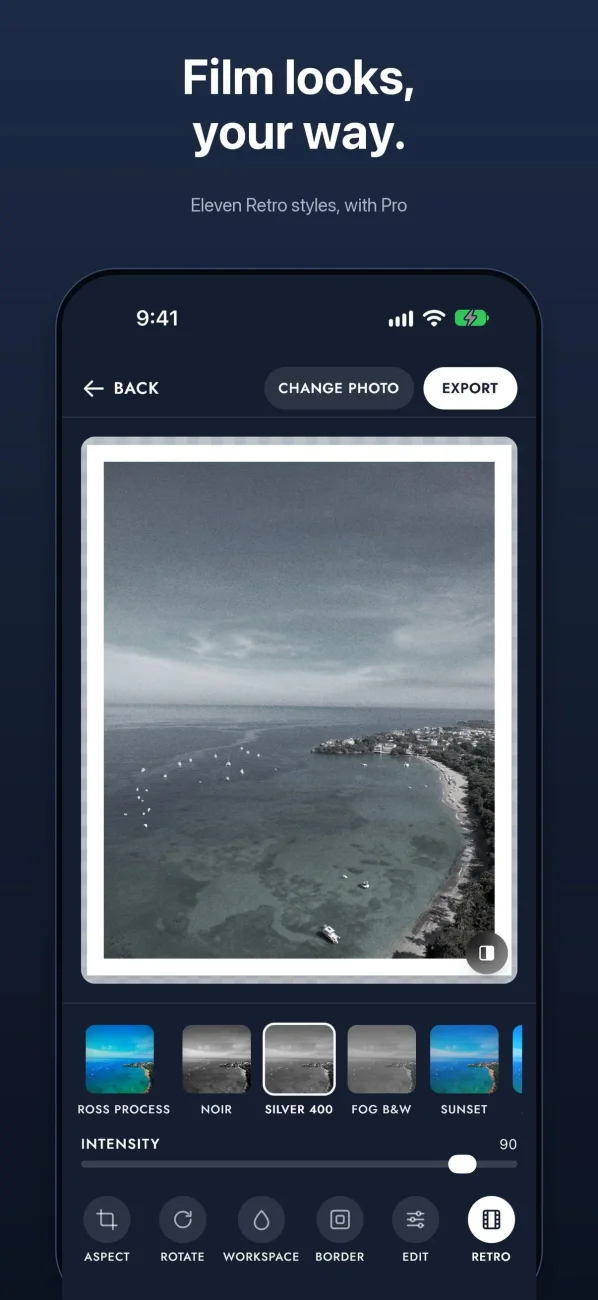
• Retro: eleven original film looks with adjustable intensity (Pro)
• Press and hold to compare with the original
CAROUSEL
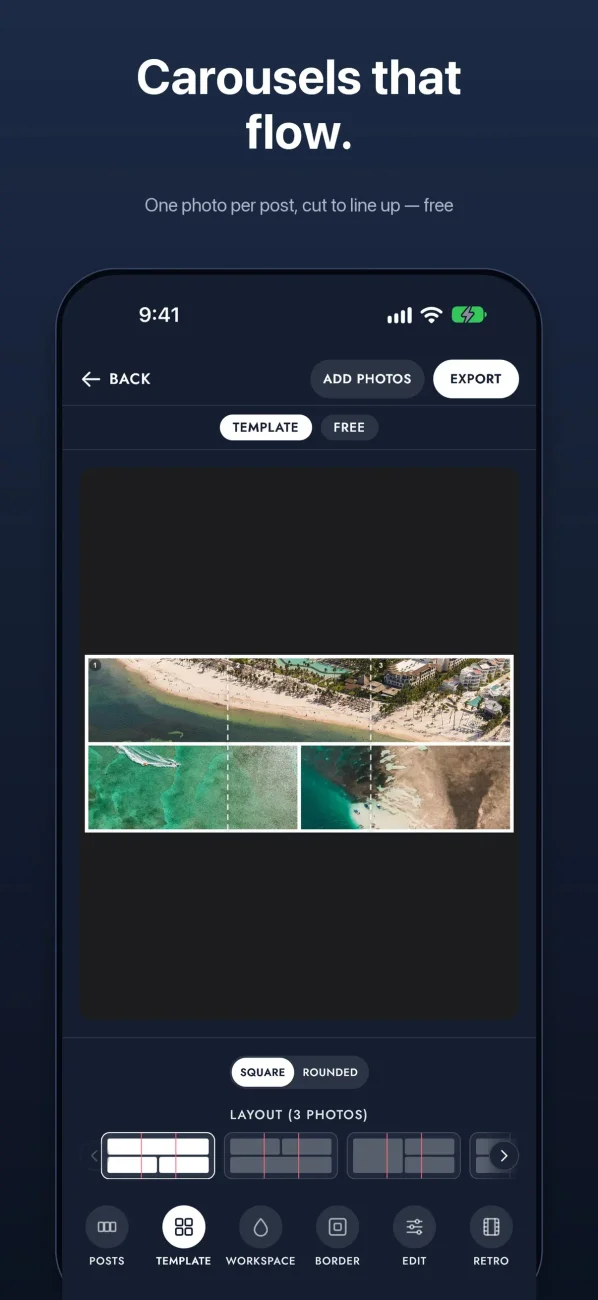
• A strip of 2 to 5 posts, with photos running across from one post into the next
• Layouts built for the number of photos you pick, or place them freely, with a border or an instant-photo frame
• Each post exports as its own photo, ready to upload in order — free
• Your photo behind the whole carousel, sharp or blurred (Pro)
COLLAGE
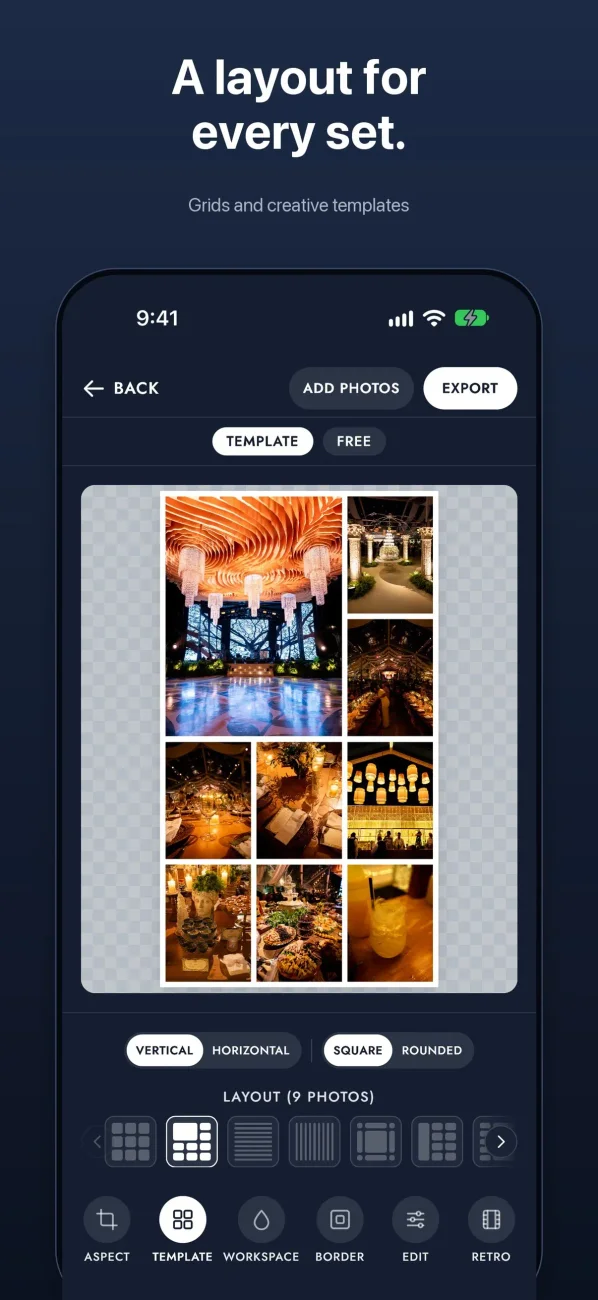
• 2 to 9 photos in one image
• Template grids, including creative layouts
• Resize cells by dragging their edges; rotate and flip each photo
• Free mode: place, resize and rotate each photo by hand
• Control outer border and spacing, square or rounded cells
PRIVATE BY DESIGN
Every photo is processed on your device. No account, no uploads, no tracking. Works with no internet connection, on iPhone and iPad.
POLARGRID PRO
Free to use, with no watermark. PolarGrid Pro is a one-time purchase — no subscription — that adds maximum-quality export, unlimited border colours (including any custom colour), curves, film grain, Retro, the Healing brush, text under the photo, the 9:16 background export, your photo behind carousels, and batches of up to 15 photos with one edit synced to all.
What’s new
Version 1.3.1 · Nov 4, 2026
Carousel: drag any photo to reframe it inside its frame and pinch to zoom. Use the new arrows handle to move the frame.
App privacy
What Frangell Vasquez declares on the App Store about how this app handles data.
-
Data not collected
The developer does not collect any data from this app.
Privacy practices may vary, for example with the features you use or your age.
Information
- Seller
- Frangell Vasquez
- Category
- Photo & Video
- Version
- 1.3.1
- Updated
- Nov 4, 2026
- Released
- Oct 1, 2026
- Size
- 104.7 MB
- Requires
- iOS 16.0 or later
- Age rating
- 4+
- In-app purchases
- Yes
- Languages
- Spanish, English
- Copyright
- © 2026 Frangell Vasquez
You might also like
-
 ColorCastColor space converter
-
 Kadra: Video Editor & MakerCaptions, Effect, No Watermark
-
 Photo Editor: PixloomStickers, Blur & AI retouch
-
 Marginalia: Photo BorderFit the Whole Picture, No Crop
-
 Photo Filters Effect: FastFiltB&W, Blur, Pixelate, Polar
-
 FreeloThe fair price for your photos
-
 DualCamRecDual Camera Recording
-
 ZineControlCinema Camera Control Pro
-
 Christmas Photo Frames maker APhoto & Video
-
 Luxio: G7X Digital CameraVintage Filters & Flash Photos