- Age rating4+
- CategoryUtilities
- DeveloperGerman Alfonso Torres
- LanguagesEnglish+ 2 more
- Size29.8 MB
Links to the official App Store page
Download.org hosts no file of Poly-PDF. The button opens its official App Store page, published by German Alfonso Torres. Listing last checked on Nov 17, 2026.
Screenshots





About
Poly-PDF — Scanner, PDF Editor & Annotator
Pay once, own it forever — no subscriptions, no in-app purchases, no surprises.
Poly-PDF is a complete PDF editor for iPhone and iPad. Edit text directly on the page, annotate documents, fill forms, sign, and organize your files.
EDIT TEXT IN PLACE
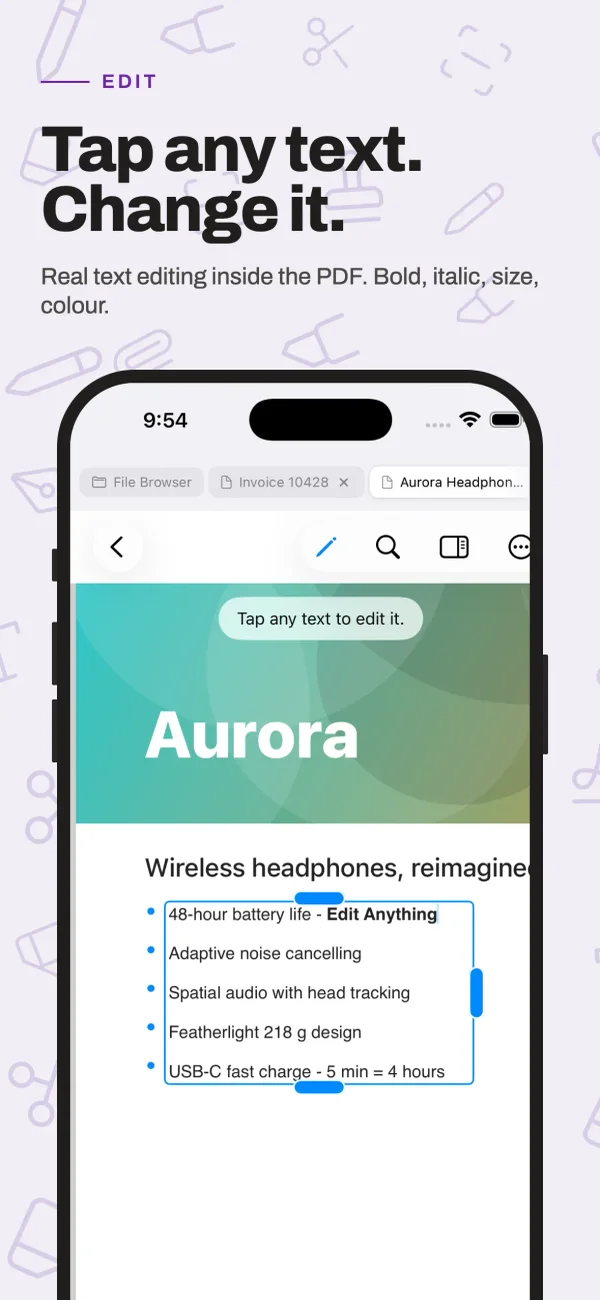
Tap any text on a PDF and start typing. PolyPDF lets you edit the actual content of a document right on the page, preserving the original font, size, and layout. Change a date, fix a typo, or rewrite a paragraph.
ANNOTATE ANYTHING
Add sticky notes, text boxes, shapes, arrows, and freehand ink drawings anywhere on a page. Highlight, underline, or strikethrough selected text. Every annotation is saved directly into the PDF so it opens correctly in any other app.
FILL FORMS & SIGN
Tap any form field to fill it in. Add your signature from a saved library or draw a new one. Insert images and stamps with a single tap.
SHAPES & DRAWING
Draw rectangles, ovals, lines, and arrows with full control over stroke color, fill color, and line width. Sketch freely with the pen tool or highlight with the highlighter. Smart alignment guides help you center and align objects on the page.
ORGANIZE YOUR LIBRARY
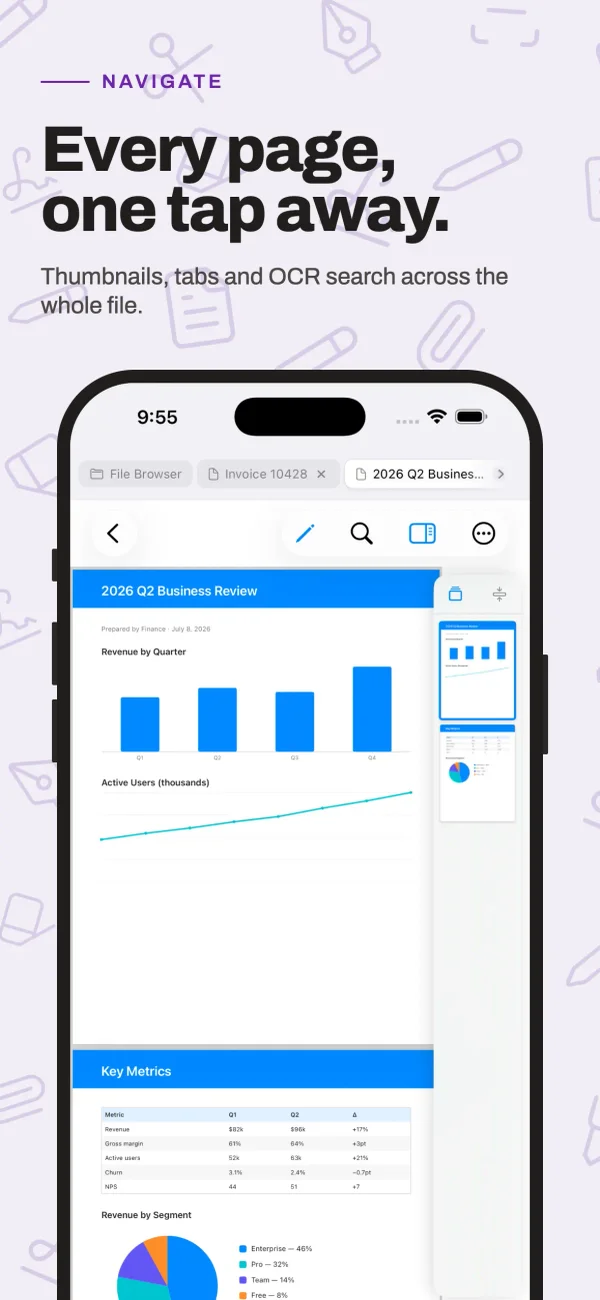
Keep your PDFs tidy with folders, search, and sort options. Drag a file onto a folder to move it instantly. Open PDFs directly from iCloud Drive and save changes back in place.
SCAN DOCUMENTS
Turn paper into PDFs with the built-in document scanner. Scan multi-page documents in seconds and save them straight to your library.
POWERFUL PAGE TOOLS
Reorder, rotate, insert, and delete pages. Export a clean flattened copy of any document. Redact sensitive information permanently with the redaction tool.
BUILT FOR iPAD
Open two documents side by side in split view with synchronized scrolling. Use the full-screen reading mode for distraction-free viewing. Keyboard shortcuts make editing faster than ever.
MORE FEATURES
· Table of contents navigation
· Bookmarks and go-to-page
· Full-text search across pages
· Password-protected PDF support
· Dark mode support
· Undo and redo for all edits
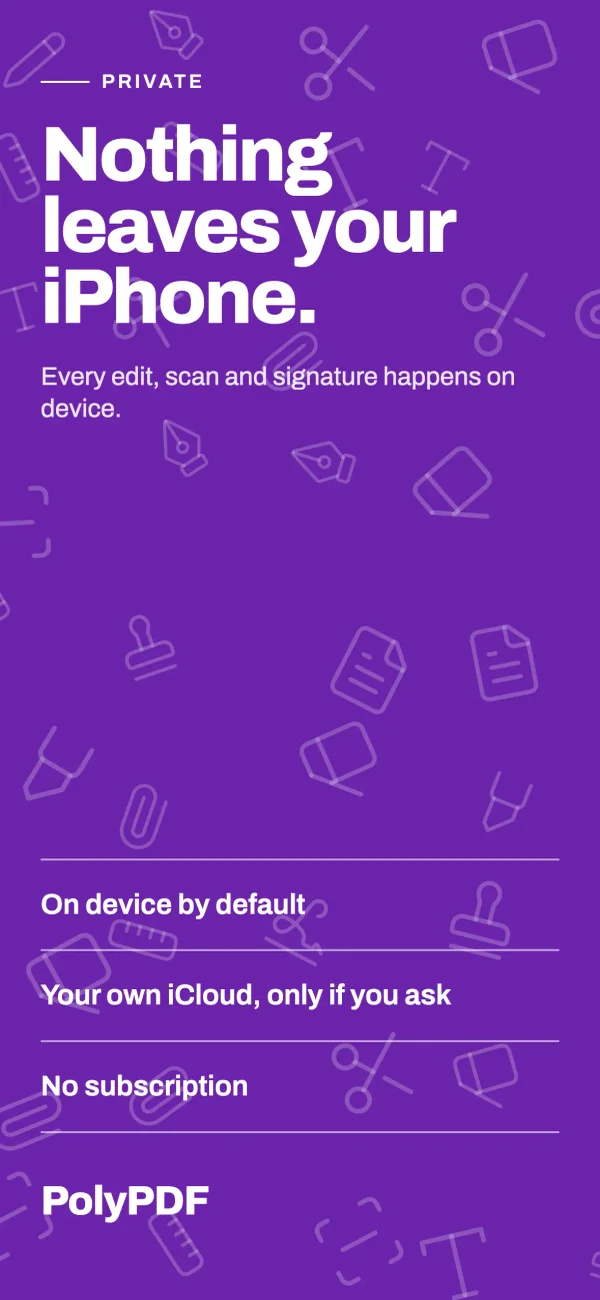
· Works entirely offline — no account required
Poly-PDF is built for people who work with documents every day. Whether you're reviewing contracts, editing reports, filling out forms, or marking up study notes, Poly-PDF gives you the tools to get it done — right on your device.
What’s new
Version 1.7.1 · Nov 16, 2026
Thank you for being a PolyPDF customer!
-Save to PolyPDF from other apps: choose PolyPDF in the share sheet to add PDFs, photos and other files to your library.
-New widgets: your recent documents, and a Scan button for the Home Screen and the Lock Screen.
-Spotlight now finds your documents, by their name or by the words inside them.
-Shortcuts and Siri: open a document, scan, merge PDFs or compress a PDF.
-Version History: go back to an earlier version of a document, or save it as a copy. It's in the document's menu.
-Add Password, in PDF Tools: lock a PDF so it opens only with a password.
-Colors show as tags in the Files app, and a color tag given in Files comes into PolyPDF.
-Handoff: pick up the open document on your other iPhone, iPad or Mac, when it's there too.
-A folder dragged in from the Files app now comes in whole.
If you run into any issues or have suggestions, we'd love to hear from you: tap Settings → Report a Bug inside the app.
App privacy
What German Alfonso Torres declares on the App Store about how this app handles data.
-
Data not collected
The developer does not collect any data from this app.
Privacy practices may vary, for example with the features you use or your age.
Information
- Seller
- German Alfonso Torres
- Category
- Utilities
- Version
- 1.7.1
- Updated
- Nov 16, 2026
- Released
- Jul 7, 2026
- Size
- 29.8 MB
- Requires
- iOS 17.0 or later
- Age rating
- 4+
- Languages
- English, French, Spanish
- Copyright
- © 2026 Germán Torres
You might also like
-
 FindThatCricketLocate Hidden Chirping Fast
-
 GPS Pro using TraccarUtilities
-
 Total files proEnchanced cloud file manager
-
 KoolCodeUtilities
-
 SenseCraftSimplify AIoT Management
-
 No Frills FlashlightSuper simple flashlight
-
 Mechanical Engineering ToolkitEngineering Equations,Formulas
-
 Volume Master - Volume ControlControl your volume on the go!
-
 Private LLM - Local AI ChatLocal Offline Private AI Chat
-
 RAR Extractor - UnarchiverRAR Unzip & Open any file