
Polycam 3D Scanner & Modeling
Floor Plan Creator, LiDAR, CAD
Designed for iPhone, iPad
Free · In-app purchases
- Age rating17+
- CategoryPhoto & Video
- DeveloperPolycam Inc.
- LanguagesEnglish+ 26 more
- Size520.0 MB
Links to the official App Store page
Download.org hosts no file of Polycam 3D Scanner & Modeling. The button opens its official App Store page, published by Polycam Inc. Listing last checked on Nov 27, 2026.
Screenshots

About
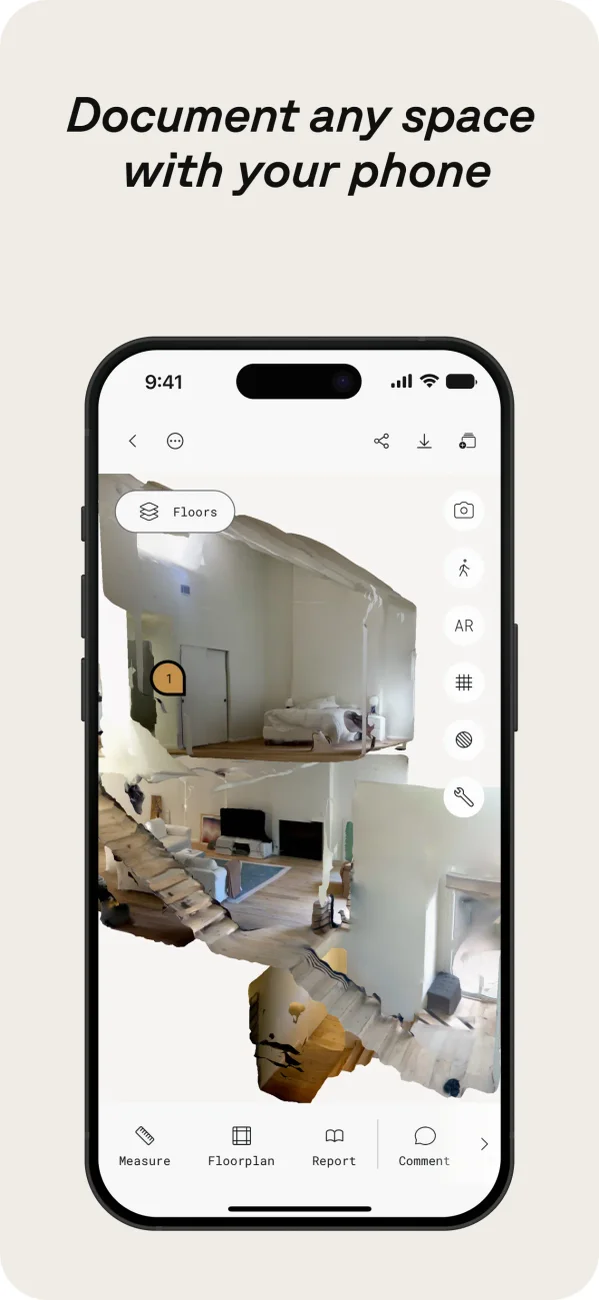
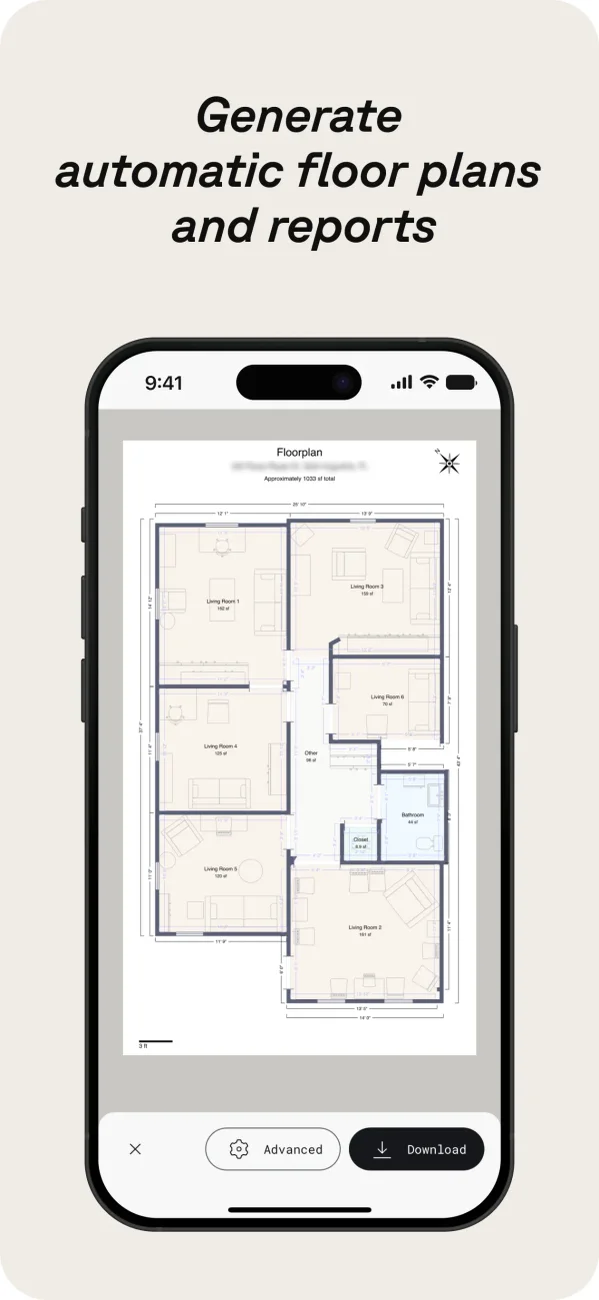
Polycam turns a single phone scan into the documents jobs run on: floor plans, as-builts, estimates, roof reports, claims files, measurements, and CAD-ready exports. No tripod. No technician. No two-week wait.
WHAT YOU WALK AWAY WITH
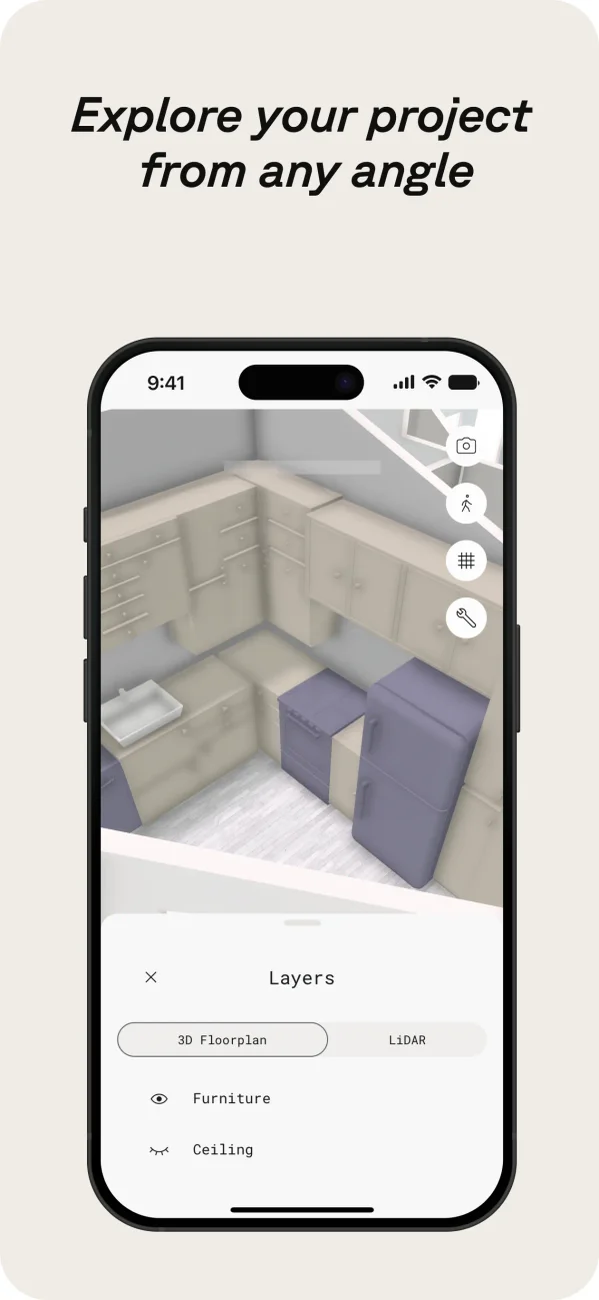
• Floor plans — 2D and 3D, ready for AutoCAD, SketchUp, and Revit
• As-builts — weeks of documentation compressed into minutes
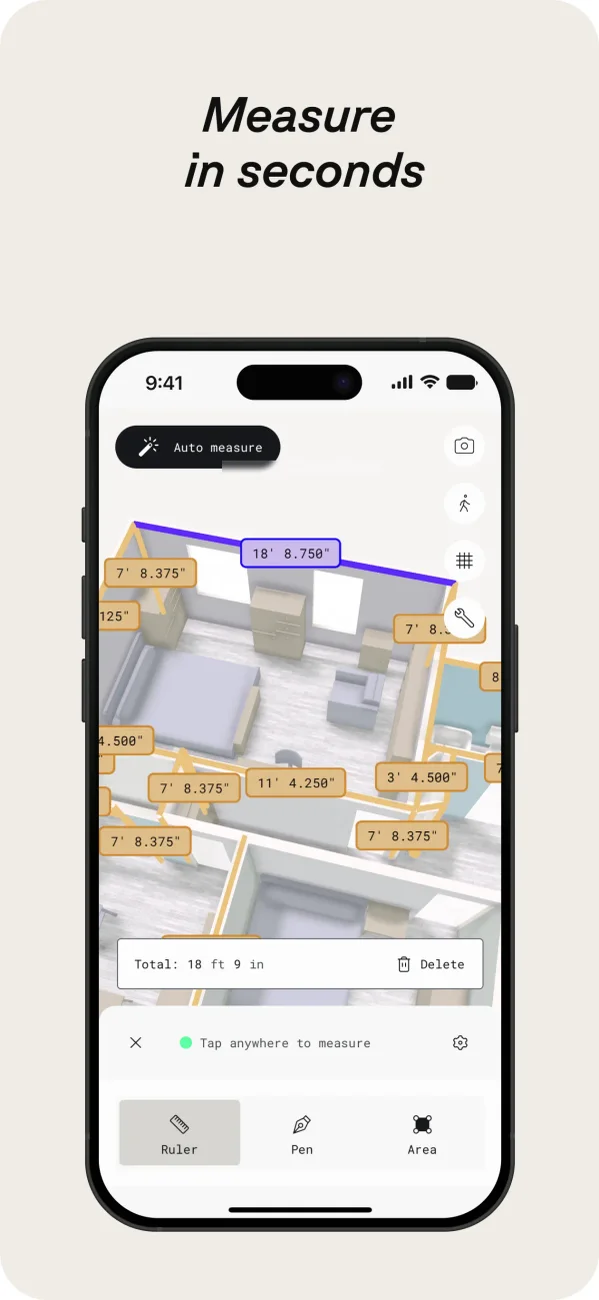
• Measurements — every dimension in the room, in the time it takes to cross it
• Estimates — priced off real conditions, not guesses
• Claims and damage records — dated, dimensioned, defensible
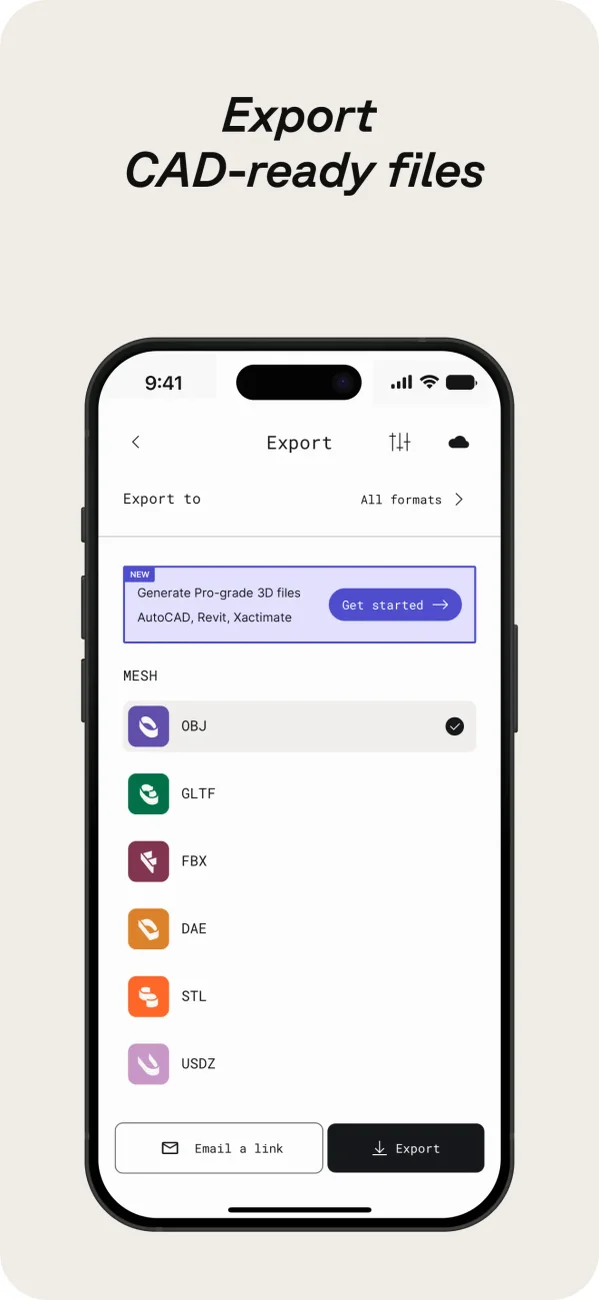
• 3D models and point clouds — .obj, .dae, .fbx, .stl, .dxf, .ply, .esx
• 360° tours — shareable links for clients and remote stakeholders
HOW YOU CAPTURE IT
• 3D scanner for fast, accurate interior and structural capture that works without LiDAR
• Photogrammetry and Gaussian splats from photos and video
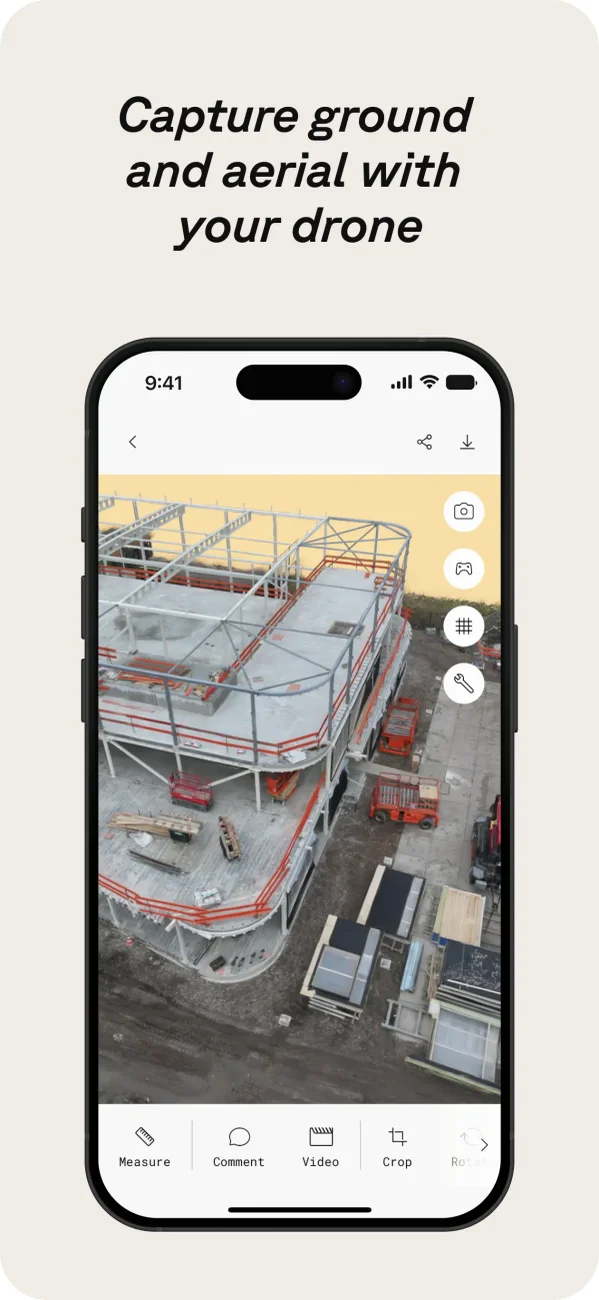
• Drone and aerial capture for roofs, exteriors, and whole-site coverage
• Measure, annotate, crop, rescale, and label directly on the scan
WHERE IT FITS IN YOUR WORKFLOW
• Construction documentation and progress tracking
• Renovation and design visualization
• Insurance, restoration, and damage assessment
• Site survey and drone-based mapping
• BIM coordination and CAD workflows
• Factory layout and equipment documentation
WORK FROM ONE TRUTH
Share scans and floor plans with clients and teammates by link. Control access with private or public permissions. Use shared libraries so the whole team is looking at the same site. View, edit, and export from any computer on Polycam Web, included free.
34 million scans. More than 10 million people. Over 2 billion square feet captured.
Privacy Policy: https://poly.cam/privacy_policy.pdf
Terms of Use: https://poly.cam/terms_and_conditions.pdf
What’s new
Version 7.0.10 · Nov 17, 2026
*Fixed an issue where some captures could get stuck loading after the app was closed during a save.
*Turning off the Objects layer no longer closes the floor plan editor.
*The Measure tool’s area label now uses your metric or imperial setting.
*Corrected the text on the floor plan upgrade screen.
App privacy
What Polycam Inc. declares on the App Store about how this app handles data.
-
Data not linked to you
May be collected but is not linked to your identity.
- Usage data
- Diagnostics
Privacy practices may vary, for example with the features you use or your age.
Information
- Seller
- Polycam Inc.
- Category
- Photo & Video
- Version
- 7.0.10
- Updated
- Nov 17, 2026
- Released
- Sep 28, 2020
- Size
- 520.0 MB
- Requires
- iOS 18.0 or later
- Age rating
- 17+
- Price
- Free
- In-app purchases
- Yes
- Languages
- English, Arabic, Czech, Danish, Dutch, Finnish, French, German, Hindi, Indonesian, Italian, Japanese + 15 more
- Copyright
- © 2022 Polycam
You might also like
-
 Scaniverse - 3D ScannerScan & share your world in 3D
-
 KIRI Engine:3D Scanner & LiDARScanning your world with ease
-
 RealityScan MobileScan The World in 3D
-
 MatterportCreate 3D Digital Twins
-
 Luma 3D CaptureAI for gorgeous 3D
-
 Heges 3D ScannerCapture STL, OBJ & PLY models
-
 Modelar - 3D LiDAR ScannerScan, Review, Measure, Export
-
 Abound - 3D ScannerScan, Edit & Share in 3D
-
 DaVinci Resolve for iPadHollywood’s edit & color tools
-
 Halide Mark III - Pro CameraZero AI, Natural Photos, RAW