Polyglot Video Player
Two subtitles at the same time
Designed for iPhone, iPad, iPod touch
Free
- Age rating4+
- CategoryEducation
- DeveloperSabrina Aridi
- LanguagesEnglish
- Size18.6 MB
Links to the official App Store page
Download.org hosts no file of Polyglot Video Player. The button opens its official App Store page, published by Sabrina Aridi. Listing last checked on Nov 14, 2026.
Screenshots



About
Unlock a new dimension of video viewing and language learning with Polyglot Video Player.
Have you ever watched a foreign film and wished you could see both the original language captions and a translation in your native tongue at the exact same time? Standard video players limit you to just one subtitle track, forcing you to choose between understanding the plot or studying the language structure. Polyglot Video Player solves this problem once and for all iOS devices.
Our app is designed with a singular, powerful purpose: to display two different subtitle tracks simultaneously on the same screen. This makes it the ultimate tool for serious language learners and polyglots in training. Imagine watching anime, K-dramas, or international cinema with your native language subtitles at the bottom and the target language script at the top. You can instantly compare sentence structures, idioms, and vocabulary in real-time, drastically accelerating your comprehension without constantly pausing to check a dictionary.
It is not just for students, either. Polyglot Video Player is perfect for multilingual households wishing to enjoy movies together, ensuring everyone understands the dialogue regardless of their primary language.
Key Features:
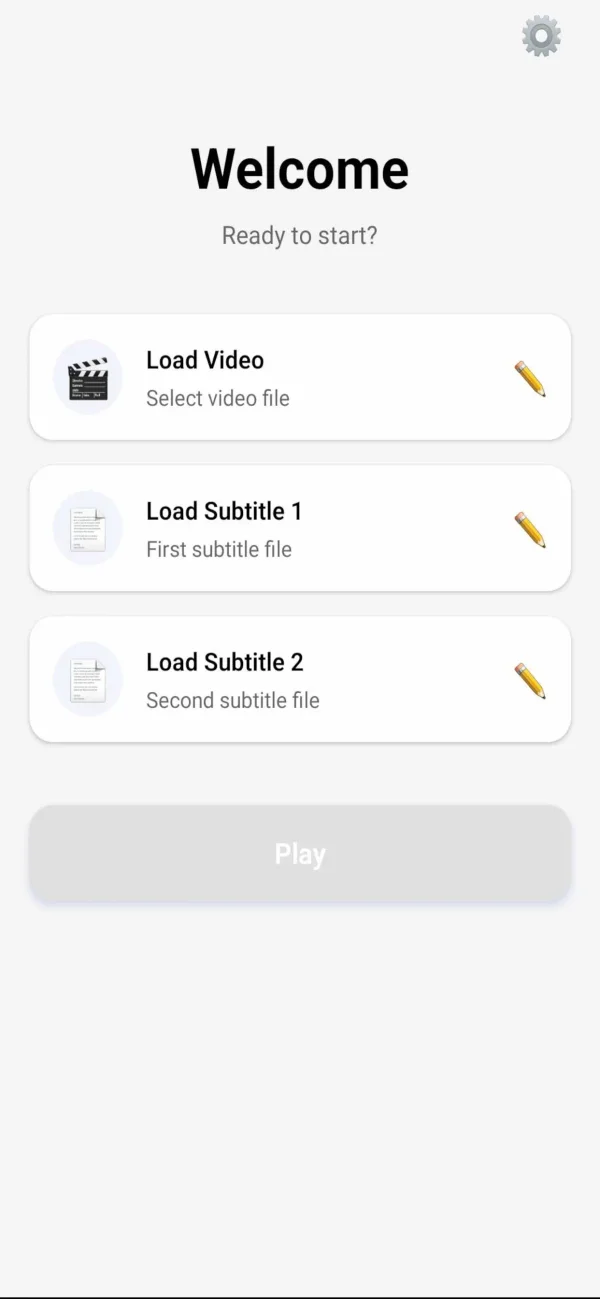
Simultaneous Dual Subtitles: The core feature you need. Load and display two separate subtitle files at once on any video.
Language Learning Accelerator: The most efficient way to compare translations versus original audio side-by-side on the screen.
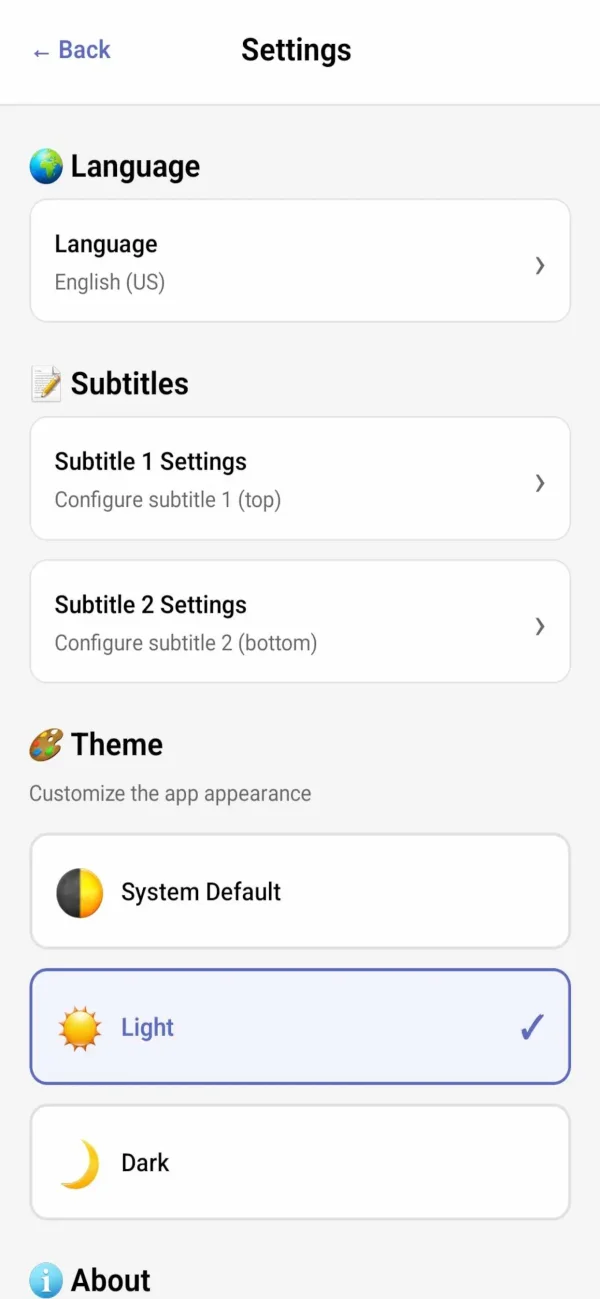
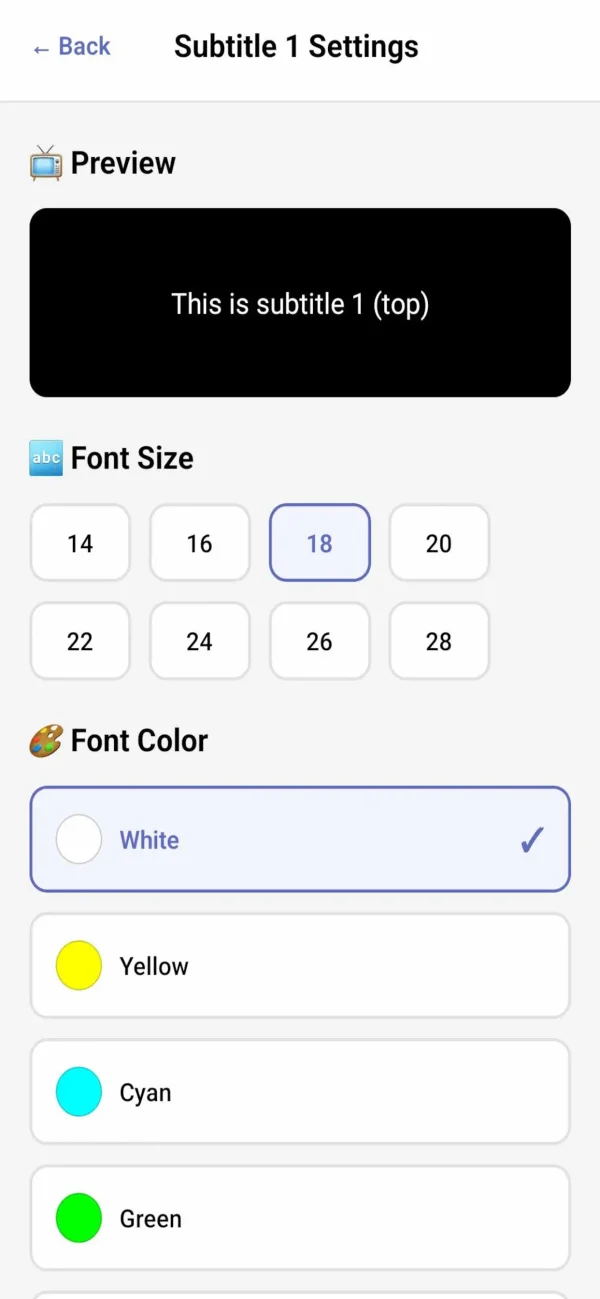
Customizable Display: Don't let text block the action. Easily adjust the size, color, and vertical position of each subtitle track independently to suit your preference.
Wide Format Support: Compatible with most popular local video formats and standard subtitle file types (such as .SRT).
Smooth Playback: A clean, user-friendly interface designed for a seamless viewing experience on phones and tablets.
Stop compromising on your video experience. Break down communication barriers and master new languages faster. Download Polyglot Video Player today and watch the world in double vision!
What’s new
Version 1.0.3 · Apr 20, 2026
Make it easier for the user to rate the Polyglot Video Player
App privacy
What Sabrina Aridi declares on the App Store about how this app handles data.
-
Data not collected
The developer does not collect any data from this app.
Privacy practices may vary, for example with the features you use or your age.
Information
- Seller
- Sabrina Aridi
- Category
- Education
- Version
- 1.0.3
- Updated
- Apr 20, 2026
- Released
- Dec 12, 2025
- Size
- 18.6 MB
- Requires
- iOS 15.1 or later
- Age rating
- 4+
- Price
- Free
- Languages
- English
- Copyright
- © Todos Conectados
You might also like
-
 SubX Player: AI Dual SubtitlesLearn languages from videos
-
 100LS Player:Videos,MP3Play all video&audio formats
-
 Video Lingo dual subtitlesLearn languages from videos
-
 Language Reactor - LinglassLearn English & More by Video
-
 SubTune: Dual SubtitlesBilingual subs in browser
-
 英語チューブ - 動画で英語を覚えよう!Education
-
 Polyglot - Master LanguagesEnglish, Spanish and French
-
 Trancy - AI Language LearningLearn with YouTube & Podcasts
-
 Speak & Learn English SpokziAIYour Personal AI English Tutor