- Age rating4+
- CategoryFinance
- DeveloperPOM NV
- LanguagesEnglish
- Size44.1 MB
Links to the official App Store page
Download.org hosts no file of POM Business. The button opens its official App Store page, published by POM NV. Listing last checked on Nov 15, 2026.
Screenshots



About
RECEIVE QR CODE PAYMENTS FOR YOUR BUSINESS
With the POM Business App, your employees can generate QR payment codes on their smartphone (without having access to the business account). Your customers pay easily with their favorite payment app.
IN A NUTSHELL
- Easily create QR payment codes for mobile payments on your company account
- No more hassle with cash or expensive payment terminals
- Receive payments via Payconiq by Bancontact, Apple Pay, ...
HOW IT WORKS
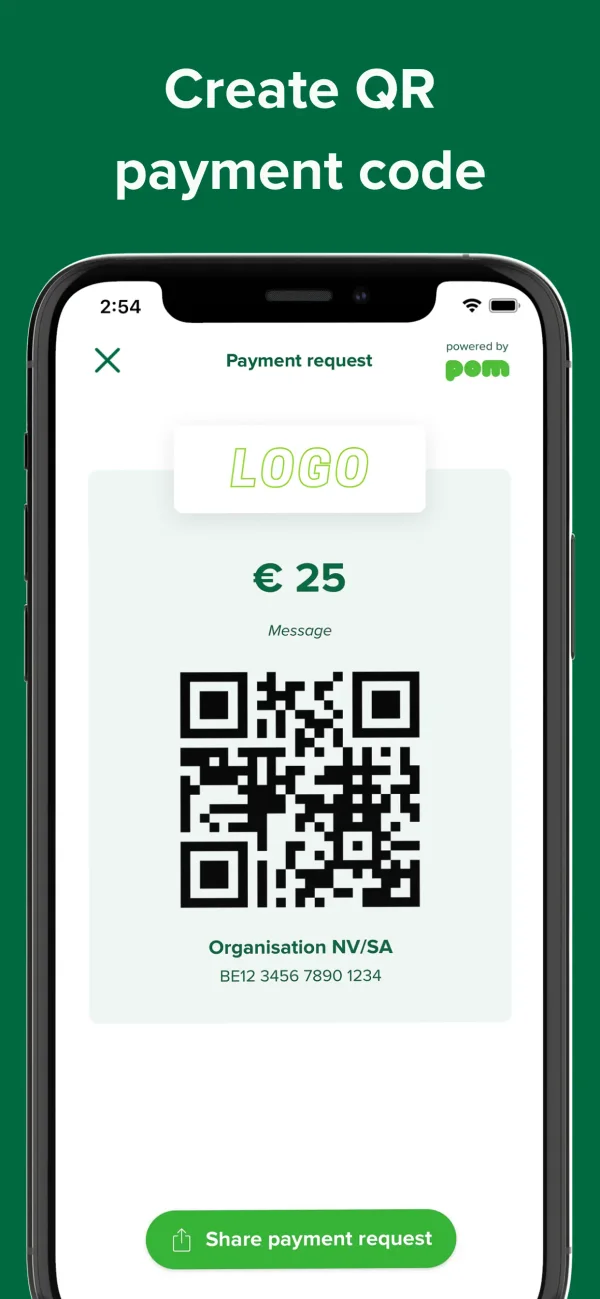
1. Enter the amount - Log in to the POM Business App and enter the amount to be paid. You can also add a message.
2. Generate QR payment code - A unique QR payment code is automatically generated. Your customer can simply scan this code with the camera of his or her device, with the Payconiq by Bancontact app or with a banking app. If your customer is not physically present, you can also share the payment request via e-mail, text message, WhatsApp, ...
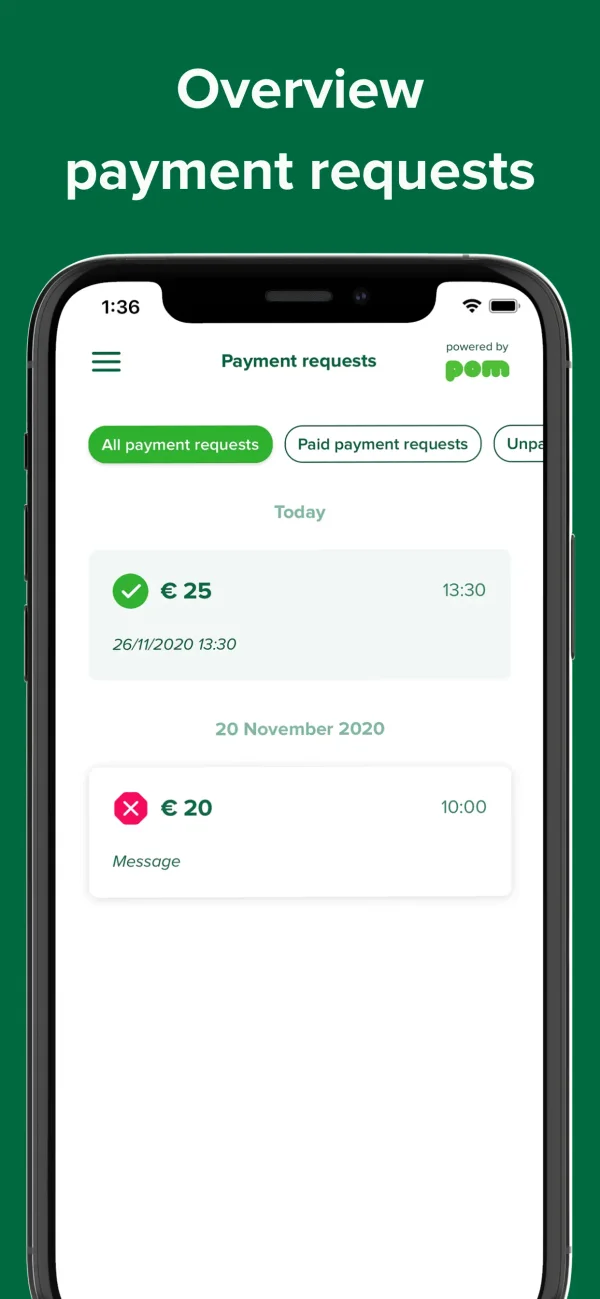
3. Receive the payment via Payconiq by Bancontact, Apple Pay, ... - Your customer confirms the payment with his or her PIN code or via fingerprint or facial recognition. You or your employee will immediately see whether the payment has been successful.
SECURE MOBILE PAYMENTS
Your customers can simply use their trusted payment methods.
POM connects with the Payconiq by Bancontact app (which is available for 20 banks in Belgium) and because of that also with the mobile banking apps of Belfius, BNP Paribas Fortis, CBC, Fintro, Hello Bank, ING and KBC, which have integrated this functionality.
Furthermore, it’s also possible to receive payments via Visa, Mastercard, Apple Pay, Cartes Bancaires, iDEAL, ...
VARIOUS APPLICATIONS
Hospitality / Home delivery / Technicians and installers / Sports clubs / Associations / Schools / Charities / ...
WHY CHOOSE THE POM BUSINESS APP?
1. Convenient & affordable - You don't have to invest in payment terminals. Your employees can create QR payment codes on their smartphone to receive payments onto the company's account.
2. Paid out one by one - All payments are credited to your business account separately and can therefore be matched automatically.
3. Modern & safe - Less and less people pay with cash. Mobile payments are on the rise. With the POM Business App you are pursuing this trend and meeting the changing payment behavior of your customers.
FOR YOUR ORGANISATION?
Sign up for a POM business account: contact us for more information and rates via https://www.pom.be/en/contact.
What’s new
Version 2.1.0 · Aug 11, 2026
In this release some minor changes were made to further optimize the way the app works.
App privacy
What POM NV declares on the App Store about how this app handles data.
-
Data linked to you
May be collected and linked to your identity.
- Contact info
- Identifiers
-
Data not linked to you
May be collected but is not linked to your identity.
- Usage data
- Diagnostics
Privacy practices may vary, for example with the features you use or your age.
Information
- Seller
- POM NV
- Category
- Finance
- Version
- 2.1.0
- Updated
- Aug 11, 2026
- Released
- Dec 3, 2020
- Size
- 44.1 MB
- Requires
- iOS 16.4 or later
- Age rating
- 4+
- Price
- Free
- Languages
- English
- Copyright
- © 2020 POM nv