
- Age rating4+
- CategoryProductivity
- DeveloperDanny Bui
- LanguagesEnglish
- Size51.3 MB
Links to the official App Store page
Download.org hosts no file of PomoDash: Pomodoro Timer. The button opens its official App Store page, published by Danny Bui. Listing last checked on Nov 27, 2026.
Screenshots
About
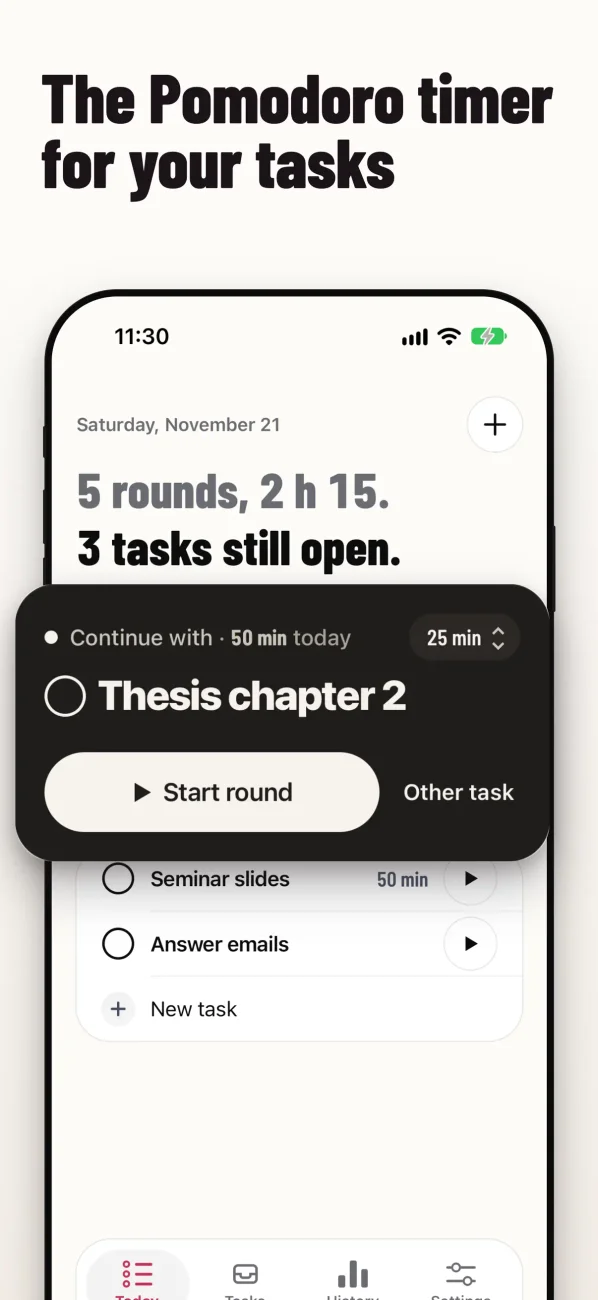
A Pomodoro timer built around your tasks.
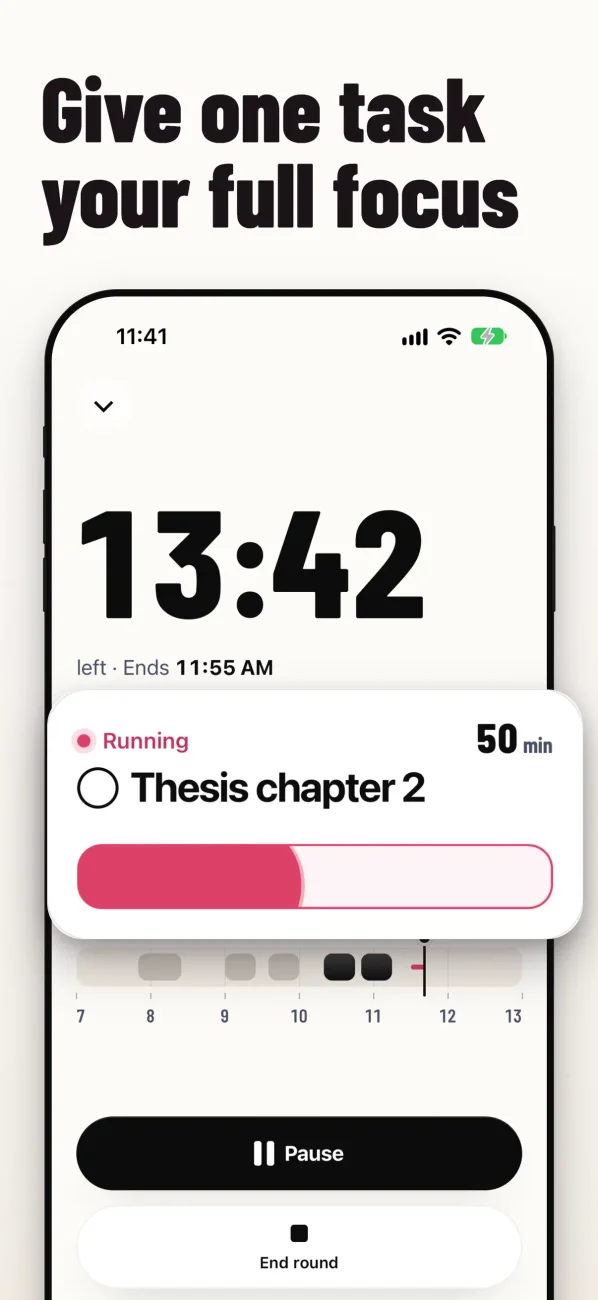
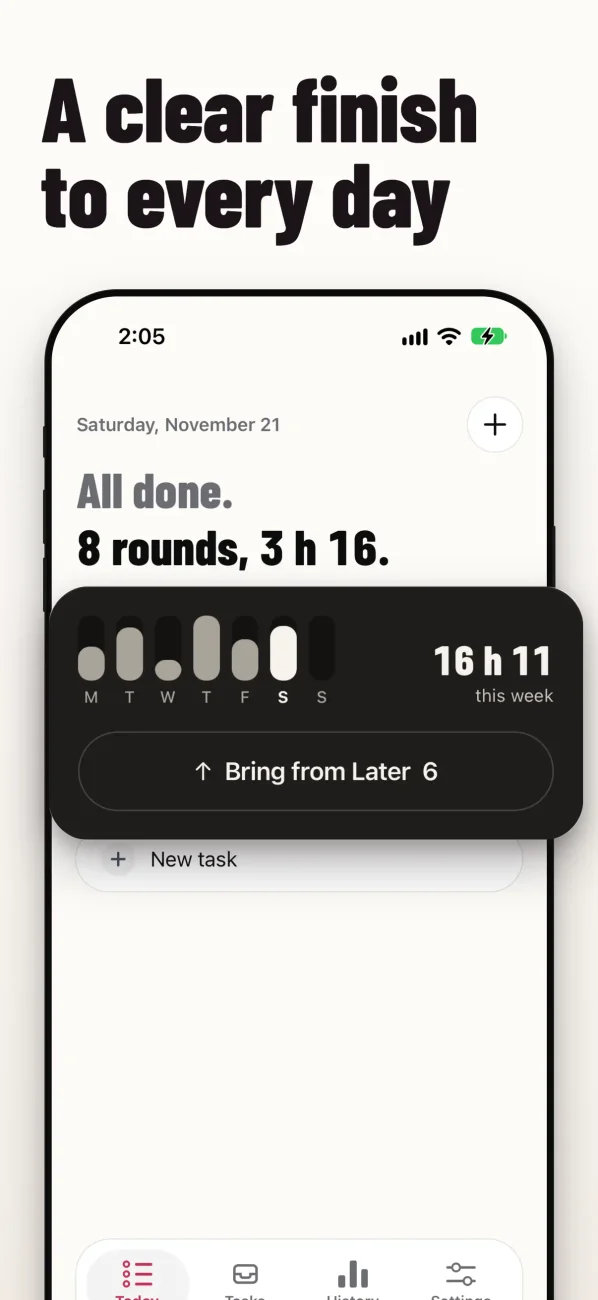
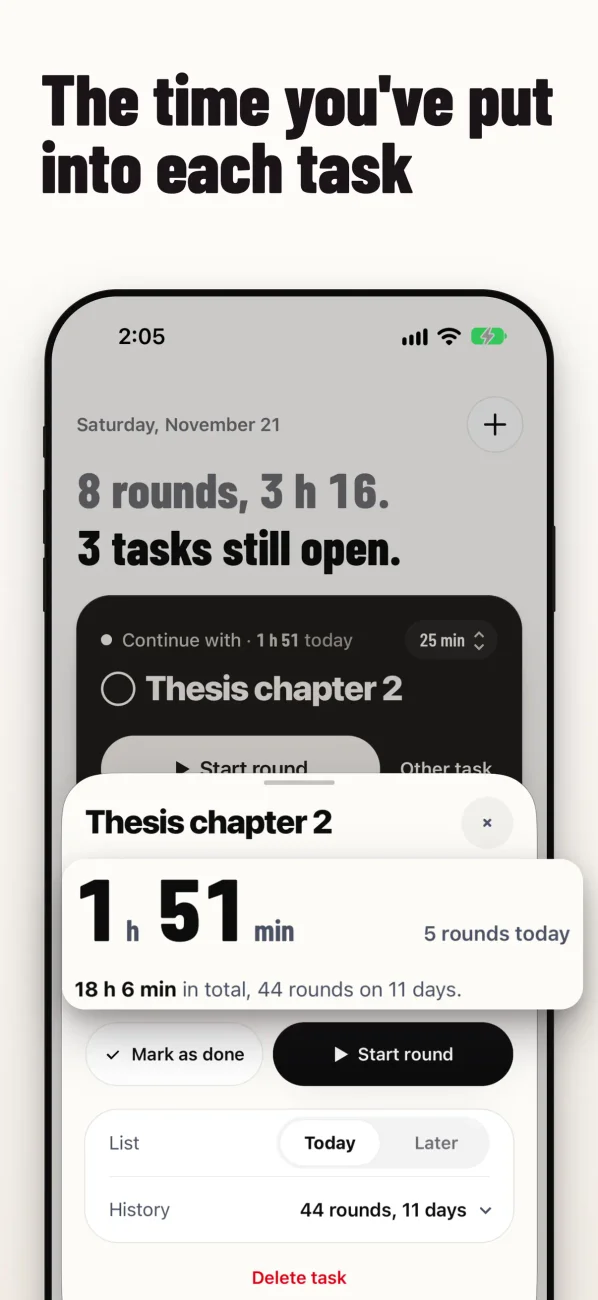
With most focus timers, a clock runs down and all you know later is how many hours passed. PomoDash works the other way around. You pick your task first, start the timer, and see afterward how much time went into it.
WHY POMODASH IS DIFFERENT
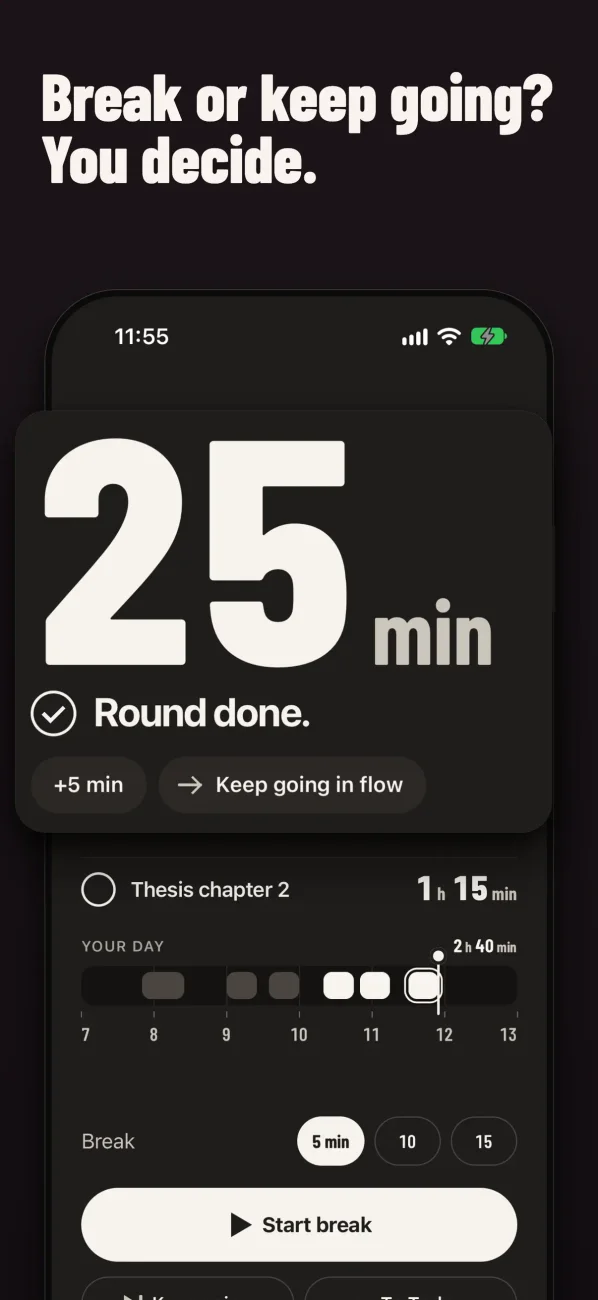
Alongside classic Pomodoro rounds, PomoDash gives you Flow, which runs with no fixed end for up to two hours. When you are deep in your work, you can keep going without an alarm pulling you out.
Nothing starts on its own. After every round, you decide whether to take a break, add five minutes, or keep going.
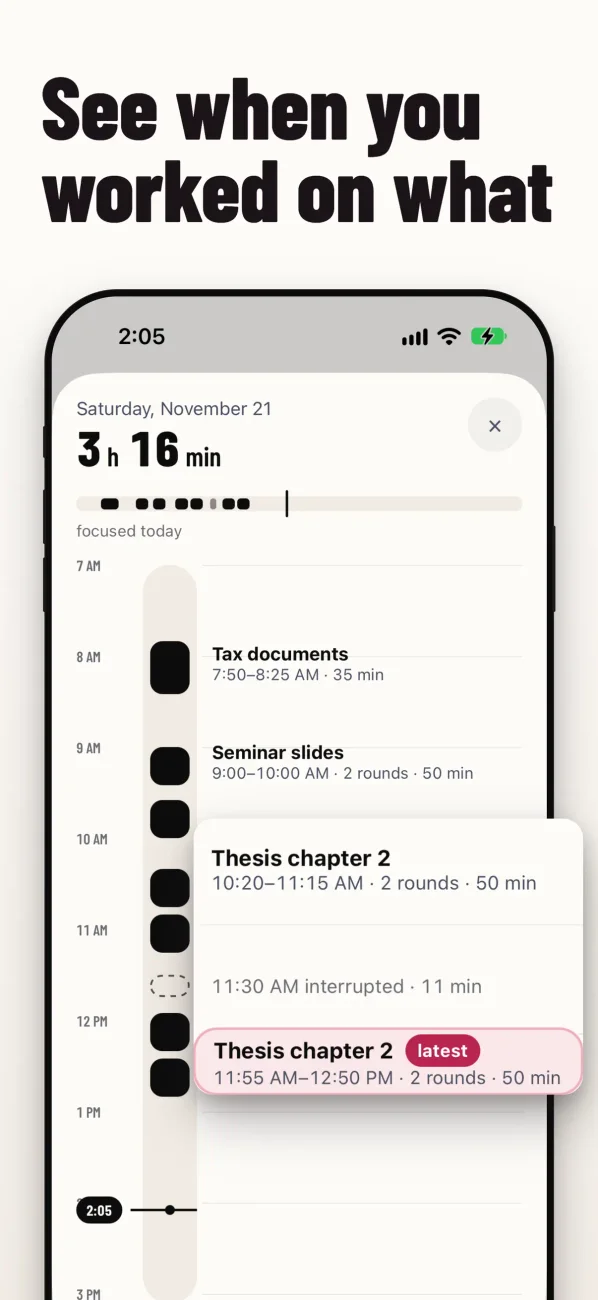
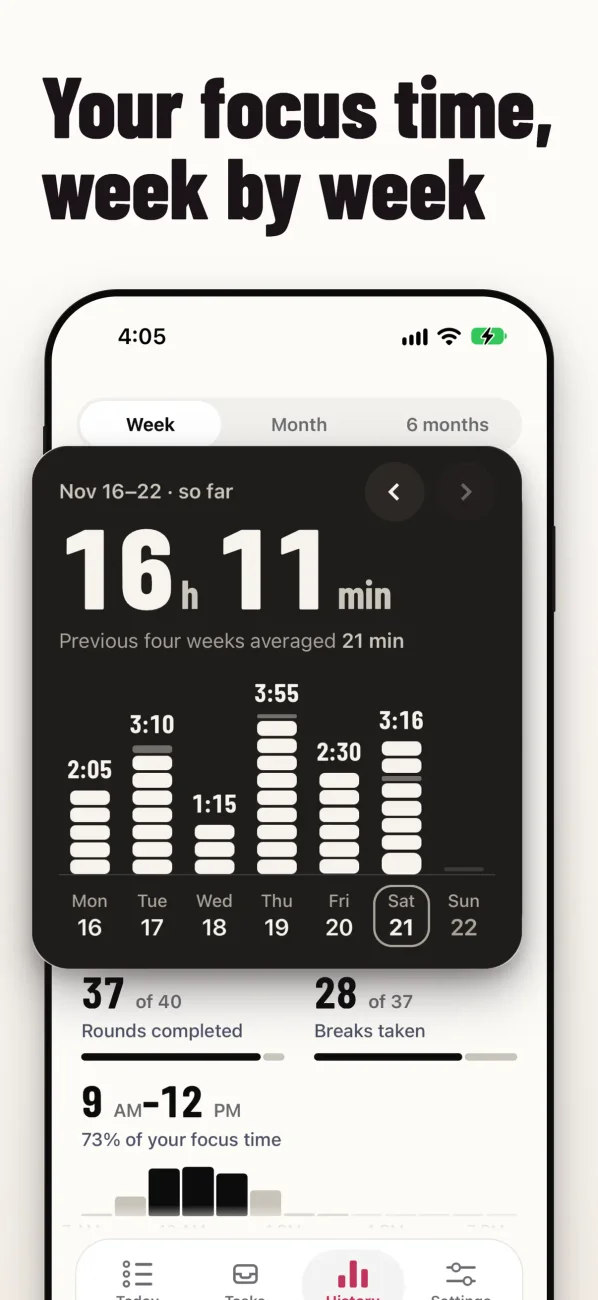
Instead of points, streaks, or gimmicks, you get an honest view of your day. You see when you worked on each task, how long every round lasted, and where your breaks were. Over weeks and months, you also track your total focus time and every round you finished.
WHAT YOU GET
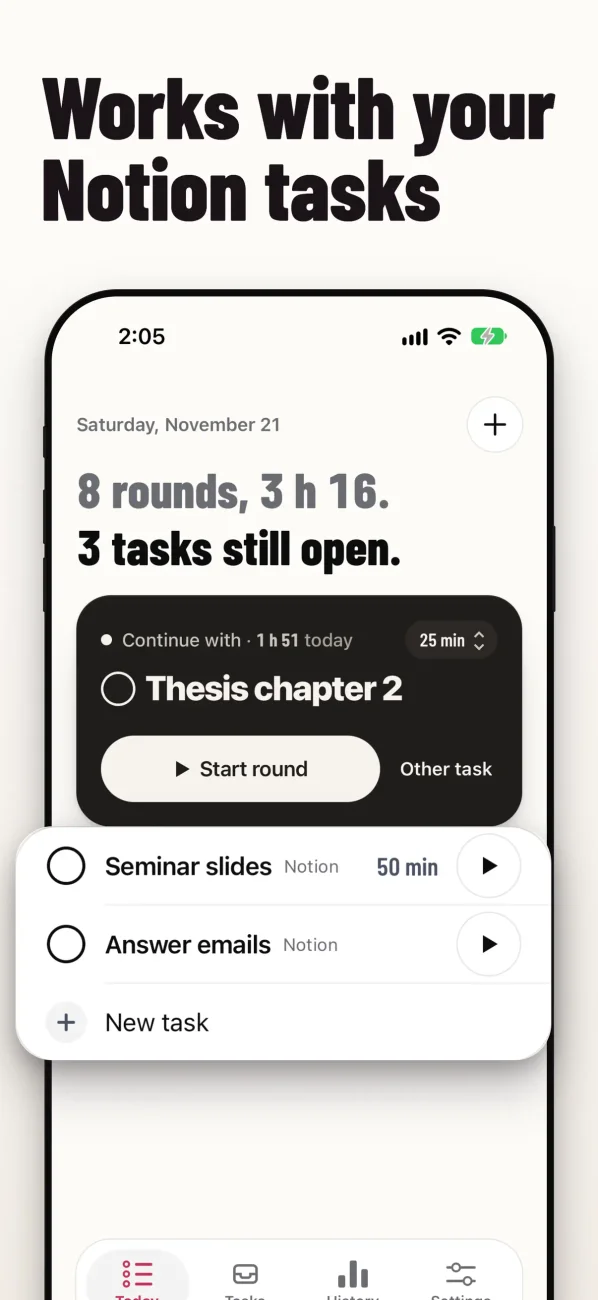
• Plan in Notion? Pull your tasks straight from your database and check them off as you go
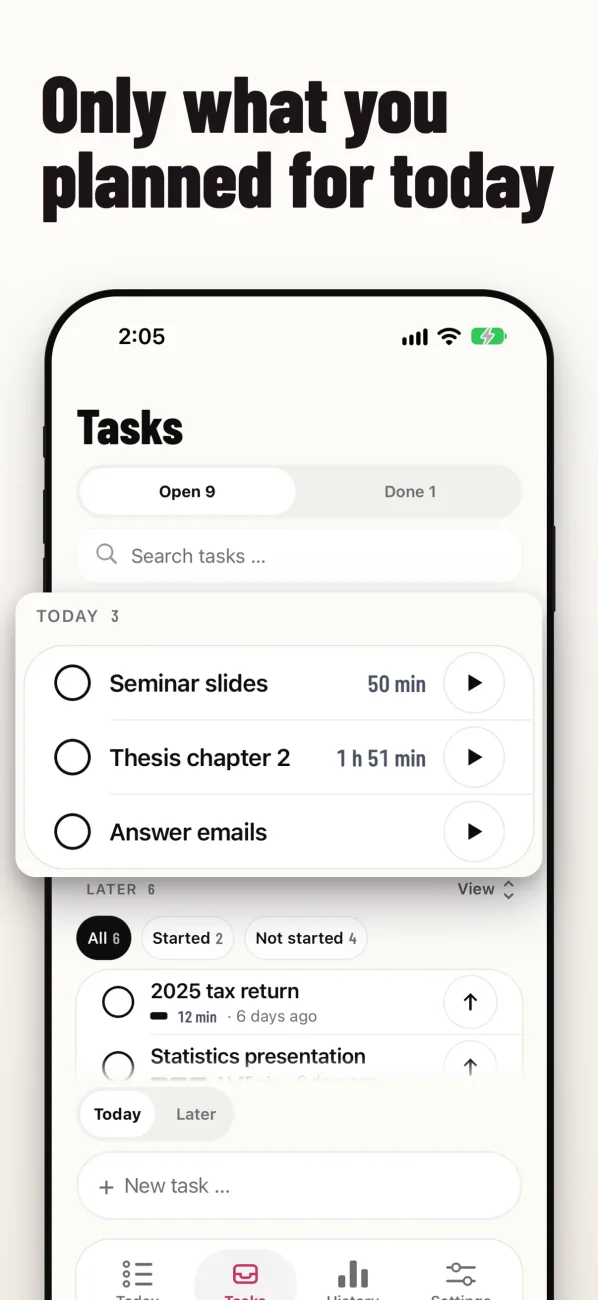
• Organize your day with just Today and Later instead of cluttered projects
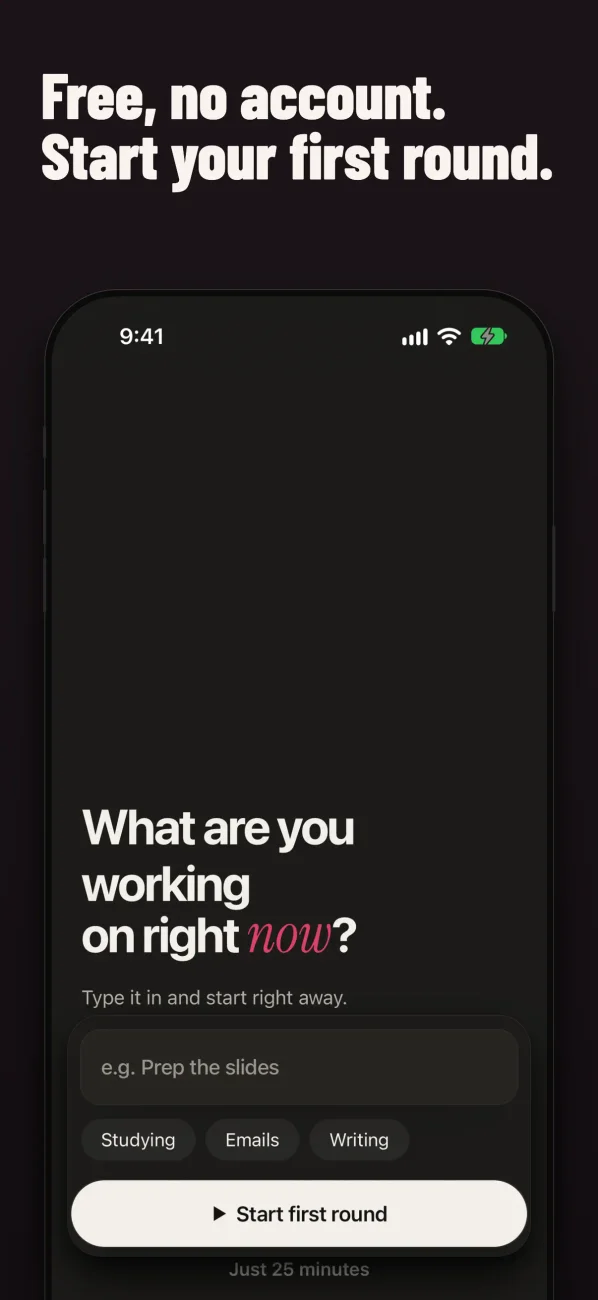
• Start a quick round without a task whenever you want to get going
• Keep your remaining time in view on the Lock Screen and Dynamic Island
• Everything in the app is free, and you can start right away with no subscription or sign-up
• Available on iPhone, iPad, and the web, with optional Apple or Google sign-in to keep your devices in sync
Privacy: https://mindsnapz.de/privacy-policy-pomodash/
Help: https://mindsnapz.de/pomodash-hilfe/
What’s new
Version 3.0.0 · Nov 26, 2026
We are thrilled to share PomoDash 3.0 with you! We rebuilt the app from scratch, and starting today it costs nothing at all.
STAY IN FLOW
Sometimes your focus is finally clicking and a countdown gets in the way. Start Flow, leave the end open, and stop whenever you choose within two hours.
NOTION TASKS IN POMODASH
Keep your to-dos in Notion and hate copying them over? Connect your database once, work through them in PomoDash, and mark them done right inside the app.
TIME LEFT AT A GLANCE
When your phone sits locked on your desk, the Lock Screen shows how much time is left. If you switch to another app, the Dynamic Island keeps the timer visible.
App privacy
What Danny Bui declares on the App Store about how this app handles data.
-
Data linked to you
May be collected and linked to your identity.
- Contact info
- User content
- Identifiers
Privacy practices may vary, for example with the features you use or your age.
Information
- Seller
- Danny Bui
- Category
- Productivity
- Version
- 3.0.0
- Updated
- Nov 26, 2026
- Released
- Dec 2, 2025
- Size
- 51.3 MB
- Requires
- iOS 17.0 or later
- Age rating
- 4+
- Languages
- English
- Copyright
- © 2026 MindSnapz
You might also like
-
 FocusStack: Task PlannerDaily Priority & Focus Planner
-
 FocusFlow: Be PresentFocus timer, tasks, progress
-
 Yet Another Todo AppOffline only todo list
-
 Life Tracker AITrack the Important Things
-
 PomoFlow - Focus flowBoost your productivity
-
 Pomopush: Pomodoro Focus TimerCalm study & deep work, no ads
-
 Filedra: PDF Scanner & OCROrganize & Find Documents
-
 Time To Focus: DeepFocusStay focused.
-
 FocusBeat - Pomodoro & MusicPomodoro Meets Music
-
 Forem Notes: NotebookNotes, to-do list and tasks