
Pomodoro Focus Timer Study
Screen Time focus shields
Designed for iPhone, iPad, iPod touch
In-app purchases
- Age rating4+
- CategoryProductivity
- Developer必燊 余
- LanguagesGerman+ 32 more
- Size60.2 MB
Links to the official App Store page
Download.org hosts no file of Pomodoro Focus Timer Study. The button opens its official App Store page, published by 必燊 余. Listing last checked on Nov 14, 2026.
Screenshots
About
MindfulWork puts focus timers, stats, and a timeline behind simple swipes. On iPhone and iPad, Pro users can turn on Apple Screen Time limits for chosen apps or categories while a session runs. Your data stays on device by default.
- HOW IT WORKS -
APP BLOCKING (PRO · SCREEN TIME)
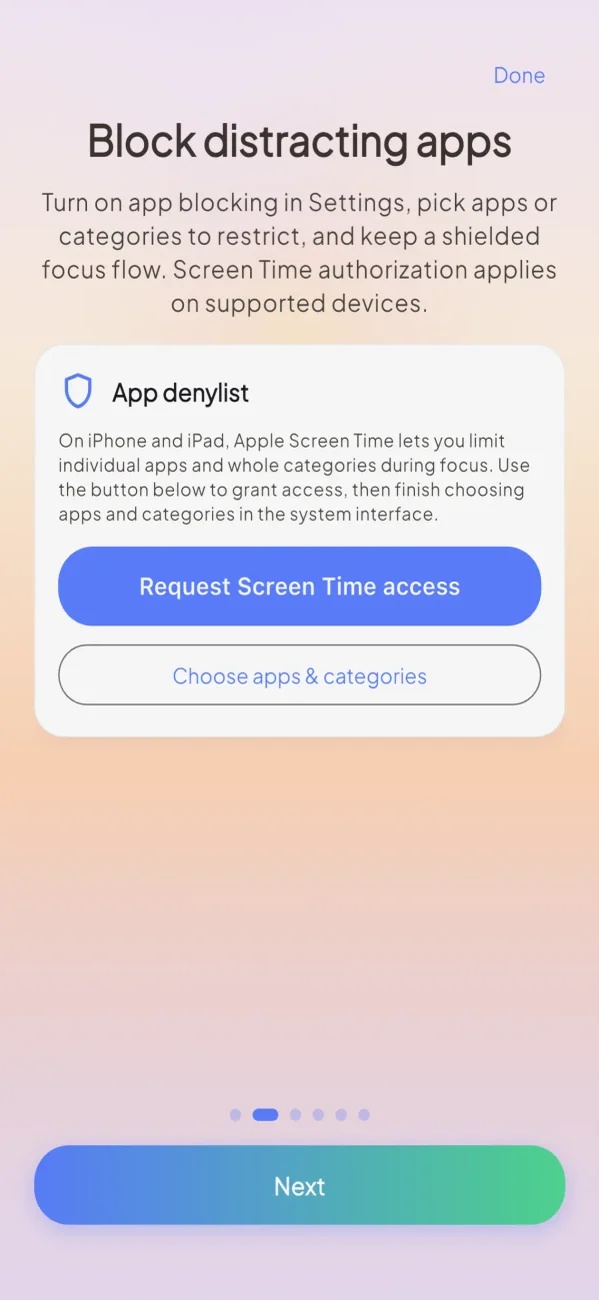
While you are focusing, limit the apps or categories you picked using system Screen Time shields. Turn it on in Settings, grant Screen Time access, choose your list in the app, and shields lift when the session ends. Not included on the free tier.
FOCUS TIMER
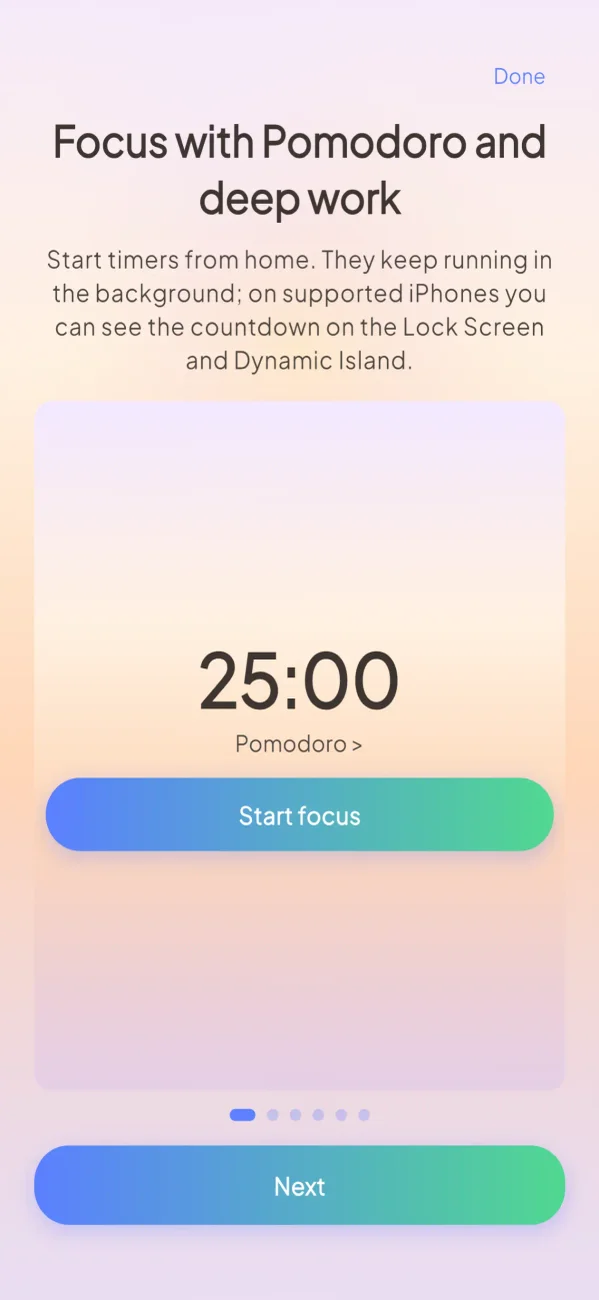
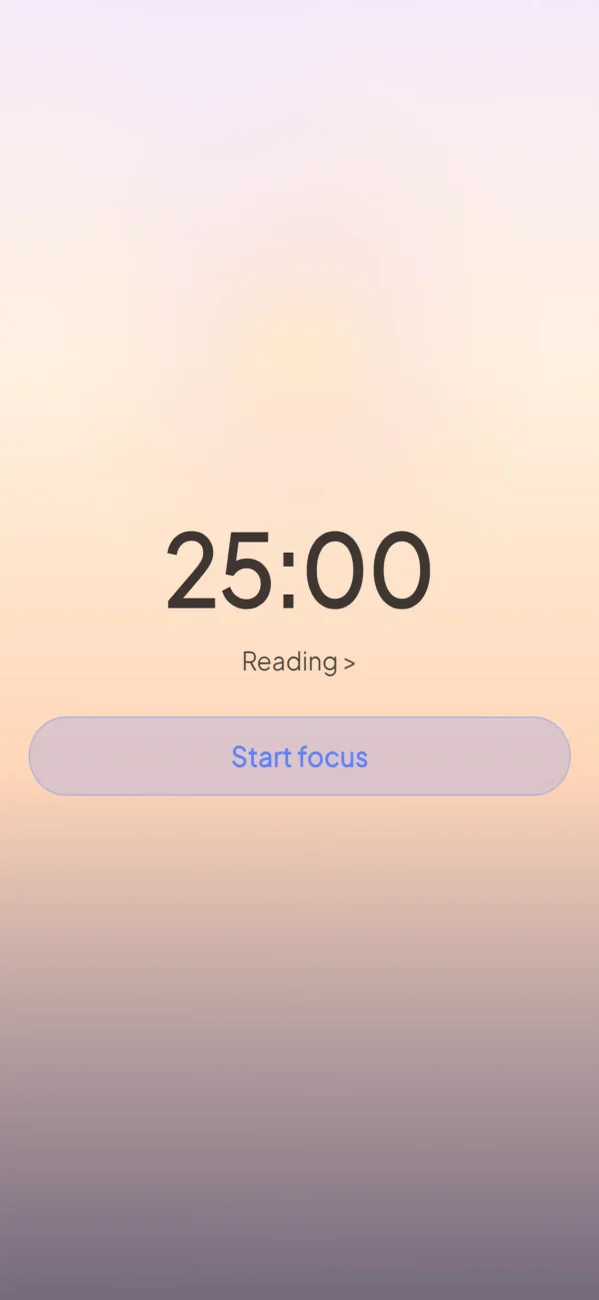
Pick a built-in focus label on the home screen (Reading 25 min, Focus 25 min, Learning 45 min, Fitness 60 min, Work 25 min) and start. Free includes all built-in labels; Pro lets you create custom labels and set any duration (at least 1 minute). Home Screen widgets start your current preset in one tap. Timers run in the background with a local alert at the end. Optional pre-focus breathing. No pause mid-session—end early only after you confirm.
FOCUS STATISTICS & TIMELINE
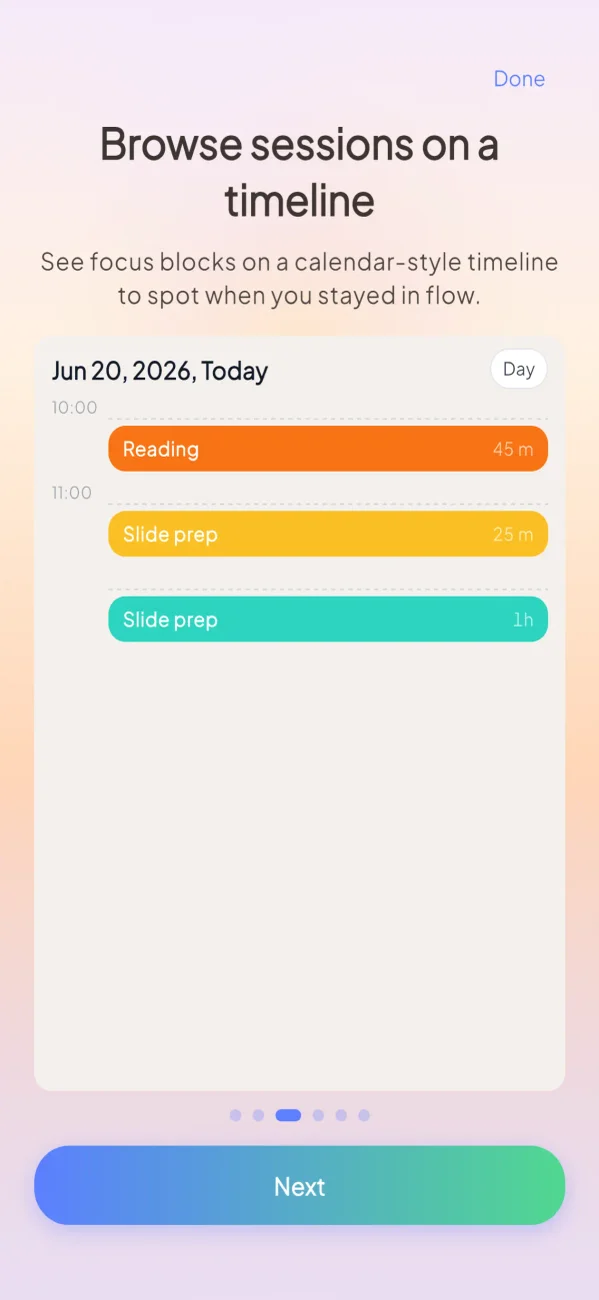
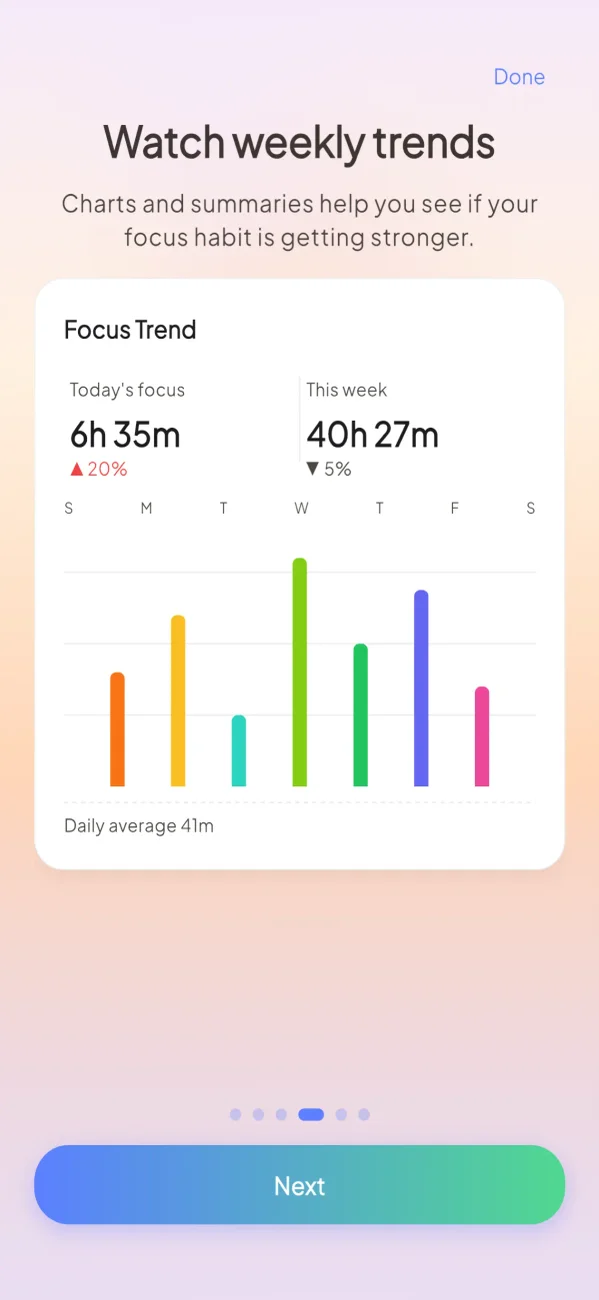
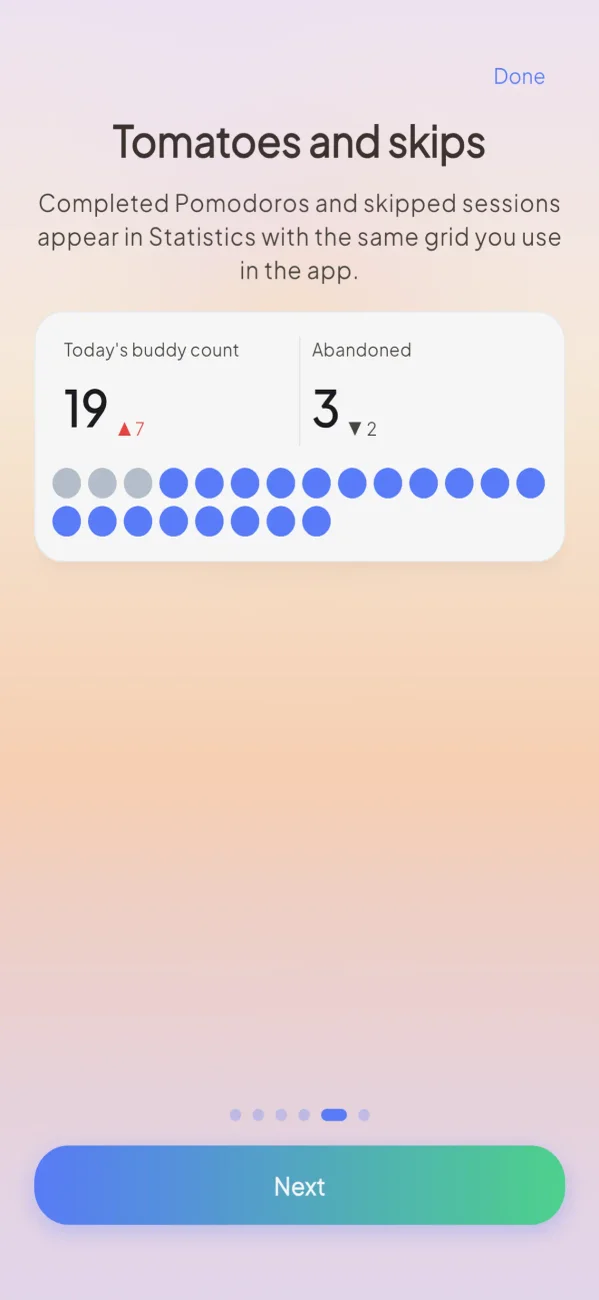
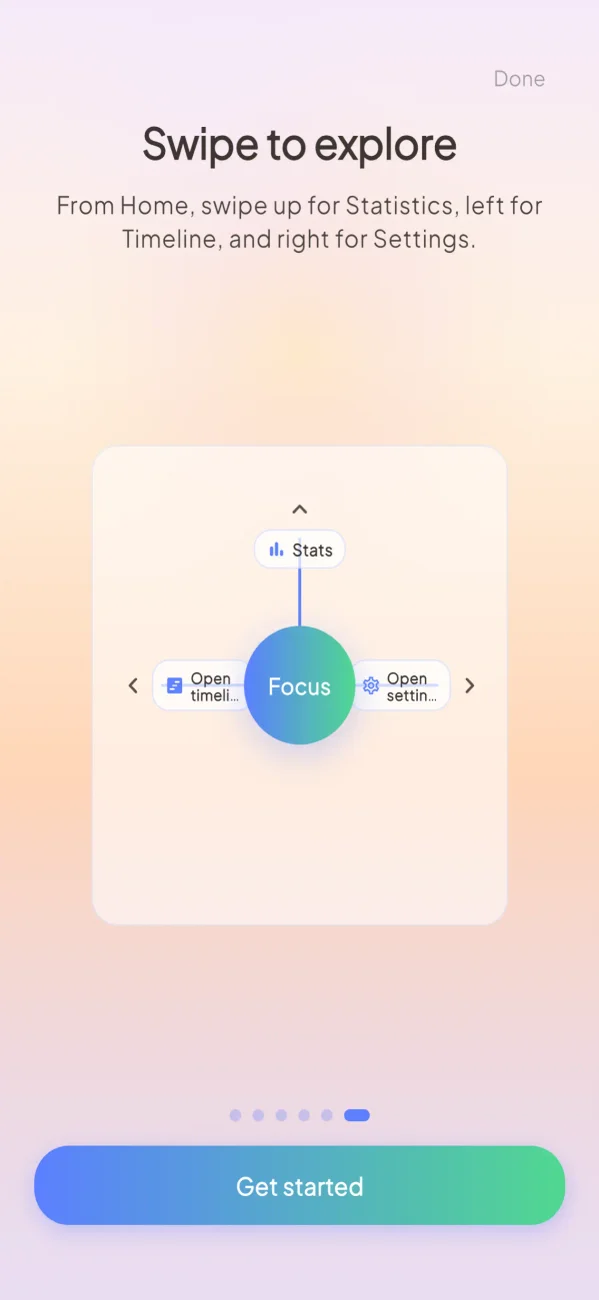
Swipe up for stats: daily score, completions vs give-ups, tomato-style views, and more. Swipe left for a calendar timeline of your sessions. Free shows demo trends on the stats page and real data for the last 3 calendar days (including today). Pro unlocks full history, full stats/timeline access, and manual session entries on the timeline.
- MORE FEATURES -
Focus quotes (optional in Settings)
Live Activity (iOS): countdown on Lock Screen and Dynamic Island where supported
Home Screen widgets: one tap to start your current preset
iCloud sync (Pro, optional): focus statistics in your private CloudKit database
- PRO -
Custom focus labels
Full statistics & timeline history
Manual timeline entries
App blocking during focus (Screen Time)
Optional iCloud sync
7-day trial (monthly), 14-day trial (yearly)
- PRIVACY -
Data is stored on your device. No account required. Optional sync uses your personal iCloud only—MindfulWork does not run servers for your sessions.
Terms of Use (Apple Standard EULA): https://www.apple.com/legal/internet-services/itunes/dev/stdeula/
MindfulWork Terms of Service: https://sarcopods.github.io/work-legal/terms.html
What’s new
Version 2.0.2 · Jul 20, 2026
• Focus time settles into your stats more reliably when a session ends.
• Small refinements to Live Activity and how finishing feels.
Questions? Email us—we read them.
App privacy
What 必燊 余 declares on the App Store about how this app handles data.
-
Data not linked to you
May be collected but is not linked to your identity.
- Purchases
Privacy practices may vary, for example with the features you use or your age.
Information
- Seller
- 必燊 余
- Category
- Productivity
- Version
- 2.0.2
- Updated
- Jul 20, 2026
- Released
- Mar 30, 2026
- Size
- 60.2 MB
- Requires
- iOS 16 or later
- Age rating
- 4+
- In-app purchases
- Yes
- Languages
- German, Arabic, Danish, English, Finnish, French, Greek, Hebrew, Hindi, Indonesian, Italian, Japanese + 21 more
- Copyright
- © 2026 Bishen Yu
You might also like
-
 Focusy: ADHD PlannerTasks, routines & productivity
-
 App Blocker Focus Fomo FastScreen time limits that hold
-
 Done - Focus Timer & ToDo ListBoost Productivity & Focus
-
 Loofy - Pomodoro Focus TimerCozy Lofi Study Music for ADHD
-
 Focus To-Do: Pomodoro & Tasks.Pomodoro Timer & Task Planner
-
 Focusy: Tasks, Habits & AIADHD planner: tasks & AI help
-
 Pomodoro Focus Timer: DeeplyADHD Study & App Blocker
-
 Pomodoro - Time ManagerUse Time Effectively
-
 Work Hour Tracker - WorkLogTrack hours & log work time
-
 dump: brain dump & ADHD to-doAI task planner & organizer