- Age rating4+
- CategoryProductivity
- DeveloperSulton Gafurov
- LanguagesEnglish
- Size46.9 MB
Links to the official App Store page
Download.org hosts no file of Pomodoro Timer - Multi Style. The button opens its official App Store page, published by Sulton Gafurov. Listing last checked on Nov 12, 2026.
Screenshots

About
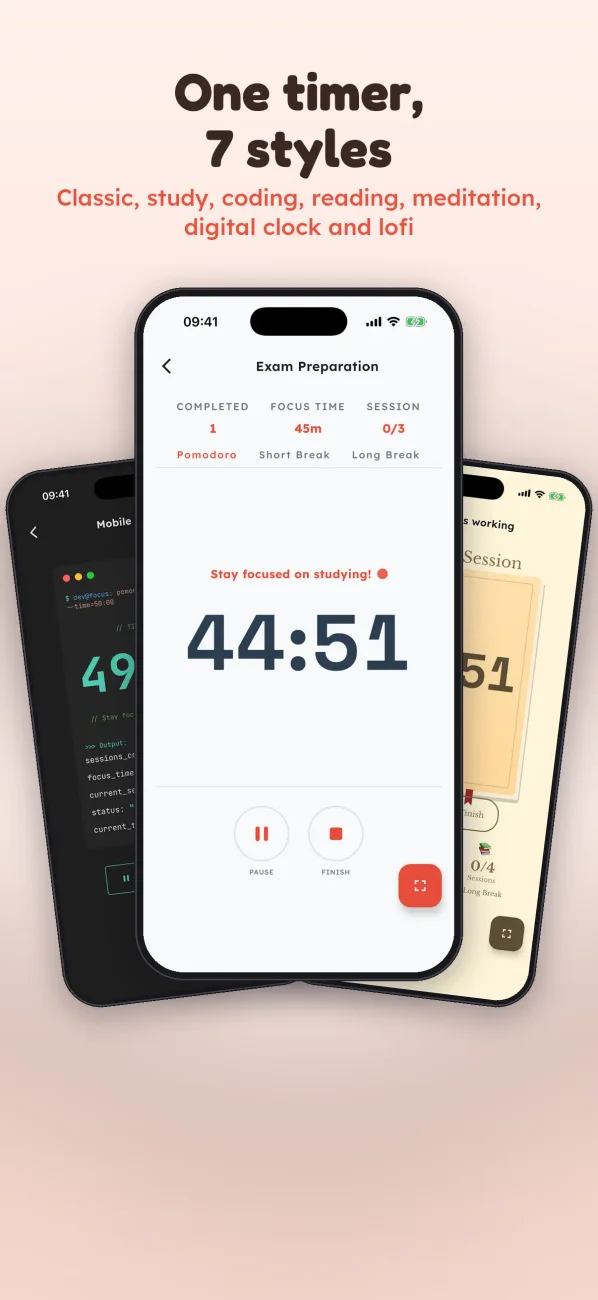
The only Pomodoro timer with themed focus modes for study, coding & reading. Pick a style that fits the task, press start, and let the Pomodoro Technique do the rest: focus, short break, focus, long break. Free, no ads, works offline.
7 TIMER STYLES, ONE FOR EVERY TASK
• Classic: a clean circular timer with clear progress
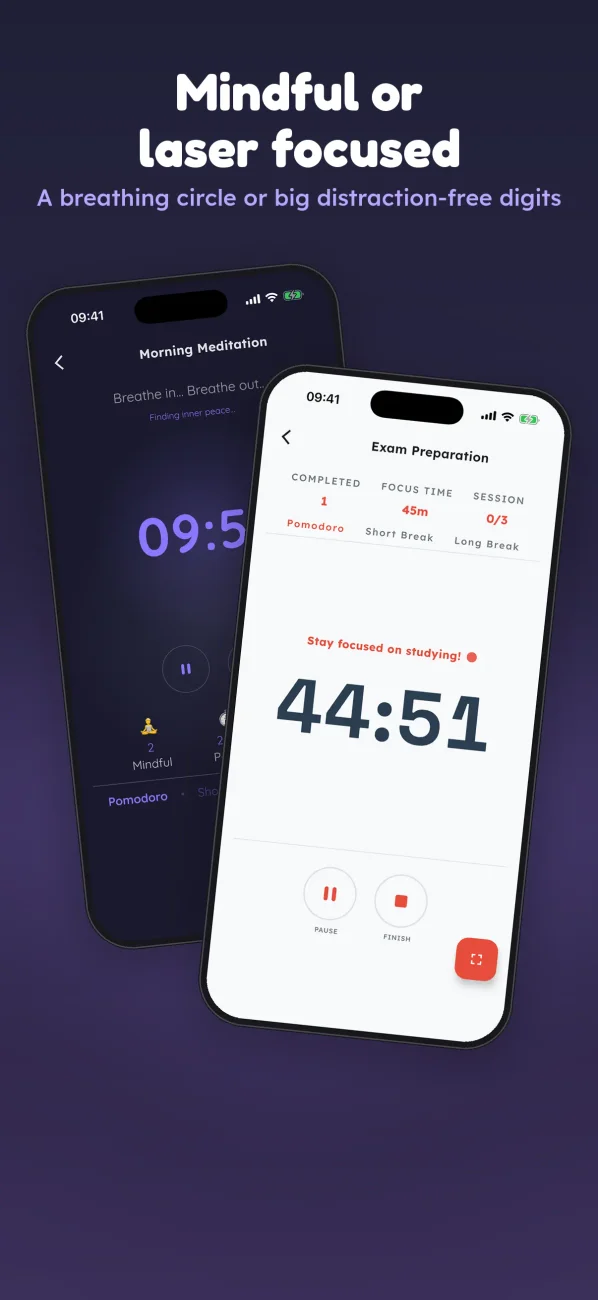
• Study: big, distraction-free digits for deep work
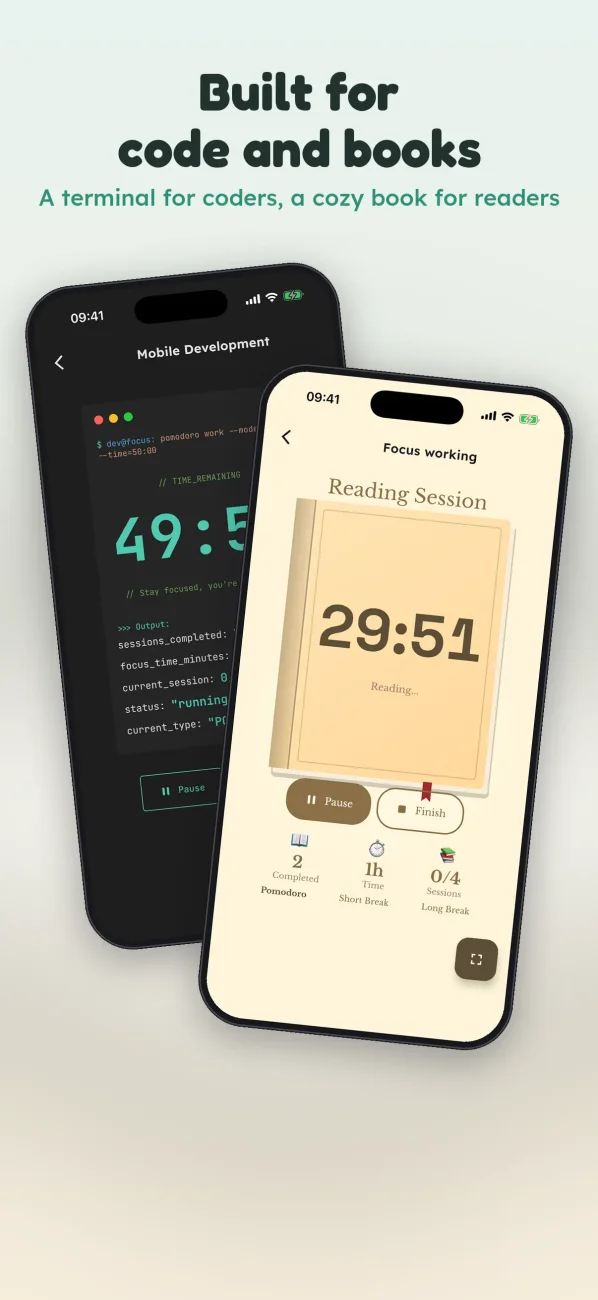
• Code Flow: a terminal-style timer for developers
• Cozy Reading: a hardcover book with warm sepia tones
• Meditation: a gentle breathing circle to stay present
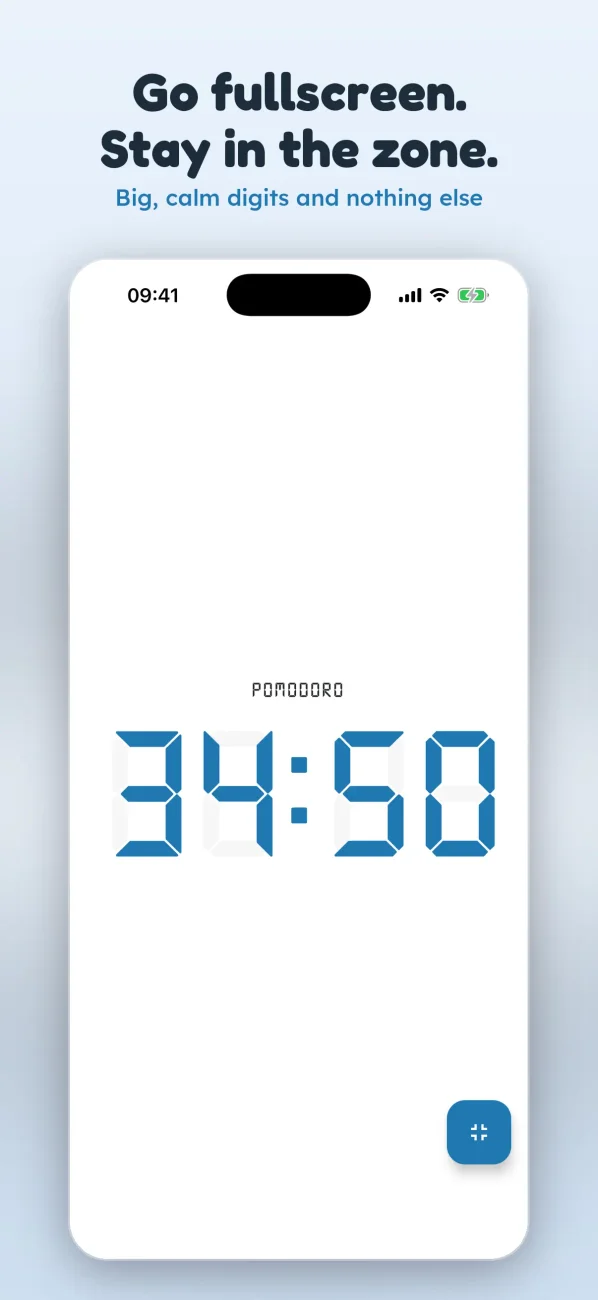
• Digital Clock: a crisp 7-segment display
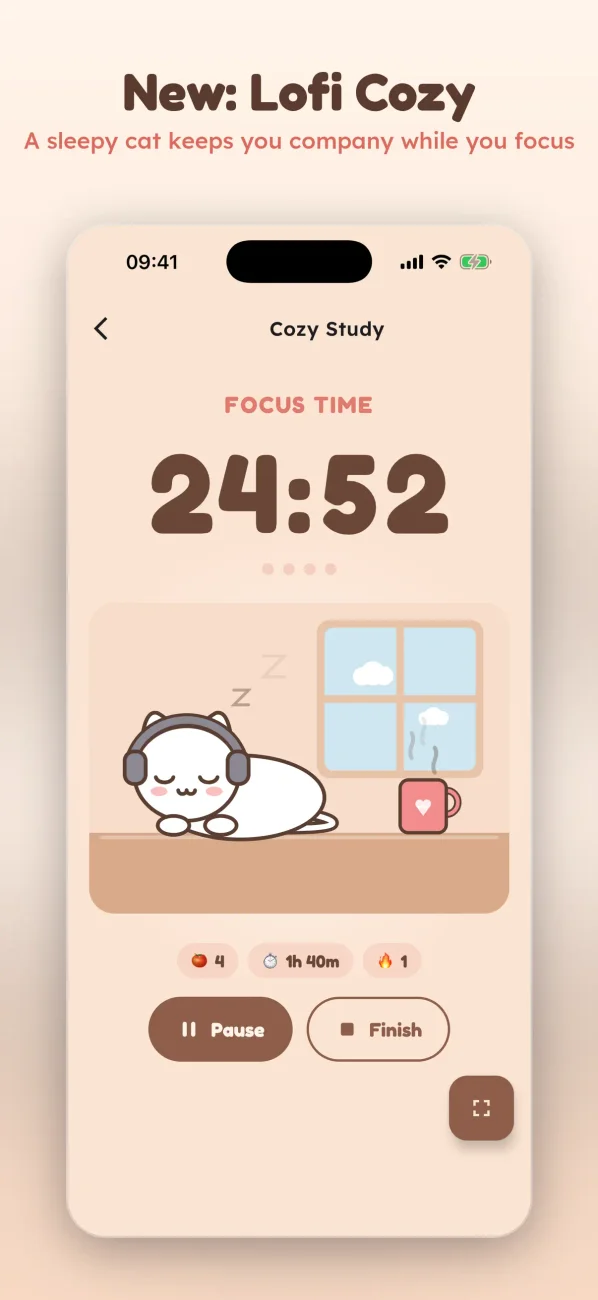
• Lofi Cozy (new): a sleepy cat in headphones naps beside a steaming mug
FOCUS YOUR WAY
• One-tap start for every timer
• Set your own focus, short break and long break lengths, and the sessions per cycle
• Fullscreen mode: just the time, big and calm
• Portrait and landscape layouts
• Sound and vibration alerts with tones you choose
• A short motivational quote after each completed session
TRACK YOUR PROGRESS
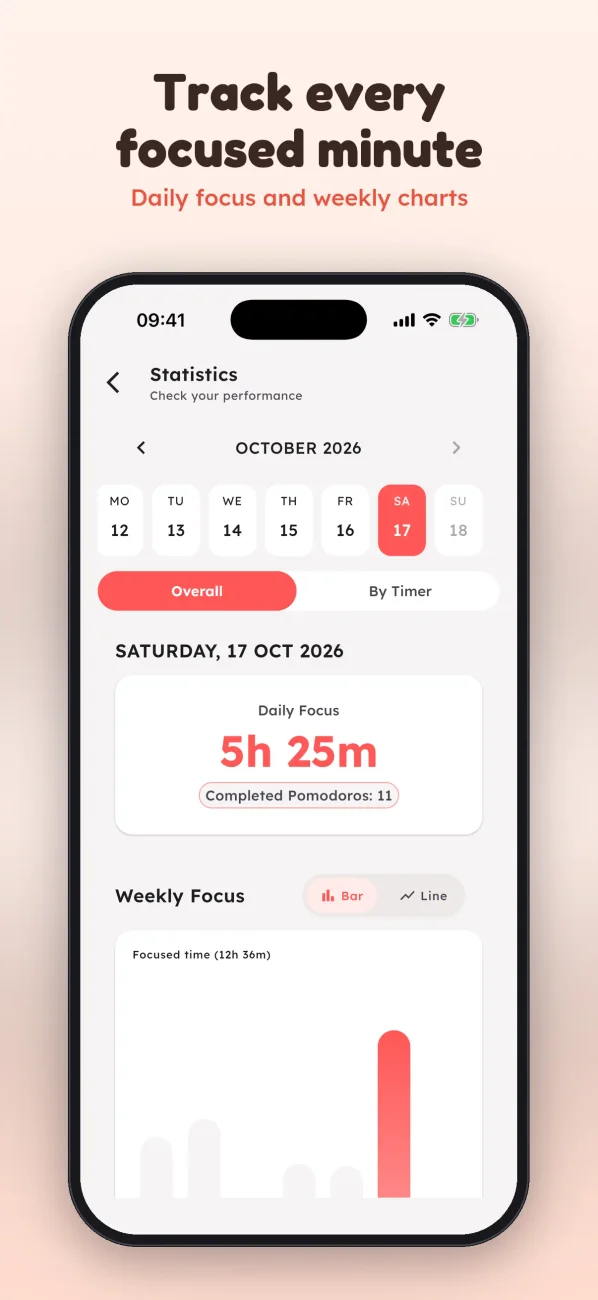
• Today's focus time, completed Pomodoros and cycles
• Weekly bar and line charts
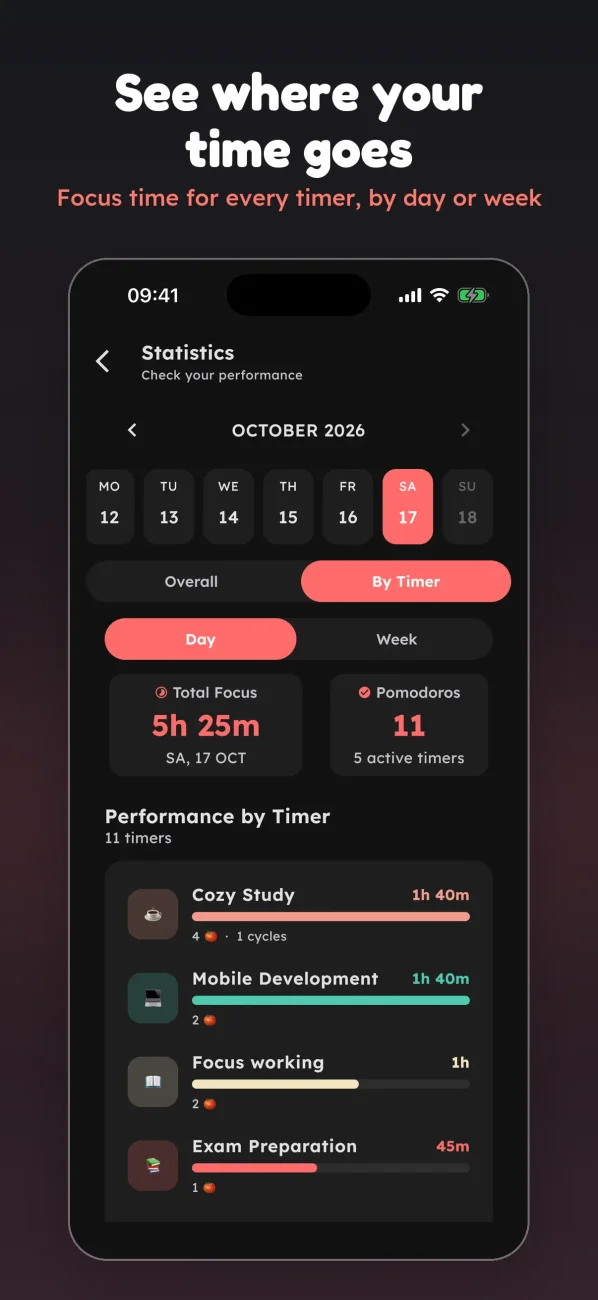
• See which timer you use most, by day or by week
• Lifetime totals
PRIVATE, OFFLINE, LIGHT ON BATTERY
No account, no sign-up and no internet needed. Your timers and stats stay on your iPhone. Light and dark mode.
Made for students, developers, writers, readers and anyone who wants to beat procrastination and stay in flow.
Questions or ideas? Write to sultonuzdev@gmail.com
What’s new
Version 1.0.19 · Oct 18, 2026
• New Lofi Cozy style: a sleepy cat in headphones, a steaming mug and big rounded digits
• Every style: smoother fullscreen, bigger timer digits, rounded buttons
• Truly fullscreen timer screens
• Reading style: a new hardcover book look
• Stats: weekly average, clearer week navigation and bug fixes
• Settings: tidier layout and a Rate and feedback shortcut
App privacy
What Sulton Gafurov declares on the App Store about how this app handles data.
-
Data not collected
The developer does not collect any data from this app.
Privacy practices may vary, for example with the features you use or your age.
Information
- Seller
- Sulton Gafurov
- Category
- Productivity
- Version
- 1.0.19
- Updated
- Oct 18, 2026
- Released
- May 6, 2026
- Size
- 46.9 MB
- Requires
- iOS 18.2 or later
- Age rating
- 4+
- Languages
- English
- Copyright
- © 2025 Sulton Gafurov
You might also like
-
 Pomodoro Focus Timer ProSmart Productivity Timer
-
 Multi Timer: Focus & RoutinesProductivity Timer & Stopwatch
-
 FocusPomo: Pomodoro TimerADHD focus & study timer
-
 Pomo: Pomodoro Focus TimerDeep Work, Study & Calm
-
 Pomodoro - Focus Timer PlusBoost Focus & Productivity
-
 Pomodoro: Focus & BreakFocus, Break, Achieve More
-
 Focus Timer: Pomodoro; TasksADHD Study & Deep Work
-
 TickTock - Pomodoro TimerProductive & Focus Keeper
-
 Rebornnn: Pomodoro methodbe focused, study, deepwork
-
 Pomo Easy - Pomodoro TimerFocus timer for work & study