
Pomolapse: Focus Timelapse
Pomodoro Study Timer
Designed for iPhone, iPad, iPod touch
Free · In-app purchases
- Age rating4+
- CategoryProductivity
- DeveloperMin Park
- LanguagesEnglish+ 1 more
- Size63.8 MB
Links to the official App Store page
Download.org hosts no file of Pomolapse: Focus Timelapse. The button opens its official App Store page, published by Min Park. Listing last checked on Nov 29, 2026.
Screenshots


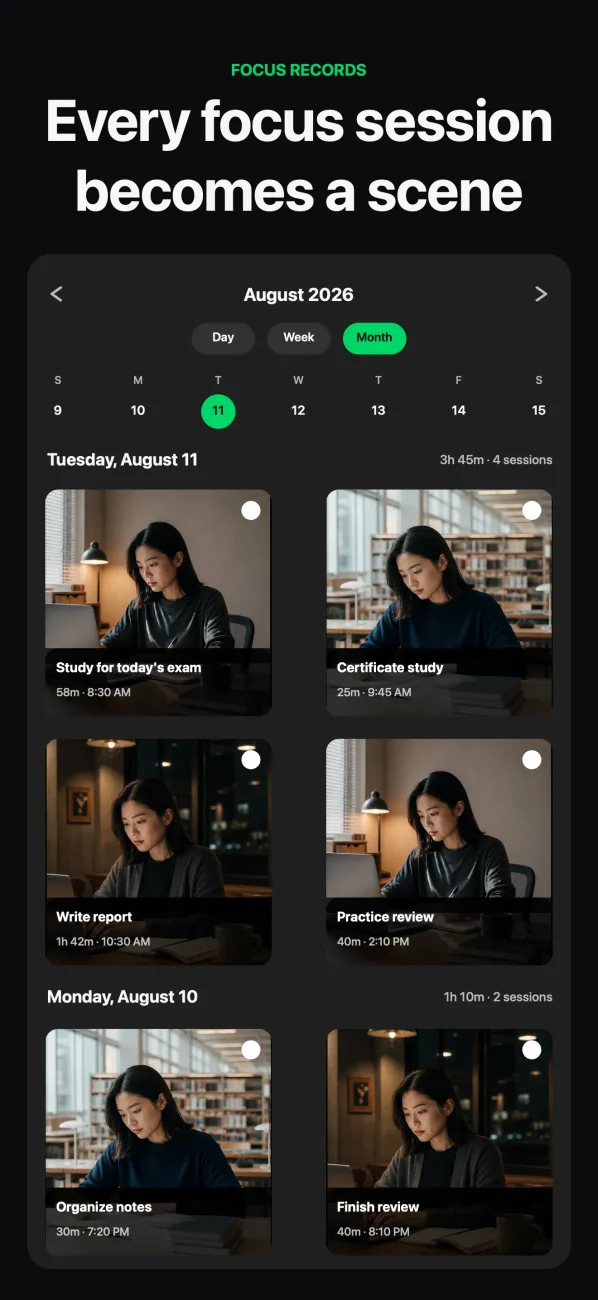
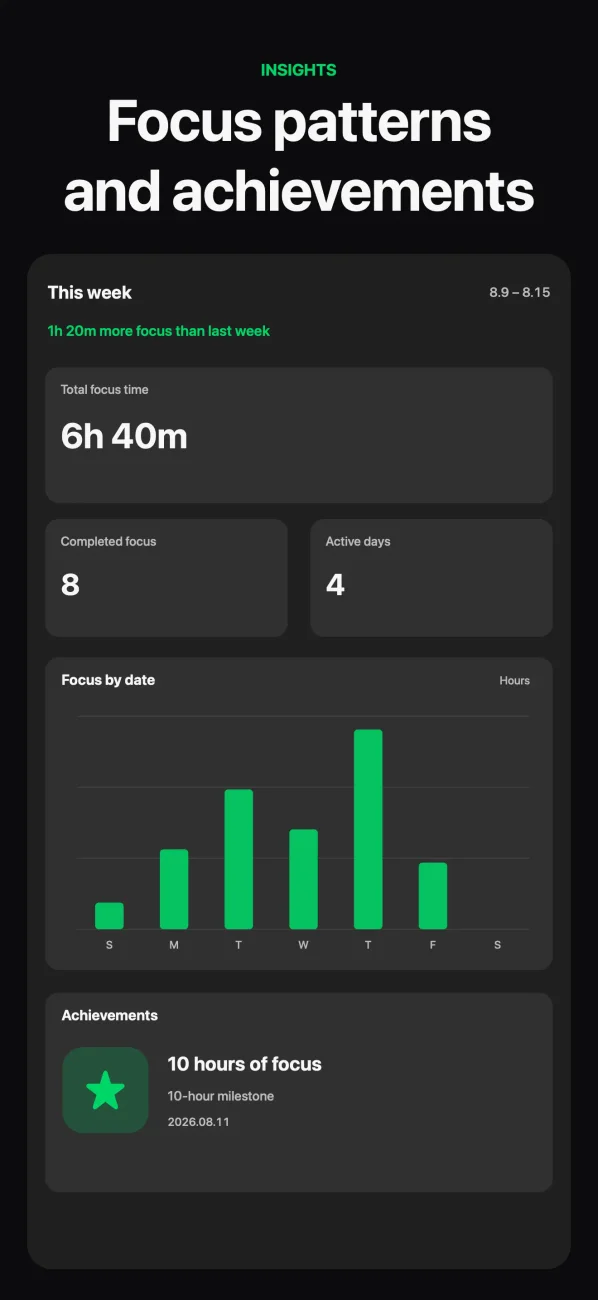

About
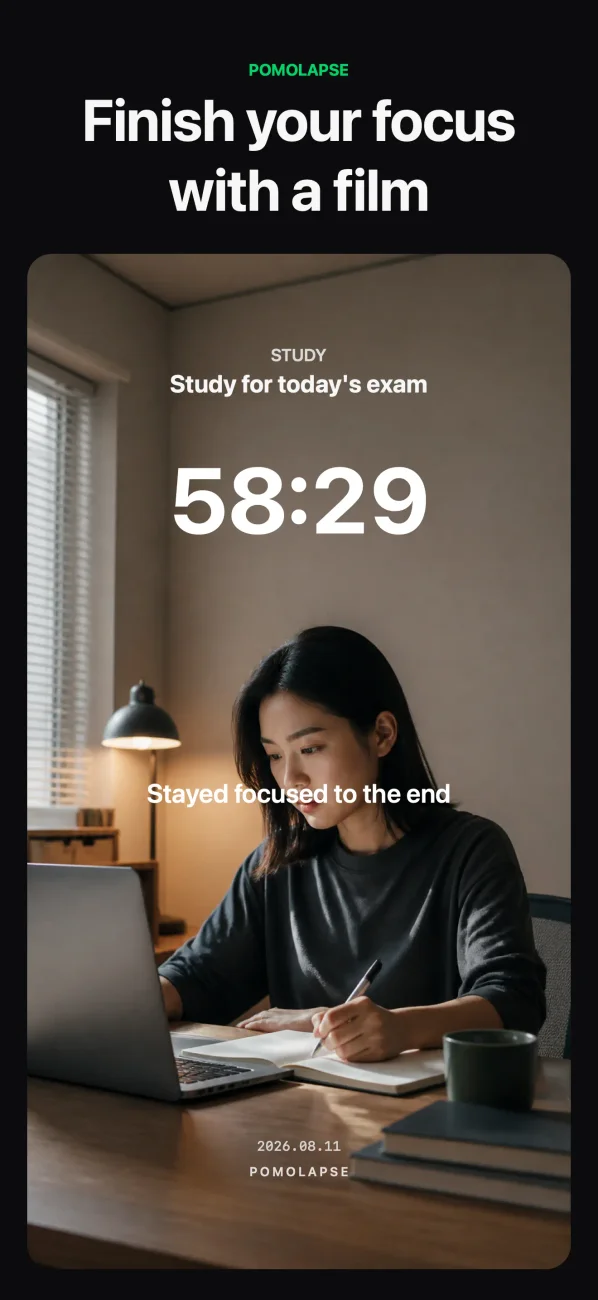
Turn an hour of focus into an 8-second film.
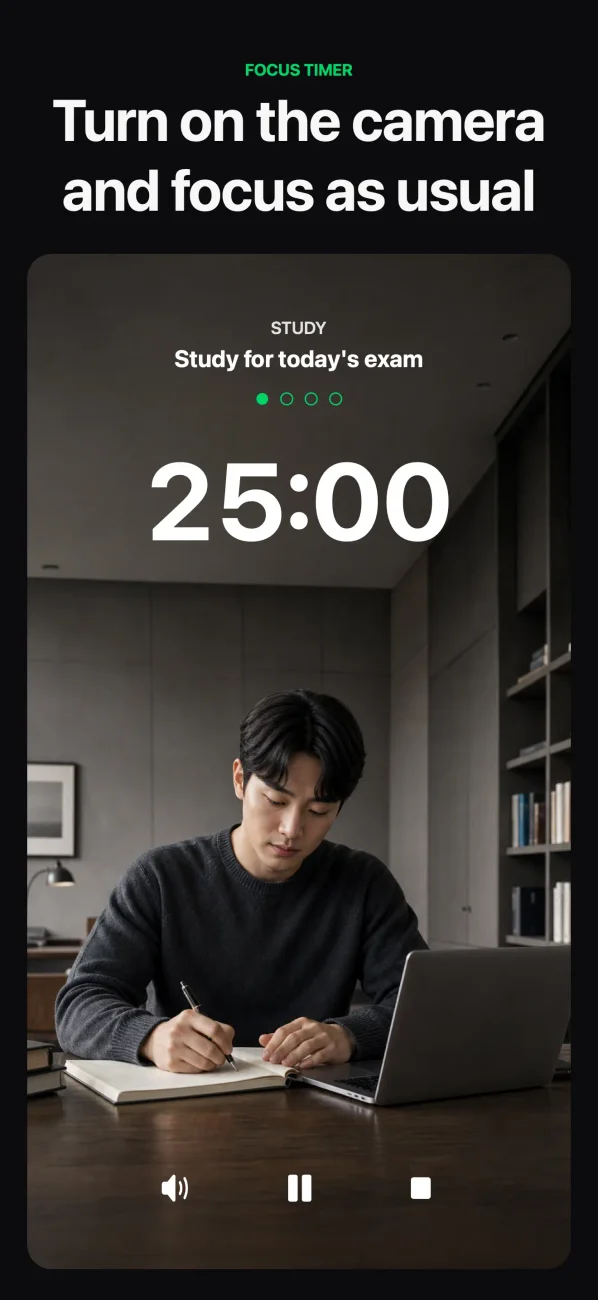
Pomolapse combines a focus timer and camera to turn time spent studying, working, or creating into a short timelapse you can keep.
Choose how you focus
• Pomodoro cycles with focus, short breaks, and long breaks
• Goal-based focus with a target time, pause, and overtime
Turn focus into a film
• Record with the front or rear camera
• Export an 8-second, 20-second, or full-flow video
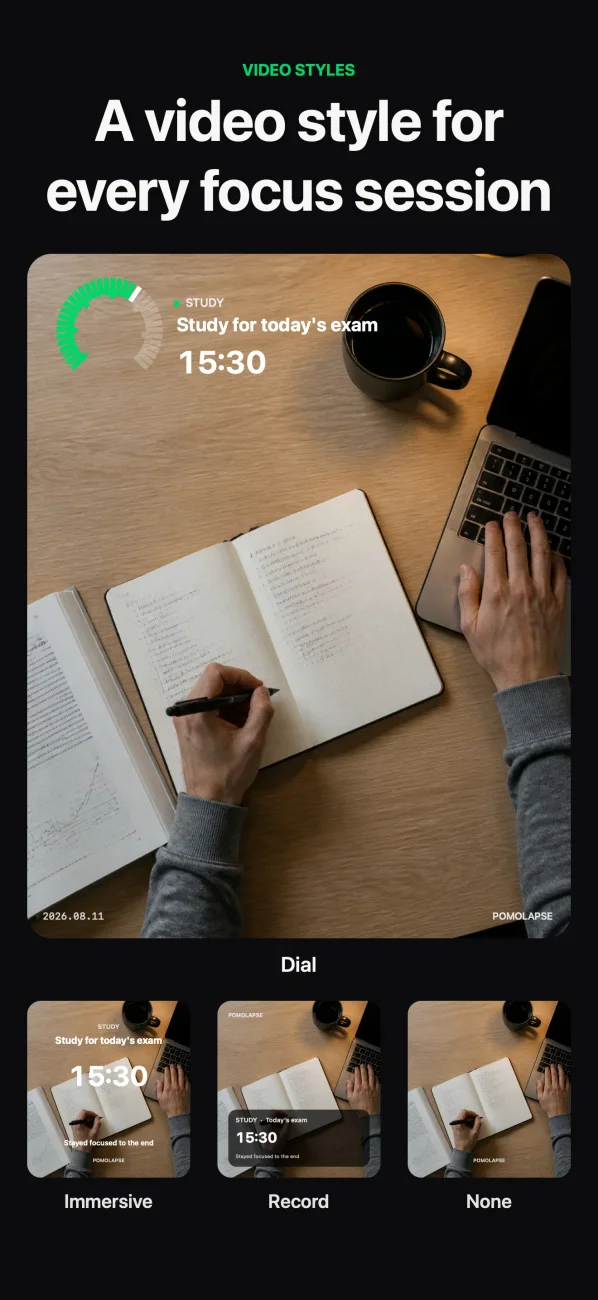
• Choose Immersive, Record, Dial, and other video styles
• Keep your goal, focus time, date, and one-line note in the result
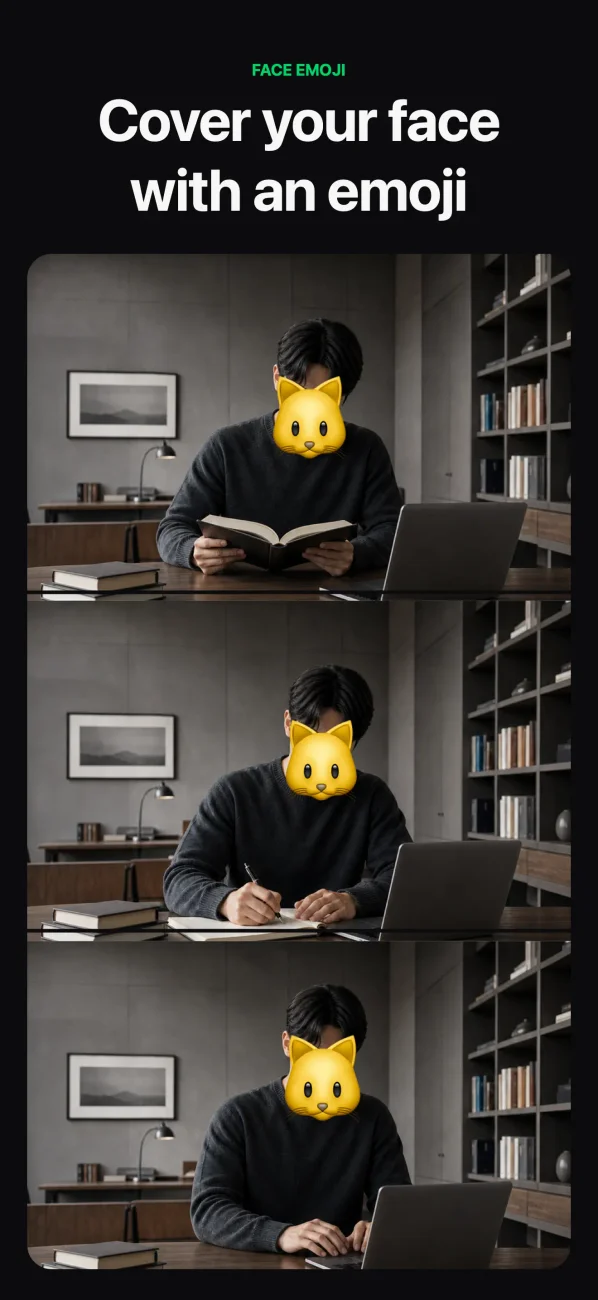
• Optionally cover your face with a tracking emoji
• Save or share a finished video right away
Records and Insights
• Browse sessions by date with video-first thumbnails
• Review focus time, active days, and completed Pomodoro cycles
• Unlock detailed patterns and achievements with Plus
The core focus, record, save, and share experience is free. Watch one ad to unlock advanced output for a record, or use Plus for ongoing ad-free access.
Videos and focus records stay on your device.
Terms of Use (EULA): https://www.apple.com/legal/internet-services/itunes/dev/stdeula/
What’s new
Version 1.22 · Nov 28, 2026
• New Focus Together friend rooms let you invite 2–5 friends with a link or code to focus together using focus status, time, and desk photos refreshed every few seconds instead of live video, with no accounts, strangers, or public rooms.
• Your face is covered with your own emoji by default when friends see you, and you choose whether to show your camera view, focus time, and goal.
• Cheer friends with an emoji or nudge a friend to come focus together, with notifications sent only if they turned them on and never late at night (11pm–8am).
• Before starting in a room, set your goal and timer in one step, then check your camera and start.
• A new cream-and-red Classic theme is now the default for new users.
App privacy
What Min Park declares on the App Store about how this app handles data.
-
Data used to track you
May be used to track you across apps and websites owned by other companies.
- Location
- Identifiers
- Usage data
- Diagnostics
-
Data linked to you
May be collected and linked to your identity.
- User content
- Identifiers
- Usage data
- Diagnostics
- Other data
-
Data not linked to you
May be collected but is not linked to your identity.
- Purchases
- Location
- Identifiers
- Usage data
- Diagnostics
Privacy practices may vary, for example with the features you use or your age.
Information
- Seller
- Min Park
- Category
- Productivity
- Version
- 1.22
- Updated
- Nov 28, 2026
- Released
- Mar 5, 2025
- Size
- 63.8 MB
- Requires
- iOS 13.0 or later
- Age rating
- 4+
- Price
- Free
- In-app purchases
- Yes
- Languages
- English, Korean
- Copyright
- © 2026 ASLE
You might also like
-
 BeeProductive: TimeLapse FocusRecord yourself, Stay focused
-
 FocusLapse - Study Time LapseSee the time you put in
-
 AngryMoti: Timelapse PomodoroTurn Goals Into Action
-
 LockLapse: Study TimelapseHours and streak on one card
-
 Planeta: Pomodoro Focus TimerADHD Study & Deep Work Tracker
-
 BrewFocus - Focus in a CafeCafe ambience, study timer
-
 StayMe - Study with me TimerFocus Together with Pomodoro
-
 클라크 - 타이머를 넘어, 집중력의 페이스메이커Productivity
-
 Lockin ClubTimelapse to be productive