Pop Dot Comics
Comic with colored halftones
Designed for iPhone, iPad, iPod touch
$2.99
- Age rating4+
- CategoryPhoto & Video
- DeveloperJixiPix Software
- Size68.3 MB
Links to the official App Store page
Download.org hosts no file of Pop Dot Comics. The button opens its official App Store page, published by JixiPix Software. Listing last checked on Nov 12, 2026.
Screenshots

About
Create a comic worthy of the Sunday newspaper or your favorite pulp-fiction cover.
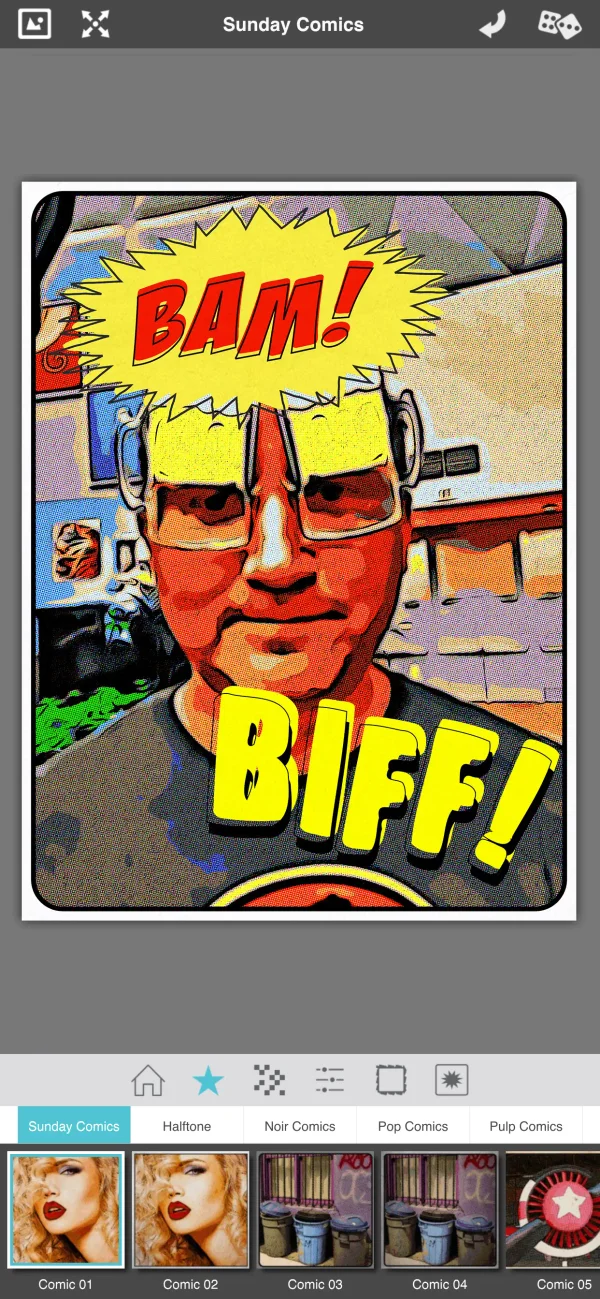
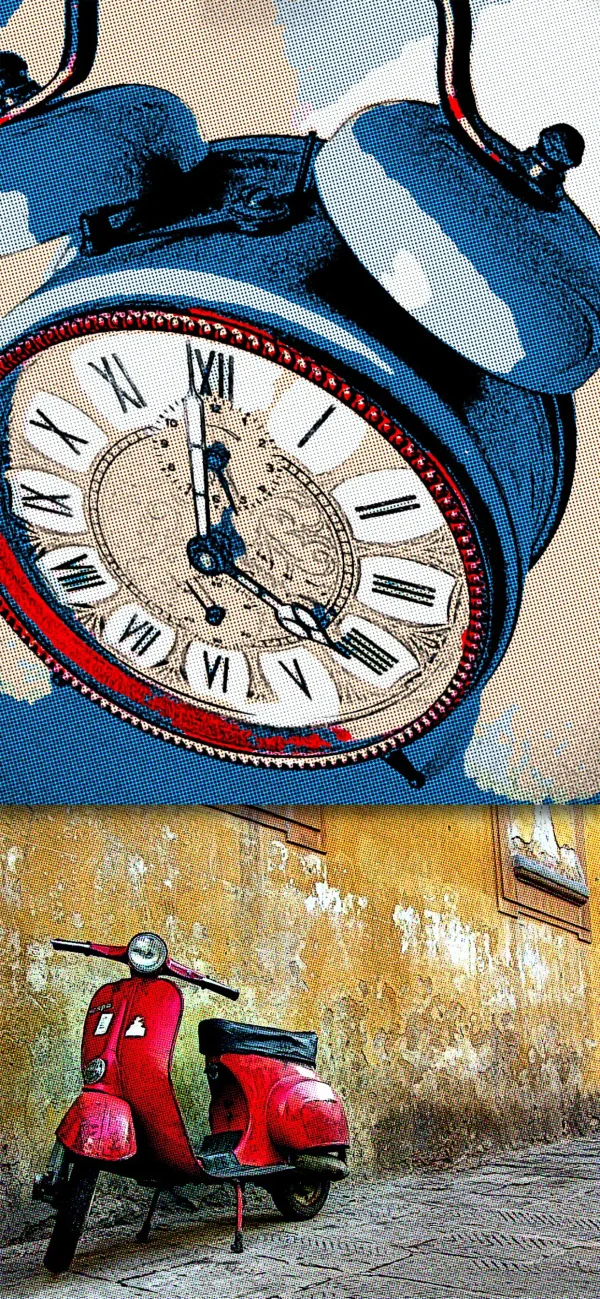
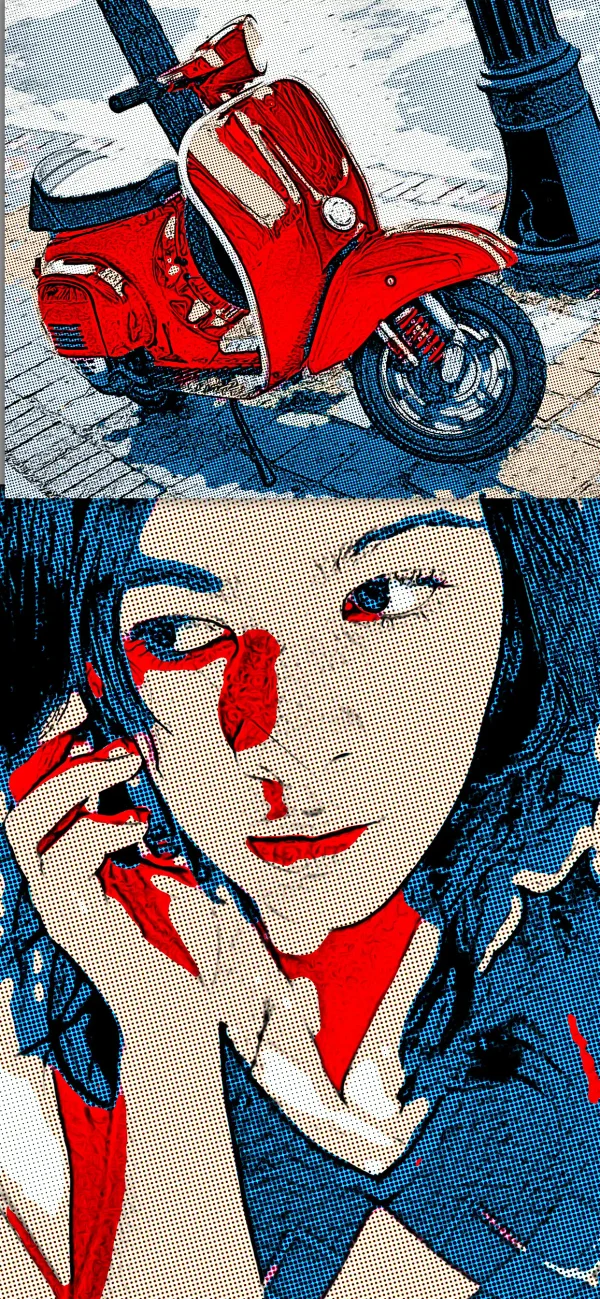
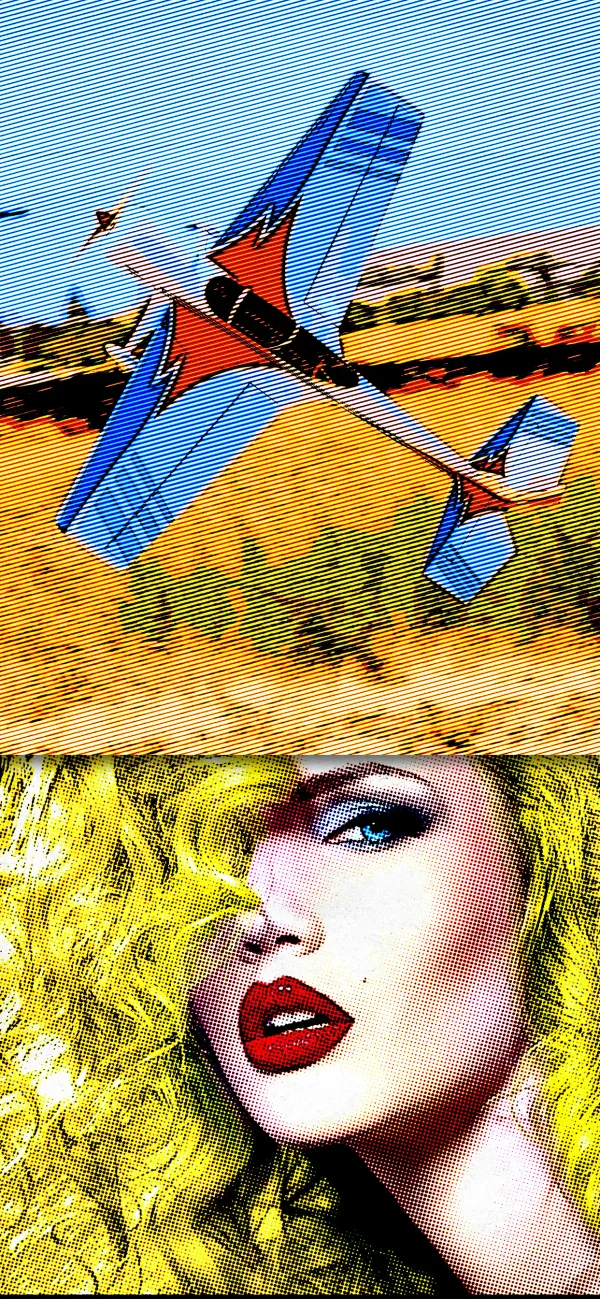
Pop Dot Comic is a fun way to create comic-book style illustrations from your snapshot or ones taken of your friends and family. Pop Dot Comic applies thick outlines, bold colors, and plenty of benday dots to newsprint or pulp papers to give every creation the look of one that’s been printed or published.
In the past, halftones were tediously inked in by cartoon artists or created in darkrooms. With Pop Dot Comic you can easily and quickly convert your photo into a comic book drawing that’s worthy enough for the Sunday newspaper or your favorite pulp-fiction cover. With a library of included “Fun Stuff”, custom messages can be added to speech bubbles and sound effects will give your creation “POW”. When your finished creating a comic book photo save it to your library or post them to your friends and family for funny moments.
COMIC STYLES
• Sunday Comics — Creates a Cartoon Photo
• Halftone — Transforms a photo into a Halftone Newspaper Photo
• Pop Comics — Converts photos into a bright Pop Art Lichtenstein-style Cartoon
• Pulp Comics — Renders a Cartoon with Vintage Color on Aged Pulp Paper
• Noir Comics — Creates a contrasted toned or blk/white Comic with selective color like those used in the Sin City series
Pop Dot Comics is a professional cartoon effect that can be done directly on your iPhone, iPad and Mac.
•Convert all your images and pictures into cartoon-style effect quickly
•Choose a preset for a quick start
•Use large photos for a high-end result!
•Crop your photo to remove unwanted parts of an image
•Choose between 5 comic styles: Sunday Comics, Halftone, Noir Comics, Pop Comics, Pulp Comics
•Make adjustments to outlines, color, border width, border inset and pulp papers
•Choose between Dots, Lines and Halftones
•Edit and resize “Fun Stuff” and “Bubbles” with an easy one-finger gesture
•Share via Email, Facebook, Twitter and Tumblr
•Save to Camera Roll
Easy to Use
•Tap to edit type in speech & thought bubbles
•Long Press to delete fun stuff and bubbles
•Pull edges of fun stuff and speech bubbles to resize
•Touch and hold center to move
FEATURES
Benday Dots — like those used in the traditional printing process. Benday Dots are two (or more) different small, colored dots combined to create a third color. Back in the day, pulp comic books used Benday Dots in primary colors to inexpensively create the secondary colors such as flesh tone.
Fully adjustable control on all aspects of the process: Dot or Line size, Outline size, Color variation, Border: Width, Inset, Color & Corner Radius.
INCLUDES
Newsprint and Pulp Papers
UNIVERSAL FEATURES
All JixiPix Apps come with: Superior Customer Service, Support for High-Resolution Images & Output, Undo/Redo, Randomize Button, Quick Presets and the ability to create Custom Presets, Cropping with the ability to specify aspect ratio, Quick Preview, Email, Print, and the ability to post directly to Facebook, Instagram, Twitter, and Tumblr. We also have an online art gallery and invite our user’s to display their artistic creations on it: http://www.flickr.com/groups/jixipixcreations/
***************
“JixiPix turns any photo into a masterpiece. All that is required of you is the appreciation — we’ll take care of the rest!”
JixiPix.com “Creative Tools for Creative People"
Photography | Artistic | Graphic Apps
MAC • iPad • iPhone
What’s new
Version 1.48 · Dec 19, 2025
Optimization, bug fixes and performance improvements.
App privacy
What JixiPix Software declares on the App Store about how this app handles data.
-
Data not collected
The developer does not collect any data from this app.
Privacy practices may vary, for example with the features you use or your age.
Information
- Seller
- JixiPix, LLC
- Category
- Photo & Video
- Version
- 1.48
- Updated
- Dec 19, 2025
- Released
- Aug 24, 2012
- Size
- 68.3 MB
- Requires
- iOS 15.0 or later
- Age rating
- 4+
- Price
- $2.99
- Copyright
- © JixiPix Software
You might also like
-
 Poster Shine Pro - posterizePhoto & Video
-
 PopArt FXThe real PopArt effects
-
 Brushstroke Pro for iPadTurn photos into paintings
-
 ComicBook!Creative Super Powers
-
 Art Serigraphy - Photo EditorScreen printing Artwork Effect
-
 Pop ArtTurns pic into PopArt painting
-
 SDFX Art AI Image GeneratorDesign, Vectorize & Edit Art
-
 InkworkTurn photos into art
-
 Abstract You - Pop Art EffectsContemporary Art Photo Editor
-
 Paintation: Famous Art FiltersOil Painting & Style Transfer