
- Age rating4+
- DeveloperArti Sharma
- LanguagesEnglish
- Size5.6 MB
Links to the official App Store page
Download.org hosts no file of Popcorn Emojis. The button opens its official App Store page, published by Arti Sharma. Listing last checked on Nov 20, 2026.
Screenshots
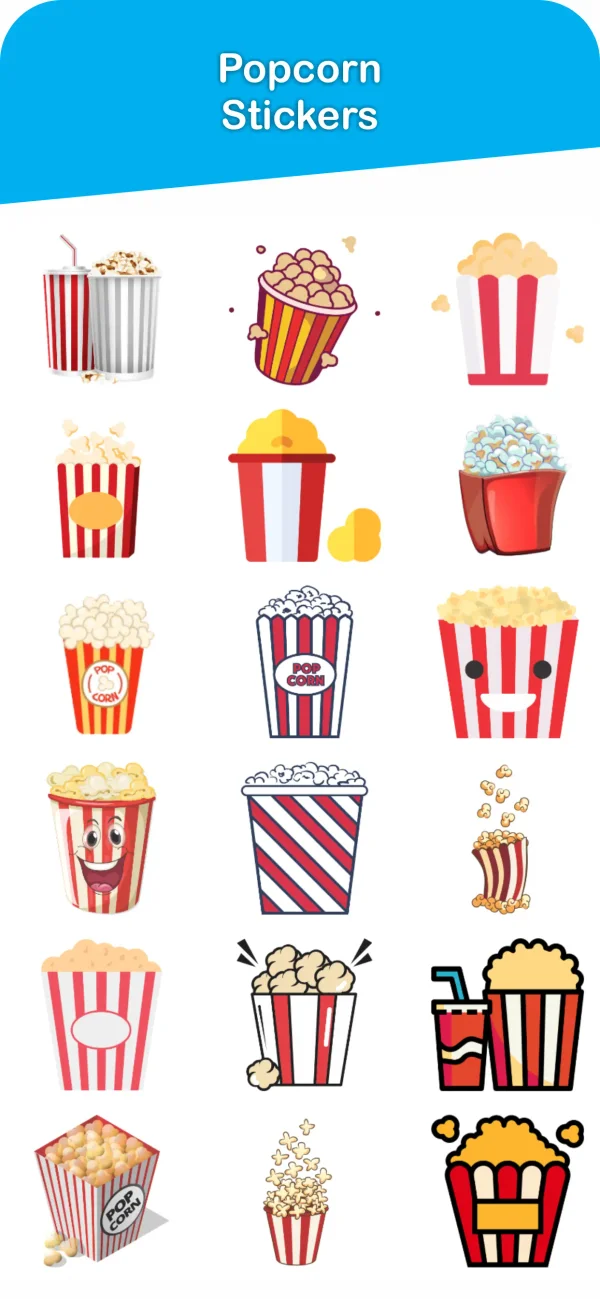
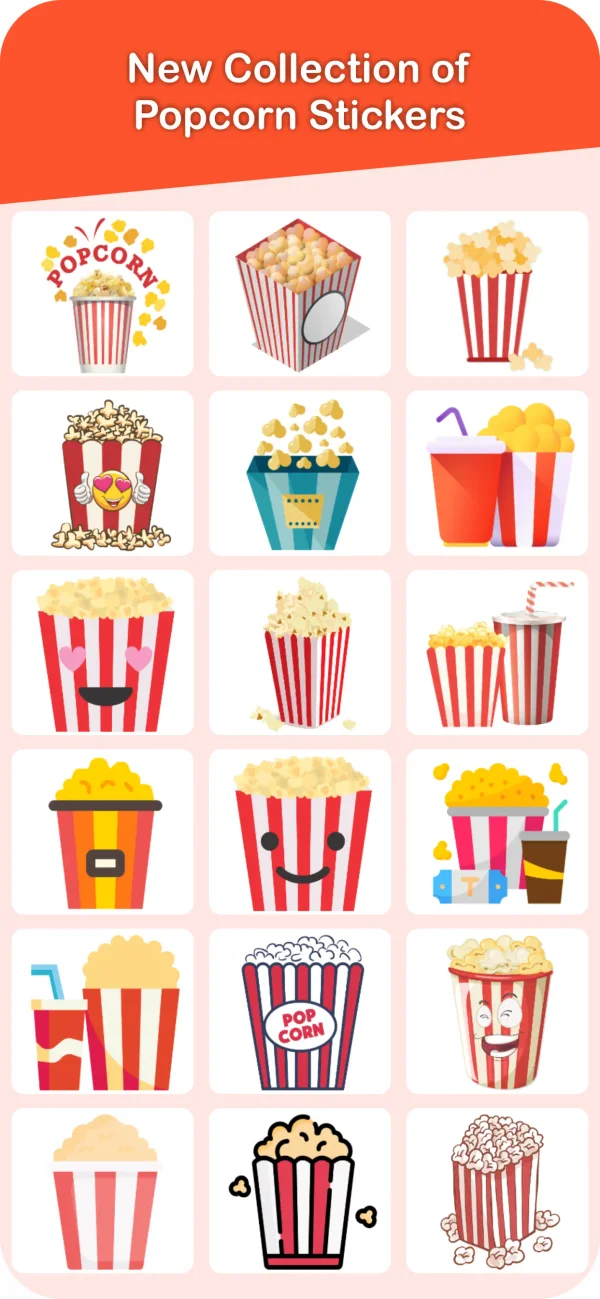
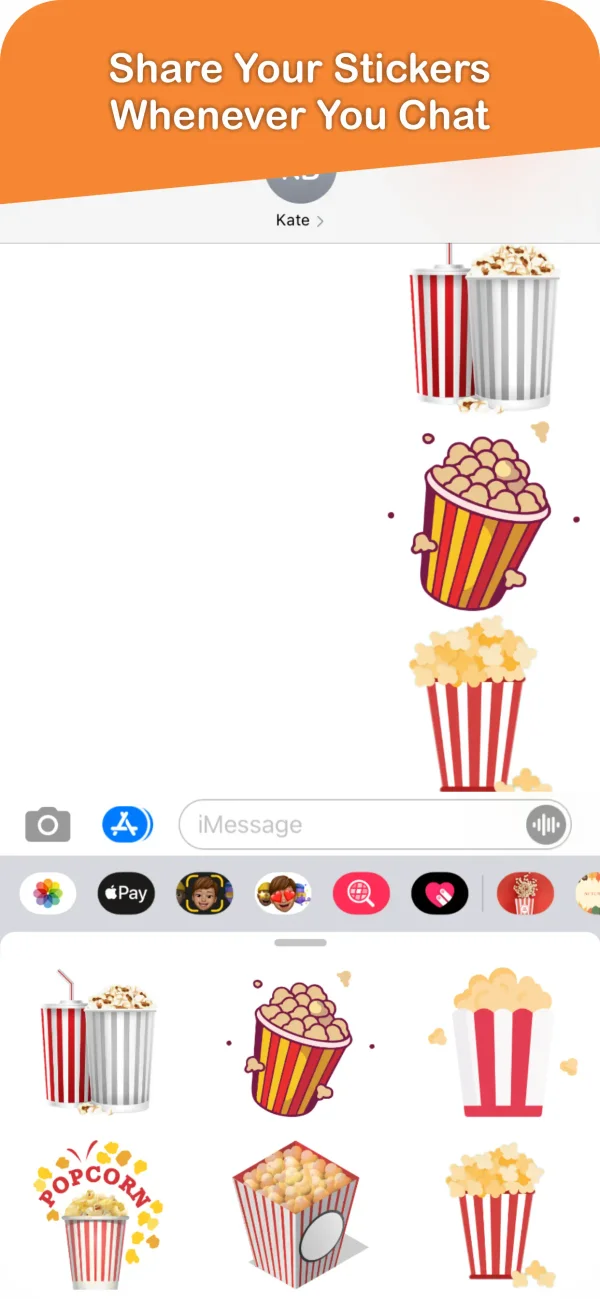
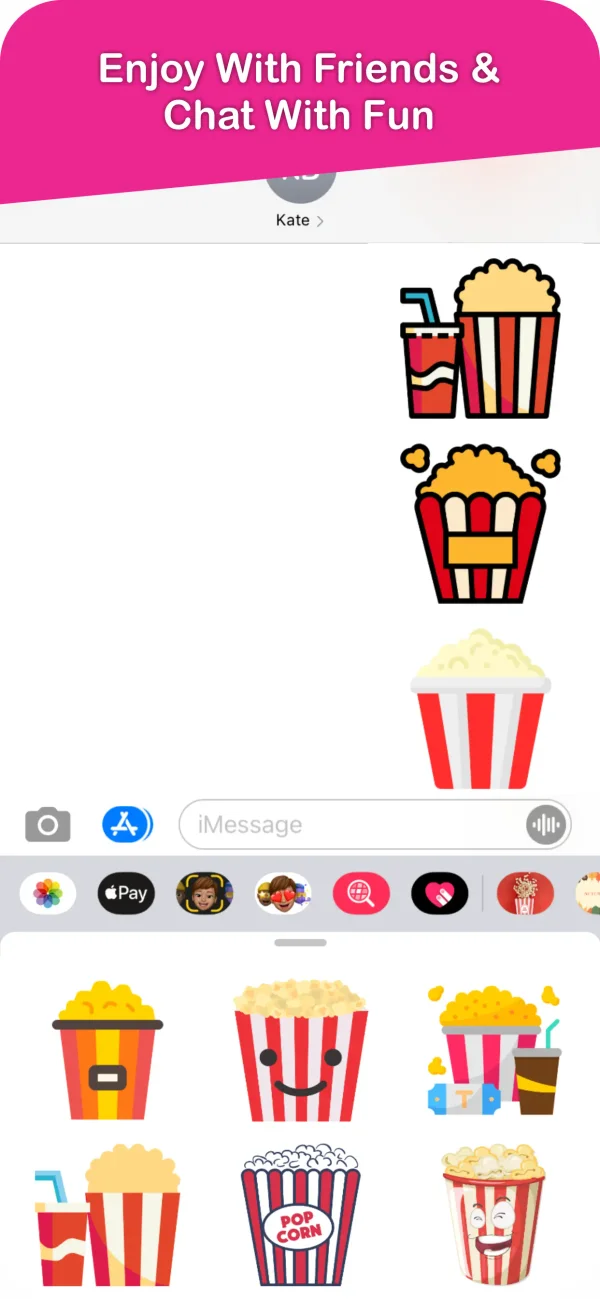
About
Downloads Popcorn Emojis for iMessage
How to use Popcorn Emojis App:
Step 1: Open a message with a friend and tap the ">" button to the left of the text box.
Step 2: Tap the app button that appears (it looks like an "A") and then taps the button that looks like four circles in the lower left of your screen to open the iMessage app drawer.
Step 3: Tap the icon of this Sticker Pack and start sending stickers!
Useful tips:
● Tap the sticker you want, or DRAG & DROP one into your message.
● You can Scale & Rotate stickers by using a second finger before you place it on a bubble.
What’s new
Version 1.3 · Aug 4, 2024
- Add New popcorn Emojis
App privacy
What Arti Sharma declares on the App Store about how this app handles data.
-
Data not collected
The developer does not collect any data from this app.
Privacy practices may vary, for example with the features you use or your age.
Information
- Seller
- Arti Sharma
- Version
- 1.3
- Updated
- Aug 4, 2024
- Released
- May 8, 2018
- Size
- 5.6 MB
- Requires
- iOS 12.0 or later
- Age rating
- 4+
- Languages
- English
- Copyright
- © 2018 All Right Reserved
You might also like
-
 Message Highlighter Stickers!Name & Message Highlighter
-
 Owl Emoji & Stickers for textEmojis keyboard memes for text
-
 USA Labor Day Stickers EmojisHappy Labor Day Stickers
-
 New Year 2025 Stickers!Happy New Year
-
 Rose &Flower,Fragnance StickerPrashant Yadav
-
 Coffee Puns Coffe EmojisWishes Stickers
-
 Coffee Cup Stickers SetGood Morning Coffee stickers
-
 Color Pencil GreetingsYour daily phrases
-
 Animated Hearts StickersShow more meaningful reactions
-
 Happy Easter AnimatedEaster Bunny Animated Stickers