
PoseKit: Quick 3D Mockup
Screenshots in seconds
Designed for iPhone, iPad
Free · In-app purchases
- Age rating4+
- CategoryDeveloper Tools
- Developer尉卿 褚
- LanguagesEnglish+ 2 more
- Size65.5 MB
Links to the official App Store page
Download.org hosts no file of PoseKit: Quick 3D Mockup. The button opens its official App Store page, published by 尉卿 褚. Listing last checked on Nov 21, 2026.
Screenshots

About
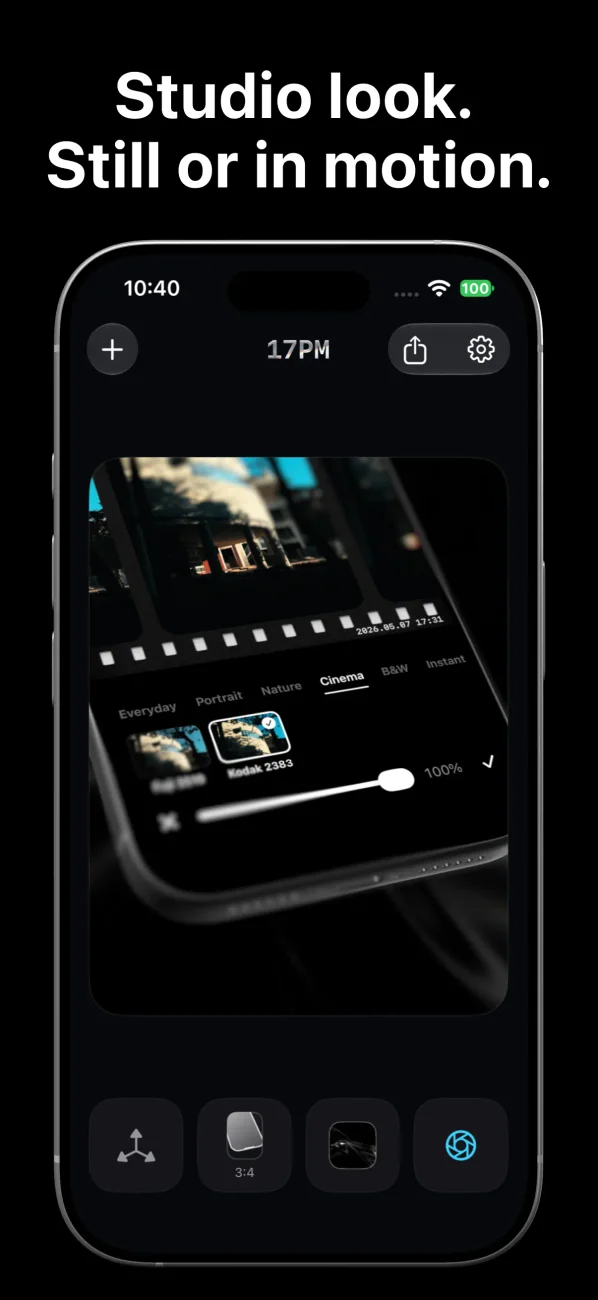
PoseKit turns your screenshots and screen recordings into polished 3D mockups and demo videos — built for iOS developers who want to show off their app fast.
Import a screenshot or a screen recording and drop it onto a photorealistic 3D iPhone. Rotate the device, pick a pose, set a background, and export a studio-quality image or video in seconds.
KEY FEATURES
• Photorealistic 3D devices — iPhone 17, iPhone 17 Pro, iPhone 17 Pro Max, and iPhone Air in every color
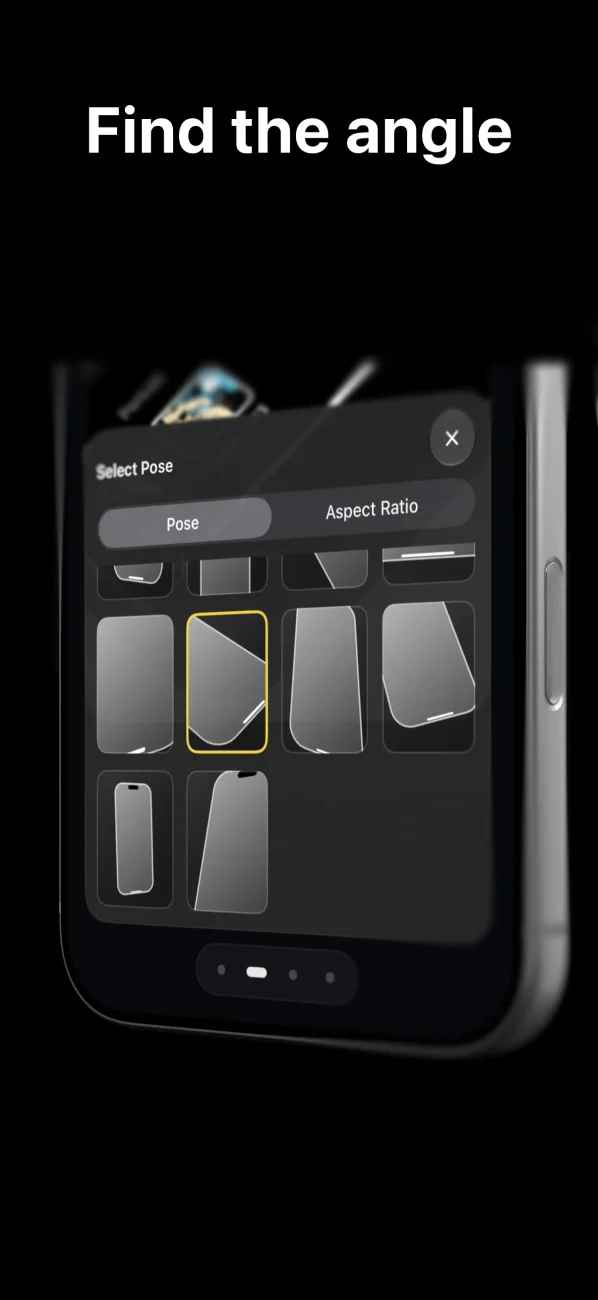
• Live 3D preview — orbit, zoom, and frame the perfect angle with camera presets
• Lens Blur — a real depth-of-field effect that focuses attention on the exact detail you want, with adjustable focus distance, range, strength, and direction
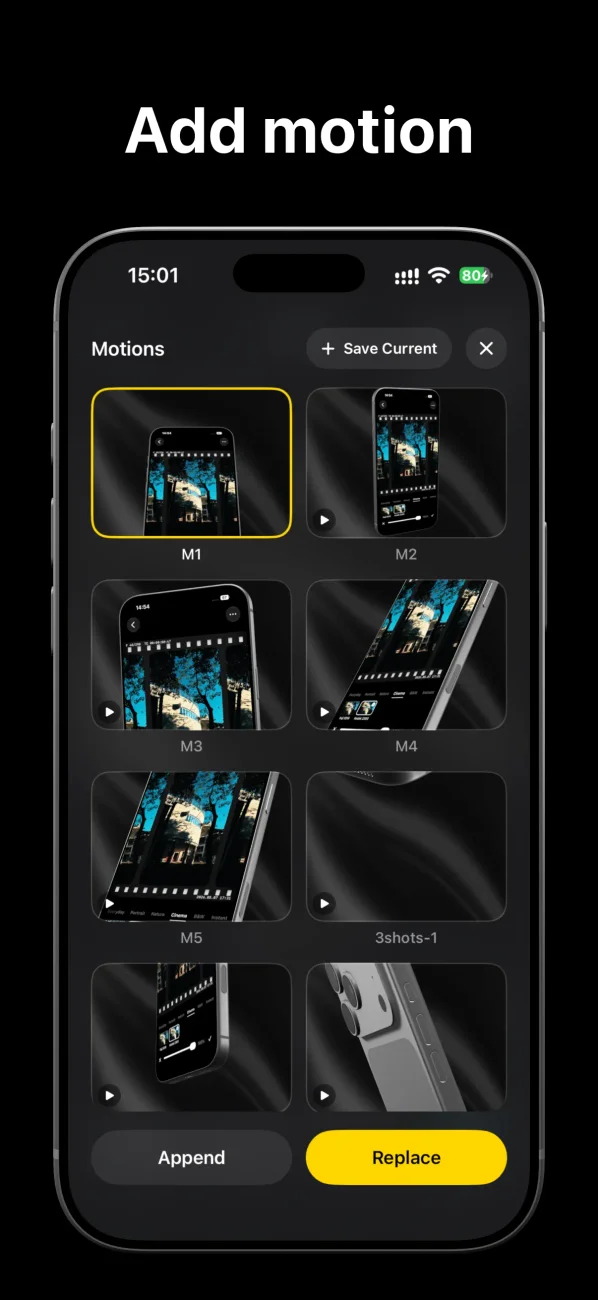
• Follow Motion — tilt your phone and the mockup follows the movement in real time
• Images & videos — import screenshots or screen recordings and trim video right on the device
• Clean screen recordings — automatically removes the red screen-recording dot from the Dynamic Island in imported screen recordings
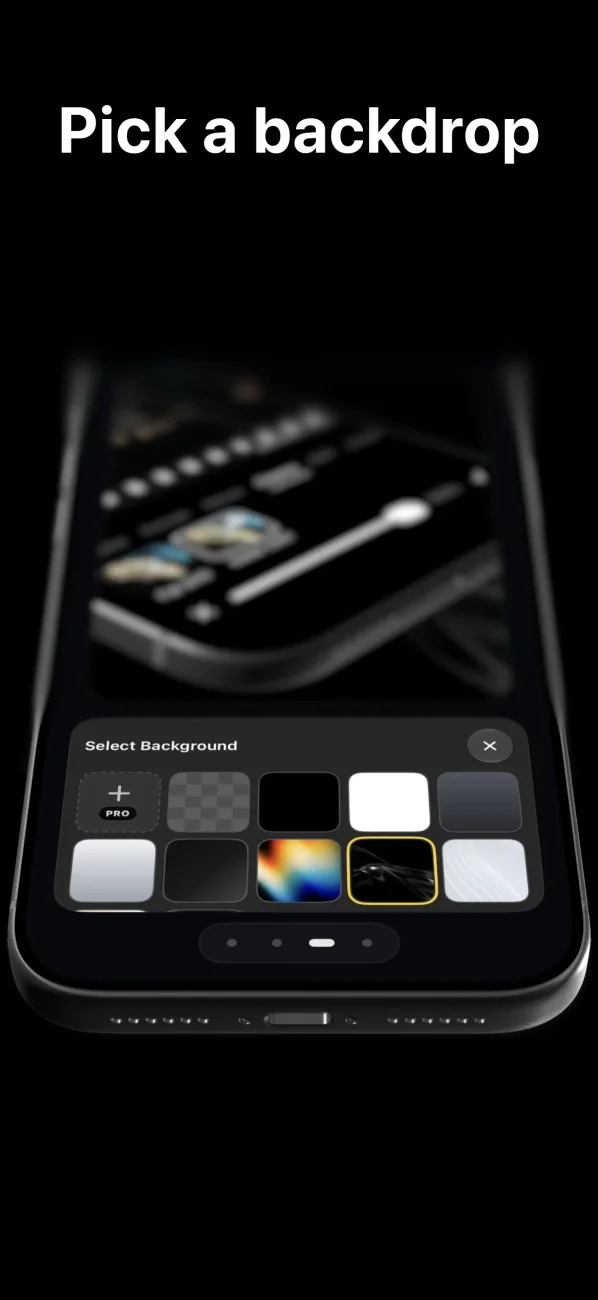
• Backgrounds — transparent, solid, gradient, or bundled studio scenes
• Social-ready sizes — 1:1, 4:5, 3:4, 9:16, 16:9, and more
• Pro exports — PNG/JPEG up to 3x, MP4 (H.264) or MOV with alpha (HEVC), 1080p/2K at 30 or 60 fps
• 100% on-device — your media never leaves your iPhone
Whether you're building an App Store page, a landing page, or a social post, PoseKit helps you present your app's details clearly and quickly.
What’s new
Version 1.4.2 · Nov 16, 2026
• Tap Screen to Import: Tap the device's screen in the preview to import a photo or video right onto it. On iPhone Duo, it goes to the screen you tapped. You can turn this off in Settings.
App privacy
What 尉卿 褚 declares on the App Store about how this app handles data.
-
Data not linked to you
May be collected but is not linked to your identity.
- Purchases
Privacy practices may vary, for example with the features you use or your age.
Information
- Seller
- 尉卿 褚
- Category
- Developer Tools
- Version
- 1.4.2
- Updated
- Nov 16, 2026
- Released
- Sep 20, 2026
- Size
- 65.5 MB
- Requires
- iOS 18.1 or later
- Age rating
- 4+
- Price
- Free
- In-app purchases
- Yes
- Languages
- English, Simplified Chinese, Traditional Chinese
- Copyright
- © 2026 Weiqing Chu
You might also like
-
 Protato: 3D Mockup GeneratorApp Screenshots & 3D Animation
-
 ShipSwift - MCP CodebaseFull-Stack Vibe Coding Recipes
-
 Toplify: App RankingsTrack Your App in 175 Regions
-
 NowdexTrack your agent usage
-
 Mockup & Demo Maker: ScreenyFrame, bezel & 3D animation
-
 T3 Code - Remote Claude & moreDeveloper Tools
-
 Moshi: herdr/tmux on SSH/MOSHAgent terminal for Codex CLI
-
 Orca IDEManage Coding Agents Remotely
-
 CursorAI coding agent for big ideas
-
 LocalDevVPNDeveloper Tools