
- Age rating4+
- CategoryGraphics & Design
- DeveloperJyoti Yadav
- LanguagesEnglish
- Size58.3 MB
Links to the official App Store page
Download.org hosts no file of Poster Maker Ads Page Maker. The button opens its official App Store page, published by Jyoti Yadav. Listing last checked on Nov 17, 2026.
Screenshots
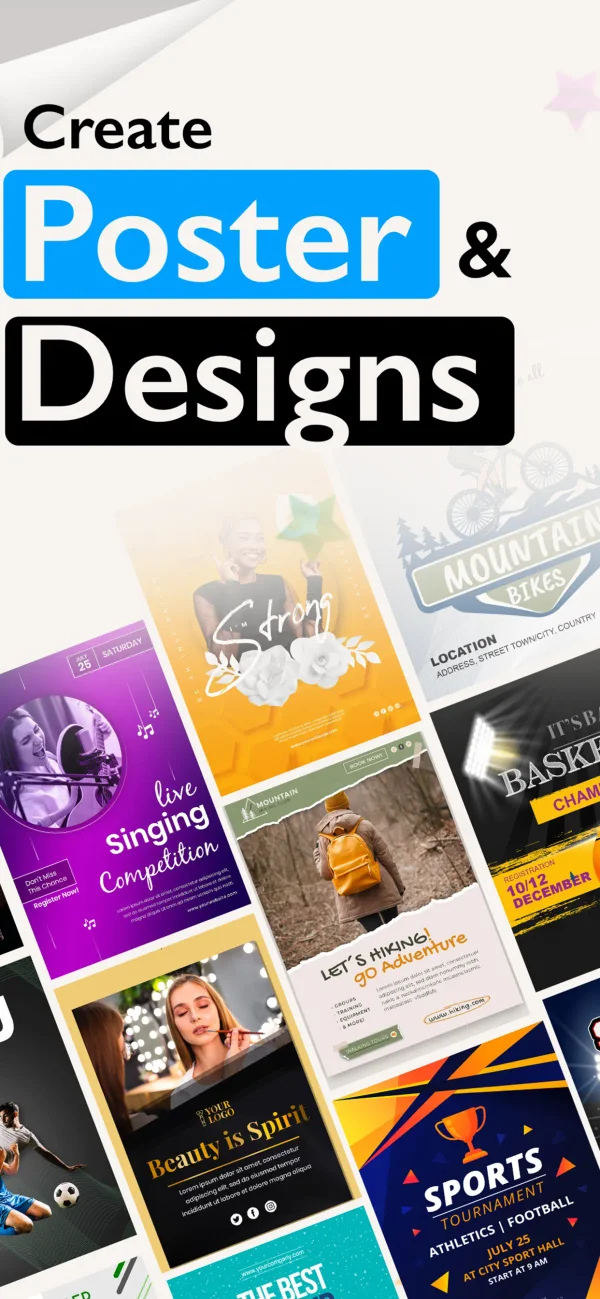
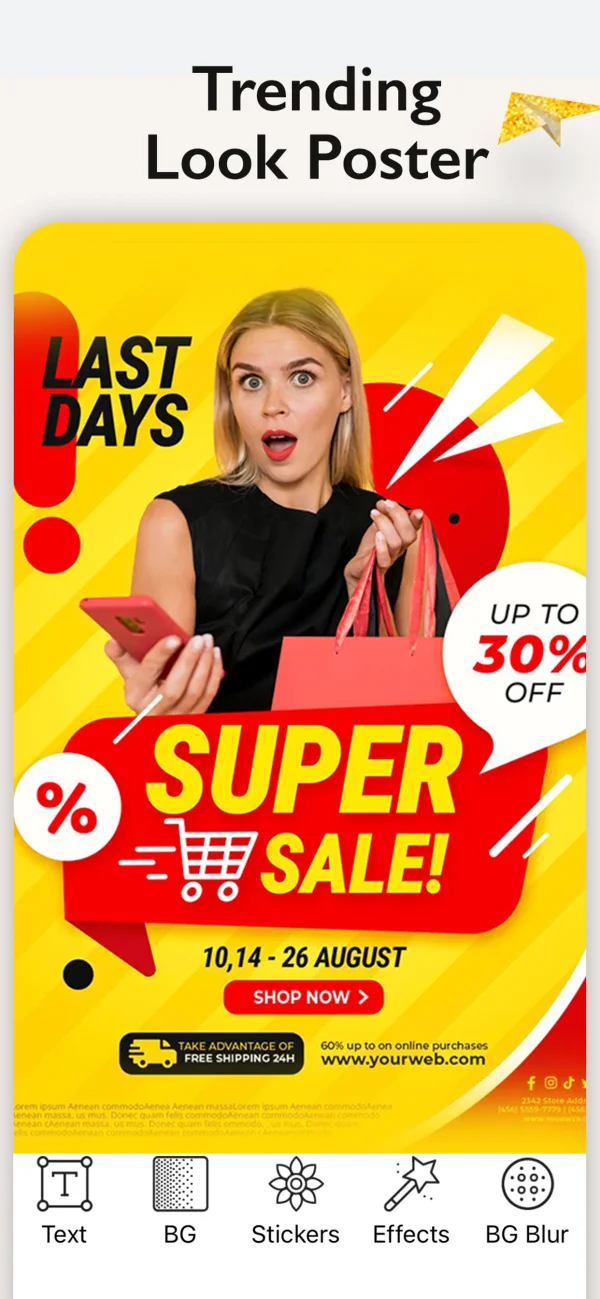
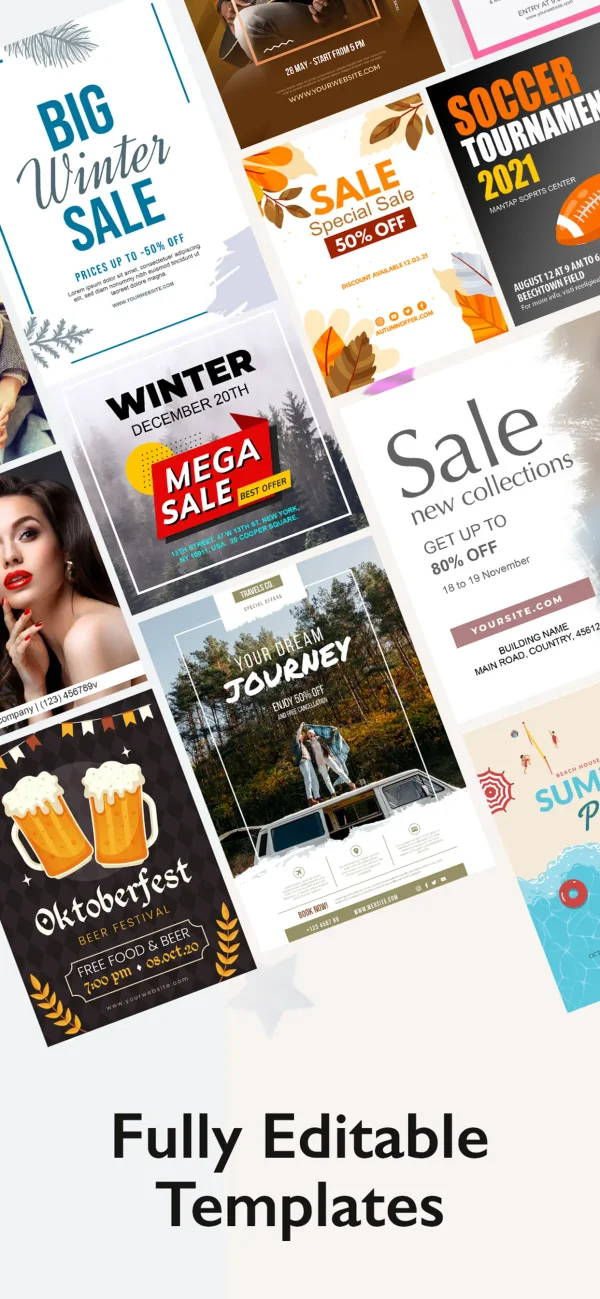
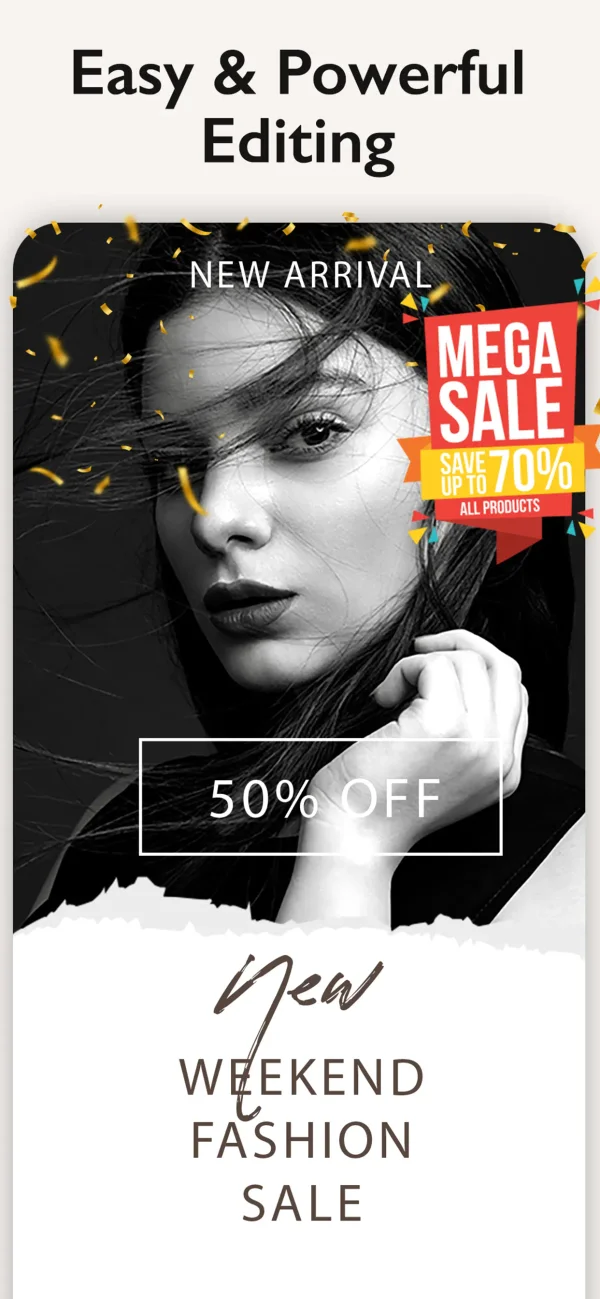
About
Create a poster on your way in a few seconds that does not need any design skills.
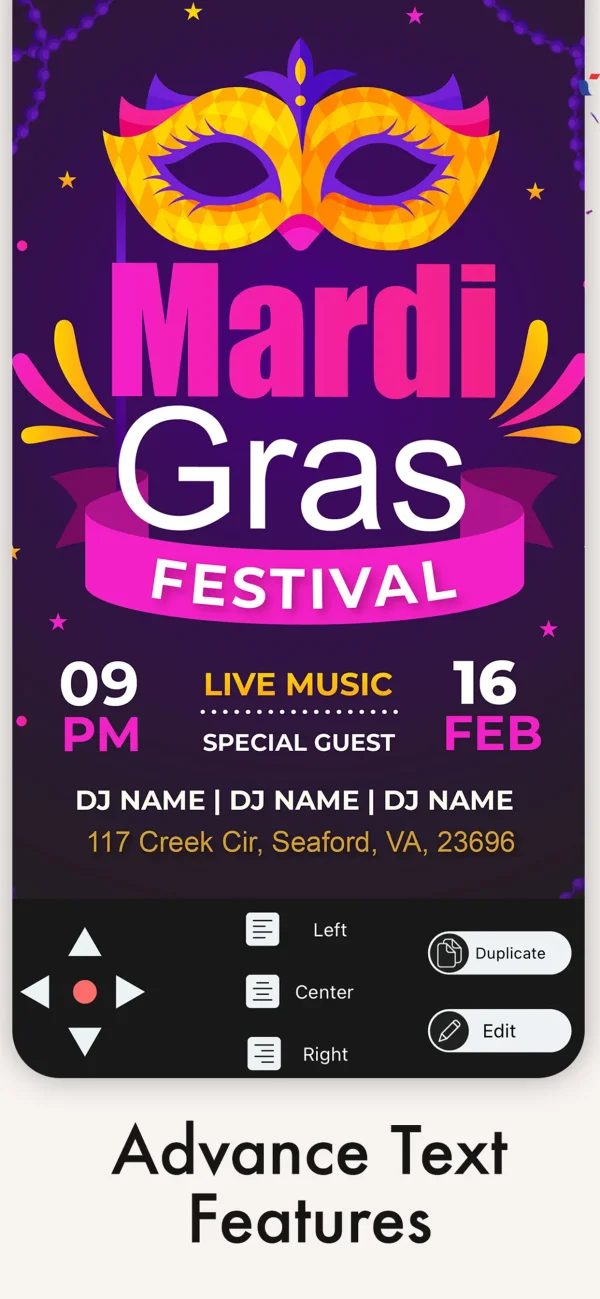
Poster Maker is a friendly user app, You have to select the background as per your need ratio and then add your text with your selected poster design font, you can add wonderful stickers (specially picked for poster making), add your pictures from the gallery, and create a perfect poster as per your choice.
Create your poster for business promotion, brand marketing, and events. The Poster Maker has very creative graphic designs with new collections of music party posters, and business posters.
You can edit the template design in a few minutes with very professional results.
You can also create an advertising poster with photos and text for your business publicity and billboard marketing.
Flyer Maker features:
1. You can get instantly poster templates and layouts.
2. Edit flyer templates in a very easy way.
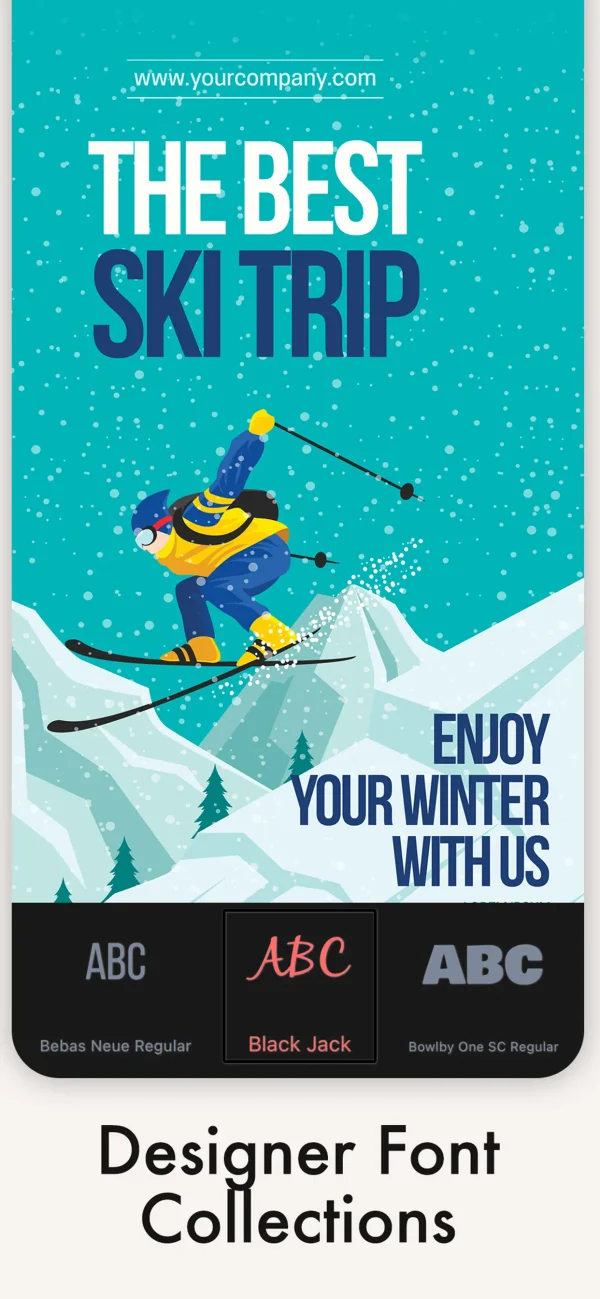
3. You will get Huge collections of fonts, images, and SVG vector illustrations.
4. Clear background from photos manual with undo and redo.
5. Cut Sticker with your choice
6. Upload your Image or search for stickers.
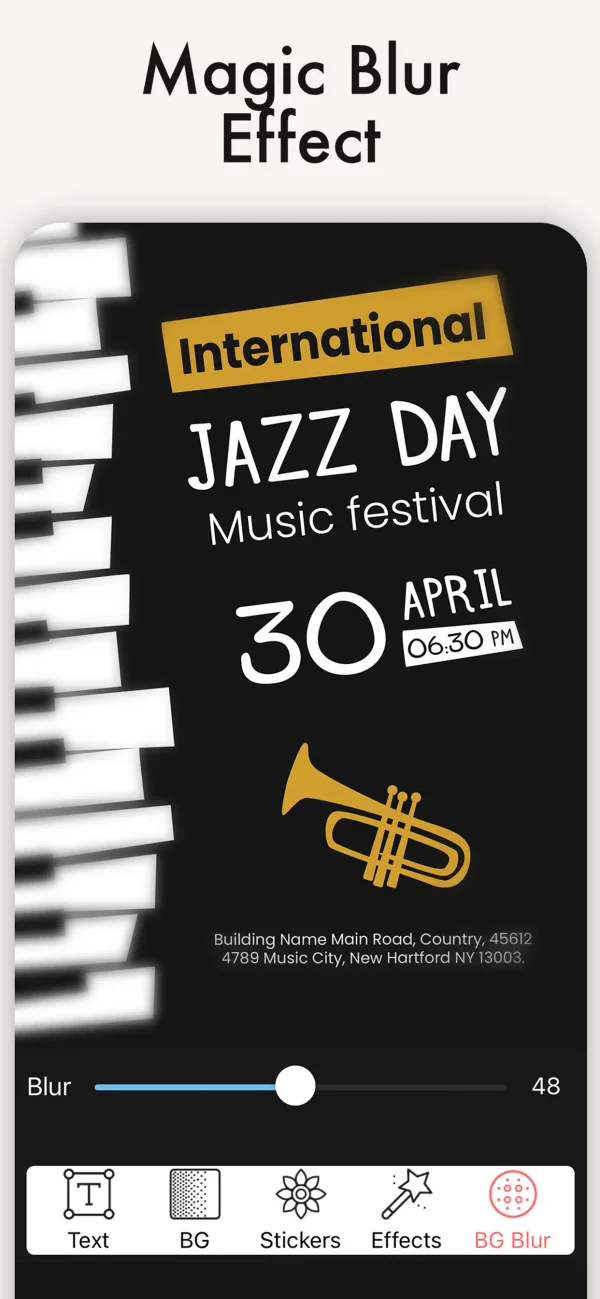
7. Get Beautiful Text, stickers, and effects.
8. You can add your own fonts.
9. You can create a brand logo by using the Brand Tools kit for your business.
10. Layer management, Undo, and Redo.
11. There is Auto Save your flyer.
12. Share on Facebook, WhatsApp, Instagram, Twitter, and other social media with a tap.
How to Create a Poster Design?
1. Select a Poster template.
2. You can add text, images, photos, and shapes to the canvas editing area and arrange them.
3. Use text effects and image filters to make creative graphic design.
4. Now you can save your graphic design from canvas to image or video format.
Poster Maker makes art simple.
1. Write Text On Photos with tons of amazing Fonts
2. Create Posters
3. Create Advertising Materials
4. Create Flyers
5. Create Promotional Creatives
6. Create Brouchers
7. Create Quotes Poster
8. Create Invitation Posters
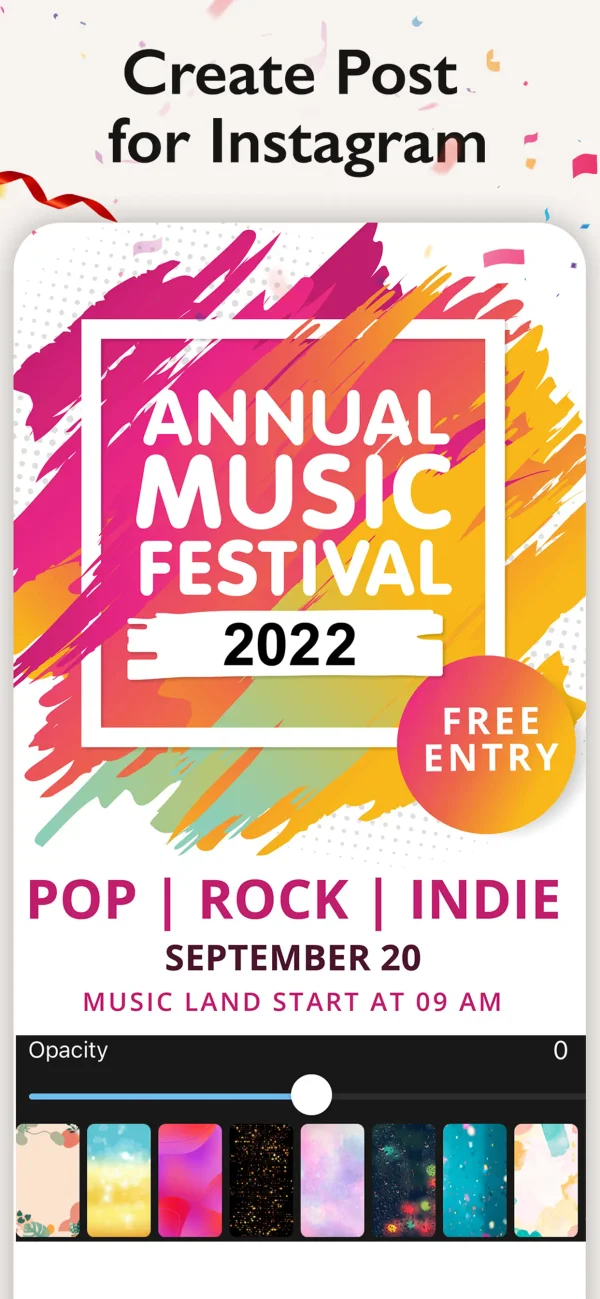
9. Create Social Media Posts
Poster Maker is a complete Photo Editor which cover all your Poser, Banner, and creative art needs. And Poster Design is best for :
1. Banners 2. Etsy Banners 3. Facebook Cover 4. Tumblr Banners 5. Thumbnails6. Quinceañera Invitations 7. Twitch Banners 8. Cards 9. Postcards 10. Save the Dates 11. Thank You Cards 12. Album, Book, Magazine Cover 13. Brochures 14. Flyers 15. Business Flyers 16. Church Flyers 17. Club Flyers 18. Grand Opening Flyers 19. Real Estate Flyers 20. Invitations 21. Baby Shower Invitations 22. Birthday Invitations 23. Graduation Invitations 24. Party Invitations 25. Wedding Invitations 26. Layouts and many more....
Social media posts and Instagram stories are the best way to market your online brand. So using social media post makers you can personalize the poster, advertisement banner graphic design, or quotes to share your Instagram story. An easy way to design your stuff for all your business and social needs.
For any query, contact us at mailto:awesomeappleapps@gmail.com
Download Now!!
=========================
SUBSCRIPTION:
You can subscribe to premium features, choosing from the following plans:
– 1 week
– 1 months
TERMS OF USE: https://awesomeappleappsprivacy.blogspot.com/2019/12/terms-of-use.html
PRIVACY POLICY: https://awesomeappleappsprivacy.blogspot.com/2019/12/privacy-and-policy.html
What’s new
Version 1.7 · Oct 26, 2026
- Improved subscription and in-app purchase handling.
- Enhance app stability and performance.
- General improvements and optimization
App privacy
What Jyoti Yadav declares on the App Store about how this app handles data.
-
Data used to track you
May be used to track you across apps and websites owned by other companies.
- Identifiers
- Usage data
-
Data linked to you
May be collected and linked to your identity.
- Usage data
-
Data not linked to you
May be collected but is not linked to your identity.
- Identifiers
Privacy practices may vary, for example with the features you use or your age.
Information
- Seller
- Jyoti Yadav
- Category
- Graphics & Design
- Version
- 1.7
- Updated
- Oct 26, 2026
- Released
- Jul 8, 2022
- Size
- 58.3 MB
- Requires
- iOS 16.6 or later
- Age rating
- 4+
- Price
- Free
- In-app purchases
- Yes
- Languages
- English
- Copyright
- © Awesome Apps. All Rights Reserved.
You might also like
-
 Poster Maker - Flyer MakerFlyer Design- Poster Maker app
-
 Poster Maker & Flyer MakerPoster Creator Flyer Designer
-
 Poster Maker - Flyers DesignContent, Ads, Picture Creator
-
 Flyer Maker: Poster Maker CardAd design, Advertisement maker
-
 FlyArt: Flyer & Poster MakerCreate Flyers & Posters Easily
-
 AdBanao: Poster & Video MakerAutomatic Poster, Video Maker
-
 Poster Design Maker - FlyerCreate Ads & Content Creator
-
 Poster Maker - Flyer Maker AdsCreate flyers, Poster print
-
 Flyer Creator Poster Maker ArtPoster Maker Flyer Maker 2021
-
 Poster Maker · Flyer CreatorMake Flyer, Logo, Post etc.