Poster Maker -Flyer Page Maker
Banner, Ad Creator Flyer Maker
Designed for iPhone, iPad
Free · In-app purchases
- Age rating4+
- CategoryPhoto & Video
- DeveloperMobisoft Labs
- LanguagesEnglish
- Size59.4 MB
Links to the official App Store page
Download.org hosts no file of Poster Maker -Flyer Page Maker. The button opens its official App Store page, published by Mobisoft Labs. Listing last checked on Nov 19, 2026.
Screenshots
About
Ready to start designing posters? No poster design skills are needed. No watermark.
Make your own customized posters fast and easy with our poster maker app – no design skills needed. Get a professional poster at your fingertips.
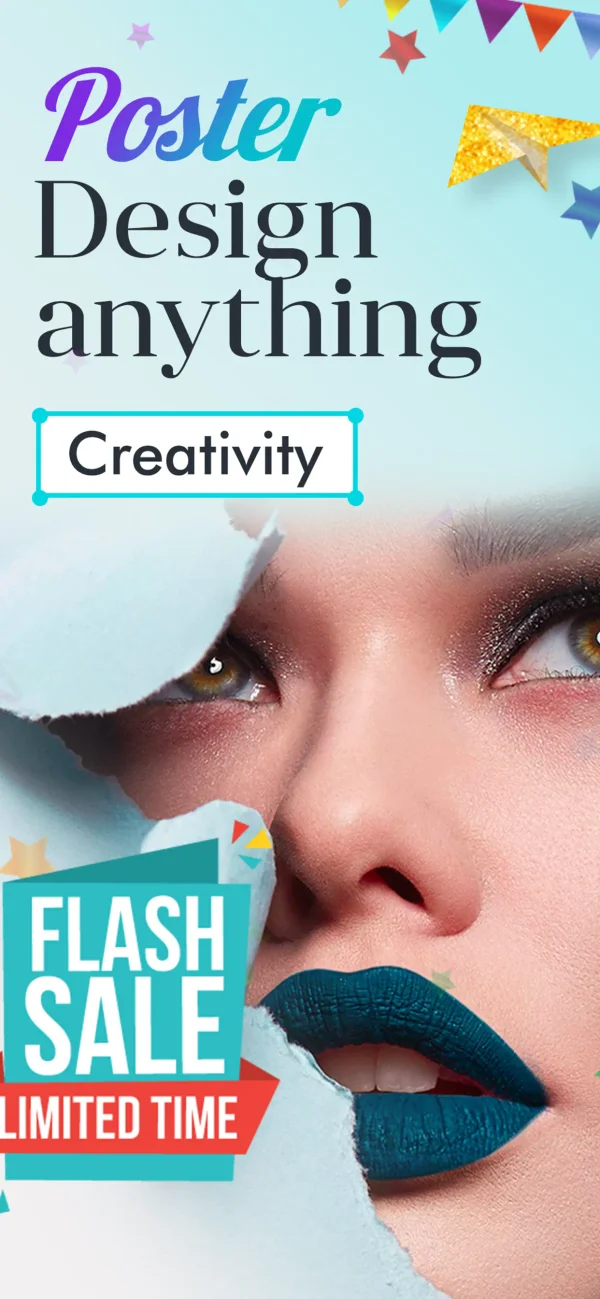
Create promotional posters, advertisement, offer announcements, cover photos on the go with amazing backgrounds, texture, effects, fonts, sticker and get the attention you want.
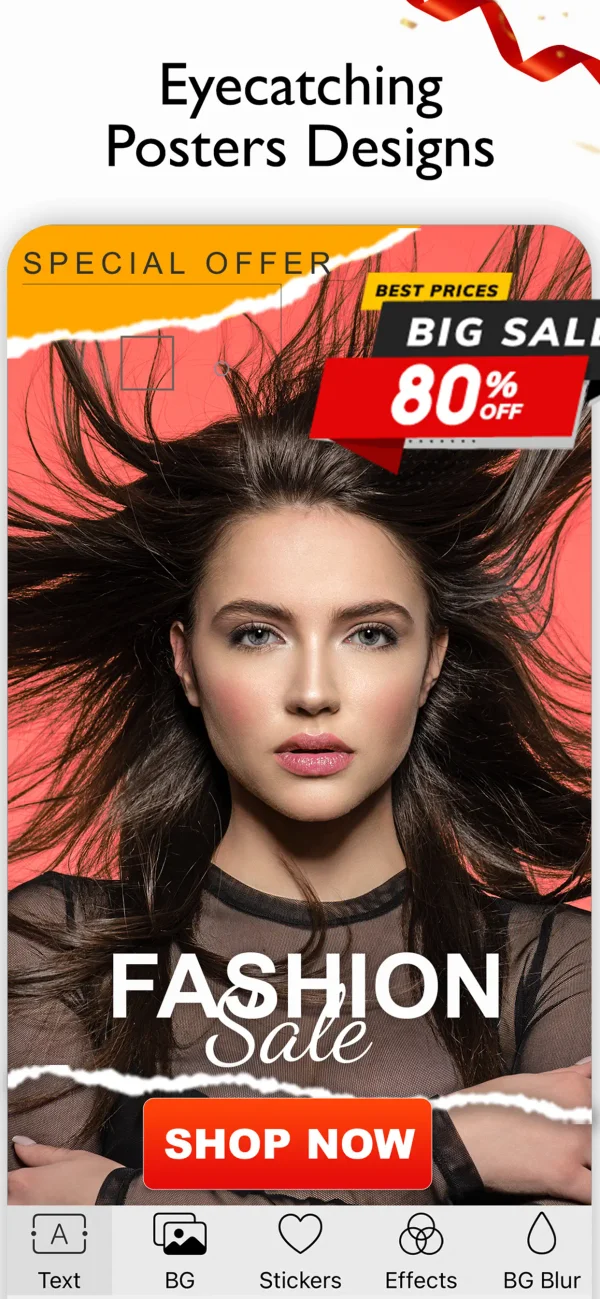
Poster Maker is an easy to use app, just select the background you like in the ratio as per your need and add your text with poster design fonts, add wonderful stickers (specially picked for poster making), add your pictures from Photos and create perfect poster every time.
Want to create promotional posters, offer announcements, advertisement, cover photos for your shop, pip collage poster, Business poster, restaurant, offer, sale poster, collage photo poster, office and social sites? If yes then Poster Maker - Poster Creator & Poster Designer app for you.
Features:
Background:
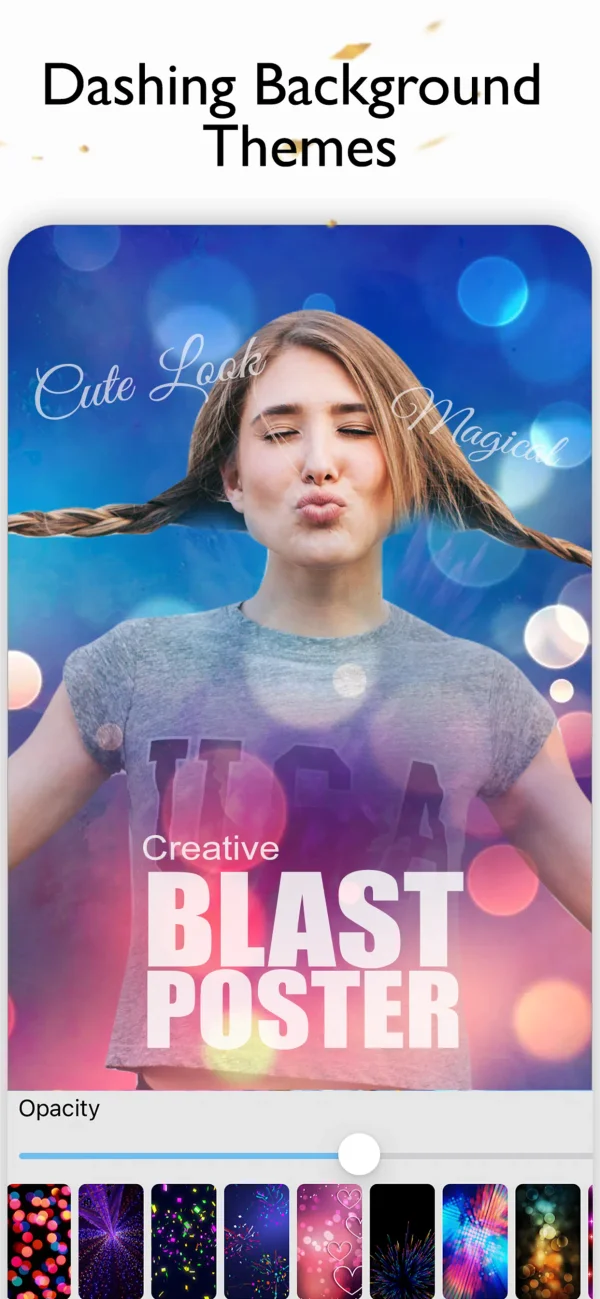
- Huge collection of backgrounds
- Choose color as background
- Choose gradient as background
- Select your own picture from Photos as background
Stickers:
- Add wonderful stickers (specially picked for poster making)
- Add your pictures from Photos
Text:
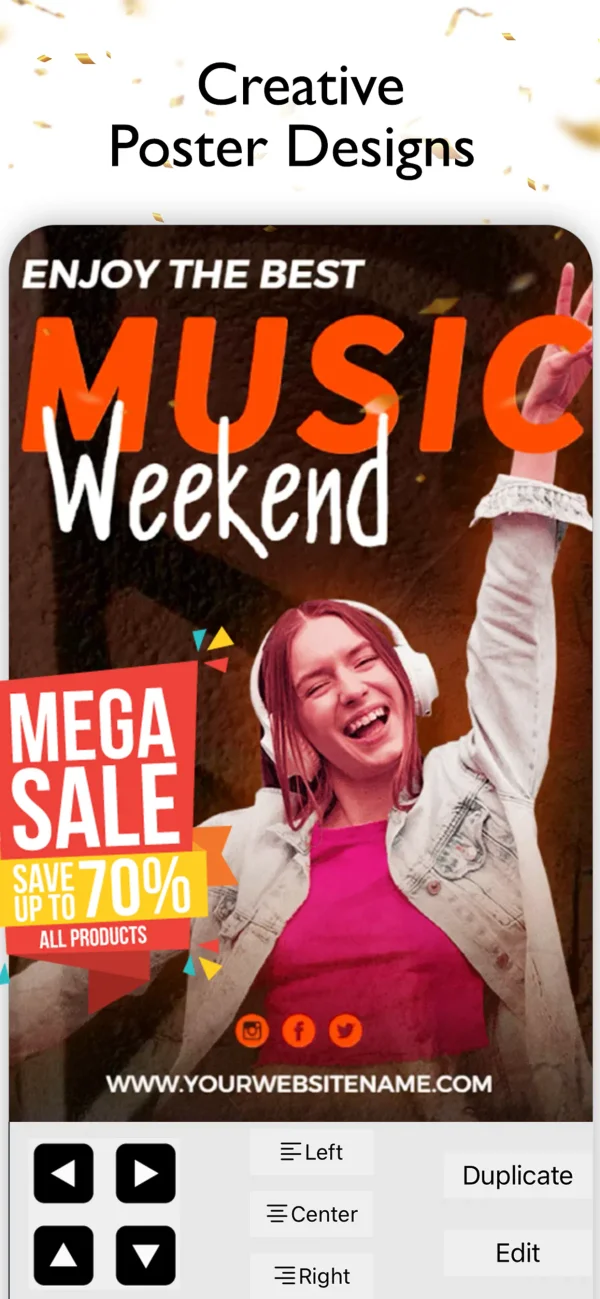
- Add your text with poster designs
- Fine tune your poster by editing text alignment, font, color, effects, shadow
Fonts:
- Add your text with poster design fonts
- Huge collection of fonts
Effects:
- Add wonderful multiple effect backgrounds
- Effect control with slider
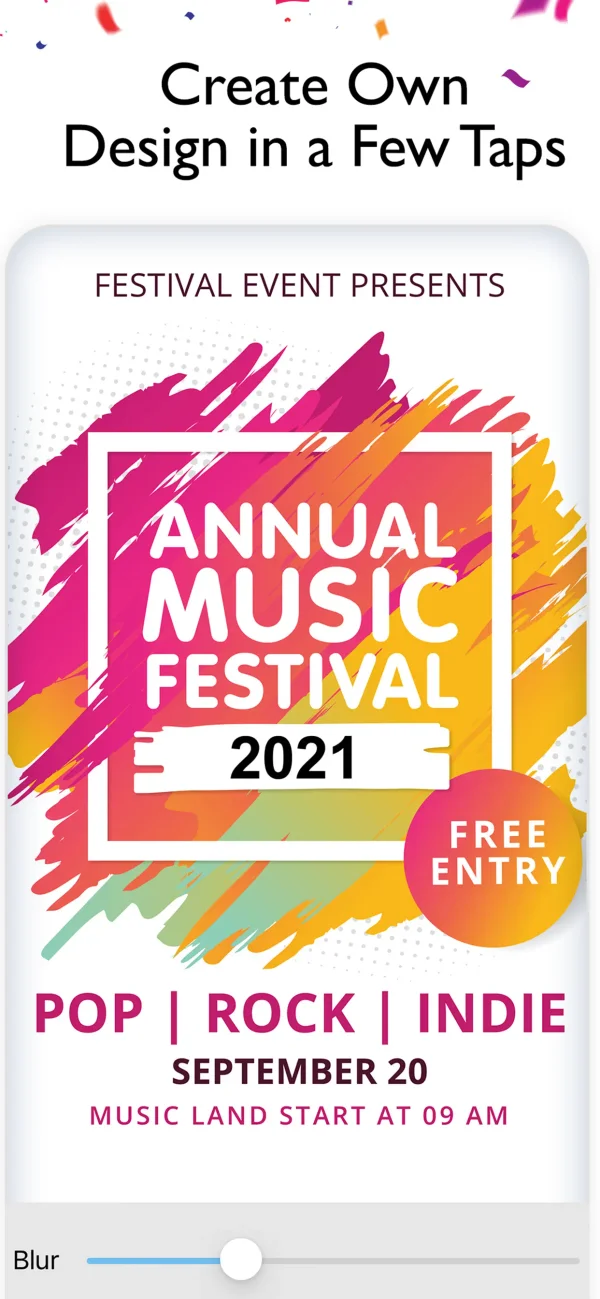
Blur:
- Make the backgrounds blur, for any image
Easy to save and share your photo posters on any social media networking platforms.
Not everyone can be a designer, but that doesn't mean you can't design amazing posters.
This app is also useful for digital marketing, branding, marketing experts, social media marketing, graphics designing, digital printing, advertising, creating ads, designing offer announcements, cover photos for your shop, restaurant, office or social sites, typography and artwork.
Make amazing poster with Poster Maker. Try Now!!
FAQs
1. Why poster maker is essential?
Posters can be used to advertise, invite, announce an event. We think the poster maker application is essential for your business promotion.
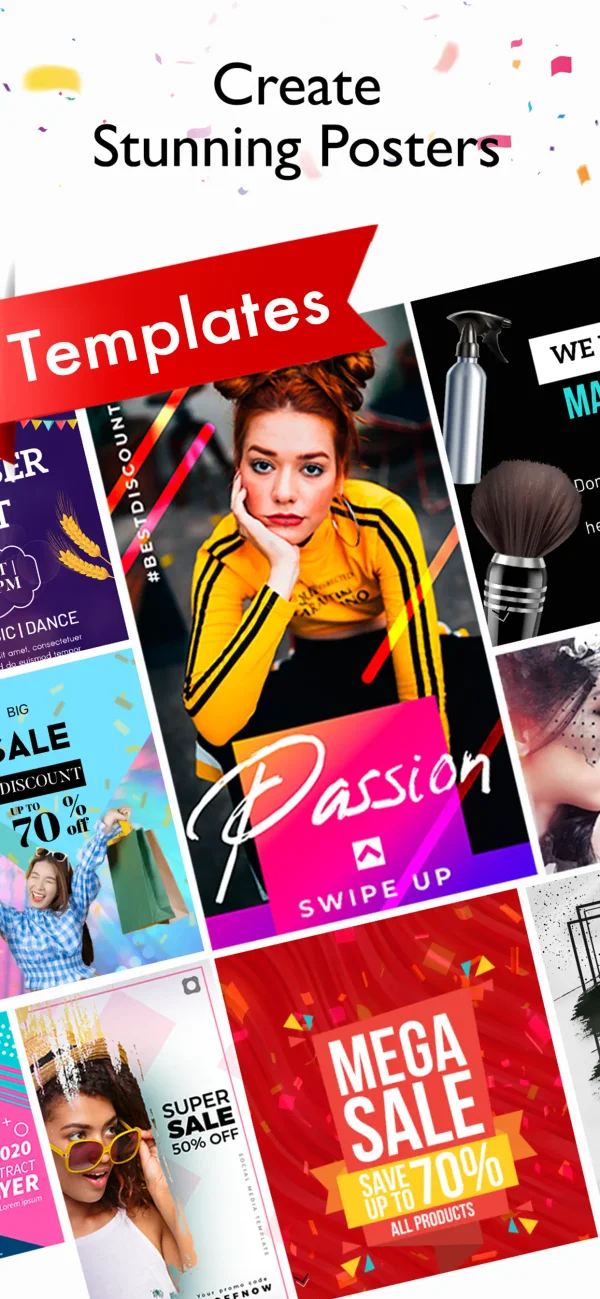
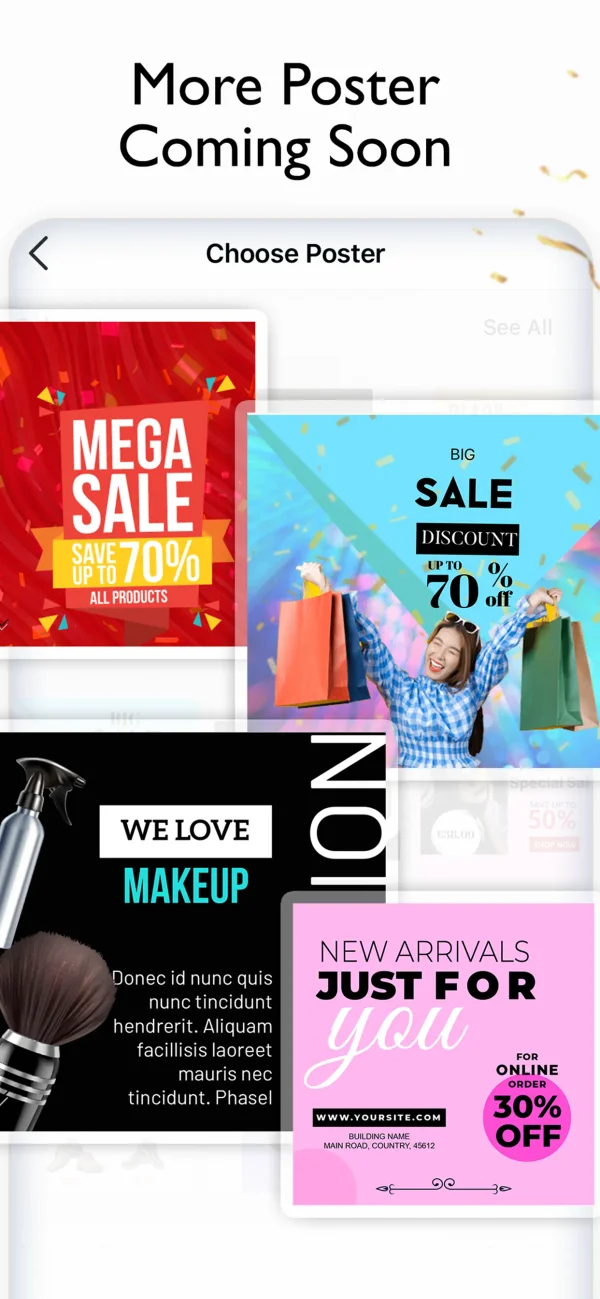
Create professional looking posters for your next event with a poster maker. Select from the best poster template to make your own poster in minutes.
SUBSCRIPTION:
You can subscribe to premium features, choosing from the following plans:
– 1 Week
– 1 month
– Lifetime (Unlock Everything)
The subscription automatically renews unless auto-renewal is turned off at least 24 hours before the end of the current period.
Payment will be charged to your iTunes account at confirmation of purchase.
Account will be charged for renewal within 24 hours of the end of the current period, and the cost of the renewal will be provided.
Subscriptions may be managed by the user. Auto-renewal may be turned off by going to the user’s Account Settings after purchase.
No cancellation of the current subscription is allowed during active subscription period.
Any unused portion of a free trial period, if offered, will be forfeited when the user purchases a subscription to that publication.
TERMS OF USE: https://mobisoftlabsprivacypolicy.wordpress.com/2019/12/16/terms-of-use/
PRIVACY POLICY: https://mobisoftlabsprivacypolicy.wordpress.com/2018/11/14/privacy-policy/
What’s new
Version 2.6 · Nov 18, 2026
• Full support for iPhone Duo – the app now fills the large inner display and adapts as you fold or unfold.
• Better layouts on iPad and large screens.
• Bug fixes and improvements.
App privacy
What Mobisoft Labs declares on the App Store about how this app handles data.
-
Data used to track you
May be used to track you across apps and websites owned by other companies.
- Identifiers
- Usage data
-
Data linked to you
May be collected and linked to your identity.
- Usage data
-
Data not linked to you
May be collected but is not linked to your identity.
- Identifiers
Privacy practices may vary, for example with the features you use or your age.
Information
- Seller
- Mobisoft Labs
- Category
- Photo & Video
- Version
- 2.6
- Updated
- Nov 18, 2026
- Released
- May 2, 2022
- Size
- 59.4 MB
- Requires
- iOS 18.6 or later
- Age rating
- 4+
- Price
- Free
- In-app purchases
- Yes
- Languages
- English
- Copyright
- © Mobisoft Labs
You might also like
-
 Fab Poster Maker Flyer DesignsThumbnails, Covers, Ad Pages
-
 Poster & Banner MakerMake Poster, Flyers & Banners
-
 Text2Pic: Poster & Quote MakerText, typography design photo
-
 Poster Maker Flyer MakerCreate Poster, Flyer, Ad page
-
 Phont - Flyer/Invitation MakerSketch story, cards & flyer
-
 Flyer Maker & Poster MakerMake Flyers & Posters Easily
-
 Quotes Creator, Text ArtPoster, Flyer & Quote Maker
-
 e-Certificate MakerPoster & Flyer Maker
-
 Logo Maker - Logo DesignerBeautiful Logo in minutes
-
 Text on Photo: Text EditorAdd text, choose fonts art