
Postfach – Private Mail
We run no servers, no AI
Designed for iPhone, iPad, Mac
Free · In-app purchases
- Age rating4+
- CategoryUtilities
- Developeresense GmbH
- LanguagesEnglish+ 5 more
- Size34.8 MB
Links to the official App Store page
Download.org hosts no file of Postfach – Private Mail. The button opens its official App Store page, published by esense GmbH. Listing last checked on Nov 25, 2026.
Screenshots


About
We run no servers, so there is nothing of yours on one.
A call from our hosting provider started it. They asked whether one of our important addresses had anything to do with a big cloud company — it didn't. It turned out the mail app we were using was routing through that company to deliver push notifications. We had tried nearly every mail app by then and were never quite happy, so we built our own.
Here is why that call mattered. To push a notification for an ordinary IMAP account, an app has to keep your password — or a token that opens the same door — on its own server, and watch your mailbox from there. Postfach never does this. Your password stays in your Keychain, and new mail is announced by your own device once it has fetched it: on the Mac within seconds while the app is running, on the iPhone whenever iOS grants a check in the background. Instant push is the one thing we gave up, and that is why.
WHAT IT DOES
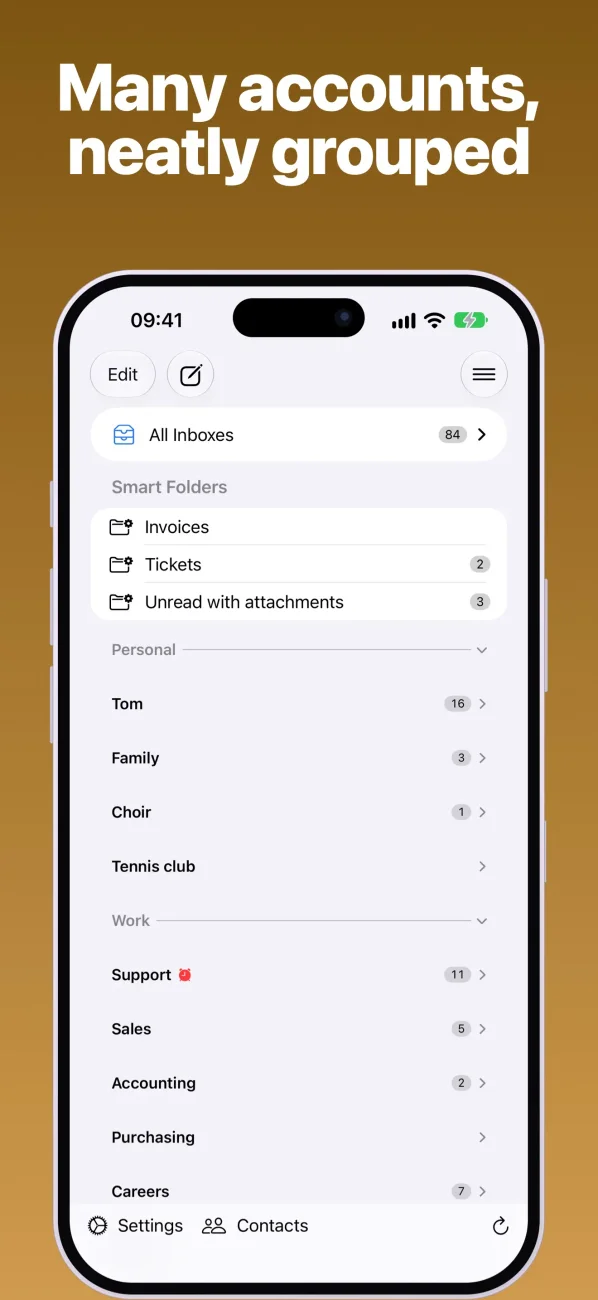
- Any IMAP account: Zimbra, Gmail, and the rest. Zimbra servers are found from the address alone.
- Write, reply, forward, and send, with attachments.
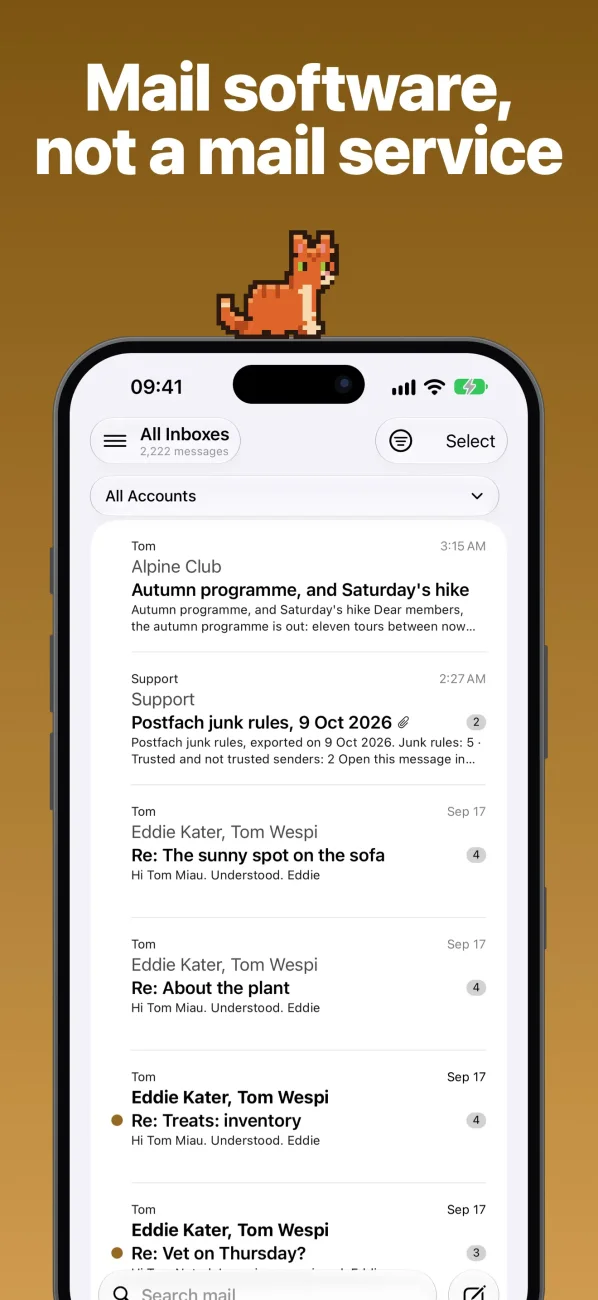
- All Inboxes: one list over every account, newest first, with each message acting on its own account.
- Conversations, with replies from every folder gathered under the message you are looking at.
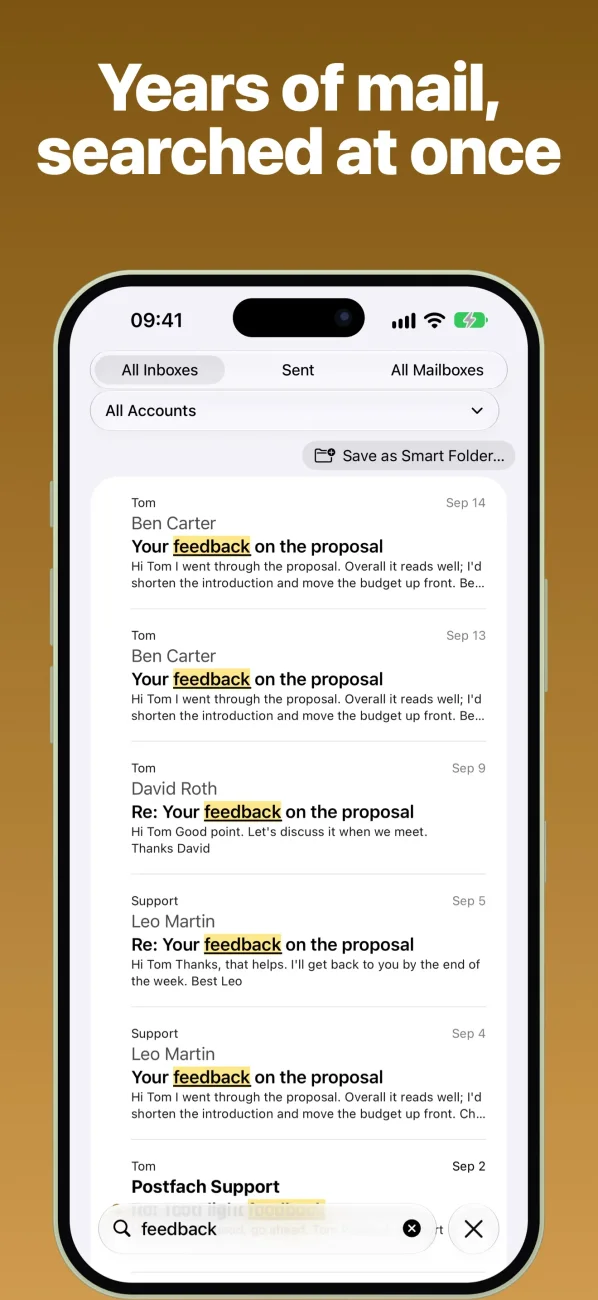
- Every message kept on your device in full, so reading works offline and search finds words anywhere in years of mail in a fraction of a second.
- Templates with placeholders for the replies you write again and again.
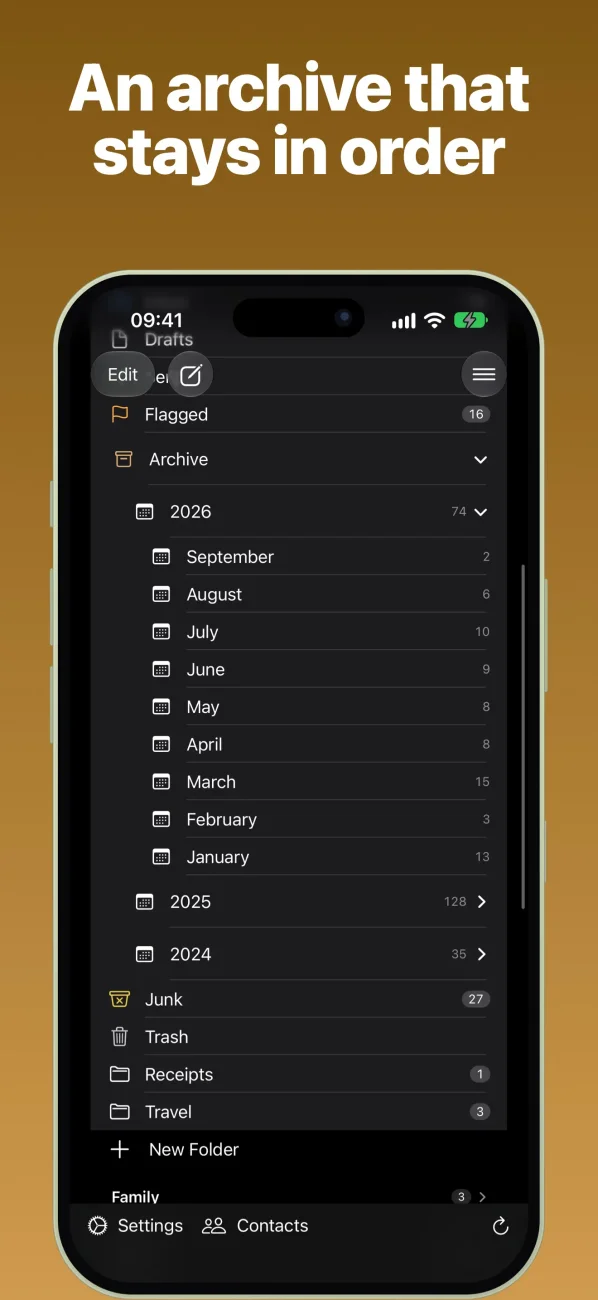
- Folders: create, rename, move, and delete them, on the server.
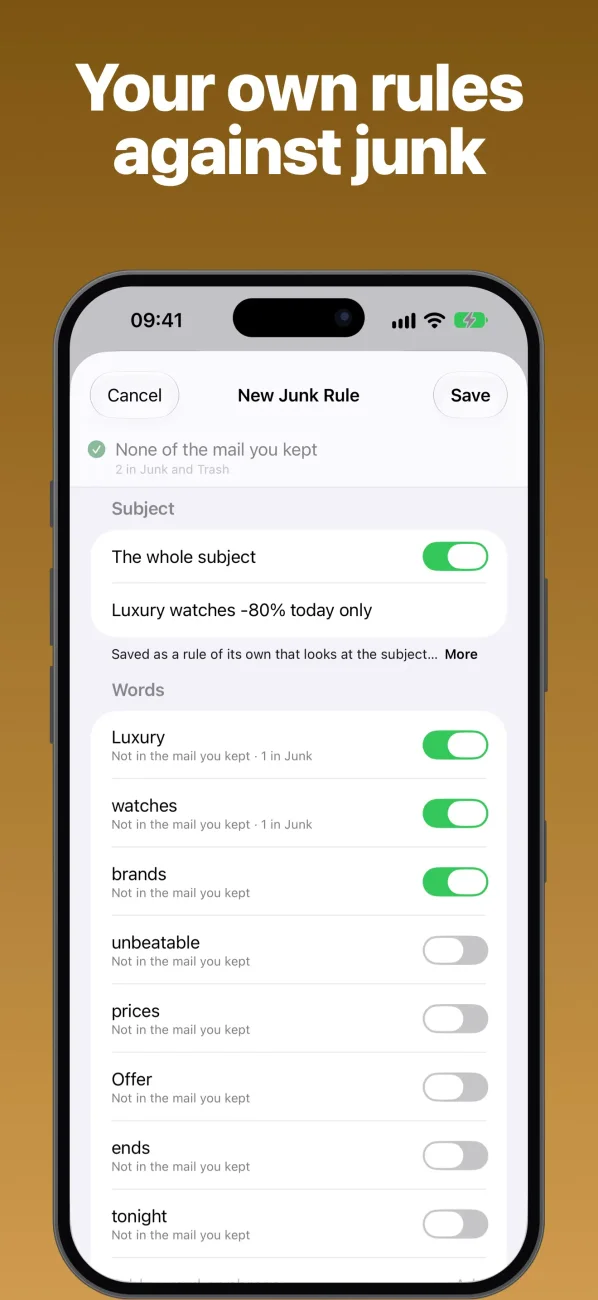
- Swipe to delete, flag, mark as junk, or archive.
- New-mail notifications from your own device, once it has fetched, per account, and the unread count on the icon.
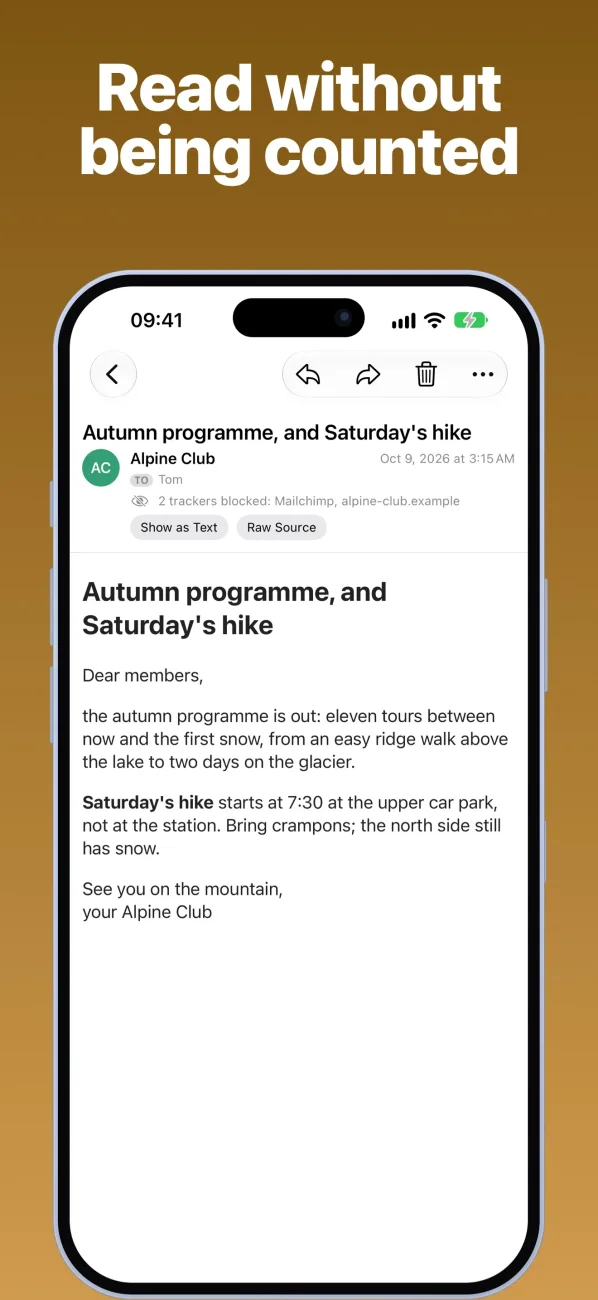
- HTML mail rendered with scripts off and remote images blocked until you ask for them.
- S/MIME signatures: sign your mail with your own certificate, and see whether a signed message really comes from its sender. Postfach signs and checks; it does not encrypt.
- Light and dark appearance. English, German, French, Italian, Spanish, and Japanese.
WHAT IT DOES NOT DO
No analytics, no crash reporting, no advertising identifier, nothing measured and sent anywhere. No AI: no summaries, no smart replies, no sorted inbox, and no model of ours or anyone else's sees a word of your mail. No account with us, because there is nothing to have an account for. That is why the privacy label reads "Data Not Collected", and why there is no setting to turn any of it off: none of it is there.
PRICING
Every feature is free for 60 days. After that, sending and receiving mail need a single purchase, Postfach Pro — one price for your Mac, iPhone, and iPad, no subscription. Mail already on your device stays readable and searchable whether you buy or not.
What’s new
Version 1.7.30 · Nov 25, 2026
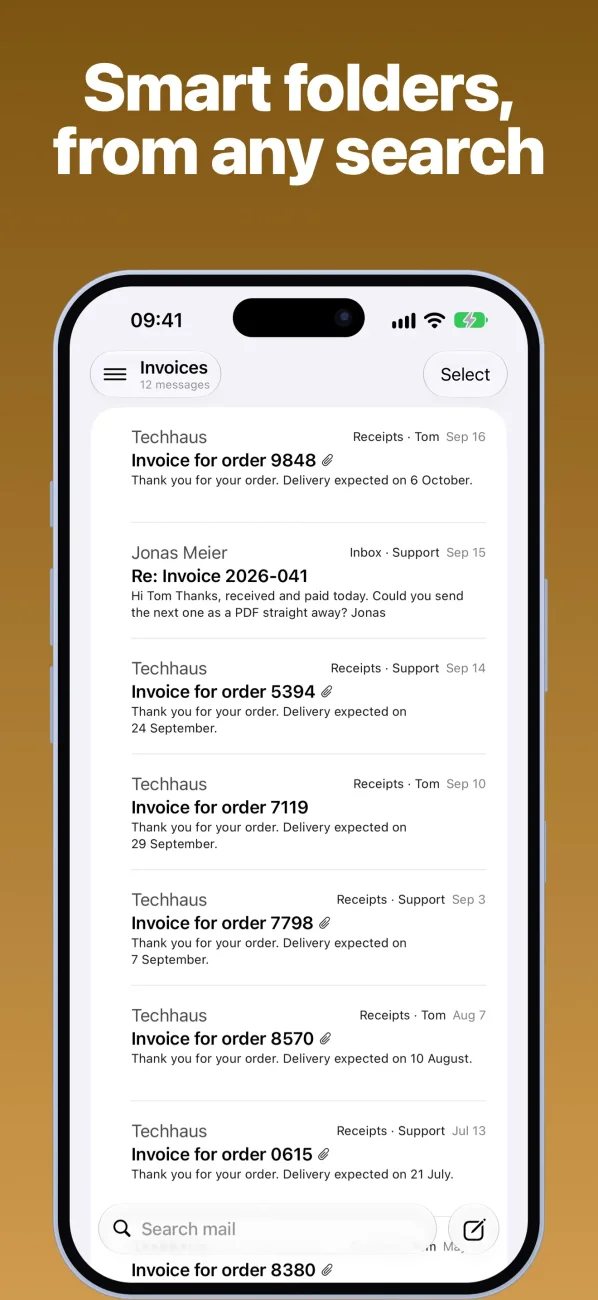
Smart folders of folders: choose Keep as Smart Folder on a folder in the sidebar, or tick folders from several accounts in Settings › Smart Folders under Where with Choose Folders…. Every message stays in its own folder.
Report a Problem…: in Settings › Log, send us the log straight from the app, without a mail. It is sealed on your device so that only we can read it, and nothing goes until you choose Send. Where adding an account fails, Report a Problem… stands right below the error, already filled in.
Plus fixes for security and reliability.
App privacy
What esense GmbH declares on the App Store about how this app handles data.
-
Data not collected
The developer does not collect any data from this app.
Privacy practices may vary, for example with the features you use or your age.
Information
- Seller
- esense gmbh
- Category
- Utilities
- Version
- 1.7.30
- Updated
- Nov 25, 2026
- Released
- Sep 17, 2026
- Size
- 34.8 MB
- Requires
- iOS 18.0 or later
- Age rating
- 4+
- Price
- Free
- In-app purchases
- Yes
- Languages
- English, French, German, Italian, Japanese, Spanish
- Copyright
- © esense GmbH
You might also like
-
 QeyeT MailUtilities
-
 MailLoyalYour cPanel mail, first class
-
 Temp Mail: PuffMailDisposable Email Generator OTP
-
 AltMail - Fast Temporary EmailFast & Safe Disposable Emails
-
 PassSecurium Password ManagerSwiss made & Swiss hosted
-
 Temp Mail Disposable: TempTomSecure Anonymous Temp Mail
-
 Flux – FTP, SFTP & WebDAVUpload & manage your files
-
 Rockgarden EmailA secured email application
-
 CoyoteMail: Mail & CalendarAll your mail and calendars
-
 HamTalk LogbuchYour log belongs to you