PostHog Dashboard - HogWatch
Analytics & Insights Viewer
Designed for iPhone
Free · In-app purchases
- Age rating4+
- CategoryDeveloper Tools
- DeveloperFlowstate Industries LLC
- LanguagesEnglish
- Size8.4 MB
Links to the official App Store page
Download.org hosts no file of PostHog Dashboard - HogWatch. The button opens its official App Store page, published by Flowstate Industries LLC. Listing last checked on Nov 12, 2026.
Screenshots

About
HogWatch is a native iPhone client for your own PostHog analytics.
Connect it with a personal API key and your dashboards, insights, events, people, and error tracking are a tap away - no browser, no HogWatch account, and no server of ours in between. Your key lives in the iOS Keychain and every request goes straight from your phone to PostHog.
HOME AT A GLANCE
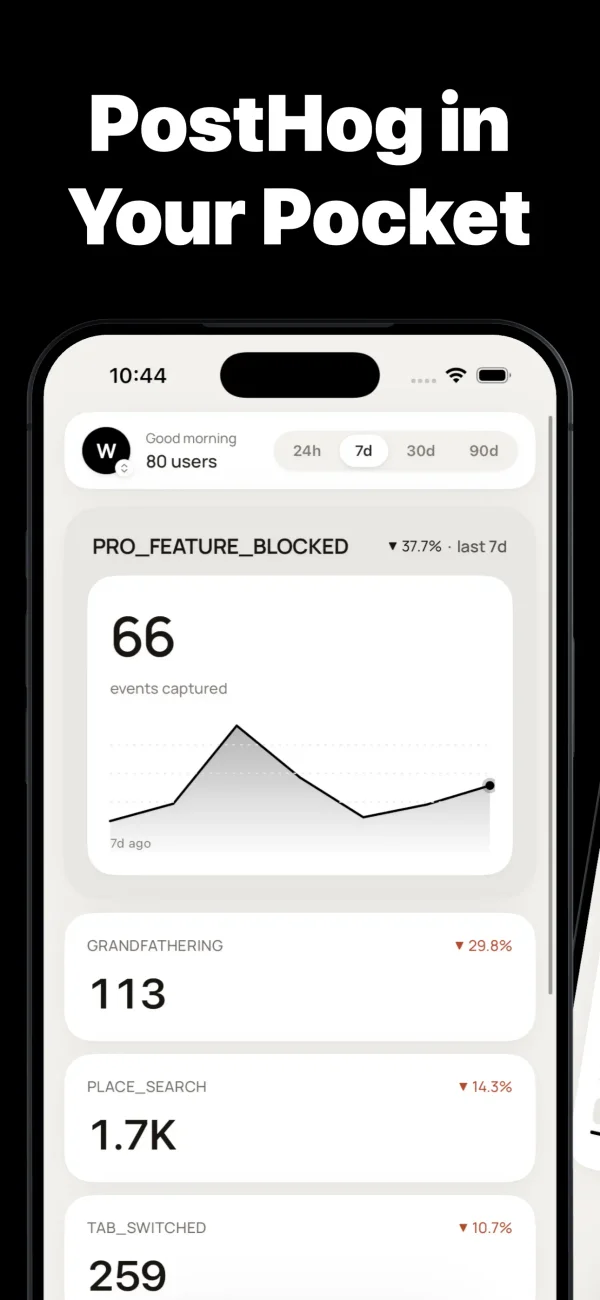
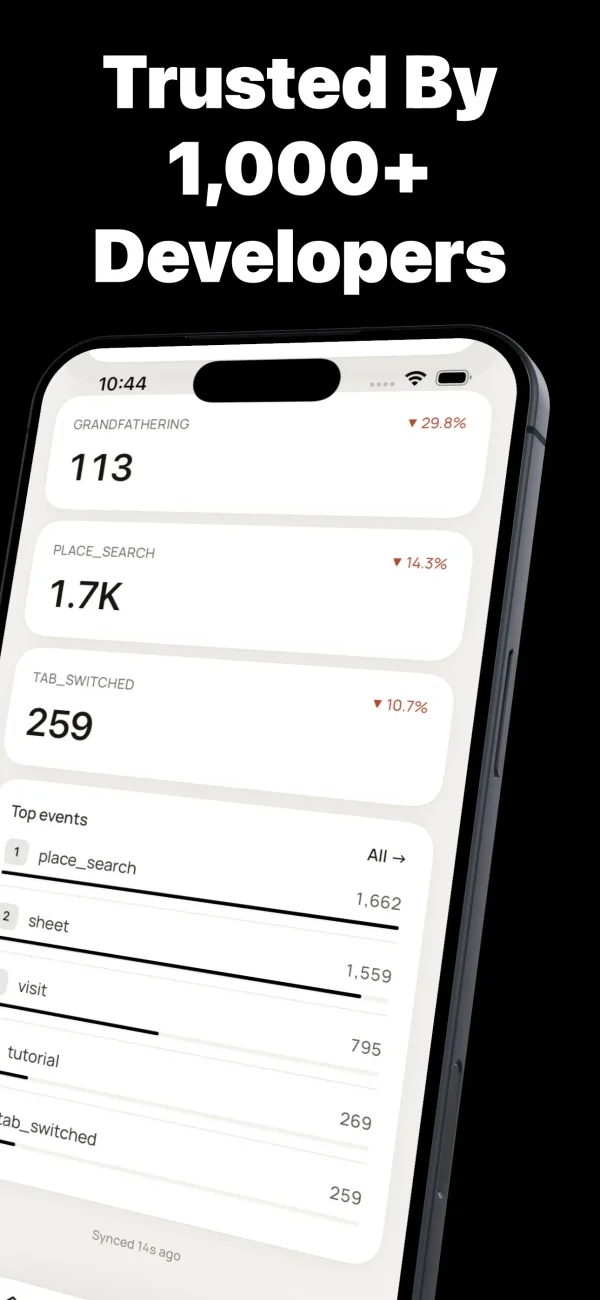
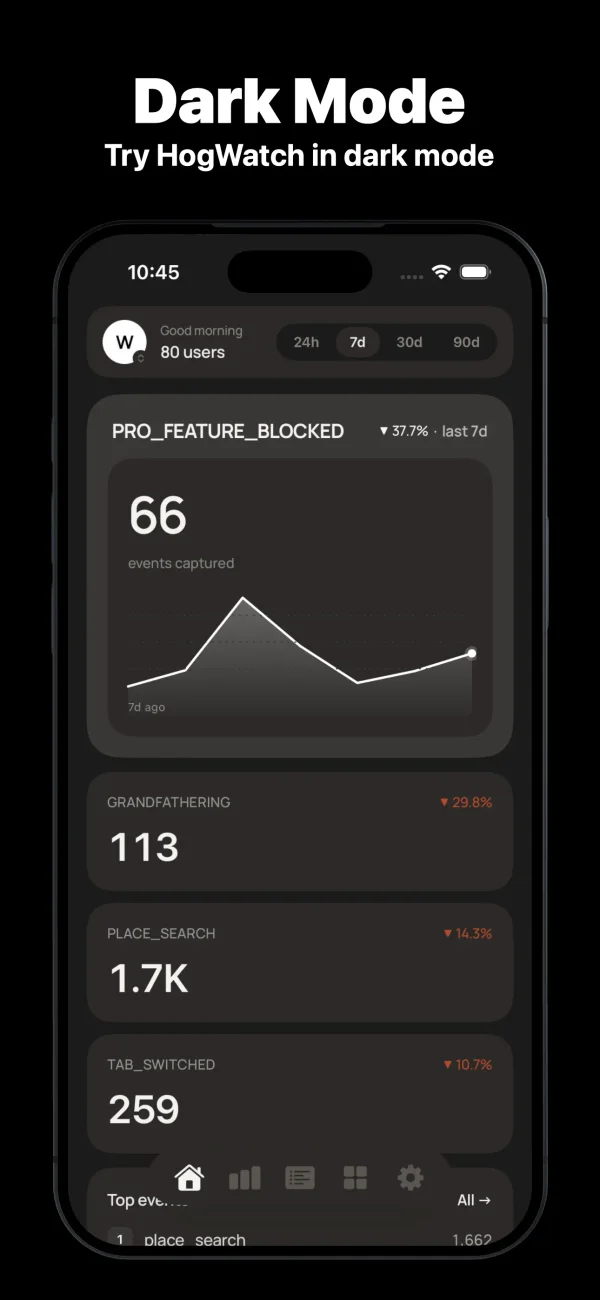
A hero metric with an area chart, trend sparklines on every card, your top events, and active users - all on one screen, for the range you choose.
CUSTOMIZABLE METRIC CARDS
Pin the events that matter most to your home screen. Signups, purchases, activations - whatever moves the needle for your product. Three cards on Free, up to nine on Pro.
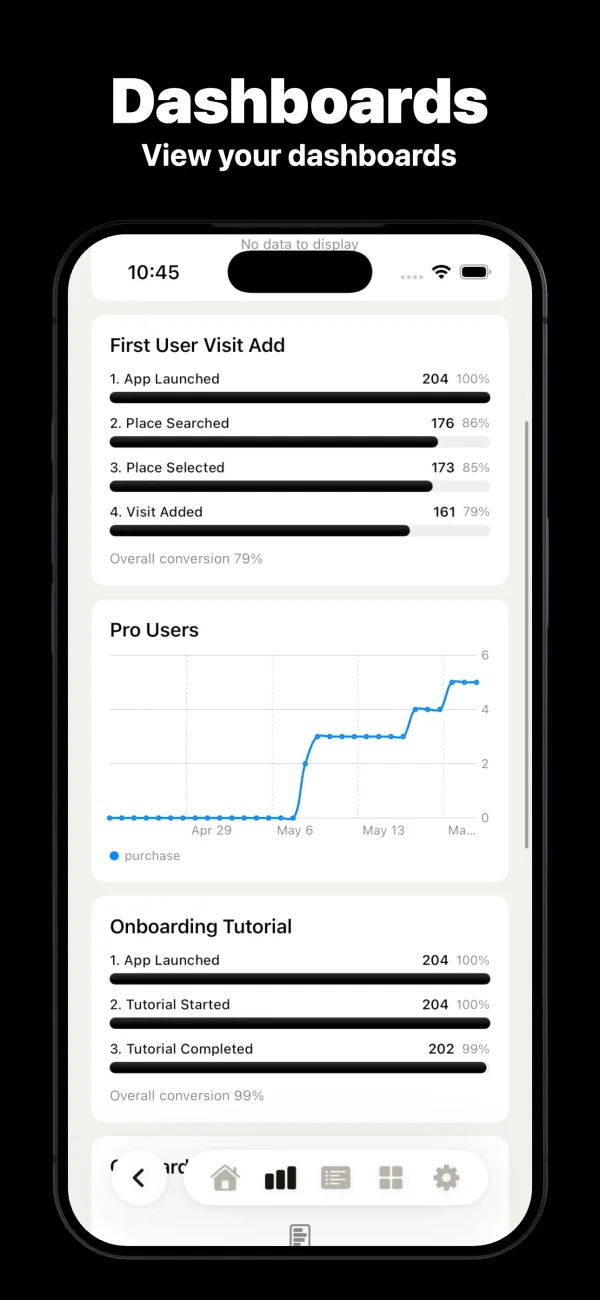
YOUR CHARTS, RENDERED NATIVELY
Trends as line, area, or bar. Funnels, retention cohorts, paths, pie charts, breakdown tables, single-value, stickiness, and lifecycle insights. Tap any tile to expand it.
EXPLORE THE REST
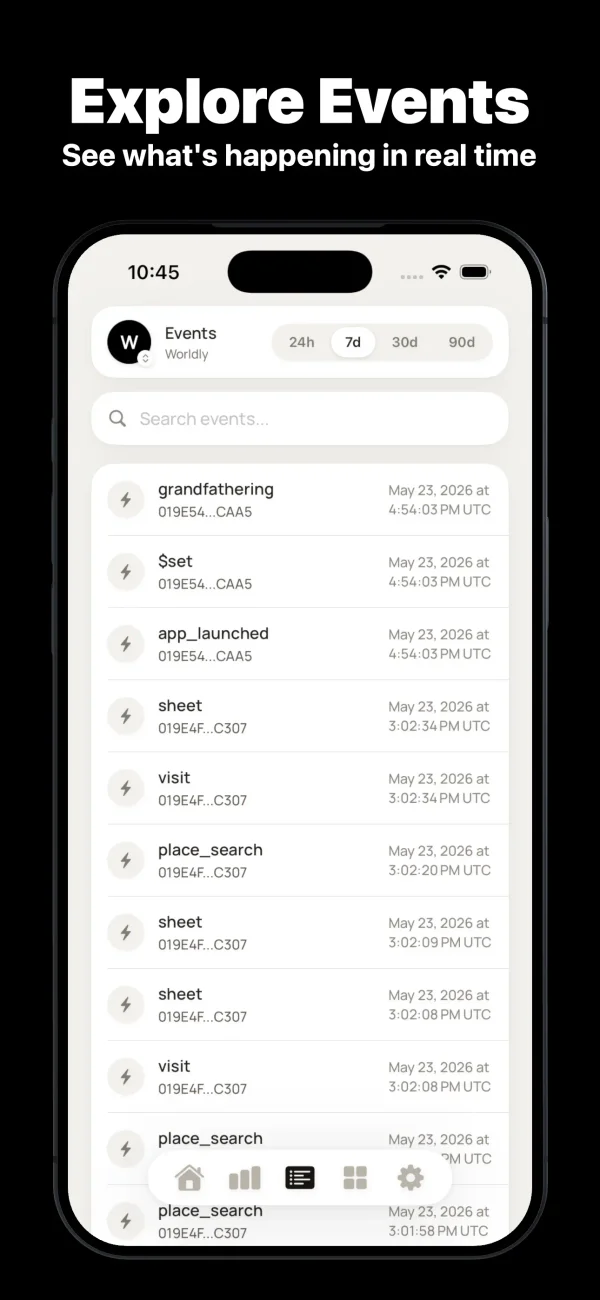
Search your event stream and open any event to inspect its full properties. Look people up by email or distinct ID. Read your error tracking issues. Run custom HogQL in a built-in SQL console (Pro).
MULTI-PROJECT SUPPORT
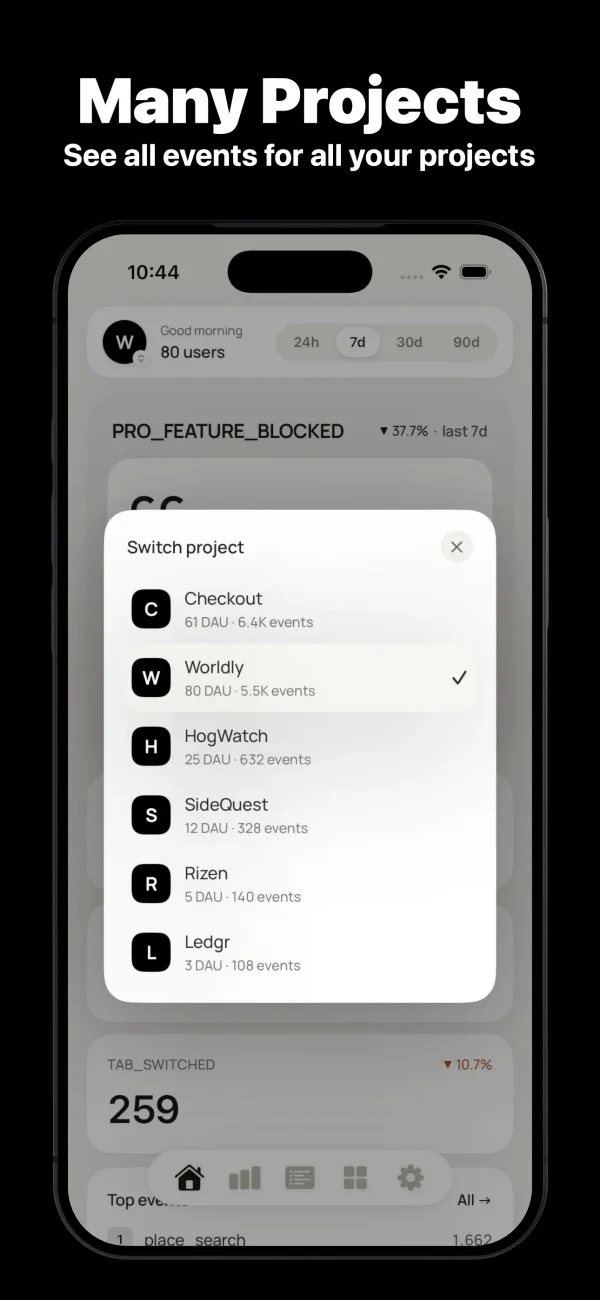
Running more than one product? Pro switches between PostHog projects instantly, with no re-authentication.
TAKE IT WITH YOU
Export SQL results as CSV, share an insight as an image, or jump straight to the matching session replay or person profile in PostHog on the web.
BUILT FOR A PHONE
Works with PostHog US Cloud and EU Cloud. Light and dark themes, VoiceOver labels throughout, pull to refresh, and haptics.
READ-ONLY BY DESIGN
HogWatch never writes back to PostHog. It views your data and nothing else, so handing it a key can't change anything.
FREE AND PRO
Free covers one project and dashboard, three home metric cards, 25 recent events and issues, and people lookup.
Pro adds unlimited projects and dashboards, up to nine metric cards, full event history with paging, every refresh interval, feature flags, and the SQL console. $9.99/month or $49.99/year - save 58% with yearly billing - both with a 7-day free trial.
WHO IT'S FOR
Founders checking metrics between meetings. Engineers verifying events after a deploy. Product managers watching KPIs on the go.
REQUIREMENTS
A PostHog account and a personal API key. HogWatch is a client for data you already have - it isn't an analytics product of its own.
Privacy Policy: https://flowstateindustries.com/privacy
Terms of Service: https://flowstateindustries.com/terms
What’s new
Version 2.0.1 · Nov 6, 2026
The usual bug fixes and performance improvements along with:
- Set a date range for an entire dashboard. Every tile re-queries over the
range you pick.
- SQL-backed insights now render as charts and tables instead of a
"coming soon" placeholder.
- Sort error-tracking issues by most recent, most frequent, or most users
affected.
- Home and your dashboards are now cached. They come back with your last data,
and tell you when it loaded, instead of starting empty.
- The time range on the Events tab now filters the feed. It previously had
no effect.
- Dashboard lists, feature flag lists and the event picker stopped at the first
page, so a missing item looked like one that never existed. They now show
everything.
- An issue's "affected users" counted devices rather than people, so the number
read high.
- Trend chart dates were a day off in most time zones.
- A home metric that failed to load showed as 0. It now says it failed, so you
can tell a quiet day from a broken query.
- The Analytics tab now tells you when you're offline, and offers a retry.
- Fixed a crash on unusually large or non-finite numbers returned by PostHog.
Thanks for using HogWatch! If you're enjoying it, please don't hesitate to leave a review :)
App privacy
What Flowstate Industries LLC declares on the App Store about how this app handles data.
-
Data not linked to you
May be collected but is not linked to your identity.
- Usage data
Privacy practices may vary, for example with the features you use or your age.
Information
- Seller
- Flowstate Industries LLC
- Category
- Developer Tools
- Version
- 2.0.1
- Updated
- Nov 6, 2026
- Released
- Apr 25, 2026
- Size
- 8.4 MB
- Requires
- iOS 18.6 or later
- Age rating
- 4+
- Price
- Free
- In-app purchases
- Yes
- Languages
- English
- Copyright
- © 2026 Flowstate Industries LLC
You might also like
-
 HogPilot for PostHogAI, Push Alerts & Widgets
-
 PostHog Analytics - HoglyDashboards, Replay and Support
-
 Hogit - PostHog Analytics3rd Party Posthog Client
-
 PostHog Analytics: mobHogPost Hog Mobile Client
-
 Quill - Posthog companionPostHog in your pocket
-
 MiniHog View PostHog Analytics3rd Party PostHog Client
-
 Supabase GoDeveloper Tools
-
 RailwayThe intelligent cloud provider
-
 Firelog for Firebase ConsoleFirestore & Cloud Functions
-
 T3 Code - Remote Claude & moreDeveloper Tools