
Power Sync for Fitbit
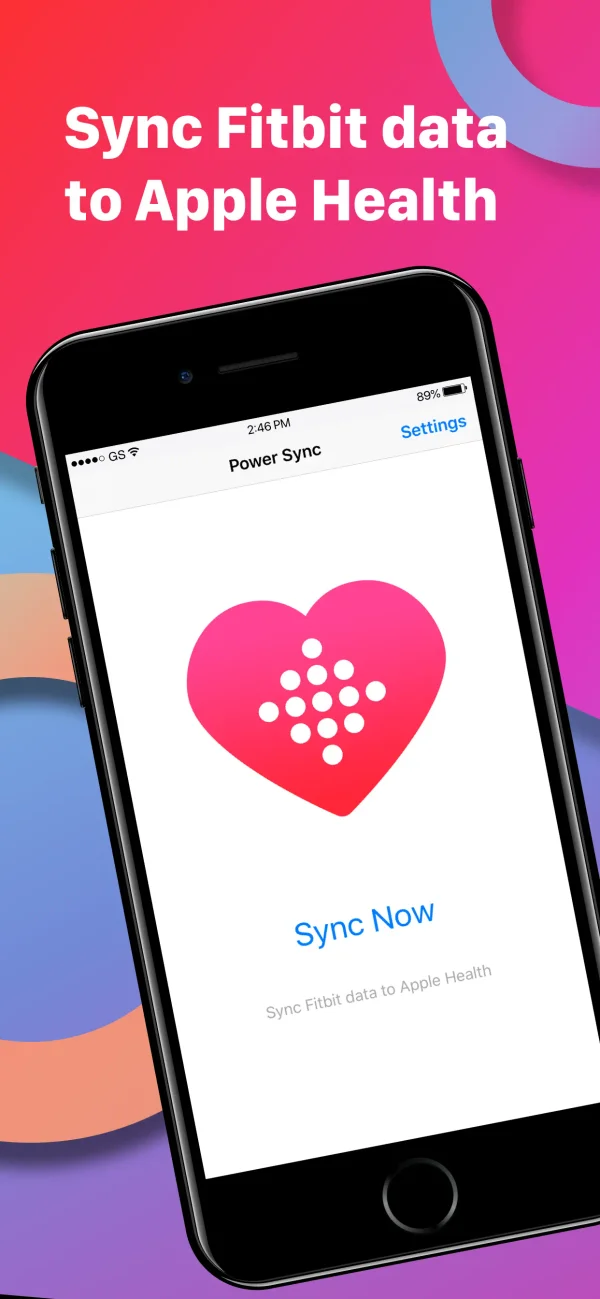
Sync to Apple Health App
Designed for iPhone, iPod touch
Free · In-app purchases
- Age rating4+
- CategoryHealth & Fitness
- DeveloperTouchberry
- LanguagesEnglish+ 1 more
- Size59.6 MB
Links to the official App Store page
Download.org hosts no file of Power Sync for Fitbit. The button opens its official App Store page, published by Touchberry. Listing last checked on Nov 20, 2026.
Screenshots
About
Fitbit + Apple Health + Free Sync = Happiness
- Sync all your Fitbit data to Apple Health, for Free
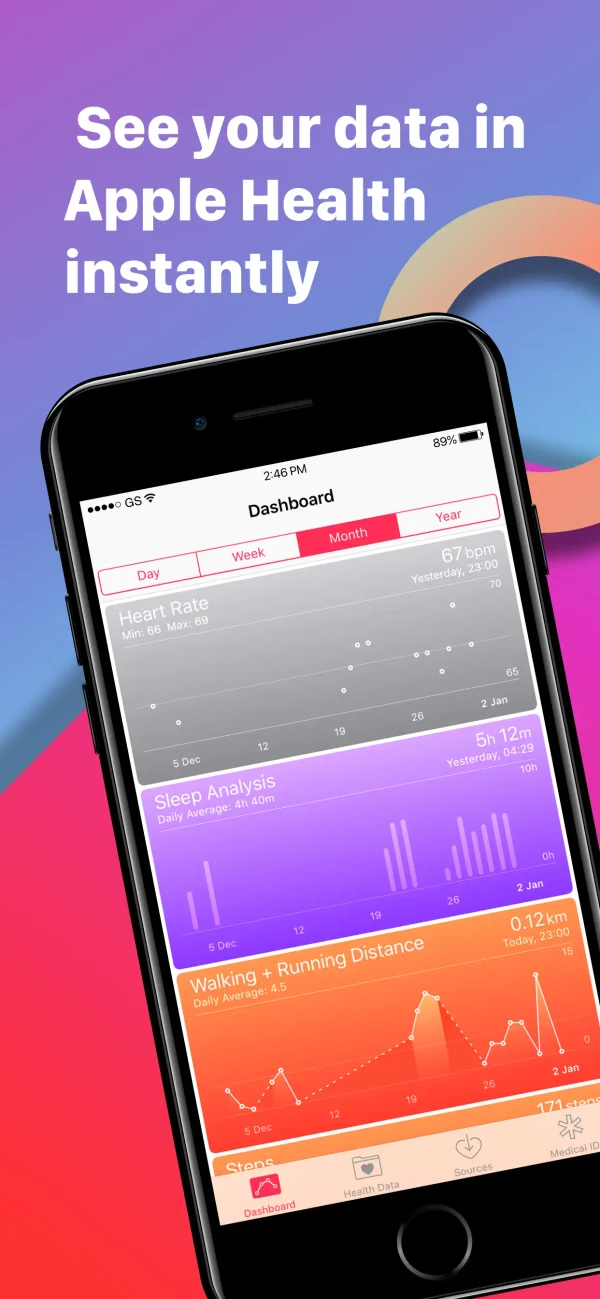
- Sync Heart Rate data
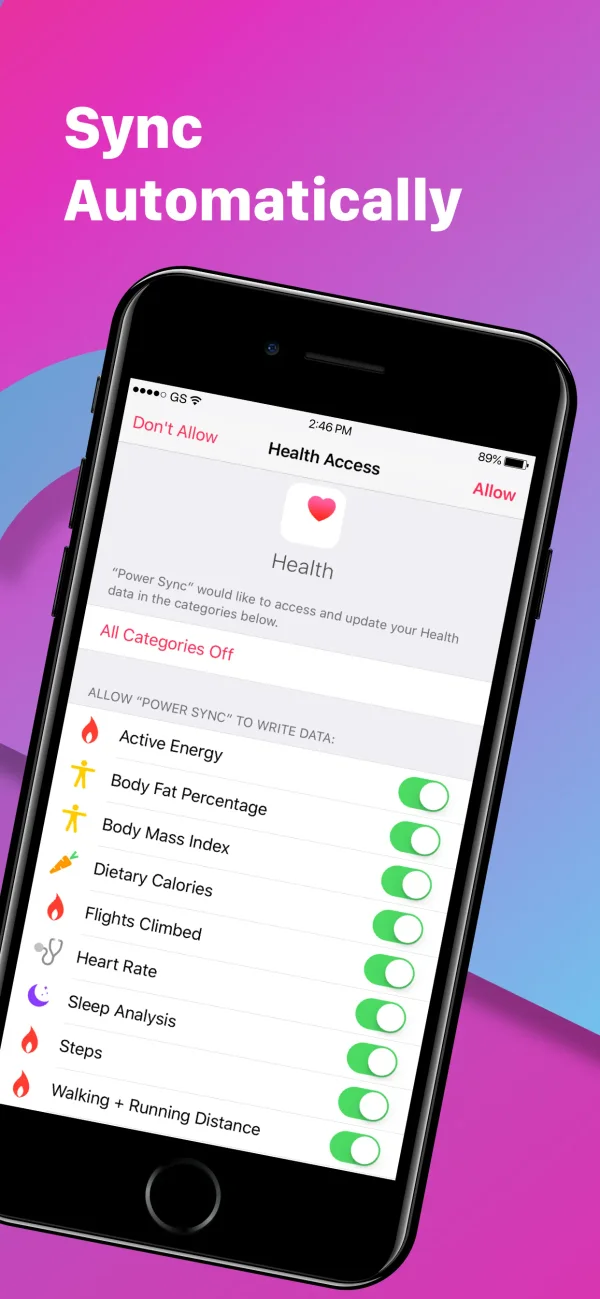
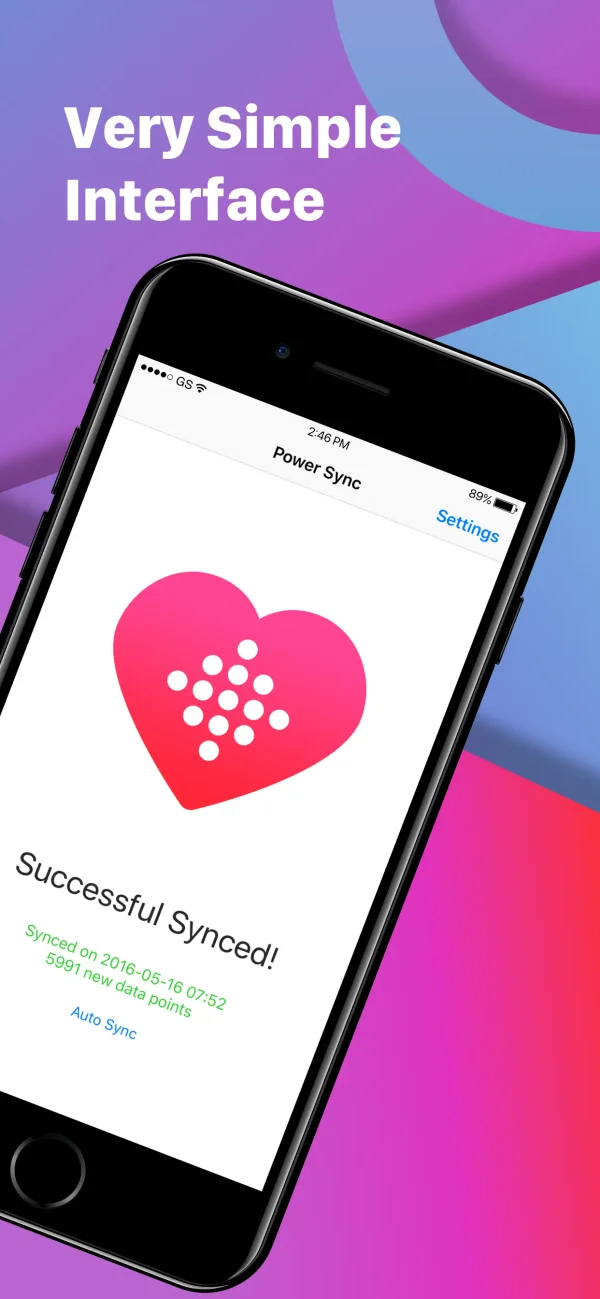
- Auto Sync data for you
- Support all Fitbit device types (including users who doesn't have a hardware and relies solely on Fitbit app)
- Switch between multiple Fitbit accounts
- Support Dark Mode in iOS 13
- **Note** Fitbit provides access to daily data only; we're working with Fitbit to support intraday syncing
- **In App Purchase** is required for Auto Sync
We believe that your Fitbit data belongs to you, and syncing your own data to Apple Health should be Free. So we created Power Sync.
Data types supported:
- Heart Rate
- Steps
- Walking + Running Distance
- Flights Climbed
- Weight
- Body Fat Percentage
- Body Mass Index
- Sleep Analysis (in bed and asleep time)
- Water
- Dietary Calories
Notes:
- Fitbit provides access to daily data only; we're working with Fitbit to support intraday syncing
- Since we don't have intraday data as of now, we're syncing all the data to 12:00 in a day
• You can subscribe for Premium Auto Sync inside the app; subscriptions are billed monthly or annually at the rate selected depending on the subscription plan.
• Alternatively a one-time payment plan is available (this is not a subscription).
• Payment will be charged to your iTunes account at confirmation of purchase.
• Subscriptions will automatically renew unless auto-renew is turned off at least 24 hours before the end of current period.
• Your account will be charged according to your plan for renewal within 24 hours prior to the end of the current period.
• You can manage or turn off auto-renew in your Apple ID account settings at any time after purchase:
- Go to Settings > iTunes & App Store
- Tap your Apple ID at the top of the screen
- Tap View Apple ID. You might need to sign in or use Touch ID.
- Tap Subscriptions.
- Tap the subscription you want to manage.
- Use the options to manage your subscription.
• No cancellation of the current subscription is allowed during the active subscription period. Once purchased, refunds will not be provided for any unused portion of the term.
We take the security of our customers very seriously.
Read our Terms of Service at:
https://terms.touchberry.net/
and our Privacy Policy at:
https://privacy.touchberry.net/
Acknowledgement:
- Vicons Design from the Noun Project
What’s new
Version 2.10.0 · Nov 19, 2026
Bug fixes and performance improvements
App privacy
What Touchberry declares on the App Store about how this app handles data.
-
Data not linked to you
May be collected but is not linked to your identity.
- Identifiers
- Diagnostics
Privacy practices may vary, for example with the features you use or your age.
Information
- Seller
- Touchberry Inc
- Category
- Health & Fitness
- Version
- 2.10.0
- Updated
- Nov 19, 2026
- Released
- Jan 21, 2016
- Size
- 59.6 MB
- Requires
- iOS 15.0 or later
- Age rating
- 4+
- Price
- Free
- In-app purchases
- Yes
- Languages
- English, Simplified Chinese
- Copyright
- © 2015 Touchberry Inc.
You might also like
-
 Fitbit to Health Sync SolverFitbit Sync To Apple Health
-
 Fitbit to Apple Health SyncFitbit sync to Apple Health
-
 Fitbit Sync To Apple HealthSync 24 Google Health Metrics
-
 Fitbit Sync From Apple HealthApple Health Data to Fitbit
-
 Finder for Fitbit ++Fitbit finder & setup app
-
 Fitbit Sync to Health Appfrom Versa, Inspire to Apple
-
 Power Sync: Fitness to HealthAuto Sync Step Tracker Data
-
 FITIV Sync for Fitbit ActivitySync Your Data to Apple Health
-
 Find My Fitbit - Finder AppFitbit & Device Finder App
-
 Fitbit Health SyncHealth & Fitness