
- Age rating4+
- CategoryReference
- DeveloperEugene Khmelevsky Inc.
- LanguagesEnglish
- Size2.1 MB
Links to the official App Store page
Download.org hosts no file of Practical Guide for Linux. The button opens its official App Store page, published by Eugene Khmelevsky Inc. Listing last checked on Nov 17, 2026.
Screenshots
About
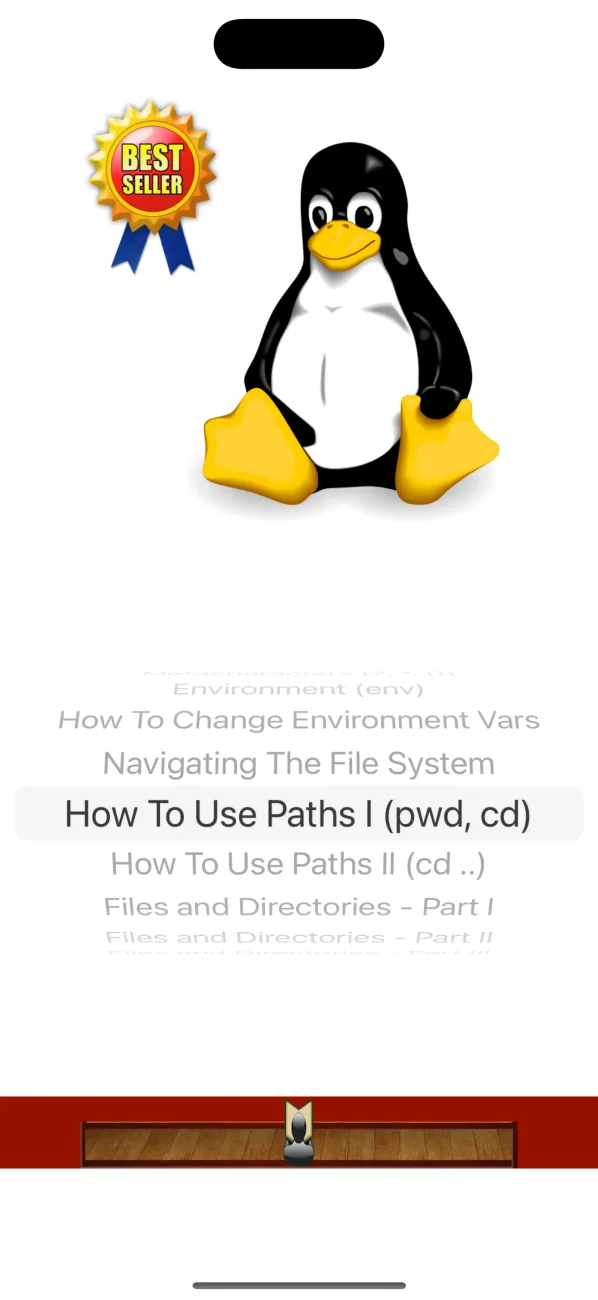
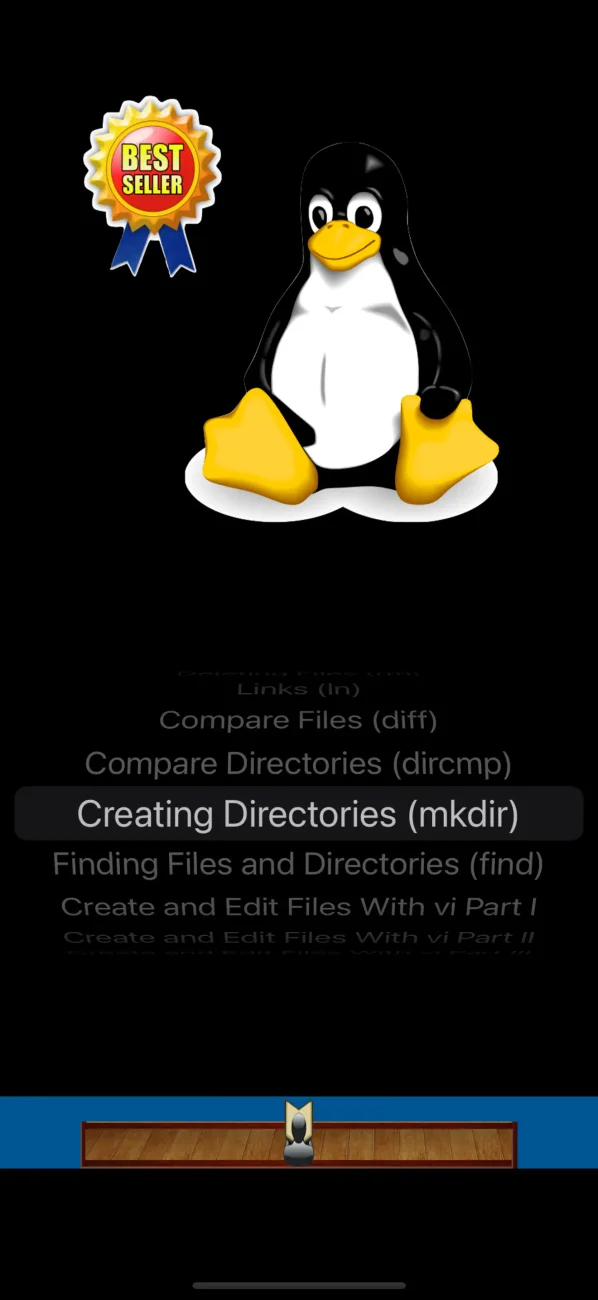
Best Seller UNIX/Linux Reference since 2010 for both students and working adults! Now, with updated content for 2026, Air Print and iOS Light and Dark modes.
#1 Guide in Operating Systems > Unix / Linux
#1 College OS Guide
Making First Steps (passwd, su)
Logging Out, Shell (exit, Ctrl-d)
Special Characters (Ctrl-c, Ctrl-h, Ctrl-d)
Metacharacters (?, *, [])
Environment (env)
How To Change Environment Variables (.profile, .login)
Navigating The File System (absolute, relative paths)
How To Use Paths I (pwd, cd)
How To Use Paths II (cd ..)
Files and Directories - Part I (ls, ls -l)
Files and Directories - Part II(ls -al)
Files and Directories - Part III (ls -R)
Permissions - Part I (id)
Permissions - Part II (rwx-)
Permissions - Part III (how to read)
Permissions - Part IV (chmod)
Viewing Files (more, cat, head, tail)
Searching in Files - Part I (grep options)
Searching in Files - Part II (grep examples)
Renaming Files (mv)
Copying Files (cp)
Deleting Files (rm)
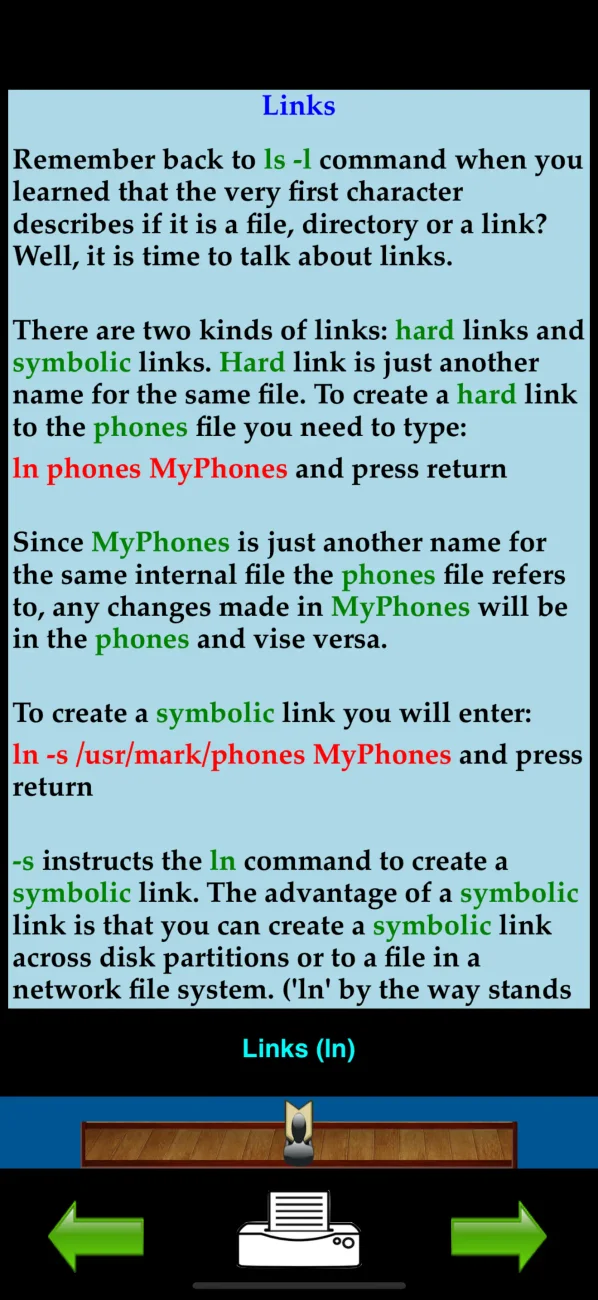
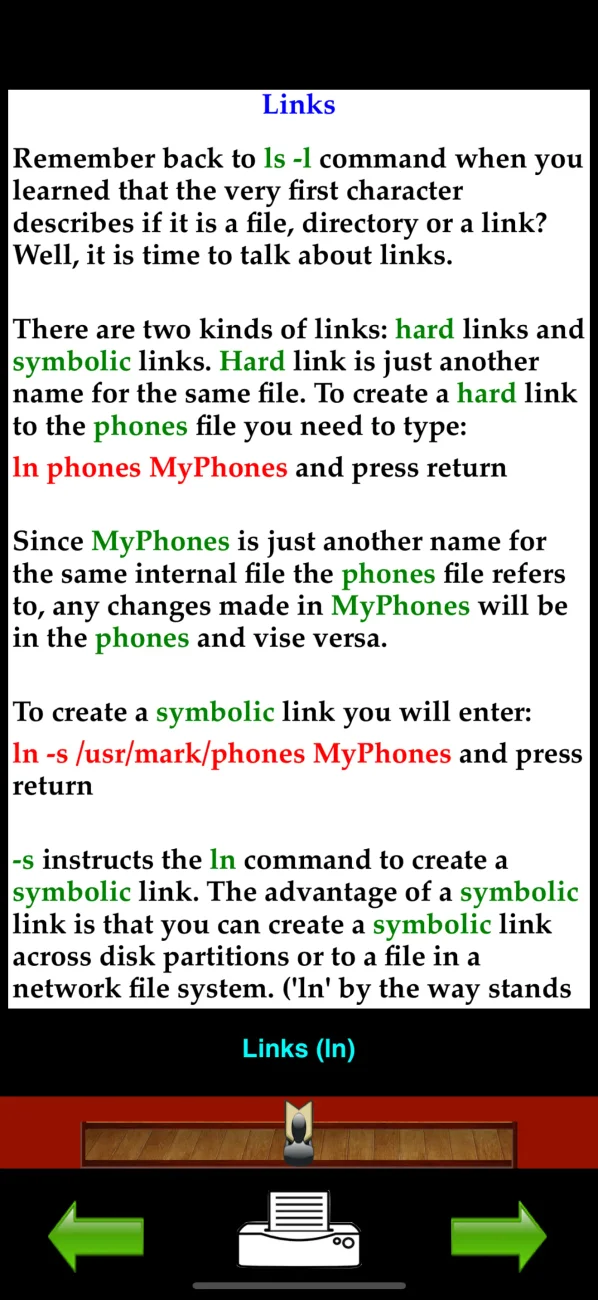
Links (ln)
Compare Files (diff)
Compare Directories (dircmp)
Creating Directories (mkdir)
Finding Files and Directories (find)
Create and Edit Files With vi - Part I
Create and Edit Files With vi - Part II (insert mode)
Create and Edit Files With vi - Part III (searching)
Create and Edit Files With vi - Part IV (editing)
Create and Edit Files With vi - Part V (deleting)
Create and Edit Files With vi - Part VI (saving)
Create and Edit Files With vi - Part VII (line-edit mode)
Printing Files (lp, lpr)
Archiving Files (tar)
Transferring Files Between Computers (nslookup, ping)
Telnet
FTP - Part I (connecting)
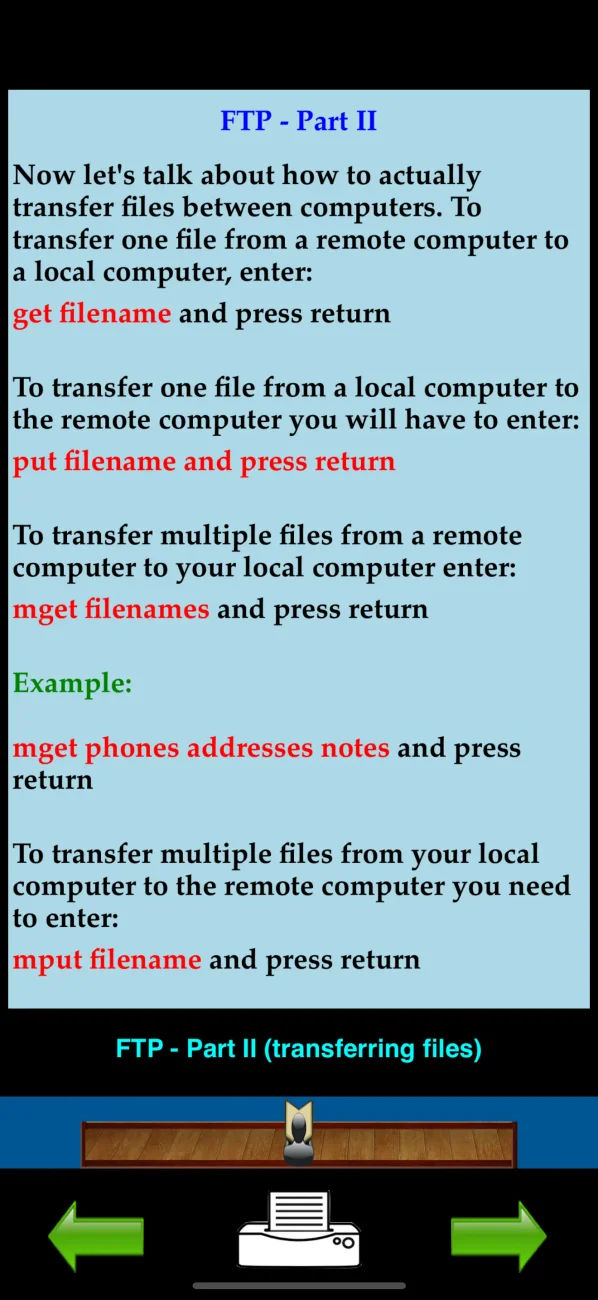
FTP - Part II (transferring files)
More UNIX Commands (uname, arch)
Date and Time (date, cal)
Find Out About Other Users - Part I (who)
Find Out About Other Users - Part II (finger)
History
Disk Space (df, du, gzip, gunzip)
Memory (free, uptime)
Processes (Jobs) - Part I (ps)
Processes (Jobs) - Part II (ps -ef, kill, fuser)
Processes (Jobs) - Part III (at)
Electronic Mail - Part I (elm)
Electronic Mail - Part II (command mode)
Advanced UNIX - Redirection Part I (>, >>)
Advanced UNIX - Redirection Part II (|)
Practical sed and awk - Part I (sed)
Practical sed and awk - Part II (sed example)
Practical sed and awk - Part III (sed example)
Practical sed and awk - Part IV (awk)
Practical sed and awk - Part V (awk example)
The best way to learn UNIX and Linux for all.
Designed for all devices, full support for Air Print.
What’s new
Version 16 · Sep 5, 2025
Performance and usability improvements.
App privacy
What Eugene Khmelevsky Inc. declares on the App Store about how this app handles data.
-
Data not collected
The developer does not collect any data from this app.
Privacy practices may vary, for example with the features you use or your age.
Information
- Seller
- Eugene Khmelevsky Inc.
- Category
- Reference
- Version
- 16
- Updated
- Sep 5, 2025
- Released
- Apr 14, 2010
- Size
- 2.1 MB
- Requires
- iOS 15.6 or later
- Age rating
- 4+
- Price
- $1.99
- Languages
- English
- Copyright
- © Eugene Khmelevsky Inc.
You might also like
-
 Linux MagazineReference
-
 Linuxer: Learn LinuxTerminal, CLI, Vim & Commands
-
 Linux TutorialCommand Line & Shell Scripting
-
 Learn Linux Step by StepLinux Tutorial with Quizzes
-
 Linux BasicsLearn Linux in a gameful way
-
 Learn Kali Linux & HackingEthical Hacking & Pen Testing
-
 HackerX: Learn Ethical HackingCyber Security and Hack App
-
 Pocket Prep IT & CybersecurityPass CISSP, CISM, CompTIA +
-
 Codecademy GoPractice coding anywhere
-
 DataCamp: Learn Data, AI, CodeAI, Python, SQL, ML, R courses