
Practice Combination Lock
School Locker Dial Simulator
Designed for iPhone, iPad
Free · In-app purchases
- Age rating4+
- CategoryEducation
- DeveloperChirag Mirani
- LanguagesEnglish+ 43 more
- Size6.1 MB
Links to the official App Store page
Download.org hosts no file of Practice Combination Lock. The button opens its official App Store page, published by Chirag Mirani. Listing last checked on Nov 17, 2026.
Screenshots
About
Practice opening your school locker with three simple modes: watch a demonstration, follow guided turns, then try your combination on your own.
Practice Combination Lock helps students and first-time users learn the right–left–right sequence on a realistic 0–39 dial. Enter your own three-number combination or try a random one, and practice at your own pace.
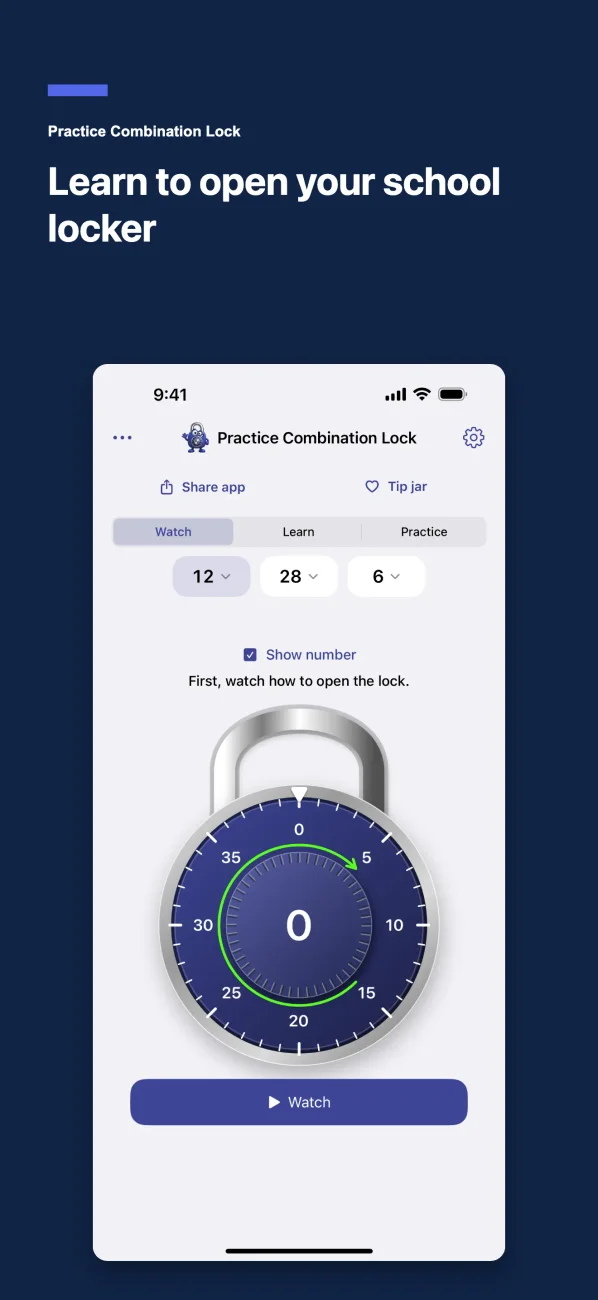
WATCH
See each turn happen slowly. Green direction arrows, a full-turn counter and clear instructions show how to clear the lock and reach each number.
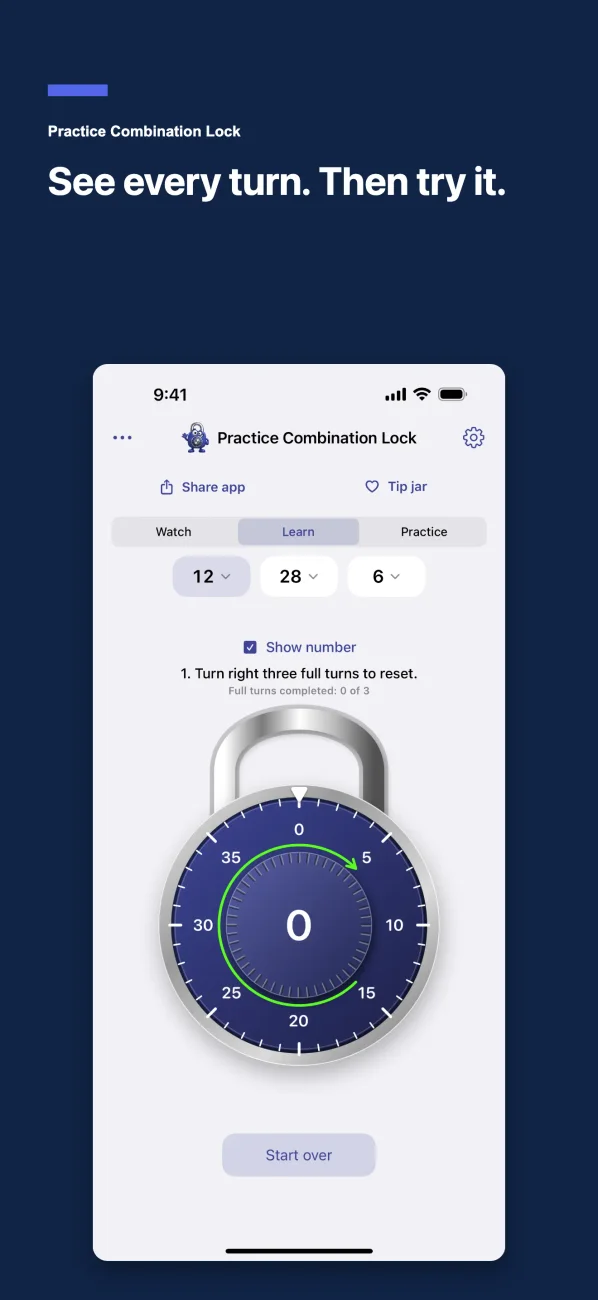
LEARN
Turn the dial yourself with guidance along the way. Learn when to keep turning, when to stop and when to change direction.
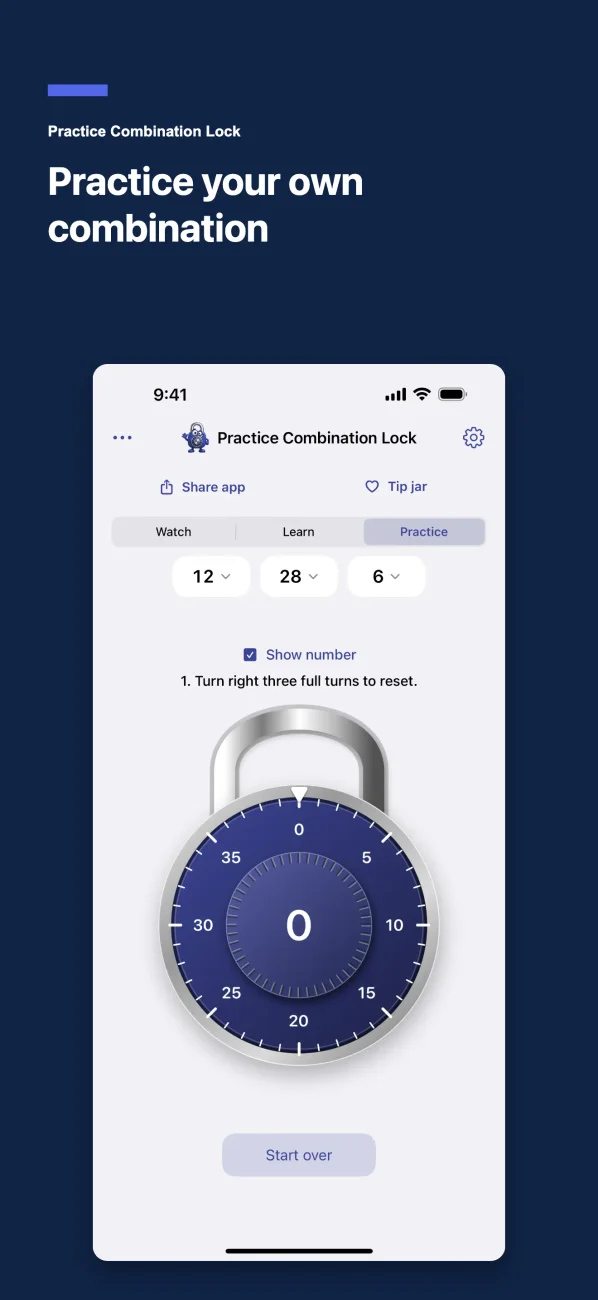
PRACTICE
Try the sequence independently, without direction arrows. Show the live center number, or hide it to read the dial markings as you would on a physical combination lock. Your choice is saved.
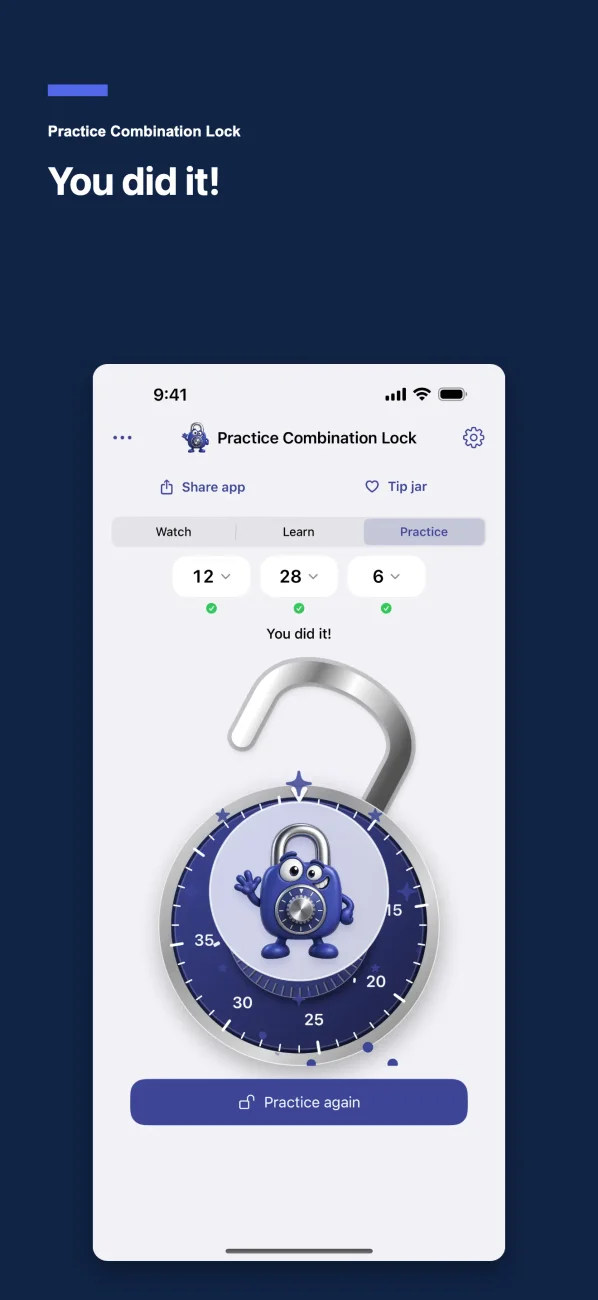
MAKE EACH OPEN A LITTLE VICTORY
Enjoy confetti, varied celebration sounds and optional haptic feedback when you get it right. Sound and haptics have separate controls.
KEEP IT SIMPLE
• Unlimited combination lock practice
• Your own combination or randomly generated numbers
• Printable PDF instructions for your combination
• Seven lock colors, with matching Locky and controls
• One clear practice screen
• Works offline
• No ads or subscriptions; optional one-time tips only
• No account or tracking
For students getting ready for a school locker, parents helping a child learn, and anyone who wants to feel more comfortable using a combination lock.
Designed for three-number rotary combination locks with a 0–39 dial. Follow the instructions supplied with your physical lock if its opening sequence differs.
All practice features are free. Parents can optionally support development with a one-time tip in Settings. Tipping unlocks no features and is never required.
What’s new
Version 1.0.1 · Oct 17, 2026
Small fixes and improvements.
App privacy
What Chirag Mirani declares on the App Store about how this app handles data.
-
Data not collected
The developer does not collect any data from this app.
Privacy practices may vary, for example with the features you use or your age.
Information
- Seller
- Chirag Mirani
- Category
- Education
- Version
- 1.0.1
- Updated
- Oct 17, 2026
- Released
- Oct 15, 2026
- Size
- 6.1 MB
- Requires
- iOS 17.0 or later
- Age rating
- 4+
- Price
- Free
- In-app purchases
- Yes
- Languages
- English, Arabic, Bengali, Catalan, Croatian, Czech, Danish, Dutch, Finnish, French, German, Greek + 32 more
- Copyright
- © 2026 Chirag Mirani
You might also like
-
 Locker: Combo Lock PracticeOpen your locker confidently
-
 CitizenReady: CitizenshipCivics Test in 60 Languages
-
 Locker Practice: Dial LockPractice Lock Combination
-
 Juniata County School DistrictEducation
-
 WingFlowMini Airflow & CFD Simulator
-
 Locker Combination PracticePractice Opening Combo Locks
-
 Locker Practice SimulatorPractice Lock for School
-
 Locker Practice AppPractice Lock Combination
-
 Hawk N.E.S.T.Education
-
 AI作文Education