Practice Time: AutoStart Timer
Auto Tracks Practice Time
Designed for iPhone, iPad
Free
- Age rating4+
- CategoryMusic
- DeveloperDOTAIR LLC
- LanguagesEnglish+ 9 more
- Size8.4 MB
Links to the official App Store page
Download.org hosts no file of Practice Time: AutoStart Timer. The button opens its official App Store page, published by DOTAIR LLC. Listing last checked on Nov 24, 2026.
Screenshots


About
Focus on your music, and let PracticeTime handle the tracking.
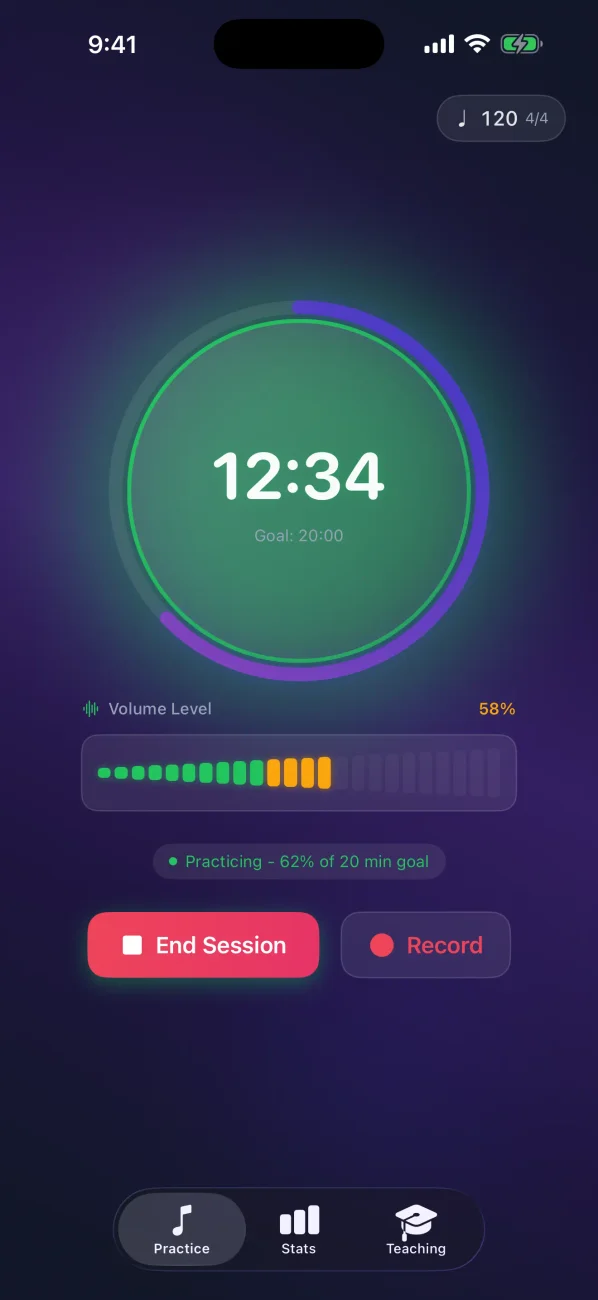
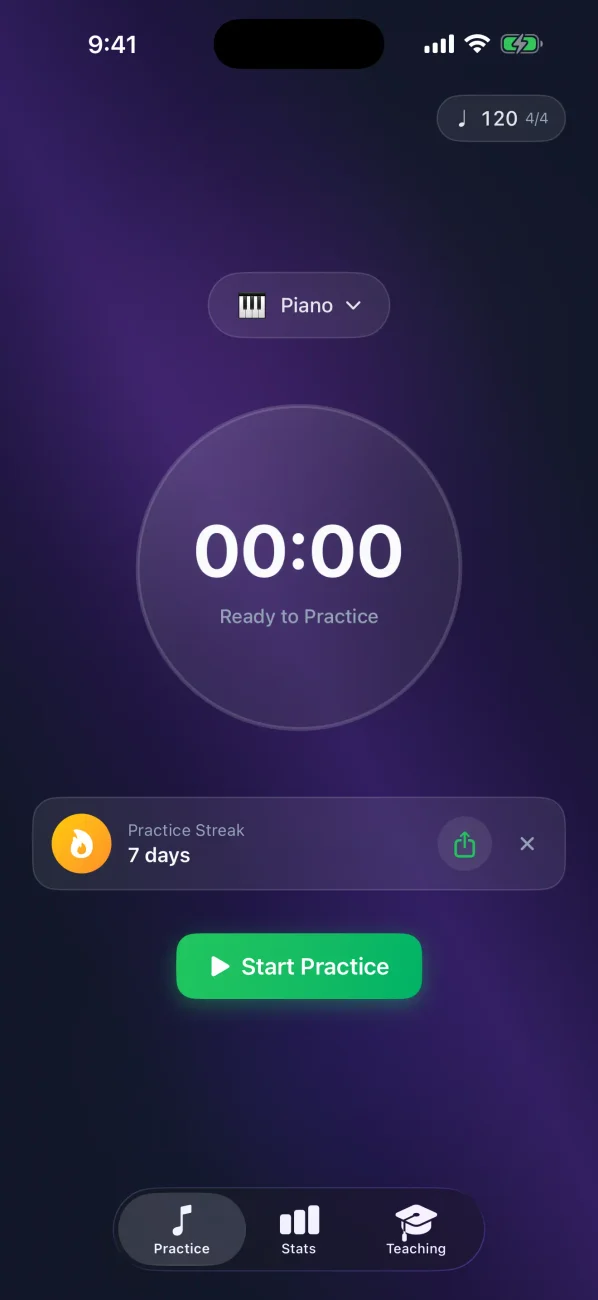
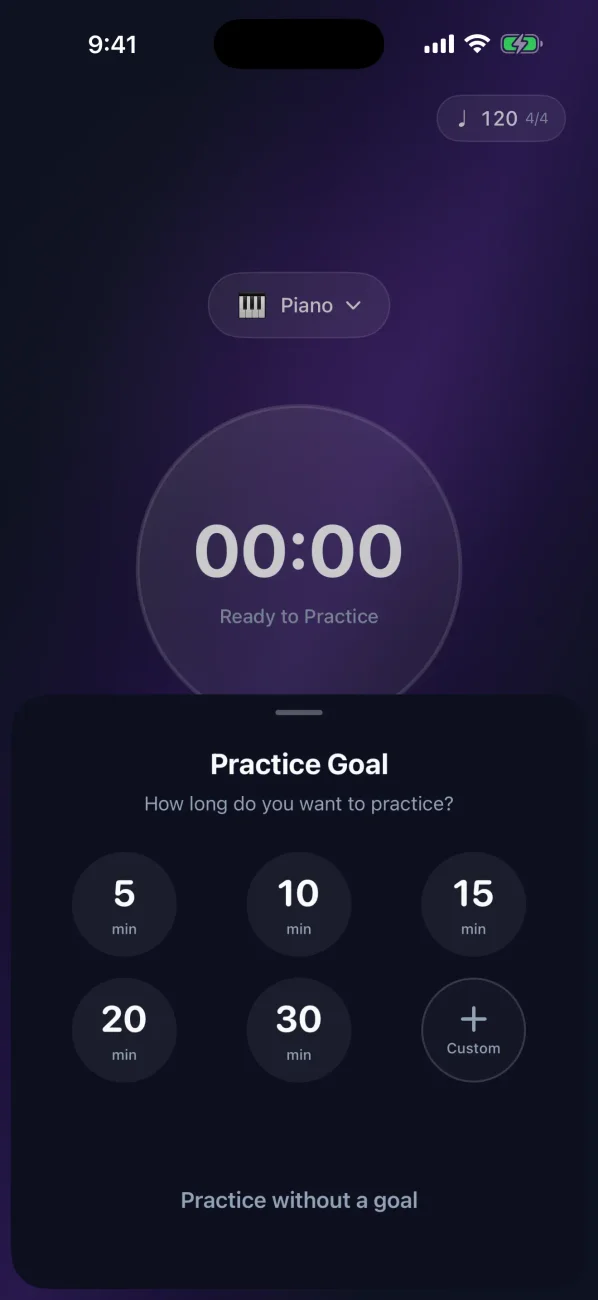
PracticeTime listens for your instrument and counts only the time you actually play. Unlike a stopwatch that keeps running through breaks, it pauses when you stop and picks up again when you play, so every minute in your log is real practice.
Made for families: everyone who practices on the device gets their own profile, with their own instrument, goals, history and streak.
KEY FEATURES
• Automatic timing: starts and stops by itself as you play. No need to touch the screen.
• Profiles: separate history, goals, instrument and streak for each person who practices.
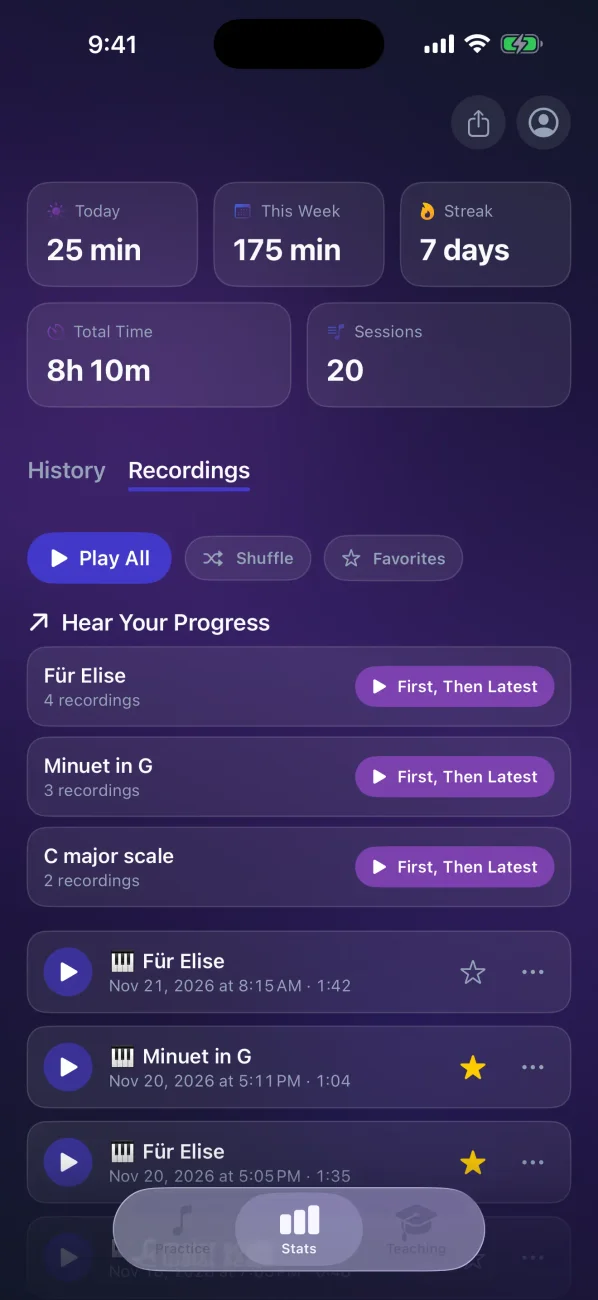
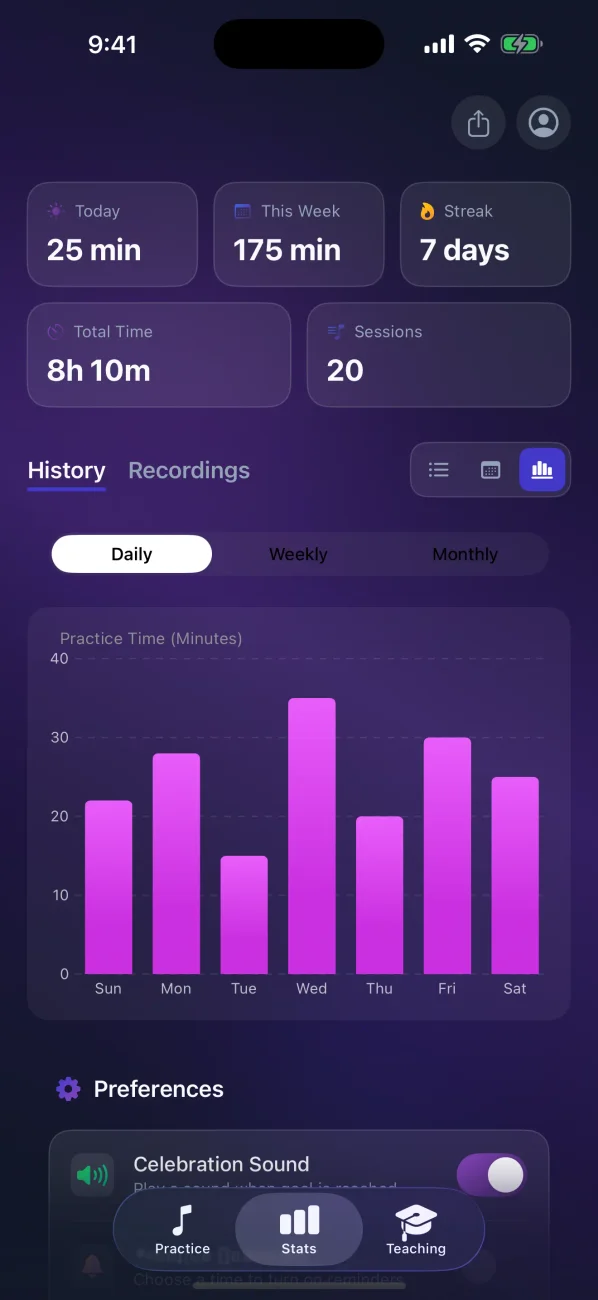
• Daily goals and streaks: set a goal, watch your progress and keep your streak going.
• Widgets: today's practice and your streak on the Home Screen and Lock Screen.
• Notes and recordings: record while you practice, add a note, star your best takes and share them with your teacher.
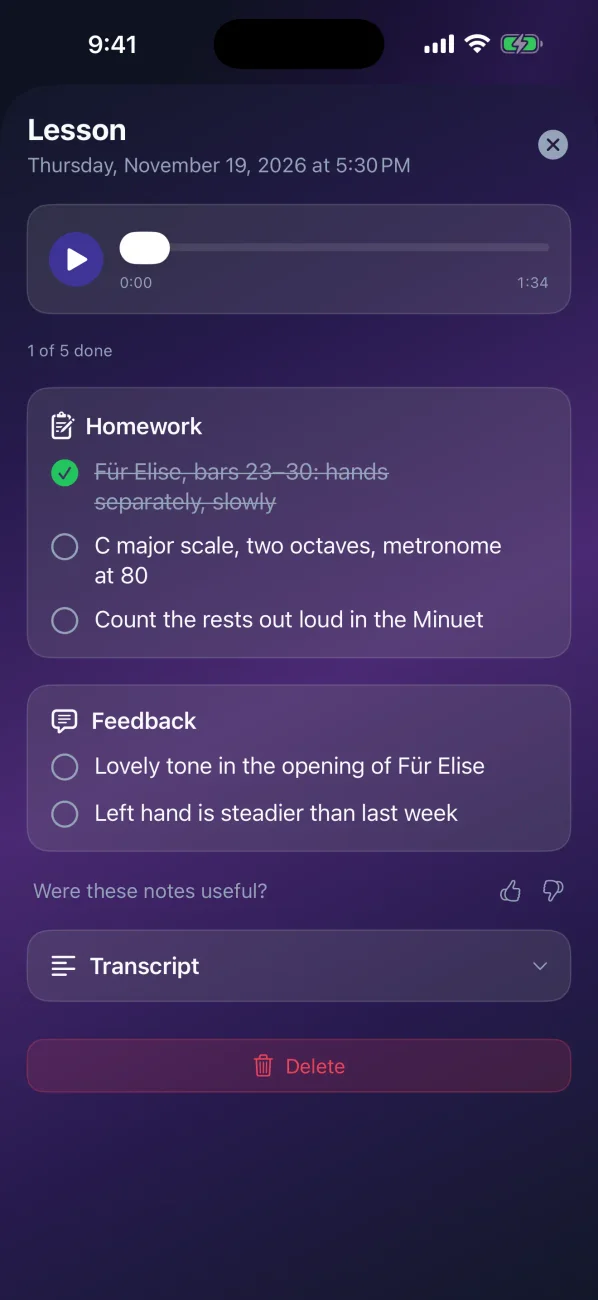
• Lesson notes (early access): record your teacher's summary at the end of a lesson and get a checklist of feedback and homework. You can try it for 10 lessons.
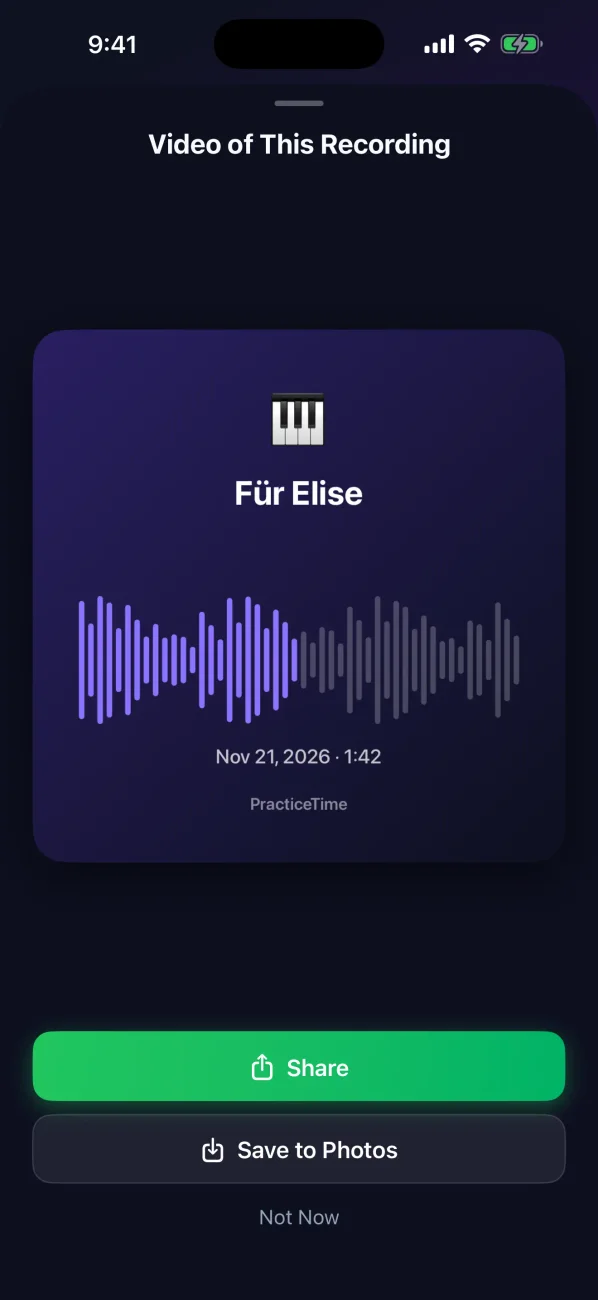
• Recordings: listen back to every recording, name your pieces, hear your first take next to your latest, and share a recording as a video.
• Built-in metronome: tap to start or stop it right on the practice screen. 4/4, 3/4, 2/4, 6/8, 5/4 and 7/8, with tap tempo.
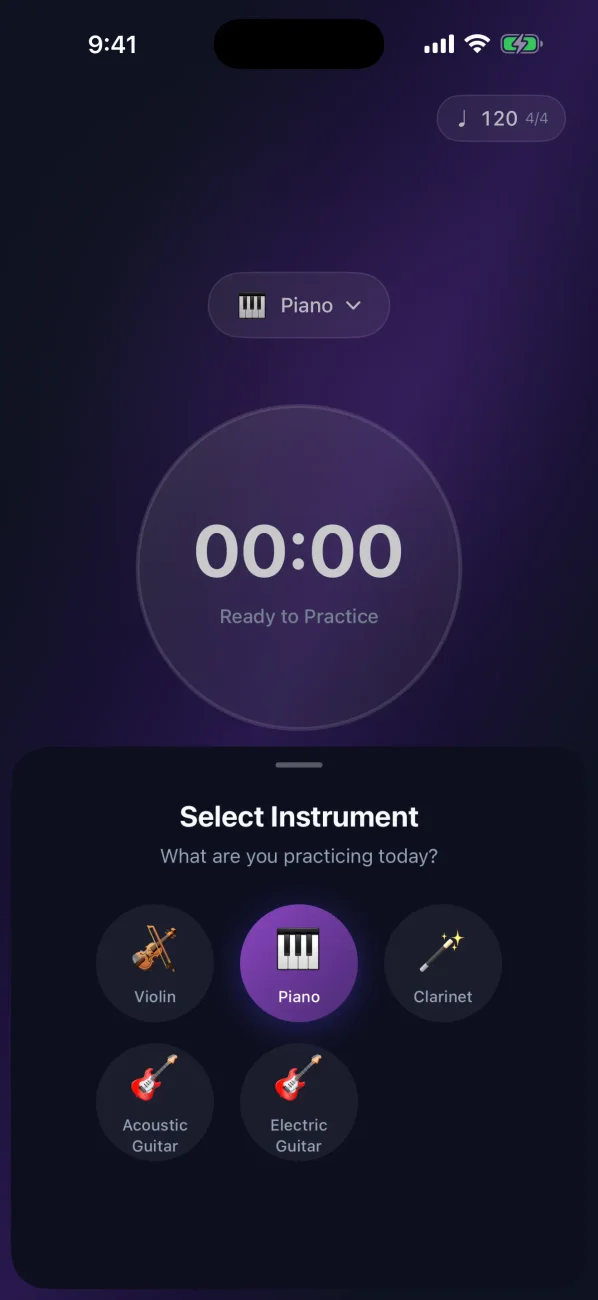
• Instruments: violin, piano, clarinet, acoustic guitar and electric guitar.
• Practice history: calendar and trend views of your daily progress.
• 10 languages: English, Simplified Chinese, Traditional Chinese, Japanese, German, French, Spanish, Italian, Korean and Russian.
• Privacy first: practice sound is processed on your device and never uploaded. A lesson recording is sent to be turned into notes only after you agree.
Say goodbye to manual stopwatches. Download PracticeTime and make every minute count.
What’s new
Version 1.10.1 · Nov 23, 2026
Open PracticeTime and just play. The ring lights up when it hears you, and when it hears your instrument you can start with one tap, with or without recording. Playing a different instrument from the one selected? PracticeTime offers to switch.
App privacy
What DOTAIR LLC declares on the App Store about how this app handles data.
-
Data not linked to you
May be collected but is not linked to your identity.
- User content
- Identifiers
- Usage data
Privacy practices may vary, for example with the features you use or your age.
Information
- Seller
- DOTAIR LLC
- Category
- Music
- Version
- 1.10.1
- Updated
- Nov 23, 2026
- Released
- Jan 28, 2026
- Size
- 8.4 MB
- Requires
- iOS 18.0 or later
- Age rating
- 4+
- Price
- Free
- Languages
- English, French, German, Italian, Japanese, Korean, Russian, Simplified Chinese, Spanish, Traditional Chinese
- Copyright
- © 2026 PracticeTime Studio
You might also like
-
 Music Timer AIAI-Powered Practice Timer
-
 Pianello: Learn Pianofor professional pianists
-
 Practice Log: Music JournalTracker, timer, tuner & drone
-
 Practify: Practice & TunerMetronome, tuner, practice log
-
 Practice Timer: Music PlannerSpace Repetition & Organizer
-
 Piano PatrolMusic
-
 Cresc Flow: Practice TrackerMetronome, Tuner, Journal
-
 BANDY - Music Practice TrackerTimer·Metronome Tuner·Routine
-
 Only Practice - Music JournalTrack your daily practice
-
 키뫂Music