
Precision Unit Converter
Learn Units, Convert Precisely
Designed for iPhone, iPad, iPod touch
$7.99
- Age rating4+
- CategoryUtilities
- DeveloperSimTeCon GmbH
- LanguagesEnglish
- Size59.8 MB
Links to the official App Store page
Download.org hosts no file of Precision Unit Converter. The button opens its official App Store page, published by SimTeCon GmbH. Listing last checked on Nov 18, 2026.
Screenshots

About
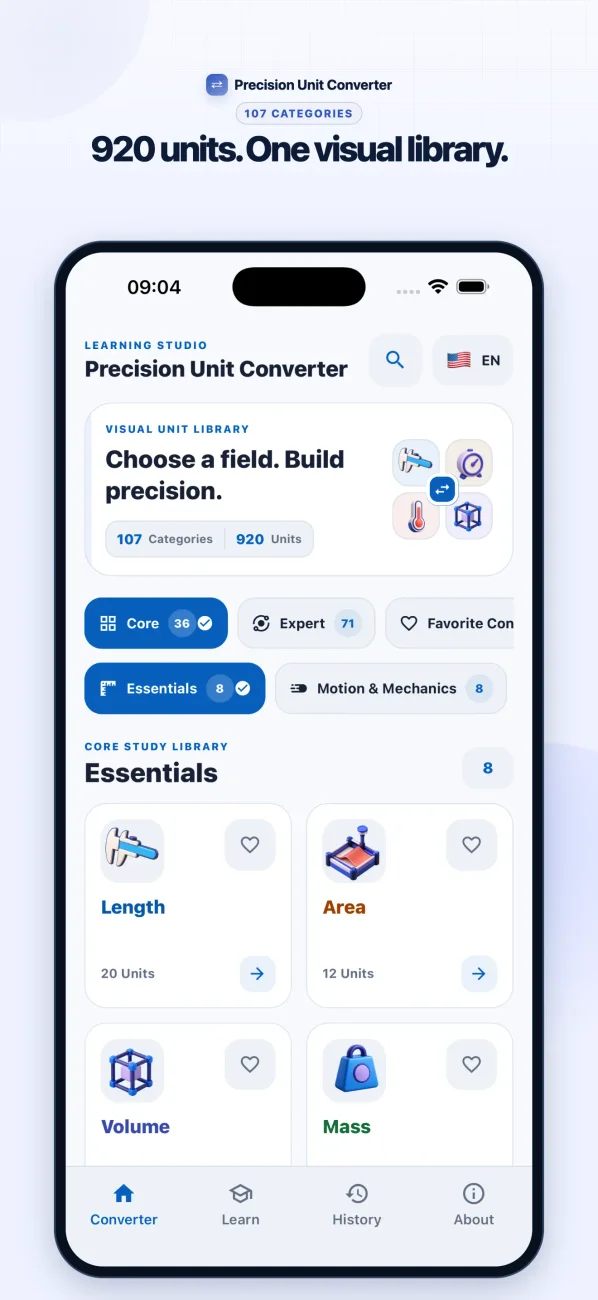
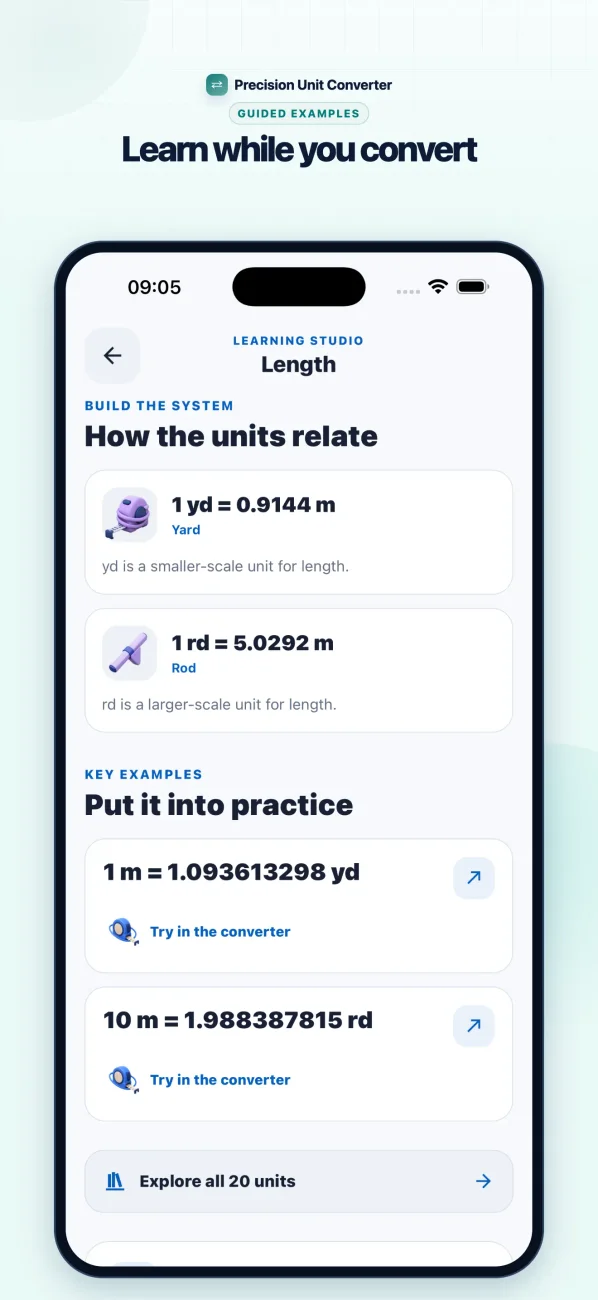
Precision Unit Converter makes measurement conversion easier to understand, faster to navigate, and more useful to learn from. It combines a high-precision converter with a visual library of 107 categories and 920 units, guided lessons, practice, search, favorites, and history.
CONVERT WITH CLARITY
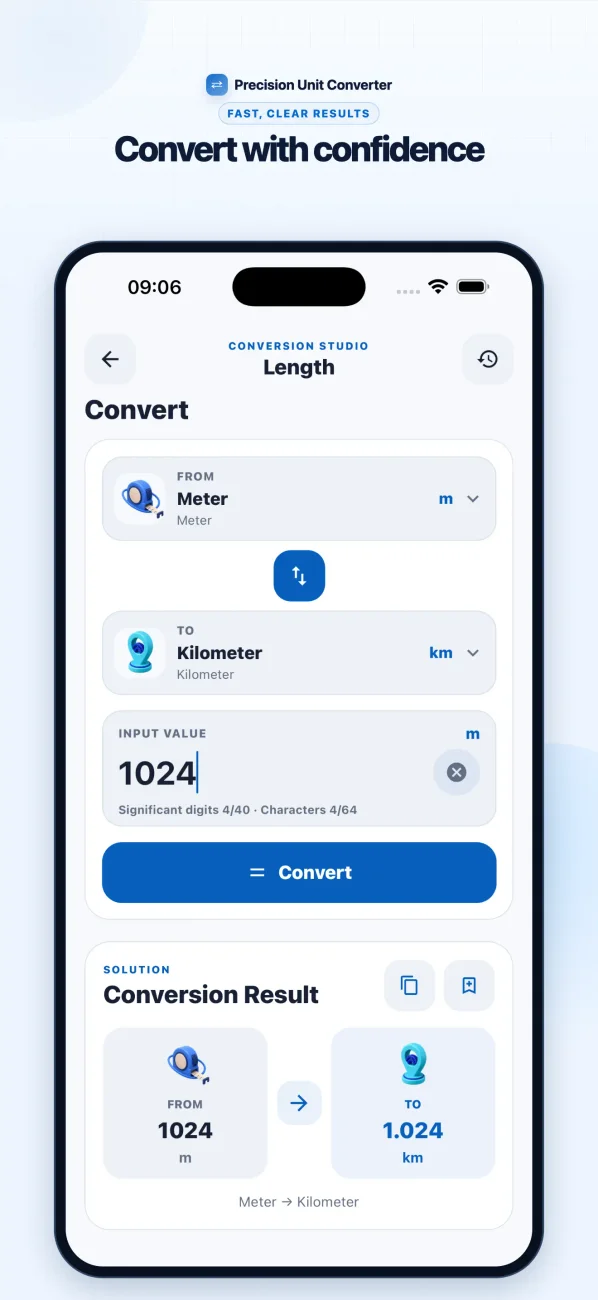
Choose a measurement category, select your From and To units, enter a value, and get a clean result. Swap units in one tap, copy the answer, or save the conversion for later. Illustrated unit selectors make long technical lists easier to scan.
The converter supports decimal and scientific notation, handles very large and very small values, and uses clear safeguards for long entries.
EXPLORE 107 CATEGORIES AND 920 UNITS
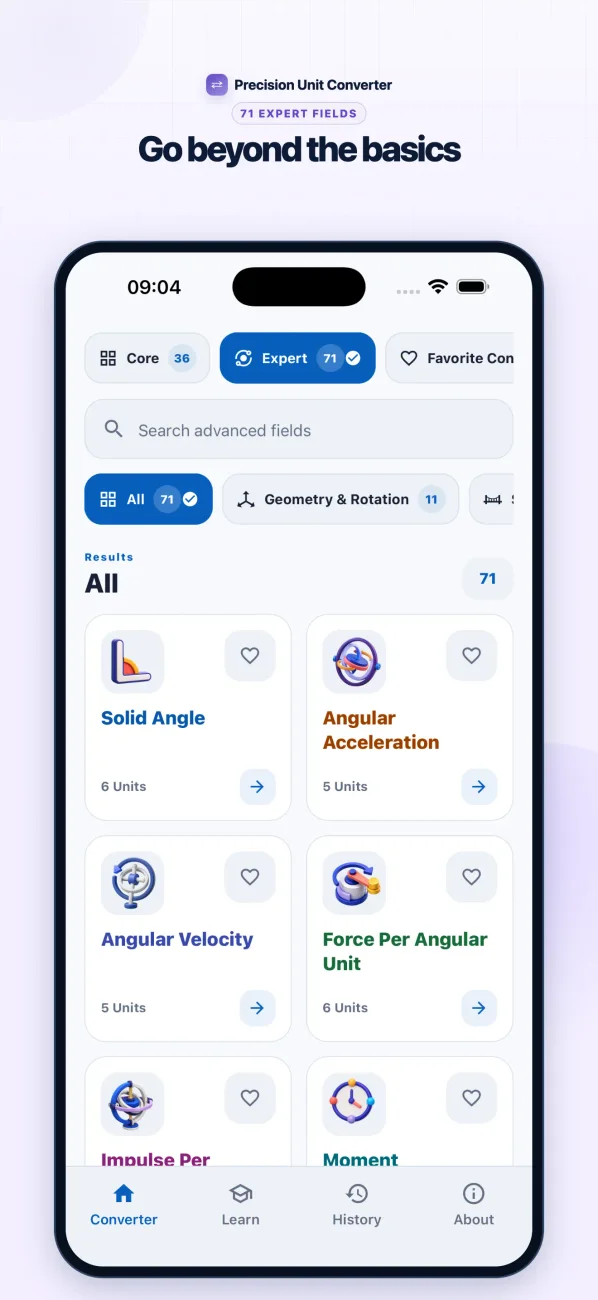
Start with familiar fields such as length, area, volume, mass, time, temperature, angle, speed, force, pressure, energy, power, current, and voltage. Then continue into specialized engineering and science topics including thermal transport, rotational mechanics, electric fields, magnetic systems, molar properties, fluid behavior, material response, and combustion.
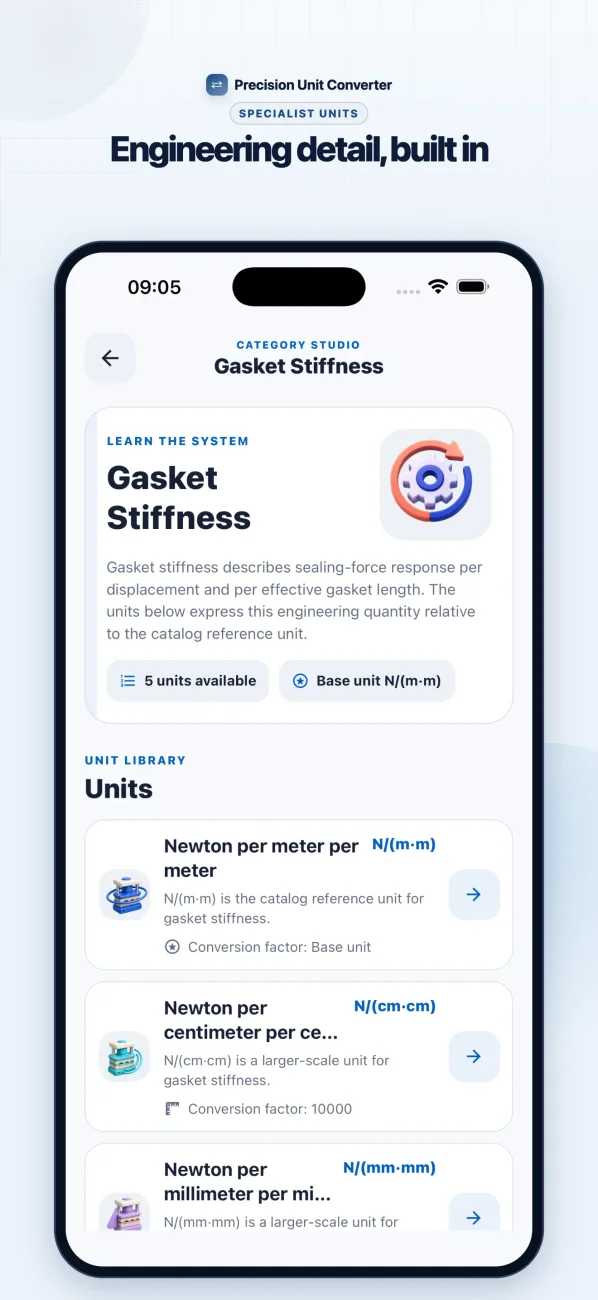
Core and Expert collections keep the catalog approachable. Each category has its own visual cover, and every unit has an individual illustration, name, symbol, category, and concise educational description.
SEARCH THE COMPLETE UNIT LIBRARY
Find a specific unit across the full 920-unit catalog instead of opening categories one by one. Search by localized name, English name, or symbol, then narrow results by Core, Expert, favorites, or category.
Open a unit profile to review its meaning, category, base unit, and a verified relationship to that base. From the same screen, set the unit as the starting value for a conversion or open its full category.
LEARN HOW THE SYSTEM WORKS
The Learn area turns the unit catalog into a structured course library. Browse five core subject groups and eight advanced groups, continue your most recent lesson, and track progress across all 107 categories.
Each lesson explains the category concept, identifies the base unit, introduces useful unit relationships, and presents calculated examples. When you are ready, complete the lesson and start a five-question practice session covering base-unit recognition, unit relationships, and numerical conversion.
Practice feedback appears after each answer. Passing results update your progress, while retry and review options make it simple to reinforce a topic without losing your place.
SAVE, RESTORE, AND COMPARE
Save useful results to Conversion History and return to them whenever needed. Each record keeps its category, starting unit, destination unit, input, output, and time. Reopen a record to restore the exact conversion setup, copy its value, remove one item, or clear the list.
Favorite categories stay easy to reach from the main library and remain available as filters in unit search.
A VISUAL TOOL FOR REAL WORK
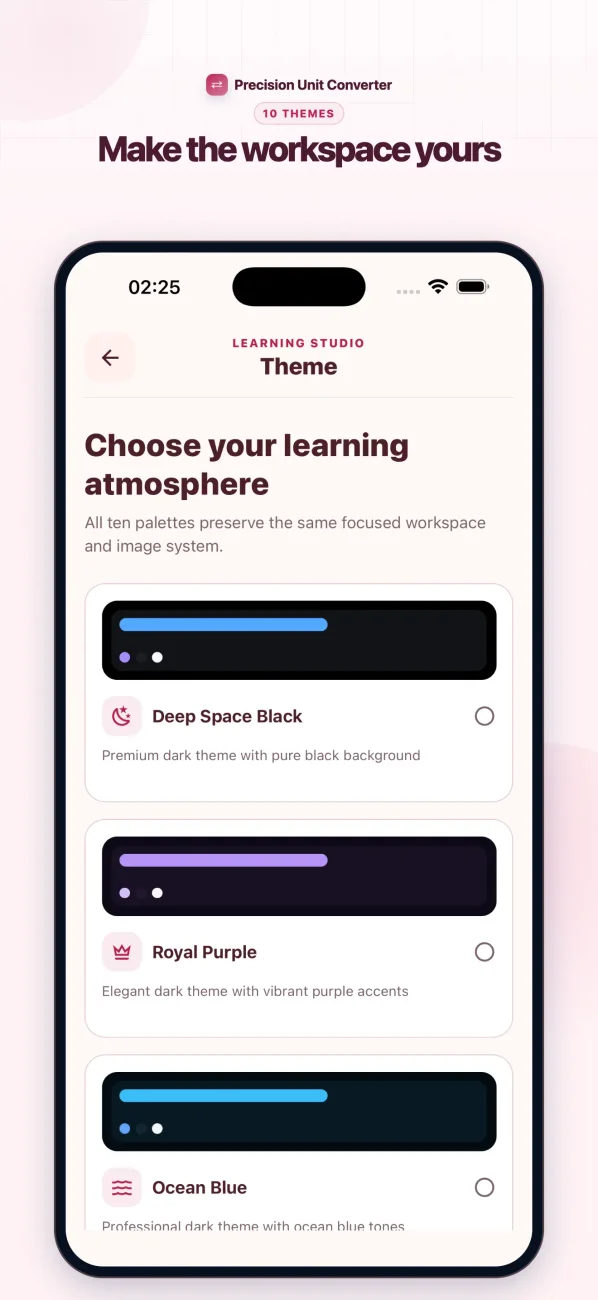
Clear hierarchy, large controls, searchable selectors, responsive layouts, and light or dark color themes help the interface stay readable during study or detailed technical work. The interface and educational content are available in English, German, Simplified Chinese, Korean, French, and Spanish.
Precision Unit Converter is useful for students, teachers, engineers, technicians, makers, travelers, cooks, and anyone who wants more context than a basic conversion box provides.
Convert a value when you need the answer. Open a lesson when you want to understand why it works.
What’s new
Version 2.2 · Aug 19, 2026
* Updated UI for better user experience and accessibility.
* Fixed minor bugs reported in the previous version.
* Added new features to enhance functionality and performance.
App privacy
What SimTeCon GmbH declares on the App Store about how this app handles data.
-
Data not collected
The developer does not collect any data from this app.
Privacy practices may vary, for example with the features you use or your age.
Information
- Seller
- SimTeCon GmbH
- Category
- Utilities
- Version
- 2.2
- Updated
- Aug 19, 2026
- Released
- Aug 9, 2024
- Size
- 59.8 MB
- Requires
- iOS 15.1 or later
- Age rating
- 4+
- Price
- $7.99
- Languages
- English
- Copyright
- © 2024 SimTeCon GmbH
You might also like
-
 Universal Unit Converter!단위·환율·금시세 실시간 변환
-
 Cut List Optimizer Plywood SawKerf-aware cuts, less waste
-
 Lucky Girl (Paid version)Random number generator
-
 Unit Converter AdvancedUtilities
-
 Energy AheadUtilities
-
 Accurate unit converter 2024Fast, simple, easy & ad-free
-
 Avenir SecoursUtilities
-
 Force Unit ConverterUtilities
-
 Unit Converter: UneatNo Ads/18 Categories/Widgets
-
 Lucky Girl (Lucky Number)Random number generator