
- Age rating4+
- CategoryShopping
- DeveloperPrelovd
- LanguagesEnglish
- Size39.7 MB
Links to the official App Store page
Download.org hosts no file of Prelovd. The button opens its official App Store page, published by Prelovd. Listing last checked on Nov 26, 2026.
Screenshots
About
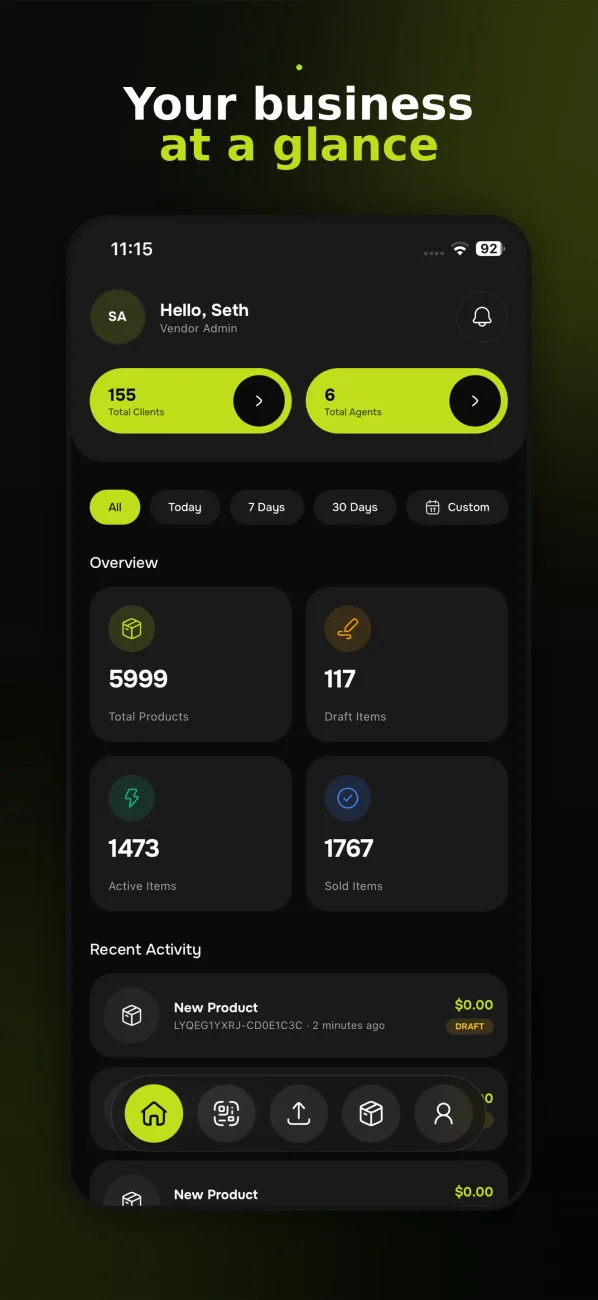
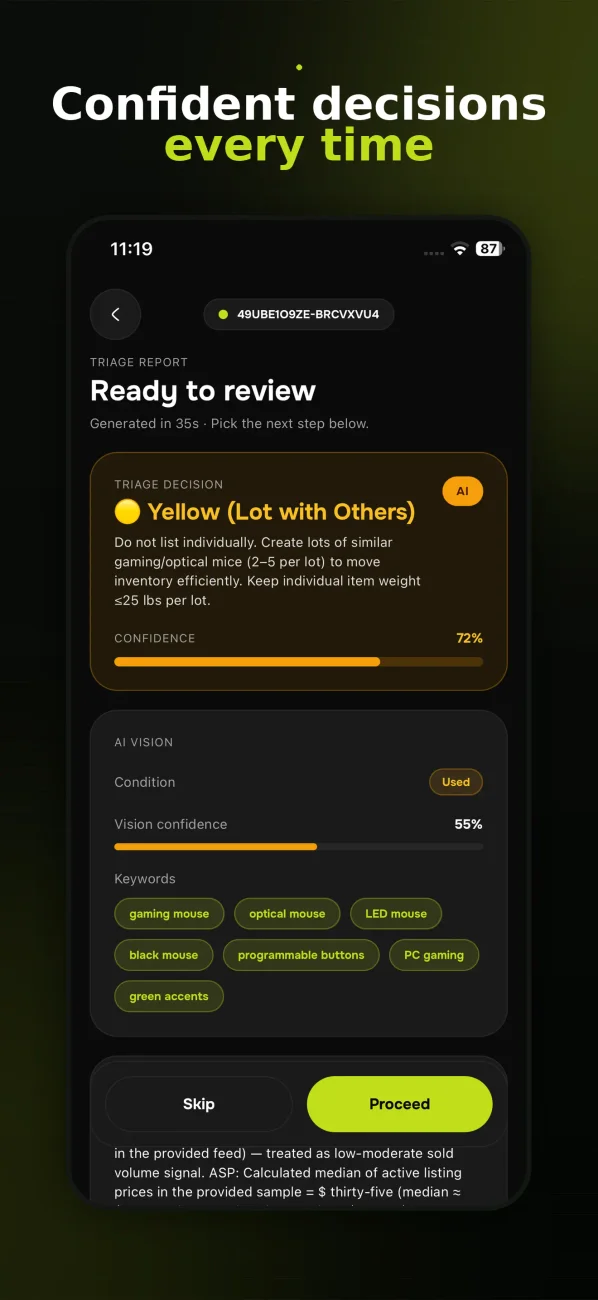
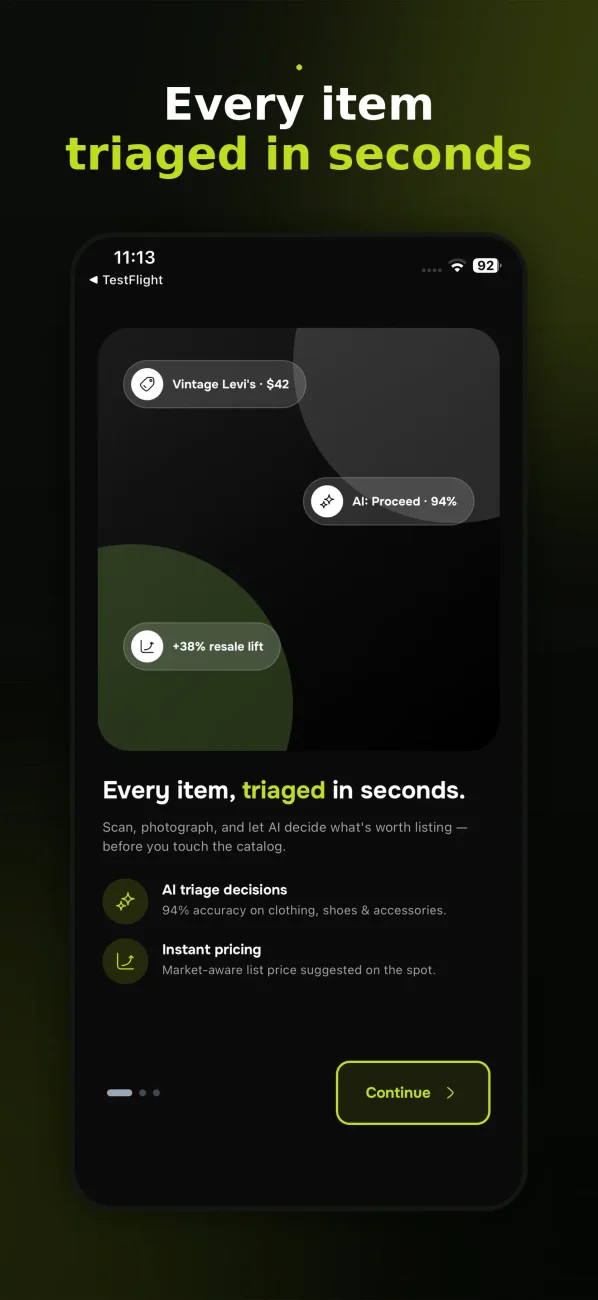
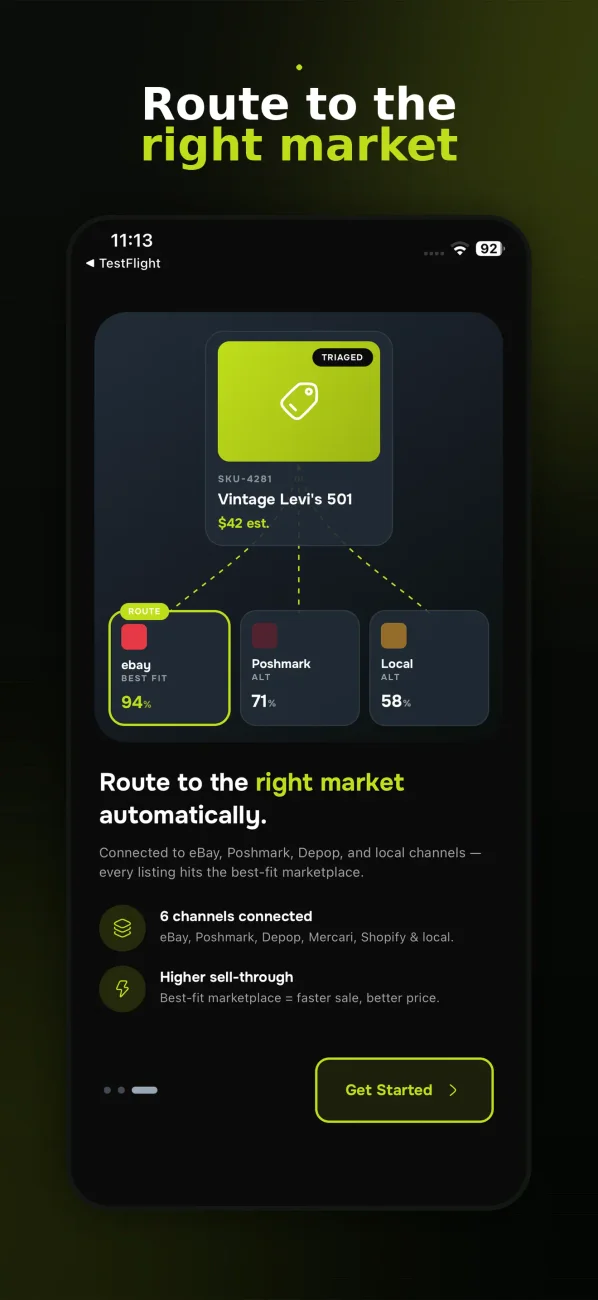
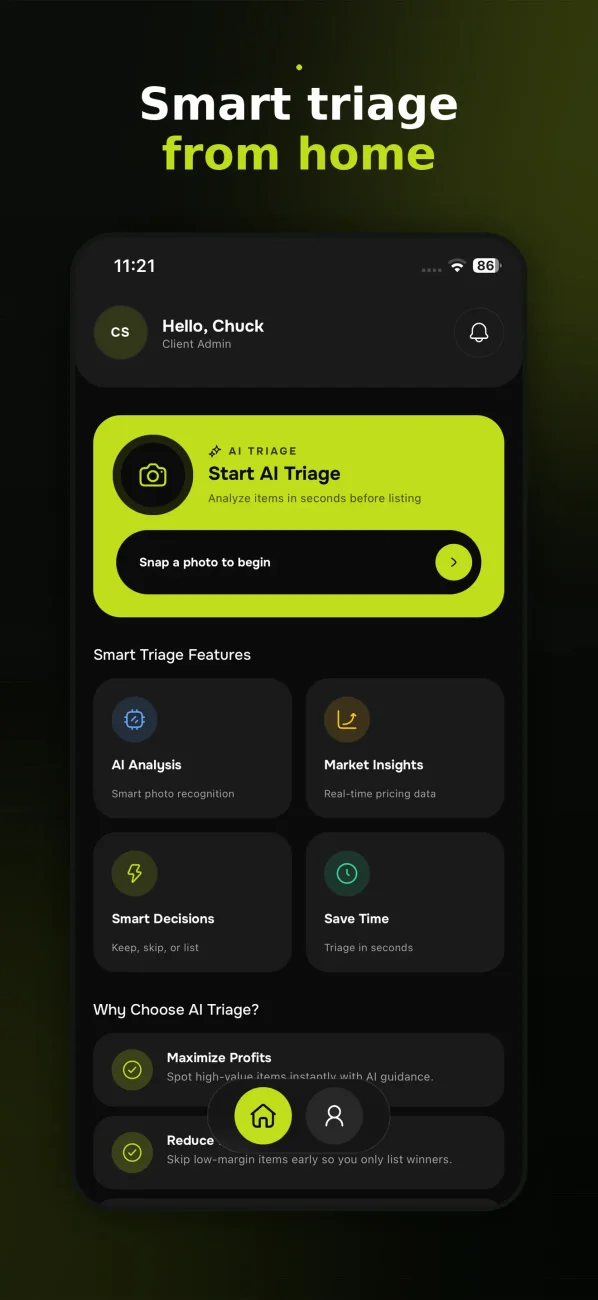
Prelovd is a comprehensive mobile application for buying and selling pre-loved items. The app features a vendor-focused experience with tools to streamline the process of listing and managing secondhand products.
Key features:
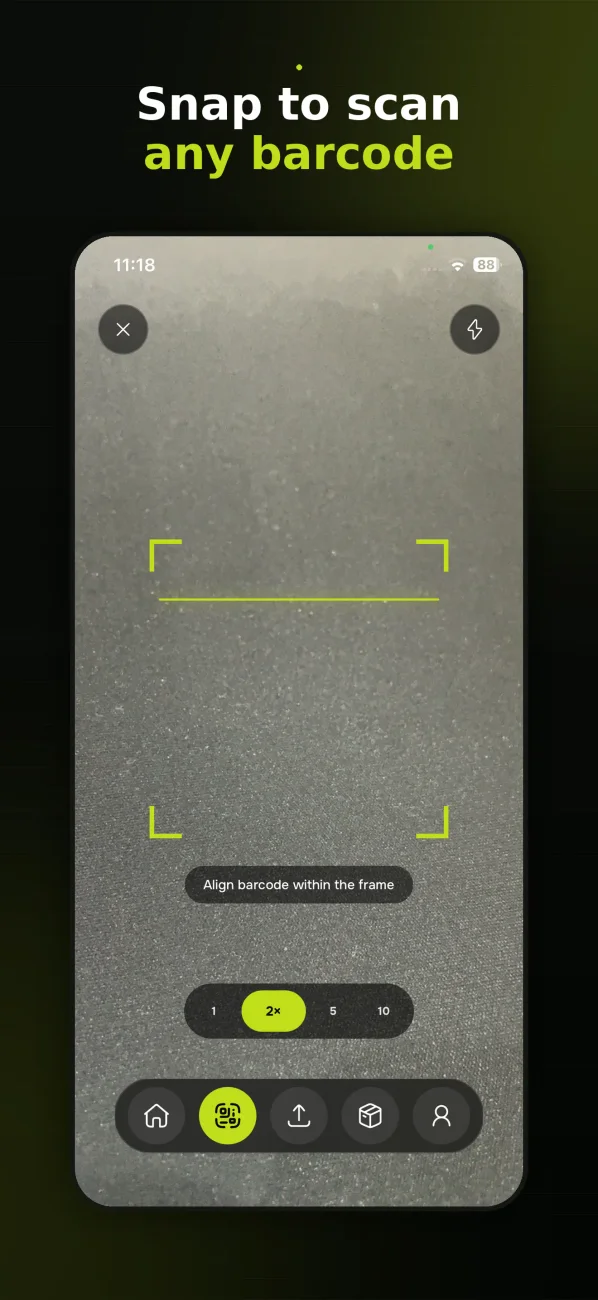
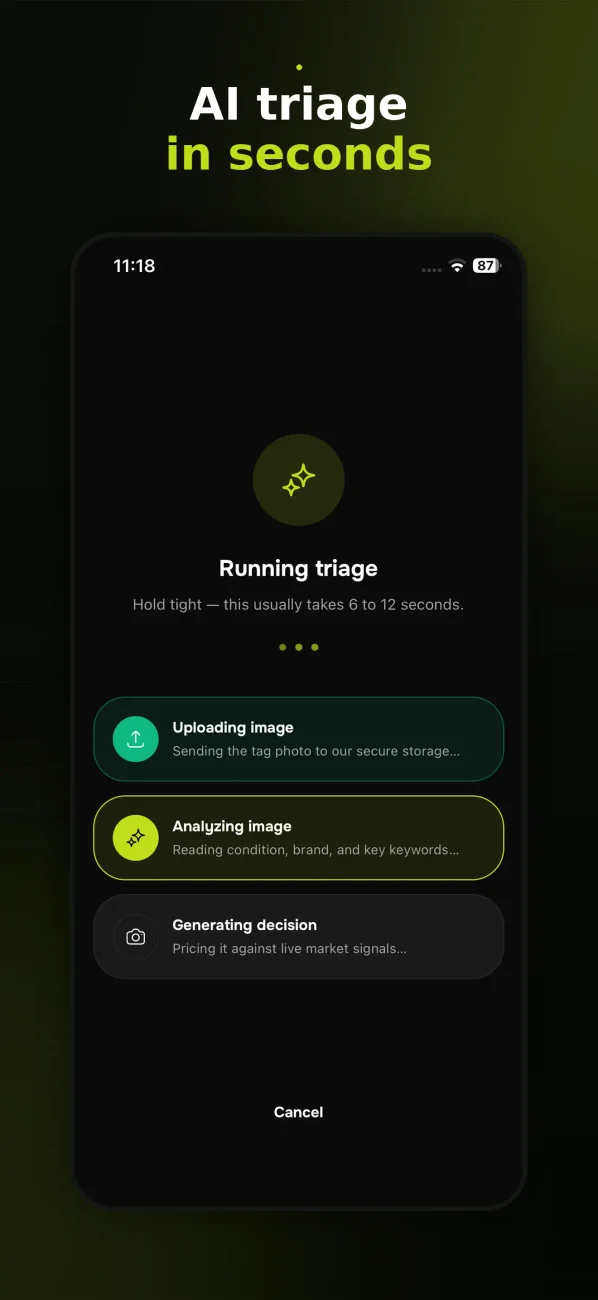
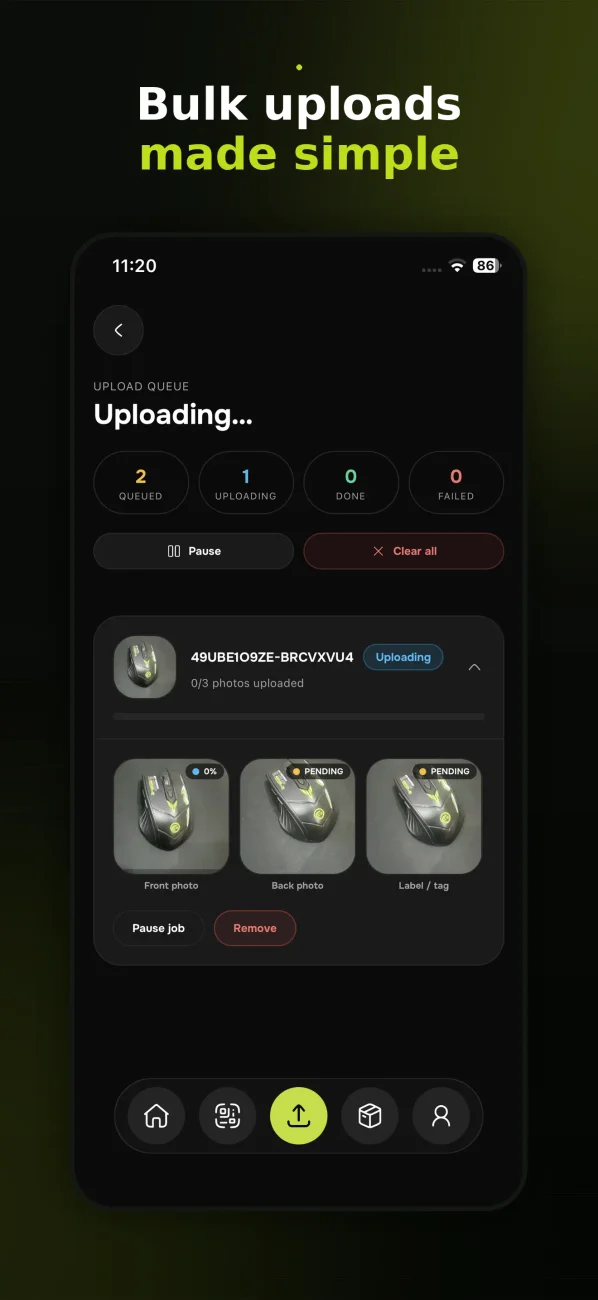
• Barcode scanning technology for quick product identification
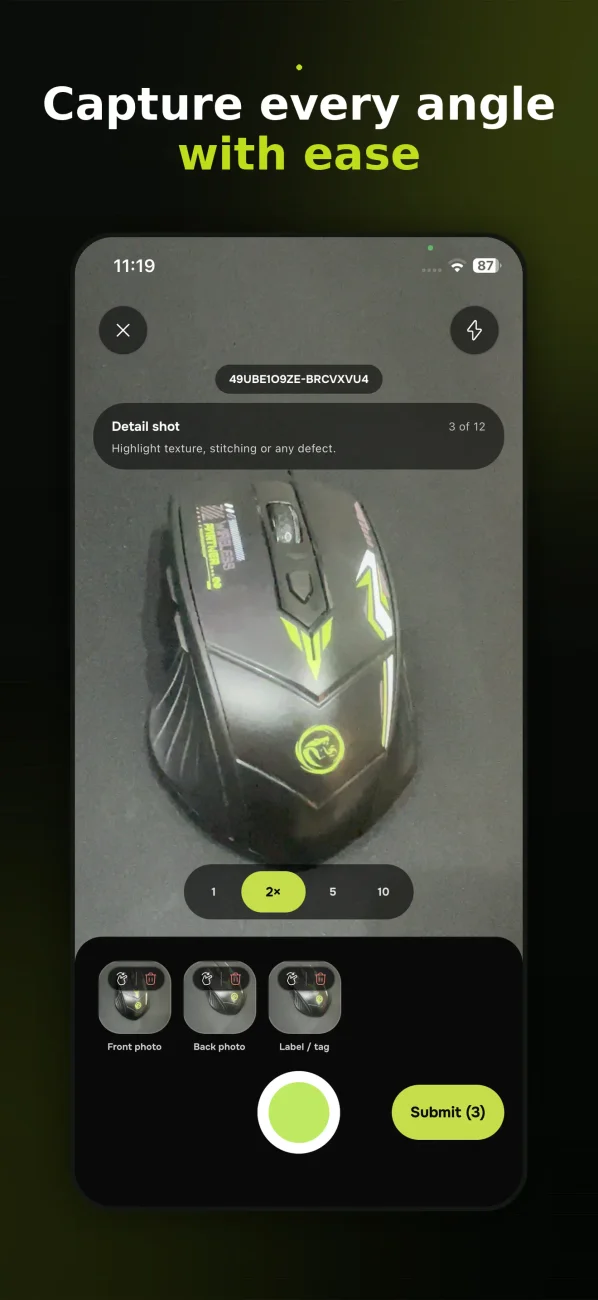
• Product photography tools with camera integration
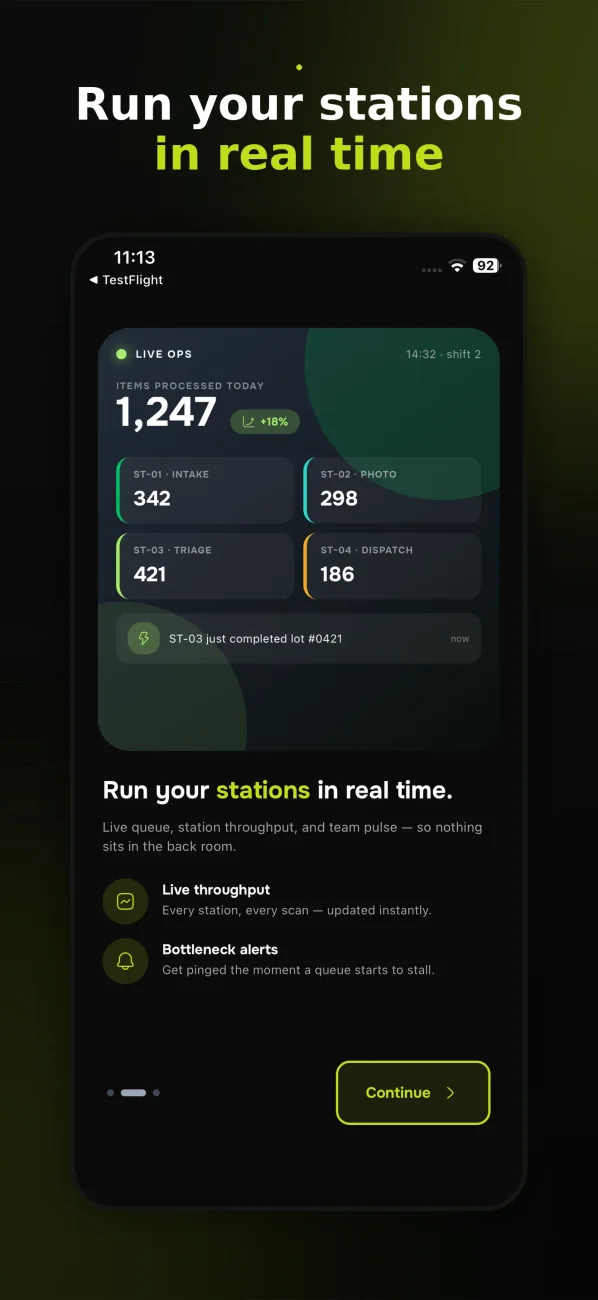
• Real-time queue management for processing items
• Robust user authentication system
• Push notifications to keep you updated on item status
• Clean and intuitive user interface with dark mode support
The app allows vendors to scan product barcodes, take high-quality photos, and efficiently process items in their queue. With built-in background processing capabilities, My Prelovd helps you manage your inventory even when the app isn't in active use.
Perfect for resellers, thrift stores, and anyone looking to participate in the circular economy by giving pre-loved items a new home.
Download Prelovd today and join our community committed to sustainable fashion and reducing waste through secondhand commerce.
What’s new
Version 35.0 · Nov 25, 2026
1. Purge Pull List: vendor admins and vendor agents open it from Inventory, pick a bucket or All Buckets, and walk the items waiting to be pulled in rack, shelf and box order.
a. Pull an item by ticking its row or scanning its label. Type It Instead takes the SKU by hand when a label will not scan, and the item moves into the bin of its bucket.
b. Can't Find reports an item as missing for an admin to review. Push Back sends it back for review with a reason: Wrong Bucket, Looks Sellable, Damaged, or Other with a note.
c. To Pull and Pulled tabs, with the progress on each. The Pulled tab lists every pulled item, newest first, and puts one back on its shelf or in its box.
d. Item photos open in a viewer with pinch to zoom, so an item can be matched before it is pulled.
2. Photo Issues: vendor admins and vendor agents see the photo flag raised on an item from the web, with its reasons, its note and who flagged it.
a. Products has an All Items and Photo Issues switch above the search that combines with the status chips. Flagged items carry a Photo Issue or Re-Check pill in the list and the grid.
b. Product detail and Search Item show the flag with Retake Photos, which opens Edit Images. New photos send the item for a re-check.
c. Re-shelf checks every scan: an item with an open photo issue stays out of the batch, with Retake Photos or Set Aside, and the rest of the batch is kept.
3. Grouped menus: Services, Inventory and Station Management list their actions in sections with a one line description each. Purge has its own section in Inventory.
4. Vendor home: the Intake card labels each day of the week and shows today against yesterday, 30 day views and live watchers share one line, and the Clients and Agents counts sit on one slim strip.
App privacy
What Prelovd declares on the App Store about how this app handles data.
-
Data not collected
The developer does not collect any data from this app.
Privacy practices may vary, for example with the features you use or your age.
Information
- Seller
- Prelovd Llc
- Category
- Shopping
- Version
- 35.0
- Updated
- Nov 25, 2026
- Released
- Apr 28, 2025
- Size
- 39.7 MB
- Requires
- iOS 15.1 or later
- Age rating
- 4+
- Price
- Free
- Languages
- English
- Copyright
- © Prelovd
You might also like
-
 BuyerMate - Track & SellManage inventory & sales
-
 Snag - Marketplace for studentShopping
-
 DuoGain Buy & Sell MarketplaceNo fees to buy, list and sell
-
 Sprinkle Your Day BoutiqueShopping
-
 Home FolkShopping
-
 Thrift Hunt: Resale Scanner AIItem Value Identifier & Profit
-
 Ella Chic BoutiqueShopping
-
 Olive & Ave Clothing BoutiqueShopping
-
 ThriftSmart AIAI Thrifting Tool
-
 SnapWorth: Thrift Resale ValueWhat's It Worth? Price Checker