
PrimeTimeline
AI-Powered Browsing Analytics
Designed for iPhone
Free · In-app purchases
- Age rating4+
- CategoryUtilities
- DeveloperTakayuki Hamuro
- LanguagesEnglish+ 1 more
- Size4.0 MB
Links to the official App Store page
Download.org hosts no file of PrimeTimeline. The button opens its official App Store page, published by Takayuki Hamuro. Listing last checked on Nov 18, 2026.
Screenshots


About
PrimeTimeline automatically classifies and analyzes your Safari browsing history with AI, turning your web activity into meaningful insights.
■ Timeline
View your daily browsing records chronologically. See what you visited and for how long at a glance.
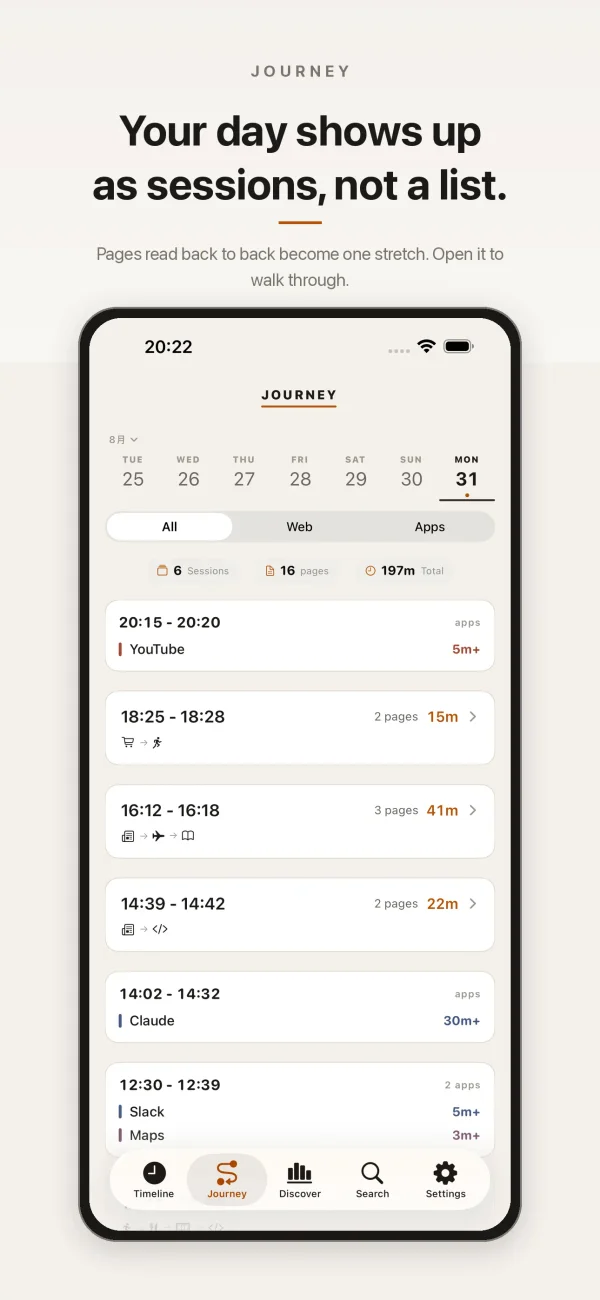
■ Journey
Retrace your browsing flow in order. Understand how you navigated the web throughout the day.
■ AI Analysis (Apple Intelligence)
• Daily and weekly AI summary reports
• Automatic browsing pattern detection
• Keyword cloud to visualize your interests
• Topic map to discover thematic connections
• AI chat to ask questions about your browsing data
■ 17 Auto-Classified Categories
Work, Development, Learning, News, Entertainment, Gaming, Shopping, Social, Communication, Finance, Health, Travel, Food, Sports, Government, Reference, and Other — all sorted automatically by AI.
■ Smart Notifications
• Daily summary notifications (customizable time)
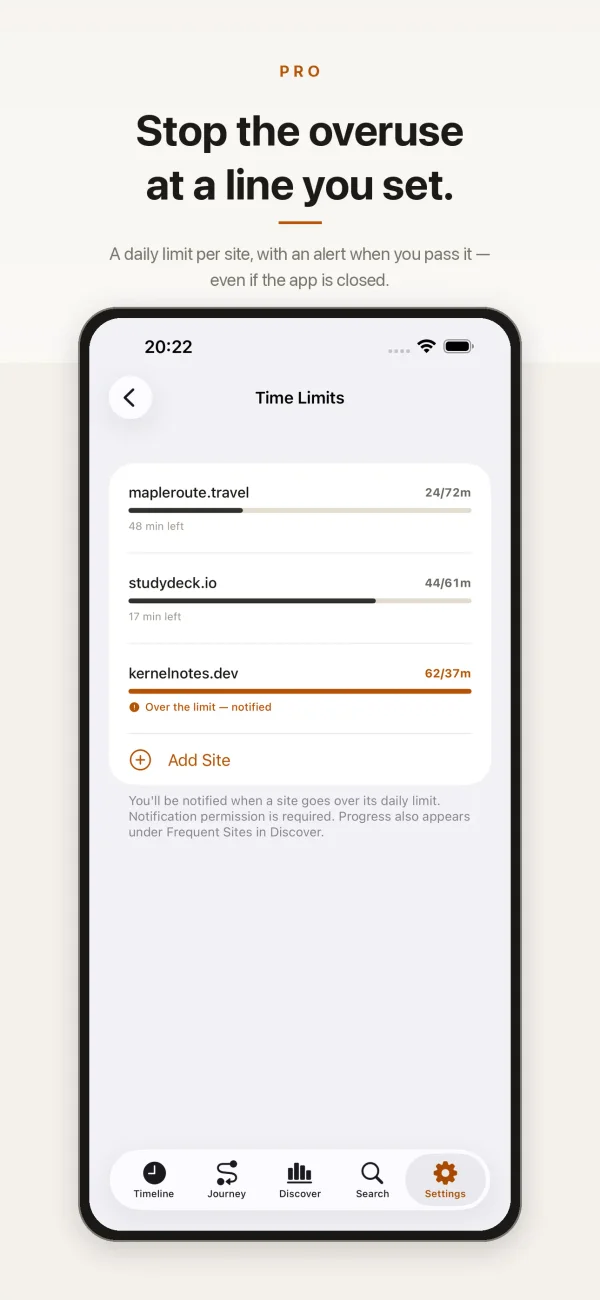
• SNS overuse alerts
■ Privacy First
All data is stored on your device only. Nothing is ever sent to external servers. AI analysis runs entirely on-device via Apple Intelligence.
■ More Features
• Home Screen widgets
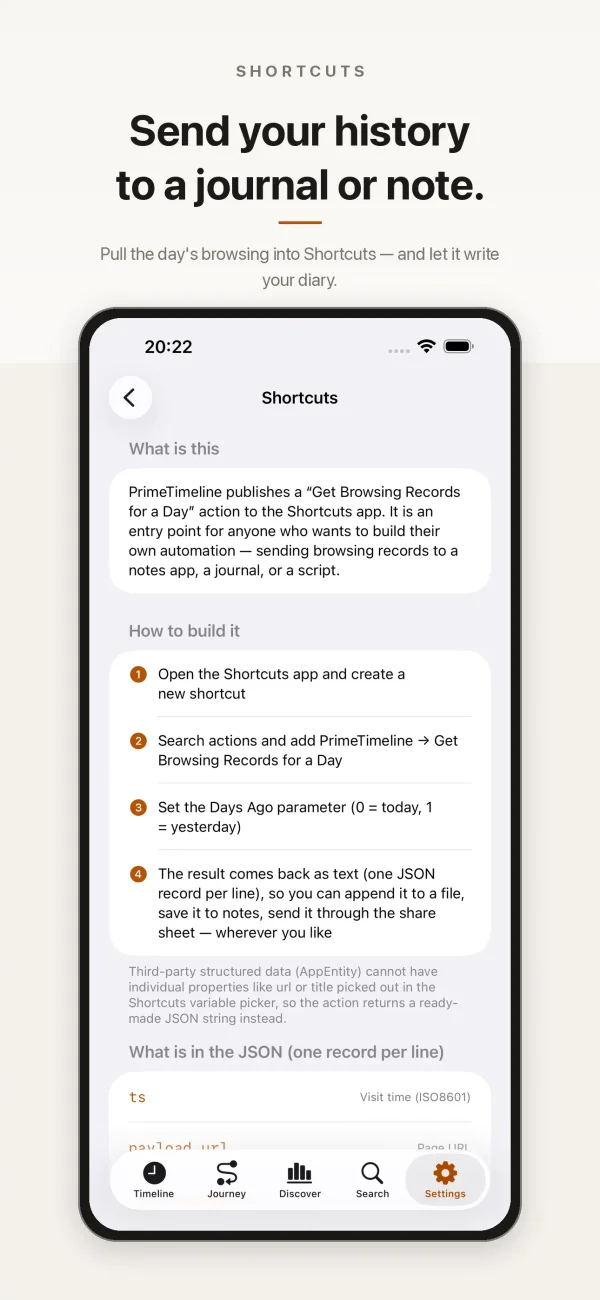
• Siri Shortcuts support
• Focus Mode filters
• Japanese/English language support
• 90-day data retention
What’s new
Version 1.2.0 · Sep 2, 2026
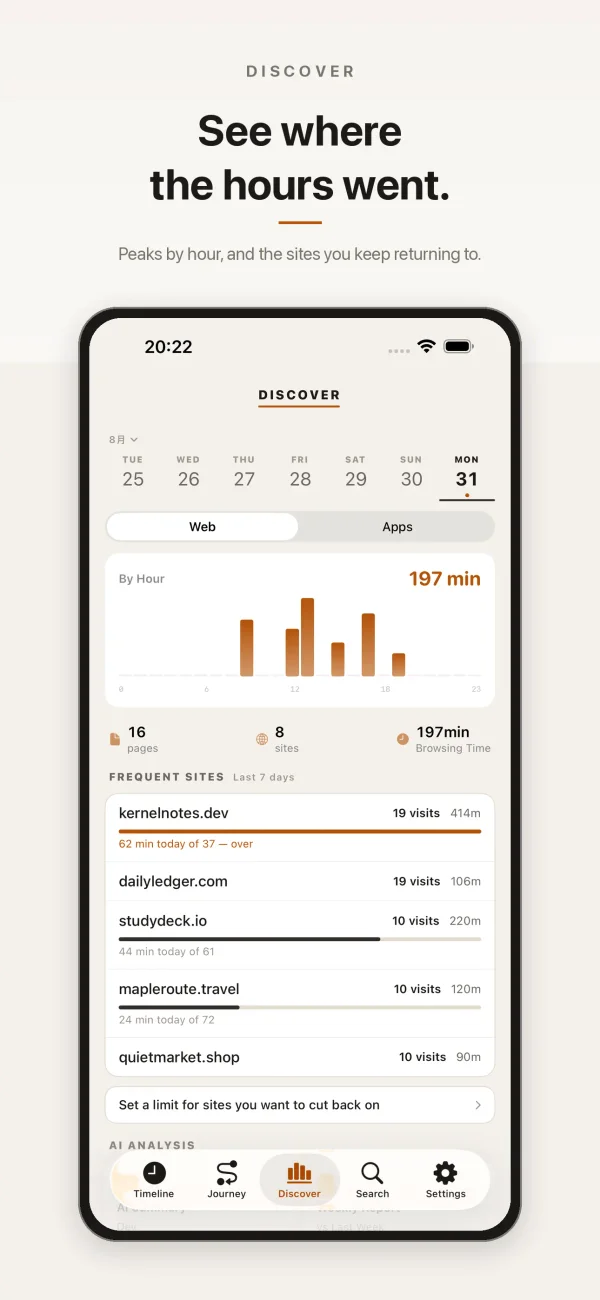
See how long you spend in your apps (Pro)
- Added "App Usage" to Discover - see which apps you used, when, and for how long, on the same screen as your browsing
- Hourly chart - pick an app to see when you were in it that day
- Choose which apps to count in Settings (Screen Time permission is required)
- Fixed an issue where usage time could be shown as much longer than it actually was
App privacy
What Takayuki Hamuro declares on the App Store about how this app handles data.
-
Data not linked to you
May be collected but is not linked to your identity.
- Usage data
Privacy practices may vary, for example with the features you use or your age.
Information
- Seller
- Takayuki Hamuro
- Category
- Utilities
- Version
- 1.2.0
- Updated
- Sep 2, 2026
- Released
- Mar 18, 2026
- Size
- 4.0 MB
- Requires
- iOS 26.0 or later
- Age rating
- 4+
- Price
- Free
- In-app purchases
- Yes
- Languages
- English, Japanese
- Copyright
- © @Taka 2026
You might also like
-
 FatePickDecide Smart
-
 TAMPIQ: Phone ProtectionUtilities
-
 Elselet: Private BrowserLocked by its own password
-
 OrbitX BrowserPrivate browser, no tracking
-
 History LibSave your browser histories
-
 Content CloakBrowse web on your own terms
-
 Happy Browser by WokCodePrivate Web Browser
-
 PiP Browser ProUtilities
-
 NAS VistaNAS Universal File Browser
-
 Capsule BrowserPrivate Isolated Web Apps