Print: Smart Wireless Printer
Photo & PDF Scanner, Airprint
Designed for iPhone, iPad
Free · In-app purchases
- Age rating4+
- CategoryProductivity
- DeveloperMuhammad Aizaz
- LanguagesEnglish+ 30 more
- Size116.1 MB
Links to the official App Store page
Download.org hosts no file of Print: Smart Wireless Printer. The button opens its official App Store page, published by Muhammad Aizaz. Listing last checked on Nov 17, 2026.
Screenshots


About
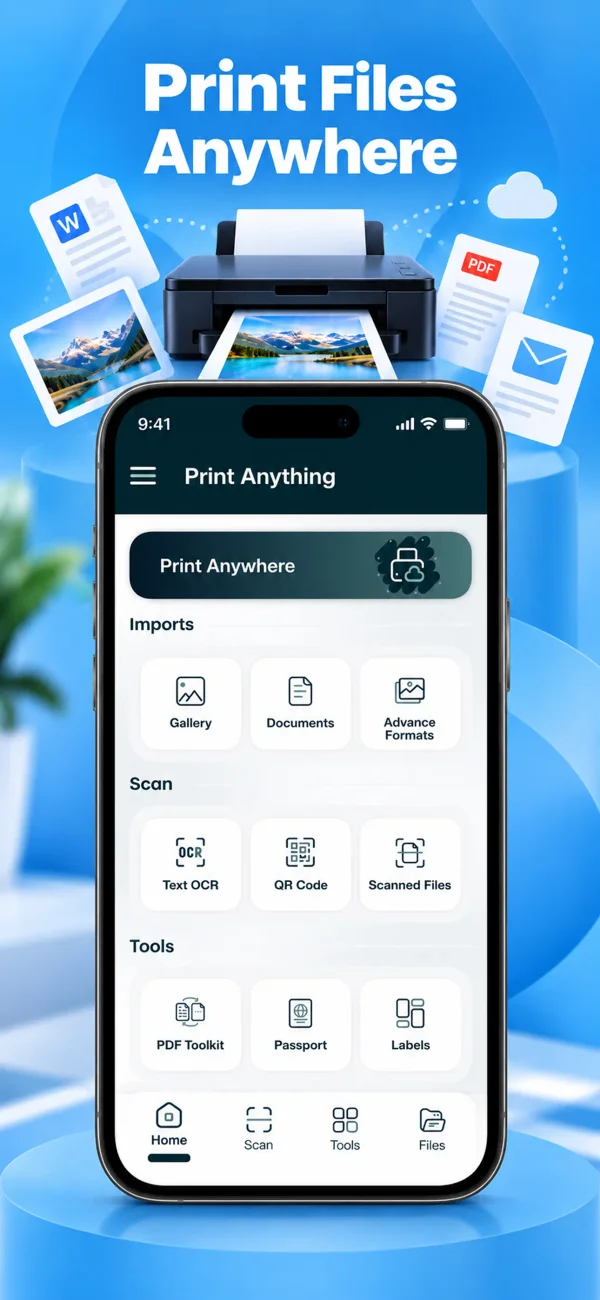
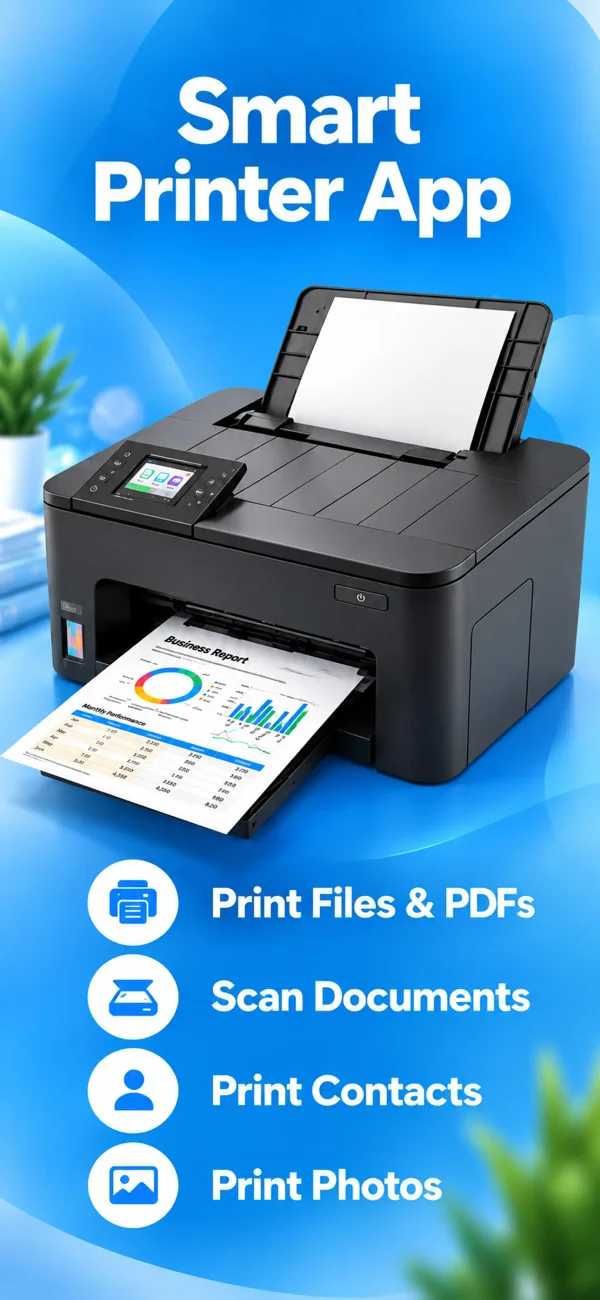
Print photos and documents from your iPhone in seconds — no cables, no computer. Scan IDs, passports and paperwork straight to PDF, then print or share them anywhere.
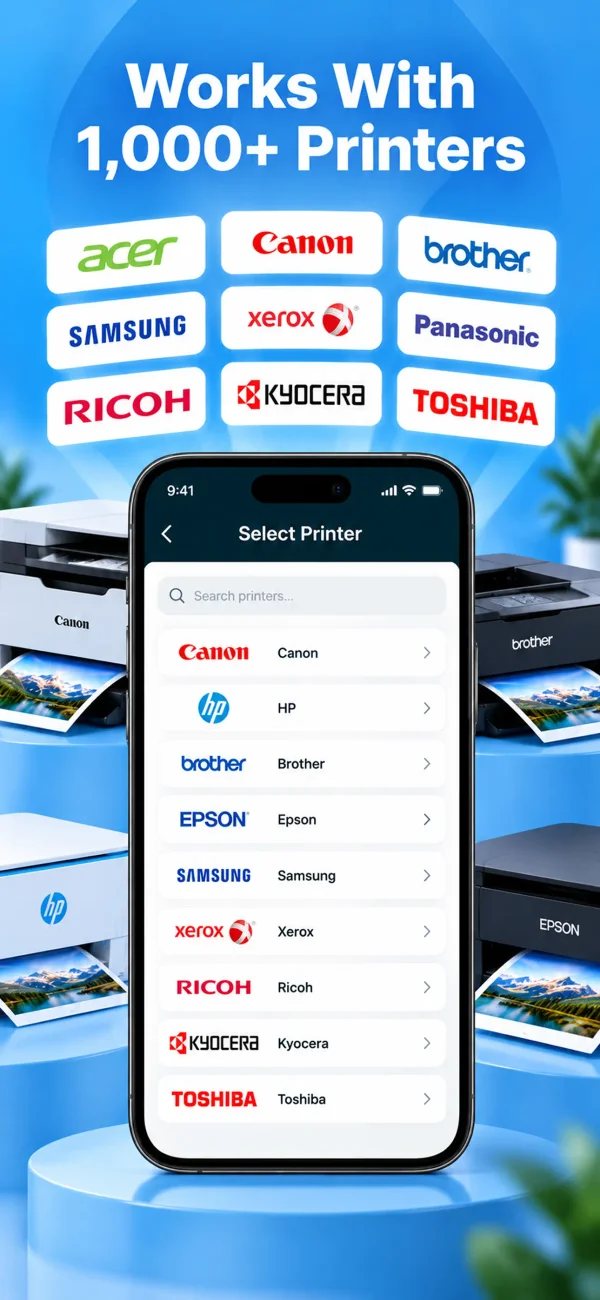
WORKS WITH YOUR PRINTER
Connects over Wi-Fi to any AirPrint-enabled printer — HP, Canon, Epson, Brother and more. Nothing to install, no drivers to hunt down.
PRINT ANYTHING
• Photos, PDFs, Word, Excel and PowerPoint files
• Web pages, contacts, notes and clipboard text
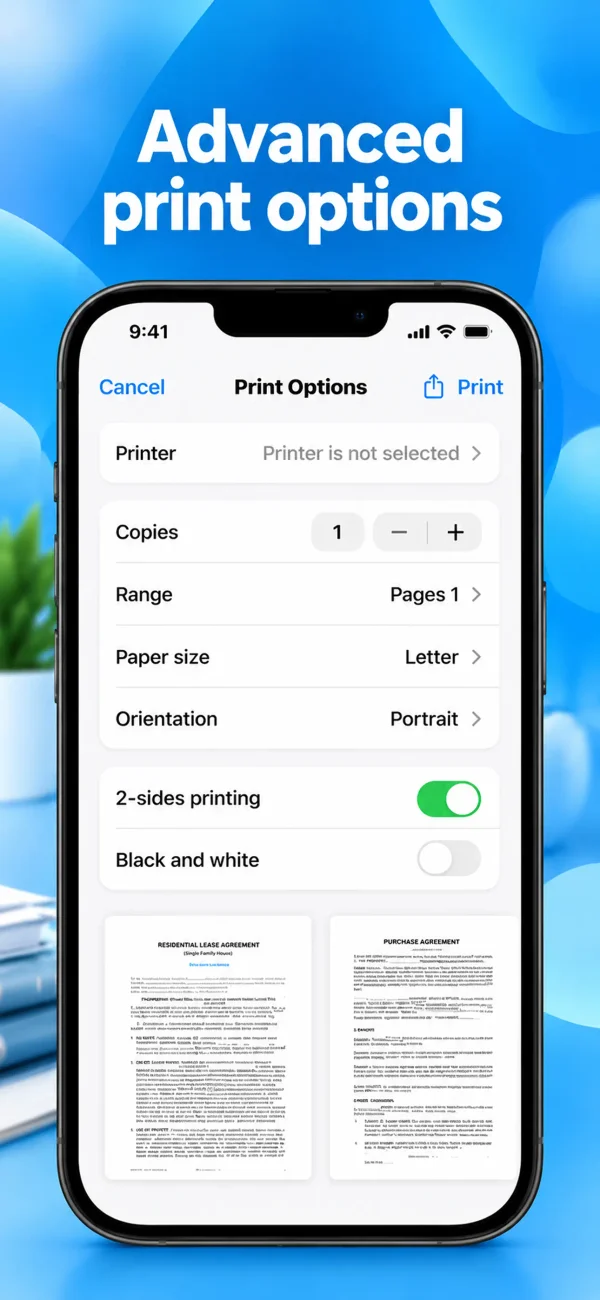
• Pick paper size, layout, page range and color before you print
SCAN TO PDF
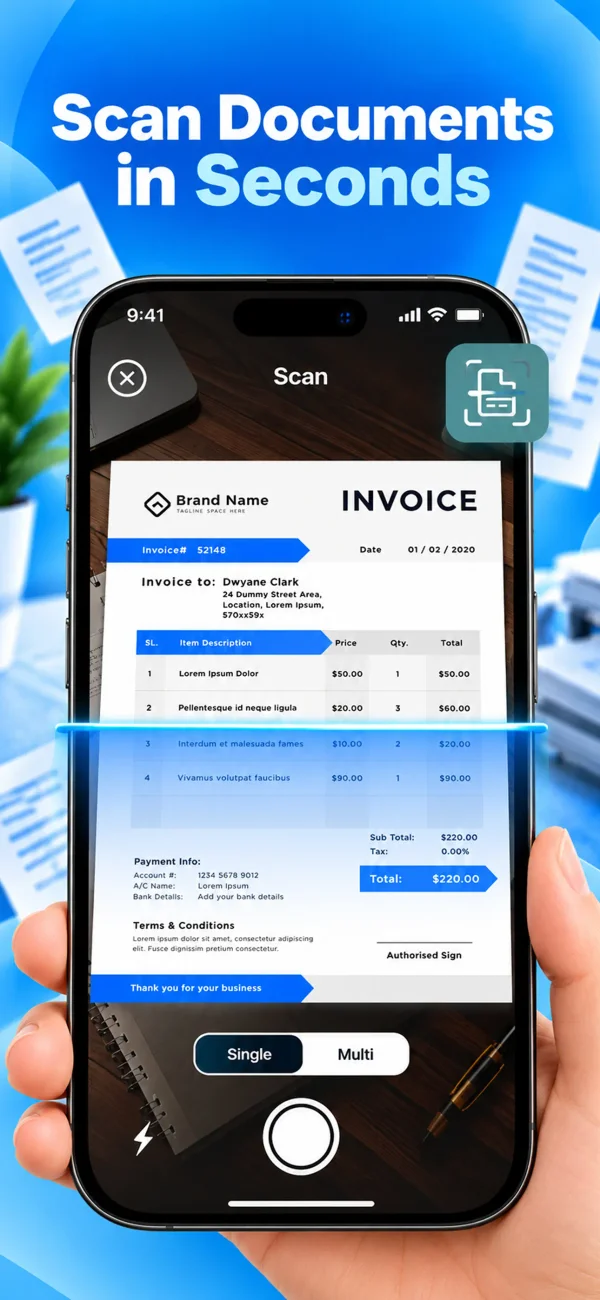
Turn your camera into a document scanner. Automatic edge detection and smart cropping keep every page straight and sharp.
• Documents, receipts and handwritten notes
• ID cards, passports and books
• Save as PDF or image and share instantly
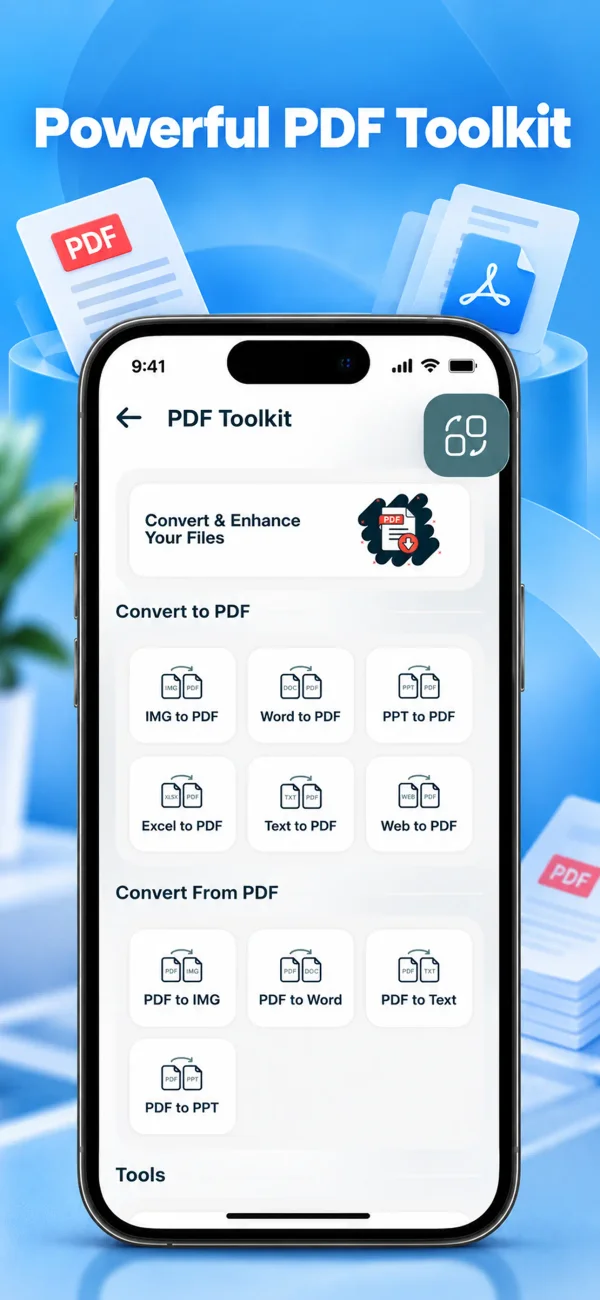
PDF TOOLKIT
• Convert Word, Excel, PowerPoint and images to PDF
• Merge several files into one document
• Compress, reorder and delete pages
• Pull the text out of any scan with OCR
SIGN AND PERSONALIZE
• Sign documents and add your own stamps
• Make labels, calendars and posters
• Print photos as framed prints
1,000+ PRINTABLES
Coloring pages, worksheets, planners, calendars and party printables, ready to print at home.
PRINT FROM ANYWHERE
Open files straight from Google Drive, Dropbox or your own device.
PRIVACY
Your files stay on your device. We never upload or store your documents.
SUBSCRIPTION
Smart Printer offers a weekly and a yearly subscription with unlimited printing, scanning and PDF tools. Payment is charged to your Apple ID account at confirmation of purchase. Subscriptions renew automatically unless cancelled at least 24 hours before the end of the current period. You can manage and cancel subscriptions in your App Store account settings.
Privacy policy
https://janbark.com/privacy_policy.html
Terms of use
https://janbark.com/ios-apps/ios_products_tos.html
What’s new
Version 5.1 · Nov 3, 2026
• 1,000+ new printables added
• Scan anything — documents, IDs, passports and books
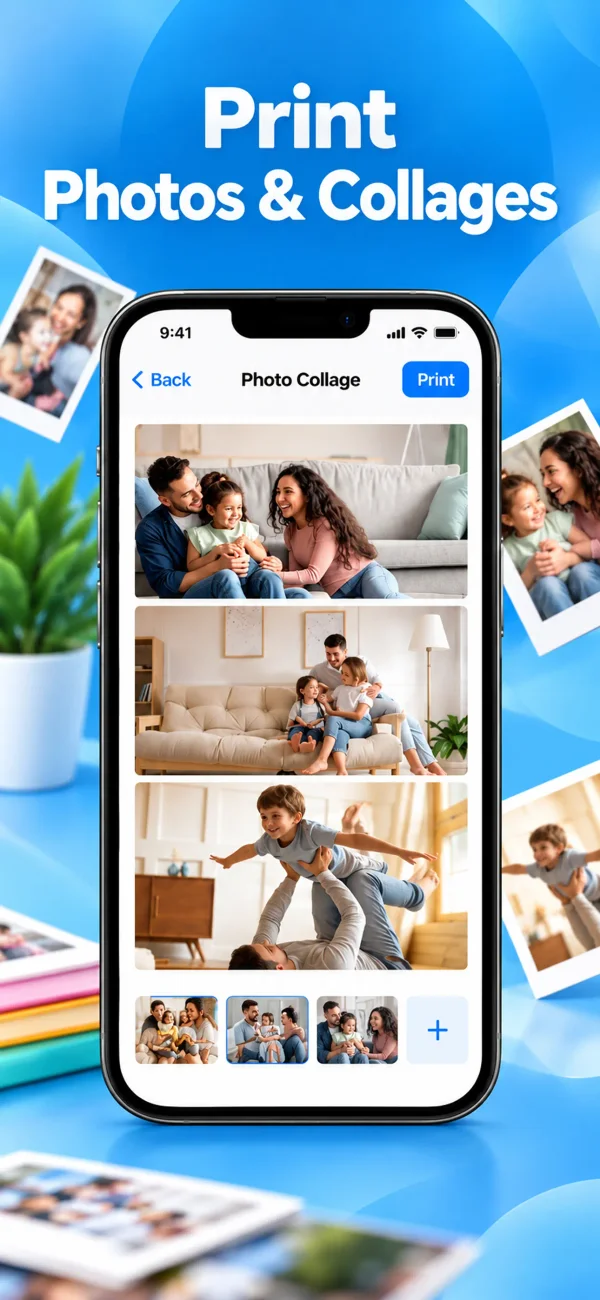
• Print photos, collages and posters
• Faster Wi-Fi printing and quicker printer detection
• Bug fixes and performance improvements
App privacy
What Muhammad Aizaz declares on the App Store about how this app handles data.
-
Data used to track you
May be used to track you across apps and websites owned by other companies.
- Location
-
Data linked to you
May be collected and linked to your identity.
- Location
Privacy practices may vary, for example with the features you use or your age.
Information
- Seller
- Muhammad Aizaz
- Category
- Productivity
- Version
- 5.1
- Updated
- Nov 3, 2026
- Released
- May 16, 2024
- Size
- 116.1 MB
- Requires
- iOS 16.0 or later
- Age rating
- 4+
- Price
- Free
- In-app purchases
- Yes
- Languages
- English, Arabic, Catalan, Croatian, Danish, Dutch, Finnish, French, German, Greek, Hebrew, Hindi + 19 more
- Copyright
- Copyright © 2022 JanBark Technologies. All rights reserved.
You might also like
-
 Universal TV Remote |Control for Smart TV
-
 PDF Document Scanner & OCRScan ID, Photos & Convert
-
 PDF Editor & Files ConverterConvert & Compress Documents
-
 PDF Converter: Convert・ScannerScan・Document, Photos, FIles
-
 PDF Scanner: Scanning DocumentScan Documents, PDF to Voice
-
 Auto Clicker: Click & Tap ToolAutoclicker・Automatic Tapper
-
 Hearing Aid App: Sound BoosterAudio Amplifier & Volume Boost
-
 AI Note Taker - Audio to TextTranscribe Voice, Notes Taking
-
 PDF Converter・Scanner・Editor・Scan Documents・Convert & Edit
-
 Hacker Antispy, Phone PrivacyProsec: Check Wifi & Phone App