- Age rating4+
- CategoryProductivity
- DeveloperMarco Petrucci
- LanguagesEnglish
- Size4.2 MB
Links to the official App Store page
Download.org hosts no file of Printa. The button opens its official App Store page, published by Marco Petrucci. Listing last checked on Nov 10, 2026.
Screenshots


About
Printa is a nifty iOS app for printing photos and PDF files with compact Bluetooth thermal printers, including many mini thermal printers, cat printers, and affordable portable models.
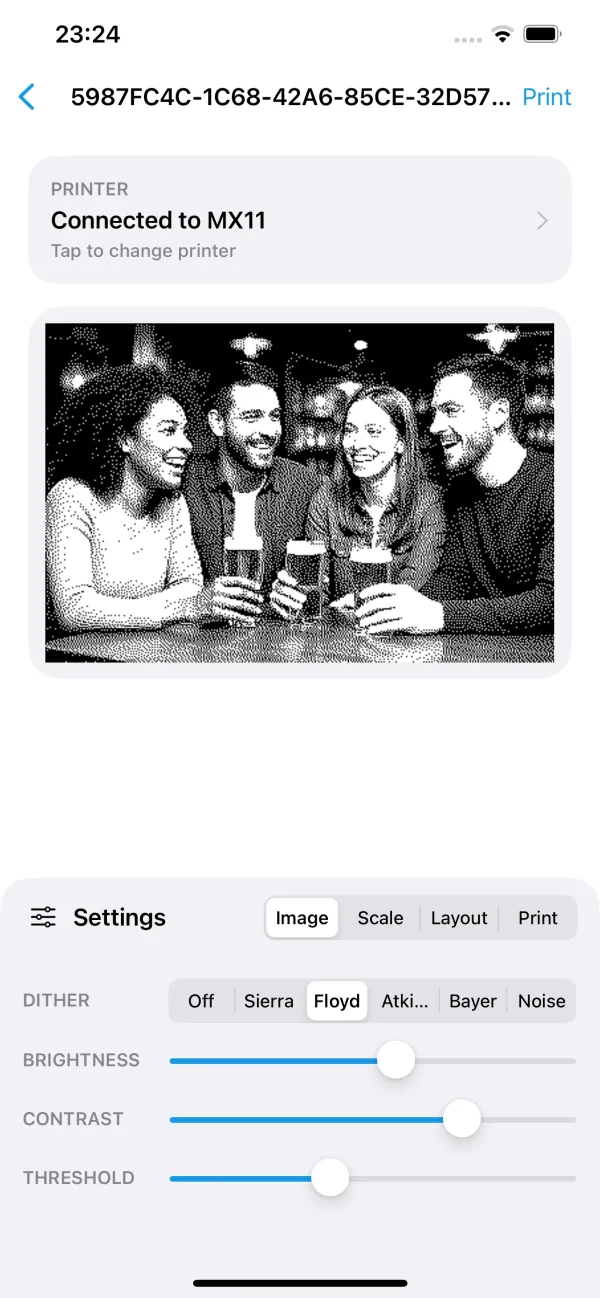
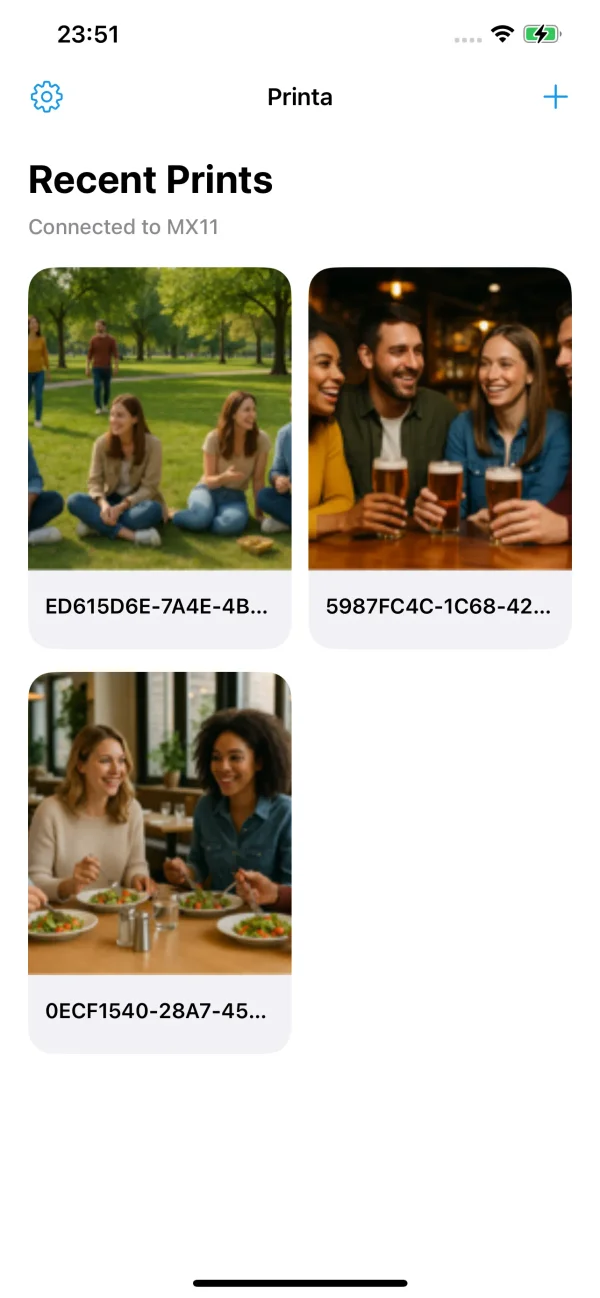
Import a photo or PDF, adjust the print options, and print directly from the app. You can also print from other apps using the iOS share menu, thanks to Printa’s integrated share extension.
Printa is made for straightforward printing with practical controls. The app can automatically reconnect to your printer and includes useful options to tune the final result before printing.
Features:
• Print photos and PDF files
• Import files directly into the app
• Print from other apps using the share extension
• Auto reconnect to previously used printers
• Support for compact bluetooth thermal printers
• Support for cat-style thermal printers
• Multiple dithering styles
• Adjustable threshold
• Brightness and contrast controls
• Scaling options
• Additional print settings for better output
• Simple interface focused on direct printing
Supported printer families include:
• M series: M01, M08F, M832, M836
• P series: P1, P2, P3, P3S, P4, P5, P6, P7, P7H, P10, P100, P100S
• MP series: MP100/100S, MP200/200S, MP220/220S, MP300/300S
• LP series: LP100, LP100S, LP220, LP220S
• X series: X1, X2, X2H, X5, X6, X7, X8, X9, X16, X100, X101H, X102, X103H
• D series: D1, D100, D2
• T series: T02, T02E
• Q series: Q302, Q580
• K06 family
• V5X family
• Cat printers
Printa gives you a direct way to print from your iPhone to small thermal printers, with the options needed to make photos, documents, and quick prints look better on black-and-white thermal paper.
What’s new
Version 1.0.2 · Oct 15, 2026
- fixed minor issues
- added support for older firmware
App privacy
What Marco Petrucci declares on the App Store about how this app handles data.
-
Data not collected
The developer does not collect any data from this app.
Privacy practices may vary, for example with the features you use or your age.
Information
- Seller
- Marco Petrucci
- Category
- Productivity
- Version
- 1.0.2
- Updated
- Oct 15, 2026
- Released
- May 14, 2026
- Size
- 4.2 MB
- Requires
- iOS 18.6 or later
- Age rating
- 4+
- Languages
- English
- Copyright
- © 2026 Gummy Bear Studios
You might also like
-
 PhoSwiftPrint, Edit, Filter & AI Art
-
 DB48XSpirit of the HP48, revived
-
 TaskPrint | Thermal PrinterPrint labels, notes & receipts
-
 Stikkr: Niimbot/Phomemo LabelsLabel maker. Offline. No ads.
-
 Thermos Pro - Bluetooth PrintQuick POS solutions
-
 Desktop Mode OS: ProDocktiveExternal Display Multitasking
-
 BR RawPrinterBluetooth Network Printer
-
 PDF Splitter + PDF Mergesplit pdf & merge pdf
-
 Pos printer PrinterAppLabel printer, thermal printer
-
 Print 4 PrintersTools for Bluetooth Printer