- Age rating4+
- CategoryUtilities
- DeveloperiWare Inc.
- LanguagesJapanese+ 2 more
- Size13.8 MB
Links to the official App Store page
Download.org hosts no file of PrintAssist. The button opens its official App Store page, published by iWare Inc. Listing last checked on Nov 12, 2026.
Screenshots

About
The only way to enable printing in an unusual size from FileMaker Go was to use an SDK to develop an app, which is provided by printer manufacturers.
Now, you can just launch “PrintAssist” on the script instead of developing a native application!
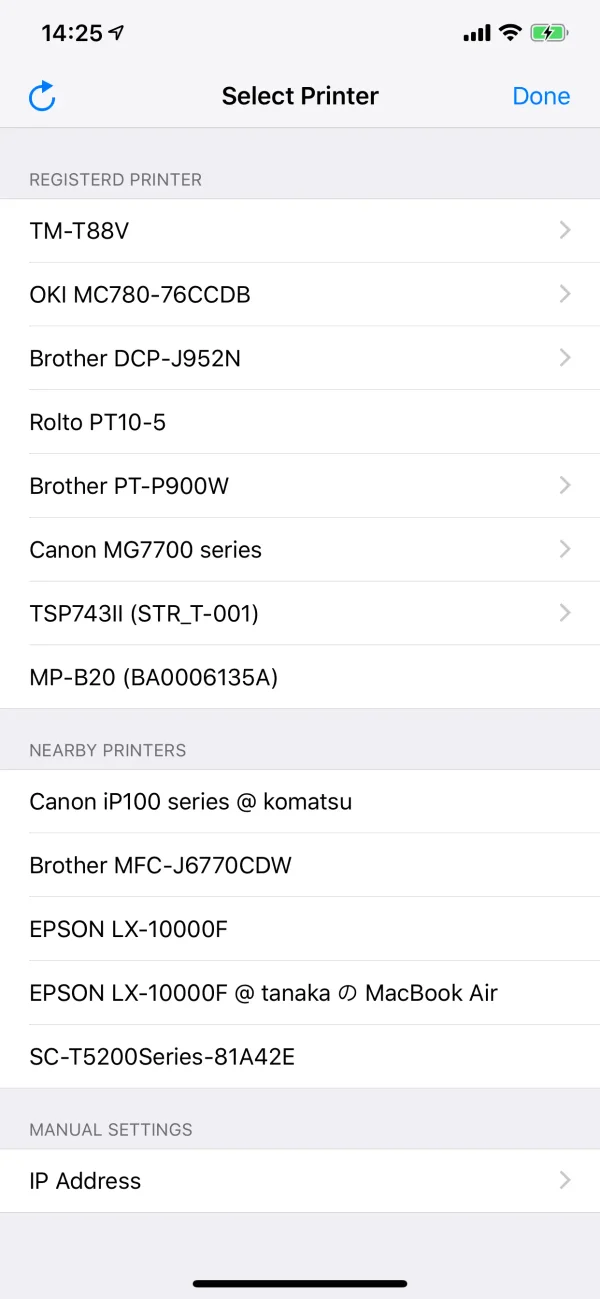
It's possible to print with AirPrint supported printers but also non-AirPrint printers! Particular printers, such as POS printers or Label printers, are also compatible.
* PrintAssist Features
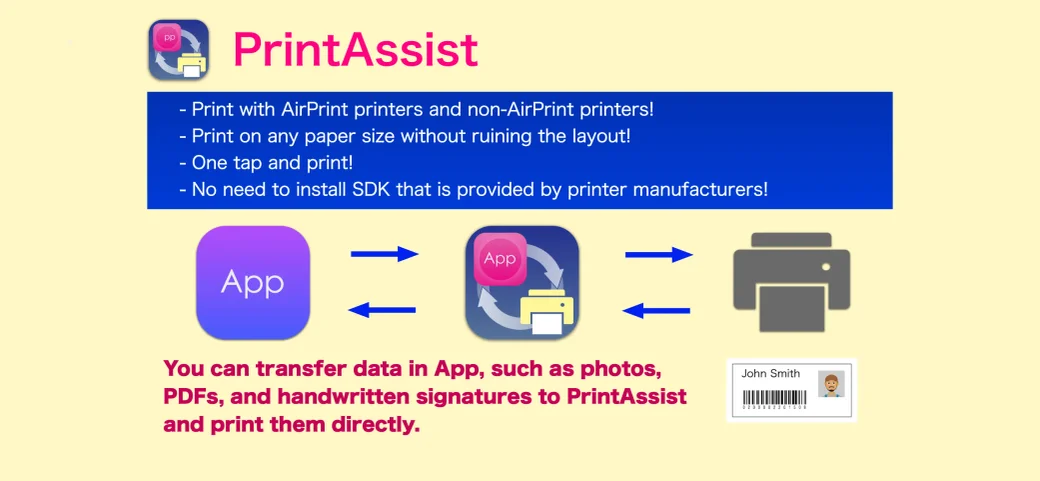
・Print with AirPrint printers and non-AirPrint printers!
・Print on any paper size without ruining the layout!
・Objects (images, PDFs, or handwritten signatures) can be transferred!
・Print QR codes or bar codes!
・One tap and print!
・No need to use an SDK to develop an app, which is provided by printer manufacturers!
・Specify the number of copies!
* Print Various Contents
You can transfer data in FileMaker Go, such as photos, PDFs, and handwritten signatures to PrintAssist and print them directly.
FileMaker Go generates QR codes or bar codes and prints them directly. Otherwise, you can transfer the data to PrintAssist, and it generates the codes to print.
When you frequently print certain image data such as logos, you can store them on PrintAssist. Depending on the system contents, the app offers you flexible use.
* Notes
1. PrintAssist is required to write a script on an app such as FileMaker Go.
You can download the specifications and sample from the following link.
http://iwares.co.jp/printassist/
2. The compatible printers are the same as that of PrintAssist LITE. Please make sure that you can print on PrintAssist LITE before you purchase this app.
* Please note that M1 equipped Mac does not support Bluetooth printing.
What’s new
Version 2.6.0 · Jan 19, 2026
Bug fixes.
App privacy
What iWare Inc. declares on the App Store about how this app handles data.
-
Data not collected
The developer does not collect any data from this app.
Privacy practices may vary, for example with the features you use or your age.
Information
- Seller
- iWare Inc.
- Category
- Utilities
- Version
- 2.6.0
- Updated
- Jan 19, 2026
- Released
- Dec 15, 2015
- Size
- 13.8 MB
- Requires
- iOS 9.0 or later
- Age rating
- 4+
- Languages
- Japanese, Traditional Chinese, English
- Copyright
- © 2015 - 2025 iWare Inc.
You might also like
-
 さまぷりUtilities
-
 SmartLife1stShineUtilities
-
 マイナンバーカード読み取り練習アプリUtilities
-
 ストップウォッチ - StopwatchUtilities
-
 OBDII AISupport DA200 series products.
-
 SORAPASS careUtilities
-
 Mobile Transfer ExpressUtilities
-
 EZ Sign(TM) NFCImage creating for EZ Sign
-
 水平器カメラ-画面に映しながら水平を確認できるUtilities
-
 WatchWave - Radio Signal SyncSync Time Signal Anywhere.